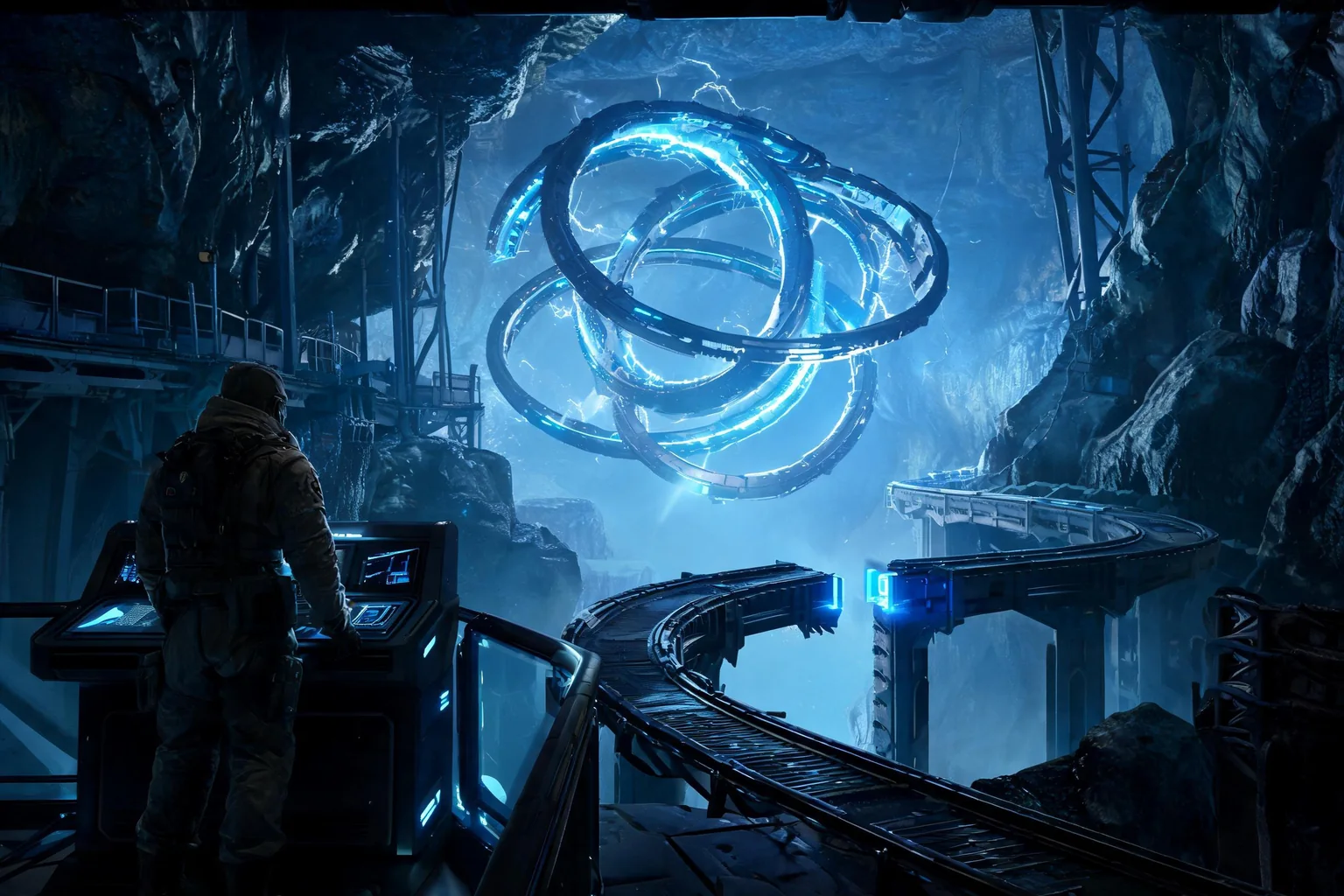
Can MiniMax H3 replace Unreal Sequencer?
No. H3 can create a useful short previsualization, but Sequencer controls the actual Unreal cameras, tracks, bindings, animation, events, effects, audio, render settings, and gameplay transition. Rebuild approved decisions in the project and verify them against the native scene and state. Confirm the current provider documentation before you lock a production decision.
What should I extract from an H3 previs?
Record shot duration, aspect ratio, start and end composition, lens intent, camera path, subject blocking, action beats, environment state, light changes, audio events, transition points, and continuity anchors. Also mark artifacts or impossible motion that must not enter the Unreal specification. Treat the tested Unreal build, not the reference clip, as acceptance evidence.
How does SEELE fit a cinematic workflow?
Use SEELE when the shot needs a playable context that does not yet exist. Generate the native Unreal 5 scene and mechanic, validate the browser-preview loop, then refine cameras and timing against that real level instead of designing the cinematic around a disconnected video. Keep prompts, outputs, project versions, and review notes in the same decision log.
Can I import an H3 clip into Unreal?
A licensed clip can be used as a media plate or reference where appropriate, but that does not create editable geometry, cameras, rigs, animation tracks, gameplay state, or real-time lighting. Confirm codec, audio, color, rights, performance, and platform behavior for any runtime media use. Recheck rights, runtime behavior, performance, and packaging before any external release.
How do I validate a cinematic that interrupts gameplay?
Test the player state before the shot, input lock and restoration, camera handoff, event uniqueness, skip, replay, pause, failure, save/load, streaming, and low-frame-rate behavior. Completion should return the player to one explicit valid state without duplicating rewards or objectives. Use the browser preview to reject weak interaction before deeper production work.
Should the native render match the H3 clip exactly?
No. Preserve the approved composition, action, timing, and emotional purpose while accepting differences required by real assets, scale, rigging, collision, camera comfort, lighting, and performance. Document intentional changes so reviewers know why the production version is safer or more playable. Record the source clip separately from the native project and package evidence.