Character-motion intent · reference video to native behavior

MiniMax H3 Motion Reference for Unreal Characters

Use MiniMax H3 V2V motion transfer as character reference, then validate rigs, animation graphs, root motion, collision, and gameplay in Unreal.

Direct answer

MiniMax highlights H3’s V2V motion transfer, which can help a team visualize how an original character might move while preserving a reference performance. The output is still video, not an Unreal skeleton, Animation Sequence, Control Rig, retarget profile, montage, motion-matching database, or Animation Blueprint. Extract contact timing, root path, weight shift, anticipation, impact, recovery, and camera-relative readability; then recreate or acquire owned animation data and test it on the actual character and gameplay state.

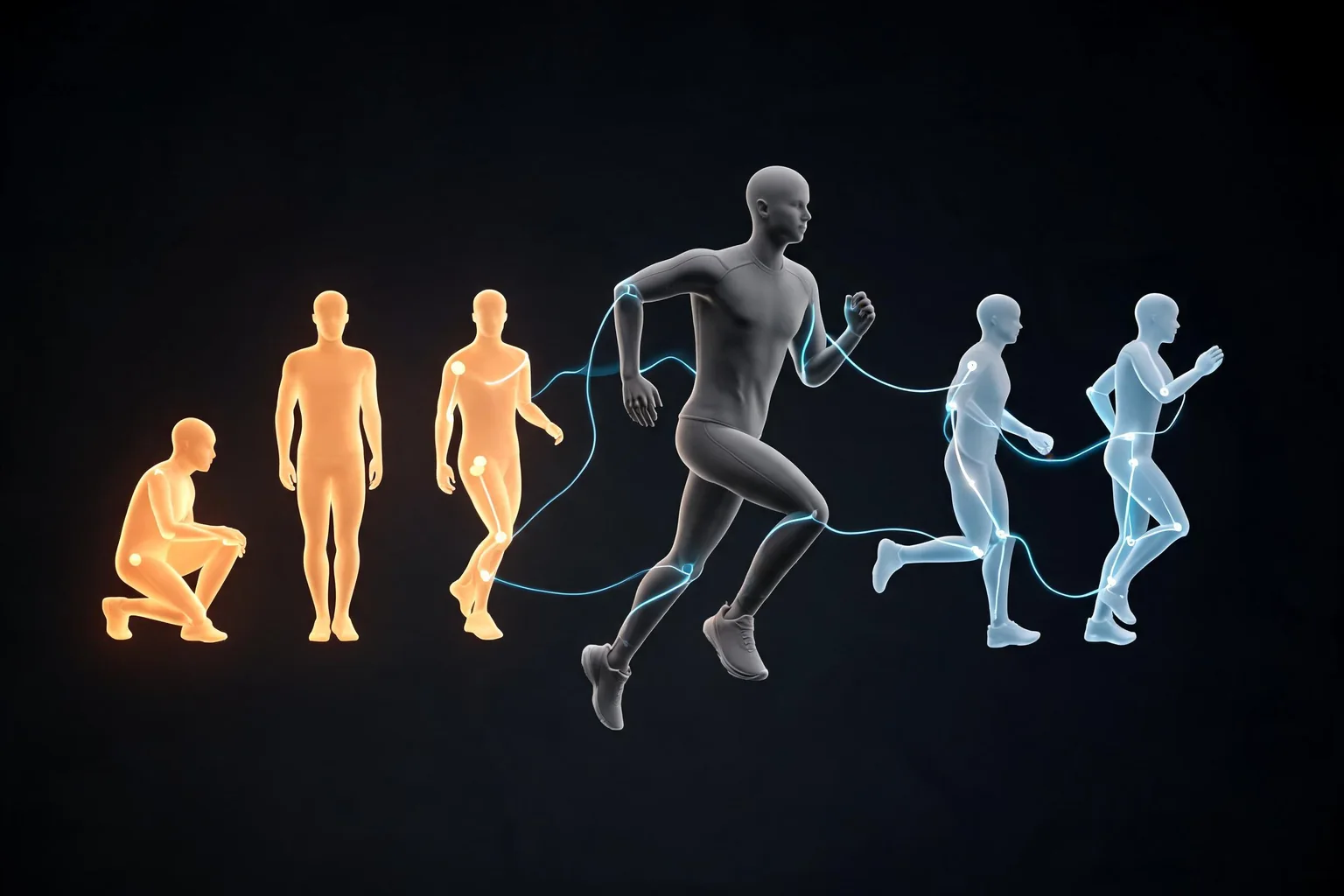
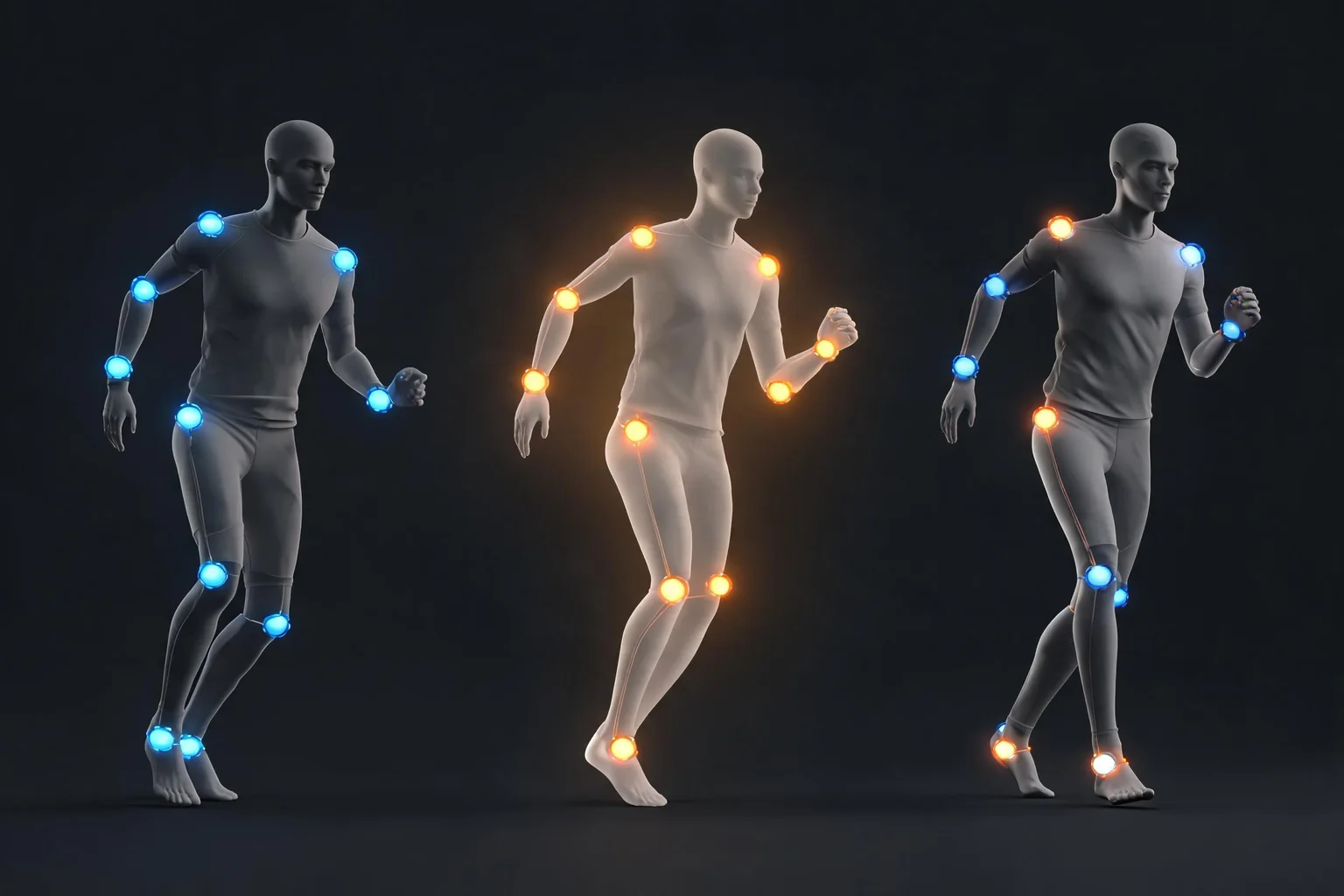
Editorial character-motion concept showing a readable vault action with believable contacts for later Unreal animation validation
Original SEELE editorial concept generated with Seedream. It is not MiniMax or Epic media, not an Unreal Editor screenshot, not gameplay, and not proof of an official H3 integration.

Move from H3 interest to a playable Unreal result

Choose the prompt closest to the user job, review the prefilled scope, and generate the native project. Each prompt converts a video-model intent into input, state, objective, failure, restart, and an inspectable SEELE handoff.

Build a traversal test bed

Create a native Unreal 5 third-person traversal slice with an original character, run, jump, one vault interaction, three obstacle heights, clear input feedback, fall recovery, completion, failure, immediate restart, browser preview, and downloadable project output for animation and root-motion validation.

Use this Unreal prompt

Prototype a readable combat move

Generate a compact Unreal 5 combat test with one player strike, one dodge, one enemy reaction, telegraphed timing, explicit hit validation, victory, defeat, clean restart, stable camera, browser preview, and native project download. Use original unbranded characters.

Use this Unreal prompt

Test a creature entrance

Create an Unreal 5 encounter where an original quadruped creature enters, navigates one path, signals an attack, can be avoided, returns to idle, and resets cleanly. Include objective feedback, failure, completion, browser preview, and a native project for animation-graph review.

Use this Unreal prompt

Validate interaction contacts

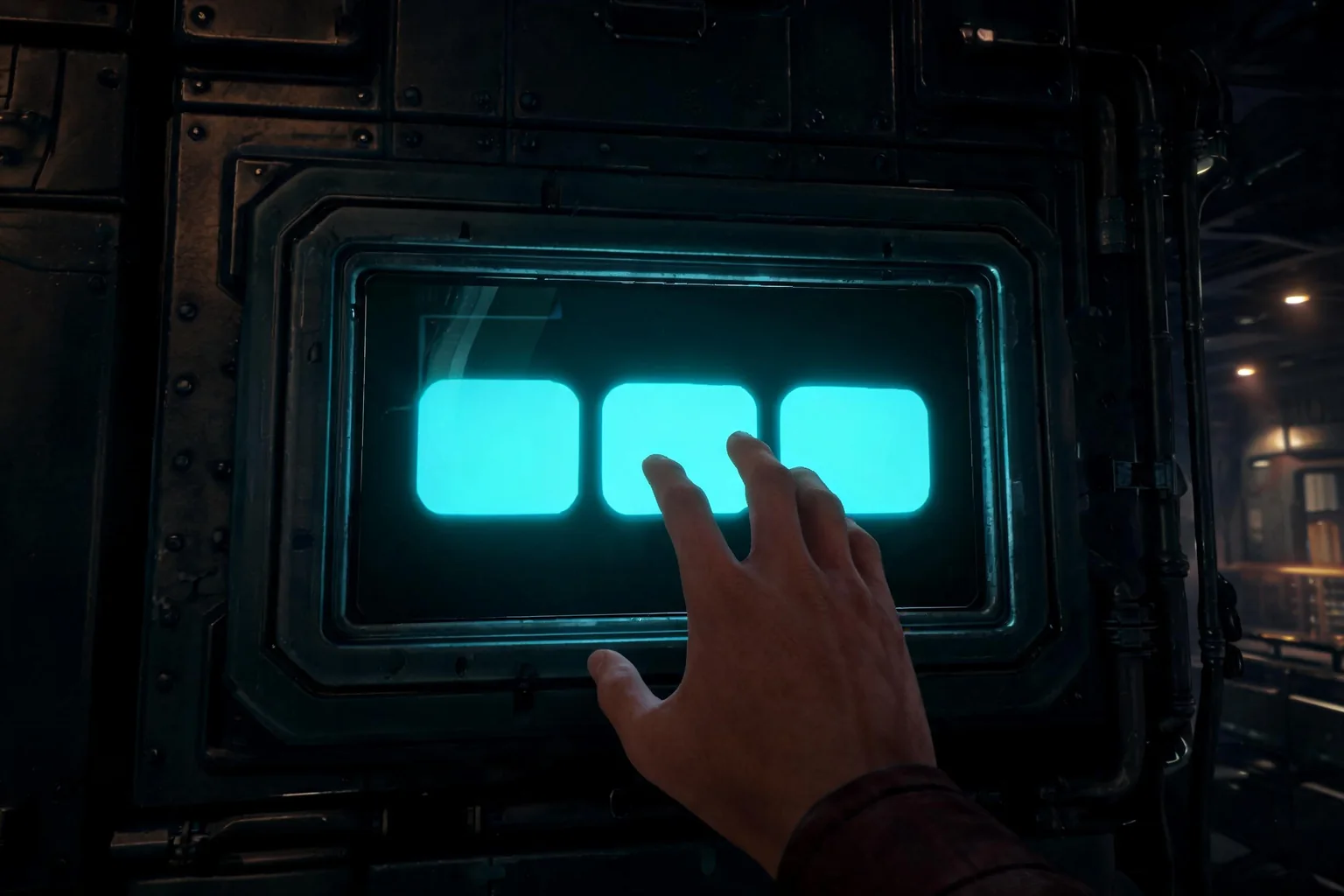
Build an Unreal 5 scene with one character operating a heavy mechanical lever. Include approach alignment, interaction prompt, hand target, lever state, audio feedback, door response, interruption recovery, completion, restart, browser preview, and downloadable native project.

Use this Unreal prompt

What the SEELE handoff gives you

Native Unreal 5 project

An inspectable Unreal project rather than a rendered clip, prompt answer, or unsupported provider-integration claim.

Browser-previewable game

A fast playable check for camera, controls, objective clarity, feedback, success, failure, and restart before local continuation.

Optimization and packaging path

A workflow for performance review and package preparation before external distribution or platform submission.

Downloadable project or package

A local handoff for source, Blueprints, assets, plugins, rights, build settings, target-device checks, and continued production.

What is verified—and what it means for this Unreal job

What V2V can communicate

A generated character-performance reference can communicate pose rhythm, silhouette, pacing, gesture, impact, camera relation, and an emotional read before a team commits to capture, keyframing, or a final rig.

What it cannot deliver

Pixels do not provide joint transforms, root motion, curves, notifies, IK targets, contacts, blend spaces, montages, state transitions, collision, network authority, or deterministic gameplay timing.

The useful Unreal target

Translate the reference into a named gameplay action with start, active, impact, recovery, interruption, locomotion relationship, input window, hit or interaction authority, and a measurable acceptance case.

The SEELE conversion

Use SEELE to create the playable character context—movement, objective, interaction, failure, restart, and browser preview—then evaluate the animation implementation inside the state that actually consumes it.

A five-stage translate generated motion reference into an Unreal character system workflow

Choose one owned performance

Start with an original or licensed motion reference and a character you have authority to process. Define the action, viewing angle, duration, ground contact, required props, camera behavior, and details H3 must not invent.

Review motion, not identity mimicry

Assess weight, timing, silhouette, root path, contact, anticipation, impact, and recovery. Reject identity leakage, extra limbs, sliding contacts, topology changes, disappearing props, impossible joints, and camera edits that hide the action.

Write the gameplay state

Specify when the action can start, what input or AI request triggers it, which system owns movement, when it can be interrupted, when authority changes, how impact is resolved, and how the character returns to locomotion.

Create and implement in the real context

Generate the small native Unreal scene in SEELE, then use a rights-cleared animation workflow for the actual skeleton and assets. Configure retargeting, root motion, montages, graphs, Control Rig, IK, notifies, and collision as needed.

Test contacts and state recovery

Run different frame rates, slopes, character scales, camera angles, interruptions, network roles if relevant, save/load, repeated use, failure, and restart. Compare intent with the reference while trusting native state and traces for correctness.

Where this workflow fits—and where review remains mandatory

Best for

  • Character teams exploring an original performance before capture or keyframing.
  • Designers converting a visual move into a bounded gameplay state and acceptance test.
  • Small teams that need a playable context before investing in final rigs and animation polish.

Still needs human review

  • Performer, likeness, character, costume, prop, and source-video rights and consent.
  • Skeleton compatibility, retargeting, root motion, contacts, IK, curves, notifies, collision, state transitions, and network behavior.
  • Animation readability, accessibility, performance, content rating, and final capture or marketplace licensing.

Failure modes to block

Risk 1

A visually convincing action can contain unusable contact, balance, joint, or root-path behavior.

Risk 2

Motion transfer can preserve or imitate identity and performance details the team has no right to use.

Risk 3

Camera edits may hide foot sliding, penetrations, timing errors, or missing recovery frames.

Risk 4

Gameplay authority tied directly to animation appearance can desync damage, movement, interaction, or multiplayer state.

Decision scorecard

DimensionWhat good looks likeEvidence to keep
Motion intentThe reference expresses one readable action with clear phasesAnnotated timing and contact sheet
Asset readinessThe production motion is owned and compatible with the target skeletonSource license and retarget test
Gameplay ownershipMovement, impact, interruption, and recovery have explicit state ownersBlueprint/C++ and animation-graph review
Runtime proofThe action survives slopes, frame rates, repeats, failure, and restartNative playtest and trace evidence

Unreal implementation notes

Extract phases

Record anticipation, launch, active movement, contact or impact, recovery, and return to locomotion. Each phase can map to input buffering, movement ownership, notifies, traces, and cancellation rules.

Use traces for authority

Damage or interaction should usually be confirmed by explicit gameplay logic rather than assumed from what a rendered frame looks like. Animation communicates; state and traces decide.

Retarget on the real skeleton

Proportion, bone orientation, root setup, twist chains, IK goals, and retarget poses change results. Validate with the production skeleton and representative equipment.

Keep the reference visible

Store the approved H3 clip beside the annotated intent sheet, not inside the implementation contract. Reviewers should compare timing and feel while using native evidence for correctness.

Official evidence and capability boundary

Snapshot date: August 4, 2026. MiniMax’s July 31, 2026 release and current API documentation identify the API model as MiniMax-H3 and support H3’s video modes, duration, resolution, frame rate, multimodal references, audio, and dated pricing. They do not establish an Epic-supported Unreal integration or native game output. Epic documentation and the tested project remain authoritative for engine behavior.

MiniMax release

First-party release positioning, H3 technologies, multimodal context, video and audio claims, editing, motion transfer, and target industries.

Open official announcement

API guide and model table

Model name, supported generation modes, 4–15 second duration, resolution, frame rate, aspect ratios, and reference inputs.

Video guide · Model table · API overview

Pricing and Unreal authority

Re-check current output and reference-material pricing before spending. Use Epic documentation and the actual project for engine, asset, animation, UI, cinematic, build, and package decisions.

MiniMax pricing · Epic documentation

Continue through the MiniMax H3 × Unreal cluster

MiniMax H3 Game UI Motion for Unreal Engine

Explore game UI motion with MiniMax H3, then rebuild approved states in Unreal UMG with functional input, accessibility, localization, and tests.

Open this workflow

MiniMax H3 vs Seedance 2.5 for Unreal Projects

Compare MiniMax H3 and Seedance 2.5 on matched game-video tasks, then move the winning idea into a native Unreal 5 project in SEELE.

Open this workflow

Turn a MiniMax H3 Game Concept into an Unreal Project

Convert a MiniMax H3 game concept into a scoped mechanic, generate a native Unreal 5 project in SEELE, and validate the playable loop.

Open this workflow

Frequently asked questions

Does MiniMax H3 export Unreal animations?

The official H3 material cited here describes video generation and V2V motion transfer, not FBX, Animation Sequences, skeletons, Control Rig assets, montages, or Animation Blueprints. Use the video as reference, then create or obtain rights-cleared animation data and validate it in the real project. Confirm the current provider documentation before you lock a production decision.

What should I extract from an H3 motion-transfer clip?

Extract action phases, contact timing, root path, weight shift, anticipation, impact, recovery, silhouette, camera-relative readability, and any prop relationship. Also mark foot sliding, penetrations, identity drift, extra anatomy, impossible joints, camera cuts, or temporal artifacts that must not become requirements. Treat the tested Unreal build, not the reference clip, as acceptance evidence.

Can I use a real performer as motion reference?

Only with the rights, consent, privacy terms, and approved processing needed for that performer, recording, costume, props, and intended commercial use. Generated transformation does not erase source rights or identity risk. Keep the consent and provenance record with the final production asset. Keep prompts, outputs, project versions, and review notes in the same decision log.

How does SEELE help with character animation?

SEELE creates the native Unreal gameplay context in which the character action must work: movement, objective, interaction, feedback, failure, restart, and browser preview. Final animation assets and engine configuration still need rights-cleared production work and project-specific review. Recheck rights, runtime behavior, performance, and packaging before any external release.

Should root motion follow the generated video exactly?

No. Use the clip to understand the intended path and weight, then tune root motion or in-place movement for collision, navigation, slopes, responsiveness, networking, camera, and design constraints. The native character controller and gameplay state are authoritative. Use the browser preview to reject weak interaction before deeper production work.

What proves the animation is game-ready?

Evidence includes skeleton and retarget validation, clean contacts, correct root behavior, stable graph transitions, explicit gameplay authority, interruption recovery, representative slopes and frame rates, repeated use, network tests where applicable, save/load, failure, restart, and acceptable performance on target hardware. Record the source clip separately from the native project and package evidence.

Turn the approved idea into a native Unreal 5 game

Use H3 to answer the video question. Use SEELE to generate the playable system: native Unreal project, browser preview, optimization and packaging path, and a downloadable handoff. Keep concept media and native evidence clearly separated.