Start from an emotional beat
Give each shot a clear storytelling purpose.

Prepare a sequence exploration brief for an animation team. State the scene intent, shot boundaries, character movement, and what remains provisional before the Film & CG review.
Pick a starting point
The scene has one readable beat.
For a character entering an empty observatory, the beat is hesitation before stepping toward a moving light. State what the audience should notice first.
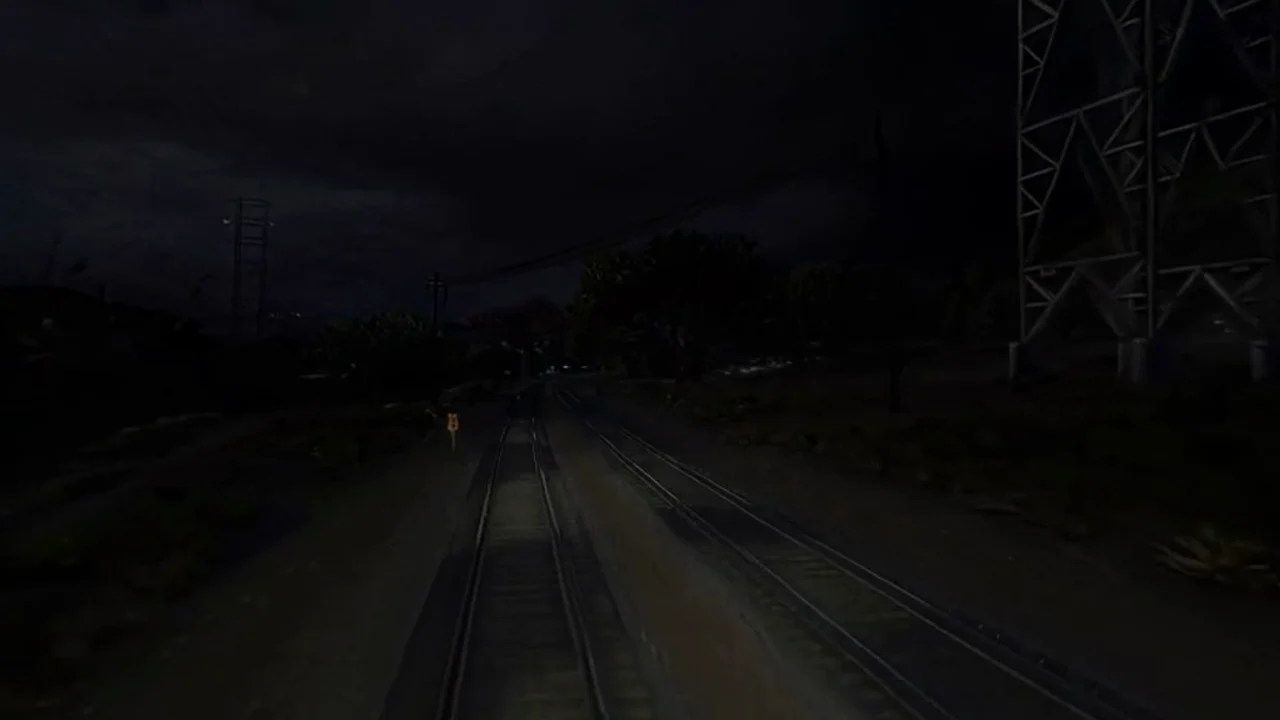 Source moment ↗
Why SEELE
Give each shot a clear storytelling purpose.

Label camera and movement direction.

Use the sequence to discuss pace, not promise final duration.

Focus feedback on a specific ambiguity.

Record which materials informed the exploration.

Keep exploratory output separate from approved work.
Who it’s for
Set the audience, message, and destination for an idea in the Seele AI Video for Animation Studios workflow. Check current model options, clip limits, exports, and cost before production.
SEELE AI Video for Game Marketing ↗
Write a short brief for the intended channel and viewer, then verify the current workflow and output limits before scheduling a release.
SEELE AI Video for Ecommerce Teams ↗
Compare a draft with the project brief and rights requirements; confirm available editing and delivery steps in the current product.
SEELE AI Video for Social Media Teams ↗Reviews
FAQ
For an animation sequence, outline the shot order, character action, camera, and timing before refining individual frames. Check screen direction and character continuity across cuts, then review the sequence with the production team.
Provide the audience, communication goal, subject, action, camera direction, environment, lighting, mood, aspect ratio, duration, and any approved references. Explain what each reference controls and what must not be copied. Those constraints make the first draft easier to judge and later revisions more focused.
For Seele AI Video for Animation Studios, start with source moment. Define the intended audience and one measurable outcome, then review the first version against the brief.
Before a first Seele AI Video for Animation Studios project, define the task, intended audience, one visible outcome, and a constraint. Use Source moment as a direction that fits the brief.
To get started with Seele AI Video for Animation Studios, use Describe the job as the first step. Set one goal, audience, and constraint; test a small version, then change one thing at a time.
For Seele AI Video for Animation Studios, name the intended user, one action, and a visible outcome. Use Source moment as a starting direction and add one requirement from its example prompt.
Ask someone who matches the intended player or viewer for Seele AI Video for Animation Studios to test its main action. Note where the brief is unclear, then revise once before adding features.
For Seele AI Video for Animation Studios, try Source moment first. Define the action, outcome, and one constraint, then compare another direction only if the first misses the brief.
Check the Seele AI Video for Animation Studios result against the brief, intended behavior, and first workflow step. Record one mismatch and test that change before expanding scope.
Scope a first Seele AI Video for Animation Studios prototype to Source moment, one user action, and one visible outcome. Defer secondary features until that path works.
Compare Source moment and Pacing and sequence for Seele AI Video for Animation Studios using the same user action and visible outcome. Choose the direction that fits the brief with fewer assumptions.
After reviewing Seele AI Video for Animation Studios, record one gap between the brief and result. Make one focused change, then test the same action against the original outcome.
Match a linked tool's input and output to one need in the Seele AI Video for Animation Studios brief. If it does not support that step, skip it and keep the test in the main project.