Use approved footage
Keep gameplay and concept material distinct.

Create a trailer sequence brief for an Unreal game. Choose approved gameplay moments, label prototype footage, and verify music, logos, features, and release details with the project owner.
How it works

For every shot, state the audience takeaway and the evidence source: H3 concept, Unreal gameplay capture, cinematic capture from the real project, or factual title card. Remove any shot whose source cannot support its implied claim.

Use H3 for original mood, transition, camera, motion, or audio studies. Keep prompts free of third-party characters and trademarks, constrain duration and composition, and preserve input rights and generation receipts.

Translate the central trailer beat into player input, environment, state changes, objective, feedback, failure, success, and restart. Submit the prompt to SEELE and generate the native Unreal 5 project.
Pick a starting point
The opening reflects current gameplay.
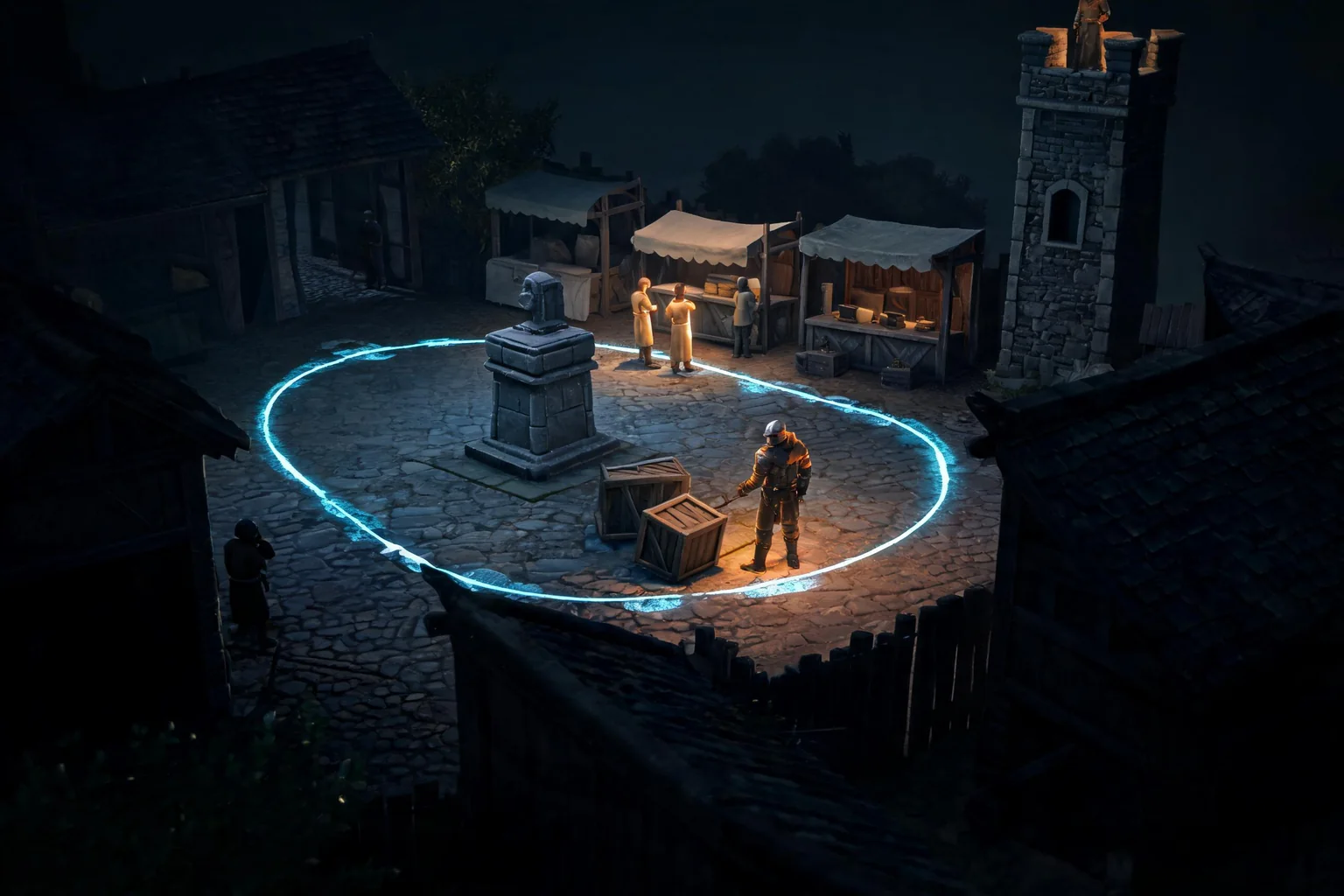
Open on a player choosing between a lit bridge and a dark tunnel. Use footage from the current build and label any simulated camera if used.
Opening beat ↗Why SEELE
Keep gameplay and concept material distinct.

Show a choice, consequence, and destination.

Use an accurate call to action.

Verify features and release statements.

Attach source approvals.

Make the trailer’s evidence traceable.
Who it’s for
Set the audience, message, and destination for an idea in the MiniMax H3 Game Trailer Workflow for Unreal workflow. Check current model options, clip limits, exports, and cost before production.
MiniMax H3 for Unreal Engine ↗Write a short brief for the intended channel and viewer, then verify the current workflow and output limits before scheduling a release.
MiniMax H3 for Unreal Engine ↗Compare a draft with the project brief and rights requirements; confirm available editing and delivery steps in the current product.
Unreal turn-based game maker ↗Compare
| Feature | MiniMax H3 Game Trailer Workflow for Unreal | Starting from scratch |
|---|---|---|
| Starting point | Describe the audience, core loop, and first playable outcome for MiniMax H3 Game Trailer Workflow for Unreal. | Define the project, engine, and first milestone before implementation. |
| First review | Set review criteria for the controls, content, and visual direction of MiniMax H3 Game Trailer Workflow for Unreal. | Review the project setup, scene structure, and implementation plan before playtesting. |
| Scope | Begin with one audience, one core mechanic, and one playable outcome for MiniMax H3 Game Trailer Workflow for Unreal. | Set the engine, asset needs, and implementation scope before building. |
| Prompt detail | State the audience, desired result, format, and main constraint for MiniMax H3 Game Trailer Workflow for Unreal. | Decide those inputs separately before testing a focused direction. |
| Review boundary | A focused first pass for MiniMax H3 Game Trailer Workflow for Unreal. | Write the review checks separately before expanding the project. |
Reviews
FAQ
This Minimax H3 Unreal Game Trailer page does not verify export to Unreal. Check current Workspace options and test the handoff in the target environment before planning around it.
Timing for Minimax H3 Unreal Game Trailer depends on project scope, selected model, and requested assets. Start with a small outcome, review it, and add complexity in later passes.
Use Minimax H3 Unreal Game Trailer as a focused project brief: state the intended outcome, audience, and one constraint. Review the result against those details and decide what needs a follow-up pass.
Before a first MiniMax H3 Game Trailer Workflow project, define the task, intended audience, one visible outcome, and a constraint. Use Source moment as a direction that fits the brief.
To get started with MiniMax H3 Game Trailer Workflow, use Write the trailer claim map as the first step. Set one goal, audience, and constraint; test a small version, then change one thing at a time.
For MiniMax H3 Game Trailer Workflow, name the intended user, one action, and a visible outcome. Use Source moment as a starting direction and add one requirement from its example prompt.
Ask someone who matches the intended player or viewer for MiniMax H3 Game Trailer Workflow to test its main action. Note where the brief is unclear, then revise once before adding features.
For MiniMax H3 Game Trailer Workflow, try Source moment first. Define the action, outcome, and one constraint, then compare another direction only if the first misses the brief.
Check the MiniMax H3 Game Trailer Workflow result against the brief, intended behavior, and first workflow step. Record one mismatch and test that change before expanding scope.
Scope a first MiniMax H3 Game Trailer Workflow prototype to Source moment, one user action, and one visible outcome. Defer secondary features until that path works.
Compare Source moment and Pacing and sequence for MiniMax H3 Game Trailer Workflow using the same user action and visible outcome. Choose the direction that fits the brief with fewer assumptions.
After reviewing MiniMax H3 Game Trailer Workflow, record one gap between the brief and result. Make one focused change, then test the same action against the original outcome.
Match a linked tool's input and output to one need in the MiniMax H3 Game Trailer Workflow brief. If it does not support that step, skip it and keep the test in the main project.