
Prompt
Create an original magic spell effect for an indie game, cinematic lighting, clear silhouette, production concept art, no text, no logo.
Create this look
Create magic spell effect concepts with clear silhouettes, readable compositions, fictional identities, and reusable prompt structure. These local raster examples show distinct directions you can launch and refine in Seele AI.
Create an original magic spell effect for an indie game, cinematic lighting, clear silhouette, production concept art, no text, no logo.
Create this lookGenerate a polished magic spell effect with vibrant color palette, readable shapes, game marketing quality, no watermark.
Create this look

Design a stylized magic spell effect for a playable prototype, strong composition, material detail, safe fictional identity.
Create this lookPrompt workflow
Use this page as a starting point for a focused magic spell effect visual. A strong prompt names the subject first, then gives the image model enough direction about composition, style, lighting, and what to leave out.
Describe the person, object, scene, or visual motif before adding decoration.
Add the crop, viewpoint, layout, depth, and the area that should attract attention.
Use concrete references such as editorial, cinematic, flat graphic, soft light, or rim light.
Specify exclusions such as text, logos, watermarks, unwanted likenesses, or extra objects.
Prompt formula
Keep the first version specific but editable. Start with the visual idea on this page, then change one variable at a time so the result is easier to compare and refine.
It helps turn a visual idea into an editable prompt for magic spell effect concepts, including style, lighting, camera, and composition cues.
Use them for ideation, prototypes, thumbnails, and creative direction. Review rights, likeness, trademarks, and final quality before shipping.
Describe subject, setting, camera angle, color palette, lighting, mood, output format, and what to avoid.
Yes. Add phrases for cinematic lighting, isometric layout, pixel-art scale, poster framing, UI-safe margins, or mobile wallpaper composition.
Open Seele AI workspace, start from a prompt, and keep iterating the visual direction until it feels ready to use.
 Best AI Magic Spell Effect Sprites Image Generator | Seele AIGenerate magic spell effect sprite prompts for VFX sheets, impact frames, elemental attacks, and game-ready 2D effect concepts.View prompt →
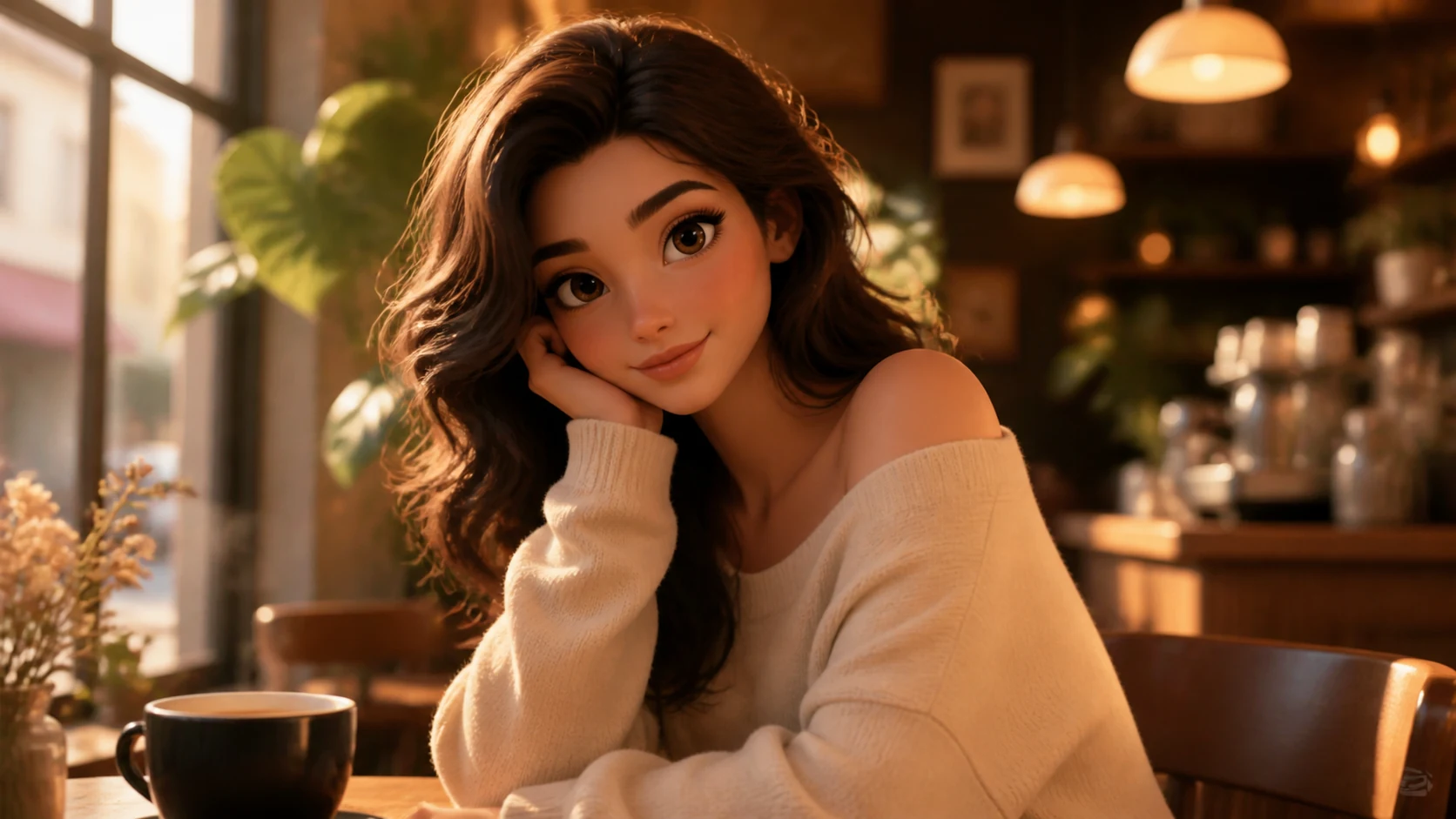 3D Animated Movie Version of Me AI Image GeneratorCreate 3D Animated Movie Version of Me with Seele AI's free image generator. Explore prompt ideas, visual styles, and fast image creation.View prompt →
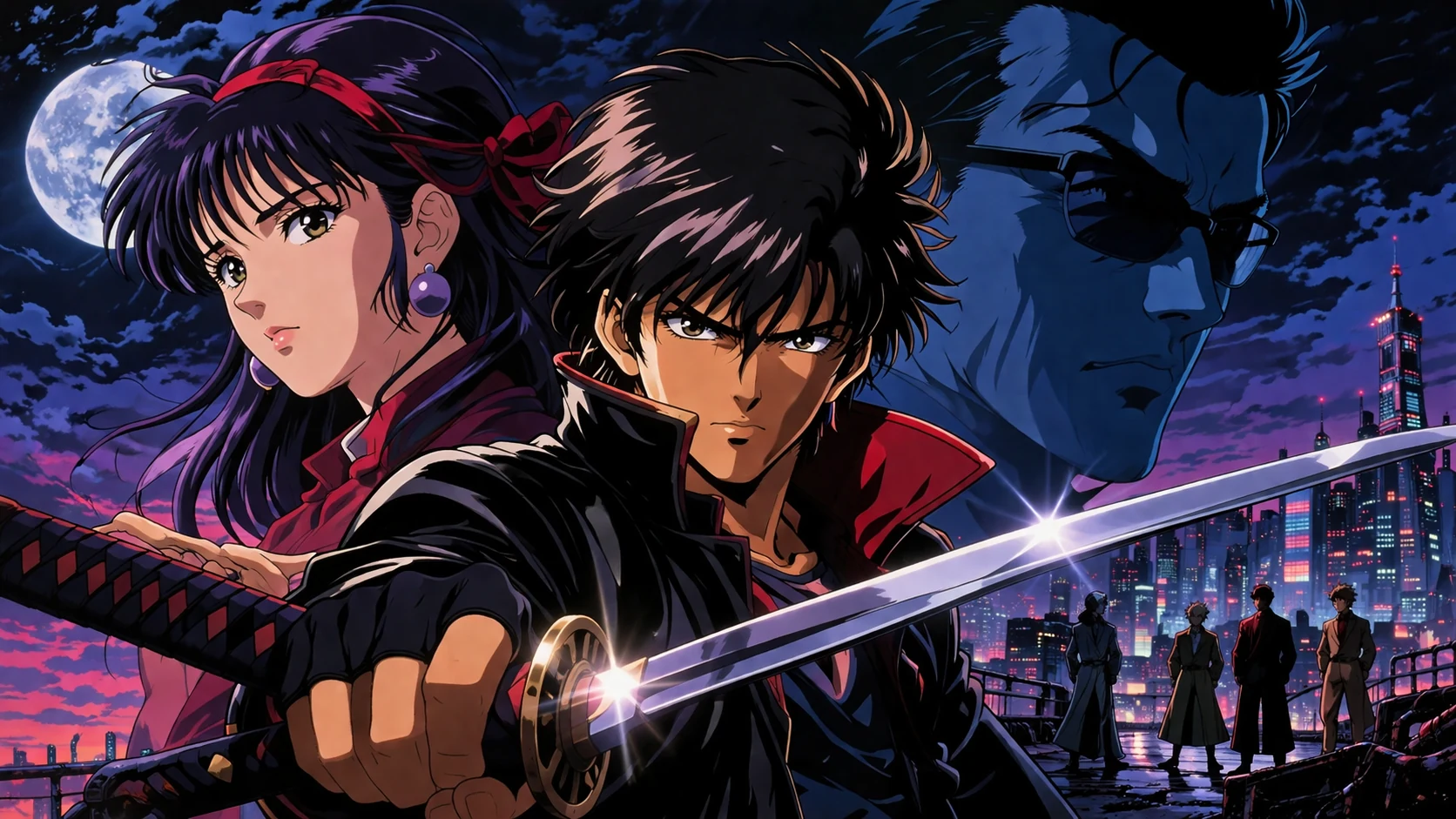 90s Retro Aesthetic Anime Art AI Image GeneratorCreate 90s Retro Aesthetic Anime Art with Seele AI's free image generator. Explore prompt ideas, visual styles, and fast image creation.View prompt →
 Abstract AI Future Tech Visuals AI Image GeneratorCreate abstract ai future tech visuals with Seele AI's free image generator. Explore starter prompts, visual directions, FAQs, and workspace handoff for BloggView prompt →
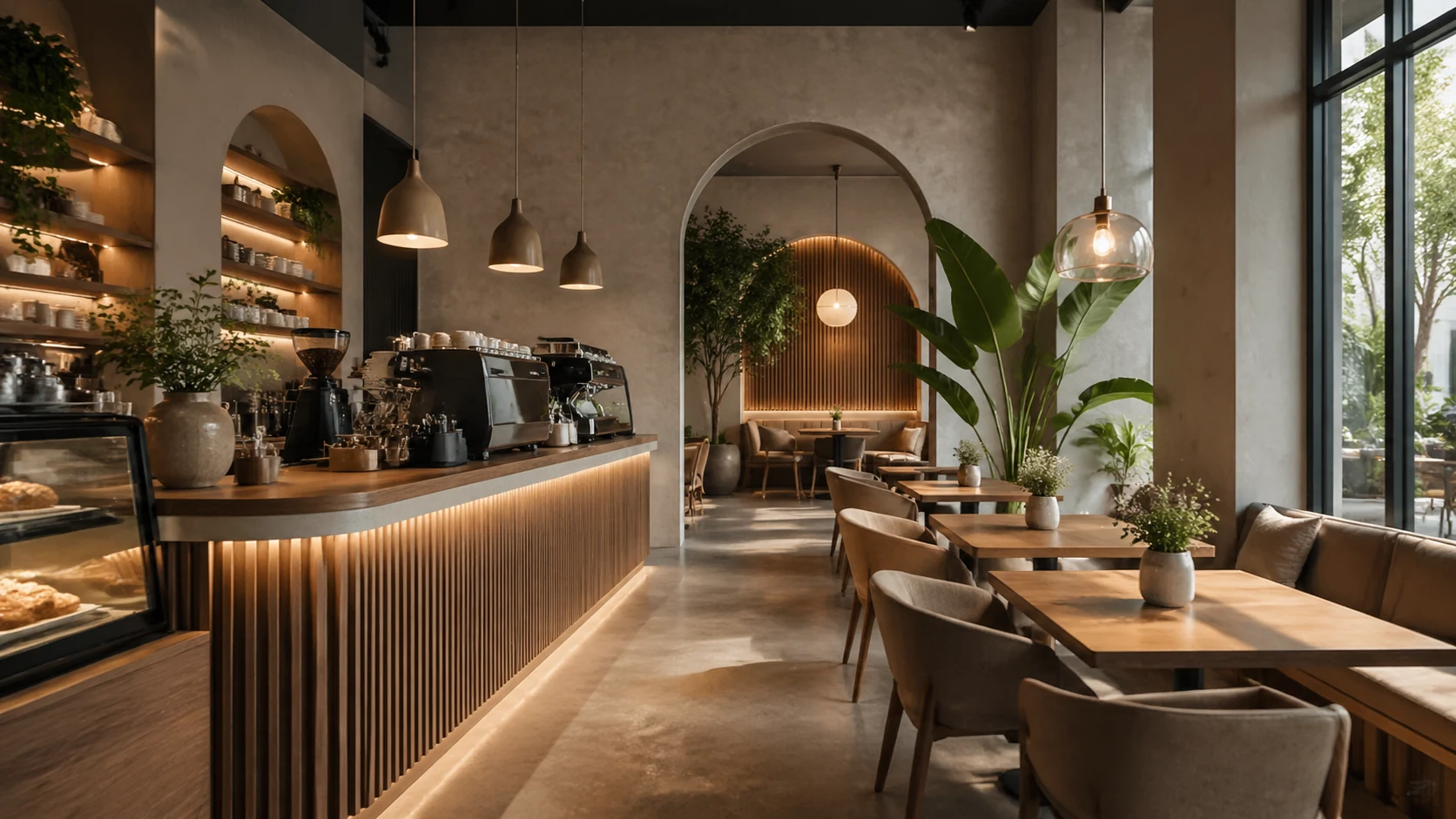 Aesthetic Coffee Shop Interiors AI Image GeneratorCreate aesthetic coffee shop interiors with Seele AI's free image generator. Explore starter prompts, visual directions, FAQs, and workspace handoff for CafeView prompt →
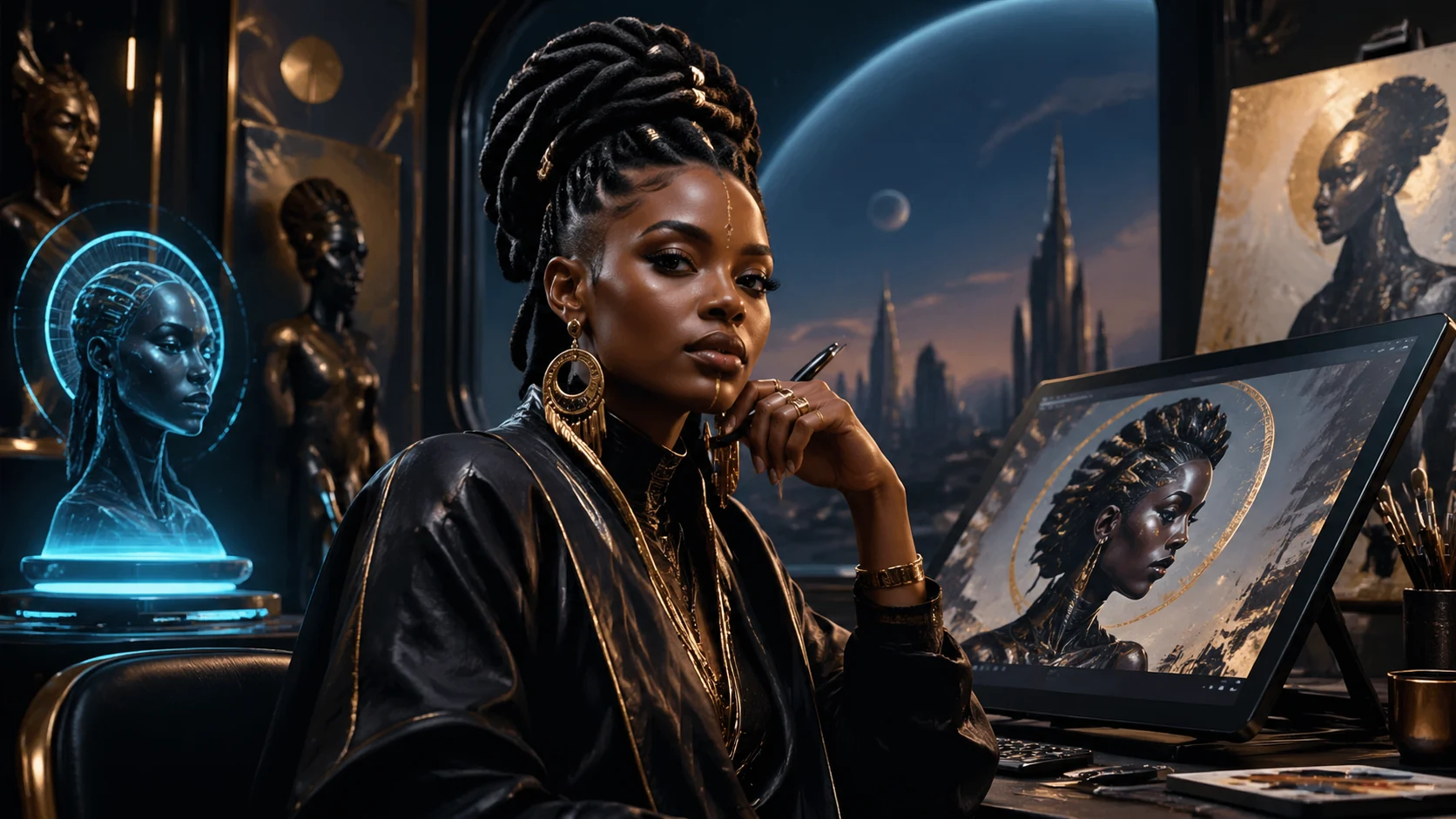 Afrofuturism Portrait Art AI Image GeneratorCreate afrofuturism portrait art with Seele AI's free image generator. Explore starter prompts, visual directions, FAQs, and workspace handoff for Artists / cView prompt →