Prompt
Generate big data visualization art with flowing particle streams forming charts and clusters, dark analytics dashboard atmosphere, cyan magenta accents, no readable numbers or text.
Create this look
Create big data visualization art for campaigns, product pages, editorial layouts, and creative systems. Generate data-driven art for analytics blogs, dashboards, enterprise reports, and AI/data platform pages. Tune subject, style, composition, lighting, color, and negative space before opening the workspace.
Generate big data visualization art with flowing particle streams forming charts and clusters, dark analytics dashboard atmosphere, cyan magenta accents, no readable numbers or text.
Create this lookGenerate an abstract data landscape with glowing bars, network graphs, and waveforms, cinematic perspective, enterprise analytics mood, blue violet palette, no labels.
Create this look
Generate a premium data platform hero image with layered visualizations, transparent cubes, streaming dots, elegant dark background, high-tech editorial composition, no words.
Create this lookPrompt workflow
Use this page as a starting point for a focused big data visualization art visual. A strong prompt names the subject first, then gives the image model enough direction about composition, style, lighting, and what to leave out.
Describe the person, object, scene, or visual motif before adding decoration.
Add the crop, viewpoint, layout, depth, and the area that should attract attention.
Use concrete references such as editorial, cinematic, flat graphic, soft light, or rim light.
Specify exclusions such as text, logos, watermarks, unwanted likenesses, or extra objects.
Prompt formula
Keep the first version specific but editable. Start with the visual idea on this page, then change one variable at a time so the result is easier to compare and refine.
It helps you turn a short idea into a detailed prompt for big data visualization art, including subject, style, lighting, composition, and practical usage context.
Start with the output format, describe the main subject, choose a style, set lighting and camera/composition, then add constraints such as no text, no logos, or a clear safe area for overlays.
Yes. Add cues such as cinematic lighting, flat lay, isometric view, vertical social format, dark gradient background, studio shadows, or spacious negative space.
They work well for landing pages, blog headers, ad creatives, social posts, product mockups, presentations, mood boards, and creative direction drafts.
Yes. Use original, brand-safe prompts and avoid protected logos, private likenesses, or misleading official branding unless you have permission.
Open Seele AI workspace, start from a prompt, and keep iterating the visual direction until it feels ready to use.
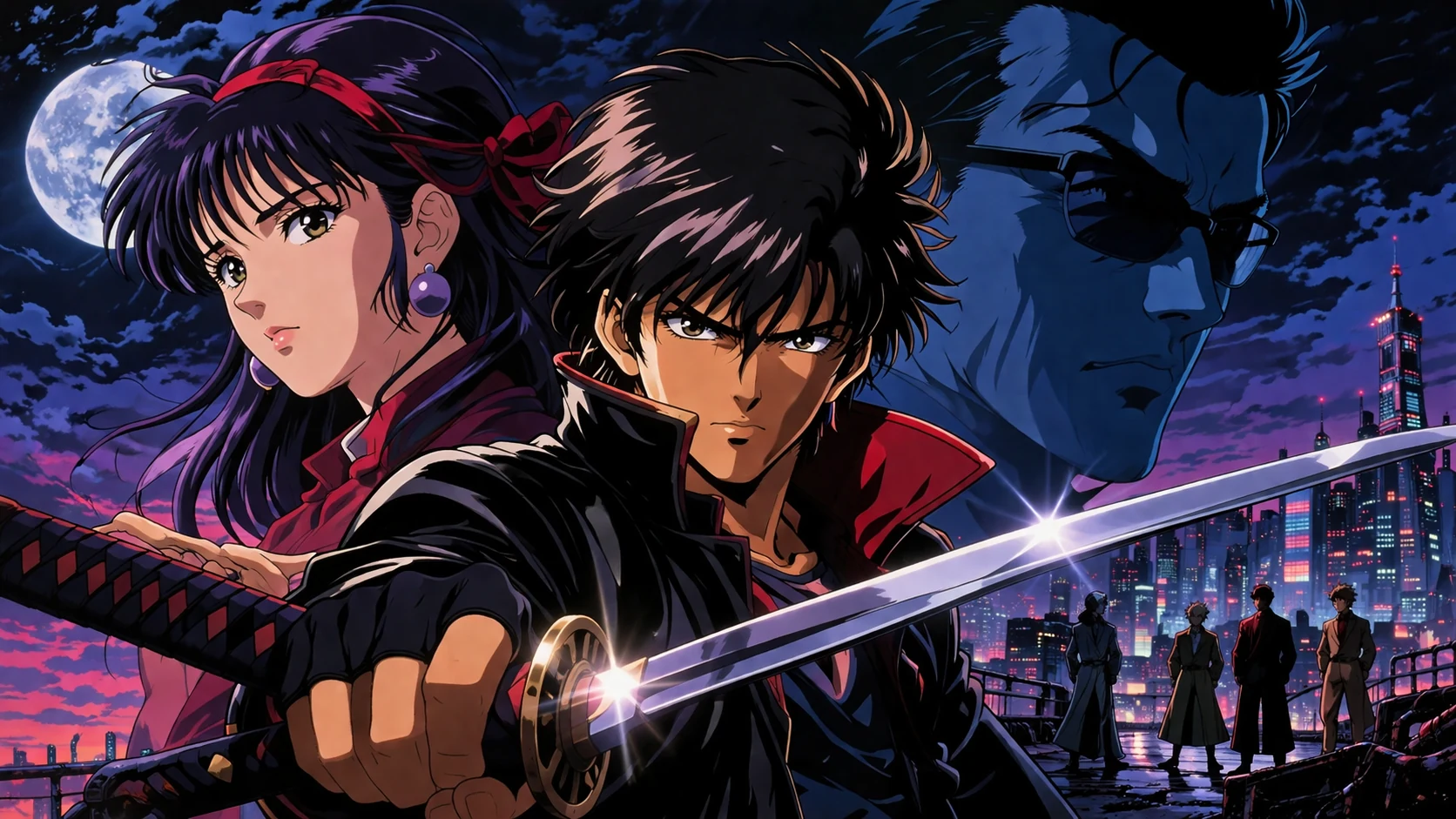 90s Retro Aesthetic Anime Art AI Image GeneratorCreate 90s Retro Aesthetic Anime Art with Seele AI's free image generator. Explore prompt ideas, visual styles, and fast image creation.View prompt →
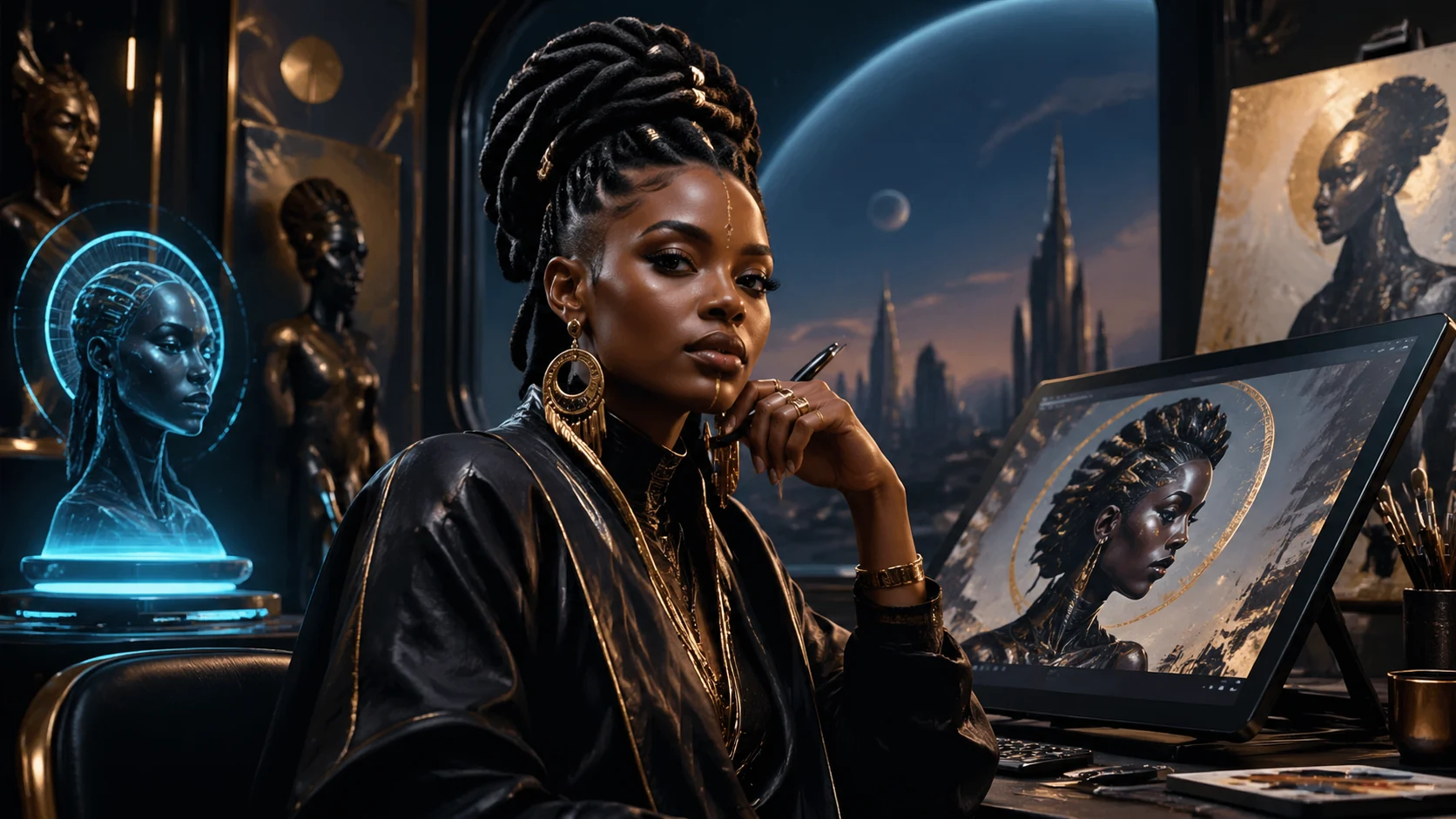 Afrofuturism Portrait Art AI Image GeneratorCreate afrofuturism portrait art with Seele AI's free image generator. Explore starter prompts, visual directions, FAQs, and workspace handoff for Artists / cView prompt →
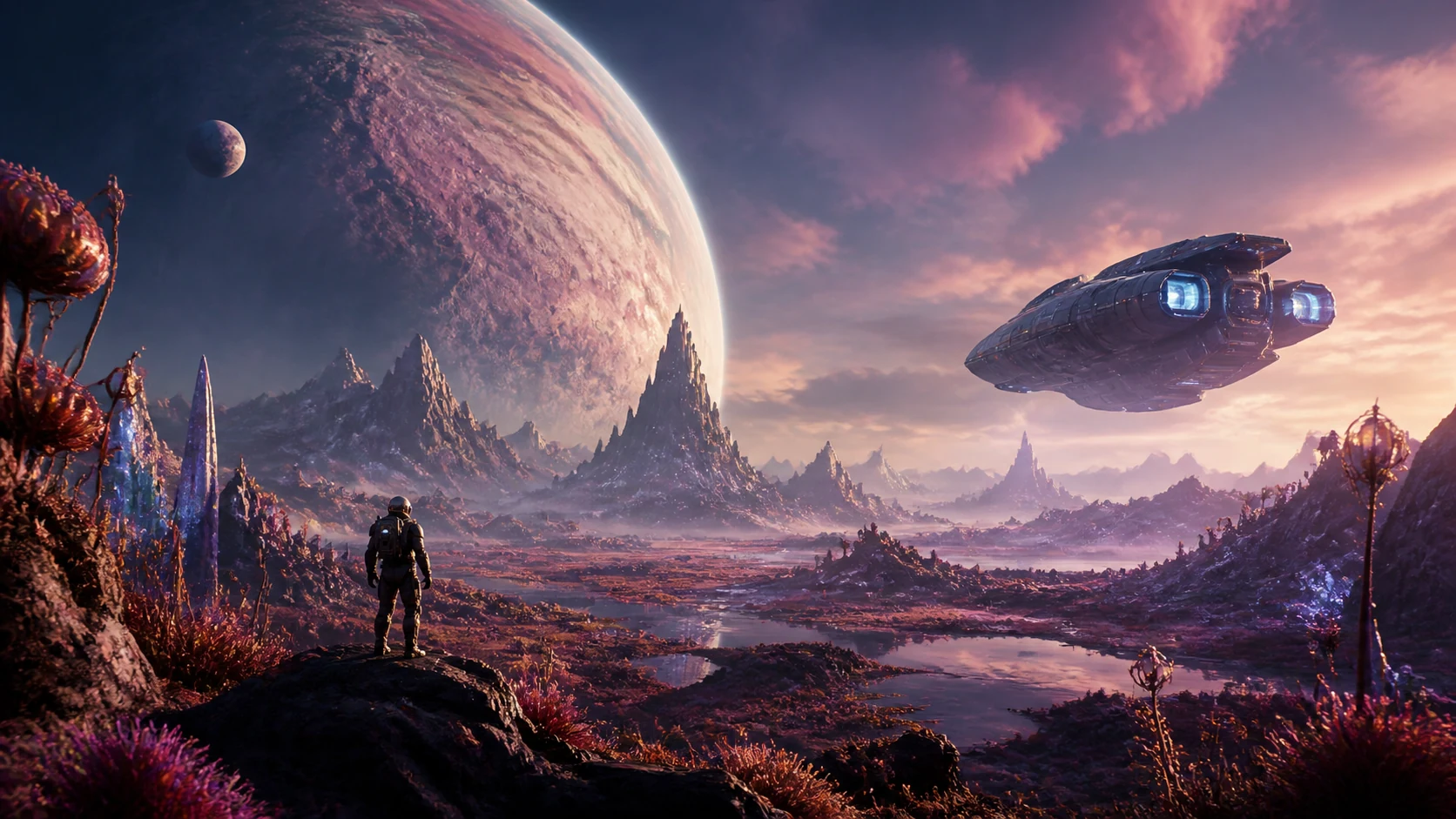 Alien Planet Landscape Art AI Image GeneratorCreate Alien Planet Landscape Art with Seele AI's free image generator. Explore prompt ideas, visual styles, and fast image creation.View prompt →
 Arcade Cabinet Art AI Image GeneratorUse a free image generator to create original arcade cabinet art visuals with game-ready prompts, local examples, and editable creative direction.View prompt →
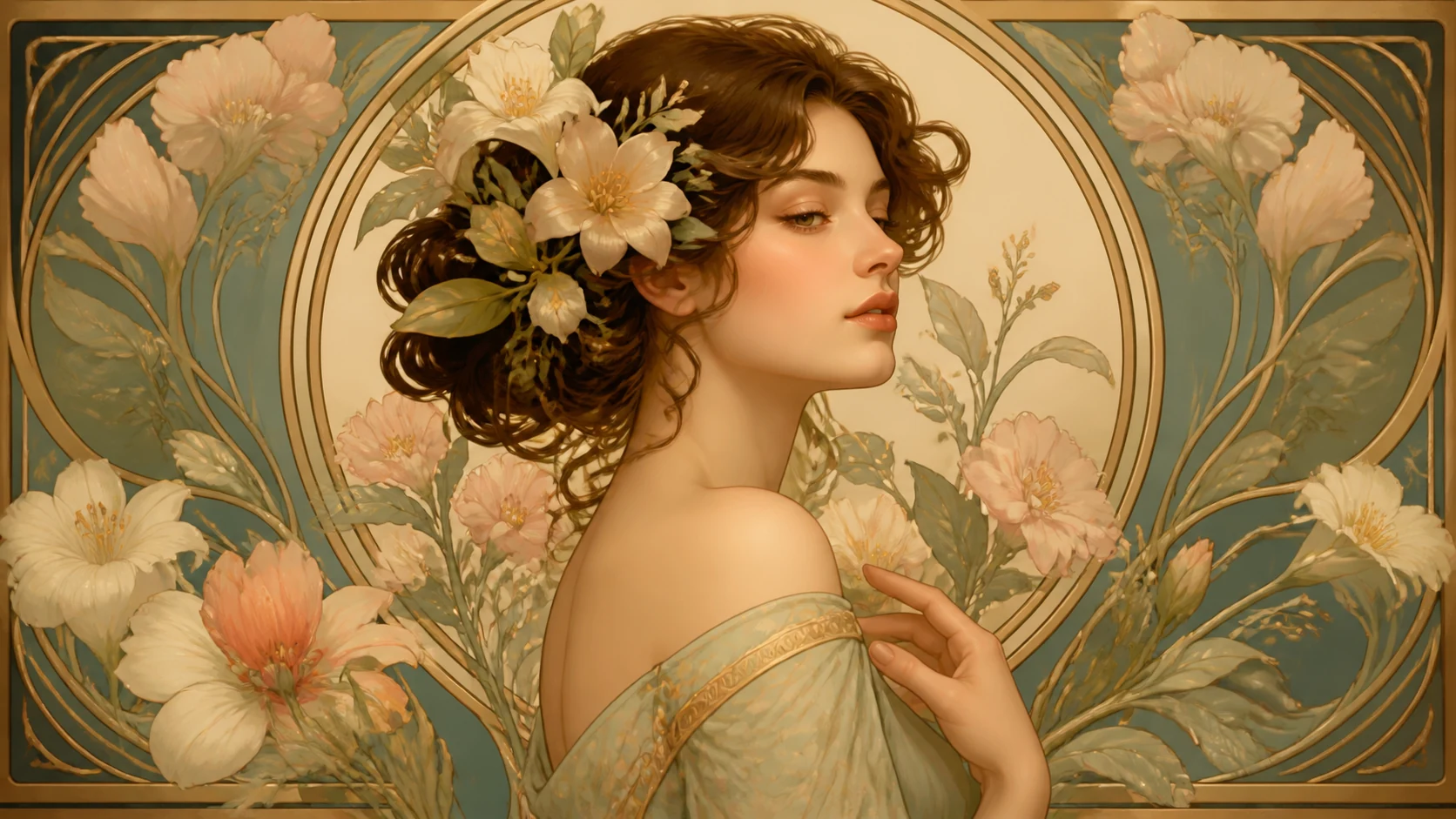 Art Nouveau Floral Portraits AI Image GeneratorCreate art nouveau floral portraits with Seele AI's free image generator. Explore starter prompts, visual directions, FAQs, and workspace handoff for DesignerView prompt →
 Baby Shower Invitation Art AI Image GeneratorCreate Baby Shower Invitation Art with Seele AI's free image generator. Explore prompt ideas, visual styles, and fast image creation.View prompt →