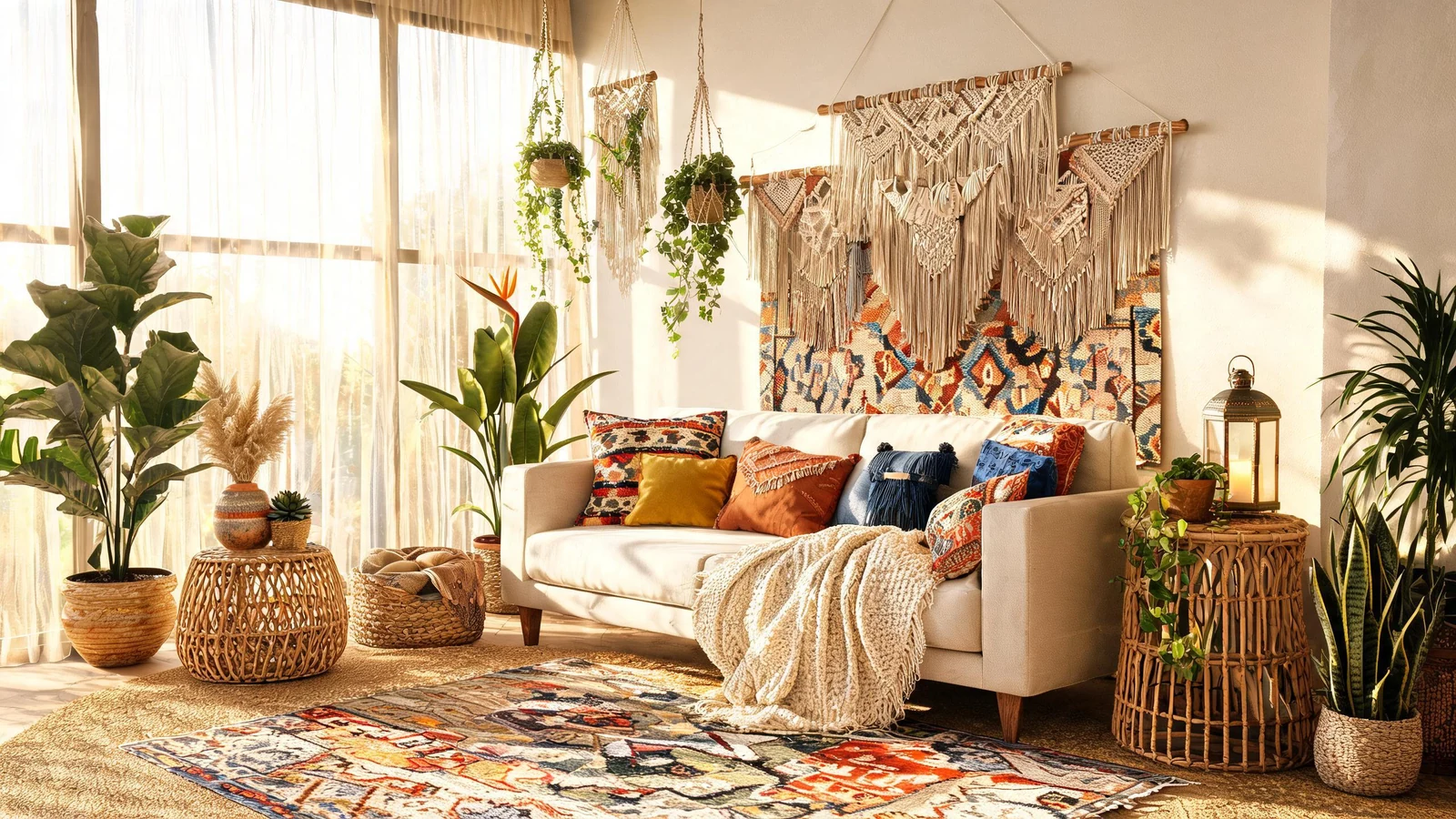
Prompt
Create bohemian decor inspiration, sunlit living room with layered rugs, rattan chair, macrame wall hanging, plants, warm terracotta palette, editorial interior photography, no text, no logo, no watermark
Create this look
Create bohemian decor inspiration concepts with polished style, lighting, composition, and mood cues. Create warm boho interiors, decor moodboards, apartment styling ideas, and cozy lifestyle visuals. Create original lifestyle, travel, decor, wellness, and seasonal visuals. Avoid real brand marks, readable trademarked text, watermarks, and identifiable private people unless you have rights.
Create bohemian decor inspiration, sunlit living room with layered rugs, rattan chair, macrame wall hanging, plants, warm terracotta palette, editorial interior photography, no text, no logo, no watermark
Create this lookCreate a cozy boho bedroom scene, linen canopy, woven baskets, dried pampas grass, amber evening light, relaxed natural textures, no readable text, no logo, no watermark
Create this look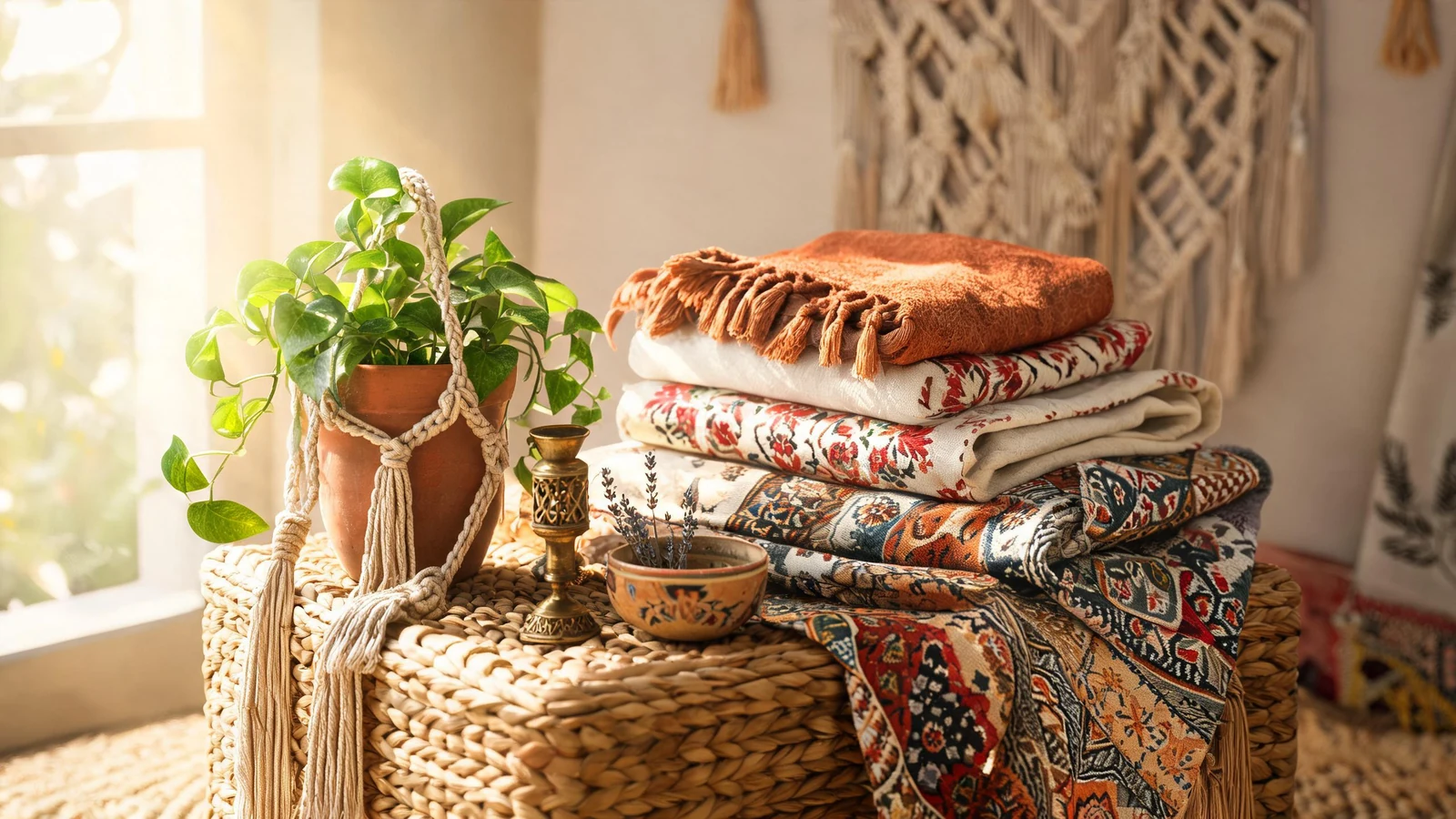
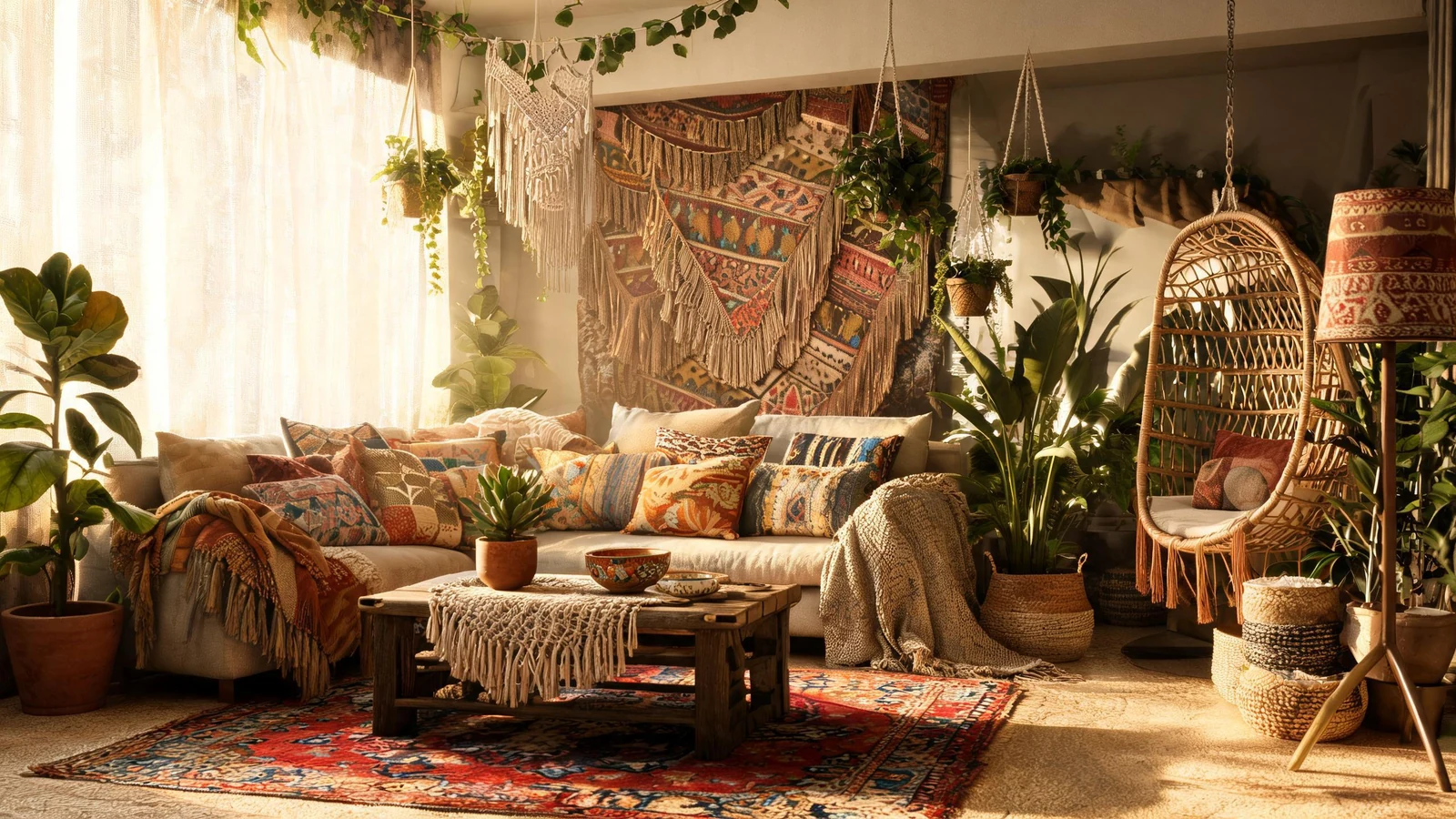
Create a bohemian outdoor patio visual, low cushions, lanterns, patterned textiles, desert garden, golden hour glow, lifestyle decor composition, no text, no brand marks, no watermark
Create this lookPrompt workflow
Use this page as a starting point for a focused bohemian decor inspiration visual. A strong prompt names the subject first, then gives the image model enough direction about composition, style, lighting, and what to leave out.
Describe the person, object, scene, or visual motif before adding decoration.
Add the crop, viewpoint, layout, depth, and the area that should attract attention.
Use concrete references such as editorial, cinematic, flat graphic, soft light, or rim light.
Specify exclusions such as text, logos, watermarks, unwanted likenesses, or extra objects.
Prompt formula
Keep the first version specific but editable. Start with the visual idea on this page, then change one variable at a time so the result is easier to compare and refine.
It helps you turn a visual idea into a ready-to-run prompt for bohemian decor inspiration concepts, combining subject, style, lighting, mood, and composition cues.
Describe the subject, setting, camera angle, color palette, lighting, mood, and what to avoid, such as readable text, brand marks, or watermarks.
Yes. Add phrases for cinematic lighting, close-up or wide-scene framing, realistic photography, painterly illustration, minimalist decor, or wallpaper composition.
They work well for concept art, social thumbnails, posters, wallpapers, moodboards, decor references, and creative direction drafts.
You can use the prompts for many projects, but review generated outputs for brand marks, readable protected text, private likenesses, and any rights-sensitive elements before publishing.
Open Seele AI workspace, start from a prompt, and keep iterating the visual direction until it feels ready to use.
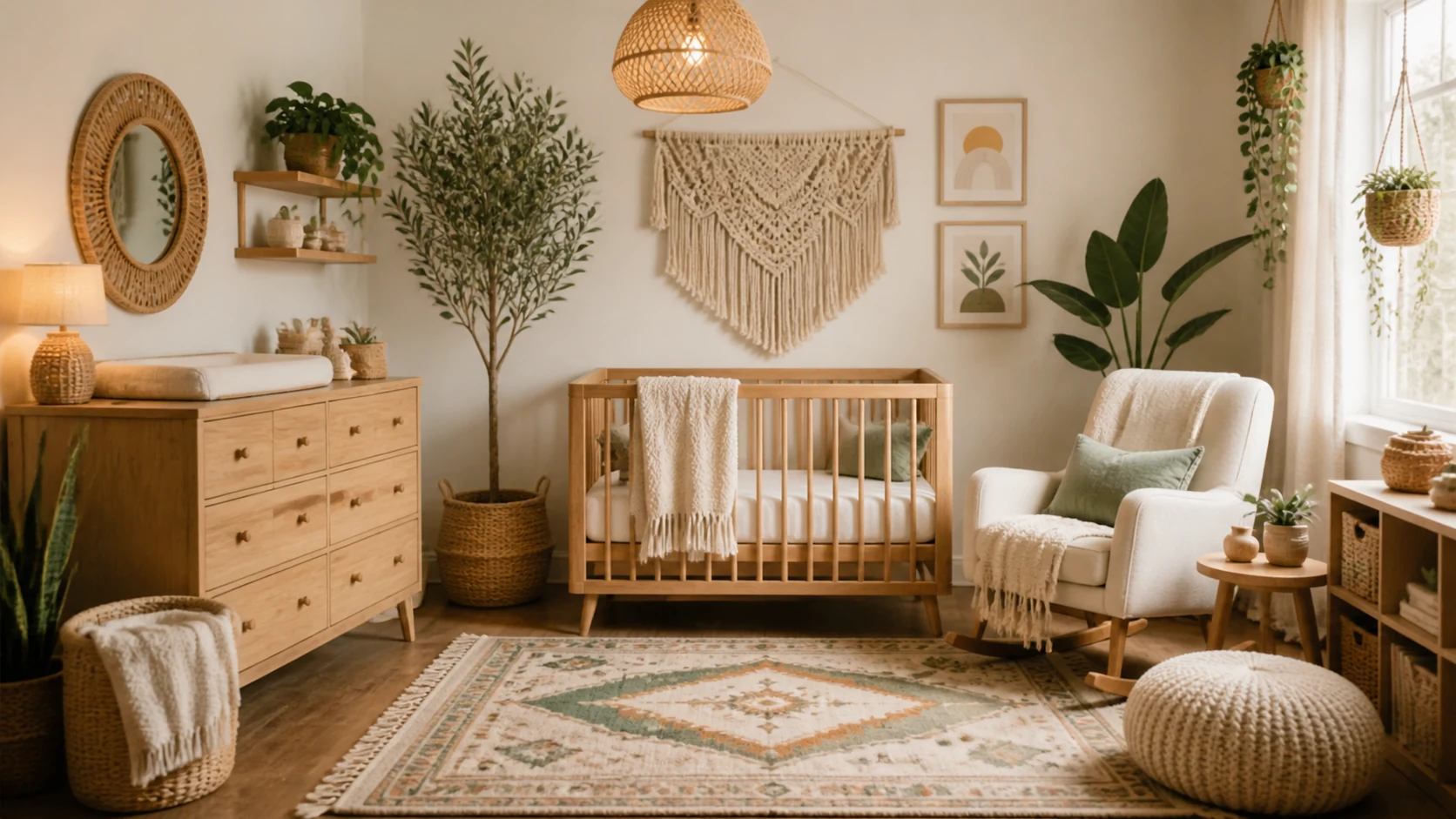 Boho Nursery Room Decor AI Image GeneratorCreate boho nursery room decor with Seele AI's free image generator. Explore starter prompts, visual directions, FAQs, and workspace handoff for Parents / decView prompt →
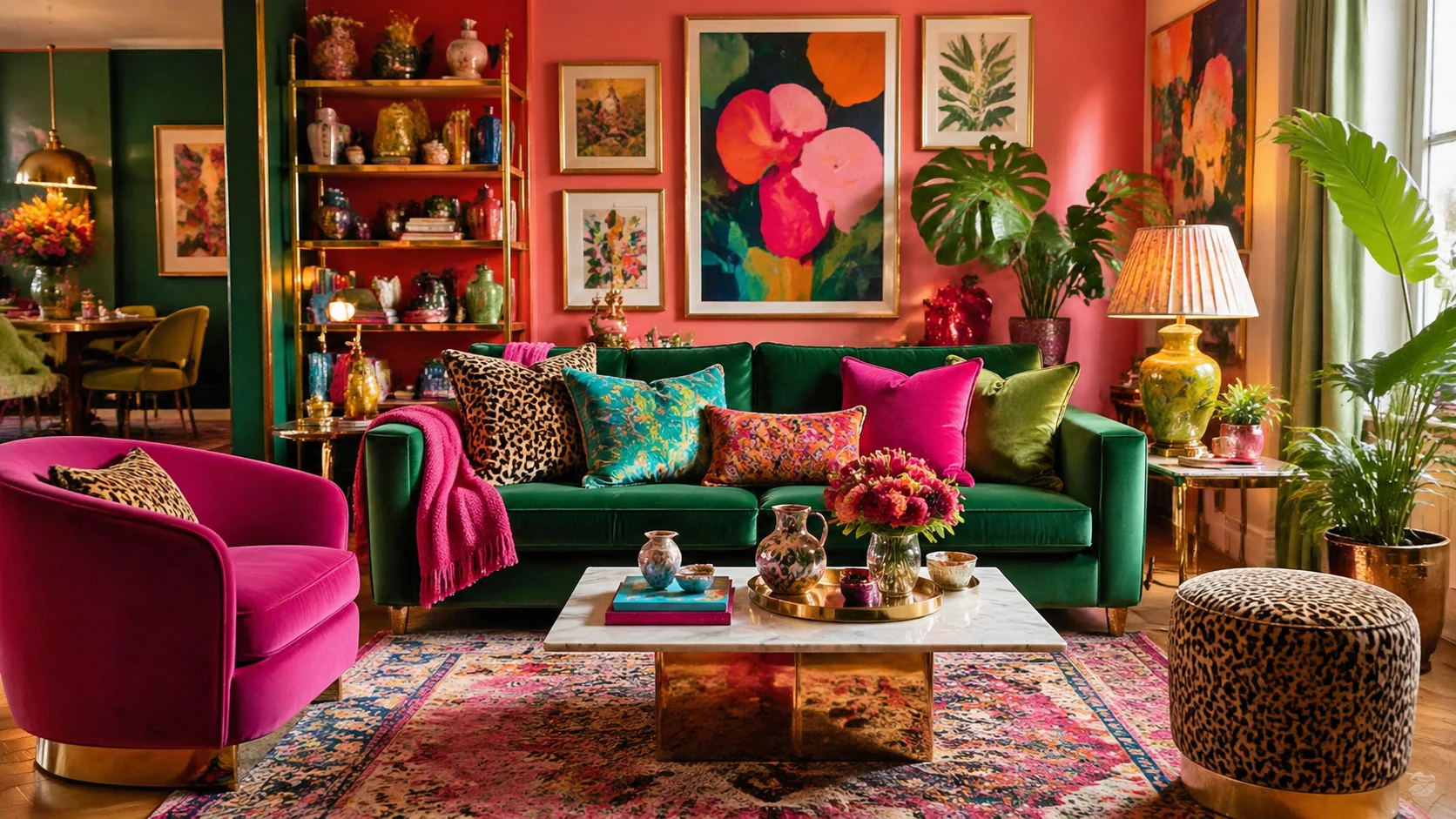 Colorful Maximalist Apartment Decor AI Image GeneratorCreate colorful maximalist apartment decor with Seele AI's free image generator. Explore starter prompts, visual directions, FAQs, and workspace handoff for HView prompt →
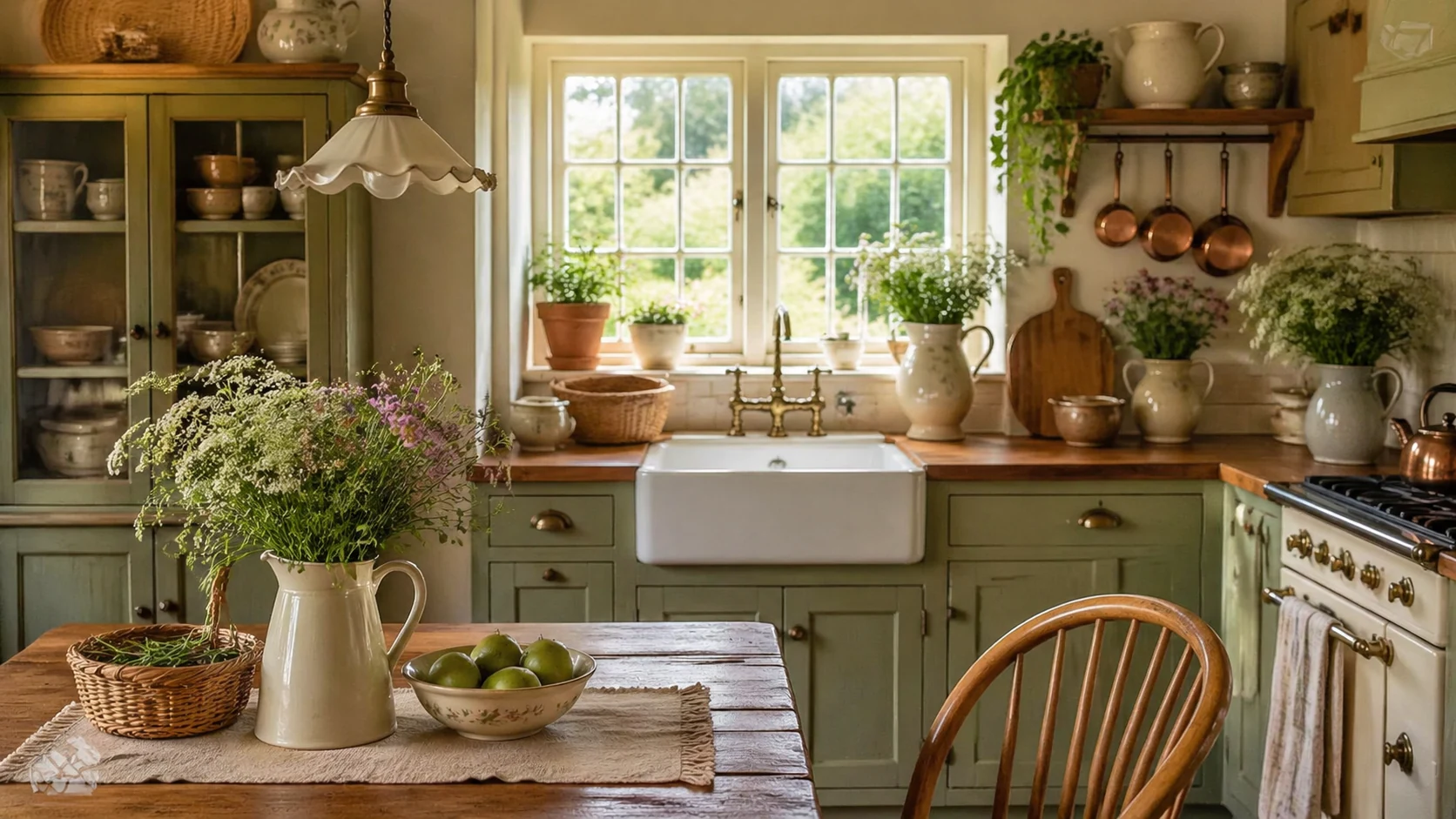 Cottagecore Kitchen Inspiration AI Image GeneratorCreate cottagecore kitchen inspiration with Seele AI's free image generator. Explore starter prompts, visual directions, FAQs, and workspace handoff for HomeView prompt →
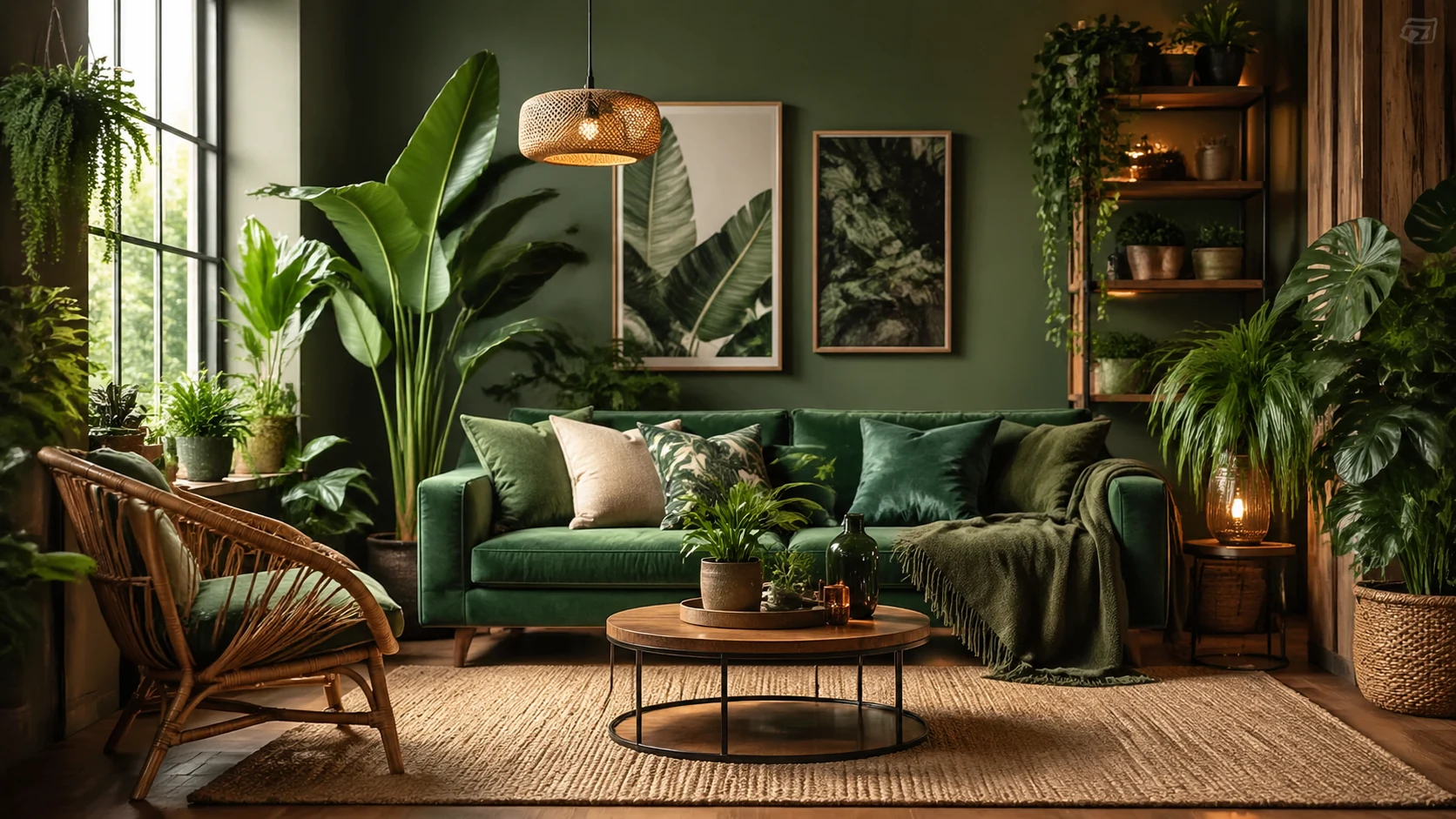 Urban Jungle Room Inspiration AI Image GeneratorCreate urban jungle room inspiration with Seele AI's free image generator. Explore starter prompts, visual directions, FAQs, and workspace handoff for Home deView prompt →
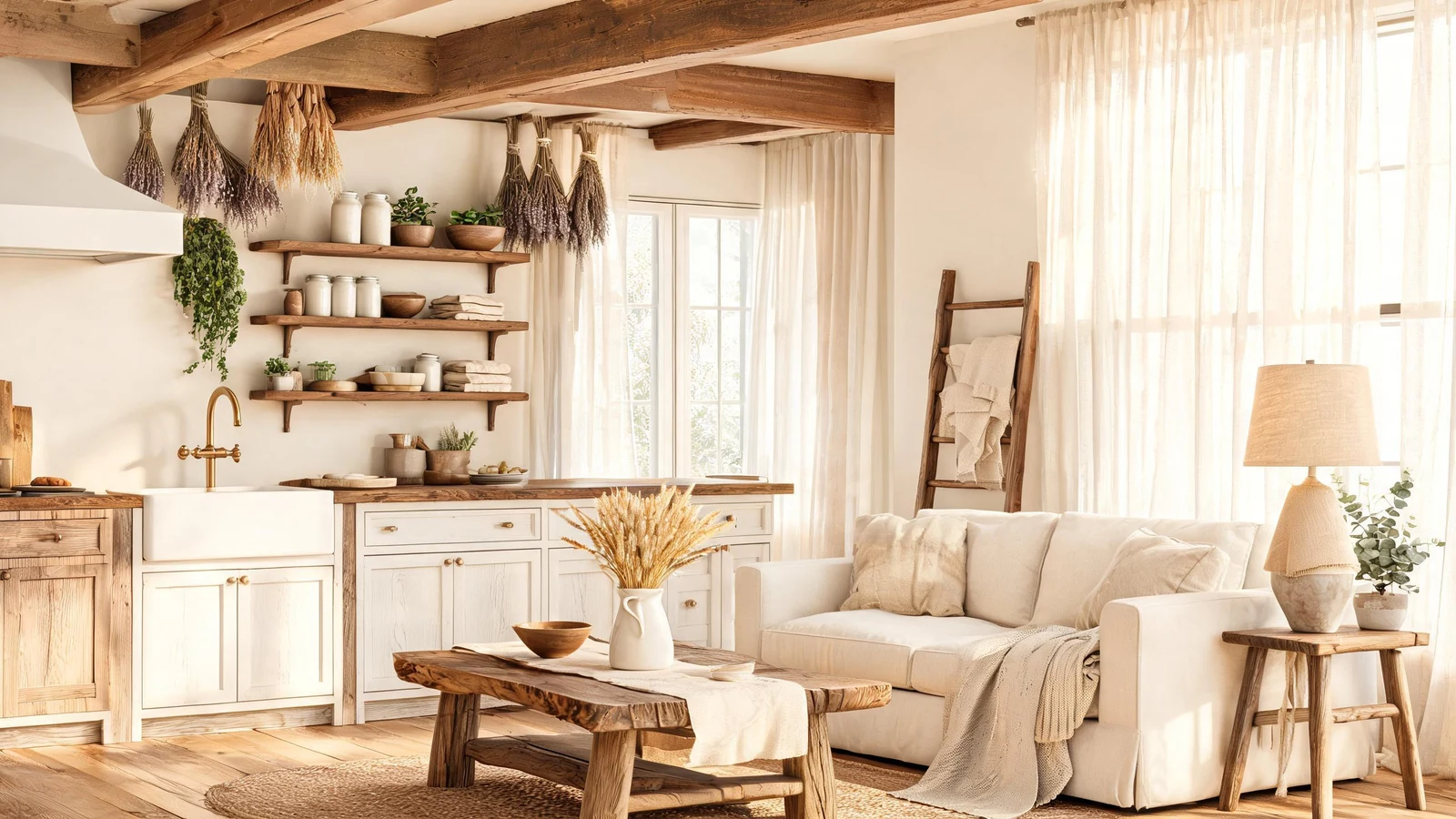 Farmhouse Aesthetic Decor AI Image GeneratorUse a free image generator to create farmhouse aesthetic decor visuals with ready-to-run prompts for style, lighting, composition, and mood.View prompt →
 2026 World Cup Match Poster AI Image GeneratorMake custom 2026 World Cup match posters for any match. Custom teams, date, score, design in seconds.View prompt →