Why make a dedicated icon category?
Icon and app asset pages share a compact visual intent: high readability at small sizes, clear silhouettes, and repeatable brand systems.
Create app icons, product badges, app-store screenshots, extension promos, stickers, and compact brand assets with reusable prompt structures. Use this hub to jump from broad image intent to specific prompt pages, examples, and production-ready visual directions.
24 curated prompt pages in this topic
Open a page to reuse its visual direction, adapt the prompt, and generate variants in Seele AI.
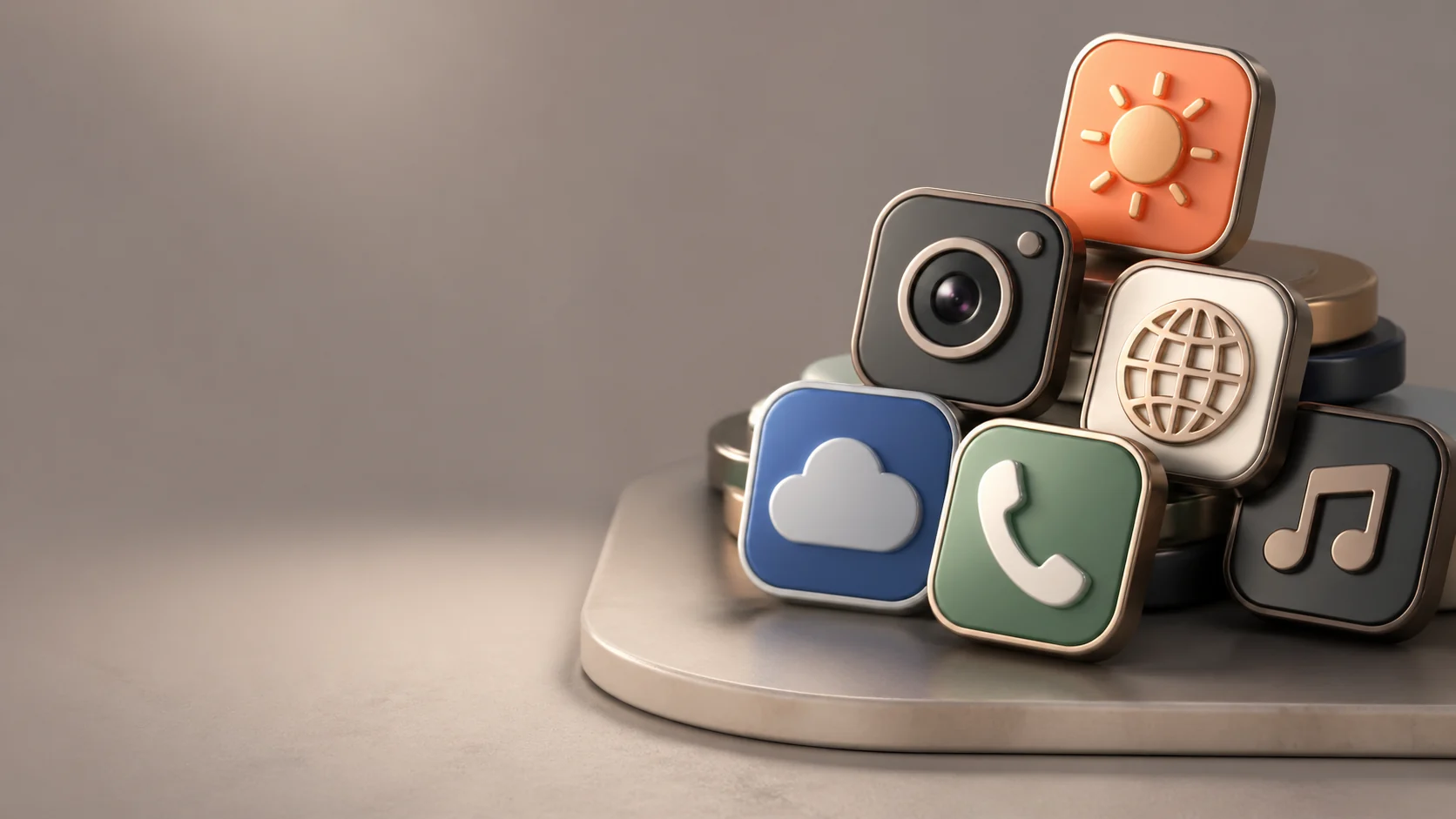
3D App Icon Assets AI Image Generator
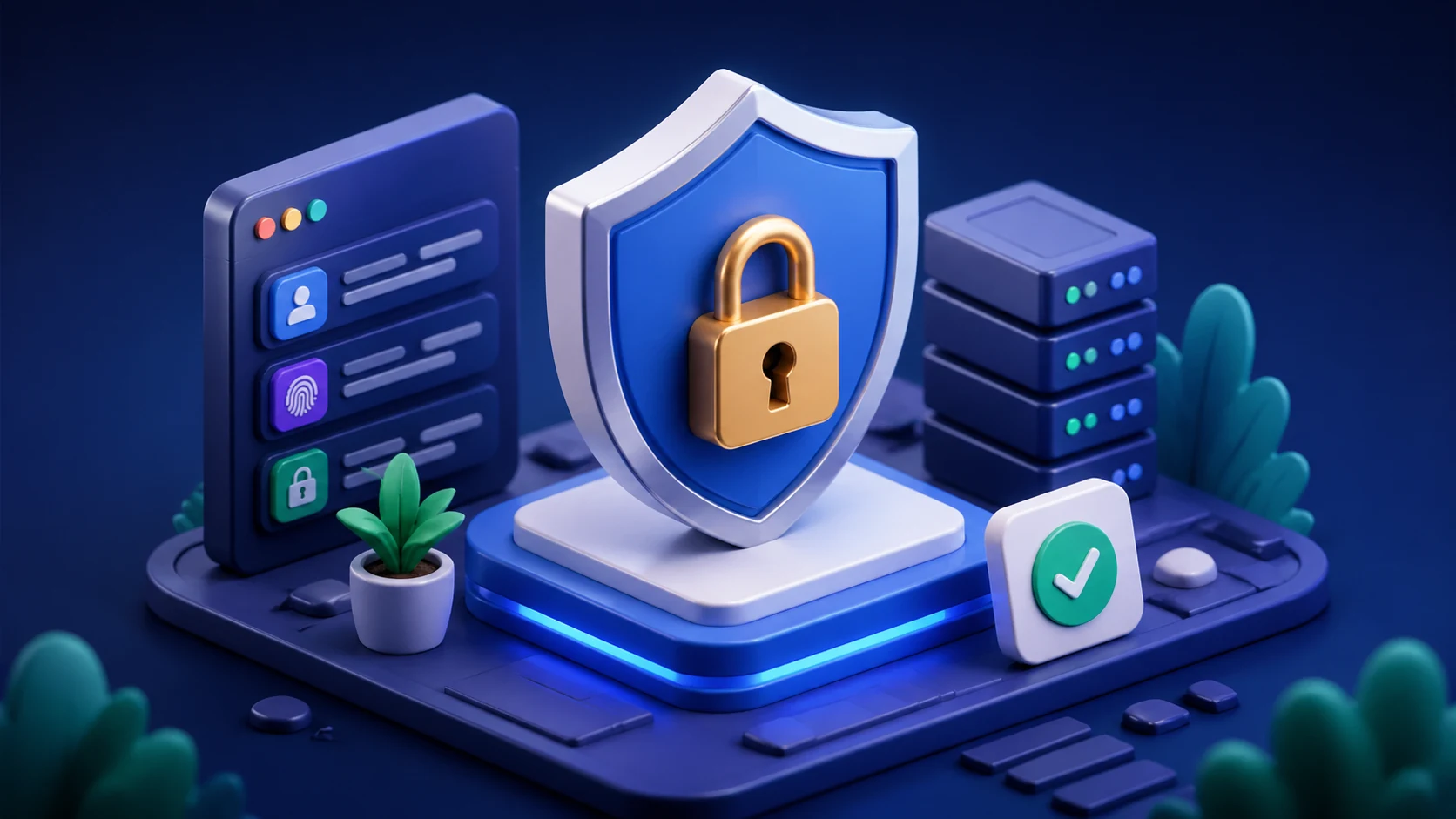 3D Isometric Icons AI Image Generator
 Achievement Badge Icon Set AI Image Generator
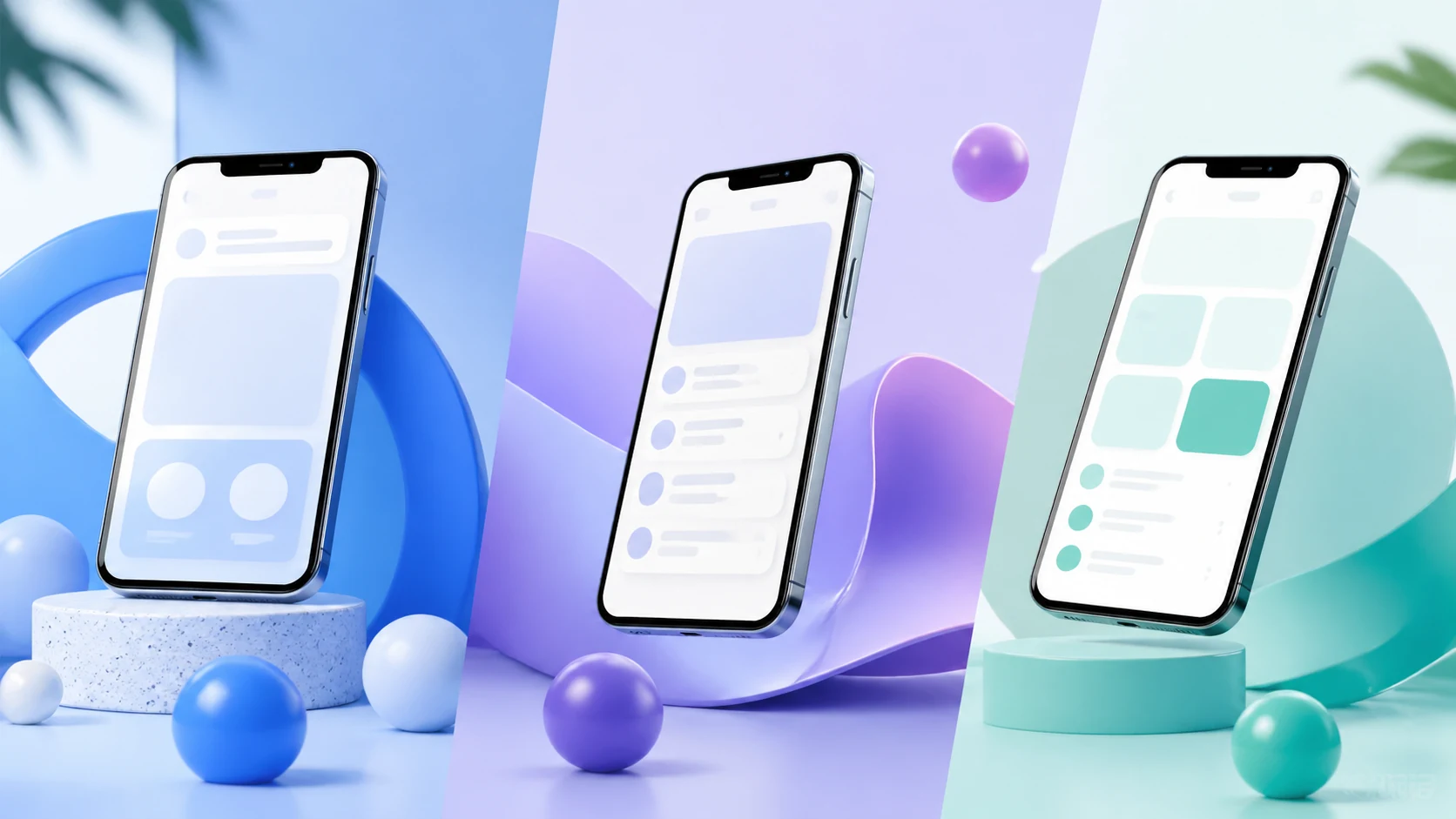 App Store Screenshot Backgrounds AI Image Generator
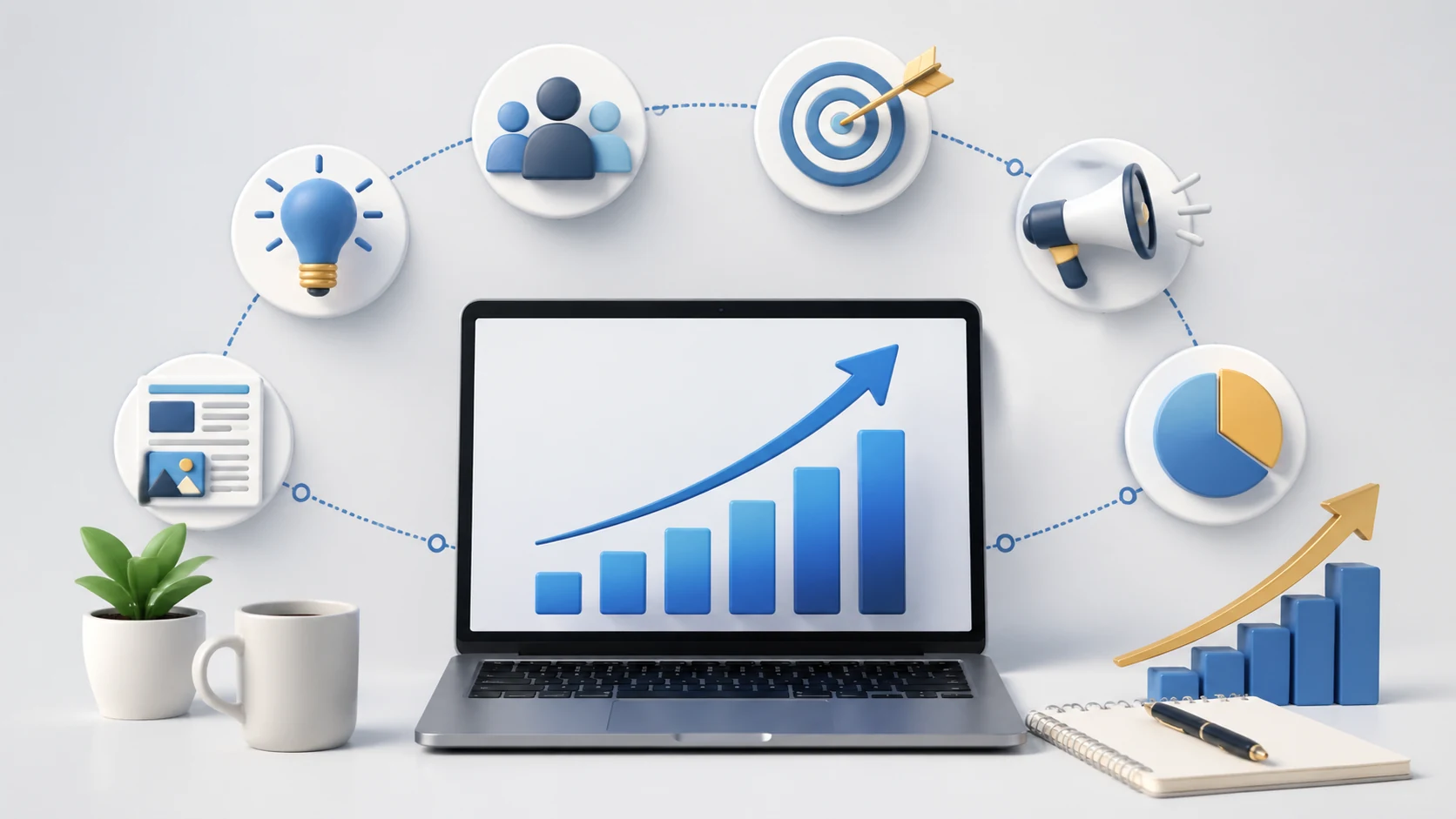 Business Growth Strategy Icons AI Image Generator
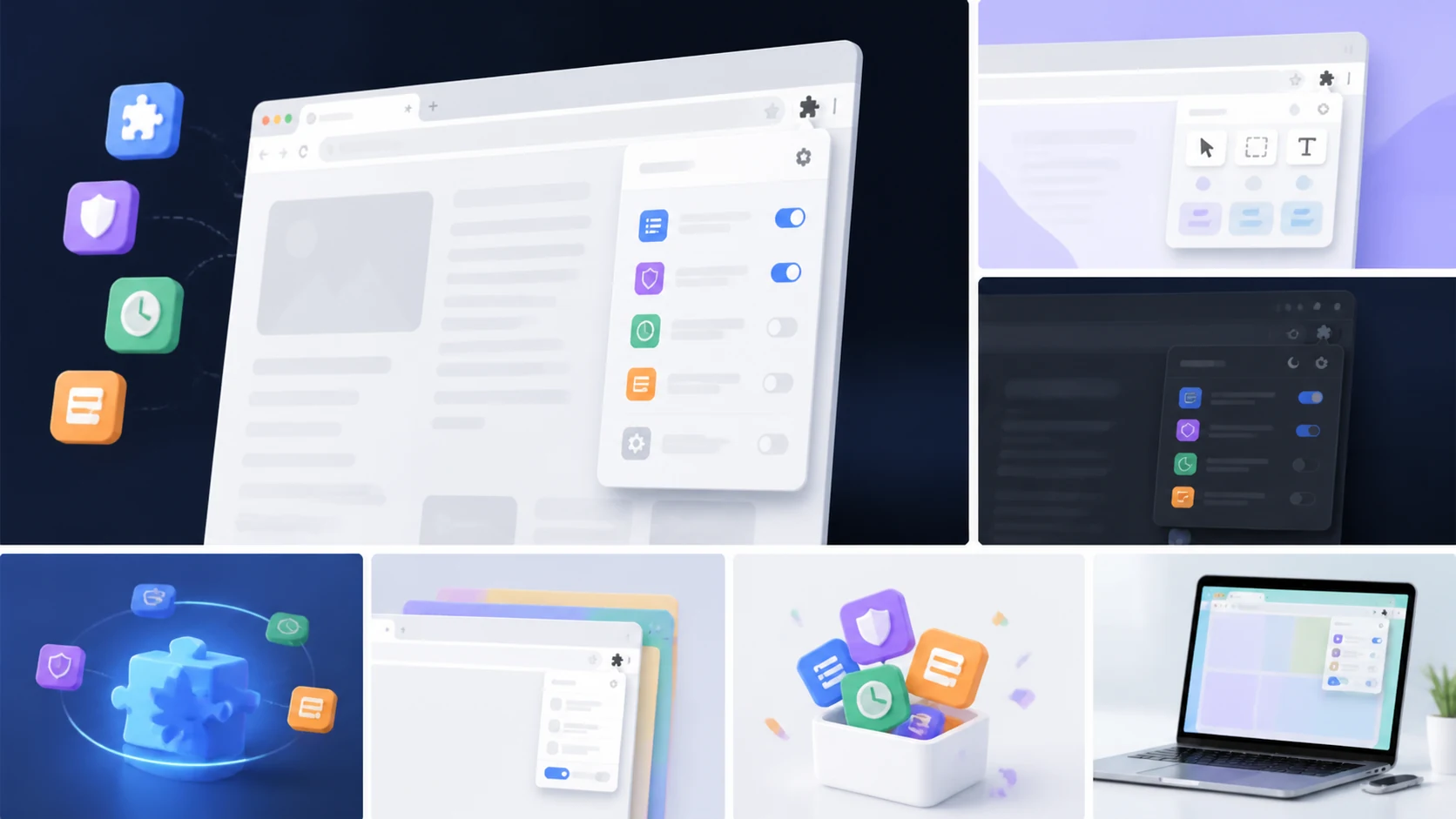 Chrome Extension Promo Screenshots AI Image Generator
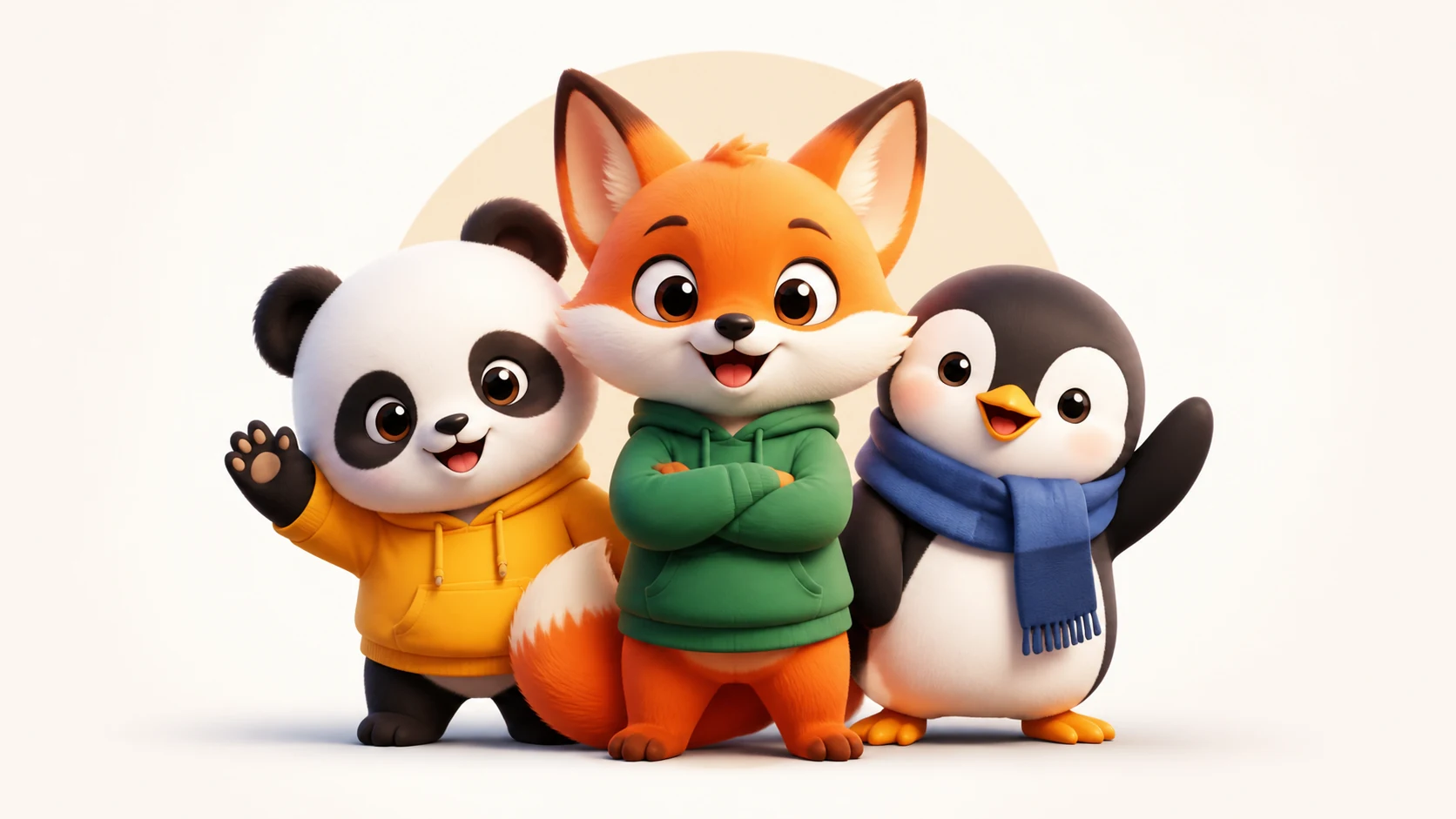 Cute Mascot Logo Characters AI Image Generator
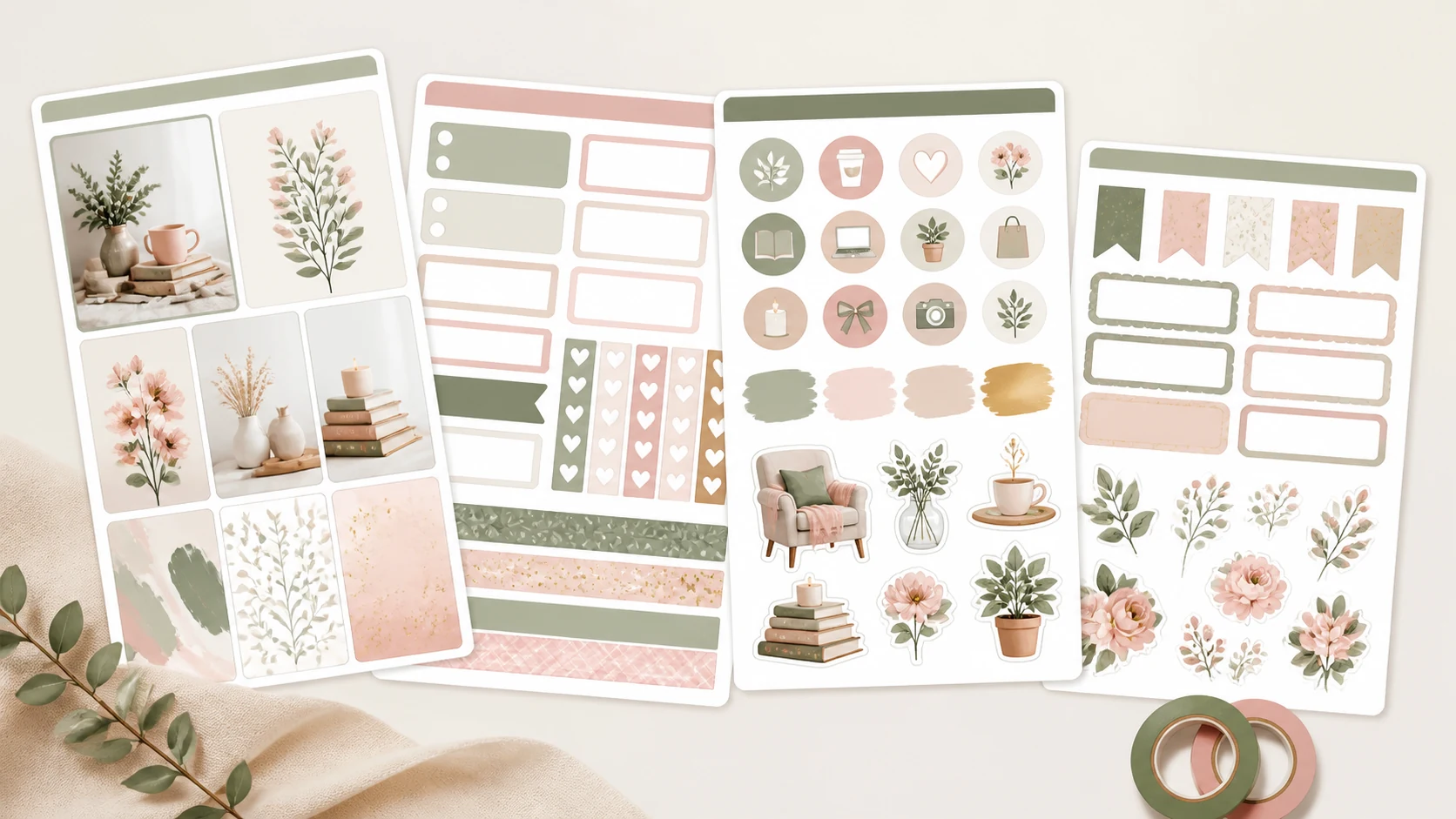 Digital Planner Sticker Sheets AI Image Generator
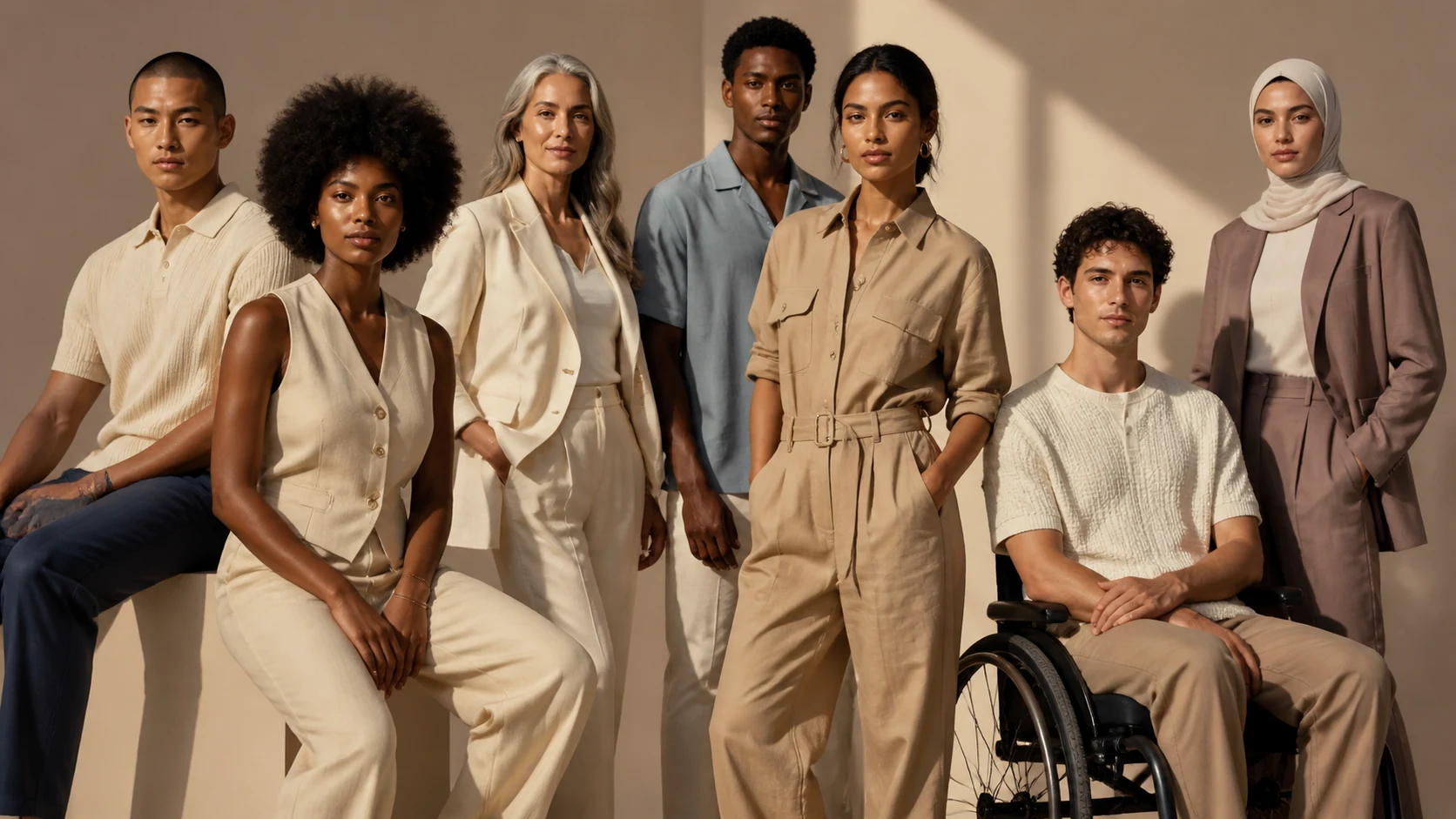 Diversity Inclusive Apparel Models AI Image Generator
 Fantasy Item Icon AI Image Generator
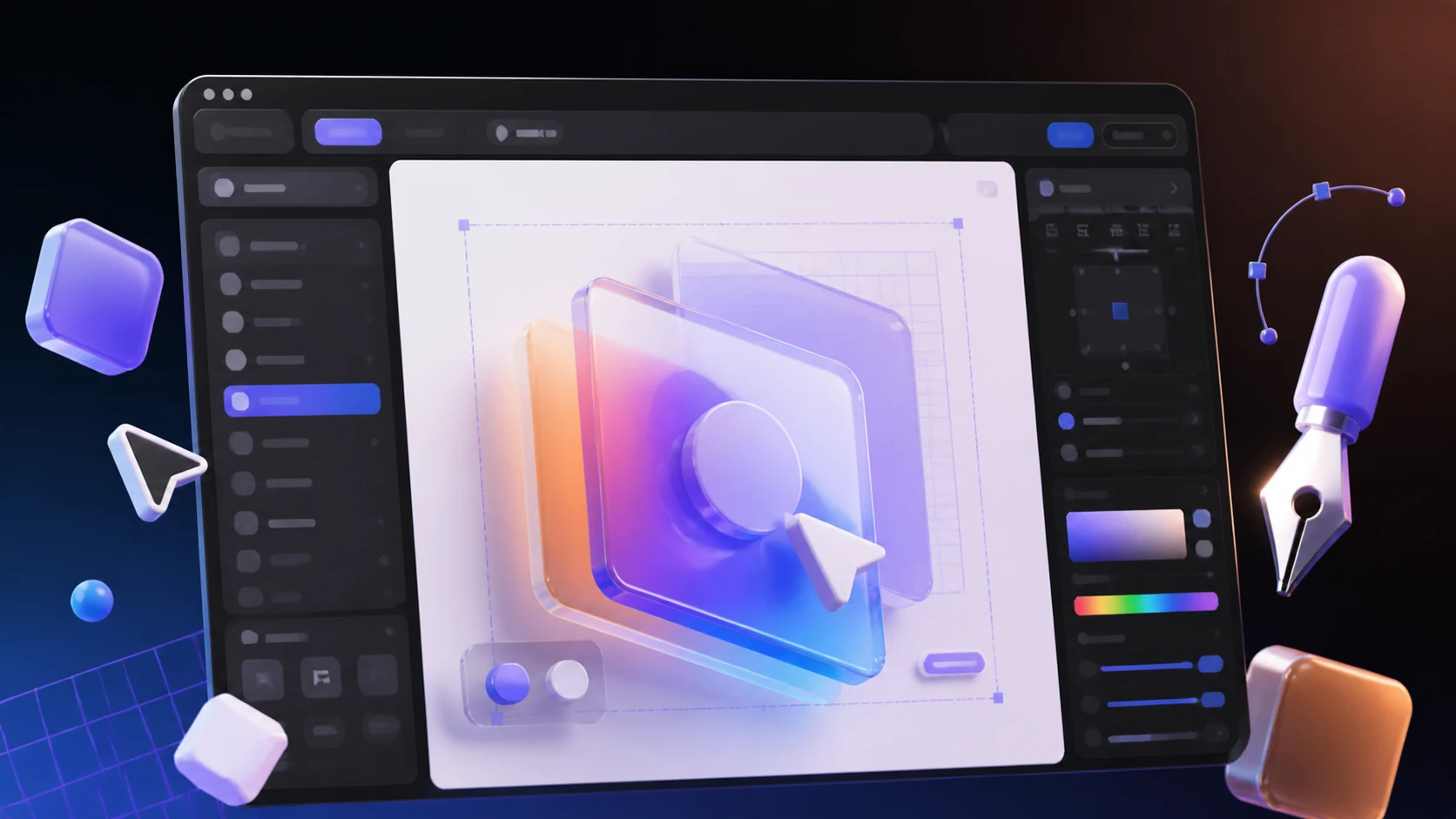 Figma Plugin Cover Images AI Image Generator
 Game Icon AI Image Generator
 Game Inventory Icon AI Image Generator
 Game Logo Concept AI Image Generator
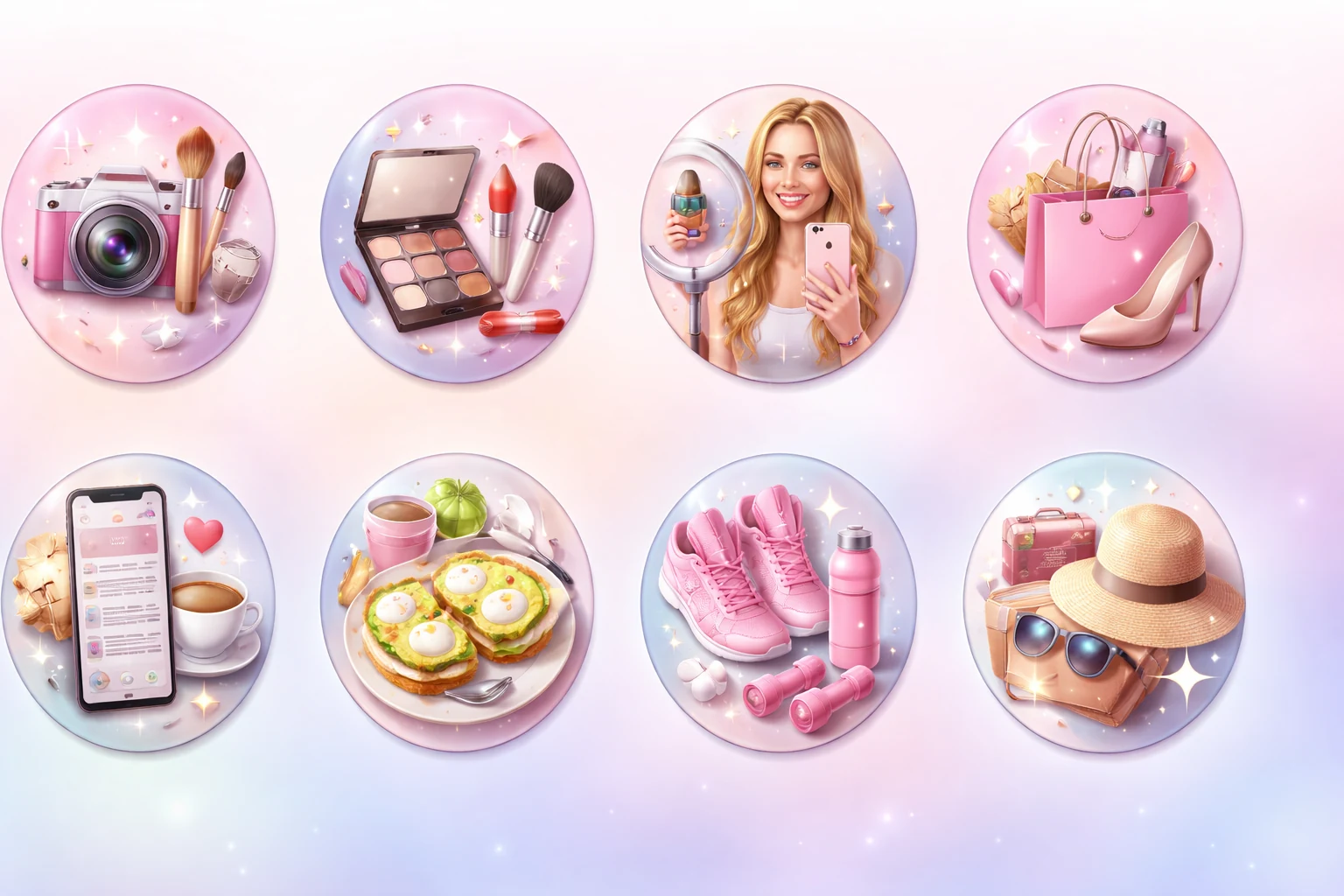 Instagram Highlight Cover Icons AI Image Generator
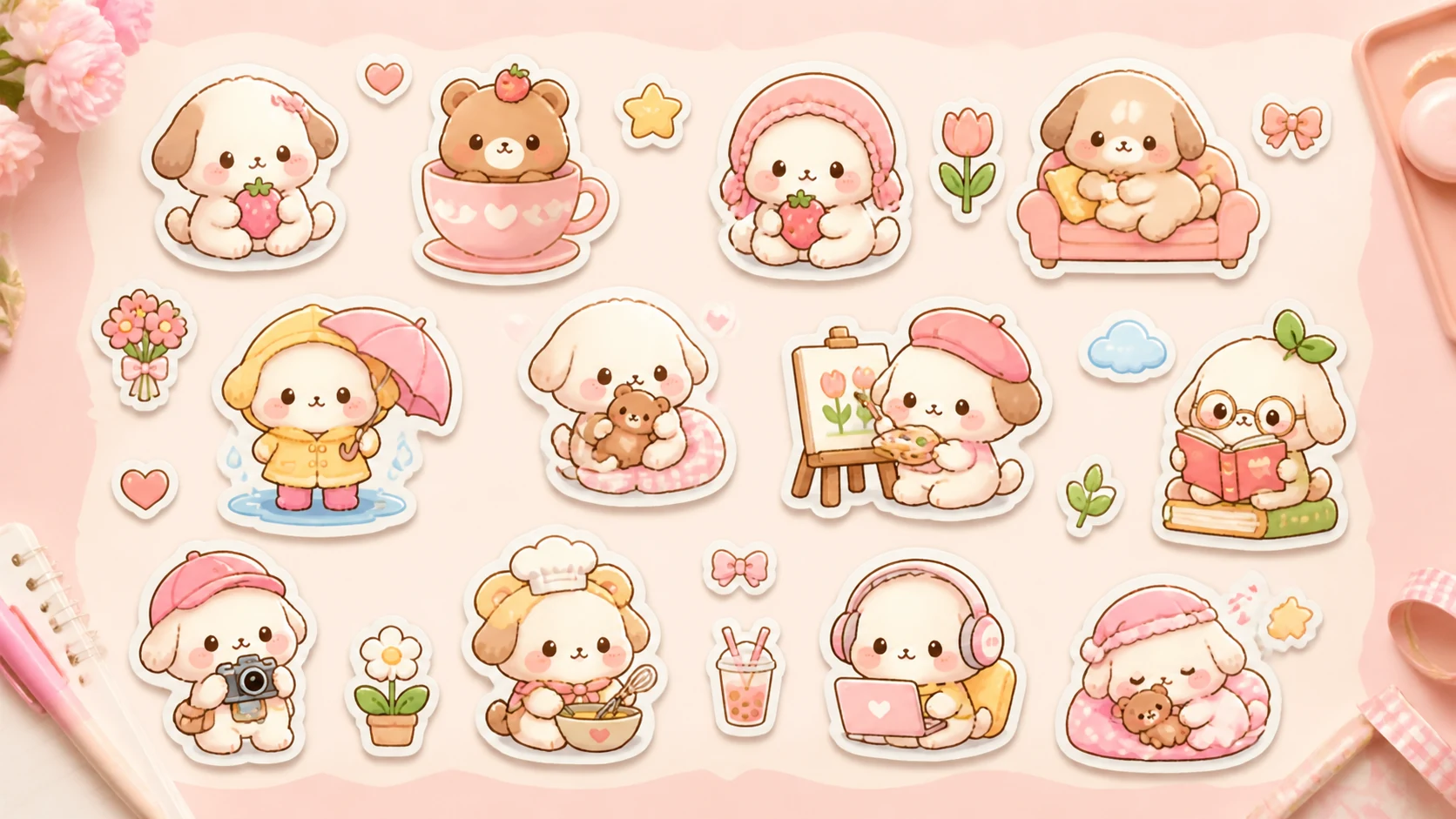 Kawaii Sticker Sheet Designs AI Image Generator
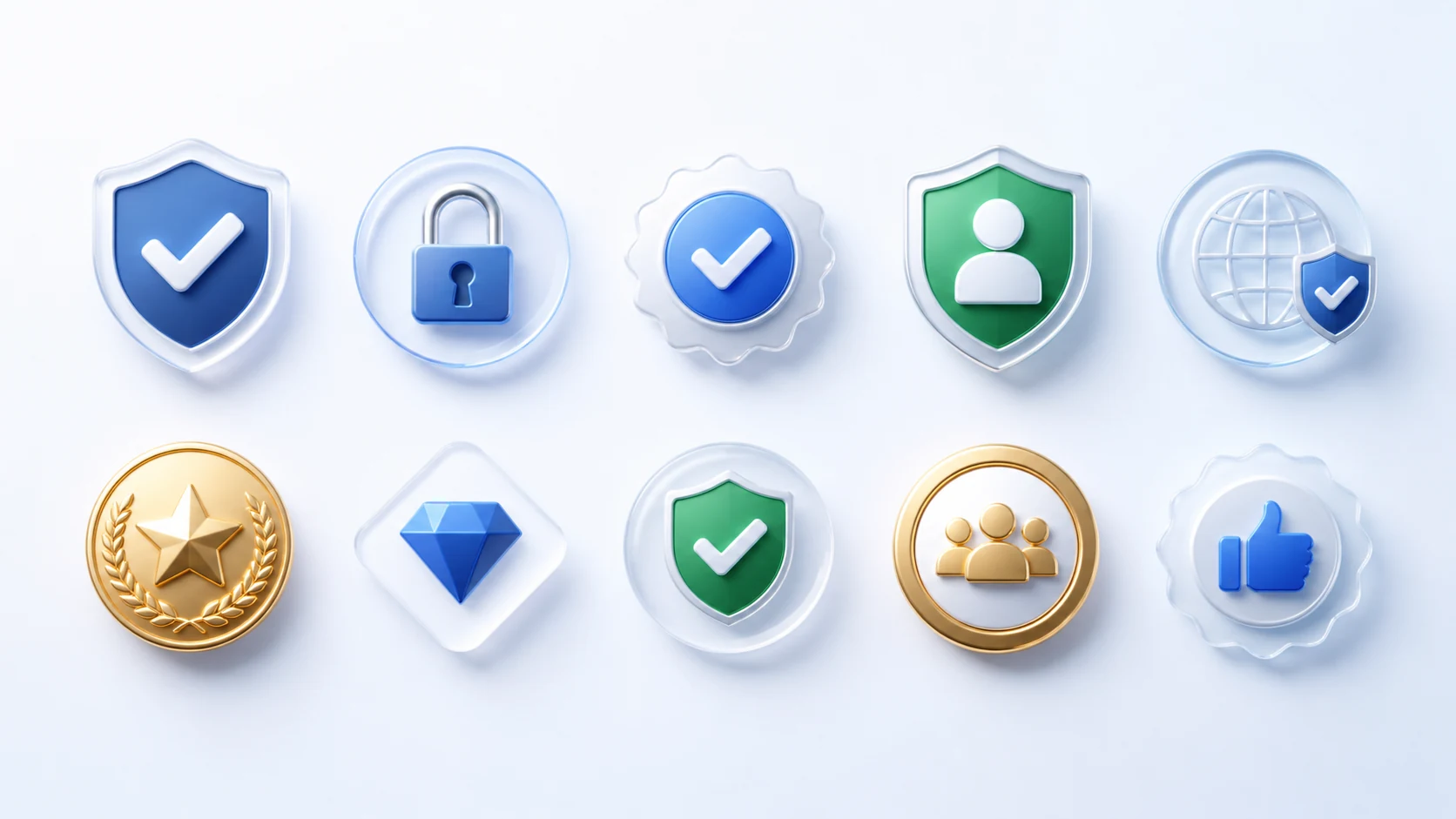 Landing Page Trust Badge Graphics AI Image Generator
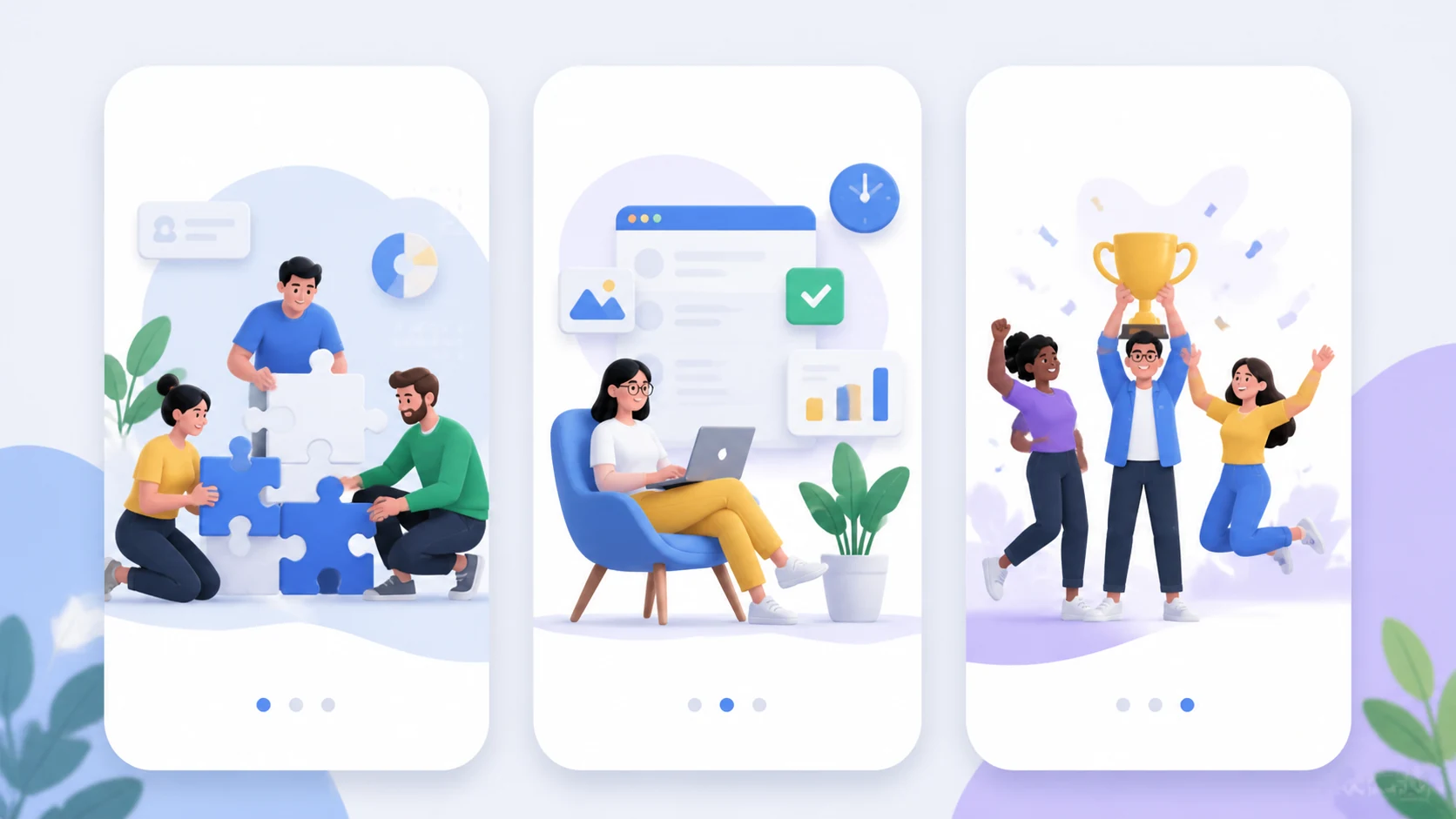 Mobile App Onboarding Illustrations AI Image Generator
 Mobile Game Screenshot AI Image Generator
 RPG Potion Icon AI Image Generator
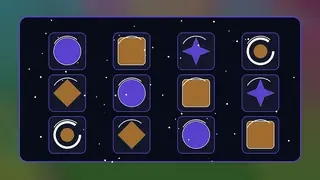 Battle Pass Reward Icons AI Image Generator
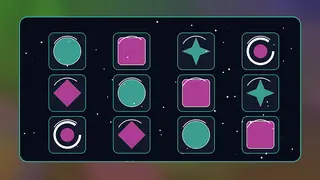 Consumable Item Icon Pack AI Image Generator
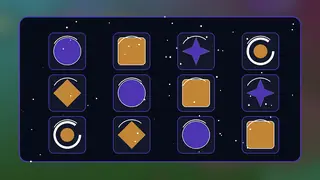 Crafting Material Icon Set AI Image Generator
 eSports Team Logos AI Image Generator
Use these as starting patterns, then swap subject, style, palette, camera, and output format.
3D app icon for a cozy productivity timer
Minimal badge set for a SaaS launch page
App store screenshot background with soft depth and neon edge light
Move sideways into neighboring image intents when the asset needs a different format or audience.
Generate game-ready concept art, icons, characters, maps, environments, UI pieces, and promotional visuals for indie game production.
Posters & campaignsPoster and Campaign Visual GeneratorsBuild campaign posters, launch graphics, event creatives, sports posters, pitch visuals, and marketing concepts from structured image prompts.
Characters & avatarsCharacter and Avatar GeneratorsExplore portrait, avatar, mascot, anime, fantasy, professional headshot, and identity-focused image prompts for creators and brands.
Backgrounds & worldsBackground and Worldbuilding GeneratorsGenerate landscapes, interiors, fantasy worlds, sci-fi environments, wallpapers, map scenes, and atmosphere-rich backgrounds.
Product & commerceProduct and Commerce Image GeneratorsCreate product listing images, ecommerce lifestyle shots, packaging concepts, jewelry close-ups, real-estate visuals, and commercial scenes.
Social & creator graphicsSocial Media and Creator Graphic GeneratorsDesign creator thumbnails, LinkedIn banners, carousel graphics, newsletter headers, Discord banners, and social-first image systems.
Patterns, decor & printPattern, Decor, and Print Design GeneratorsGenerate textile patterns, wallpapers, tattoo references, cards, invitations, interior decor concepts, and print-ready visual directions.
Icon and app asset pages share a compact visual intent: high readability at small sizes, clear silhouettes, and repeatable brand systems.
Specify object, material, background, lighting, edge treatment, and whether the icon should be isolated or placed in a showcase mockup.
Yes. Use the same style tokens across icon, screenshot background, feature card, and promo banner pages.
Start with a category page, open a specific prompt direction, then generate a visual set with consistent style and purpose.