Prompt
Generate a cyber security visual concept with a glowing shield made of data lines, dark server room atmosphere, blue green code particles, cinematic lighting, no text or logo.
Create this look
Create cyber security visual concepts for campaigns, product pages, editorial layouts, and creative systems. Generate security visuals for SOC dashboards, blog headers, pitch decks, compliance explainers, and campaign art. Tune subject, style, composition, lighting, color, and negative space before opening the workspace.
Generate a cyber security visual concept with a glowing shield made of data lines, dark server room atmosphere, blue green code particles, cinematic lighting, no text or logo.
Create this lookGenerate an editorial cybersecurity image showing encrypted network nodes around a secure cloud vault, dark navy palette, subtle red threat accents, premium tech blog style, no words.
Create this look
Generate a futuristic SOC command center concept with holographic threat map, analysts as silhouettes only, crisp blue lighting, high detail, no readable UI text.
Create this lookPrompt workflow
Use this page as a starting point for a focused cyber security visual concepts visual. A strong prompt names the subject first, then gives the image model enough direction about composition, style, lighting, and what to leave out.
Describe the person, object, scene, or visual motif before adding decoration.
Add the crop, viewpoint, layout, depth, and the area that should attract attention.
Use concrete references such as editorial, cinematic, flat graphic, soft light, or rim light.
Specify exclusions such as text, logos, watermarks, unwanted likenesses, or extra objects.
Prompt formula
Keep the first version specific but editable. Start with the visual idea on this page, then change one variable at a time so the result is easier to compare and refine.
It helps you turn a short idea into a detailed prompt for cyber security visual concepts, including subject, style, lighting, composition, and practical usage context.
Start with the output format, describe the main subject, choose a style, set lighting and camera/composition, then add constraints such as no text, no logos, or a clear safe area for overlays.
Yes. Add cues such as cinematic lighting, flat lay, isometric view, vertical social format, dark gradient background, studio shadows, or spacious negative space.
They work well for landing pages, blog headers, ad creatives, social posts, product mockups, presentations, mood boards, and creative direction drafts.
Yes. Use original, brand-safe prompts and avoid protected logos, private likenesses, or misleading official branding unless you have permission.
Open Seele AI workspace, start from a prompt, and keep iterating the visual direction until it feels ready to use.
 Boutique Hotel Lobby Concepts AI Image GeneratorCreate boutique hotel lobby concepts with Seele AI's free image generator. Explore starter prompts, visual directions, FAQs, and workspace handoff for HospitaView prompt →
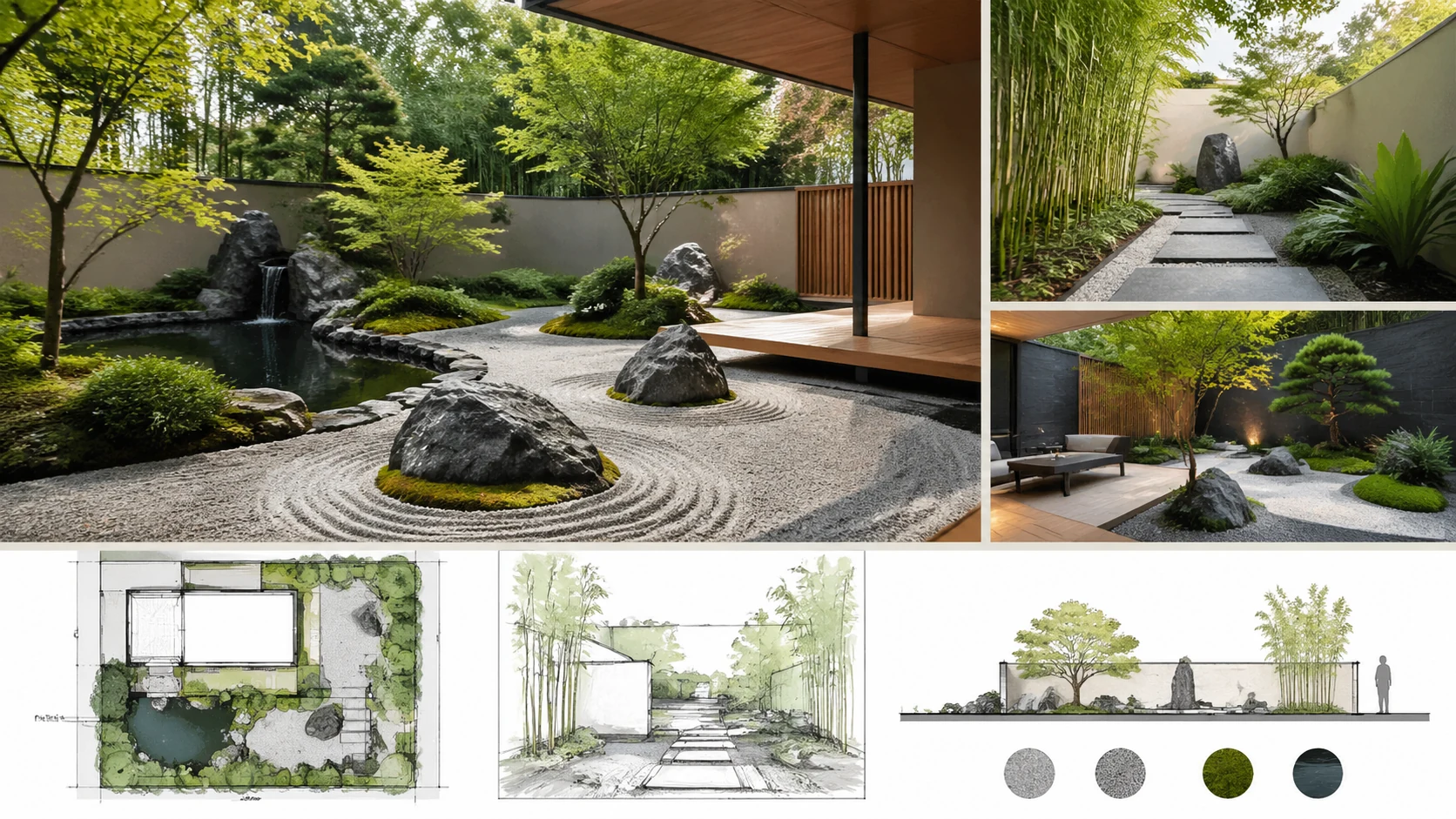 Japanese Zen Garden Concepts AI Image GeneratorCreate japanese zen garden concepts with Seele AI's free image generator. Explore starter prompts, visual directions, FAQs, and workspace handoff for LandscapView prompt →
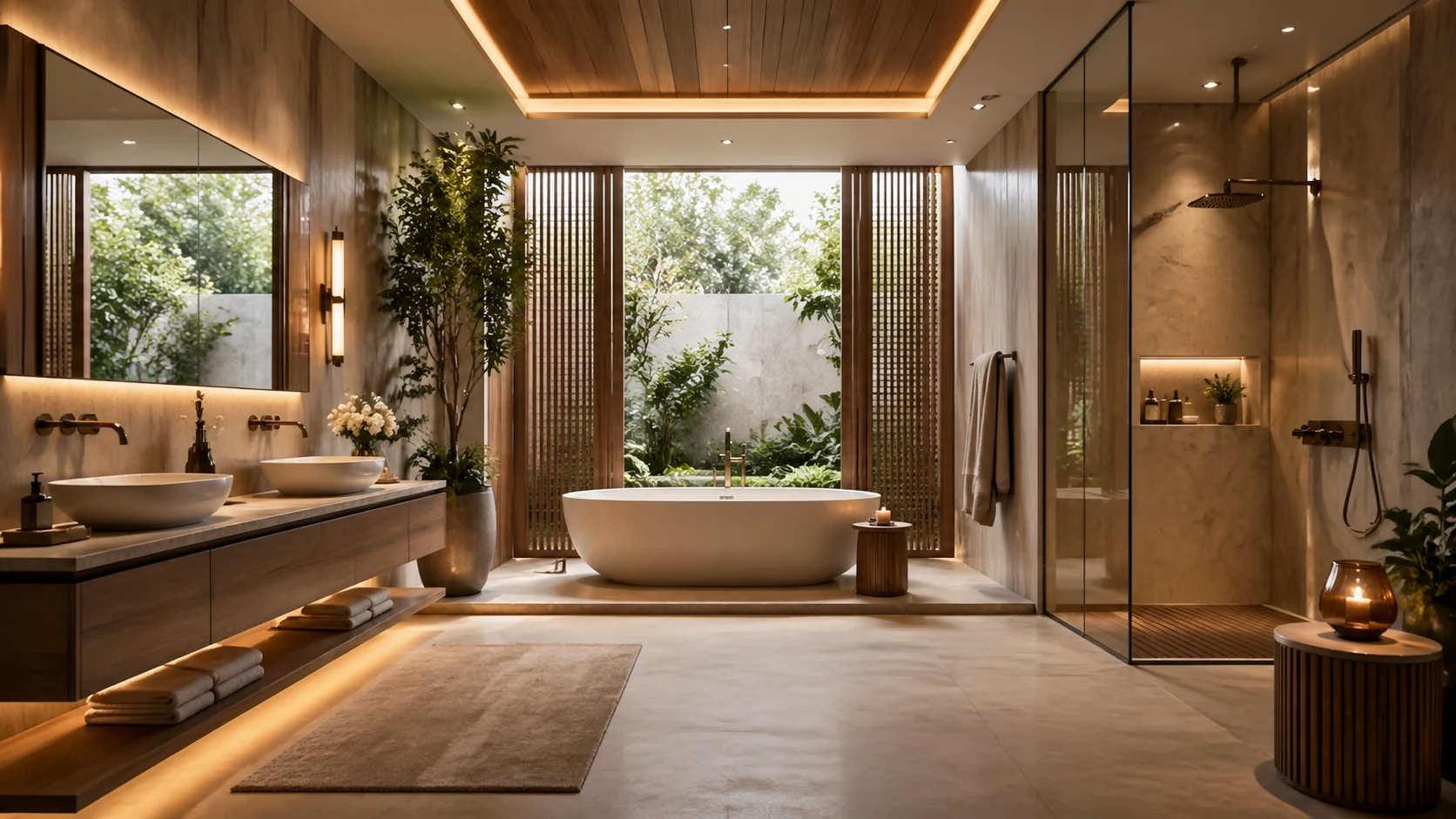 Luxury Bathroom Spa Concepts AI Image GeneratorCreate luxury bathroom spa concepts with Seele AI's free image generator. Explore starter prompts, visual directions, FAQs, and workspace handoff for InteriorView prompt →
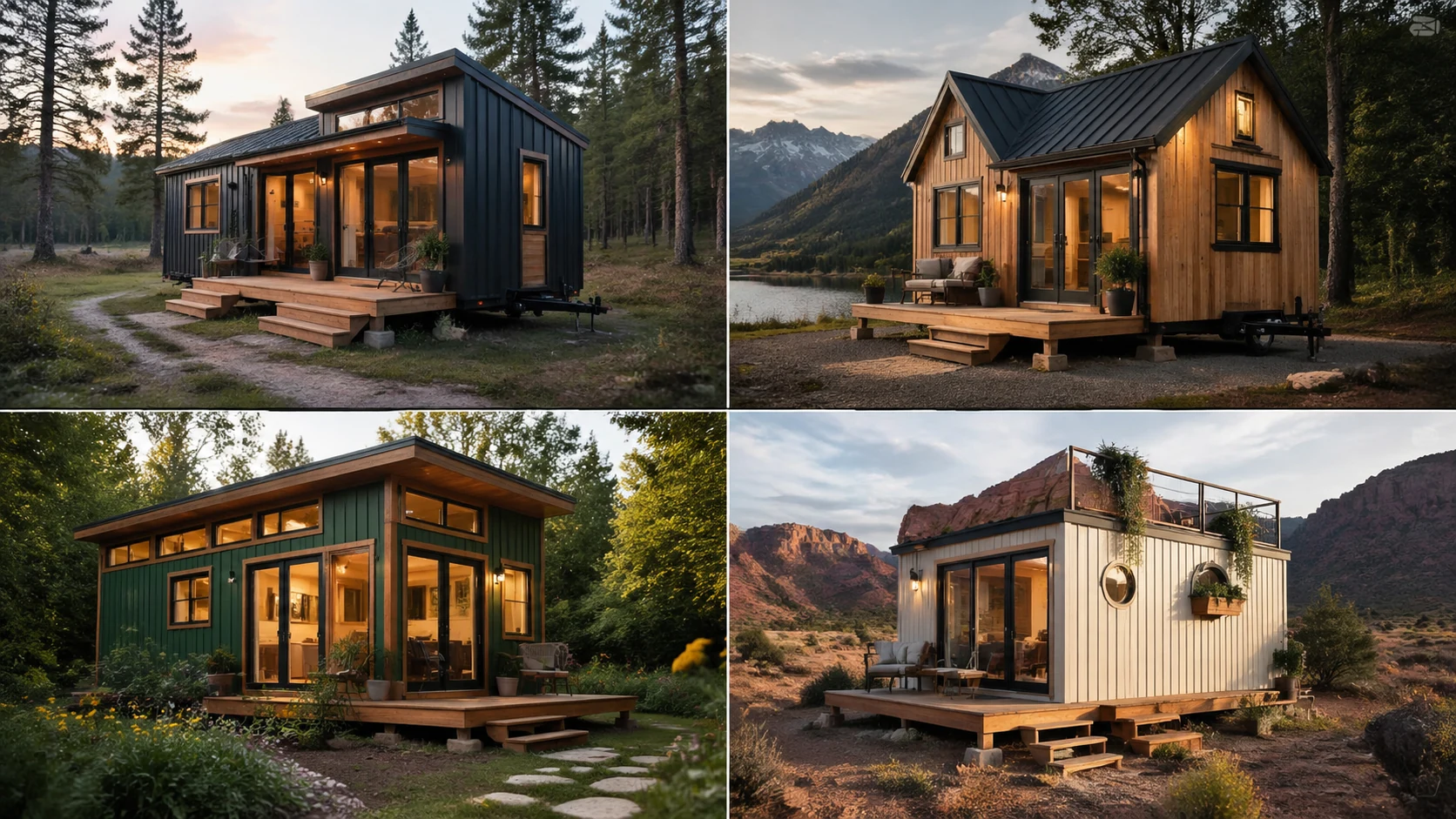 Tiny House Exterior Concepts AI Image GeneratorCreate tiny house exterior concepts with Seele AI's free image generator. Explore starter prompts, visual directions, FAQs, and workspace handoff for Tiny houView prompt →
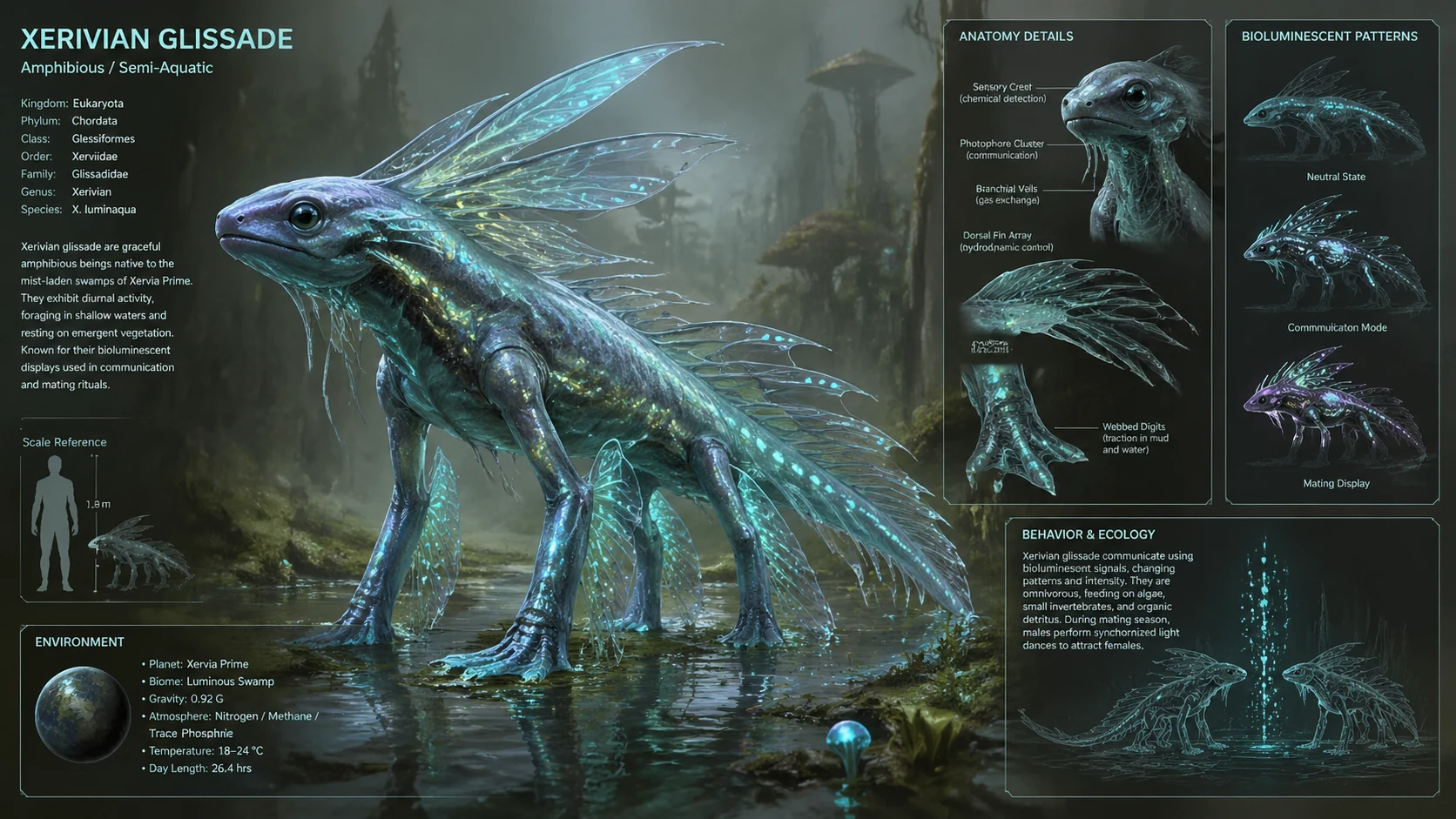 Alien Lifeform Concepts AI Image GeneratorCreate Alien Lifeform Concepts with Seele AI's free image generator. Explore prompt ideas, visual styles, and fast image creation.View prompt →
 2026 World Cup Match Poster AI Image GeneratorMake custom 2026 World Cup match posters for any match. Custom teams, date, score, design in seconds.View prompt →