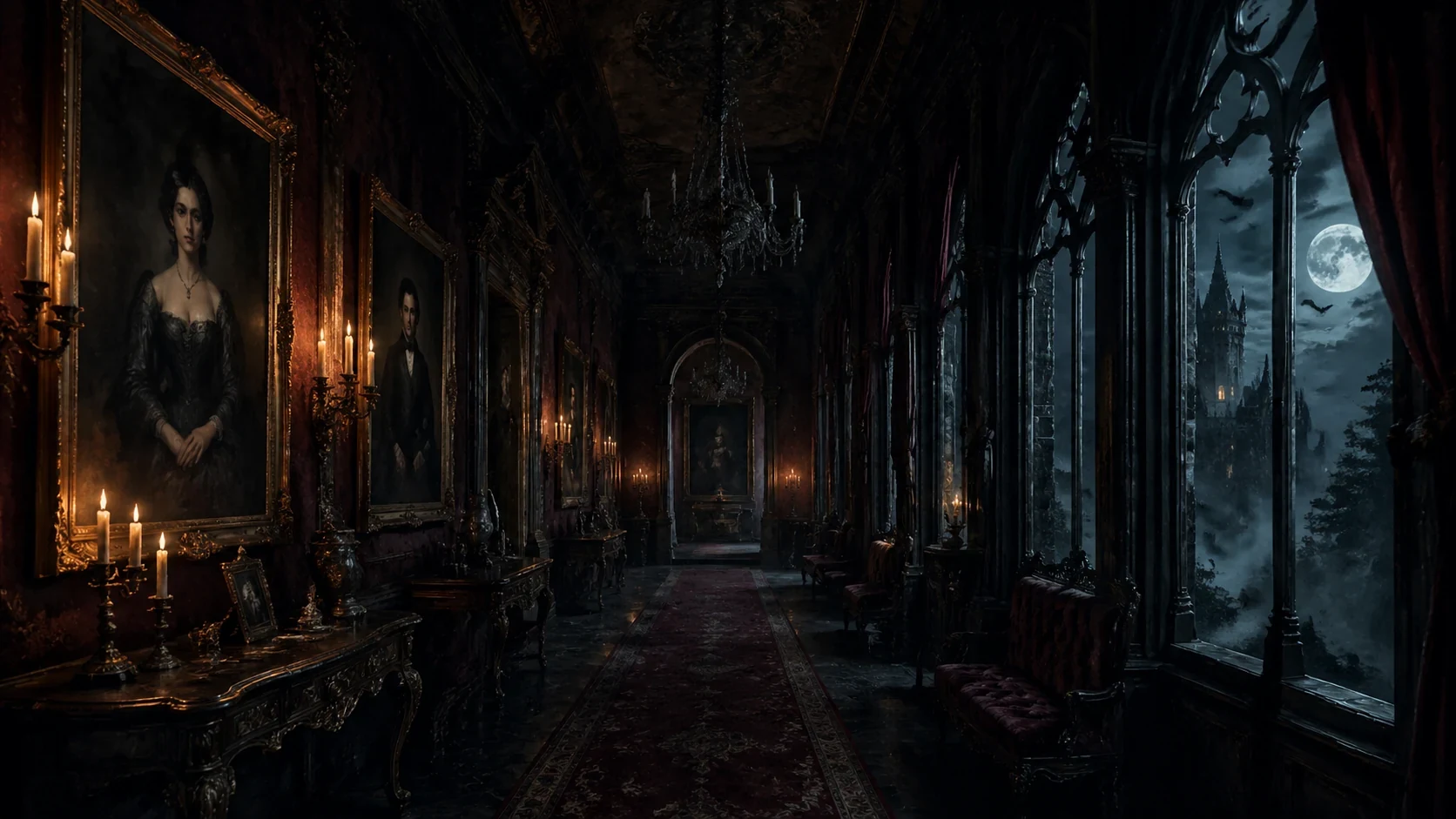
Prompt
Gothic Victorian mansion hallway, candlelit portraits, dark velvet textures, arched windows, moonlit fog, cinematic oil-painting atmosphere, ornate details
Create this look
Create gothic victorian art for concept art, posters, thumbnails, wallpapers, and moodboards. Start from a polished prompt, adjust subject, composition, lighting, and color, and keep the result original. Create moody nineteenth-century inspired scenes, portraits, covers, and decor references with dramatic architecture and candlelit atmosphere. Unofficial creative image generator. Not affiliated with, endorsed by, or authorized by any entertainment label, artist estate, studio, game publisher, platform, museum, or cultural institution. Avoid real-person likenesses, official marks, protected characters, and exact artist imitation.
Gothic Victorian mansion hallway, candlelit portraits, dark velvet textures, arched windows, moonlit fog, cinematic oil-painting atmosphere, ornate details
Create this lookVictorian gothic heroine portrait, black lace collar, antique cameo, stormy window light, muted emerald and burgundy palette, dramatic chiaroscuro composition
Create this look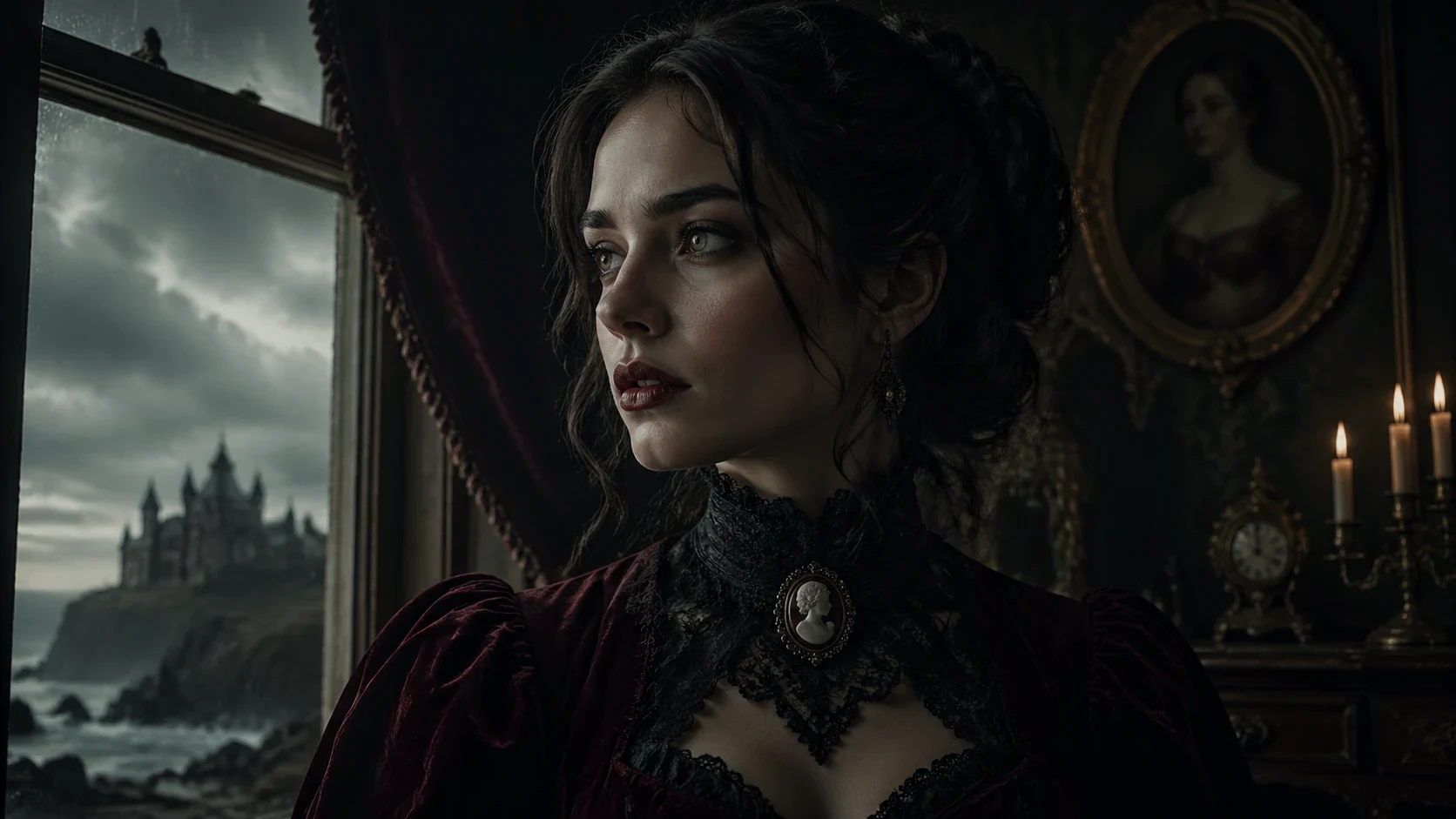
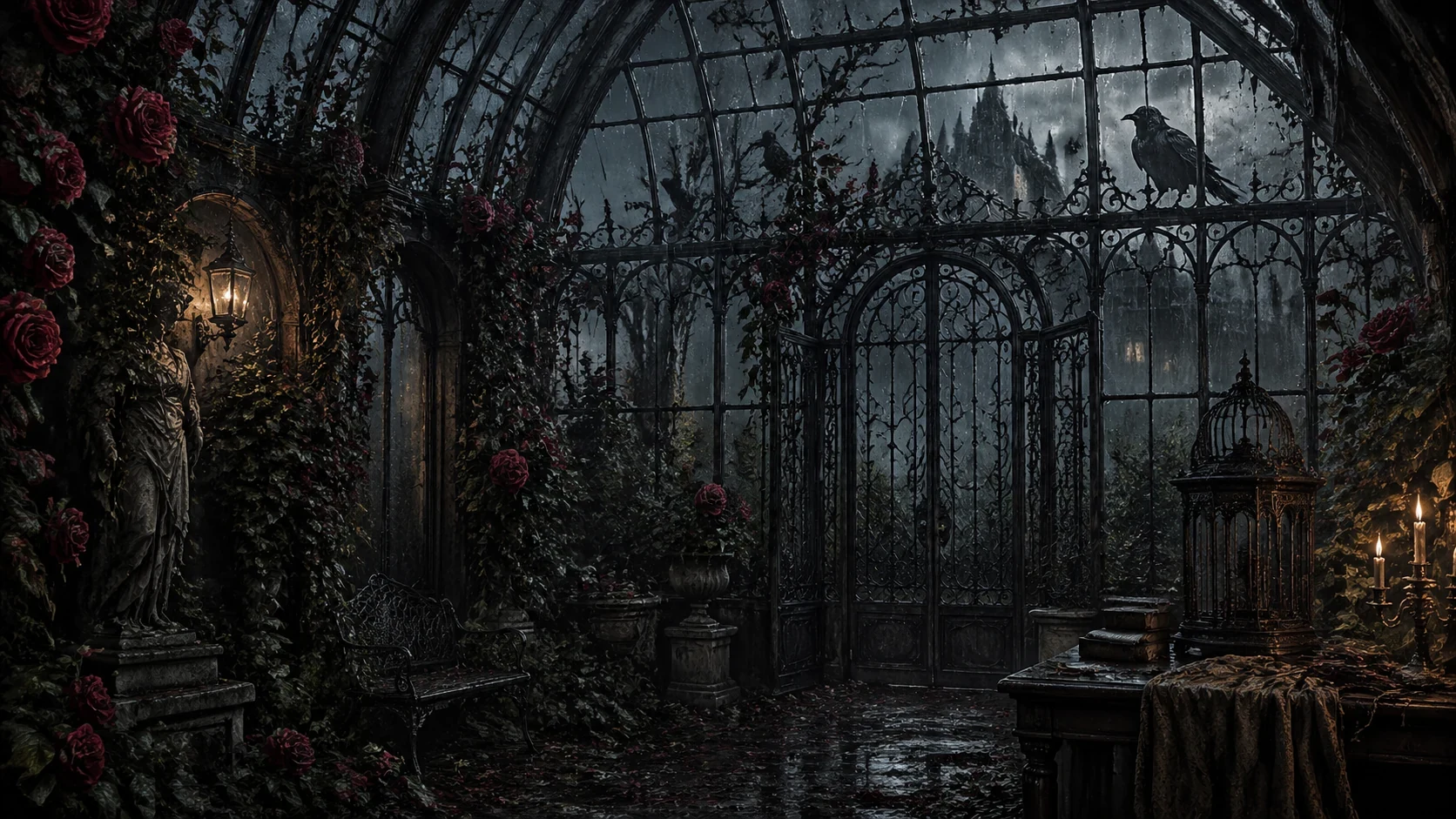
Haunted conservatory in gothic Victorian style, overgrown roses, wrought iron glasshouse, rain on panes, ravens outside, richly textured fantasy illustration
Create this lookPrompt workflow
Use this page as a starting point for a focused gothic victorian art visual. A strong prompt names the subject first, then gives the image model enough direction about composition, style, lighting, and what to leave out.
Describe the person, object, scene, or visual motif before adding decoration.
Add the crop, viewpoint, layout, depth, and the area that should attract attention.
Use concrete references such as editorial, cinematic, flat graphic, soft light, or rim light.
Specify exclusions such as text, logos, watermarks, unwanted likenesses, or extra objects.
Prompt formula
Keep the first version specific but editable. Start with the visual idea on this page, then change one variable at a time so the result is easier to compare and refine.
It is a free image generator workflow that turns your gothic victorian art idea into a detailed prompt with subject, style, lighting, composition, and safe originality cues.
Name the subject, mood, color palette, camera angle, background, lighting, and intended use. Add constraints such as original character, no logos, no copied artwork, and no real-person likeness when relevant.
Yes. Edit the prompt for format, lens, crop, visual medium, palette, texture, lighting direction, and negative constraints before opening it in the workspace.
Use them for concept art, thumbnails, posters, wallpapers, social graphics, moodboards, product directions, or creative briefs, subject to your own rights review.
Unofficial creative image generator. Not affiliated with, endorsed by, or authorized by any entertainment label, artist estate, studio, game publisher, platform, museum, or cultural institution. Avoid real-person likenesses, official marks, protected characters, and exact artist imitation.
Open Seele AI workspace, start from a prompt, and keep iterating the visual direction until it feels ready to use.
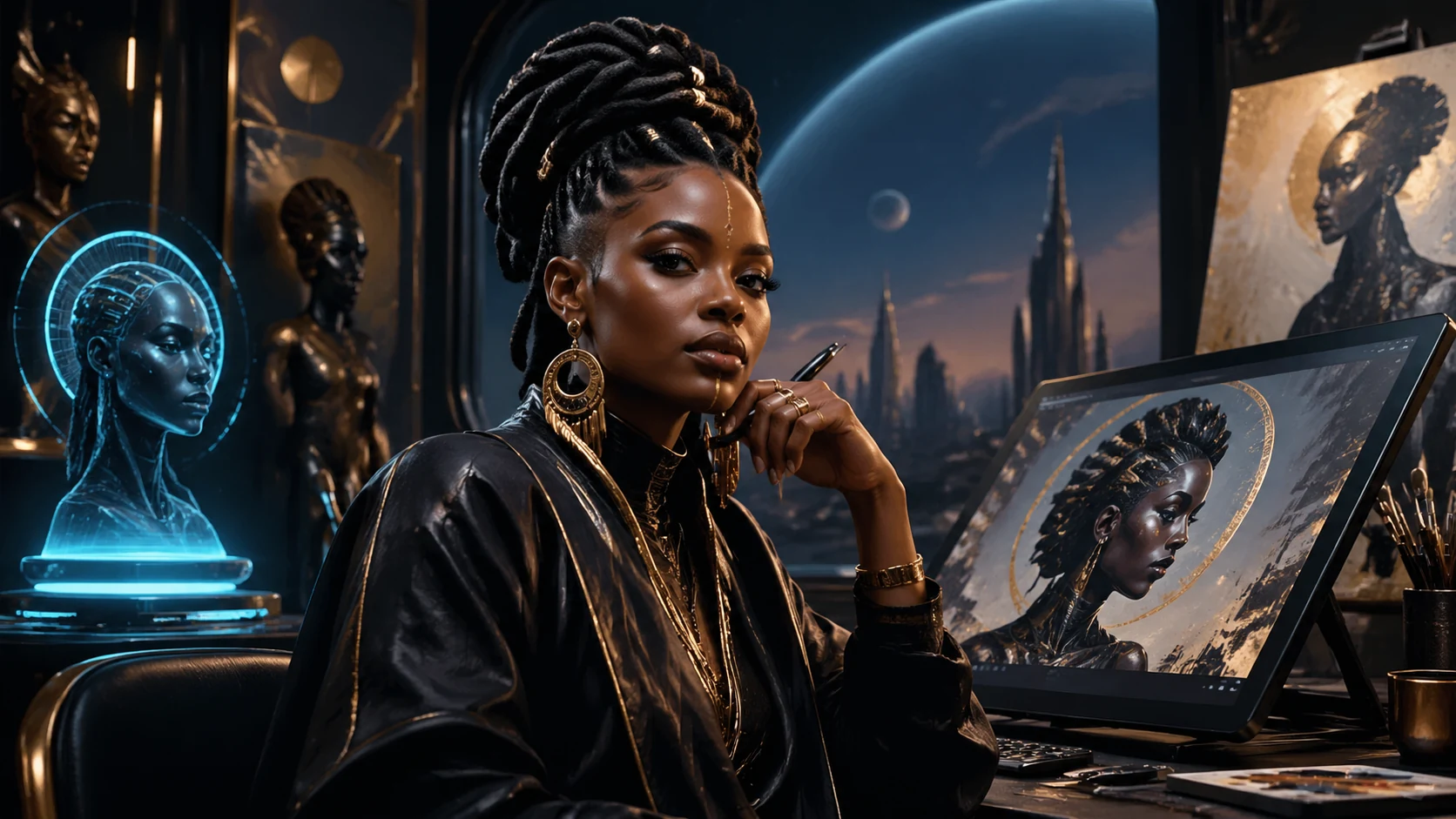 Afrofuturism Portrait Art AI Image GeneratorCreate afrofuturism portrait art with Seele AI's free image generator. Explore starter prompts, visual directions, FAQs, and workspace handoff for Artists / cView prompt →
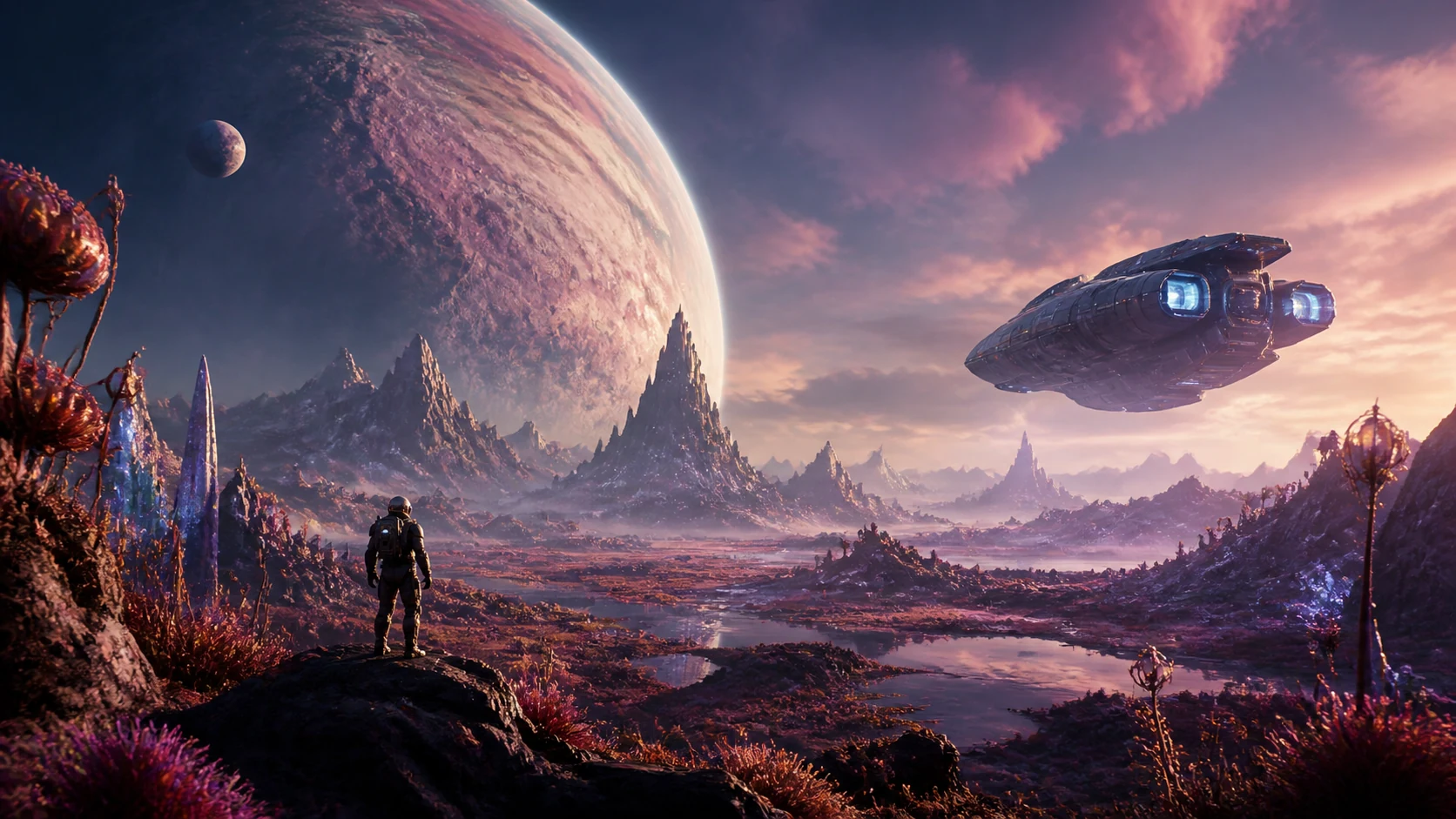 Alien Planet Landscape Art AI Image GeneratorCreate Alien Planet Landscape Art with Seele AI's free image generator. Explore prompt ideas, visual styles, and fast image creation.View prompt →
 Arcade Cabinet Art AI Image GeneratorUse a free image generator to create original arcade cabinet art visuals with game-ready prompts, local examples, and editable creative direction.View prompt →
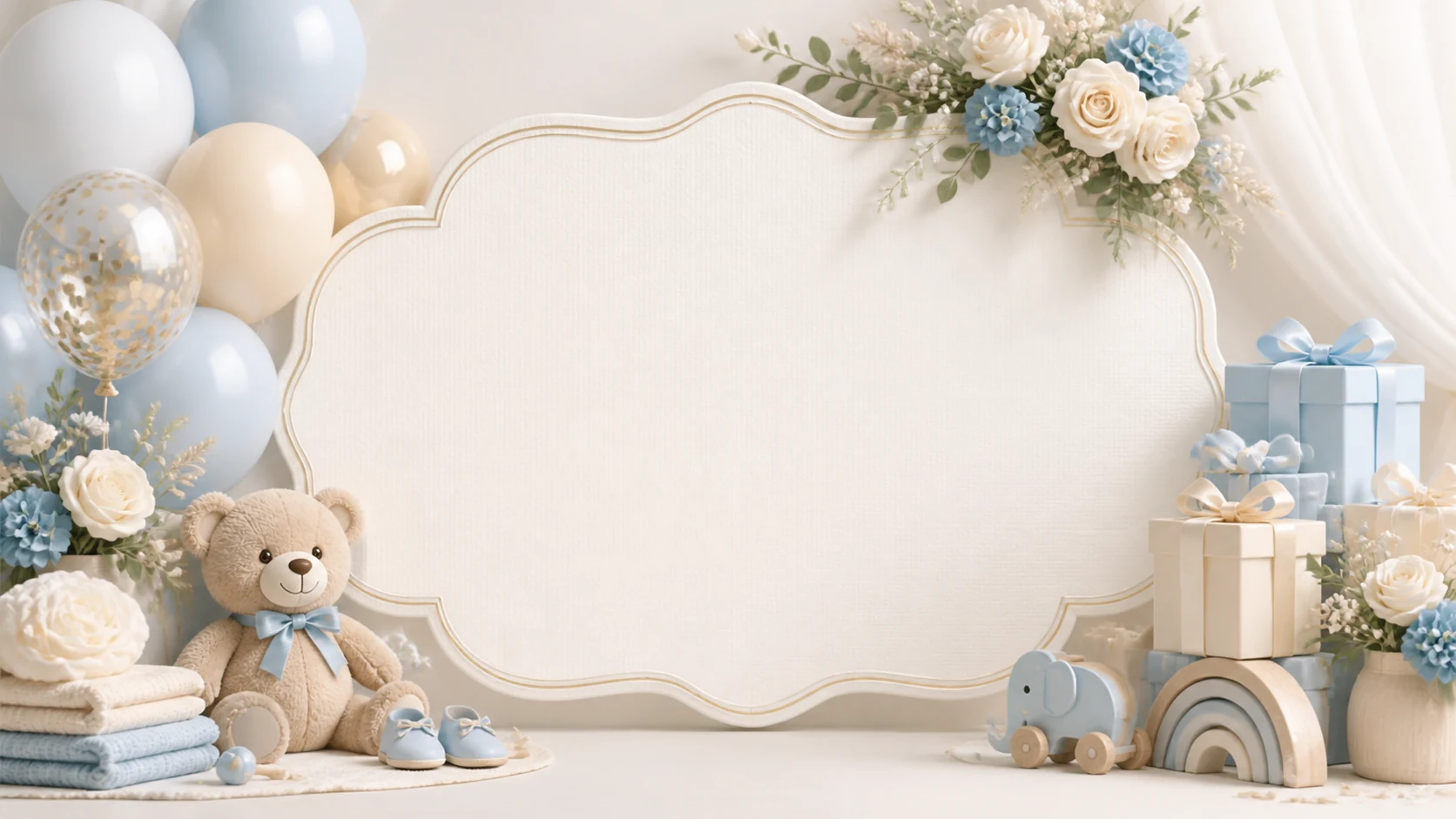 Baby Shower Invitation Art AI Image GeneratorCreate Baby Shower Invitation Art with Seele AI's free image generator. Explore prompt ideas, visual styles, and fast image creation.View prompt →
 Back To School Poster Art AI Image GeneratorCreate Back To School Poster Art with Seele AI's free image generator. Explore prompt ideas, visual styles, and fast image creation.View prompt →
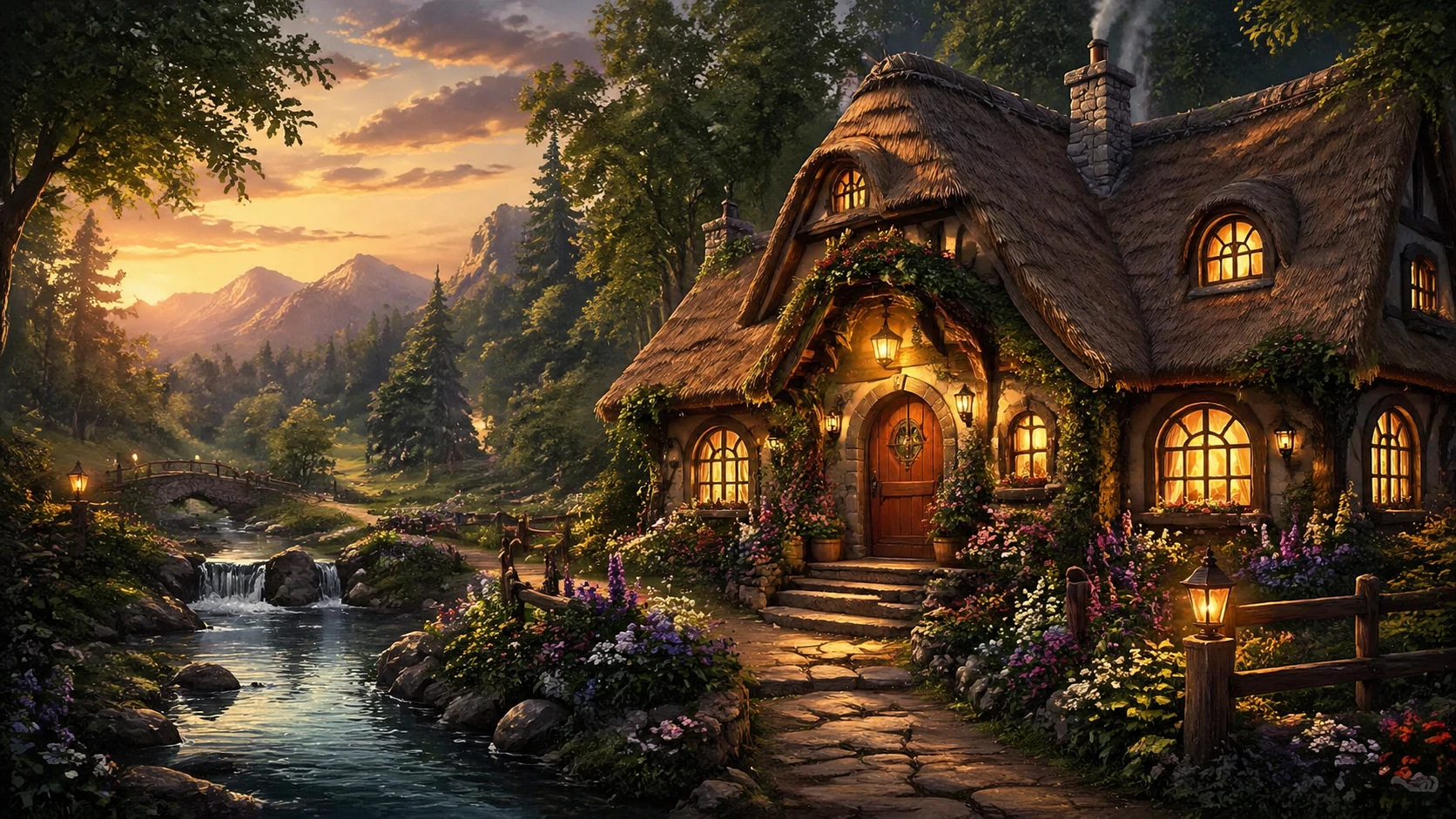 Cozy Fantasy Cottage Art AI Image GeneratorCreate cozy fantasy cottage art with Seele AI's free image generator. Explore starter prompts, visual directions, FAQs, and workspace handoff for Fantasy fansView prompt →