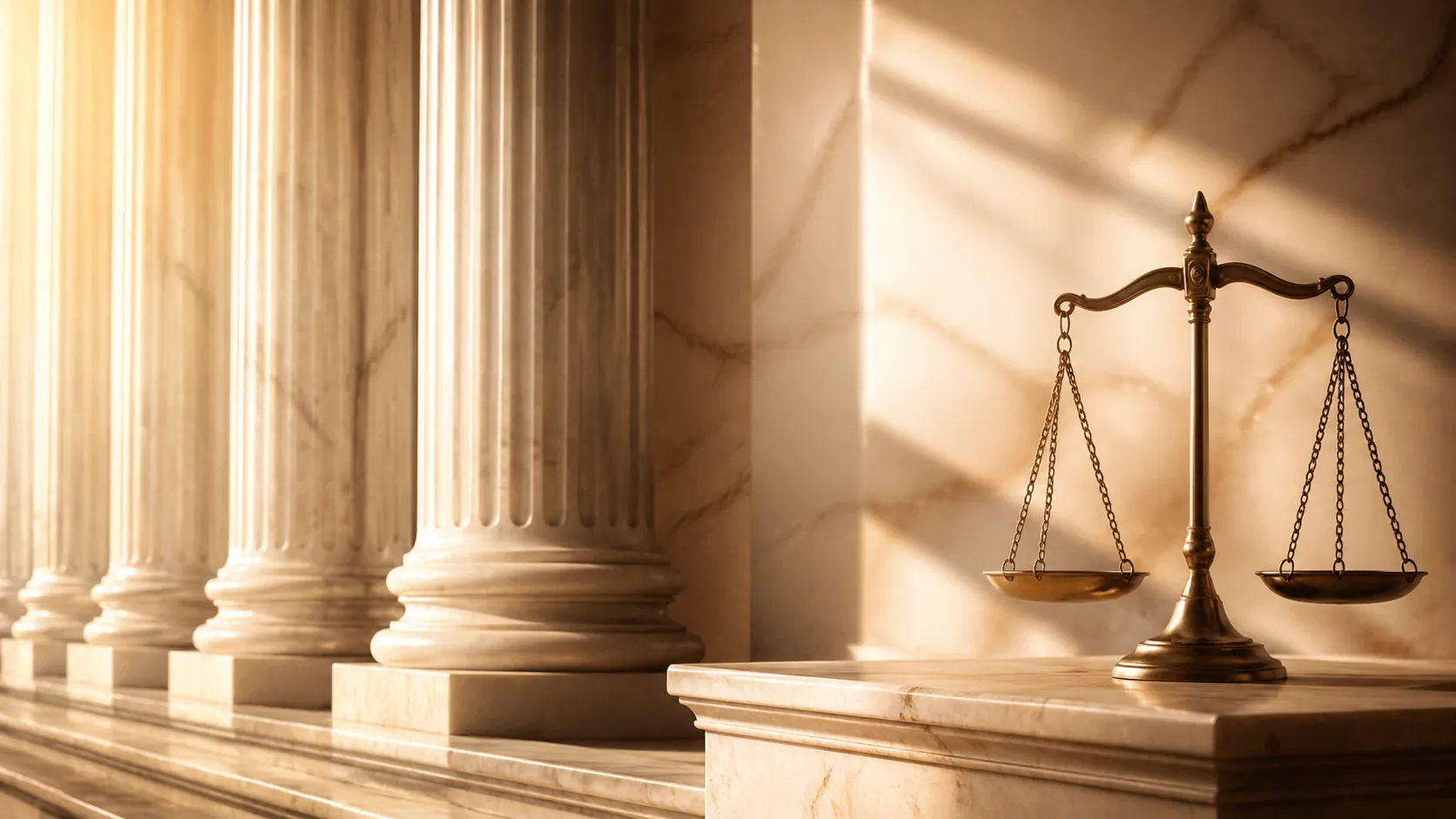
Prompt
Create legal law firm aesthetic visuals, elegant courthouse columns and balanced scales abstracted in warm marble light, premium professional mood, no readable text, no logo, no watermark
Create this look
Create legal law firm aesthetic visuals concepts with clear subject details, style references, lighting, camera angle, composition, and brand-safe constraints. Create trustworthy legal visuals for law firm websites, article headers, ads, and professional service decks.
Create legal law firm aesthetic visuals, elegant courthouse columns and balanced scales abstracted in warm marble light, premium professional mood, no readable text, no logo, no watermark
Create this lookCreate a modern law office visual, dark wood conference table, city skyline, leather folders without markings, calm authoritative lighting, no text, no logo, no watermark
Create this look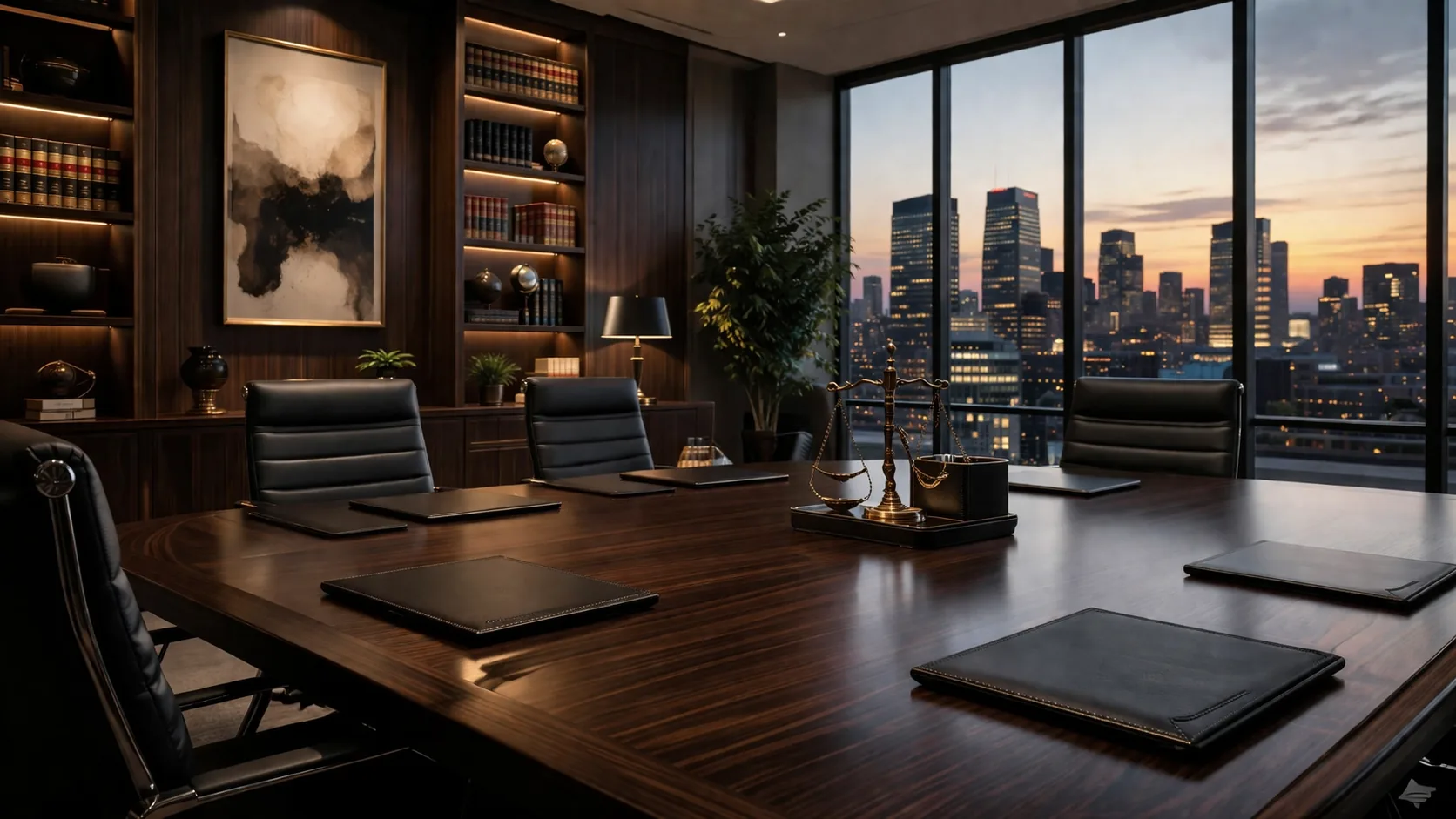
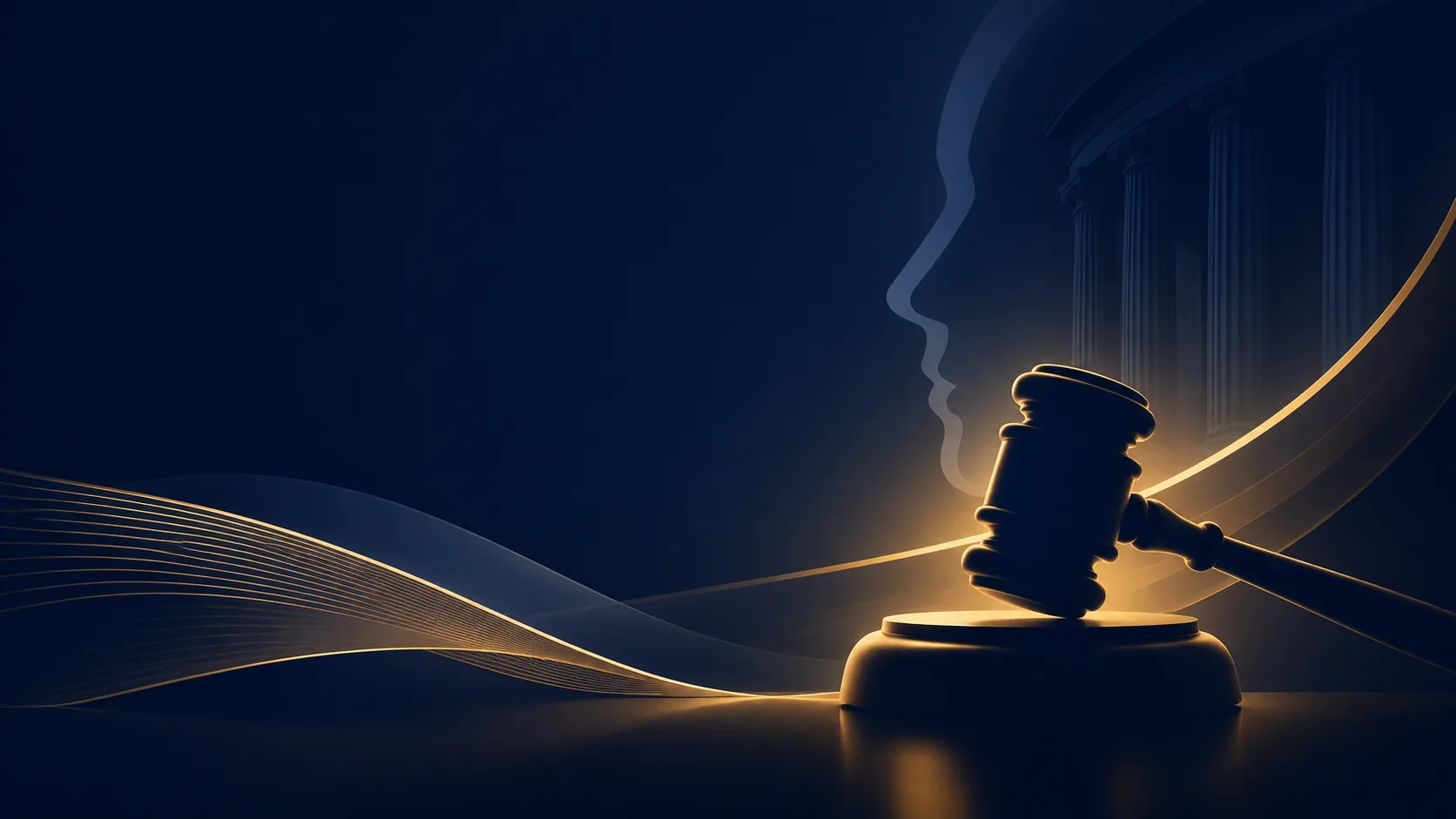
Create a legal consultation concept image, abstract gavel silhouette, soft gold highlights, navy background, refined B2B website hero composition, no text, no logo, no watermark
Create this lookPrompt workflow
Use this page as a starting point for a focused legal/law firm aesthetic visuals visual. A strong prompt names the subject first, then gives the image model enough direction about composition, style, lighting, and what to leave out.
Describe the person, object, scene, or visual motif before adding decoration.
Add the crop, viewpoint, layout, depth, and the area that should attract attention.
Use concrete references such as editorial, cinematic, flat graphic, soft light, or rim light.
Specify exclusions such as text, logos, watermarks, unwanted likenesses, or extra objects.
Prompt formula
Keep the first version specific but editable. Start with the visual idea on this page, then change one variable at a time so the result is easier to compare and refine.
It is a free image generator workflow that turns a short idea into a detailed legal/law firm aesthetic visuals prompt with subject, style, lighting, camera angle, and composition cues.
Start with the exact subject, then add use case, visual style, materials, color palette, lighting, camera angle, and what to avoid such as readable text, logos, or watermarks.
Yes. Each prompt can specify studio lighting, natural daylight, macro depth of field, cinematic wide angle, flat lay, poster layout, product shot, or editorial framing.
Use them for concept art, campaign drafts, product mockups, website heroes, social thumbnails, posters, decks, and other visual planning where you need original imagery.
You can use the prompts as creative direction, but you should review generated outputs for rights, brand safety, privacy, and any third-party restrictions before publishing.
Open Seele AI workspace, start from a prompt, and keep iterating the visual direction until it feels ready to use.
 K-Pop Idol Aesthetic Portraits AI Image GeneratorUse a free image generator to create original k-pop idol aesthetic portraits for posters, avatars, wallpapers, concept art, and social visuals with safe promptView prompt →
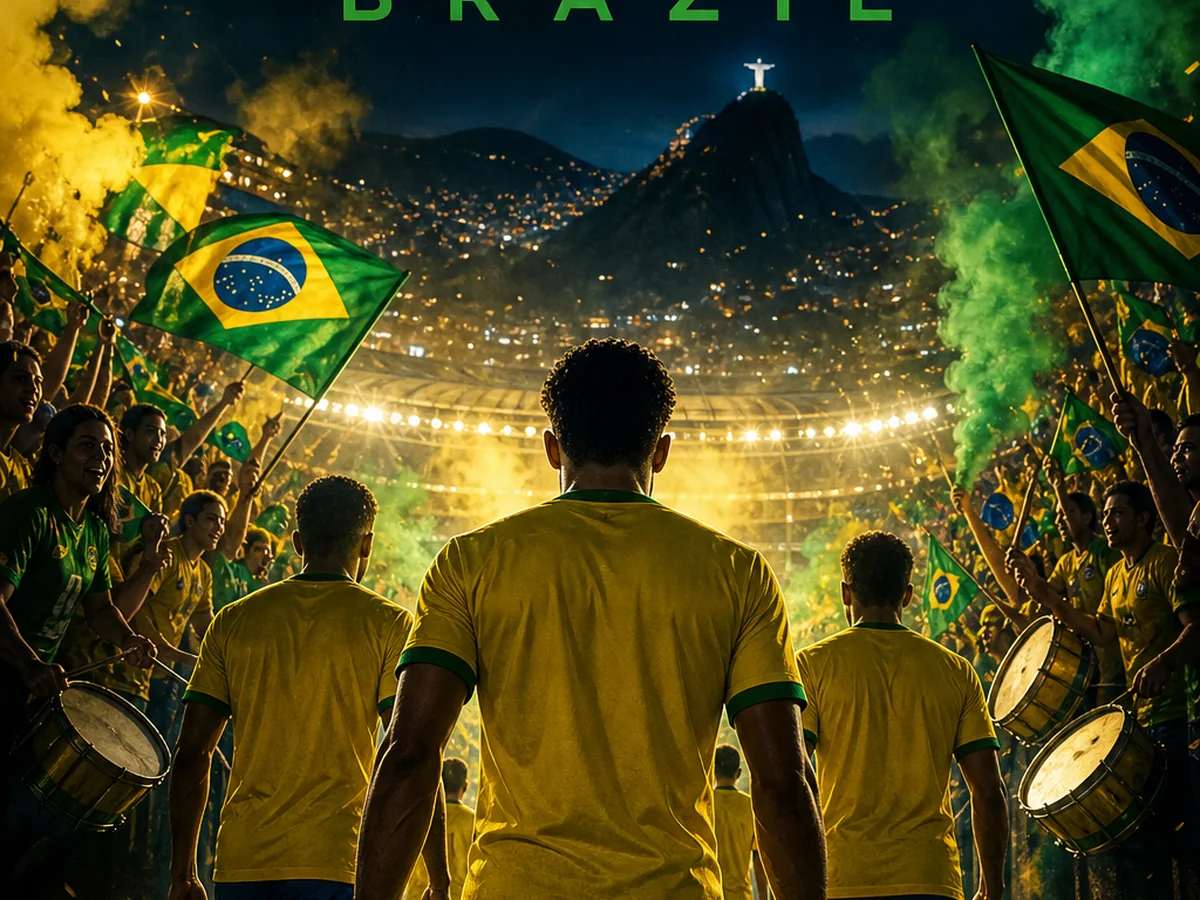 2026 World Cup Match Poster AI Image GeneratorMake custom 2026 World Cup match posters for any match. Custom teams, date, score, design in seconds.View prompt →
 Abandoned Space Colony Map AI Image Generator | SEELE AICreate unique abandoned space colony map visuals for games with SEELE AI. Generate production-ready concepts, iterate on style, and export assets for your project.View prompt →
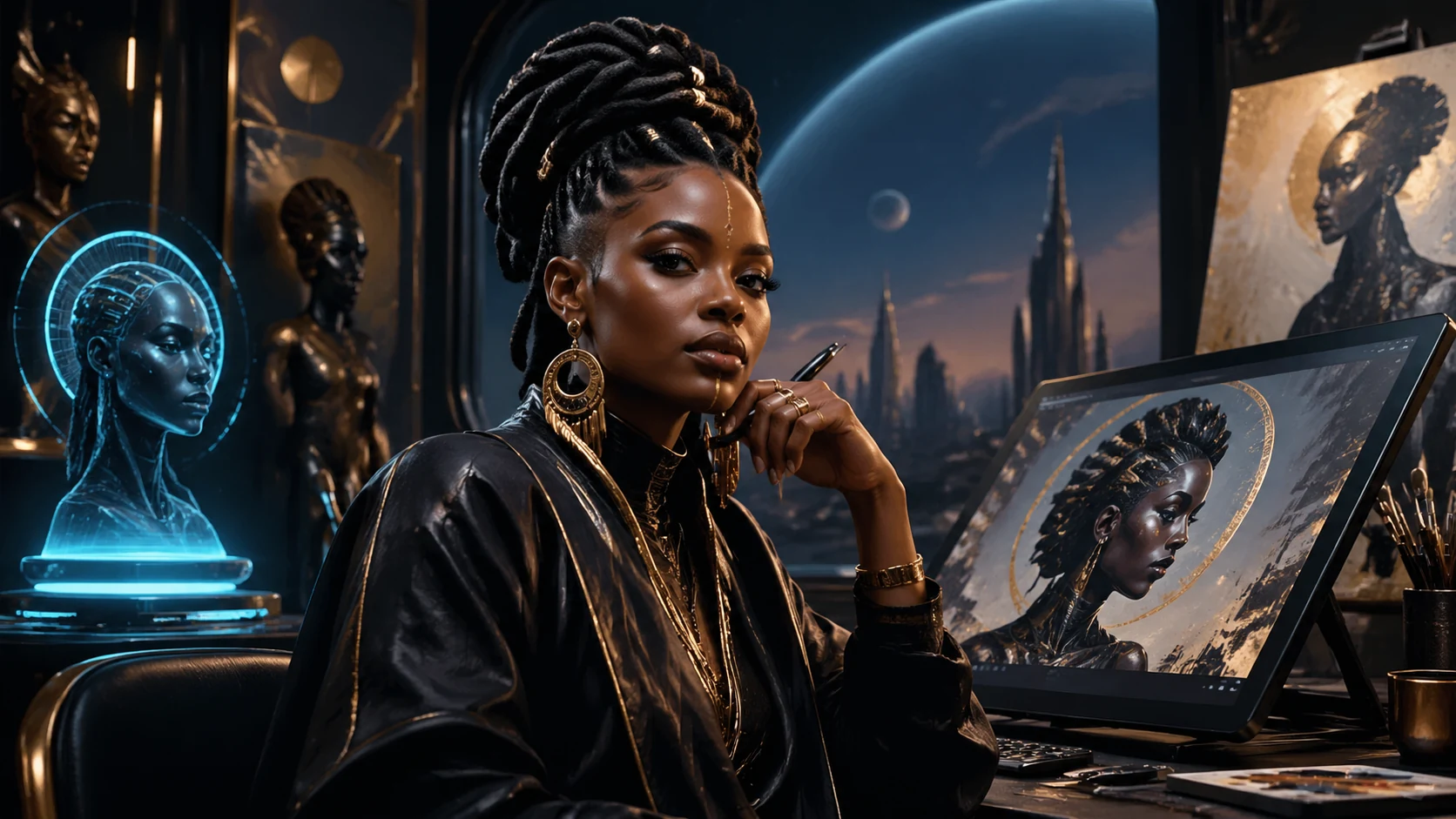 Afrofuturism Portrait Art AI Image GeneratorCreate afrofuturism portrait art with Seele AI's free image generator. Explore starter prompts, visual directions, FAQs, and workspace handoff for Artists / cView prompt →
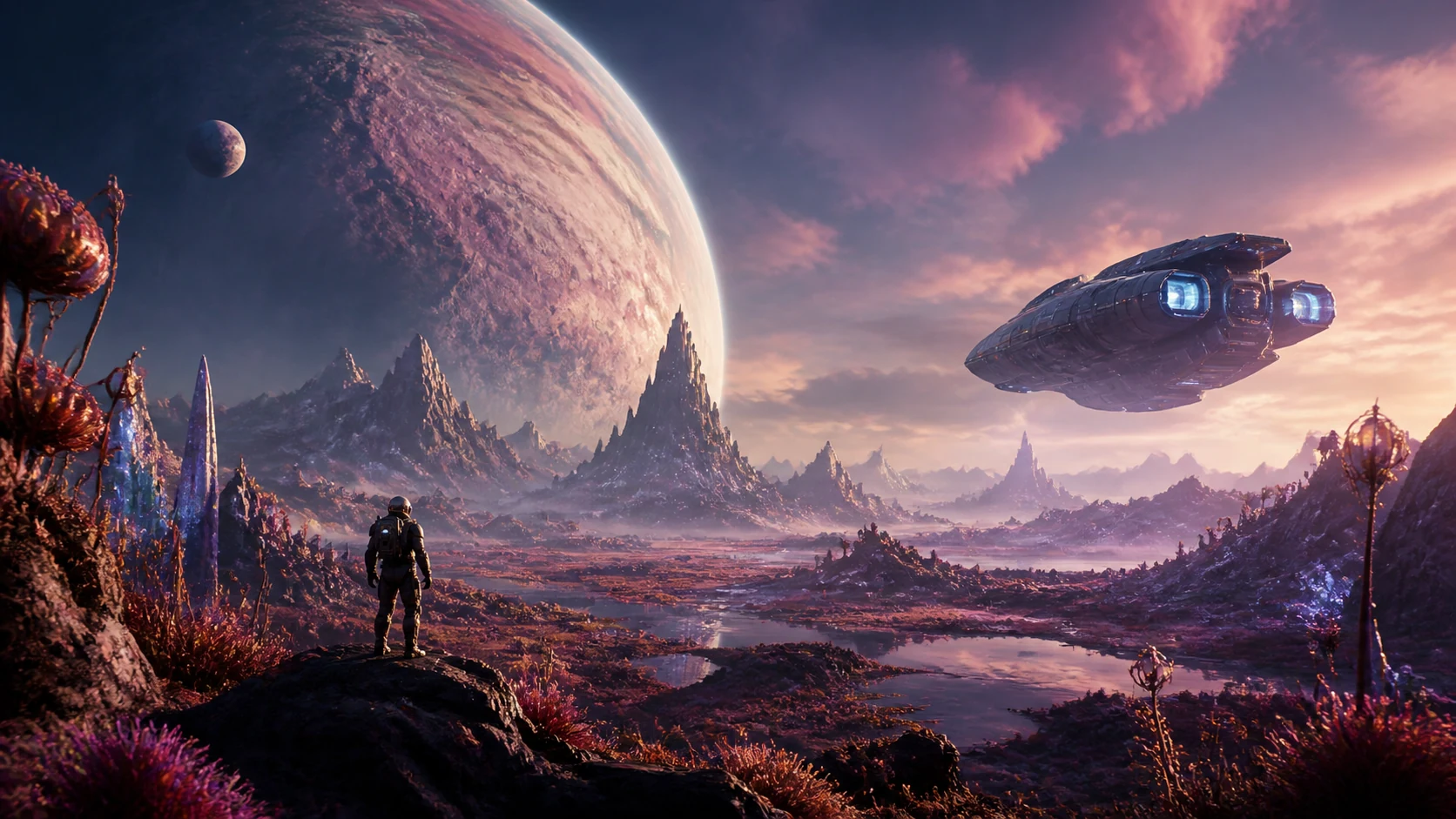 Alien Planet Landscape Art AI Image GeneratorCreate Alien Planet Landscape Art with Seele AI's free image generator. Explore prompt ideas, visual styles, and fast image creation.View prompt →
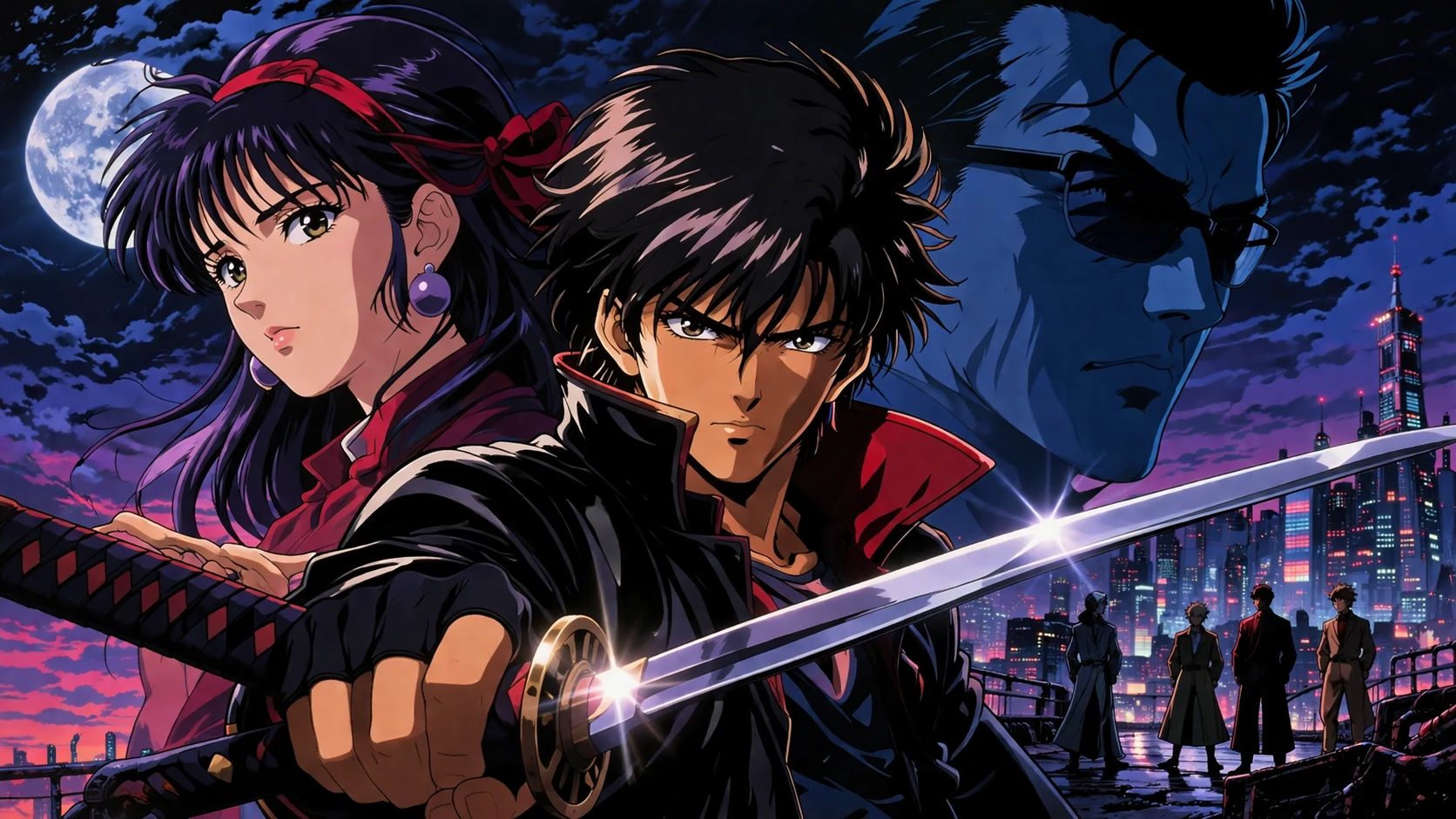 Anime Game Background AI Image GeneratorCreate anime game background visuals with a free image generator, local prompt examples, and Seele AI workspace handoff for game assets.View prompt →