Prompt
Generate paper grain overlay effects with warm off-white fibers, subtle speckles, handmade pulp texture, evenly distributed surface detail, flat scan style, no text.
Create this look
Create paper grain overlay effects for campaigns, product pages, editorial layouts, and creative systems. Generate subtle analog overlays for posters, editorial layouts, packaging mockups, and social graphics. Tune subject, style, composition, lighting, color, and negative space before opening the workspace.
Generate paper grain overlay effects with warm off-white fibers, subtle speckles, handmade pulp texture, evenly distributed surface detail, flat scan style, no text.
Create this lookGenerate a transparent-feeling paper grain texture on soft beige background, fine dust, wrinkles, analog print mood, high-resolution overlay asset, no logo or words.
Create this look
Generate a vintage paper grain overlay with gentle stains, tactile fibers, soft vignette, neutral cream palette, suitable for poster design, no text.
Create this lookPrompt workflow
Use this page as a starting point for a focused paper grain overlay effects visual. A strong prompt names the subject first, then gives the image model enough direction about composition, style, lighting, and what to leave out.
Describe the person, object, scene, or visual motif before adding decoration.
Add the crop, viewpoint, layout, depth, and the area that should attract attention.
Use concrete references such as editorial, cinematic, flat graphic, soft light, or rim light.
Specify exclusions such as text, logos, watermarks, unwanted likenesses, or extra objects.
Prompt formula
Keep the first version specific but editable. Start with the visual idea on this page, then change one variable at a time so the result is easier to compare and refine.
It helps you turn a short idea into a detailed prompt for paper grain overlay effects, including subject, style, lighting, composition, and practical usage context.
Start with the output format, describe the main subject, choose a style, set lighting and camera/composition, then add constraints such as no text, no logos, or a clear safe area for overlays.
Yes. Add cues such as cinematic lighting, flat lay, isometric view, vertical social format, dark gradient background, studio shadows, or spacious negative space.
They work well for landing pages, blog headers, ad creatives, social posts, product mockups, presentations, mood boards, and creative direction drafts.
Yes. Use original, brand-safe prompts and avoid protected logos, private likenesses, or misleading official branding unless you have permission.
Open Seele AI workspace, start from a prompt, and keep iterating the visual direction until it feels ready to use.
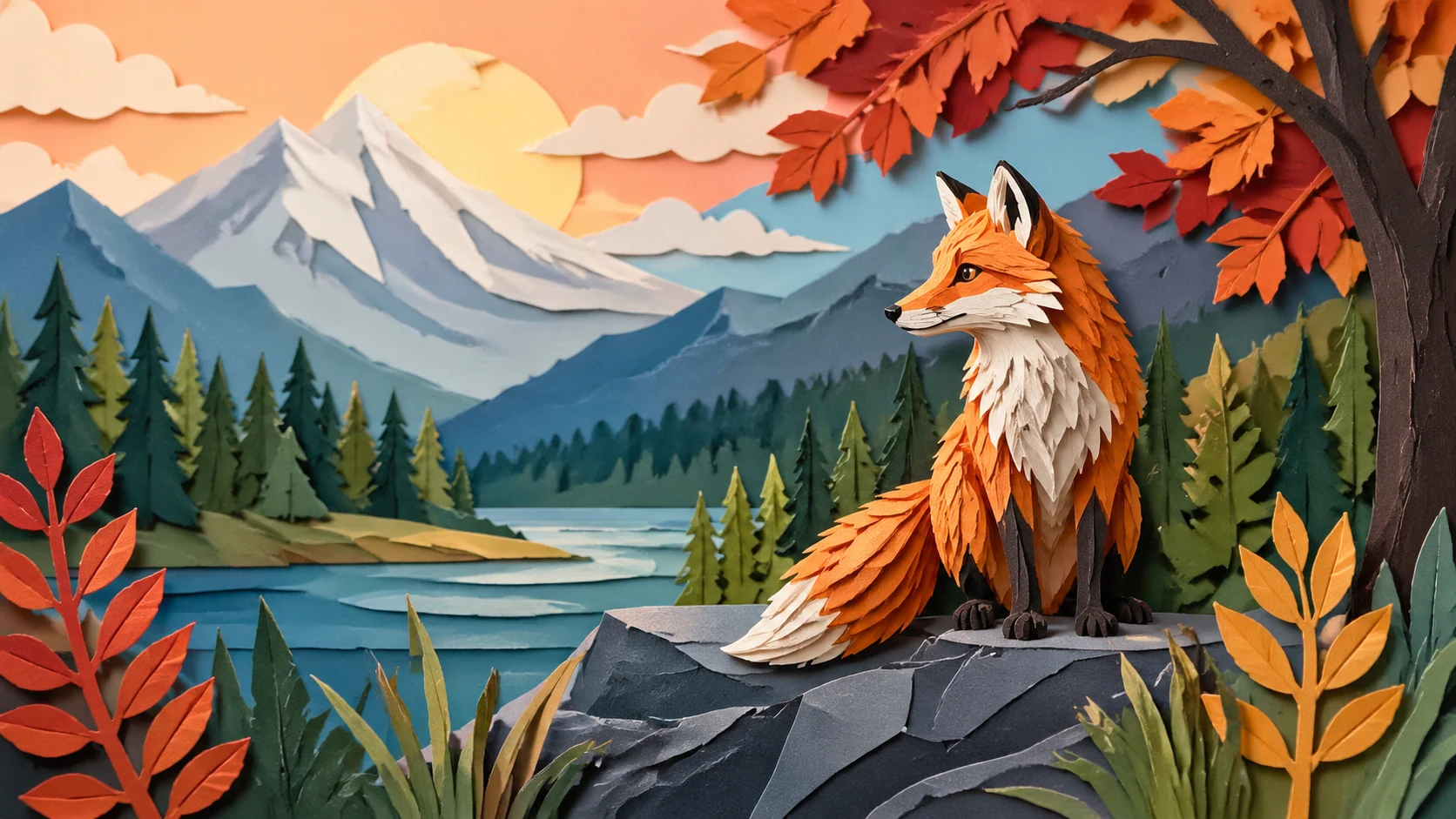 Paper Cutout Craft Art AI Image GeneratorUse SEELE AI's free image generator to create paper cutout craft art with prompt-ready style, lighting, composition, and downloadable visual directions.View prompt →
 Twitch Stream Overlay Backgrounds AI Image GeneratorCreate twitch stream overlay backgrounds with Seele AI's free image generator. Explore starter prompts, visual directions, FAQs, and workspace handoff for StrView prompt →
 Bokeh Background Effects AI Image GeneratorUse a free image generator to create original bokeh background effects visuals with polished style, lighting, composition, and reusable prompt ideas.View prompt →
 Cinematic Film Grain Photos AI Image GeneratorUse SEELE AI's free image generator to create cinematic film grain photos with prompt-ready style, lighting, composition, and downloadable visual directions.View prompt →
 Mobile Game HUD Overlay AI Image Generator | SEELE AICreate unique mobile game hud overlay visuals for games with SEELE AI. Generate production-ready concepts, iterate on style, and export assets for your project.View prompt →
 Origami Paper Art AI Image GeneratorUse a free image generator to create original origami paper art visuals with polished style, lighting, composition, and reusable prompt ideas.View prompt →