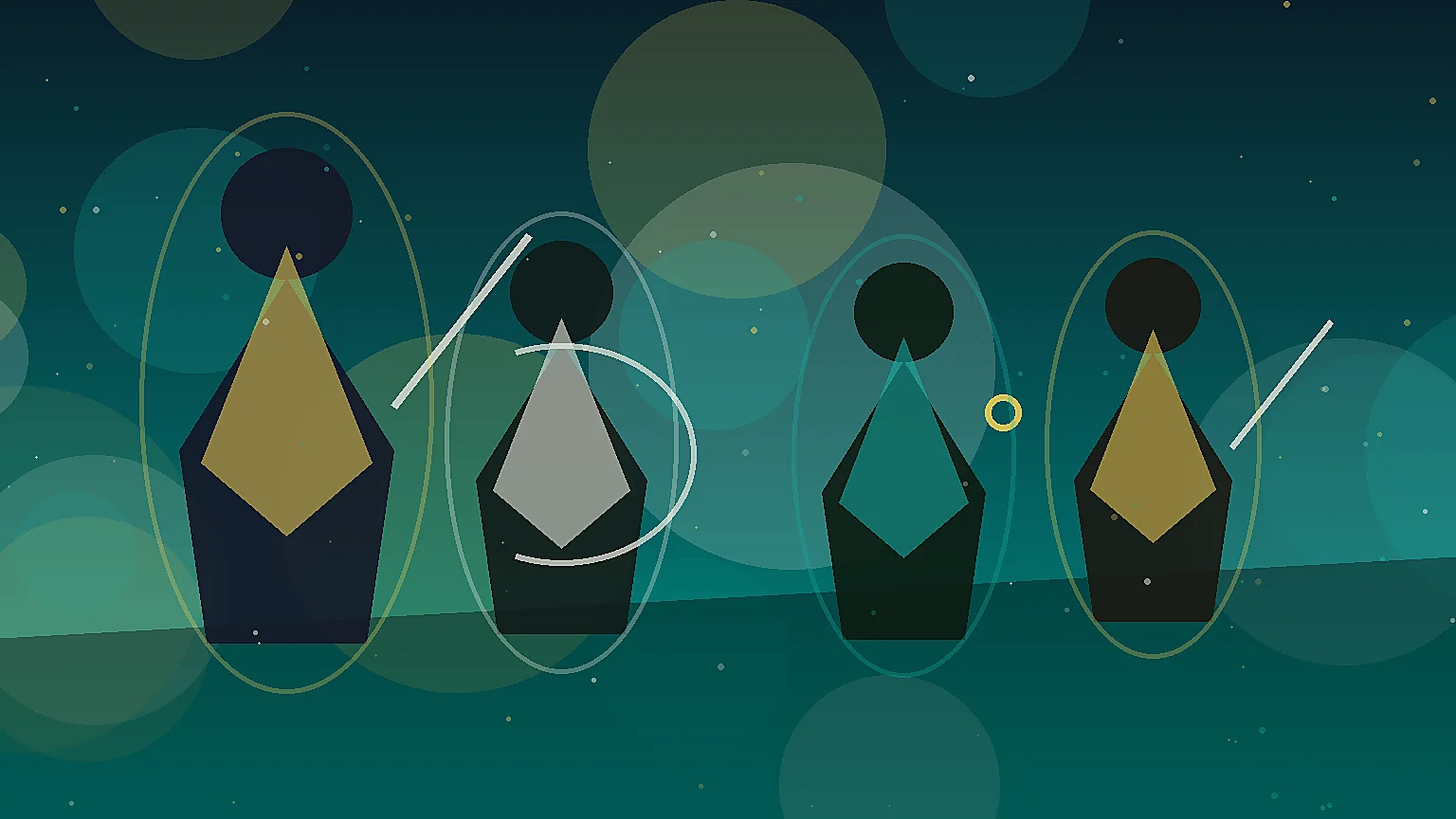
Prompt
Generate original post-apocalyptic survivor portraits for a survival RPG roster, scavenged gear, weathered faces, faction cues, consistent bust framing, no text, no logo, no watermark, landscape 16:9 composition
Create this lookCreate post apocalyptic survivor portraits concepts with readable silhouettes, clear class or creature roles, cinematic lighting, and production-ready prompt structure. Built for game art, NPC rosters, playable characters, creature design, and portrait exploration while avoiding copyrighted characters, trademarks, logos, readable text, and real-person likenesses.
Generate original post-apocalyptic survivor portraits for a survival RPG roster, scavenged gear, weathered faces, faction cues, consistent bust framing, no text, no logo, no watermark, landscape 16:9 composition
Create this lookGenerate polished wasteland character portrait concepts, medic scout mechanic raider trader archetypes, grounded materials and cinematic dust lighting, no text, no logo, no watermark, landscape 16:9 composition
Create this look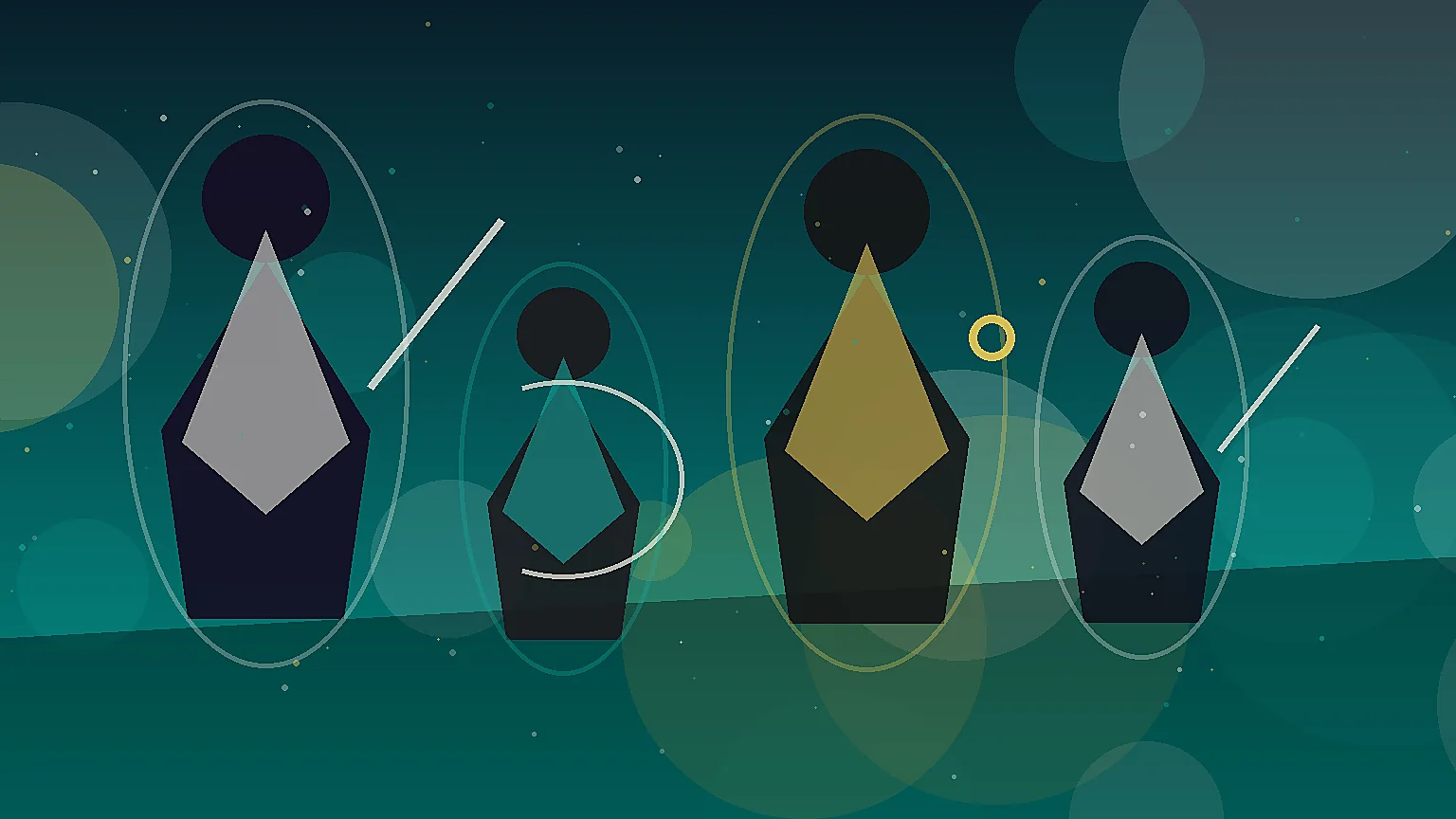
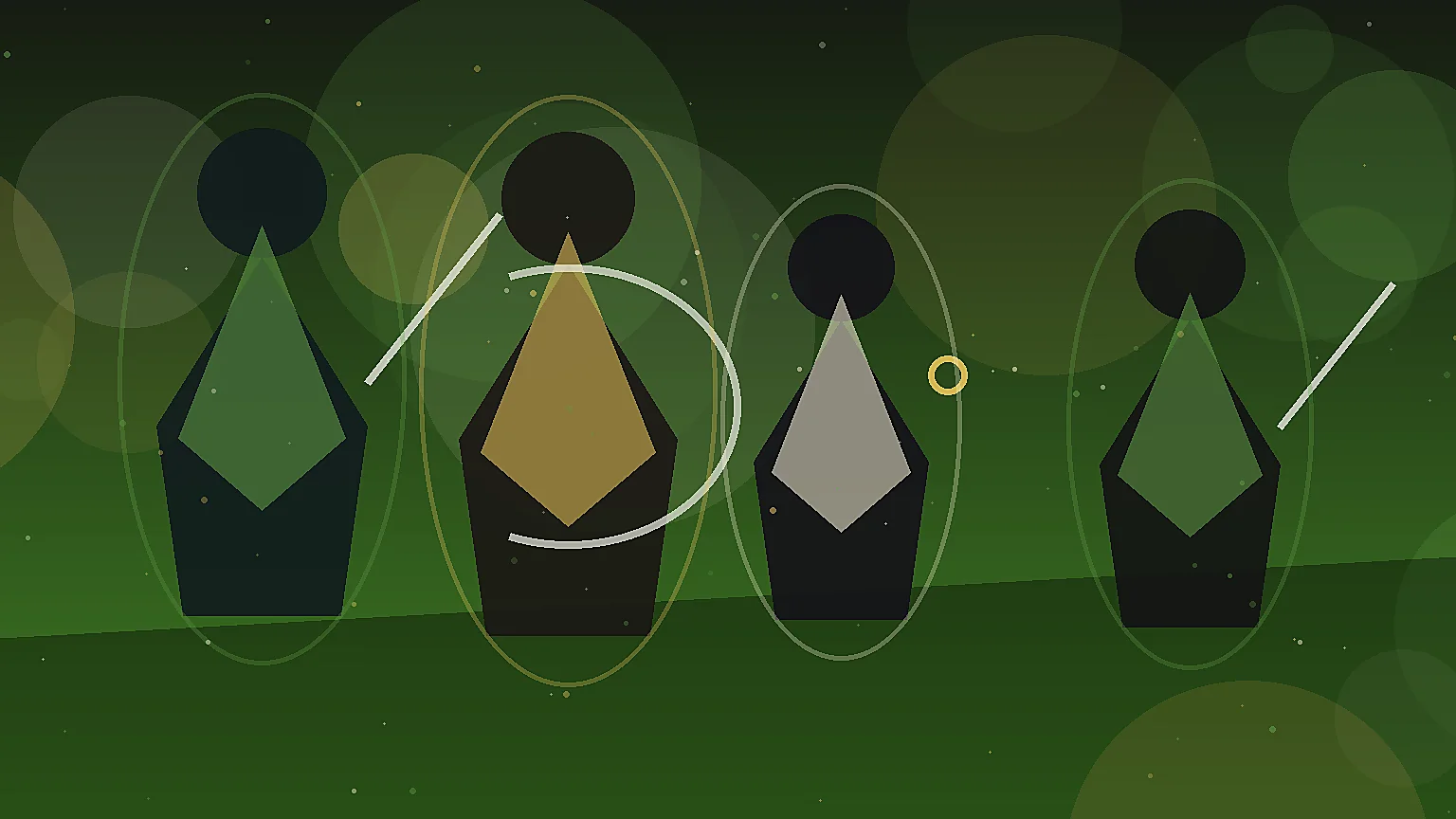
Generate game-ready post-apocalyptic survivor portrait sheet, expressive dialogue portraits, original costumes, believable survival equipment, no text, no logo, no watermark, landscape 16:9 composition
Create this lookIt helps you turn a game-art idea into prompts and visual examples for original post apocalyptic survivor portraits, including role, silhouette, pose, materials, lighting, and composition cues.
No. Use the page to create original characters, NPCs, creatures, portraits, and faction concepts. Avoid copyrighted characters, trademarks, logos, readable text, and real-person likenesses unless you have explicit rights.
Describe the gameplay role, body shape, costume or anatomy, materials, camera crop, lighting, mood, and negative constraints such as no text, no logo, and no existing character likeness.
Yes. The examples are structured for concept exploration, roster planning, portrait direction, modeling references, and handoff to artists or prompt iteration.
Yes. Add terms such as dialogue portrait crop, full-body turnaround, class lineup, boss silhouette sheet, or companion creature roster to steer the final image.
Open Seele AI workspace, start from a prompt, and keep iterating the visual direction until it feels ready to use.