
AI game art generator
AI Game Art Generator
Generate stylized concept art and game visuals in seconds. Try this exact prompt: Generate a cinematic key visual for a sci-fi action game, with strong silhouette, dramatic lighting, and clean focal hierarchy.
Prompt-bound visual evidence
See a cinematic sci-fi key visual from the exact brief
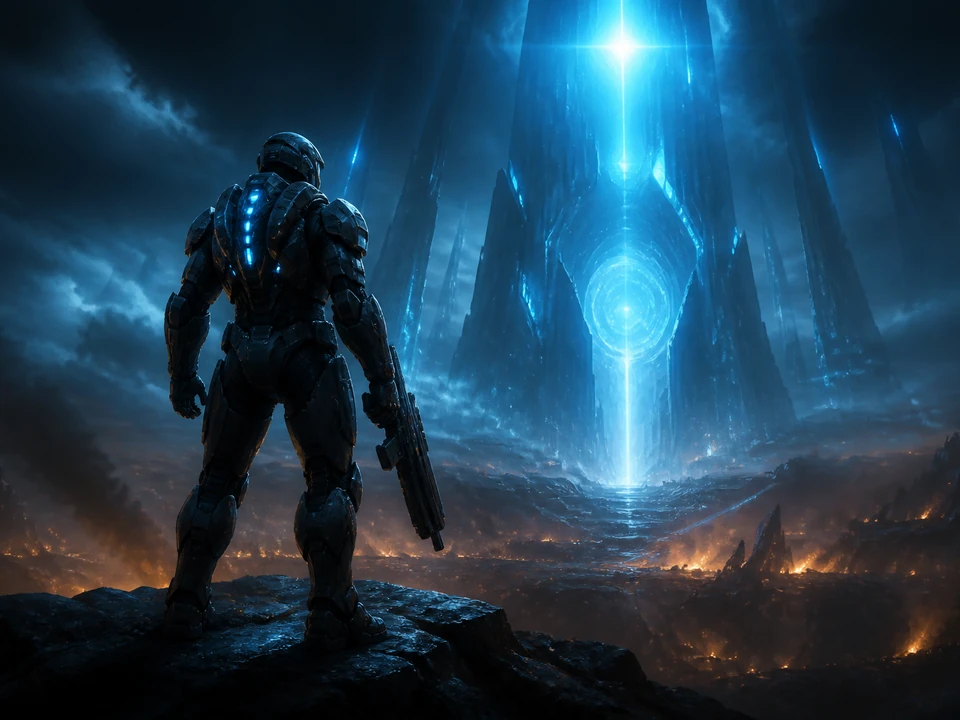
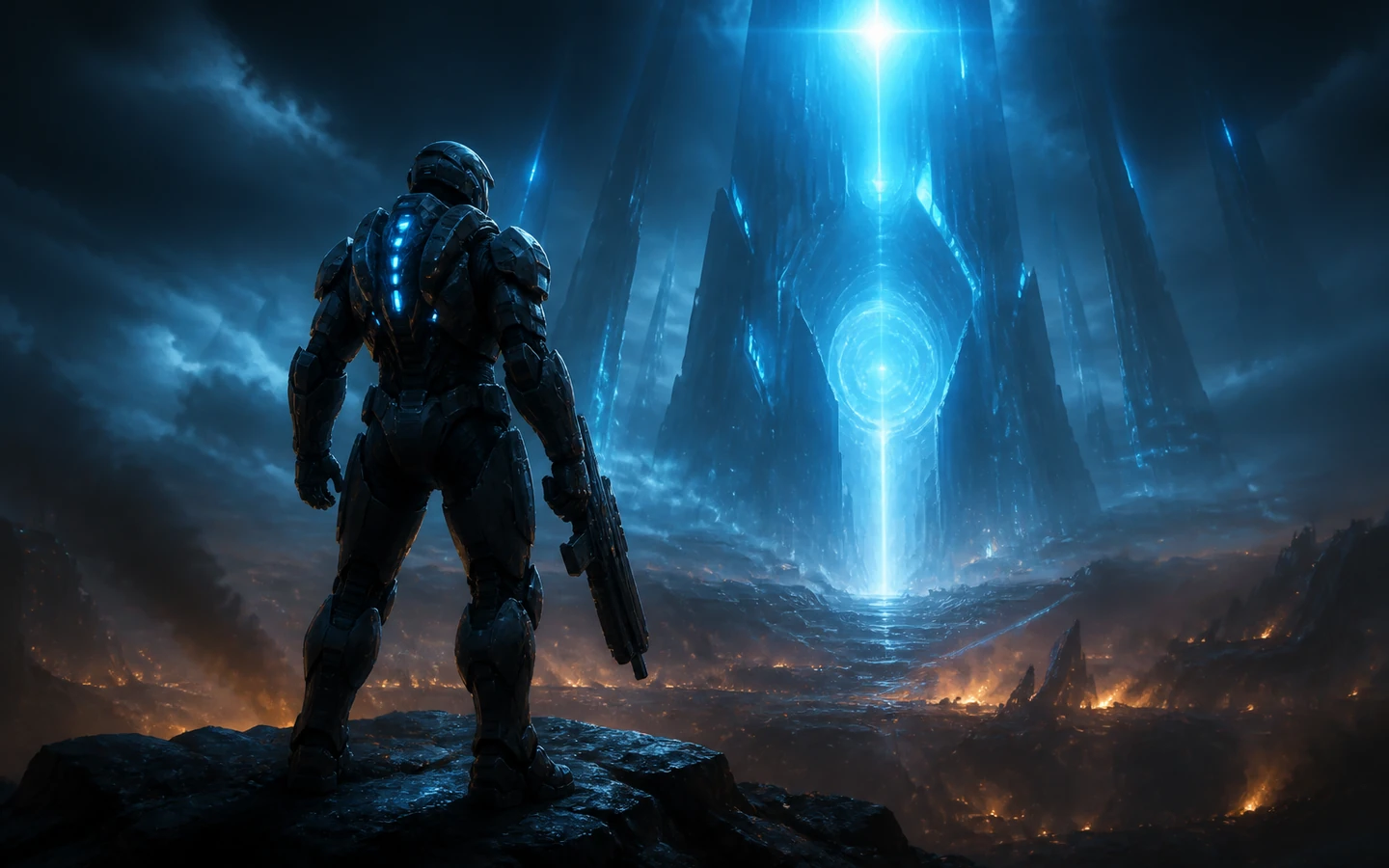
The featured result was generated for this exact prompt and visibly demonstrates a strong armored silhouette, dramatic cyan-and-amber lighting, and a clean focal hierarchy around one hero and one luminous destination.
A clear visual brief
Move from prompt to a reviewable art direction
The visible result is tied to the full sci-fi action key-visual prompt shown on this page.
Review the silhouette, lighting contrast, and focal hierarchy rather than relying on decorative filler.
Keep iterating on anatomy, materials, continuity, brand fit, and production feasibility.
Independent signals
Trust is part of the build.
Explore game-art directions
Use AI game art for focused concept work
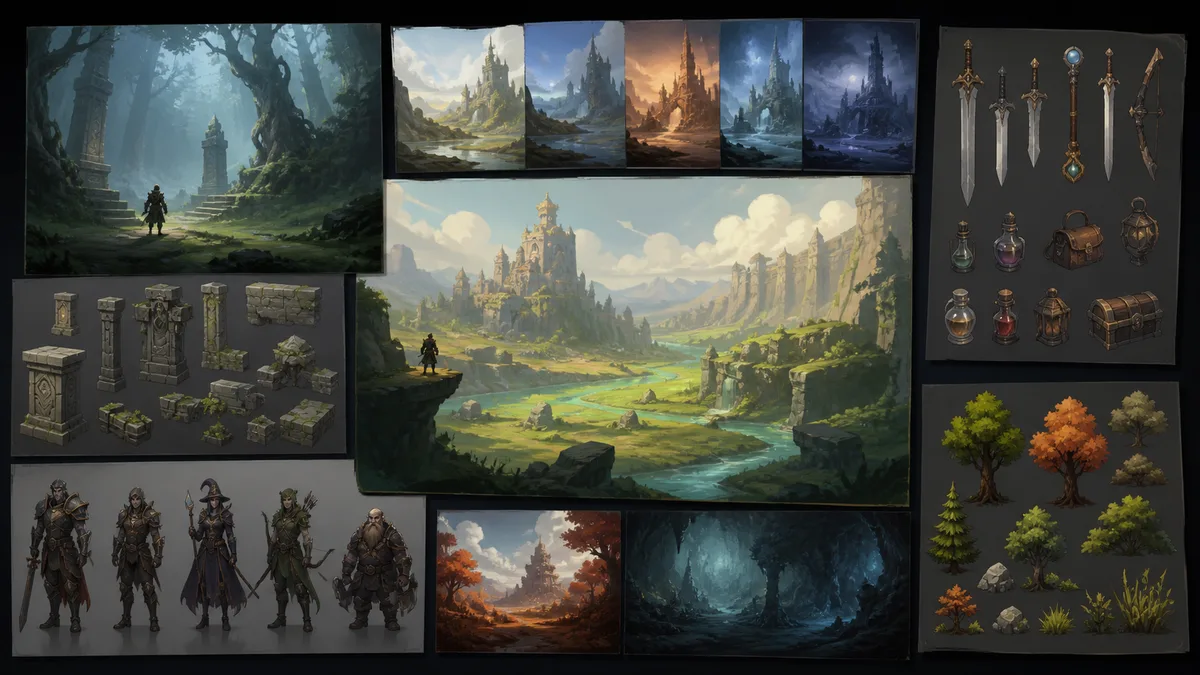
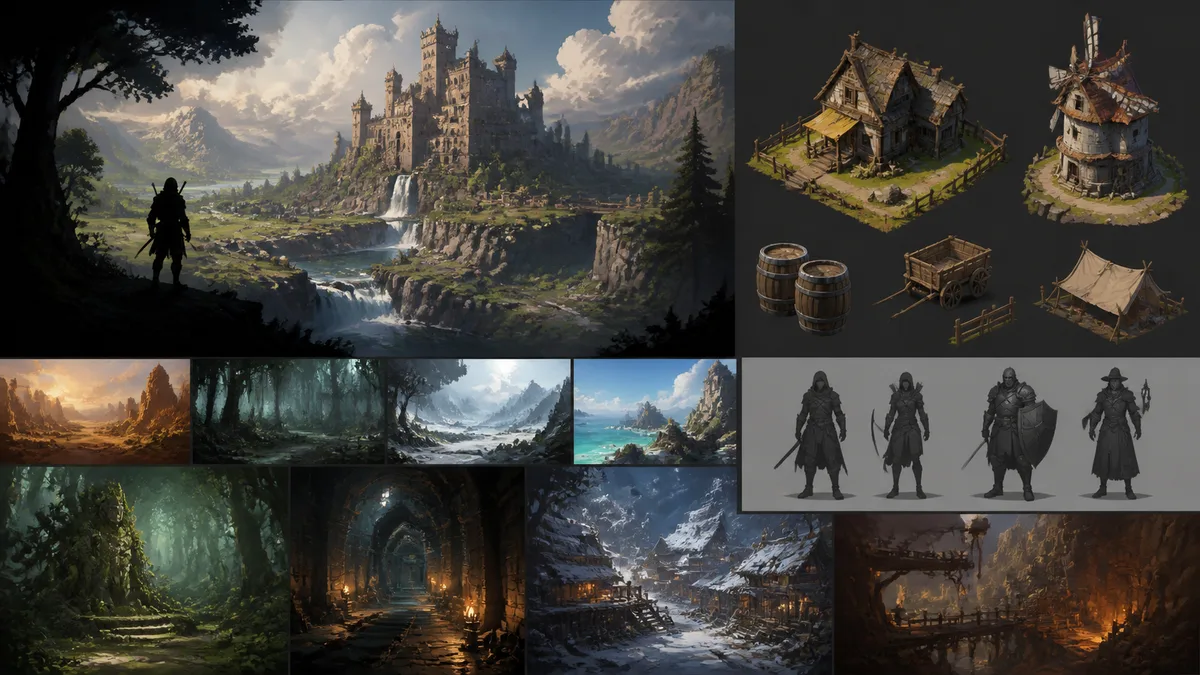
From brief to visual
Keep the creative workflow specific and reviewable
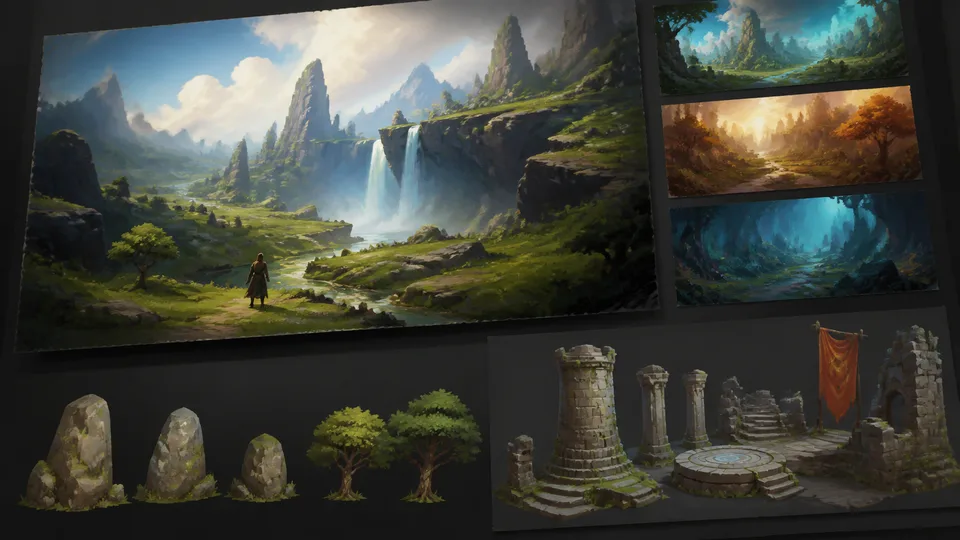
Prompt-led direction
State subject, genre, composition, lighting, and focal priority in one focused brief.
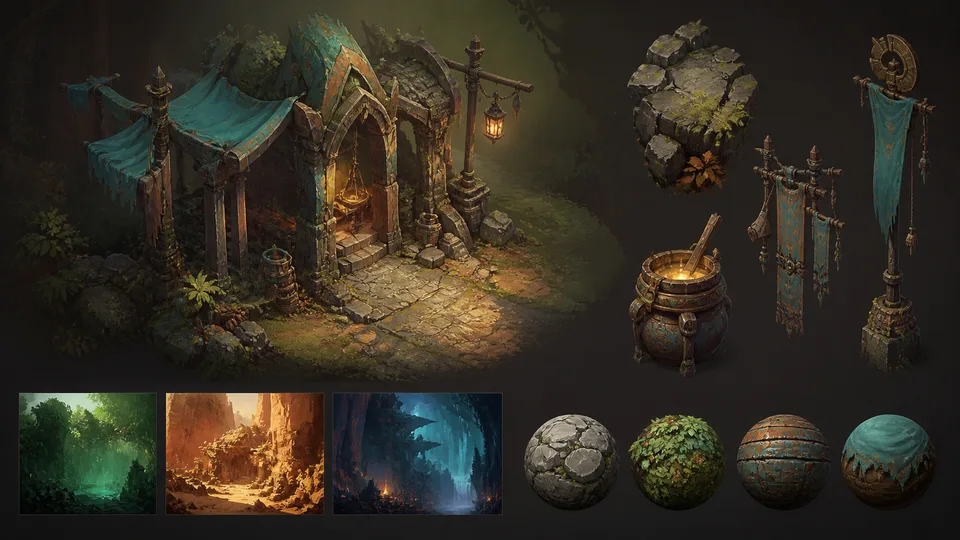
Fast visual exploration
Generate multiple art directions for early review without presenting them as playable gameplay.
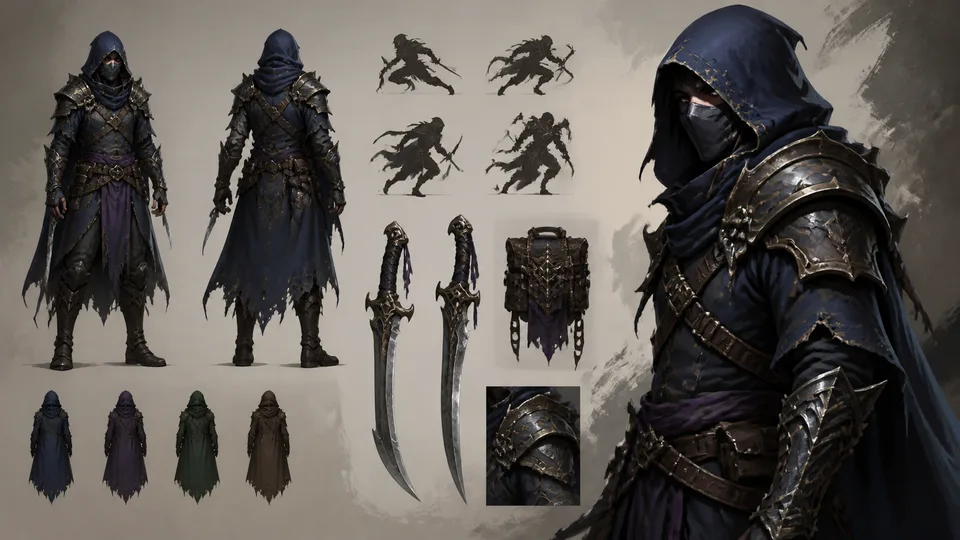
Editable next steps
Continue refining the selected concept in the Seele workspace with explicit feedback and constraints.
AI game art FAQ
Questions before you generate
What is an AI game art generator?
An AI game art generator turns a written visual brief into concept art and other reviewable game visuals. Use it to explore composition, atmosphere, characters, props, and environments before selecting a production direction. Generated art is a concept-stage artifact and needs human review before production use.
How does AI game art generation work?
The workflow starts with a prompt that defines the subject, style, lighting, composition, and intended visual job. Generate a first result, inspect whether the focal hierarchy and design cues match the brief, then revise specific constraints. A strong prompt improves direction but does not guarantee a final, production-ready asset.
What should I include in an AI game art prompt?
Include the game genre, main subject, camera or composition, lighting, visual style, and the single most important focal point. For example, specify a sci-fi action hero in a strong silhouette, dramatic cyan lighting, and a clean hierarchy around one subject. Avoid conflicting style or composition instructions that make the visual goal ambiguous.
What game visuals can I create with an AI game art generator?
You can create cinematic key visuals, character concepts, environment studies, prop sheets, and early art-direction explorations. These outputs help solo creators and game teams compare directions quickly before deeper modeling, animation, or implementation. Use generated visuals as disclosed concepts rather than as proof of playable gameplay or finished product output.
What are the limitations of AI-generated game art?
AI-generated game art can contain inconsistent anatomy, materials, symbols, perspective, or continuity between images. Review every result for originality, brand fit, legal considerations, technical feasibility, and consistency with the game design. Human artists and production teams remain responsible for final asset quality and implementation.
How do I generate a cinematic sci-fi game key visual?
Start with the exact brief: “Generate a cinematic key visual for a sci-fi action game, with strong silhouette, dramatic lighting, and clean focal hierarchy.” Keep one armored hero as the dominant silhouette, use high-contrast rim light, and reserve the brightest area for the central destination or threat. Inspect the generated result against each named constraint and regenerate if any required visual cue is missing.
From idea to first result
Start building with Seele AI
Turn your idea into an interactive experience you can test and improve.