
Browser-playable 3D proof
3D Asset to Playable Prototype: Build a Browser Demo
Turn an edited 3D asset into a browser-playable prototype
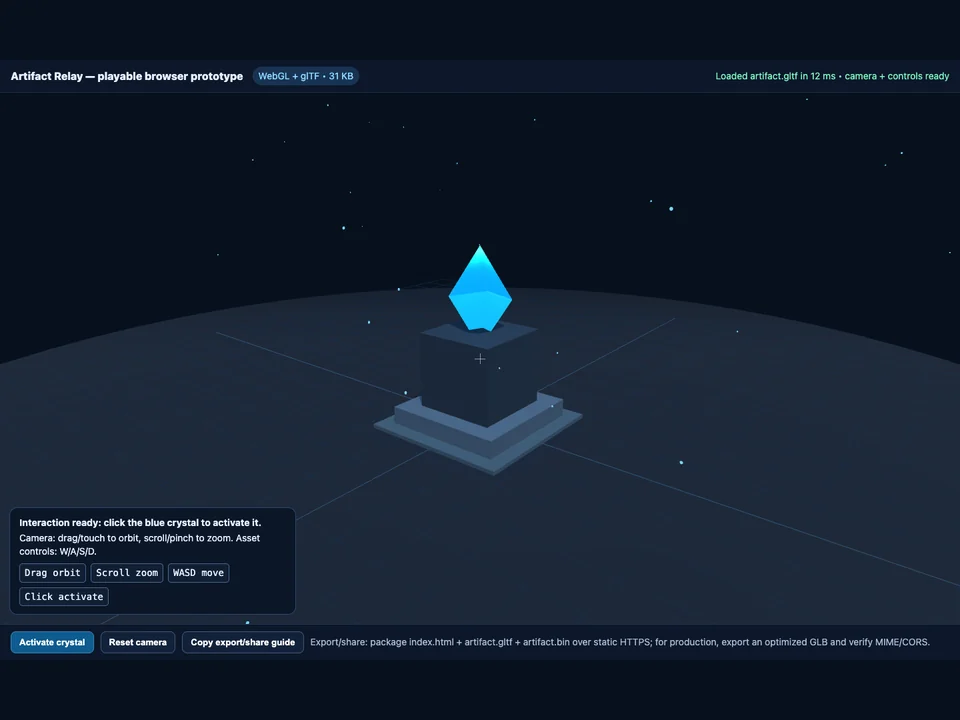
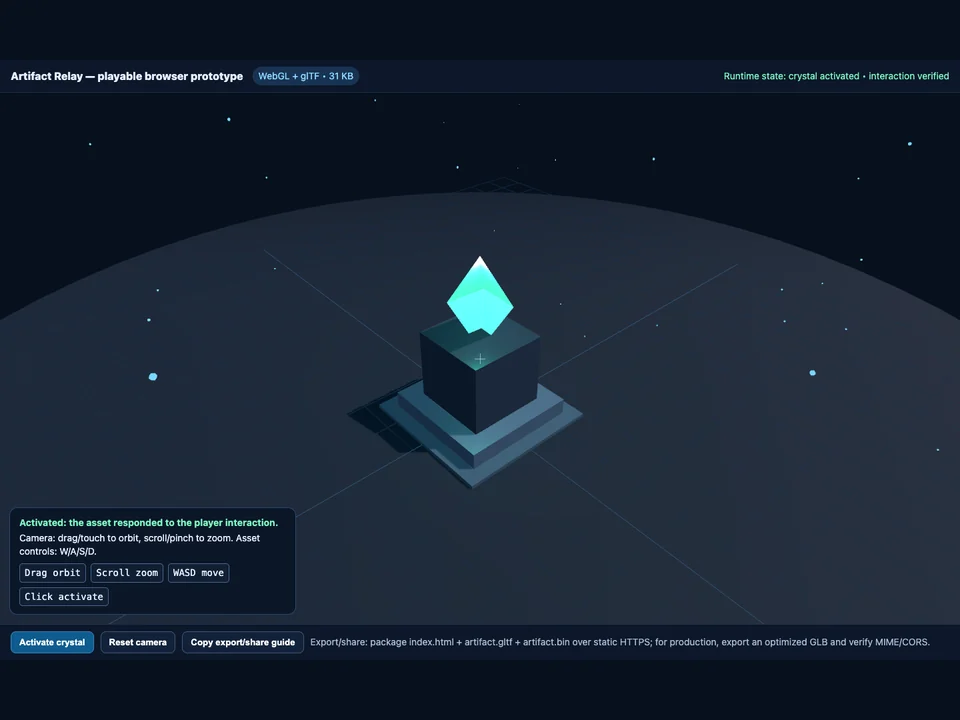
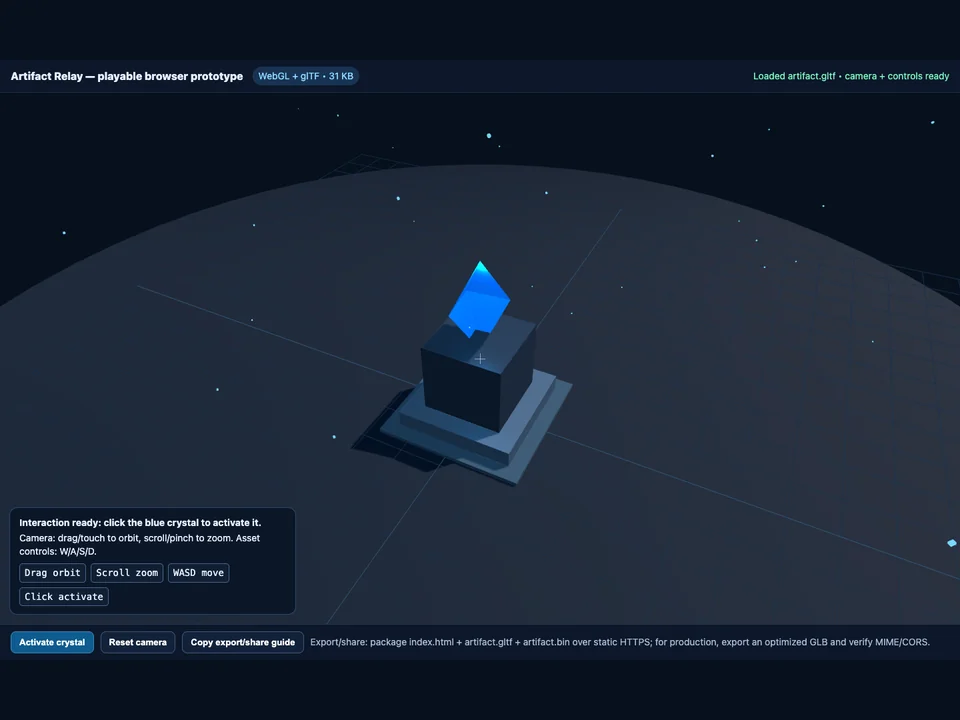
Verified runtime proof
See the asset work inside a real browser scene
Use a cleaned or generated 3D asset in a compact playable browser prototype. Place the asset in a scene, add camera, controls, one clear interaction, lightweight loading, and export/share guidance:
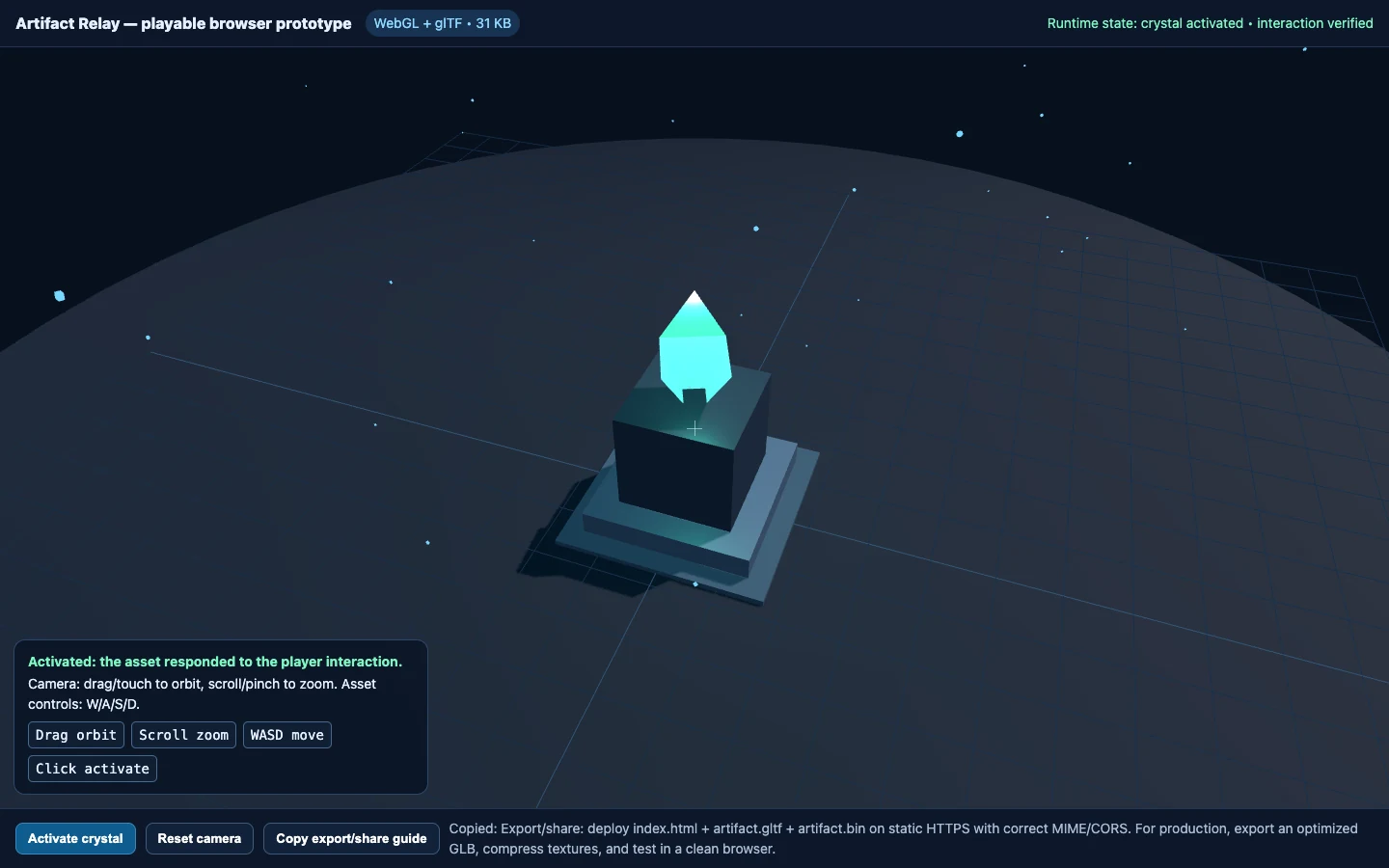
What the first build must prove
Validate the asset, input, and handoff before expanding scope
Load the 3D asset through the browser renderer and inspect it from a working player camera.
Use orbit, zoom, movement, or touch controls and connect one clear action to visible feedback.
Keep the first package small, show loading state, and document accurate static-HTTPS export and share steps.
Independent signals
Trust is part of the build.
Choose the validation job
Use a playable prototype to answer one practical asset question
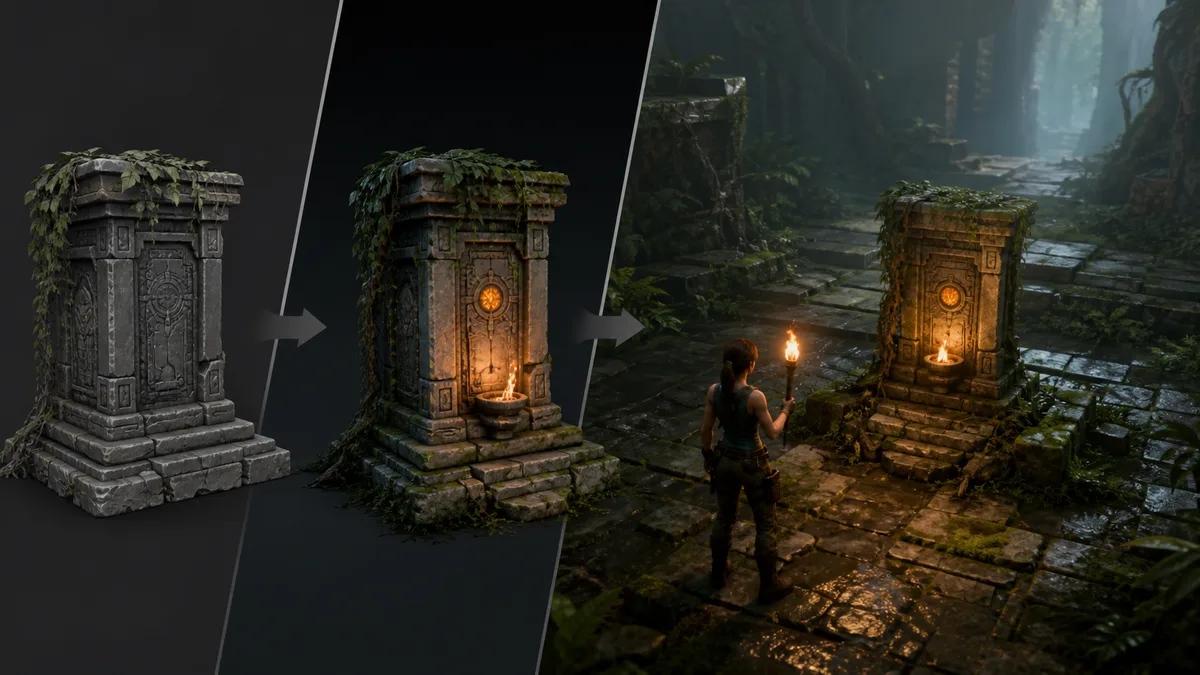
Validate an edited asset in context
Place the latest 3D asset in a compact scene and check scale, silhouette, camera framing, and material readability.
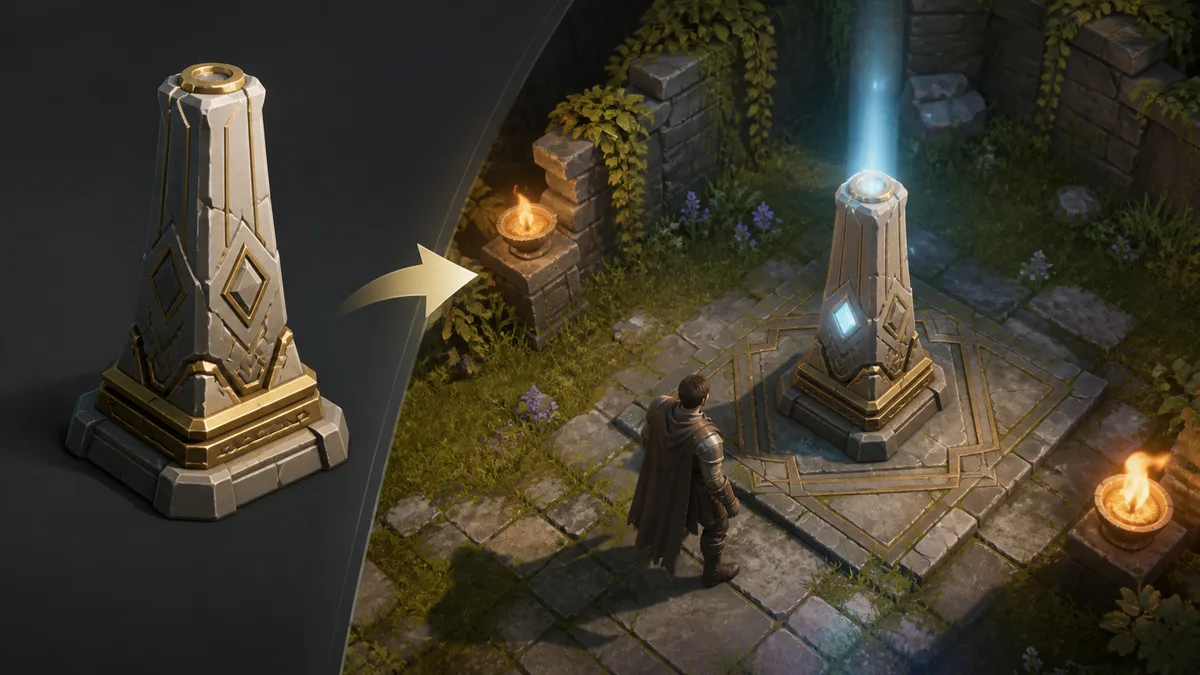
Share an interactive concept
Give collaborators a browser URL where they can operate the camera, use the controls, and trigger the intended interaction.
From model to browser proof
Keep every part of the playable prototype reviewable
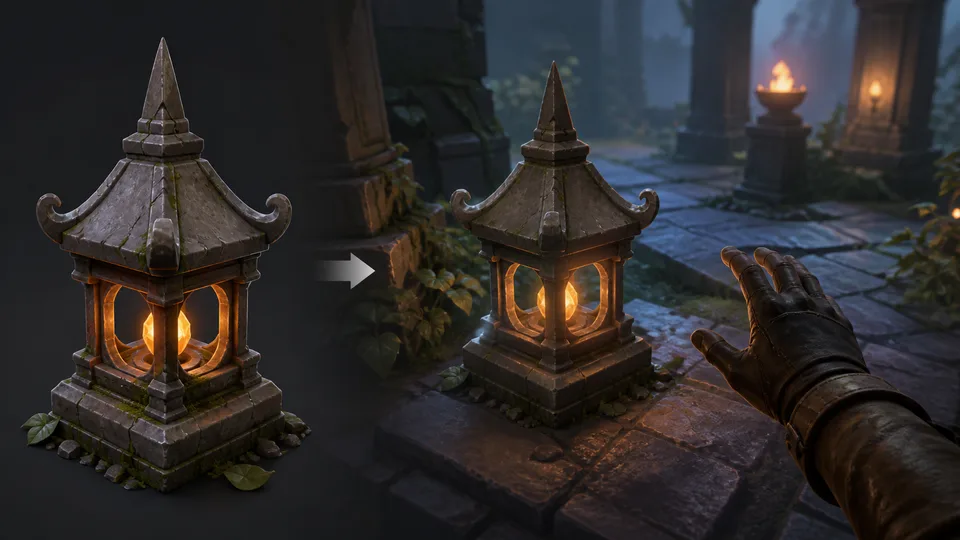
Frame the asset with a working camera
Load the model into a real 3D scene and expose orbit, zoom, movement, or touch input appropriate to the prototype.
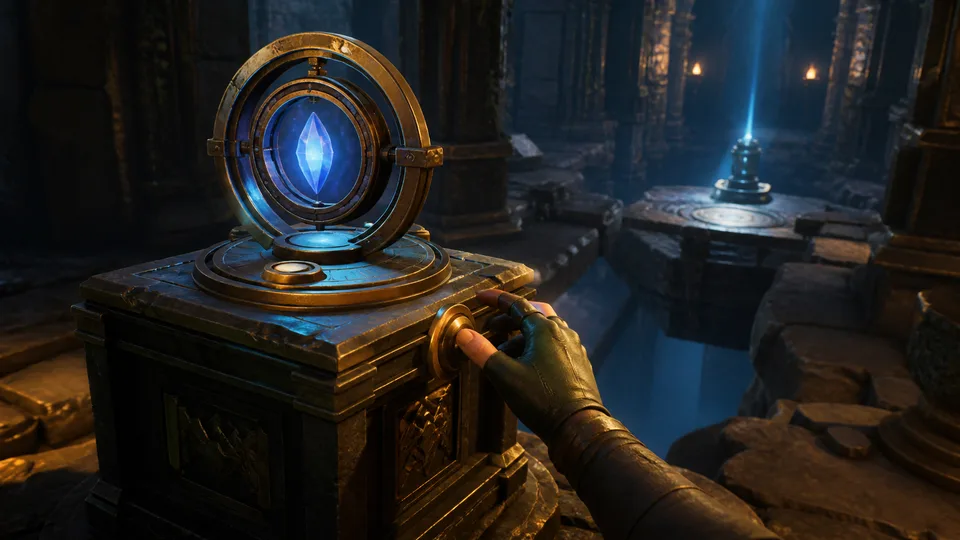
Connect one clear player interaction
Define a focused click, touch, or control action and make the asset response immediately visible in the running scene.
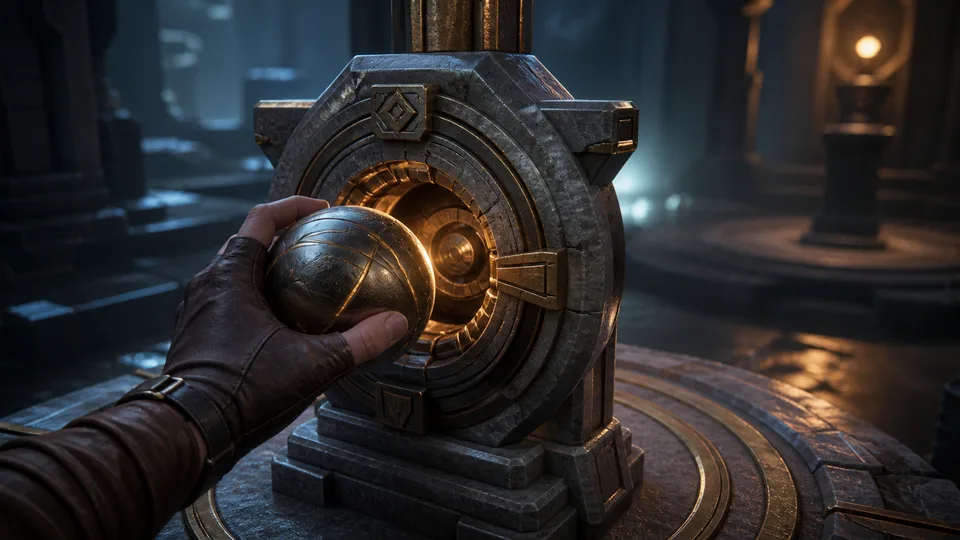
Prepare a lightweight shareable handoff
Keep the loading path explicit, package every dependency, and test the static-HTTPS export with correct MIME and CORS behavior.
3D asset prototype FAQ
Questions before you build and share
What is a 3D asset to playable prototype workflow?
A 3D asset to playable prototype workflow puts a real model into a small browser scene so you can inspect it through a camera and test one meaningful player action. The compact result should expose scale, readability, controls, interaction feedback, loading behavior, and the files or hosting steps needed to share it. It is a focused validation build, not a finished game, final art pass, or guarantee that the asset is production-ready.
How do you turn a 3D asset into a playable browser prototype?
Start with a cleaned or generated asset, load it into a lightweight WebGL scene, frame it with a camera, and add keyboard, pointer, or touch controls. Then connect one clear interaction to visible feedback, verify loading in a clean browser session, and test the scene at desktop and mobile viewport sizes. The exact loader, compression, controls, and input mapping depend on the asset format, target browser, and prototype scope.
What do I need before building a playable 3D asset prototype?
You need a usable 3D model, its required textures or binary files, a browser-compatible renderer such as WebGL, and a narrowly defined player interaction. Also decide the camera behavior, control scheme, loading budget, fallback message, hosting location, MIME types, and cross-origin policy before sharing the build. Large assets, unsupported material features, missing texture paths, or incorrect server headers can prevent an otherwise valid scene from loading.
When is a 3D asset to playable prototype useful?
It is useful when you need to validate an edited asset in context, test whether a model reads clearly from a player camera, or share an interactive concept. A small prototype can make scale, framing, collision assumptions, input clarity, interaction feedback, and handoff requirements easier to review than a static turntable alone. Use a larger engine build when the decision depends on full gameplay systems, advanced physics, multiplayer, platform SDKs, or production performance targets.
What are the limits of a browser-playable 3D asset prototype?
A compact prototype proves that the asset, camera, controls, loading path, and one interaction can work together in the tested browser environment. It does not by itself prove production frame rate, accessibility, device coverage, final collision, licensing, security, or compatibility with every browser and graphics driver. Human review and broader testing remain required before using the asset or prototype in a shipped game or public production release.
How do I export and share a playable 3D asset prototype?
Package the HTML entry point with the model and every referenced texture, binary, script, and style file, then serve the package over static HTTPS. For production, prefer an optimized GLB where appropriate, configure correct MIME and CORS headers, test from a clean browser, and share the hosted URL rather than a local file path. Do not publish until asset rights, third-party dependencies, loading failures, touch behavior, accessibility, and target-device performance have been reviewed.
From idea to first result
Start building with Seele AI
Turn your idea into an interactive experience you can test and improve.