
Godot 4 FPS workflow
Use a Godot FPS game generator to shape your first shooter loop
A Godot FPS game generator helps you describe a focused first-person loop, review the result, and iterate on the next build direction.
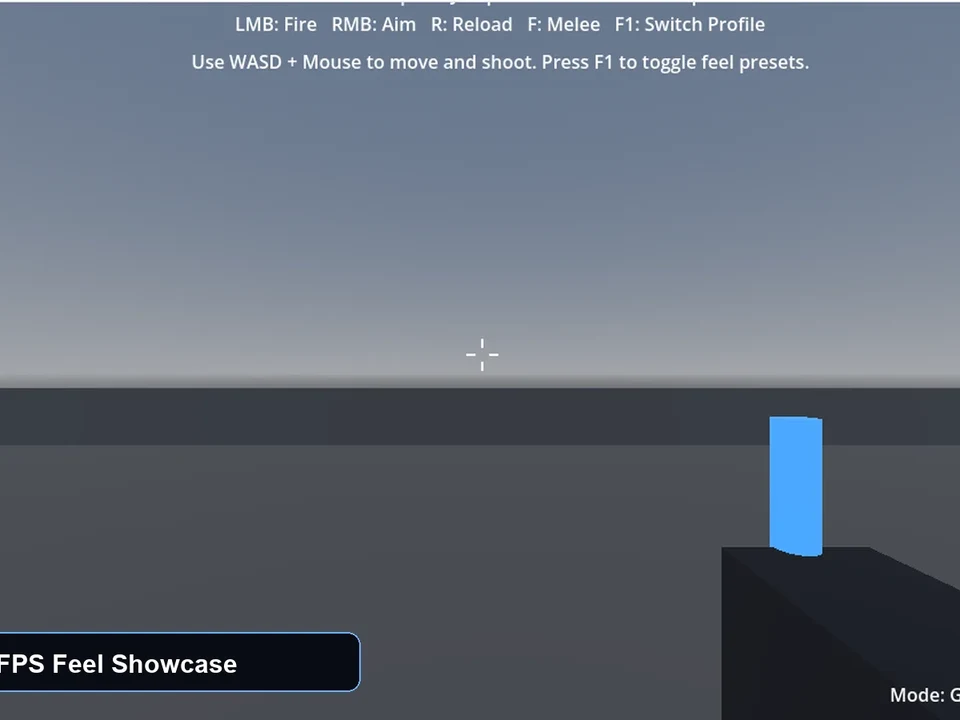
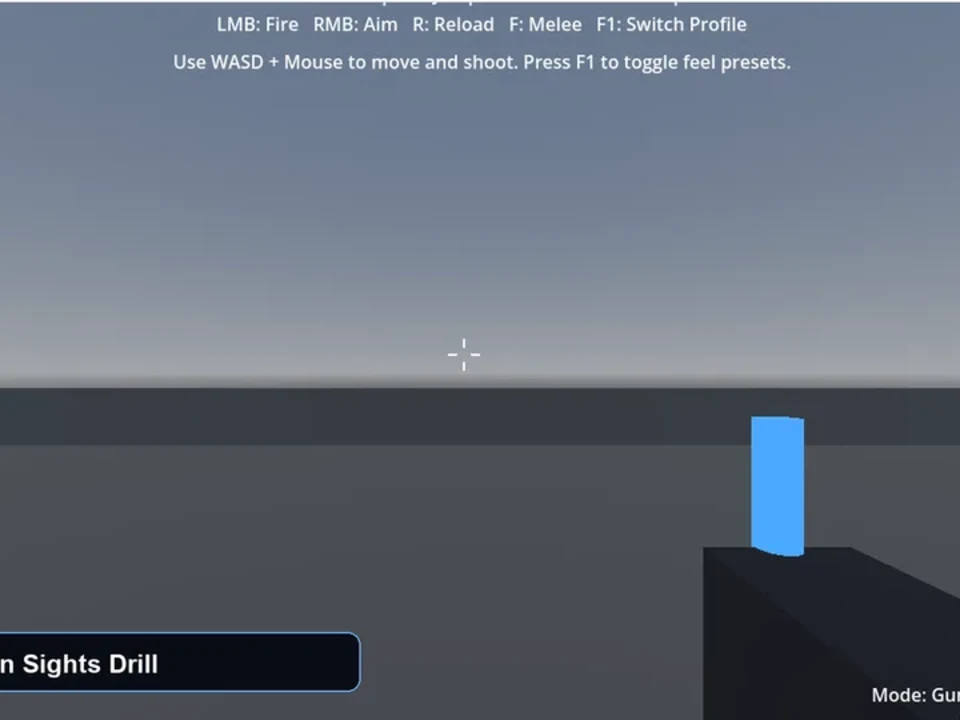
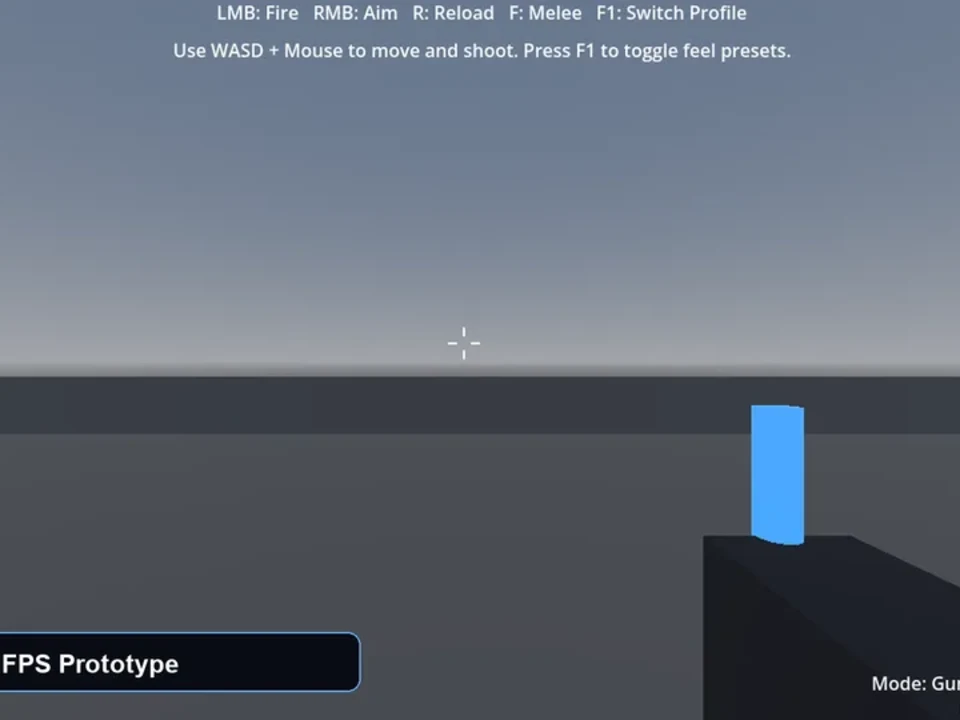
Visible result
Review combat direction early
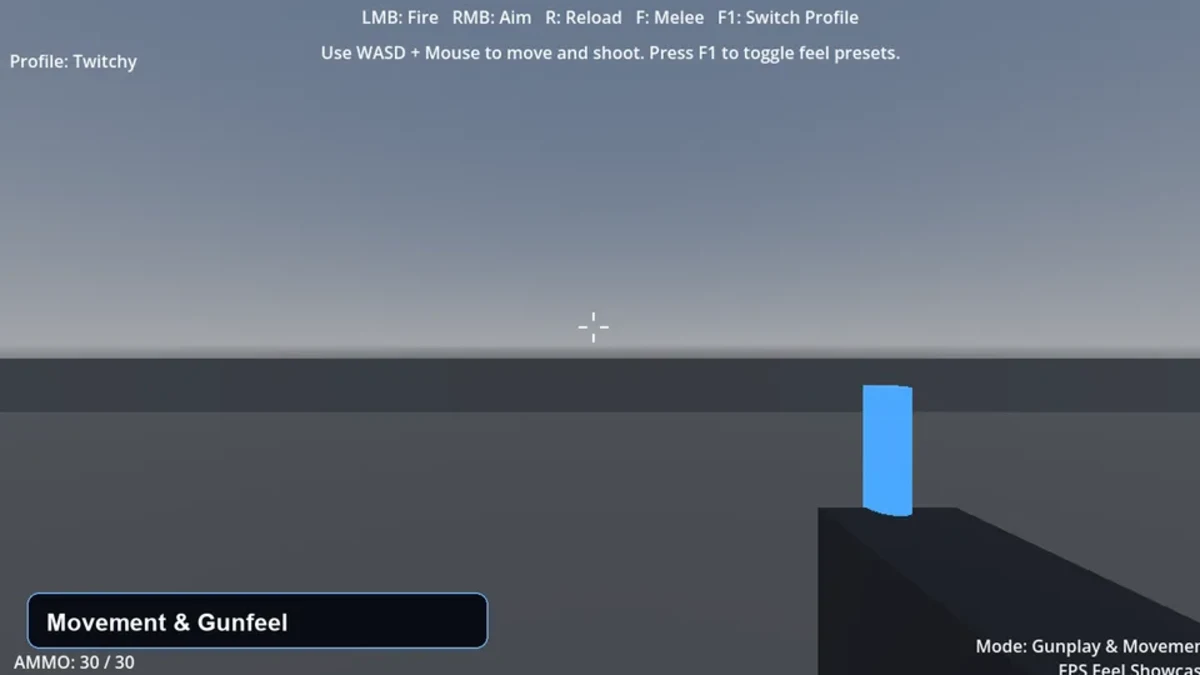
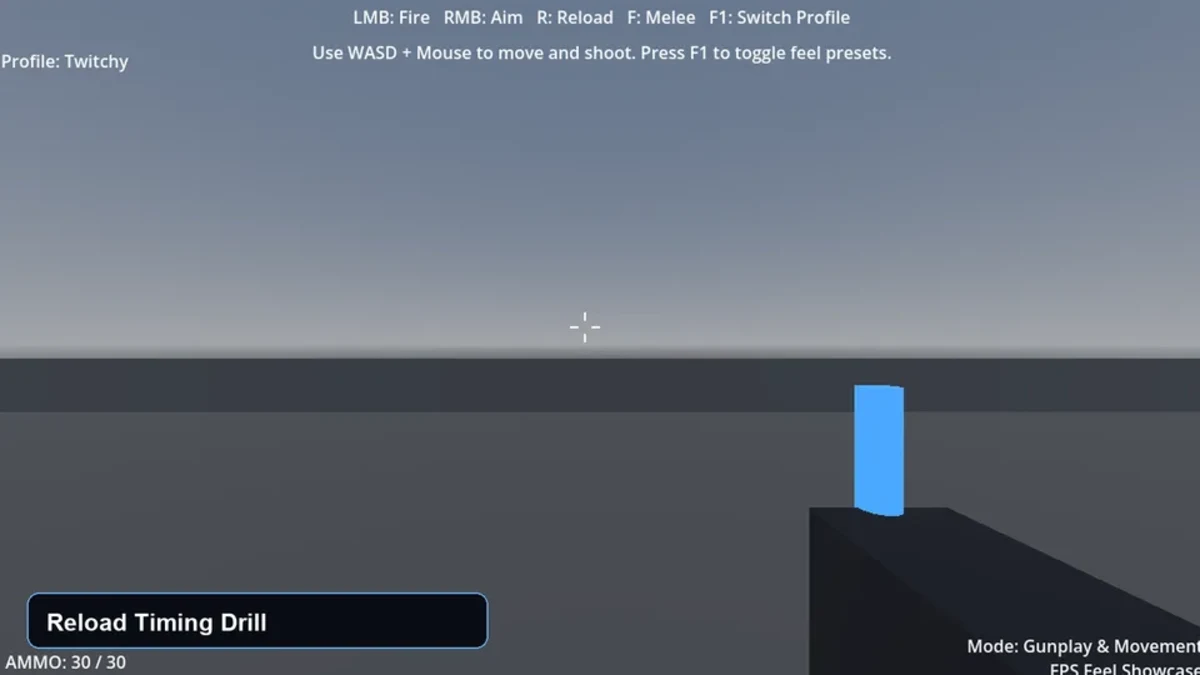
Inspect a focused FPS concept for movement, weapon feel, targets, and encounter scope before expanding the project.
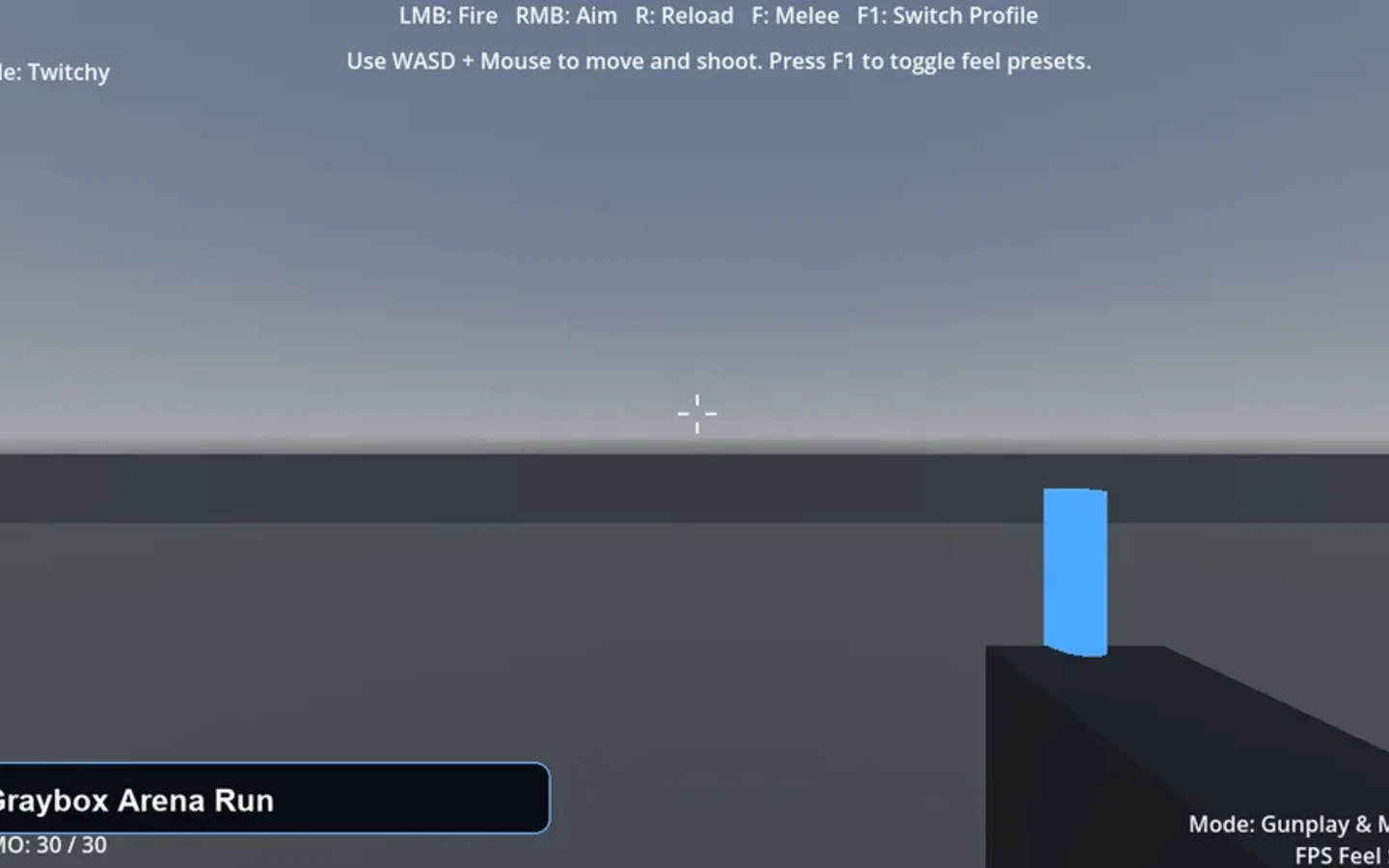
Focused workflow
Move from a concise brief to a reviewable next step
Start with the player movement, weapon behavior, target loop, and level objective.
Use a concrete FPS output to discuss arms, recoil, pickups, and encounter pacing.
Keep the brief and output available for revision as the prototype changes.
Independent signals
Trust is part of the build.
Built for the next step
Keep the important decisions visible
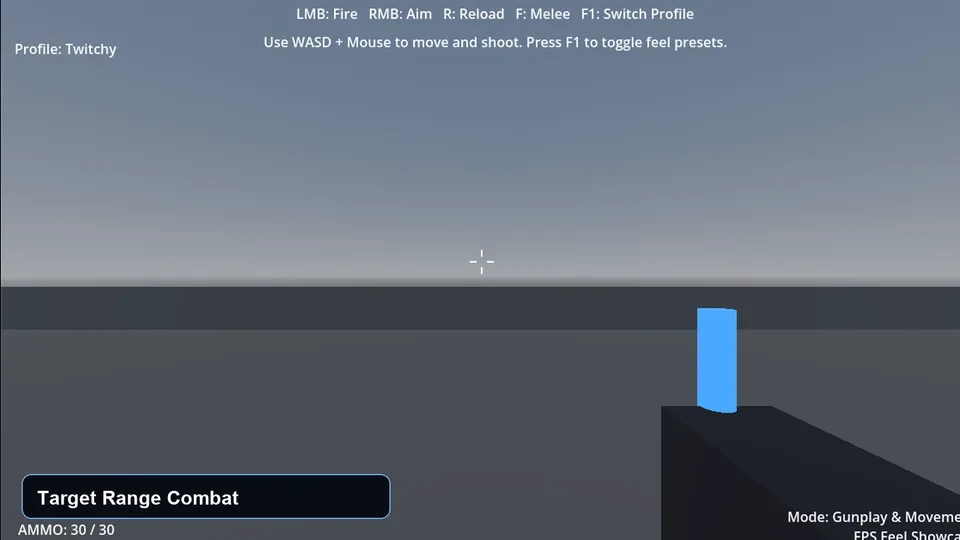
Mechanic-focused briefs
Specify the small set of player actions and feedback that the prototype needs.
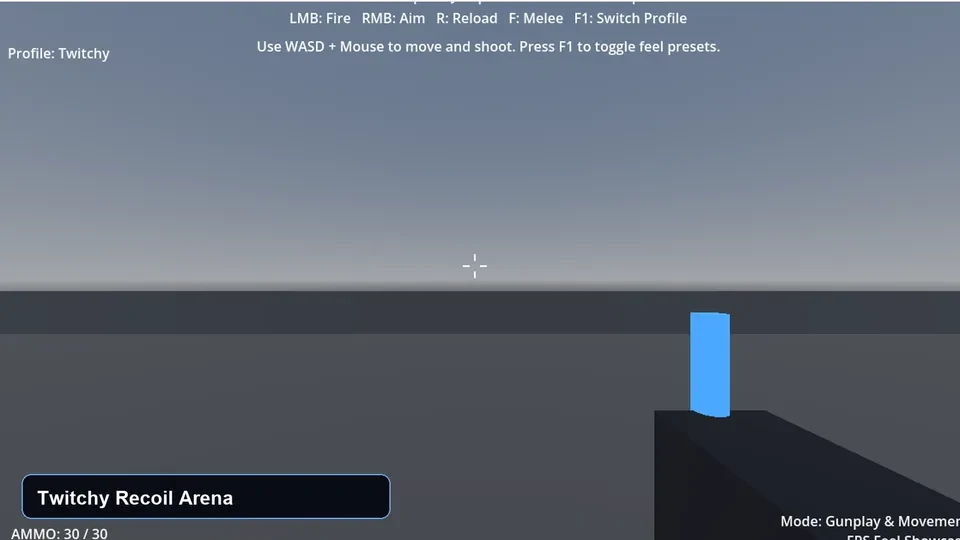
Encounter scope
Keep enemies, targets, pickups, and level pressure tied to a clear loop.
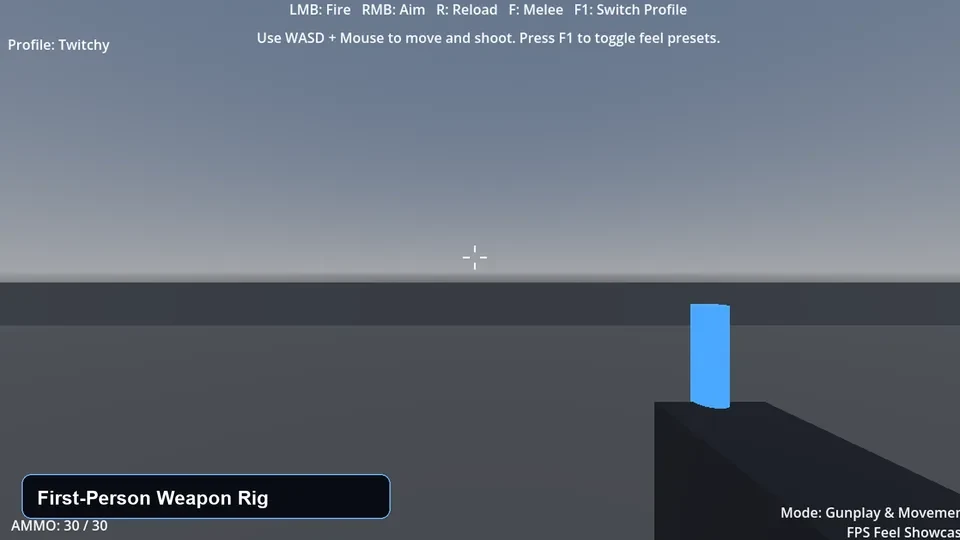
Editable workspace direction
Review the result and refine details before treating it as a production-ready project.
Questions before you start
Godot FPS game generator FAQ
What is a Godot FPS game generator?
A Godot FPS game generator is a workflow for describing and reviewing a focused first-person shooter concept. In Seele AI, it can help organize movement, weapon, target, and objective direction into an editable result. It is not a substitute for a finished Godot project, playtesting, or engineering review.
How does a Godot FPS game generator workflow work?
A Godot FPS game generator starts with a compact brief for player movement, arms or weapons, targets, and an encounter goal. Review the resulting direction, then revise the brief as you learn what needs to change. A developer still needs to implement, test, and validate the final Godot project.
What do I need before using a Godot FPS game generator?
You need a clear core loop, such as aiming and firing at targets in a small arena, plus the desired player actions and feedback. State the scope, goal, and constraints before generating. Godot version compatibility, assets, performance, controls, and export behavior still require technical review.
What can I use a Godot FPS game generator for?
Use a Godot FPS game generator for training ranges, compact arena loops, weapon-feel tests, graybox combat spaces, or short objective missions. It is suited to narrowing an early prototype conversation into something reviewable. It should not be treated as proof that a final game meets production, safety, or platform requirements.
What are the limits of a Godot FPS game generator?
A Godot FPS game generator does not guarantee a complete, bug-free, or optimized Godot 4 project. It cannot replace engineering decisions, asset licensing checks, accessibility work, multiplayer validation, or playtesting. Human developers must verify and finish any implementation.
How do I get started with a Godot FPS game generator?
Start with one player loop, one weapon or arms behavior, one target or enemy behavior, and one clear objective. Generate a focused direction, review it in Seele AI, and revise the details before moving to implementation. Validate the final result in Godot with real testing.
From idea to first result
Start building with Seele AI
Turn your idea into an interactive experience you can test and improve.