
Unity dialogue workflow
Use a Unity NPC AI dialogue module to plan contextual conversations
Frame dialogue triggers, player choices, NPC reactions, state changes, and gameplay handoffs before integrating the module into a Unity project.



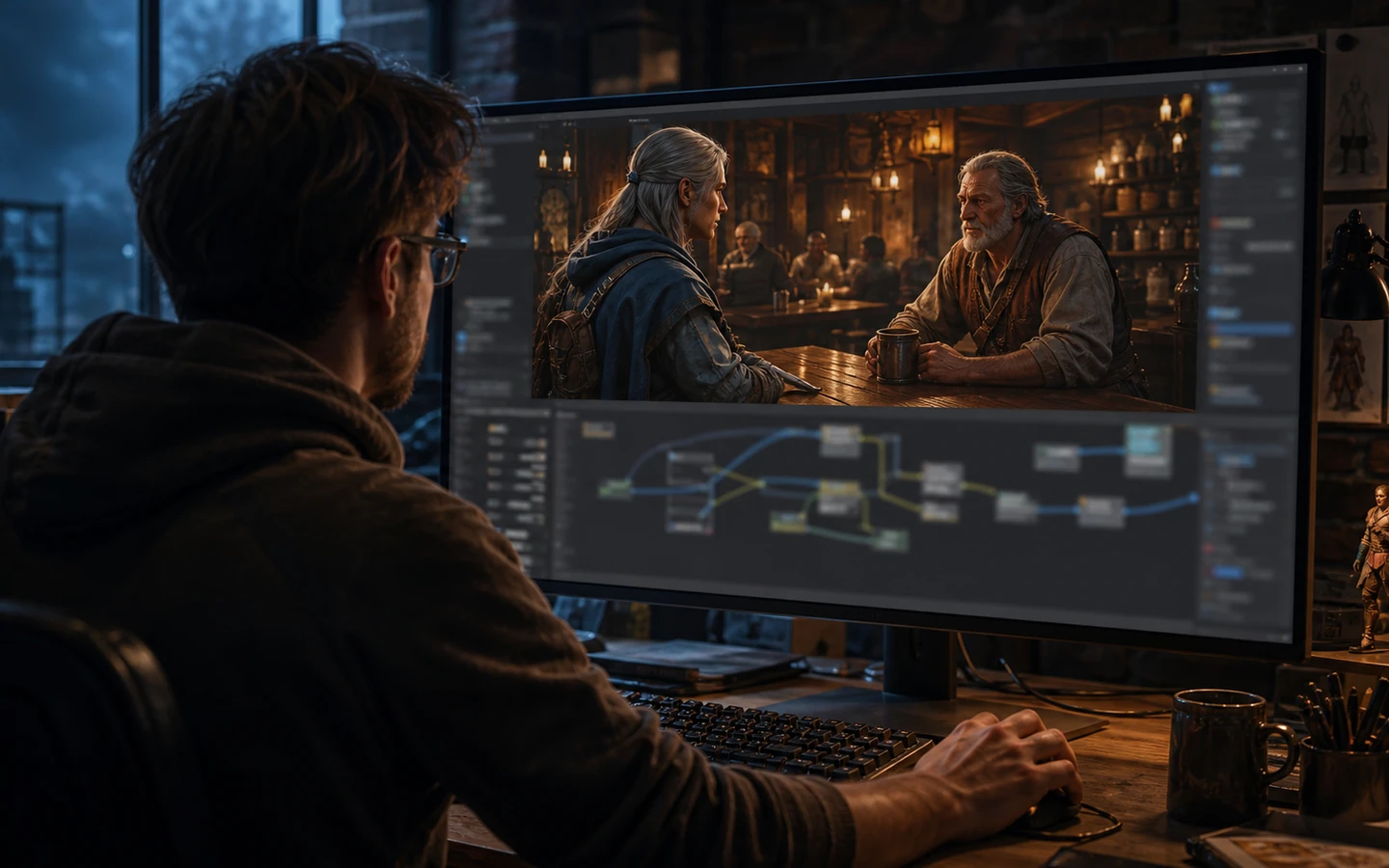
Visible result
Review conversation behavior in context
Inspect when dialogue begins, what state it reads, how choices branch, and how the result returns control to gameplay.
Focused workflow
Move from a concise brief to a reviewable next step
Define proximity, interaction, quest state, or event conditions before writing conversation behavior.
Connect player choices and NPC reactions to explicit state changes and gameplay consequences.
Keep prefab anchors, input, collision, controller, and scene relationships visible during implementation.
Independent signals
Trust is part of the build.
Use cases
Choose the job you need to move forward

Built for the next step
Keep the important decisions visible

Dialogue-state assumptions
Make variables, triggers, branch conditions, and fallback behavior reviewable.

Gameplay handoff points
Clarify input focus, movement lock, camera behavior, quest updates, and exit conditions.

Human-authored safeguards
Review tone, facts, safety, localization, and narrative consistency before shipping dialogue content.
Questions before you start
Unity NPC AI dialogue module FAQ
What is a Unity NPC AI dialogue module?
A Unity NPC AI dialogue module is a structured workflow for turning a focused brief into reviewable direction. It keeps the main assumptions, desired outcome, and next decisions visible in one editable result. It is not proof of a finished, tested, or automatically approved outcome.
How does a Unity NPC AI dialogue module workflow work?
A Unity NPC AI dialogue module workflow starts with a concrete goal, constraints, and the evidence available. Seele AI organizes those inputs into an editable direction that a person can inspect and revise. Human review and real-world validation remain required.
What do I need before using a Unity NPC AI dialogue module?
You need a clear use case, target context, known constraints, and accurate source details before using a Unity NPC AI dialogue module. State what should happen, what is out of scope, and what evidence is current. Missing or uncertain inputs must be marked rather than invented.
What can I use a Unity NPC AI dialogue module for?
Use a Unity NPC AI dialogue module to narrow an early concept, compare scenarios, and prepare a reviewable next step. It is useful when a team needs explicit assumptions instead of an unstructured prompt. It should not be treated as automatic production approval or guaranteed performance.
What are the limits of a Unity NPC AI dialogue module?
A Unity NPC AI dialogue module cannot verify every runtime, asset, data, policy, or market condition on its own. Generated direction may contain gaps and must be checked against the actual project and current evidence. Responsible owners must test, review, and approve the final work.
How do I get started with a Unity NPC AI dialogue module?
Start with one concrete outcome, the target audience, current inputs, and the most important constraints for your Unity NPC AI dialogue module. Generate a focused direction, inspect each assumption, and revise weak or unsupported parts. Proceed only after a human confirms the details and validation plan.
From idea to first result
Start building with Seele AI
Turn your idea into an interactive experience you can test and improve.