
Unity mobile prototype workflow
Use a Unity mobile Pong prototype to test a touch-first rally
Frame paddle physics, touch input, screen constraints, feedback, scoring, and game-over behavior as one compact mobile loop.

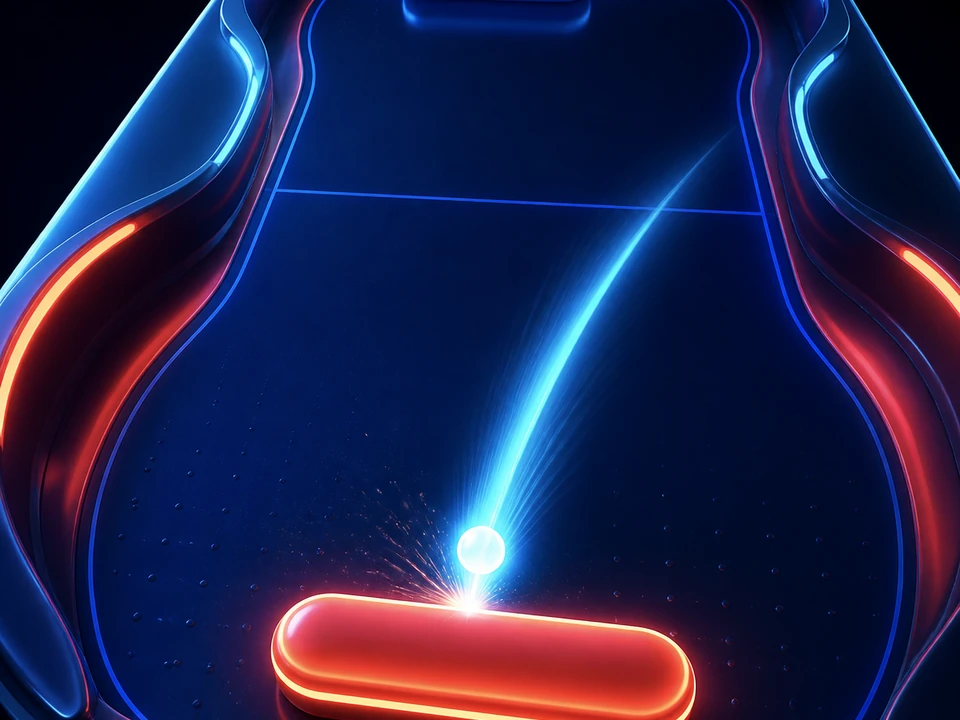
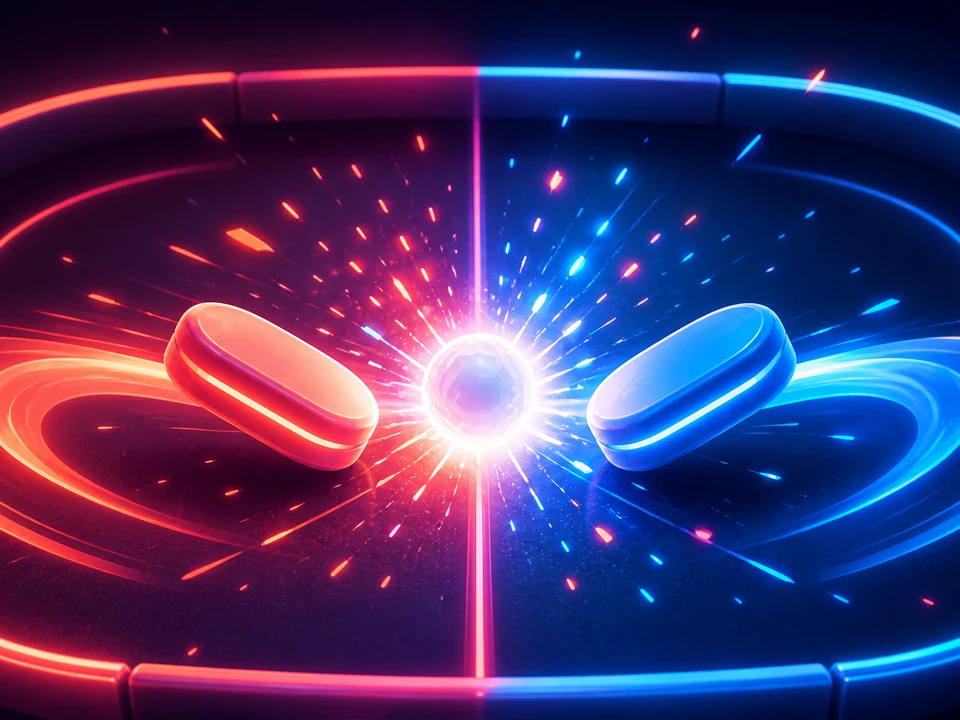
Visible result
Review the rally on mobile terms
Inspect touch reach, paddle response, ball speed, collision feedback, screen fit, scoring, and restart behavior before expanding the prototype.
Focused workflow
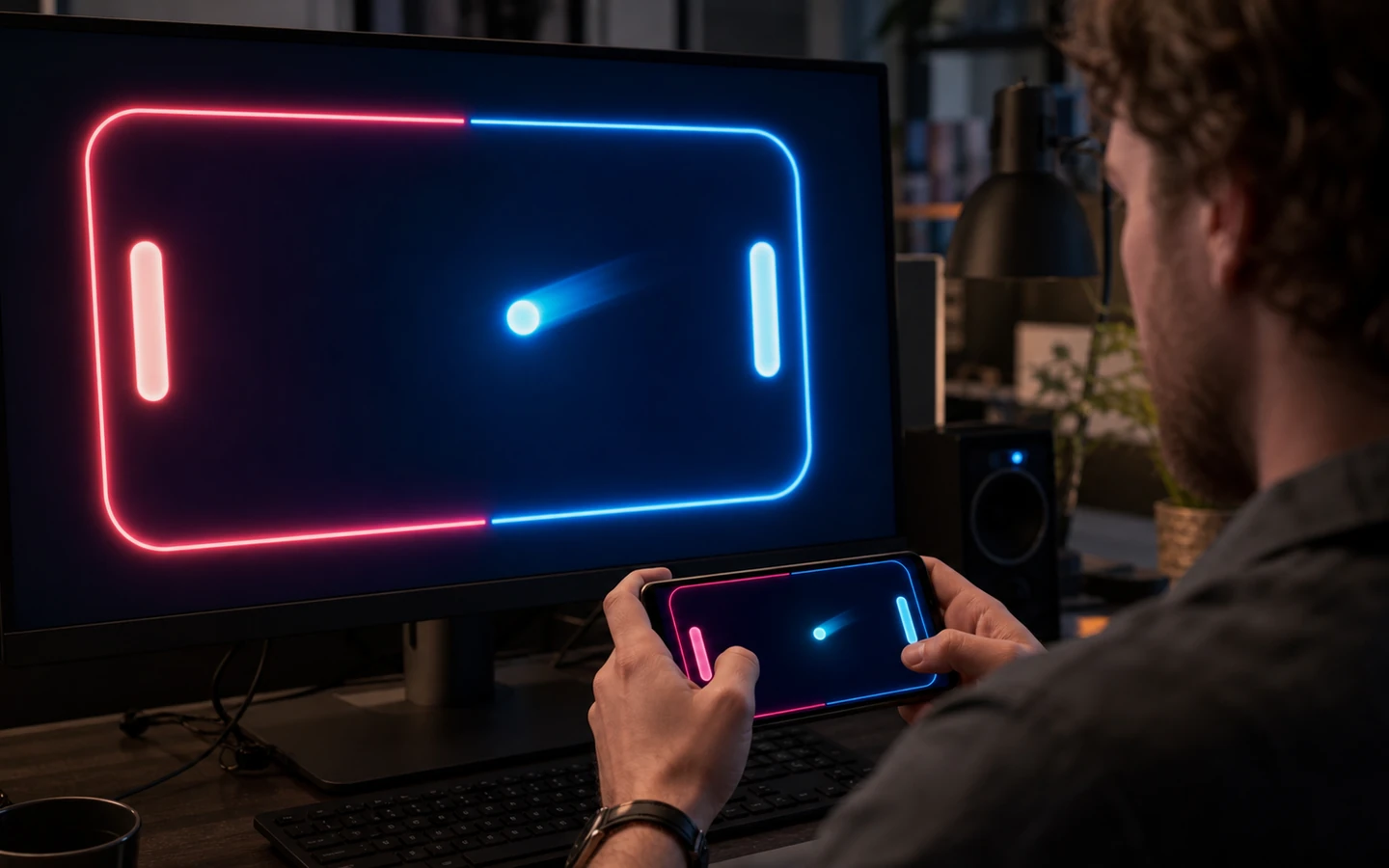
Move from a concise brief to a reviewable next step
Define finger tracking, paddle bounds, pause behavior, and control feedback for the target screen.
Keep ball speed, bounce angles, collision consistency, scoring, and difficulty escalation explicit.
Validate aspect ratio, haptics, ad boundaries, performance, safe areas, and platform behavior in a real build.
Independent signals
Trust is part of the build.
Use cases
Choose the job you need to move forward
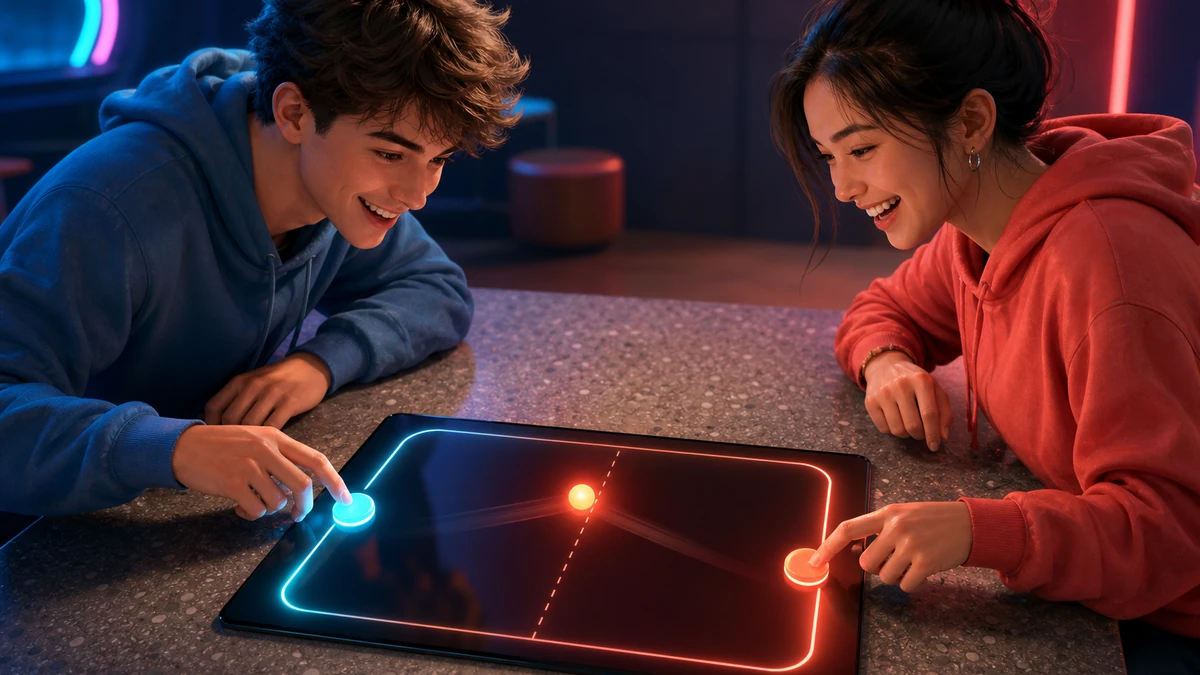
Built for the next step
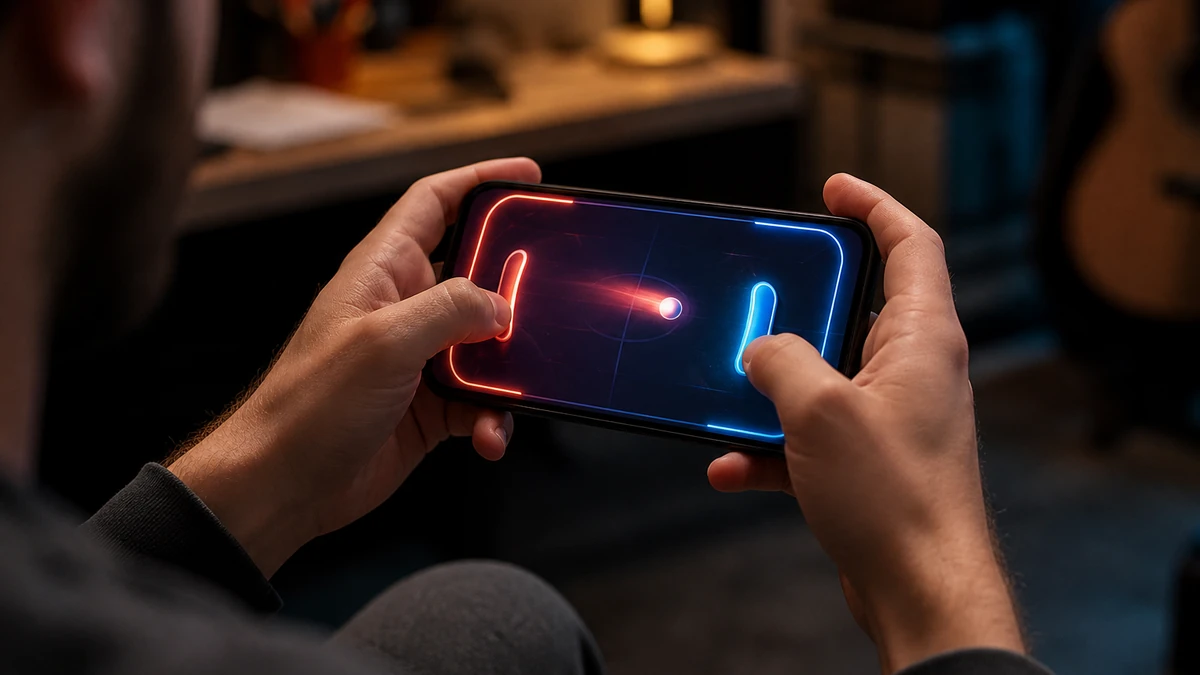
Keep the important decisions visible
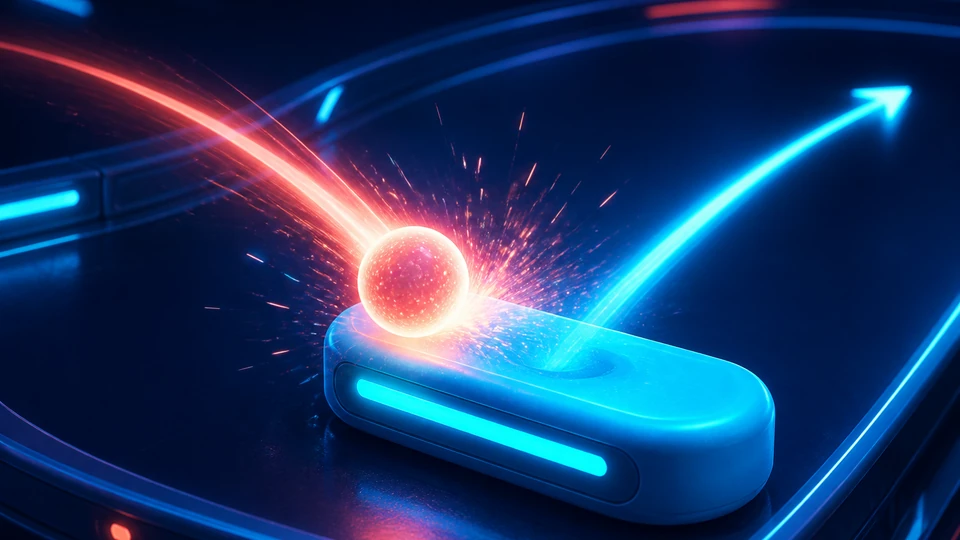
Paddle and ball rules
Set movement, collision, speed, serve, scoring, and reset expectations in one place.
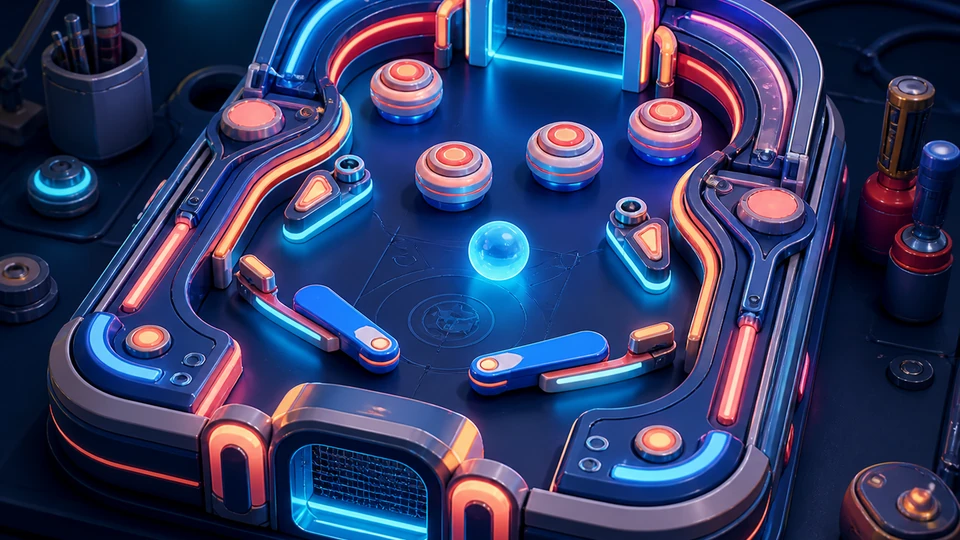
Screen and feedback constraints
Account for portrait or landscape fit, safe areas, haptics, pause, and readable contrast.

Ad-safe review point
Keep ad placement and game-over gating separate from core play, with policy and SDK behavior verified by developers.
Questions before you start
Unity mobile Pong prototype FAQ
What is a Unity mobile Pong prototype?
A Unity mobile Pong prototype is a structured workflow for turning a focused brief into reviewable direction. It keeps the main assumptions, desired outcome, and next decisions visible in one editable result. It is not proof of a finished, tested, or automatically approved outcome.
How does a Unity mobile Pong prototype workflow work?
A Unity mobile Pong prototype workflow starts with a concrete goal, constraints, and the evidence available. Seele AI organizes those inputs into an editable direction that a person can inspect and revise. Human review and real-world validation remain required.
What do I need before using a Unity mobile Pong prototype?
You need a clear use case, target context, known constraints, and accurate source details before using a Unity mobile Pong prototype. State what should happen, what is out of scope, and what evidence is current. Missing or uncertain inputs must be marked rather than invented.
What can I use a Unity mobile Pong prototype for?
Use a Unity mobile Pong prototype to narrow an early concept, compare scenarios, and prepare a reviewable next step. It is useful when a team needs explicit assumptions instead of an unstructured prompt. It should not be treated as automatic production approval or guaranteed performance.
What are the limits of a Unity mobile Pong prototype?
A Unity mobile Pong prototype cannot verify every runtime, asset, data, policy, or market condition on its own. Generated direction may contain gaps and must be checked against the actual project and current evidence. Responsible owners must test, review, and approve the final work.
How do I get started with a Unity mobile Pong prototype?
Start with one concrete outcome, the target audience, current inputs, and the most important constraints for your Unity mobile Pong prototype. Generate a focused direction, inspect each assumption, and revise weak or unsupported parts. Proceed only after a human confirms the details and validation plan.
From idea to first result
Start building with Seele AI
Turn your idea into an interactive experience you can test and improve.