
Free game asset · Nature & Landscape · 3D model
Potted Plant 3D game asset
Need a nature 3D model for a game? The Potted Plant is listed as a nature game asset based on its supplied name and preview record. Review ZIP, FBX, GLB formats, then use the Seele AI 3D Workspace to edit, optimize, and prepare it for a game scene. Verify technical fit and reuse rights before shipping.
12 preview images ZIP, FBX, GLB
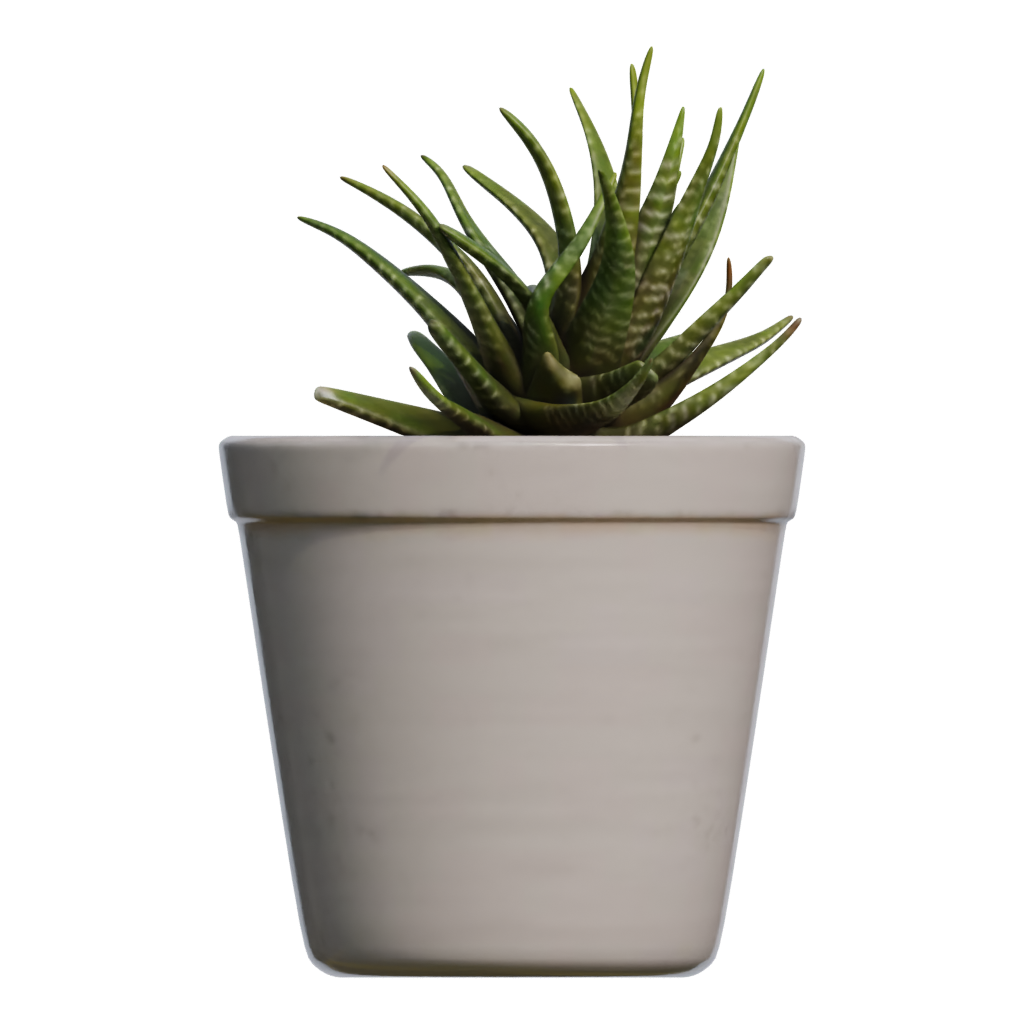
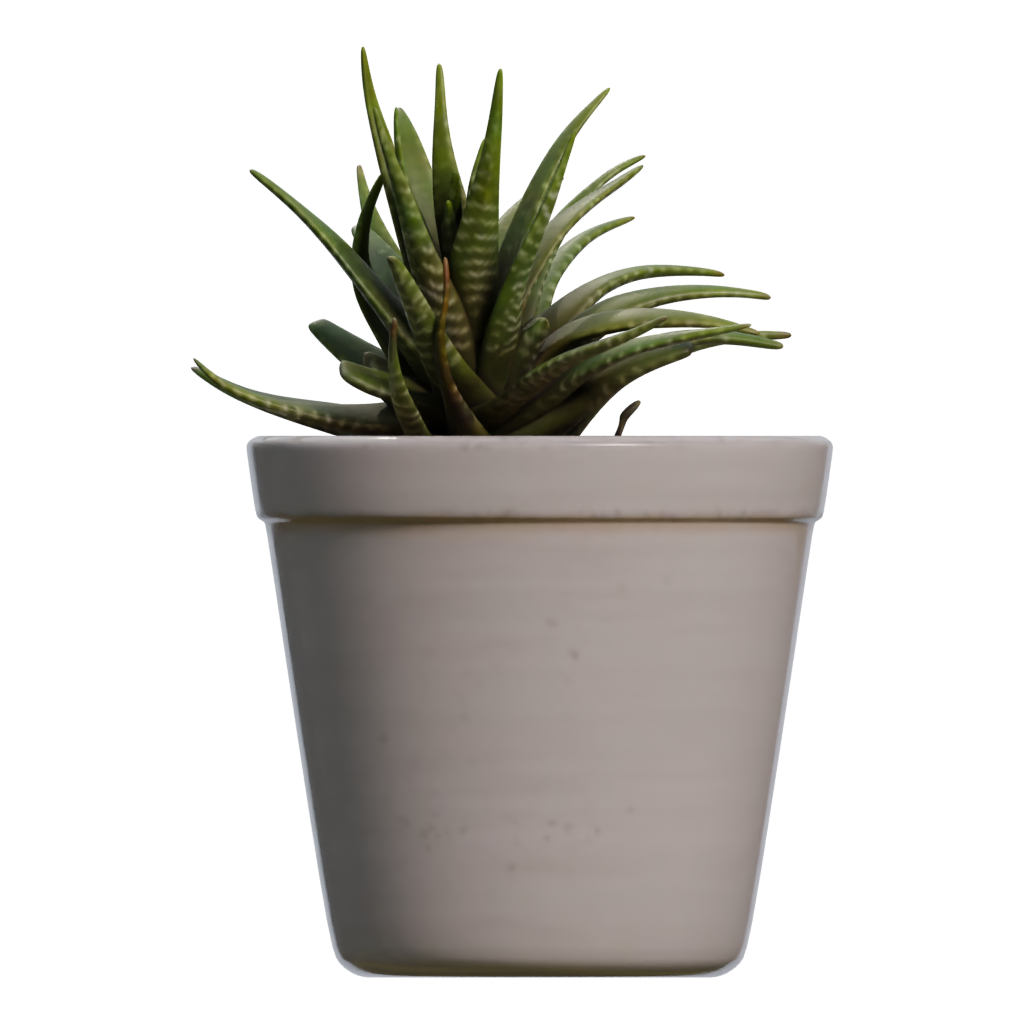
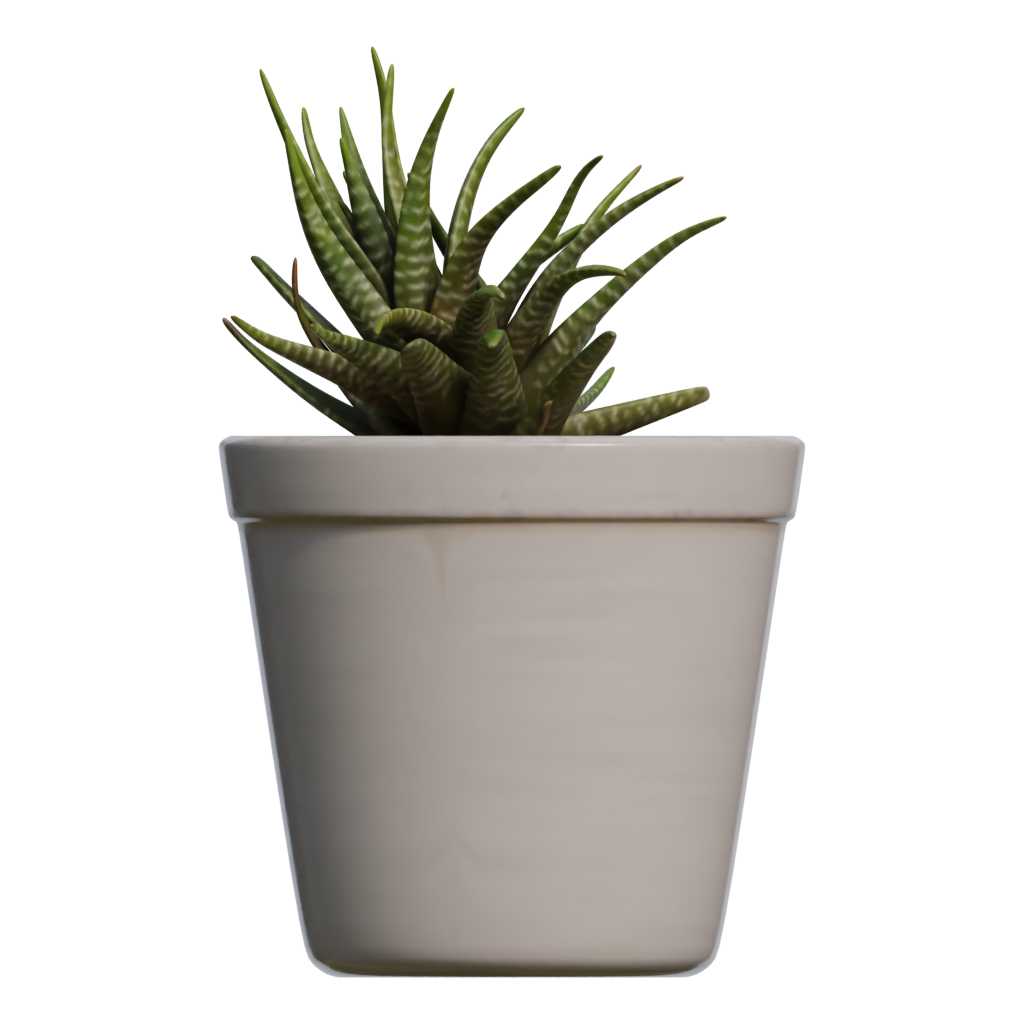
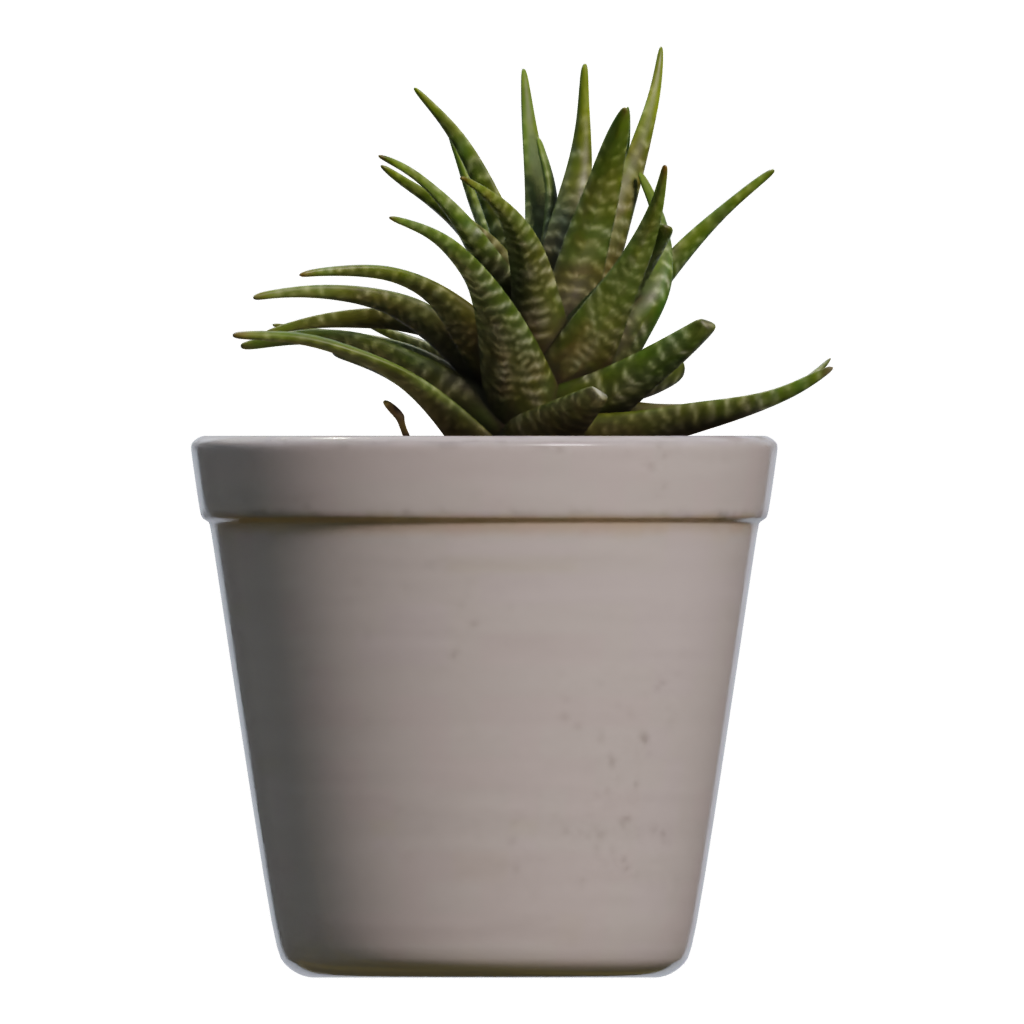
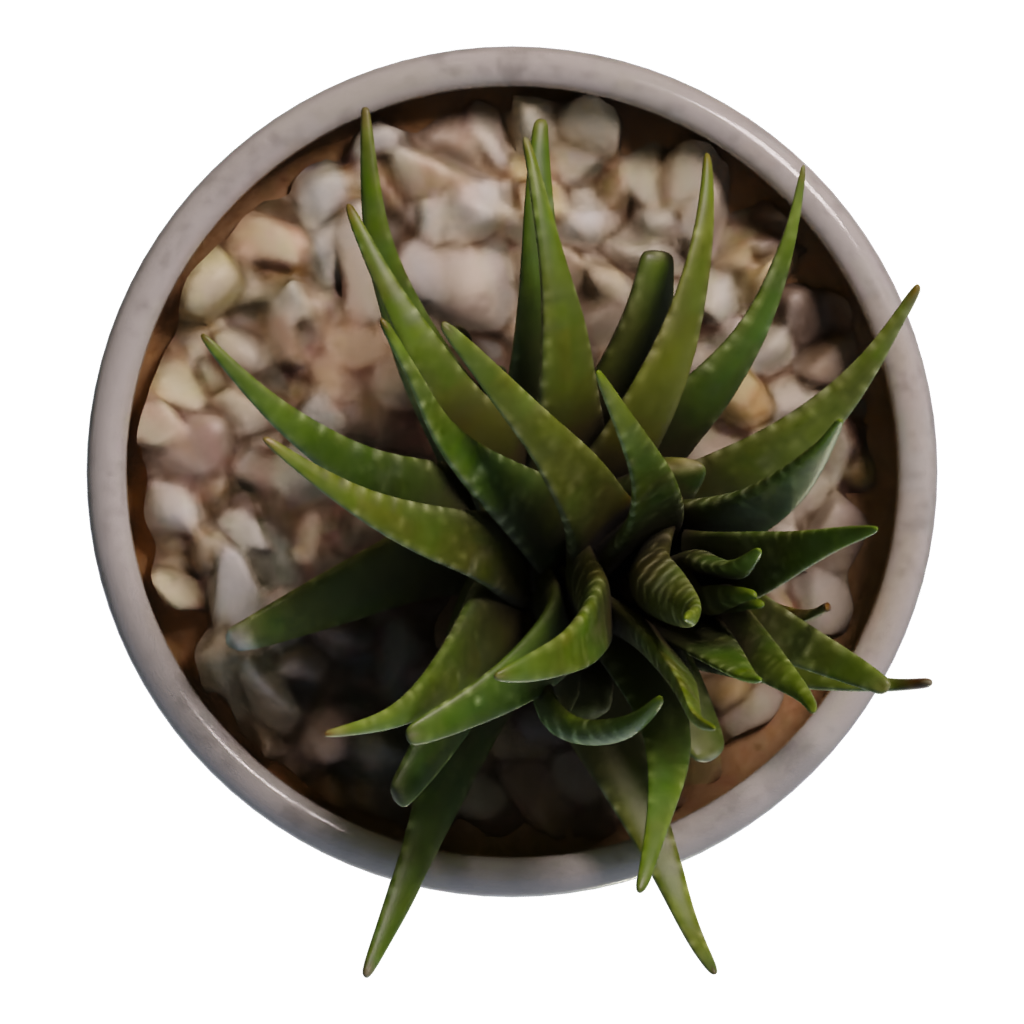
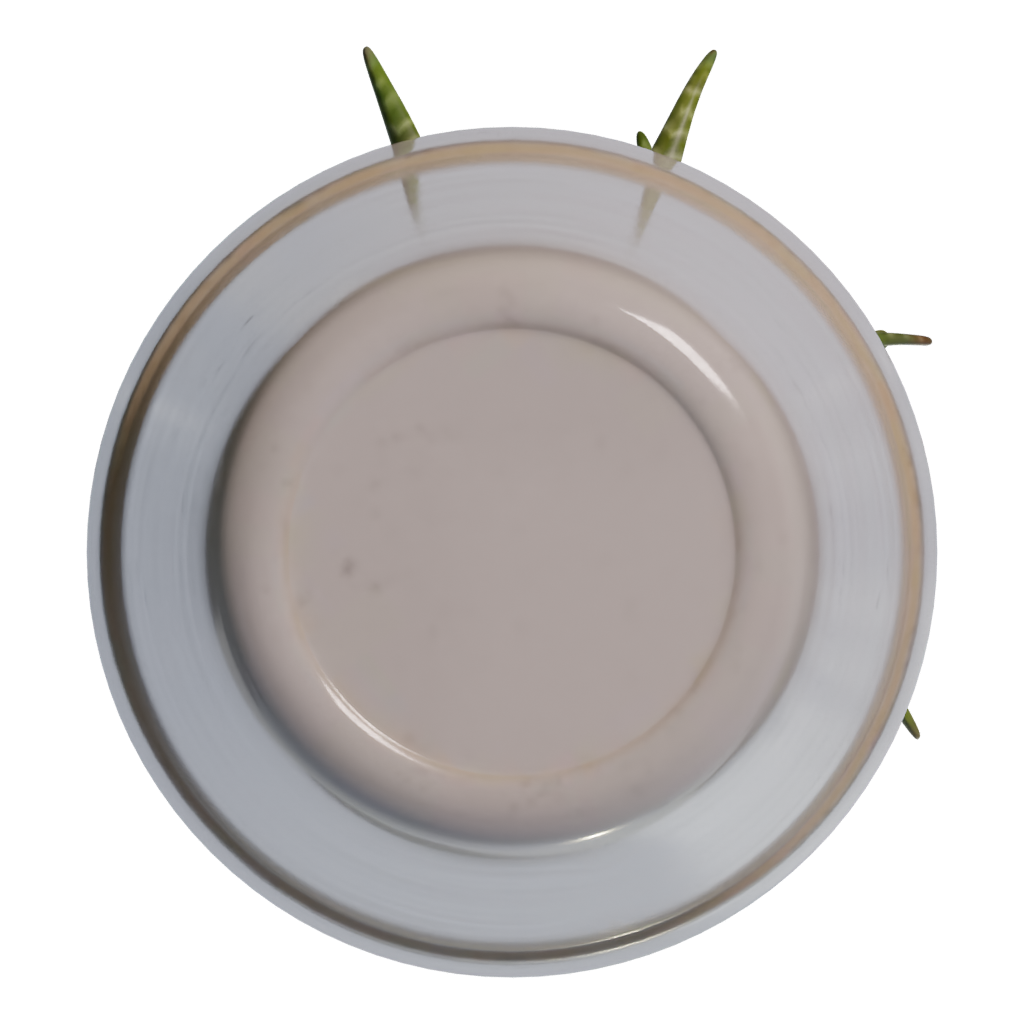
01Front view
Use the front preview to compare the model silhouette, visible materials, and surface detail with the other views.Seele AI · game asset workflow
Import → Edit → Optimize → Export
Bring a model into the Seele AI 3D Workspace, shape the next version, and prepare a game asset for your project.
- 01ImportBring in a model
- 02EditShape the next version
- 03ExportPrepare the asset
Trusted by leaders in
AI, gaming & entertainment




Game asset editing workflow
Edit this game asset
Use the model preview as a starting point, then continue in the Seele AI 3D Workspace to edit, optimize, and prepare a version for your game project.
- 01
Evaluate the Potted Plant as a game asset
Start with the preview angles and ZIP, FBX, GLB formats. Check silhouette, scale, materials, and visible parts before treating this nature model as a candidate for a game asset workflow.
- 02
Check the Potted Plant silhouette and scale
Compare the available views for branch, leaf, rock, terrain, or other natural forms and choose a scale that reads correctly beside the rest of the environment.
- 03
Set the origin for placement
Place the origin at a practical ground or growth point, correct orientation, and test how the asset behaves when rotated, scattered, or instanced.
- 04
Tune natural materials and shading
Review available maps, transparency, roughness, normals, and two-sided shading only when those features are supported by the package and renderer.
- 05
Build an outdoor composition
Use the Seele AI 3D Workspace to test spacing, camera distance, lighting, and variations while keeping procedural scattering or seasonal behavior as separate project work.
- 06
Optimize and export the Potted Plant for a game project
Review overdraw, instance count, texture size, geometry density, LODs, and collision before placing repeated natural assets into a real-time world. Verify scale, axis, origin, material links, texture paths, and transparency behavior after export. Validate the final result in Blender, Unity, Unreal, or the actual toolchain used by your project.
Next step
Build your next game asset.
Open the Seele AI 3D Workspace to continue working with this model and prepare game materials for your project.
Before you use it in a game
Check this game asset first
What kind of nature game asset is Potted Plant?
Potted Plant is grouped here as a nature or landscape asset from its supplied name and preview record. This does not prove that it includes a foliage shader, scattering setup, seasonal variants, or terrain data.
Can I use Potted Plant in a game?
It can support an outdoor composition, landscape study, environment blockout, or game-world dressing after you verify scale, shading, performance, and reuse rights. Treat the page as a discovery and editing starting point, then verify the actual package and reuse rights for your project.
Which file types are listed for Potted Plant?
The record references ZIP, FBX, GLB. Confirm transparency and material behavior in the actual package.
Is Potted Plant game-ready?
A preview record cannot confirm that Potted Plant includes a rig, animation, collision, optimized topology, or engine-ready materials. Check those requirements in the downloaded package and target game pipeline.
How should I edit Potted Plant for a game asset workflow?
Check overdraw, instance count, LODs, collision, texture scale, and lighting response. Test the asset at the final camera distance instead of relying only on the preview. Keep the source preview and original package available while creating the game-specific version.
What should I check before using Potted Plant in a game?
Verify performance, shading and transparency, environment scale, texture rights, and any external landscape or scattering dependencies.