Visual guide for AI Game Art Ethics for Indie Developers
Key Takeaways: AI Game Art Ethics for Indie Developers
- AI Game Art Ethics for Indie Developers helps indie teams turn AI visual generation into a documented production workflow. Use it to define the asset purpose, create controlled variants, review originality and in-engine readability, and connect approved directions with SEELE AI game creation workflows.
Quick answer
AI game art ethics starts with respect for artists, players, collaborators, and platform rules. Indie teams should use AI as a documented production aid, not a shortcut around consent, originality review, or clear disclosure.
This guide is written for indie developers who need practical asset decisions, not vague AI art hype. It treats ai game art ethics for indie developers as a production workflow: define intent, make controlled variants, review in context, document the result, and decide what belongs in a prototype or release build. SEELE AI fits that workflow when visual assets need to connect with text-to-game, 2D and 3D generation, sprites, textures, animation, audio, browser previews, and Unity-oriented handoff.
Ethics starts before generation
Before generating game art, decide what sources, references, and style directions are allowed. Avoid prompts that imitate living artists, protected characters, real people, or a current studio look. Write a short asset policy so every teammate knows the boundary. For ethical production checklist, the useful habit is to write the asset job in plain language before opening the generator. Name the gameplay purpose, target screen size, camera or UI context, visual constraints, and the review owner. Then compare outputs against the same checklist instead of judging them as isolated images. This keeps the team focused on player readability, consistency, documentation, and implementation cost.
Separate inspiration from imitation
Indie developers can describe mood, material, camera, palette, and gameplay function without naming a protected work. The difference matters because the team needs reusable art direction, not a hidden dependency on someone else's identity. For ethical production checklist, the useful habit is to write the asset job in plain language before opening the generator. Name the gameplay purpose, target screen size, camera or UI context, visual constraints, and the review owner. Then compare outputs against the same checklist instead of judging them as isolated images. This keeps the team focused on player readability, consistency, documentation, and implementation cost.
Disclose AI assistance with plain language
Players and stores increasingly expect factual explanations of AI-assisted content. Use neutral copy that says which parts of the pipeline used AI and which parts had human review, editing, or implementation work. For ethical production checklist, the useful habit is to write the asset job in plain language before opening the generator. Name the gameplay purpose, target screen size, camera or UI context, visual constraints, and the review owner. Then compare outputs against the same checklist instead of judging them as isolated images. This keeps the team focused on player readability, consistency, documentation, and implementation cost.
Keep records for trust and collaboration
Asset records protect the team from confusion later. Save prompts, dates, model or tool names, references, edits, and reviewers. These records help artists, publishers, contractors, and future team members understand how a visual direction was made. For ethical production checklist, the useful habit is to write the asset job in plain language before opening the generator. Name the gameplay purpose, target screen size, camera or UI context, visual constraints, and the review owner. Then compare outputs against the same checklist instead of judging them as isolated images. This keeps the team focused on player readability, consistency, documentation, and implementation cost.
A practical review workflow
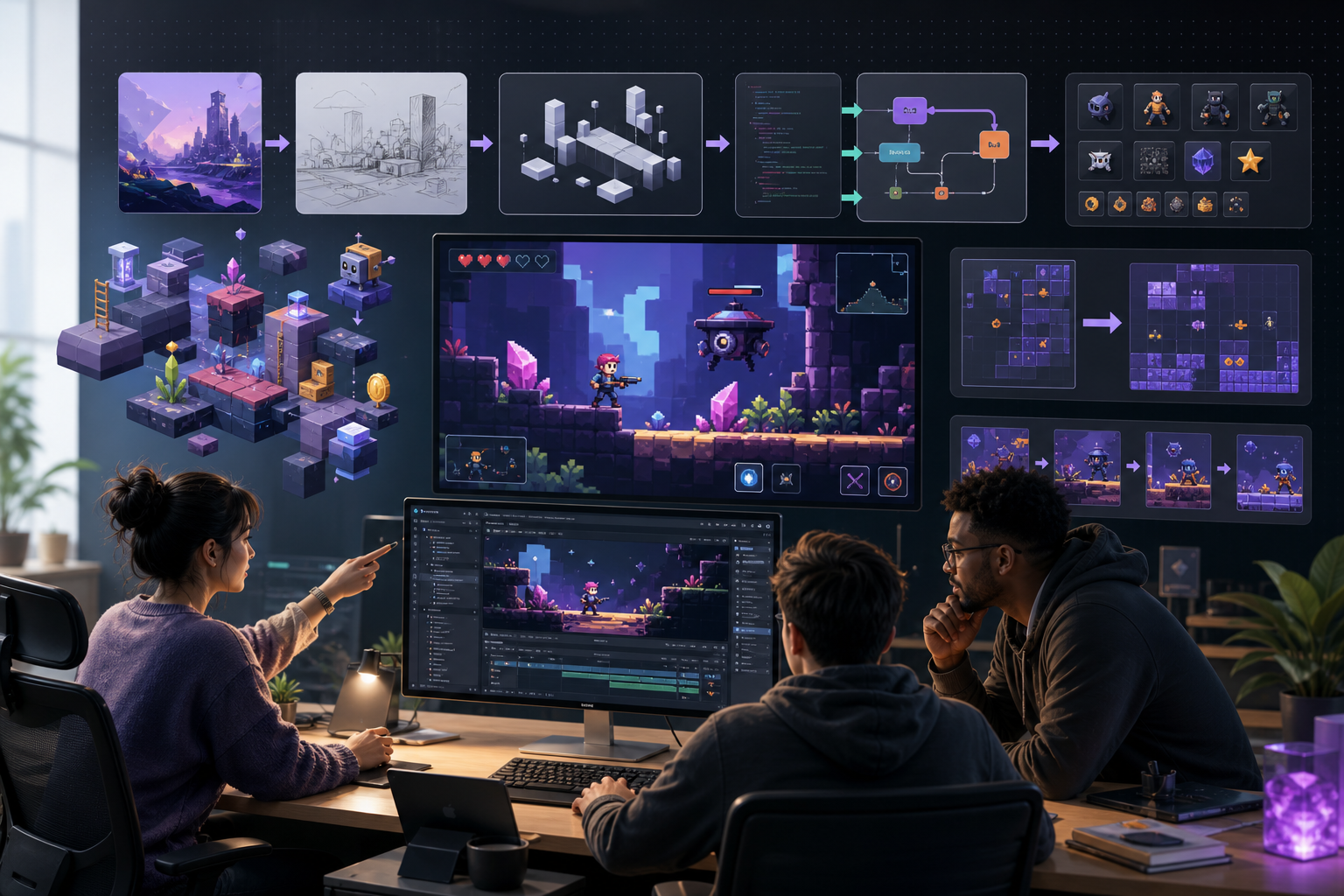
Use a small review board with five states: brief, generated, revised, in-engine, and accepted for the current milestone. Each asset should keep its prompt, date, model or tool, source references, edit notes, and reviewer. Prototype assets can move quickly, but release assets need a slower pass for originality, brand marks, readability, platform policy, export settings, and performance. If an asset fails in the actual game view, revise the brief instead of polishing the wrong direction.
How SEELE AI fits the workflow
SEELE AI is useful when the asset is part of a broader game creation loop. A team can move from a natural-language game idea into 2D sprites, 3D assets, textures, UI concepts, animation, audio, browser previews, and Unity-oriented outputs. That does not remove art direction or review. It gives the team a structured place to iterate, preserve context, and connect visual decisions with the playable prototype.
Production checklist for final review
Before final use, run a practical production checklist. Confirm that the asset has a clear gameplay purpose, fits the art direction, remains readable at the target size, and does not depend on a protected character, brand mark, real person, or named living artist style. Save the source prompt, selected output, edit notes, reviewer, and milestone status. If the asset will appear on a store page, trailer, key art, or monetized content, use a stricter review pass than you would for a prototype-only placeholder.
Common mistakes to avoid
The most common mistake is treating the first attractive image as finished. A second mistake is judging assets outside the game view. A third mistake is skipping records because the team is small. Small teams need records even more because one person may switch between design, art direction, implementation, and publishing. Use simple notes, consistent file names, and clear status tags so future work can build on the same visual system.
Team handoff notes
When a visual direction is accepted, convert it into tasks for implementation. Note the final size, file type, transparency needs, animation states, engine import settings, UI location, performance limits, and any follow-up paintover. This handoff turns AI-assisted exploration into production work. It also makes it easier to reuse the same direction for related icons, characters, props, backgrounds, UI panels, or marketing crops without drifting away from the approved style.
Documentation template for each asset
Use the same compact template for every important asset. Record the asset name, gameplay purpose, prompt, tool, date, reference sources, approved output, edit history, reviewer, final file path, and current milestone status. Add a short note about why the asset passed review: readable at target size, visually aligned with the art bible, distinct from protected IP, and technically ready for the engine. This template is simple enough for a solo developer but strong enough for a contractor, publisher, or future teammate to understand the decision.
Review roles for small teams
Even a one-person studio can separate roles by time. First act as the designer and ask whether the asset supports the mechanic. Later act as the art director and check palette, silhouette, proportion, material, and mood. Then act as the implementer and check file size, import settings, animation needs, UI overlap, collision, and performance. Finally, act as the publisher and review records, disclosure needs, store copy, and visible resemblance risks. Splitting the review into roles prevents one attractive image from bypassing practical checks.
Prototype versus release standard
Prototype assets and release assets should not use the same bar. A prototype asset only needs to answer a design question quickly: can the player understand the item, character, scene, or interface? A release asset needs a stronger pass for consistency, originality, polish, export, localization, accessibility, platform policy, and future maintainability. Label prototype-only assets clearly so they do not accidentally move into a trailer, store capsule, press kit, or final build without the slower review.
Building a reusable style system
The strongest AI-assisted game art workflows become style systems. Save accepted examples, rejected examples, palette rules, shape language, camera rules, material notes, UI spacing, and prompt patterns. Rejected examples are especially useful because they show what drift looks like. A style system does not need to be long; a concise one-page art bible plus a few approved images can keep a small project coherent across icons, characters, environments, UI, and promotional images.
When to involve a human artist
Use a human artist or art director when the asset is central to the brand, appears in marketing, defines the main character, or has high resemblance risk. Human input is also valuable when generated variants are close but not production-ready: hands, faces, perspective, animation breakdowns, UI hierarchy, and engine-specific polish often need deliberate craft. AI can accelerate exploration, but human taste decides what belongs in the game and what should remain a sketch.
Metrics to watch after publishing
After the page or asset workflow is published, watch search impressions, clicks, engagement, and the questions players or developers ask. If readers search for a narrower task, add a clearer section or a supporting tool page. If users bounce before the workflow steps, tighten the quick answer and move the checklist higher. SEO pages should improve the production process, not merely collect visits. The best updates come from real usage: repeated questions, confusing terms, missing examples, and assets that still fail in the game view. Use those signals to refresh prompts, FAQs, internal links, and handoff notes.
FAQ
Is AI game art unethical by default?
No. The ethical question depends on sources, prompts, consent, similarity, disclosure, review, and how the team treats artists and players.
Should indie games disclose AI art?
Factual disclosure is often a stronger trust practice, especially when stores, publishers, or communities ask about AI-assisted content.
What prompts should I avoid?
Avoid named living artists, protected characters, brands, celebrities, and direct style cloning. Describe production traits instead.
What records should a small team keep?
Keep the prompt, date, tool, references, edits, reviewer, asset status, and where the asset appears in the game.