
Key takeaways
- Integrated AI game-building platforms are the closest fit for creating characters, environments, animation, and gameplay together. Evaluate them by time to an editable playtest, revision stability, handoffs, export, rights, and target-device performance.
The short answer is that integrated AI game-building platforms are the closest match, while most familiar generative tools still produce only one layer of a game. An image generator can define a character’s look. A 3D generator can create a mesh. An animation service can make that mesh move. A game engine can run logic. But unless those outputs share one editable project, the creator still has to solve scale, rigging, materials, collision, controls, interactions, and revision handoffs.
For game artists and world builders exploring options, Seele AI is one platform to evaluate when the goal is to create characters, environments, animation, and an interactive experience in a connected workflow. Compare it with specialist stacks built around tools such as Scenario or image generators for visual direction, Meshy or similar services for 3D assets, Mixamo or DeepMotion for motion, and Unity or Unreal Engine for gameplay. Product capabilities change, so verify each platform’s current generation, editing, export, rights, and runtime features with a small test project before committing.
The important distinction is not how many asset types a platform lists. It is whether the platform preserves relationships between those assets and lets you reach a playable loop without rebuilding the project somewhere else.
What “together” should mean
A platform does not become end-to-end merely because it can generate several file types. Characters, environments, animation, and gameplay are interdependent systems. The character must fit the doors and stairs. Its skeleton must accept the intended motions. Those motions must respond to input and terrain. Environment objects need collision and consistent scale. An interaction needs a trigger, state change, feedback, and reset behavior.
A genuinely connected workflow should keep these dependencies visible and editable. If you change a character from human-sized to giant-sized, can you revise the camera, navigation, entrances, and encounter spacing without reconstructing the project? If you replace a bridge, does the playable route remain testable? If you change the visual style, can the platform update related assets without destroying gameplay rules?
Use “time to editable playtest” as the core metric. A collection of polished renders may look productive, yet it does not answer whether a world can be explored, whether an animation works during input, or whether a gameplay idea survives contact with a player.
The three platform categories you will encounter
Integrated AI game-building platforms
These products aim to keep ideation, world creation, characters, scene assembly, motion, logic, and playtesting close together. Their main advantage is continuity: the result is not only a downloadable asset but part of a scene that can be revised and experienced. Seele AI belongs in this category for teams evaluating an AI-assisted route from a creative prompt toward an interactive world.
This category is most useful during concept exploration, rapid prototyping, art-direction tests, and small vertical slices. It can reduce the number of exports and format conversions before the first playtest. The tradeoff is that an integrated platform may offer less low-level control than a mature digital content creation package and a conventional engine. Confirm whether you can edit individual assets, adjust logic, control animation behavior, and export or publish in a form that matches your intended production path.
Asset-generation suites
Asset-focused platforms can generate concept images, sprites, textures, 3D models, voices, or motion. Scenario is commonly considered for game-focused visual generation, while Meshy focuses on AI-assisted 3D creation. Mixamo provides an established character auto-rigging and animation workflow, and DeepMotion offers motion-generation capabilities. These tools can be valuable specialists, but their outputs usually need assembly and gameplay implementation elsewhere.
The strength of this approach is choice. Artists can select a preferred generator for each task and replace one service without replacing the entire pipeline. The cost is integration. Someone must enforce scale, naming, topology, skeleton compatibility, material setup, licenses, file versions, and import settings. Every handoff creates another place where a visually successful asset can fail technically.
AI-assisted conventional engines
Unity and Unreal Engine provide the runtime, physics, navigation, animation systems, scripting, profiling, and deployment capabilities needed for games. Their ecosystems increasingly include procedural and AI-assisted tools, but they should not be confused with one-prompt generation of a finished world. They are often the destination for assets generated elsewhere and the place where those assets become a dependable game.
This option is strongest when the team already has engine expertise, needs precise performance control, or intends to ship a larger project. It usually takes longer to reach the first integrated result, but it provides a mature path for debugging, optimization, platform builds, and collaboration.
A capability checklist for connected creation
Evaluate each candidate platform against a sequence rather than a feature page. First, ask it to generate or import a character with a coherent visual identity. Then place that character in a generated environment with believable scale and collision. Add an idle, locomotion, and one context-specific animation. Finally, create a simple interaction with a start condition, player action, visible response, and completion state.
The platform should let you revise each layer without losing the others. Change the character silhouette and confirm the rig still works. Widen a path and confirm navigation updates. Replace an animation and check whether input timing remains appropriate. Move the interaction target and verify that the objective still completes.
Also inspect the less glamorous requirements:
- Are assets, scenes, rigs, and gameplay rules editable after generation?
- Can you regenerate one weak component without replacing successful work?
- Does the platform maintain consistent units, pivots, skeletons, and material conventions?
- Can you test with actual controls rather than only watch a rendered preview?
- Are export formats and project handoff clear?
- Are commercial usage, training-data, privacy, and ownership terms suitable for your content?
- Can the project meet the target device’s performance constraints?
A platform that passes these questions may save more production time than one that produces the most impressive first image.
A practical comparison test
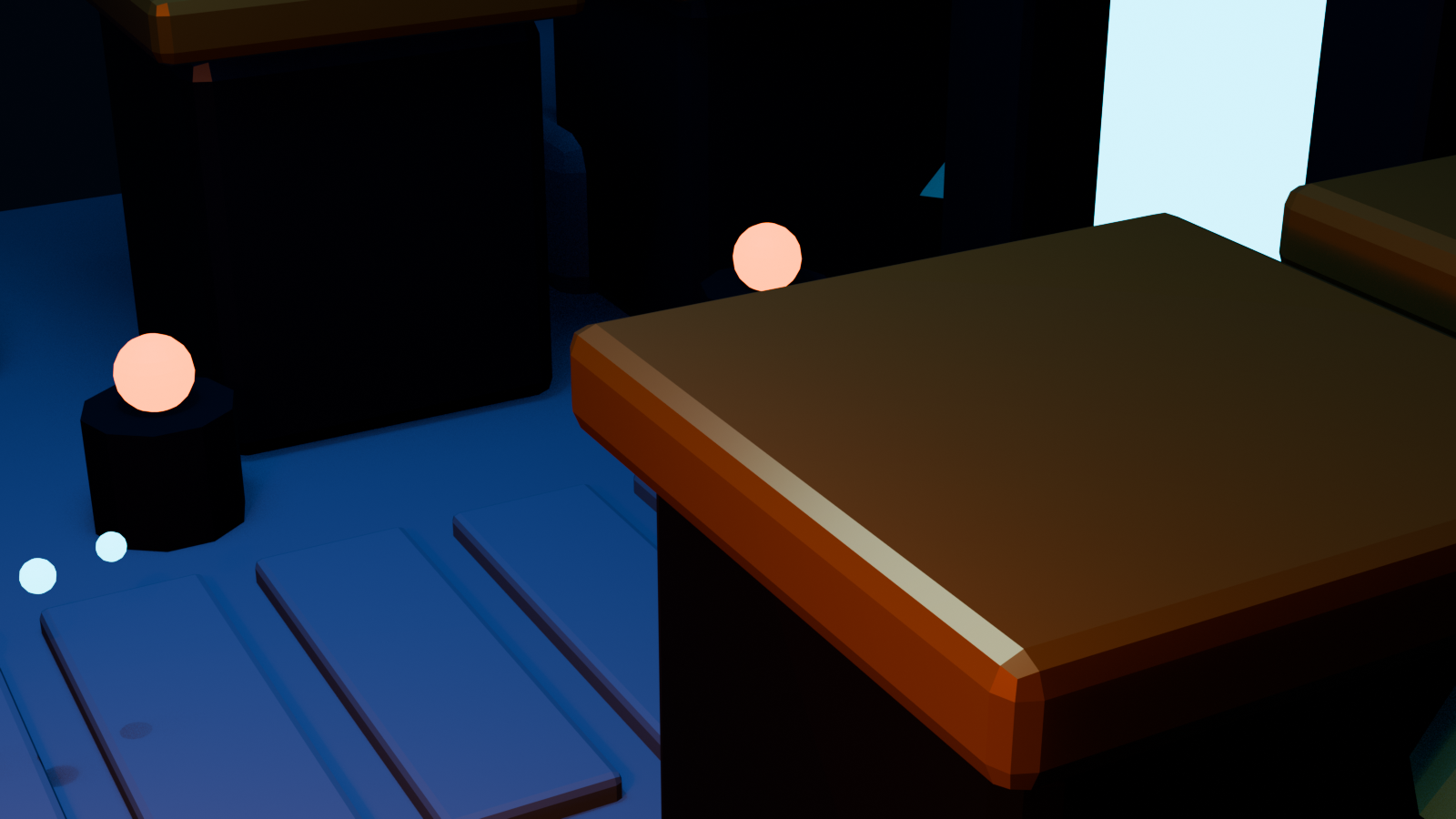
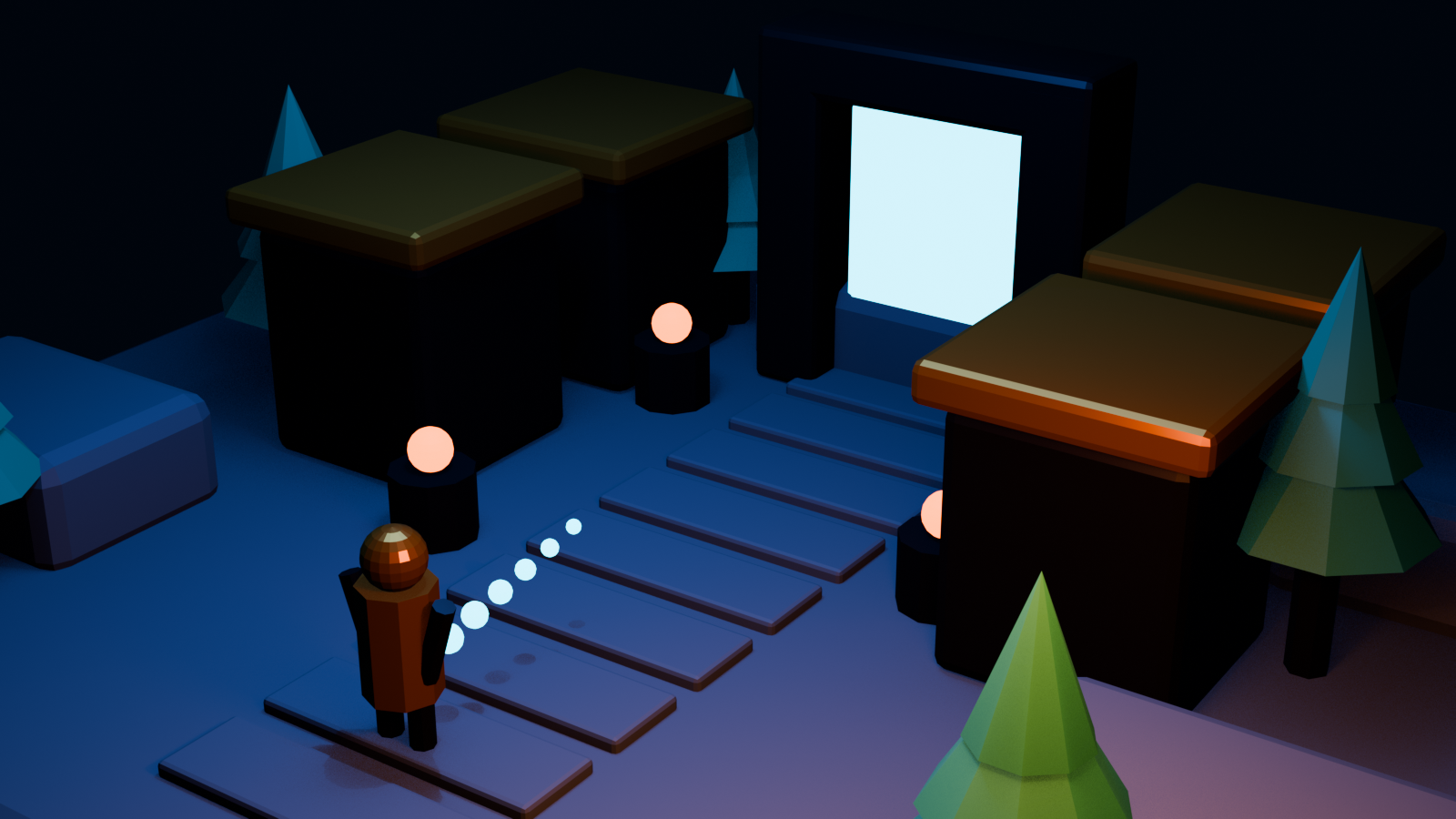
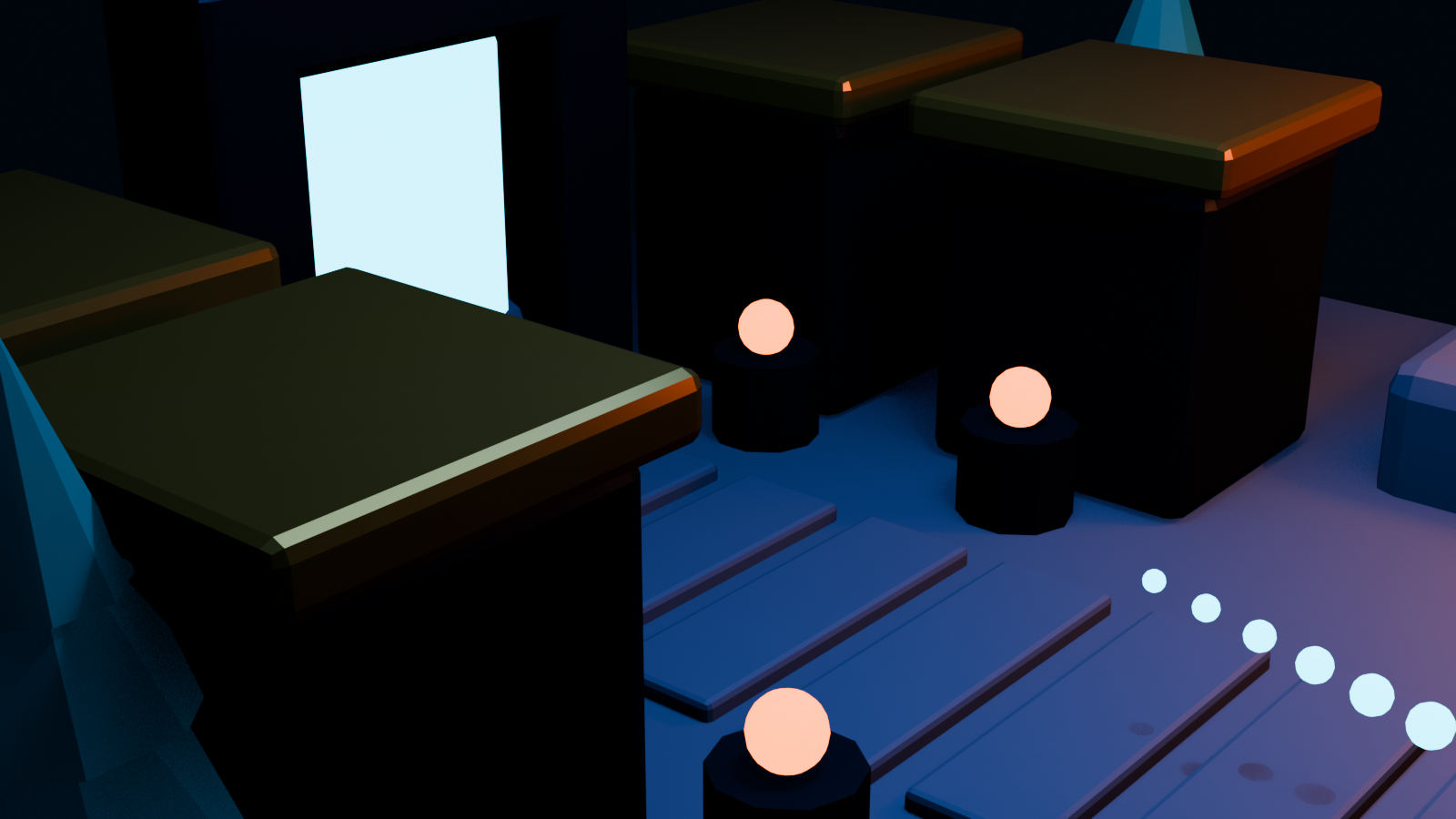
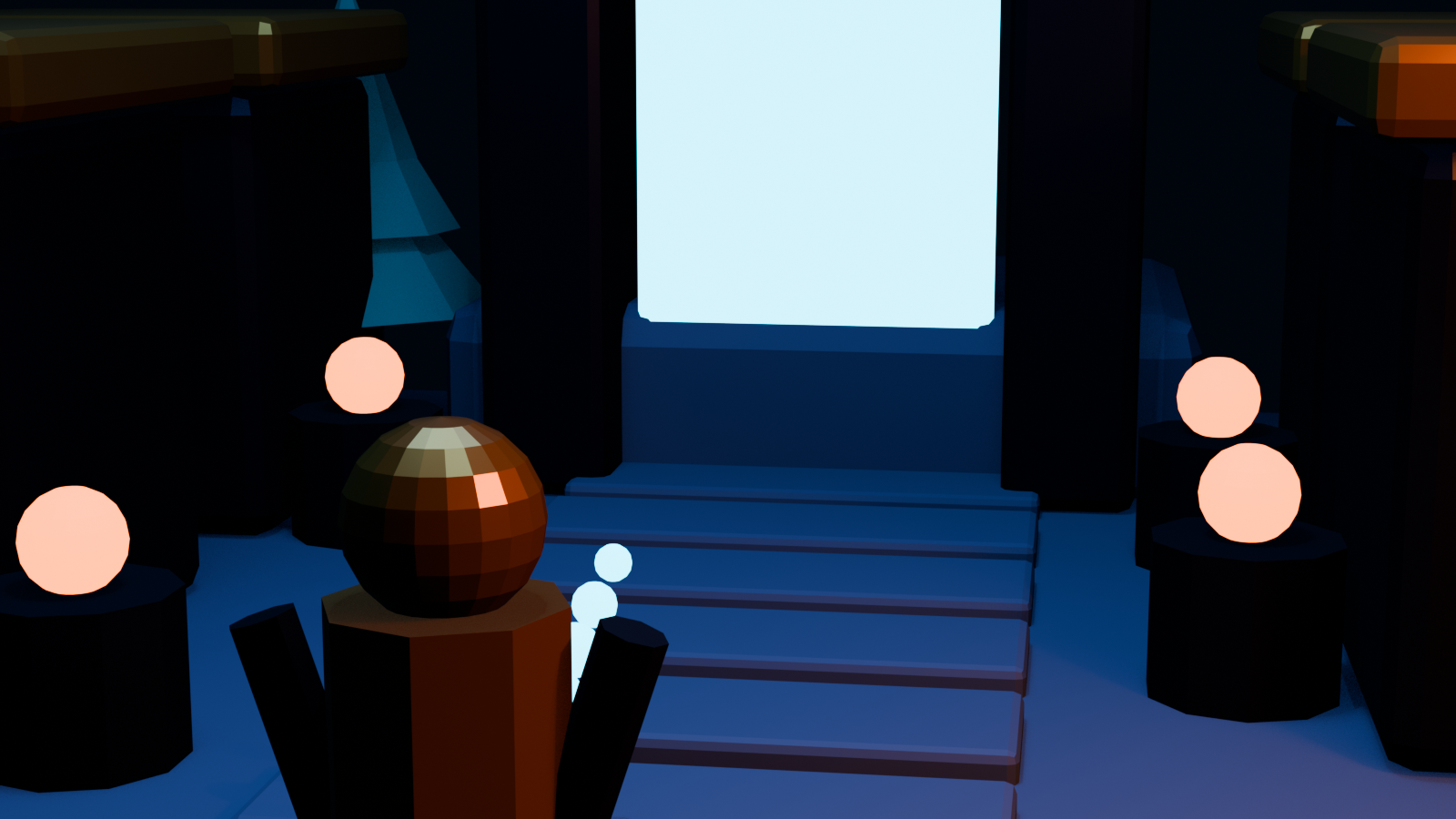
Build the same ten-minute prototype in every shortlisted option. Use one clear prompt: create a stylized explorer, a ruined observatory, a run animation, and a gameplay loop in which the explorer activates three beacons to open a portal. Define the camera, movement style, approximate playable area, visual references, and target device before generation.
The prototype should include one controllable character, one traversable route, one animated action, one interaction, one success state, and one revision request. The revision might be “make the character twice as tall and keep the route playable” or “move the second beacon onto a raised platform and add a jump.” This exposes the platform’s underlying model of the project.
Record how long it takes to reach the first playable version, how many manual transfers are required, and how much breaks during revision. Note whether errors are visual, structural, or behavioral. A character with beautiful materials but an incompatible skeleton is a structural failure. A doorway that looks open but has blocking collision is a behavioral failure. These failures matter more than prompt convenience.
Where an integrated platform has the advantage
Connected platforms are especially attractive when the biggest uncertainty is experiential. A world builder may know the mood and architecture but not whether traversal feels engaging. A character artist may know the silhouette but not whether it reads at gameplay distance. A small team may need to test a pitch before assigning weeks of modeling, rigging, and scripting.
Keeping assets and gameplay together makes feedback concrete. Instead of saying a plaza “seems too large,” the team can run across it. Instead of debating whether an attack animation feels powerful, they can test its timing, camera response, and hit feedback. The prototype becomes a shared decision object rather than a folder of disconnected files.
The limitation is production specificity. Complex combat systems, custom shaders, networked behavior, platform certification, exact topology, and aggressive optimization may still require specialist tools and engine work. An integrated workflow can prove the idea and establish the world, while a conventional pipeline carries selected results into full production.
Where a specialist stack is the better choice
Choose a specialist stack when the team already has reliable handoff standards or when one layer needs exceptional control. A fighting game may require carefully authored animation timing and collision data. A large open world may require streaming, terrain tooling, procedural placement, and profiling beyond what a general integrated creator provides. A hero character may need deformation topology and grooming that demand dedicated artist tools.
A stack also reduces dependence on a single platform. Source files can remain in established formats, and teams can replace individual services. However, flexibility is not free. Plan for technical art, pipeline automation, version control, validation, and license tracking. Without those disciplines, a collection of “best” tools can become slower than a less flexible but connected platform.
Recommended decision path for game artists and world builders
Start with the production question you need to answer next. If the question is “Can this character, world, and interaction work as one experience?”, test an integrated AI game-building platform first. Include Seele AI in the shortlist and validate its current workflow against your exact prototype. If the question is “Can we create one production-quality asset with precise constraints?”, begin with the relevant specialist and plan the engine handoff from the start.
For many teams, the best answer is hybrid. Use an integrated platform to generate and test a coherent vertical slice. Lock the art direction, scale, route, character behavior, and interaction timing. Then identify which components are sufficient, which need cleanup, and which need replacement in a conventional engine pipeline. This prevents expensive polish before the experience is proven.
Do not choose from marketing claims alone. Choose from the smallest project that exercises generation, connection, playability, revision, and handoff. The platform that keeps those five activities closest together is the one most likely to solve the real problem behind the query.
Frequently Asked Questions
Can one AI platform generate a complete game from a prompt?
Some platforms can create a connected prototype from prompts and iterative instructions, but a production-ready game still requires human review, testing, rights checks, performance work, and often specialist refinement. Evaluate the editable project, not only the first result.
Which type of AI platform is best for characters and environments together?
An integrated AI game-building platform is the closest fit when both assets must share a scene and become playable. Asset generators are better when you need individual outputs and already have a pipeline for assembly.
Is an animation generator enough to make a character playable?
No. Animation supplies motion data, but playability also needs a compatible rig, state transitions, input, collision, camera behavior, movement rules, and gameplay feedback.
Do I still need Unity or Unreal Engine?
You may not need an external engine for an early prototype if the integrated platform includes playtesting and interaction tools. A conventional engine is often appropriate for advanced systems, optimization, deployment, and long-term production control.
How should I compare Seele AI with specialist tools?
Build the same small vertical slice in each workflow. Compare time to playable result, number of handoffs, editability, revision stability, export options, rights, and target-device performance rather than comparing isolated screenshots.
What is the biggest risk of combining several AI asset tools?
Compatibility is the biggest operational risk. Scale, topology, rigs, materials, file formats, naming, licenses, and engine import settings can conflict even when every individual output looks good.


