A rhythm-game prompt needs four things before it needs more songs: a clock, a list of target beats, a rule for how close a tap must be, and a deterministic result for hits and misses. Define those rules in plain language, trace a few taps by hand, and ask for one small playable loop. That gives you a useful brief to inspect; it does not prove that generated audio or timing will work.
Lantern Pulse is a fictional one-lane chart used to make the timing contract concrete. Its numbers below are an authored paper example, not the output of a prompt run, a playable build, or a measured synchronization test.
Define the beat chart before adding content
Start by naming the chart clock. In this example it begins at t = 0 when the player presses Play. There is no count-in or pre-roll. At 120 beats per minute, one beat lasts 60 / 120 = 0.5 seconds. Choosing beats 2, 4, and 6 places the targets one, two, and three seconds after the clock starts.
| Target | Beat | Time from Play | Purpose in the first chart |
|---|---|---|---|
| 1 | 2 | 1.00 s | First tap after the clock begins |
| 2 | 4 | 2.00 s | Second tap; shows combo growth |
| 3 | 6 | 3.00 s | Final target for the short trace |
This is a schedule, not an audio file. A game can display the targets against a beat clock, but a real song introduces questions this model deliberately leaves open: where audio playback starts, whether the device introduces latency, how the chart is calibrated, and whether the music and visual targets remain aligned on different hardware. Keep those separate from the first rule-writing exercise.
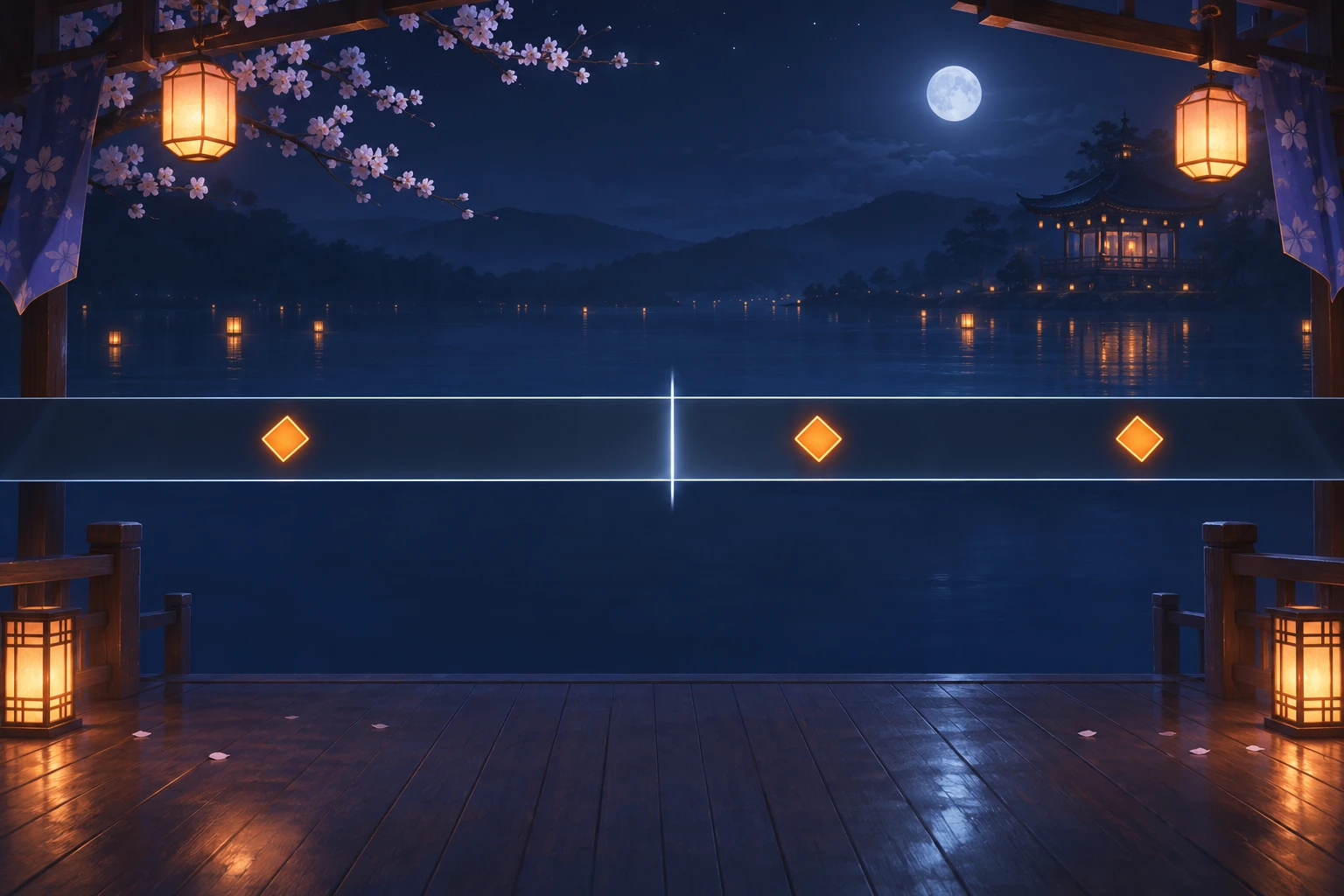
The chart’s starting state should be just as explicit as its tempo: one lane, three unresolved targets, combo zero, and target index zero. The player has not hit anything yet. A restart returns to that same state. A run ends once the last target’s hit window closes, after the game records the hit count, miss count, and final combo.
Prompt one playable loop with a clear input contract
A prompt should describe what the player can do and what the game must decide. “Tap to the music” leaves the timing clock, acceptable error, late behavior, and feedback unspecified. A stronger prompt gives each of those a testable rule. For Lantern Pulse, a tap is a hit if its timestamp is within 80 milliseconds before or after the active target, including either boundary. Each target resolves once. When its late deadline passes without a hit, it becomes one miss, combo resets to zero, and the game advances. A tap outside every open window is ignored.
Here is a template you can adapt. It asks for a bounded prototype and a way to inspect the rule behavior. It is an unrun prompt template; no output or build is claimed.
Build a small one-lane rhythm-game prototype from this design brief.

Clock: start chart time at 0 when Play is pressed. Use a fixed beat clock at 120 BPM; do not add a count-in or pre-roll.
Targets: create notes at beats 2, 4, and 6 (1.00, 2.00, and 3.00 seconds after Play).
Input rule: a tap hits only the current unresolved target when the absolute timing offset is at most 80 ms, inclusive. Resolve each target once. Ignore taps outside all open target windows.
Late rule: if the current target passes target time + 80 ms without a hit, record one miss, clear combo, and advance. Do not count a later tap as a hit for that target.
Feedback: each hit increments combo and lights one lantern cell. A miss resets combo to 0 and clears the cells. Show the active target and timing line without relying on text-only feedback.
End and restart: finish after target 3's late deadline; show hit count, miss count, and final combo. Restart restores the idle chart, combo 0, and target 1.

Keep this first pass to one lane and three taps. Include a visible way to check target time, input offset, hit/miss result, and resulting combo during review. Do not claim audio synchronization unless it is separately calibrated and tested.
The prompt separates chart rules from implementation guesses. It does not require note grades, health, hold notes, multiple lanes, a score multiplier, or background hazards. Each would add another state or timing question before the basic loop is understood. Add one only when it serves a concrete player decision.
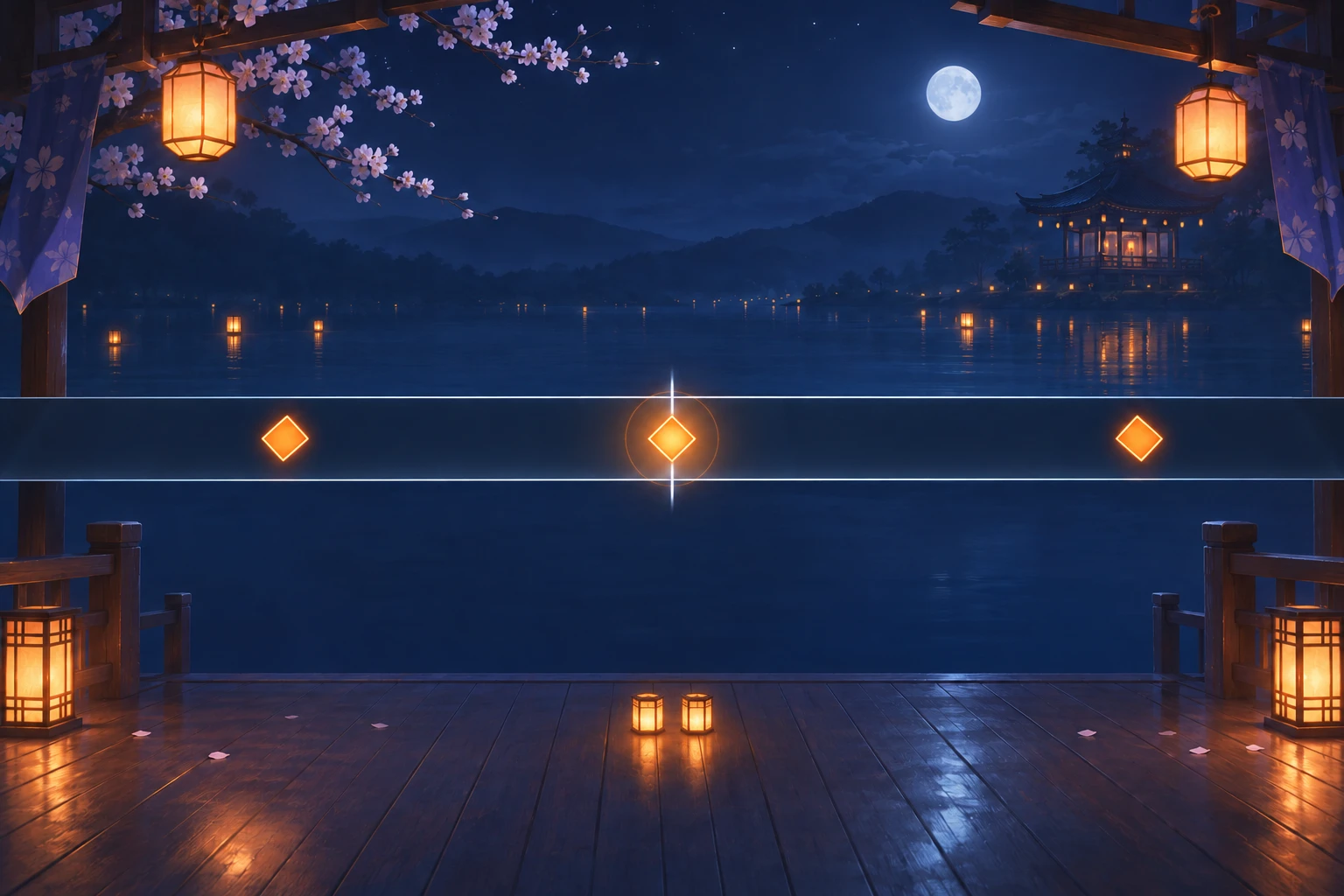
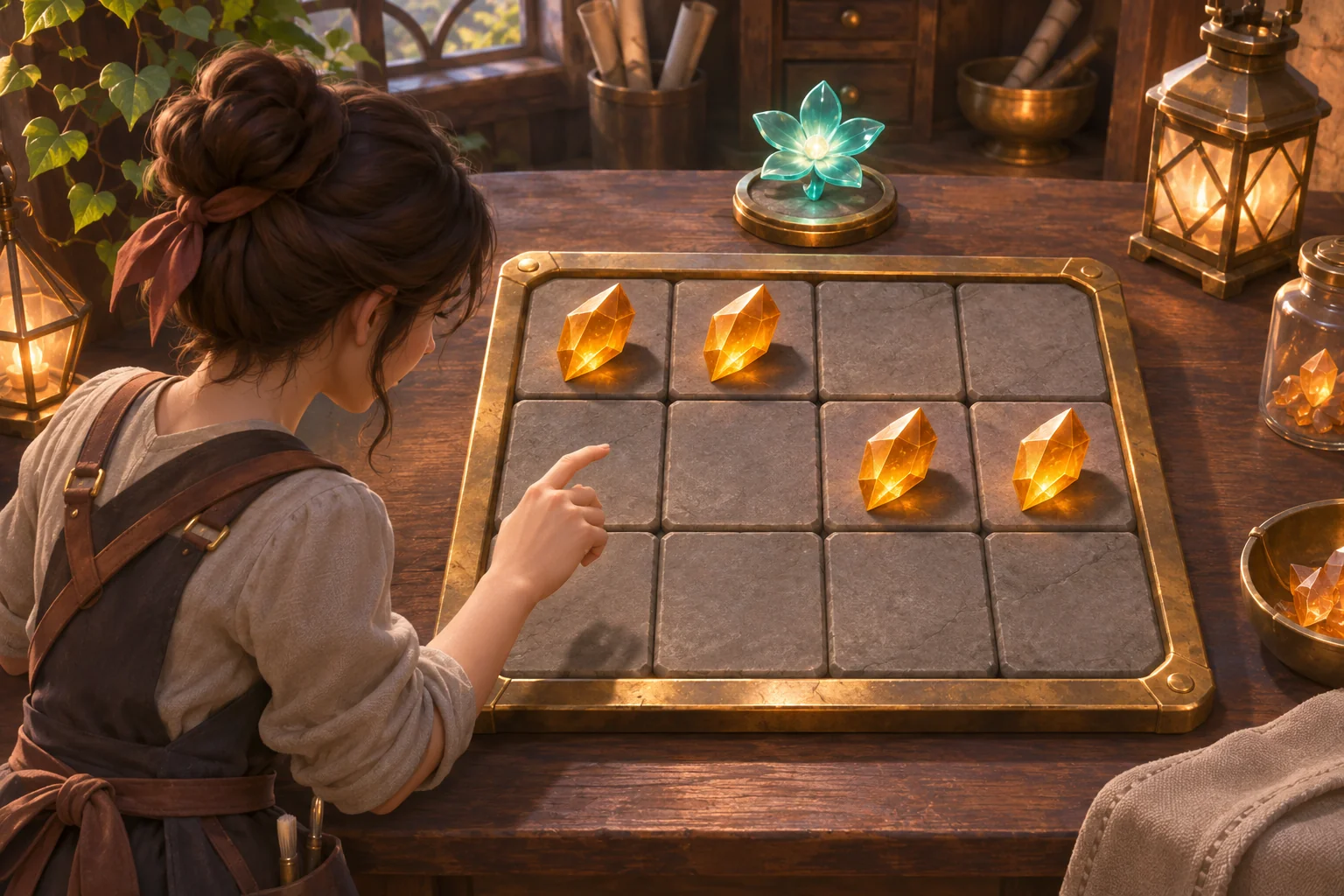
The mechanism image shows the second target at beat 4 resolving as a hit. The first target already contributed one cell, and this hit adds the second. A visual pulse marks contact; the two-cell strip communicates the resulting combo without claiming that the fictional chart was implemented.
Hand-check the same taps against the baseline rule
Before asking a game tool to build a loop, compare the written rules with a short trace. The offset is the tap timestamp minus the target time. A positive value is late; a negative value is early. Under an inclusive ±80 ms rule, offsets from −80 through +80 ms count as hits.
| Target time | Tap | Offset | Rule result | Combo after event |
|---|---|---|---|---|
| 1.00 s | 1.04 s | +40 ms | Hit | 1 |
| 2.00 s | 1.95 s | −50 ms | Hit | 2 |
| 3.00 s | 3.09 s | +90 ms | Miss after 3.08 s deadline; late tap ignored | 0 |
The first two taps fall inside their windows, so combo rises from zero to one and then two. The third is 90 ms late. Its baseline deadline is 3.00 + 0.08 = 3.08 seconds; at 3.09 seconds the target has already missed, so the late tap cannot undo the miss. The trace ends with two hits, one miss, and combo zero.
Writing down the deadline matters. Without it, two implementations might disagree about a tap that arrives after a target should have closed: one might count it late, another might silently ignore it, and a third might leave the target active indefinitely. The prompt should specify which event resolves the target and when the game advances.
Change one timing rule and replay the trace
To compare a more forgiving window, change only the tolerance from ±80 ms to ±100 ms. Keep the beat clock, target times, tap timestamps, miss feedback, and restart behavior fixed. The third tap remains at 3.09 seconds, or +90 ms from the 3.00-second target. It now falls within the revised window and counts as a hit. The fictional trace becomes three hits and a final combo of three.
This is a controlled paper comparison because only one authored variable changed. It does not establish that ±100 ms will feel better, that a real device will register that offset, or that a generated build will align to music. Those are separate design and test questions. If the player experience depends on a sound track, measure and calibrate the audio path instead of treating the illustrative tolerance as a universal setting.
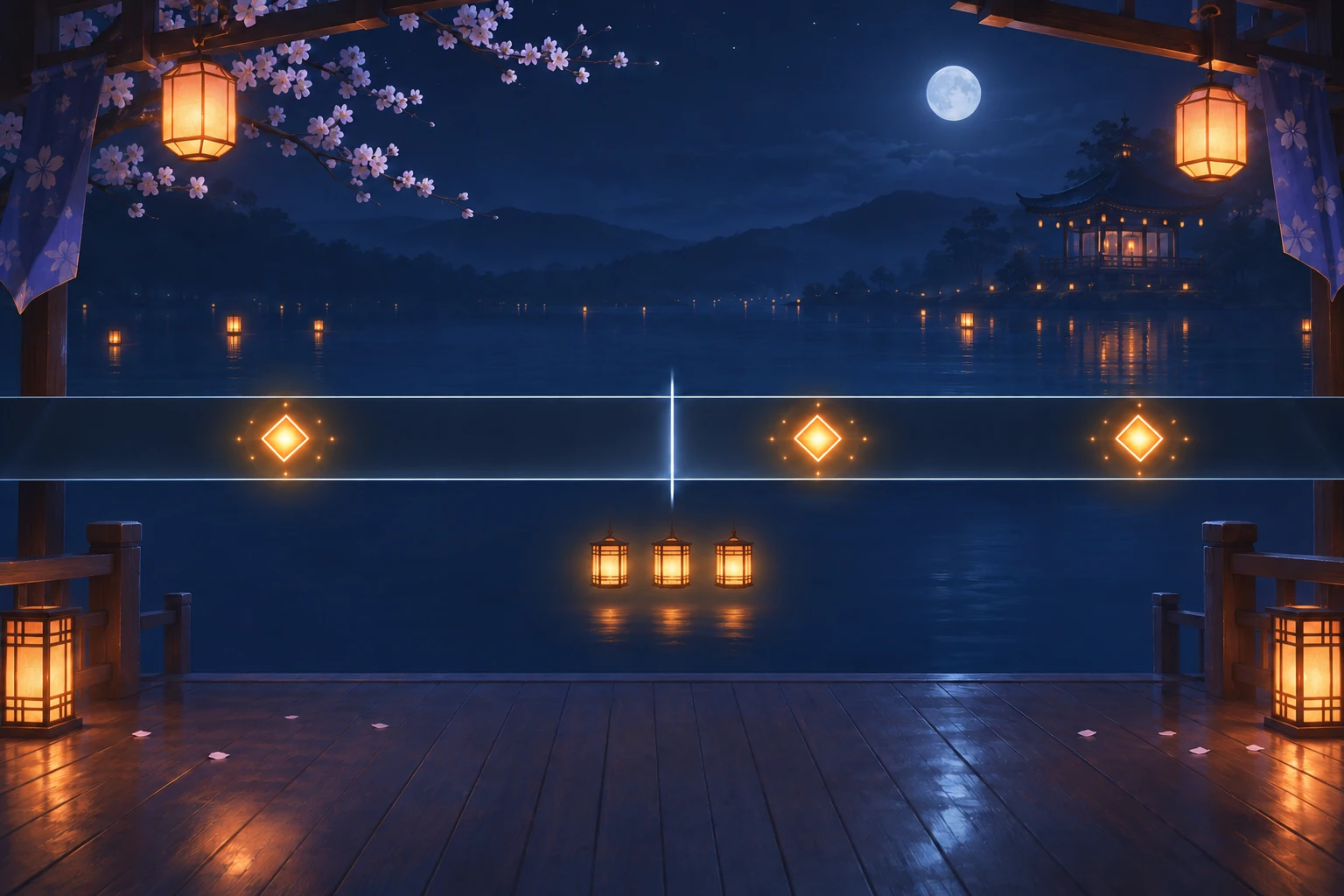
The outcome image represents the revised hand calculation: all three targets glow as resolved and all three combo cells are lit. It is a concept illustration of the example’s expected state, not a screenshot or proof of tested gameplay.
Turn edge cases into acceptance checks
A small checklist makes the prompt easier to review. For each case, write the input, the expected target state, and the visible feedback. Check boundaries explicitly so “within the window” has one meaning in the brief and in any later implementation.
| Case | Expected result at ±80 ms | What to inspect |
|---|---|---|
| Tap exactly −80 ms or +80 ms from the active target | Hit; the boundary is inclusive | One target resolves and combo increases once |
| No tap by target time +80 ms | One miss; combo becomes 0; advance | The target closes and the next target becomes active |
| Tap at +81 ms | Miss if the deadline has passed; late tap ignored | No duplicate hit or second miss is added |
| Tap again after a target is already resolved | Ignore it; each target resolves once | Hit count and combo do not increase a second time |
| Tap between all open target windows | Ignore the tap | Target index, hit/miss counts, and combo do not change |
| Restart during or after a run | Restore idle chart, combo 0, target 1 | No old hit, miss, or lit combo cell carries over |
These cases do not replace playtesting. They make a prototype easier to inspect by stating what should happen before you see the result. If a build differs, first identify whether the prompt was ambiguous, the implementation missed a clear rule, or the timing source needs calibration. Revise the narrowest cause and rerun the same case rather than changing the chart, art, and tolerance together.
Carry the brief into a general game-creation workflow
The current official Free AI Game Maker page describes plain-English game input, a playable 2D or 3D first version, browser testing, and refinement with follow-up prompts. It advertises free Koins and says to review the displayed cost before each generation; its cost FAQ says to check the selected model, Koin balance, and displayed cost in Workspace. These are general workflow facts, not evidence of rhythm-specific audio support or correct timing behavior.
For a first pass, provide the clock start, tempo, target list, tolerance, late rule, feedback, end state, and restart state as one compact brief. Then inspect what the playable result actually does: does the clock begin at the stated moment, does each target resolve once, and do hit and miss feedback match the written cases? If audio is involved, test the music and visual timing independently on the target device. Review the displayed generation cost before each request; this cost check does not remove the need to test timing and audio behavior separately.
Start with one chart, then expand deliberately
A useful rhythm-game prompt is a small interaction contract: define the clock, list target beats, specify an inclusive hit window, decide what happens at the late deadline, and show the resulting feedback. Lantern Pulse demonstrates how to hand-check those rules and compare one tolerance change without claiming empirical results. Once the first loop is understandable, add another lane, song, or note type one at a time.
When you are ready to turn a rules brief into a general playable-game starting point, explore the Free AI Game Maker.
Rhythm-game prompts FAQ
How should an AI prompt describe a rhythm game’s timing?
Name the clock start, BPM, target beats, inclusive tolerance, late deadline, duplicate rule, feedback, end condition, and restart state. A tiny chart makes those instructions inspectable. Then hand-check event times and offsets. The wording helps someone create and review a small prototype, but it cannot guarantee that generated code or audio timing is correct.
Is ±80 ms a standard rhythm-game hit window?
No. Lantern Pulse uses ±80 ms only as an authored example so its three-tap trace is easy to calculate. A suitable window depends on the game, input method, audio path, and calibration. Treat the number as a design choice to evaluate, not a universal setting or a measured recommendation.
Is Lantern Pulse a tested playable game?
No. It is a fictional teaching design. Its beat times, hit classifications, and ±100 ms revision are calculated by hand from the written rules. No prompt output, playable build, audio-sync measurement, user session, or online case is claimed. A future implementation still needs its own review and timing test.
How do you calculate target times at 120 BPM?
Divide 60 seconds by the tempo: 60/120 gives 0.5 seconds per beat. With the chart clock starting at zero, beat 2 is at 1.00 second, beat 4 at 2.00 seconds, and beat 6 at 3.00 seconds. This example has no count-in or pre-roll.
Does SEELE guarantee rhythm-game audio synchronization?
The current page describes plain-English input, a playable 2D/3D first version, browser testing, follow-up prompts, free Koins, and displayed-cost review. It does not establish rhythm-specific audio support or timing accuracy. Any implementation still needs review and an audio-alignment test on the intended device.