
Key takeaways
- Yes, tools can turn concept art into a proposed 3D environment and help make it playable, but the dependable process includes interpretation, blockout, collision, controls, interaction, testing, and refinement. Evaluate tools with a small editable vertical slice rather than a single beauty render.
Yes, tools can help turn concept art into a 3D environment and make that environment playable, but the reliable workflow is not a single perfect image-to-game conversion. Concept art describes appearance from one or a few views. A playable environment also needs hidden geometry, scale, collision, navigation, lighting, interaction rules, camera behavior, performance limits, and a build that can be tested.
For a game artist or world builder, the practical answer is to use an AI-assisted game-building platform or a connected set of image-to-3D, scene-building, and game-engine tools. The best option is the one that preserves the art direction while letting you inspect and revise the resulting space. Treat the first 3D scene as a blockout for testing, not as guaranteed production-ready level art.
What the tool must infer from a flat image
A painting can imply a vast city with only a few brush strokes. It may hide the back of every building, compress distance for composition, bend perspective, or use lighting that would be physically inconsistent in a free-moving camera. Those choices are valid in concept art because the image has one job: communicate a visual idea.
A 3D environment needs answers that the painting does not contain. How deep is the courtyard? What is behind the gate? Which surfaces can a player stand on? Is a stairway decorative or traversable? What happens when the camera moves beyond the original frame? A tool can propose these answers, but it cannot recover information that was never drawn. The creator still decides which interpretations are canon.
This is why a good conversion workflow exposes assumptions. It should let you adjust scale, regenerate a weak region, replace geometry, and preserve the parts that already work. A result that looks similar from one camera but collapses from every other angle is a 3D illustration, not yet a game environment.
The workflow from concept art to a playable world
1. Prepare the concept as a build brief
Start by separating visual intent from level requirements. Record the mood, architecture, materials, color hierarchy, major landmarks, and silhouette language. Then add player-facing facts: intended camera, movement style, approximate playable area, critical routes, interaction points, and target platform.
If possible, provide more than one view. A front view, rough overhead plan, scale reference, and callouts for doors or paths reduce ambiguity dramatically. You do not need polished orthographic sheets for exploration, but a few explicit constraints keep the generated space from becoming an attractive guess.
2. Generate or assemble a 3D blockout
Use image-to-3D generation, procedural scene assembly, manual modeling, or a combination. At this stage, favor large readable forms over detail. Establish terrain, walls, landmark masses, entrances, and the route a player will follow. A blockout should answer spatial questions quickly: Can the player understand where to go? Does the landmark remain visible? Are distances appropriate for the intended movement speed?
Some tools produce individual meshes from references. Others help assemble a broader scene or prototype. These are different capabilities. An isolated temple model may match the painting, yet a playable level still needs ground, boundaries, routes, collision, camera setup, and logic. Evaluate the output unit before choosing a tool.
3. Add playability systems
Geometry becomes playable when the project adds rules. At minimum, define a player start, movement and camera controls, collision, walkable surfaces, level boundaries, and a goal or interaction. Navigation data matters for non-player characters. Physics settings matter for movable objects. Triggers, doors, pickups, hazards, or dialogue turn a visual walkthrough into a testable game loop.
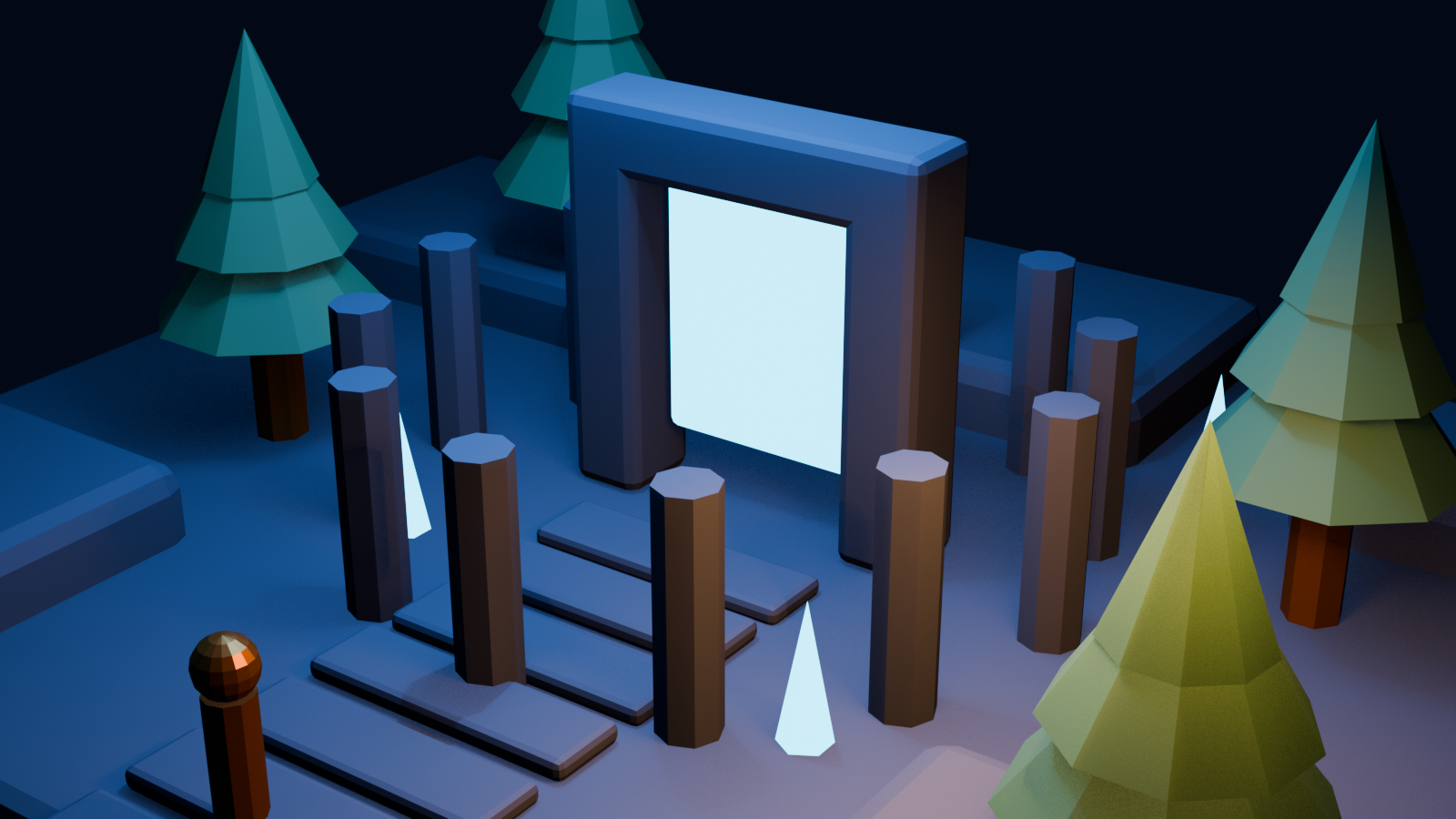
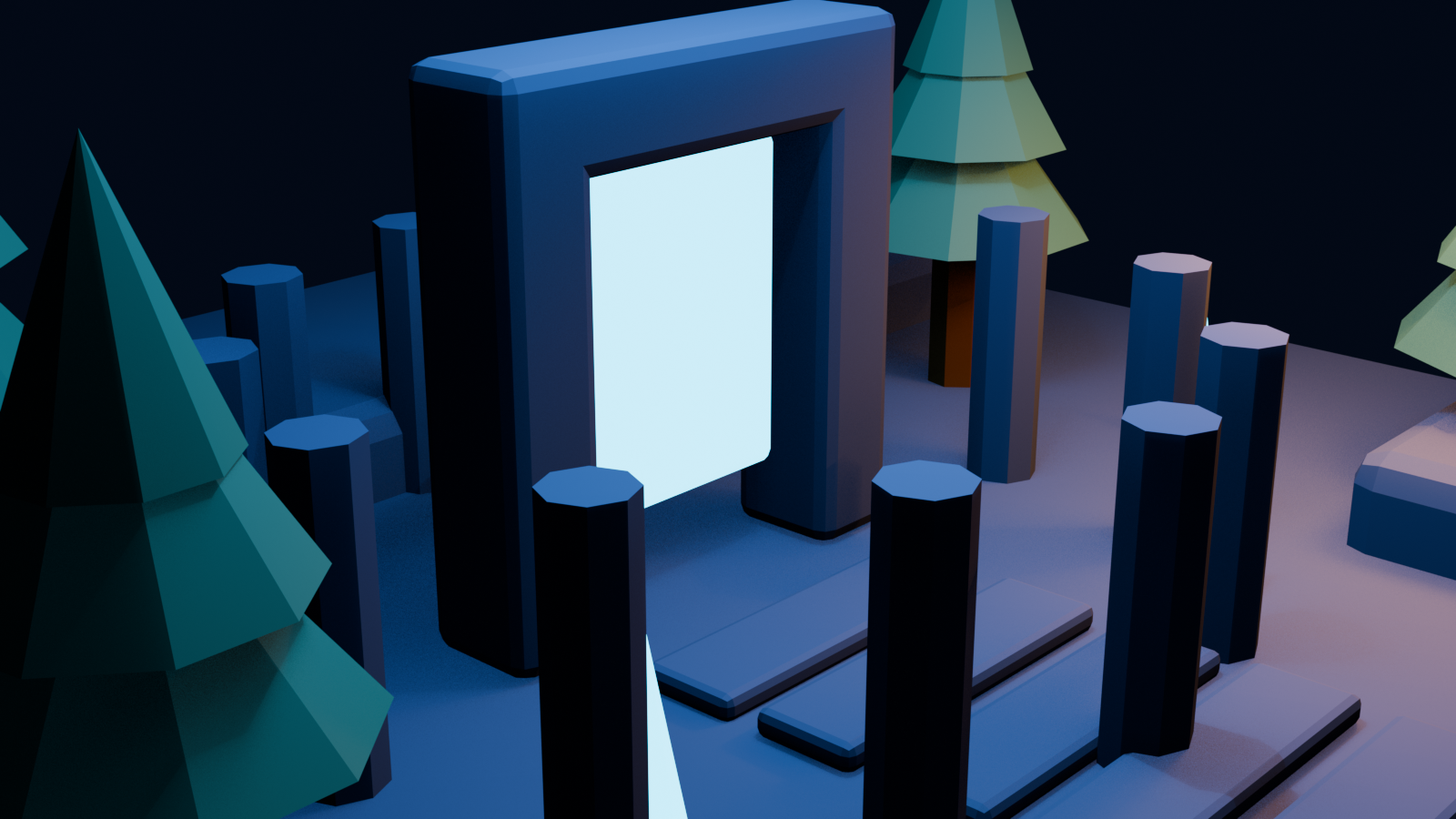
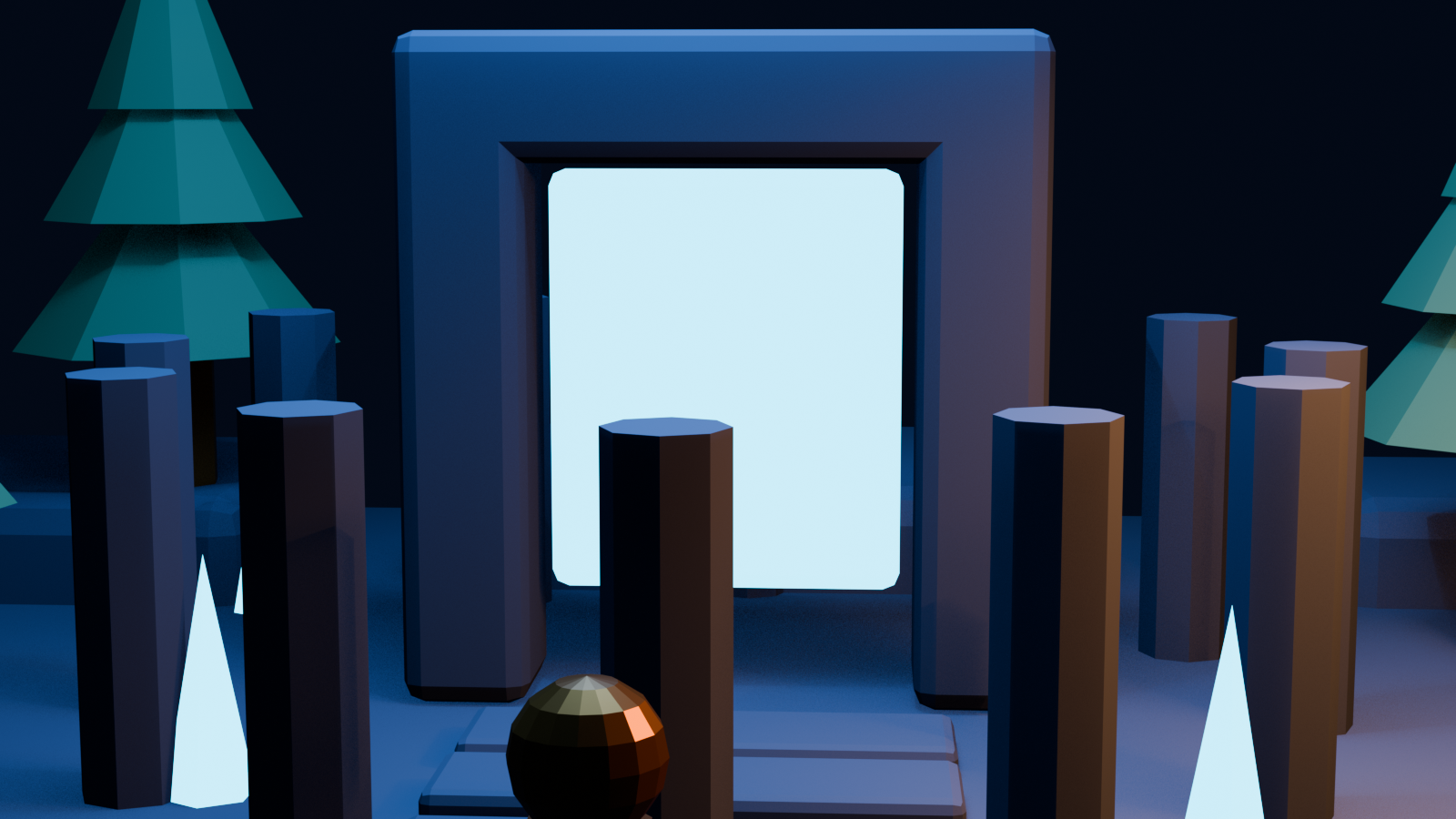
Keep the first interaction simple. For example, ask the player to cross a ruined garden, activate three beacons, and open a portal. That tiny loop is enough to expose route readability, travel time, scale, obstruction, and landmark placement. It produces more useful feedback than adding hundreds of decorative props before anyone can move through the scene.
4. Test from the player's camera
Concept art is usually judged from its authored viewpoint. Levels must survive the player's viewpoint. Walk every route at the intended camera height. Look for blind corners, misleading openings, steep collision, places where the player can become trapped, and backgrounds that disappear when seen from the side.
Also test the transition between composition and control. The image may place a dramatic tower exactly at the visual center, but the playable camera may need it offset so the route remains visible. Preserving art direction does not mean freezing every pixel. It means preserving the hierarchy, mood, landmarks, and visual story while adapting them to movement.
5. Replace provisional content selectively
Once the prototype answers the experience question, decide what deserves production effort. Keep useful generated or procedural pieces, replace weak hero assets, clean topology where deformation or close inspection requires it, and rebuild collision separately when visual meshes are unsuitable. Standardize material scale, texture density, pivots, naming, and level-of-detail behavior.
This selective pass prevents two common mistakes: polishing an environment before the layout works, and discarding every generated result simply because some parts need refinement. The prototype should tell the art team where custom work creates the most value.
What “playable” should mean in an evaluation
A spinning 3D preview is not the same as a playable environment. For a fair tool test, require a controllable camera or character, collision that supports the intended route, at least one interaction, a clear start and end condition, and a repeatable way to launch the scene. If the project targets a browser, desktop build, mobile device, or headset, test on that target early.
Measure practical outcomes rather than only screenshot similarity. How long does it take to reach a first walkthrough? Can the creator revise one area without rebuilding everything? Does the tool keep scale consistent? Can assets and scenes move into the rest of the production pipeline? Are licensing, ownership, privacy, and export terms clear enough for the project?
A useful vertical slice is one concept image, one small environment, one route, one interaction, and one revision request. Ask for a landmark to move, a path to widen, or the lighting mood to change. The revision test reveals whether the workflow is genuinely editable or merely impressive on the first attempt.
Choosing between an all-in-one platform and a toolchain
An all-in-one AI game-building platform can be attractive during exploration because the scene, interaction, and playtest remain close together. It may reduce handoffs when the goal is to discover whether an idea works. SEELE AI is one option creators can evaluate for AI-assisted game creation; confirm current capabilities and output options against the needs of your specific project.
A toolchain gives specialists more control. A creator might use an image-to-3D tool for selected assets, Blender or another digital content creation application for cleanup and scene work, and a game engine for collision, navigation, scripting, profiling, and builds. This approach has more handoffs, but it fits teams that already have established standards.
Choose based on the next uncertainty. If you do not yet know whether the environment is fun to navigate, prioritize the fastest editable playtest. If the layout is proven and the risk is production quality, prioritize precise modeling, materials, optimization, and engine integration. Many projects use an integrated platform for early exploration and a conventional toolchain for later control.
Limits that no conversion tool removes
Source quality matters. A single atmospheric painting cannot specify all geometry, and inconsistent perspective creates multiple plausible reconstructions. Generated meshes may have awkward topology, hidden intersections, uneven materials, excessive detail, or missing backsides. Automated collision can block doors or create unstable steps. Visual similarity can also conflict with performance when a scene uses too many unique objects or expensive materials.
Style consistency is another challenge. A scene assembled from separately generated assets may drift in proportions, edge language, or texture treatment. Use a small style guide and review assets together under the same lighting. Finally, respect rights and confidentiality. Only upload concept art the project is permitted to process, and review the tool's current terms before using outputs commercially.
A practical decision checklist
A tool is a strong candidate when it can produce an editable scene, not only a render; preserve key landmarks and visual hierarchy; accept scale and route constraints; support collision and interaction; allow local revisions; provide a clear handoff or build path; and document usage rights. It is a weak fit if you cannot inspect assumptions, cannot change one region independently, or cannot test the result with the intended controls.
The realistic promise is therefore not “one image becomes a finished game.” It is “one image becomes a navigable hypothesis much faster.” That is already valuable. It lets artists test composition in motion, lets designers challenge the route, and gives the team a shared playable reference before committing to final assets.
Frequently Asked Questions
Can one concept image become a complete 3D game automatically?
Not reliably. One image can guide a proposed scene, but it does not define hidden surfaces, full layout, collision, interactions, performance targets, or every art decision. Expect to review and refine the result.
What is the difference between image-to-3D and concept-art-to-game?
Image-to-3D usually produces an asset or geometric reconstruction. Concept-art-to-game also requires scene assembly, player controls, collision, navigation, gameplay logic, testing, and a runnable target.
Do I need a game engine after generating the environment?
It depends on the platform. An integrated game-building platform may include playtesting and logic. An asset-focused generator usually hands work to a game engine for controls, scripting, profiling, and builds.
What extra references improve the 3D result?
An overhead plan, secondary views, scale references, material callouts, intended camera, route notes, and interaction points reduce ambiguity. Even rough annotations can be more useful than another polished beauty image.
How can I tell whether the environment is truly playable?
Require a controllable character or camera, dependable collision, a defined route, at least one interaction, clear start and end states, and a repeatable launch or build process. Then test from the intended player viewpoint.
Are AI-generated environments production-ready?
Some parts may be reusable, but most projects should expect review for topology, materials, scale, collision, consistency, performance, licensing, and platform requirements. Treat the initial result as a blockout until it passes those checks.


