
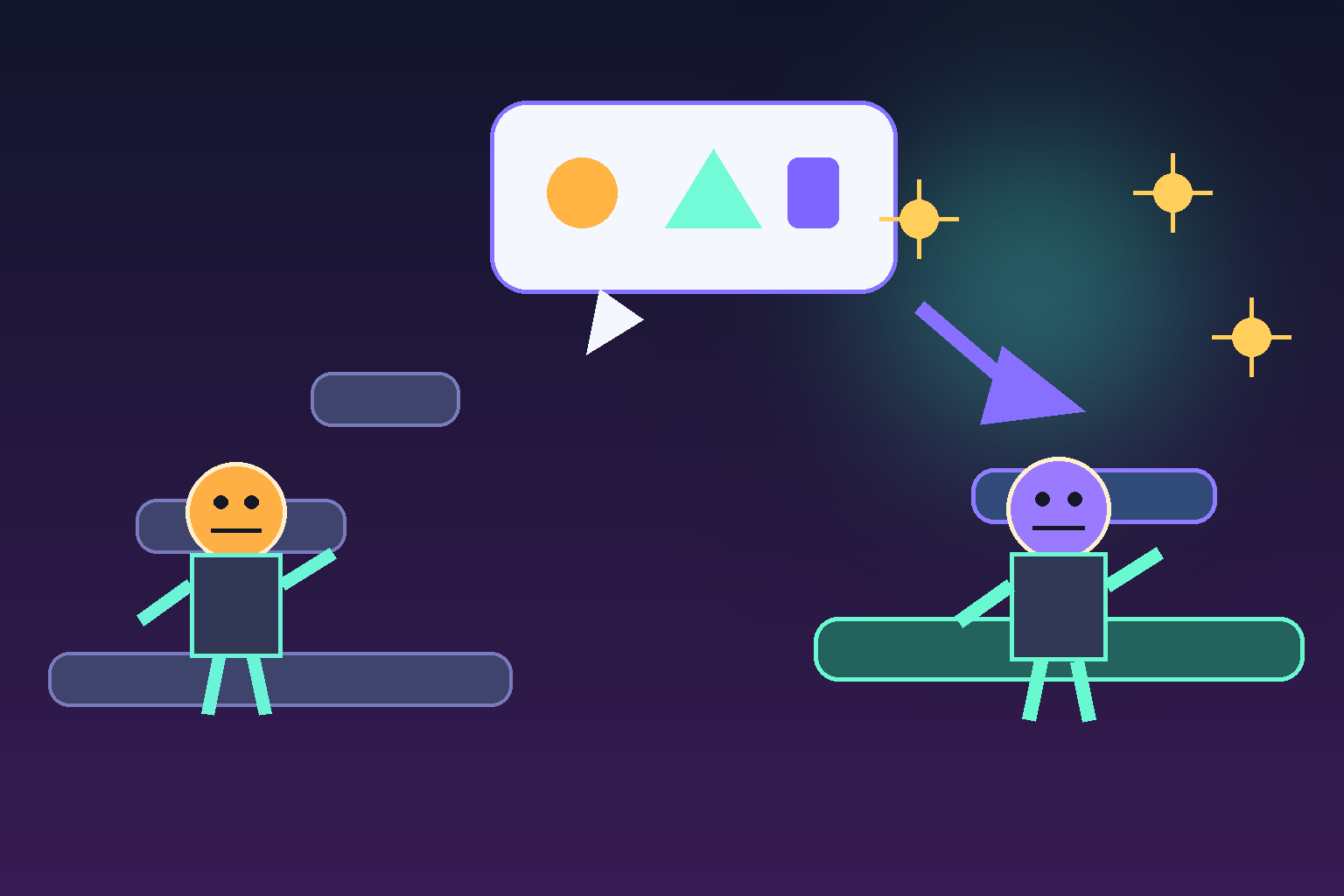
Key takeaways
- You can edit many AI-generated game characters, rules, levels, and presentation details through clear chat instructions instead of starting with code. Make one testable change at a time, preserve boundaries, play the result, and use observed problems to guide the next request.
Key takeaways
- You can make many character, gameplay, and level changes to an AI-generated game by describing the desired result in chat. Start with one specific change, preserve what should not change, and play-test every revision. You may want code or specialist help later for highly custom systems, advanced technical work, or release-ready requirements.
If you are using a chat-first AI game builder, you can usually ask for many changes in plain language after the first version is generated. You do not need to start by editing code just to change a character, adjust a game rule, or reshape a level. The practical limit is not whether you can ask; it is whether the request is specific enough to review and test.
For a completely new creator, the best approach is to treat the first generated game as a playable draft. Tell the AI what should change, check the result in the game, then make the next request. SEELE AI is designed around that conversational iteration: describe a change, review the updated result, and keep refining. Code can become useful later for very precise or advanced work, but it is not the default starting point for ordinary creative revisions.
What you can change by chatting
Conversational editing works best when you name the part of the game, the intended change, and the player-facing result. Instead of saying “make it better,” say what you want a player to see, do, or feel. That gives the AI a concrete target and gives you something concrete to test.
Typical chat-led requests include:
- Characters: change a hero’s look, name, movement feel, abilities, companions, or enemies.
- Gameplay: change the goal, controls, score rules, difficulty, hazards, rewards, or the feedback for winning and losing.
- Levels: add platforms, move objectives, shorten a route, add checkpoints, change pacing, or create a second challenge.
- Presentation: revise the setting, colors, mood, instructions, sound direction, or the order in which information appears.
That does not mean every one-sentence request creates a perfect final game. A generated game still needs review. The useful distinction for beginners is that you can make the request in normal language; you are not required to translate every creative idea into code before you can iterate.
A simple chat-editing workflow for beginners
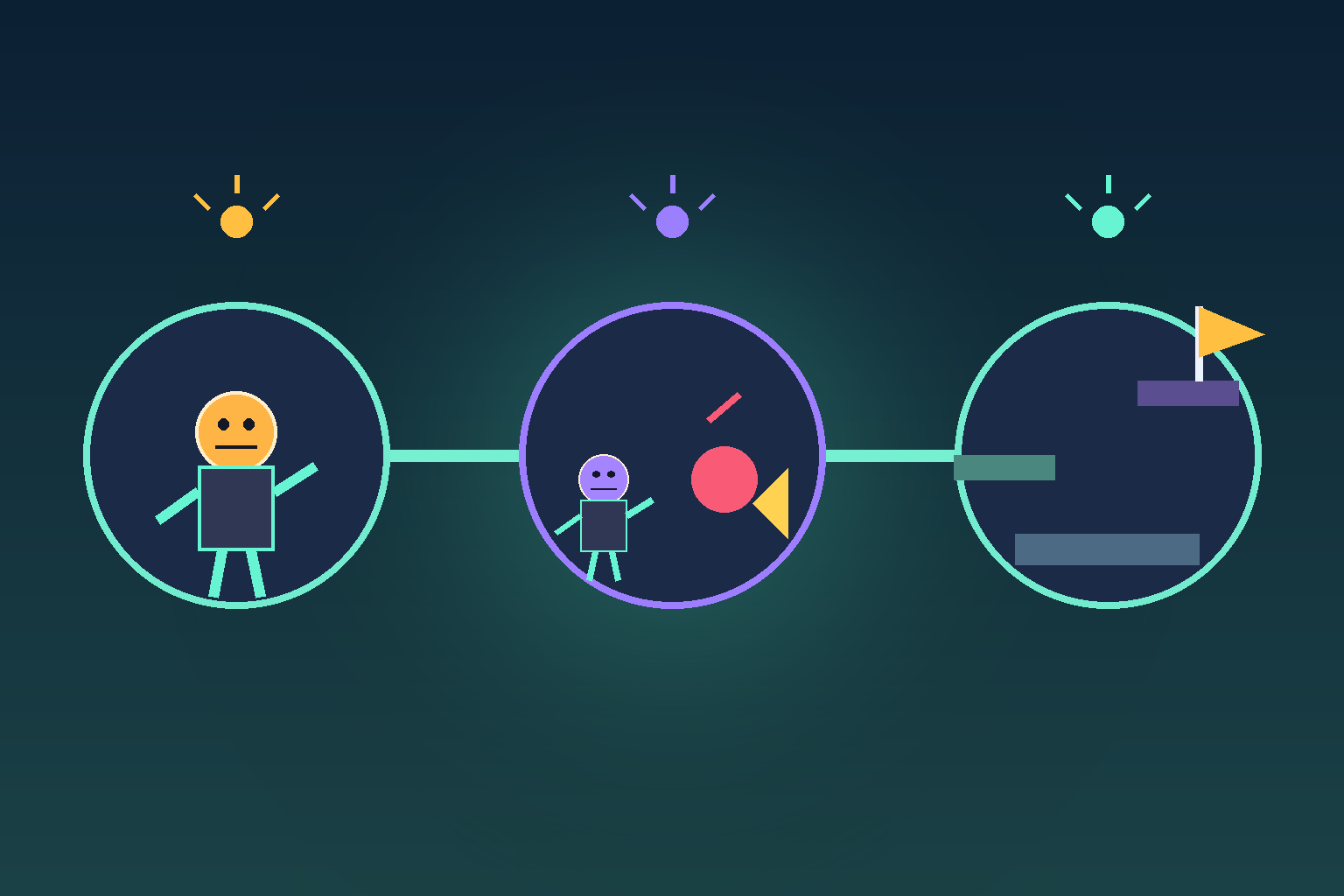
Use a small loop rather than trying to redesign everything in one huge message. First, play the current version for a minute. Then identify the one thing that is most clearly wrong or unfinished. Ask for that change, and test it before moving on.
A dependable loop looks like this:
- Name the current object or moment. “In the first level, the player reaches the bridge too quickly.”
- State the change. “Add two moving obstacles before the bridge.”
- State the purpose. “I want the opening to teach timing before the player reaches the goal.”
- Give a boundary. “Keep the same character controls and do not add a new power-up yet.”
- Play and verify. Check that the obstacles appear, can be passed, and do not make the route impossible.
This format is useful because it separates the desired result from the reasoning. You do not need to know implementation terms to give it. You do need to be willing to test the generated result as a player. If the result is only partly right, continue the conversation with what you observed rather than restarting from scratch.
How to request character changes
Character requests are often a good first edit because the result is easy to see. Start with one character and one purpose. For example: “Change the main character into a small forest explorer with a lantern. Keep the same running and jumping behavior. Make the lantern glow near hidden paths.” This asks for a visual identity, preserves an existing mechanic, and describes a player-readable cue.
For abilities, write the trigger and the consequence: “Give the character a short dash when the player presses the action key. The dash should cross one small gap but should have a visible cooldown.” Avoid a vague request such as “make the character more fun.” The AI needs a behavior you can observe, while you need a condition for deciding whether the change helped.
A limitation is that a large character redesign can affect animation, collision, balance, and level space. Make the visual change first, then test movement and interactions. If something breaks, ask for a focused repair: “Keep the new explorer design, but restore the previous jump height and make sure the character fits under the cave entrance.”
How to request gameplay changes
Gameplay is the relationship between the player’s action and the game’s response. You can describe that relationship without knowing the underlying code. A useful gameplay prompt contains an input, a rule, and feedback.
For example: “When the player collects three blue crystals, open the gate at the end of the level and show a short celebratory effect. If the player touches a red hazard, return them to the last checkpoint.” This is clearer than “add collectibles,” because it says what collection means, what changes, and what the player should notice.
Keep one mechanic per request when you are learning. Ask to add a timer, then test it. Ask to change enemy speed, then test it. Combining a new scoring system, three enemy types, an inventory, and a boss fight in one instruction makes it harder to tell which part needs revision. Chat is fast, but a small testable change is still the fastest way to learn what works.
Level editing examples you can request
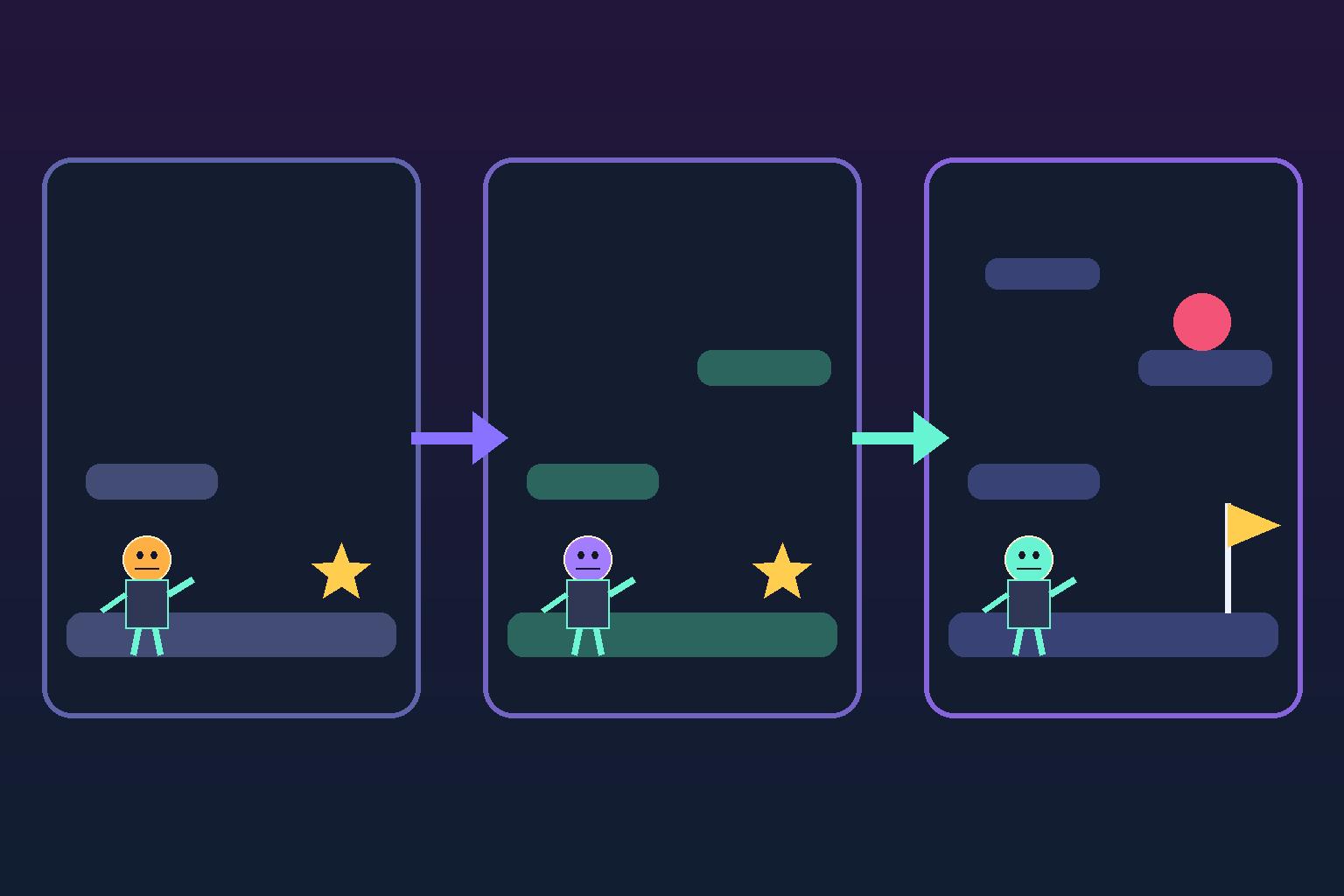
You can also use chat to make a level shorter, longer, calmer, harder, or more readable. Describe the path and the learning goal rather than using abstract labels alone. “Make the first 30 seconds easier: put the first checkpoint before the narrow jump, leave one safe platform after each hazard, and place the goal where it is visible from the final platform.”
For a second level, start from what the first level teaches: “Create a second level that uses the same jump and dash, then introduce moving platforms after the player has crossed two static gaps. Keep the visual theme as a moonlit forest.” This connects level layout to skill progression, which is more useful than asking only for “a harder level.”
After the AI revises a level, check three things: can a new player understand where to go, is there a fair recovery after a mistake, and can you still finish the level yourself? If any answer is no, tell the AI what happened at the exact point. A report like “the moving platform leaves before I can reach it from the left ledge” gives a much better revision target than “the level is broken.”
When you may eventually need code or expert help
Chat editing is a strong fit for creative iteration and for turning clear product decisions into a revised game. It is less reliable as a substitute for every kind of technical work. You may eventually want code access or specialist review when you need a custom system with exact constraints, a complex online or multiplayer feature, unusual integrations, deep performance tuning, accessibility verification, security-sensitive handling, or a release-ready production pipeline.
That is not a failure of the conversational workflow. It is a sensible handoff point. Start with the version you can describe and play. As your game becomes more specific, keep a short list of decisions, tests, and edge cases. Then, if you need code or technical support, you have a working prototype and a much clearer brief instead of a blank project.
A practical first conversation to try
If you already have a generated game, try this as your next message:
Keep the current game playable. Change the main character into a friendly forest explorer, add a lantern that helps reveal the path, and make the first level teach jumping before introducing one moving obstacle. Keep the controls the same. After the change, make sure there is a checkpoint before the obstacle and that the level can still be completed without the dash ability.
Then play it. Make a note of one thing you like and one thing that needs work. Your next request can be as focused as: “Keep the new character and level layout. Slow the obstacle by about one step and add a safe landing platform after it.” That is conversational game editing in practice: small, visible changes with a clear test after each one.
Frequently Asked Questions
Can I edit an AI-generated game by chatting instead of coding?
For many creative changes, yes. You can describe changes to characters, level layout, game rules, objectives, difficulty, and presentation in plain language, then review the resulting playable draft. You still need to test the change, because a clear request does not remove the need for player feedback and quality review.
What should I include in a request to change a game?
Name the part of the game, the exact change, the player-facing purpose, and any boundary you want preserved. For example, ask to add one moving obstacle before a bridge to teach timing while keeping the current controls unchanged. This creates a specific result you can play and verify.
Can I change gameplay rules without knowing programming terms?
Yes. Describe the player action, the rule, and the feedback. You might say that collecting three crystals should open a gate, or that touching a hazard should return the player to a checkpoint. The important part is expressing a behavior that can be observed and tested, not knowing the implementation language.
When would I need to edit code myself?
Code or expert support can become helpful for highly custom systems, exact technical constraints, complex multiplayer behavior, integrations, performance tuning, accessibility validation, security-sensitive work, or a production release pipeline. For ordinary creative iteration, begin with conversation and move to technical work only when the game’s needs demand it.
How do I know whether an AI-made level change worked?
Play the revised section and check whether a new player can understand where to go, recover fairly from mistakes, and complete the level. If it fails, report the exact moment and outcome, such as a platform moving away before it can be reached. That concrete feedback makes the next conversational revision more reliable.
How can I keep chat-based game edits from breaking earlier mechanics?
State what must remain unchanged before asking for a new edit, then test the affected mechanic and nearby interactions after the result is generated. Keep requests small, record the intended behavior, and report regressions with the exact scene, input, and outcome so the next revision has a bounded repair target.


