
A custom quest editor can extend an action RPG beyond its shipped missions, but player-authored data still reaches real-time combat, inventory, character growth, and save files. Start with the quest runtime the game already has. Define a small supported schema, validate a graph before launch, and route rewards through existing progression rules instead of letting an editor write directly into game state.
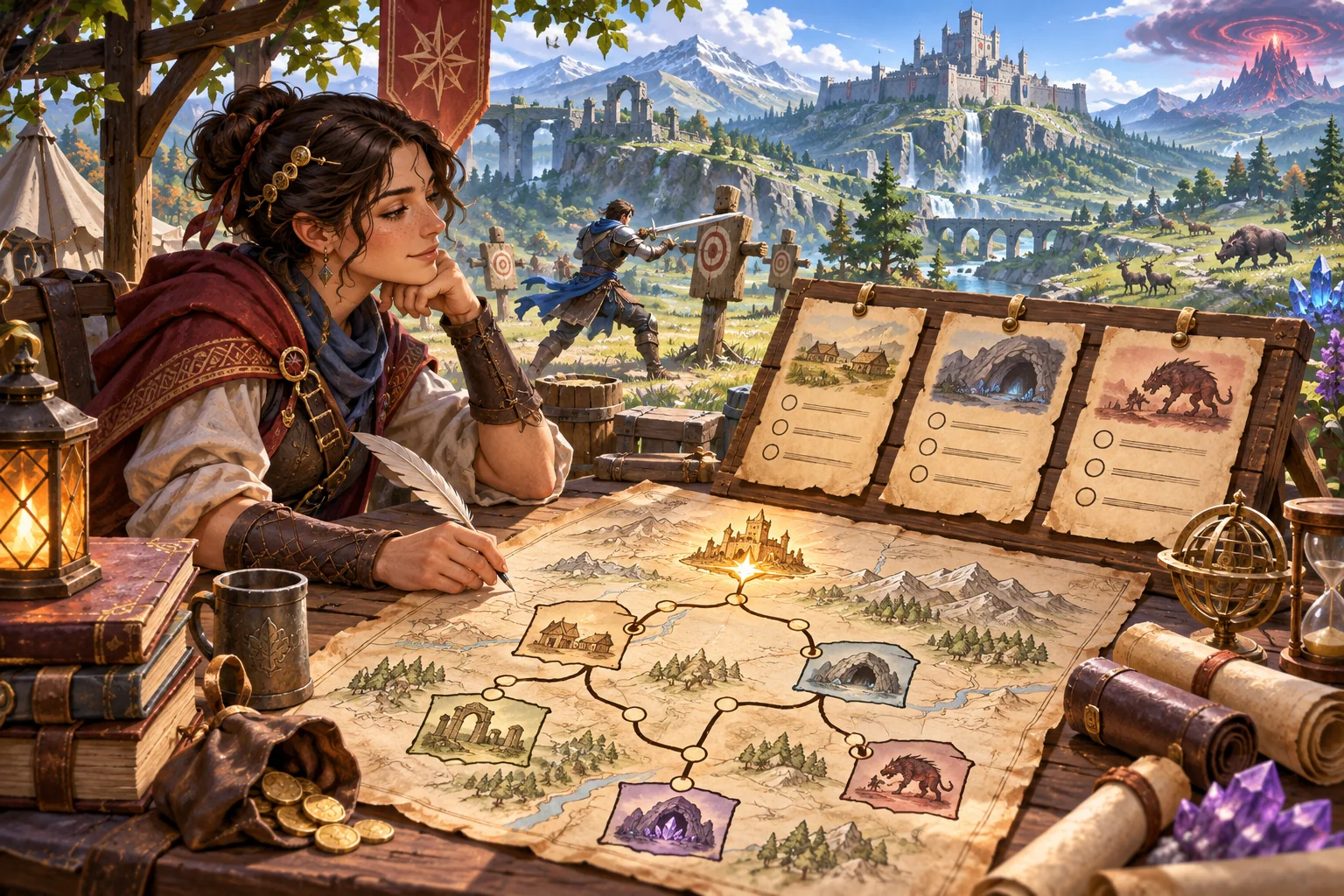
This article proposes a feature for an existing action RPG. The editor, quest, enemies, rewards, and outcomes below are invented. No source code, project, build, or playtest was available. Treat the validation matrix as planned work, not a successful test report.
Map the quest runtime before building an editor
Trace how a shipped quest starts, tracks objectives, spawns or references encounters, advances dialogue, rewards the player, fails, and saves. Identify which service owns objective state and which owns combat, inventory, experience, unlocks, and character stats. Learn whether missions are authored as data, scenes, scripts, or a mixture. Capture a sample of each supported quest pattern before designing the new format.
Record the handoff points. Does an objective emit an event when an enemy is defeated? Can the player leave an area before an encounter resolves? Do dialogue choices alter a quest flag? Can a reward be claimed twice after loading a checkpoint? An editor should expose only operations the existing runtime can execute deterministically and safely.
| Area | Inspect | Keep authoritative |
|---|---|---|
| Quest state | Objective IDs and transitions | Existing progression owner |
| Combat | Encounter start/end events | Combat simulation and enemy rules |
| Rewards | Item, XP, and unlock APIs | Character growth and inventory |
| Dialogue | Choice conditions and flags | Existing dialogue state |
| Saves | Quest IDs, checkpoints, migrations | Stable player and quest identity |
Define a constrained quest data model
Give a quest stable identity, version, title, entry condition, objectives, supported actions, completion state, and a bounded reward definition. Give each objective a stable ID and typed input fields. A “defeat target” action might reference an approved enemy group; an “interact” action might reference a tagged object already recognized by the runtime. Do not accept arbitrary scripts or free-form code in the first editor slice.
In fictional Emberfall, an author creates a short quest to recover a signal lens from a ruined watch post. The graph starts with a dialogue trigger, offers a route choice, references one supported encounter, then asks the player to interact with a tagged object. The example is invented and does not describe a real game’s quest system or content pipeline.
Specify what the graph language permits. Are branches allowed? Can objectives repeat? What happens if the player skips an optional encounter? Decide how cycles work, if at all. A simple directed acyclic flow with a clear completion path can be easier to preview and validate than an unrestricted graph. The actual runtime’s requirements should determine that choice.
Validate before preview or play
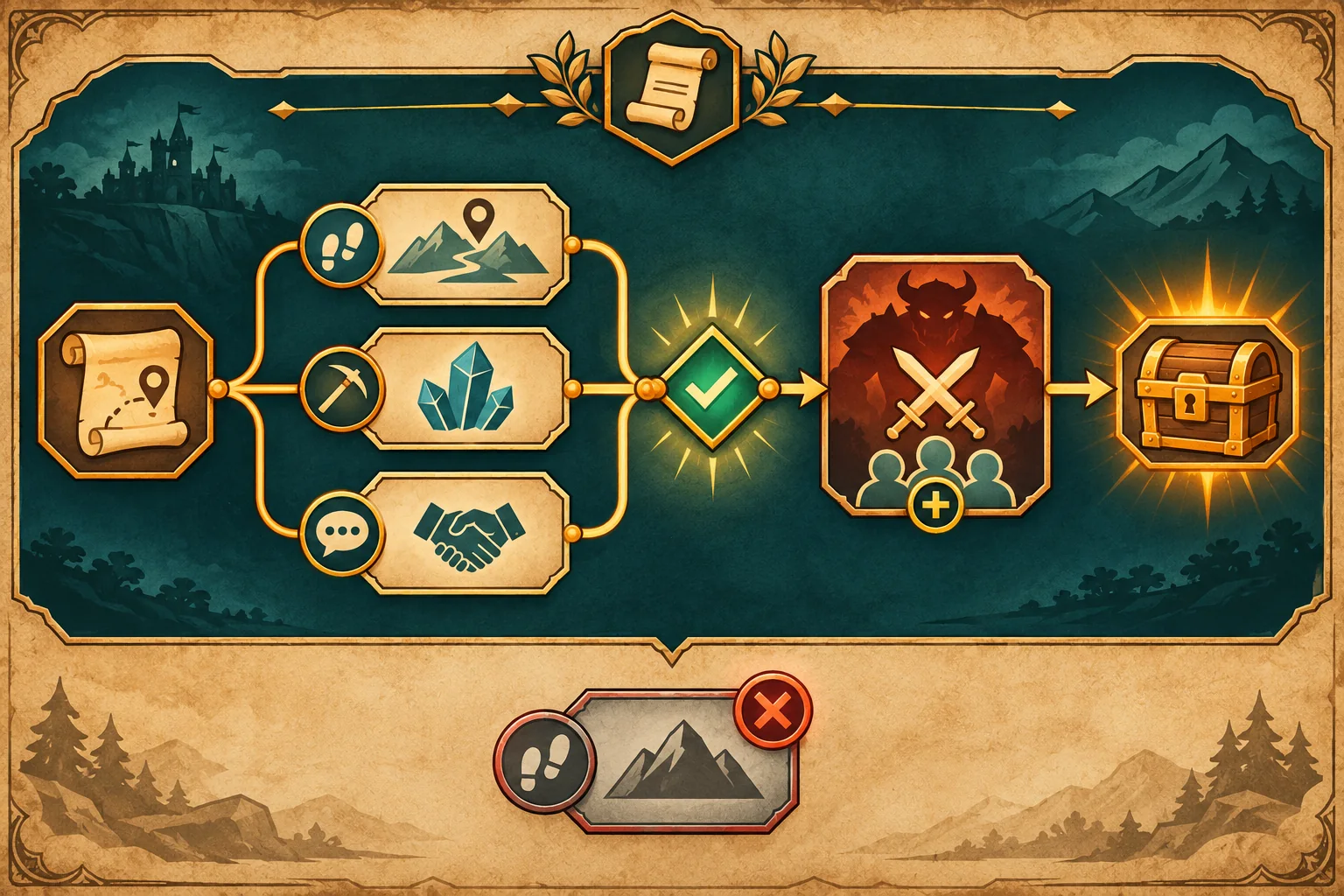
Check required fields, unique IDs, supported node types, valid references, reachable objectives, and at least one completion path. Flag disconnected nodes, cycles the runtime cannot handle, missing dialogue IDs, unknown enemy groups, and rewards above configured limits. Explain errors at the node that caused them. Distinguish warnings, such as an optional branch with no custom text, from errors that make a quest unsafe or impossible to complete.
Run validation when the author saves, imports, or previews. Do not rely on a successful editor save as proof the runtime can load the file. Validate again at the runtime boundary and fail closed: if a required field is invalid, do not launch a partially interpreted quest that could corrupt progression. Provide a readable fallback message and preserve the author’s source file for repair.
Godot’s official Resource documentation describes Resource as a serializable base class used primarily for data containers and notes resources can be saved on disk. This is an engine-specific example if the project already uses Godot; it does not prescribe a player-authored quest format. Godot’s save tutorial demonstrates one persistence workflow where objects return relevant data for serialization and loading. Neither source determines the target game’s validator, import security, or reward limits.
Keep authored definitions separate from player progress
A quest definition describes what can happen; a player save describes what did happen for a particular character. Keep these records distinct. Store a stable quest ID and version with each progress record, plus the objective states and checkpoint fields the real runtime needs. If an author updates a quest, define whether existing progress remains pinned to the old version, migrates, or restarts.
Route rewards through the existing character progression service. The editor can select from an allowlist of items or bounded values, but the progression owner should validate caps and commit the result once. Use a stable completion ID so a reload or repeated objective callback cannot duplicate experience, currency, or unique items. Keep the editor from changing combat formulas or arbitrary character attributes.
Maintain the shipped quest path unchanged. A custom quest should not shadow an official quest ID, overwrite a player’s core campaign state, or replace a shipped dialogue asset. If the game supports player content sharing, treat that as a separate import and moderation boundary; local custom authoring alone does not validate external files.
| Data | Definition or progress? | Owner |
|---|---|---|
| Objective graph | Definition | Quest authoring content |
| Current objective | Player progress | Quest runtime/save owner |
| Encounter reference | Definition | Approved combat content catalog |
| Reward result | Progress event | Existing inventory/progression service |
| Quest version | Definition and save reference | Content pipeline/migration rules |
Build one editor slice with a safe preview
Ask AI to inspect quest runtime, combat handoff, reward handling, and save files before proposing editor code. Limit the first slice to supported nodes, field editing, validation, and a preview using a disposable character. List the files to change and the systems that should remain untouched. Review the diff for hidden arbitrary script execution or a second reward pathway.
Separate the editor canvas from runtime state. A preview should load a copy of the quest data and a disposable save, not mutate the player’s live campaign. Make invalid content visibly unlaunchable. Provide a reset button that restores the preview sandbox without deleting the authored quest file. Keep a clean branch and documented rollback revision.
Test malformed data, combat handoff, and old saves
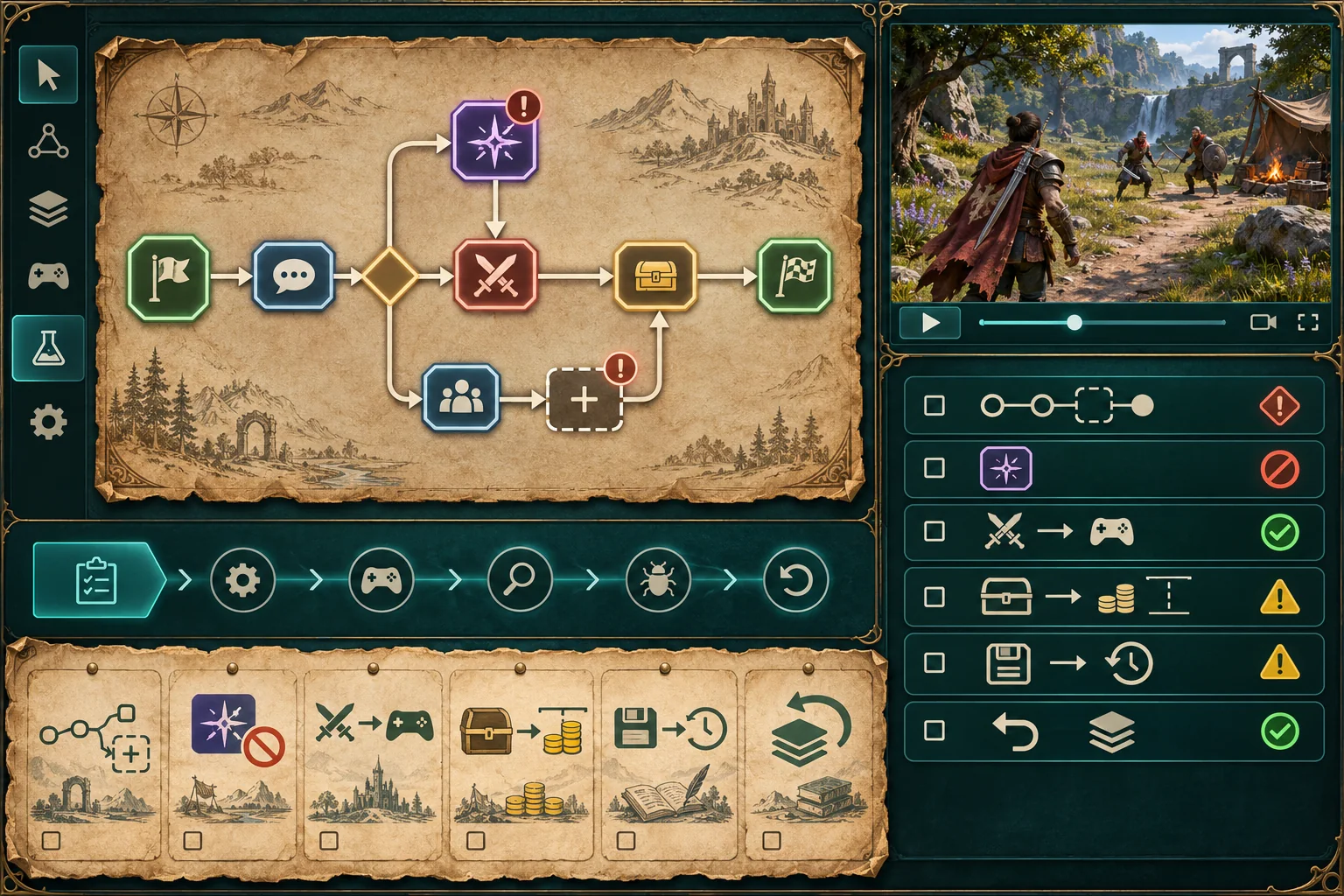
Test a minimal valid quest, each supported branch, an unsupported action, duplicate IDs, a missing target, an unreachable completion, and a reward at and over the allowed cap. Play the quest with a disposable character and verify that combat returns to the correct objective state. Load an old campaign save and confirm the shipped quests still progress.
| Proposed check | Action | Evidence |
|---|---|---|
| Valid path | Preview and complete a small quest | Objective transitions and result ID |
| Broken graph | Remove target and add disconnected node | Specific validation errors |
| Combat handoff | Start and finish referenced encounter | Quest state before and after combat |
| Reward cap | Set a valid and over-limit reward | Accepted value and rejection reason |
| Duplicate completion | Reload and resend completion event | One inventory/XP change |
| Old save | Load a pre-editor campaign copy | Shipped quest and character state |
| Rollback | Restore baseline revision | Original quest and combat flow |
This is a proposed matrix, not a test report. Record build, quest ID/version, save copy, input, objective event sequence, encounter result, reward delta, and expected versus actual behavior. A mock editor screenshot cannot prove graph correctness or runtime integration.
Give authors useful feedback
Show a readable quest outline alongside the graph. Let authors select a node to see required fields, accepted values, and the next transition. Keep warnings actionable and preserve the source data when preview fails. Provide a sample quest that uses supported mechanics, and make the difference between draft, validated, and playable status clear.
To explore a separate action-RPG concept, try SEELE AI Game Maker. It is a concept tool, not an editor for an existing project.
Frequently asked questions
What should a custom quest editor let players change?
Start with fields the runtime already supports, such as objective text, accepted targets, prerequisites, and a small set of event actions. Keep arbitrary scripts, unchecked reward formulas, and direct combat-stat edits out of the first version. Every authored value should have a clear owner, validation rule, and safe fallback.
How can a quest editor prevent broken quest graphs?
Validate required fields, stable node IDs, reachable objectives, valid edges, supported action types, and a completion path before publishing or previewing a quest. Show errors beside the affected node and block runtime launch when required fields are missing. Also test cycles and disconnected nodes according to the game’s intended quest grammar.
Should custom quests change character progression?
Route rewards through the existing progression owner and enforce caps there. Keep editor-authored rewards inside an allowlist of supported items, experience ranges, or unlocks. Test repeated completion and invalid values so custom quest content cannot duplicate rewards or bypass the game’s character-growth rules.
How should custom quest data be saved?
Follow the project’s existing content and save formats, keeping authored definitions separate from each player’s runtime progress. Use stable quest and objective IDs so updates do not confuse old saves. Test old quest progress and malformed files on copies before supporting imports or player-created content.
Can AI build a quest editor for my action RPG?
AI can inspect supplied quest runtime, combat, progression, and save files, propose a limited authoring schema, and draft validation tests. It cannot verify that custom data works in real-time combat without the project and executed builds. Provide an edit allowlist, supported action catalog, sample quests, and rollback revision.
Start with validated custom quests
Expose only actions the current runtime can execute, validate the graph before preview, and keep authored content separate from player progress. Route rewards through existing caps and transaction owners. Test malformed graphs, combat handoffs, duplicate completion, and older saves in a disposable build. Treat the fictional editor as a design illustration, not evidence that a custom quest system has shipped.