
A custom ruleset editor can add variety to a card-battling RPG, but it sits close to deck legality, character roles, card effects, battle resolution, progression, and saves. Treat it as a structured way to choose supported options, not as permission to rewrite combat logic. Begin with a narrow local editor, validate its data before a match, and keep the shipped ruleset as a safe default.
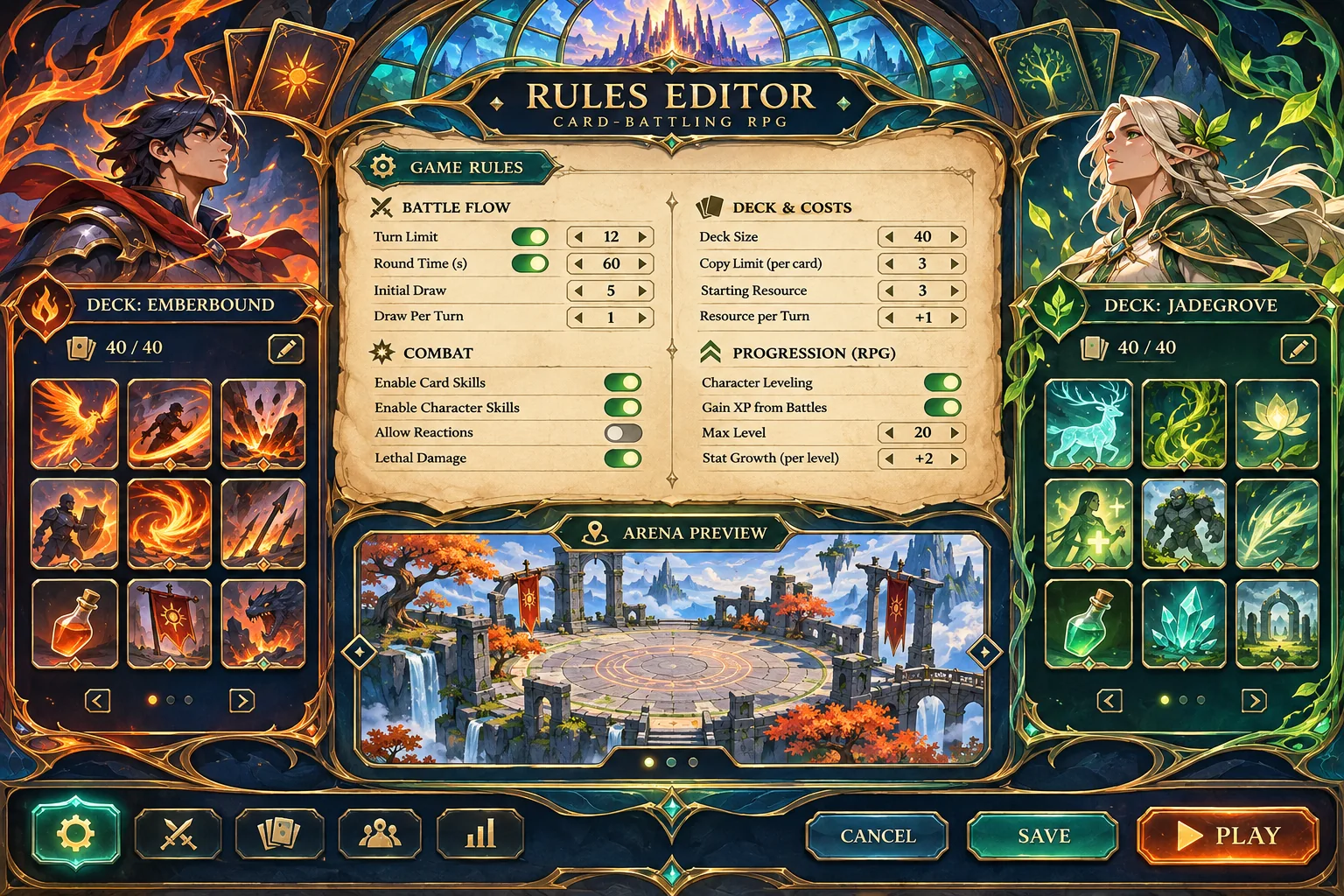
This guide is for extending a working card RPG. The example, card pool, character roles, and test outcomes are invented. No repository, battle resolver, deck data, build, or playtest was available. The proposed tests below must not be read as completed or successful results.
Capture the current rules before adding controls
Make a clean commit or work in a separate project copy. Record the built-in ruleset, how a match starts, how a deck is validated, how character roles restrict cards, and which service resolves turns and effects. Note where rules and progression are saved. If the game does not run locally, document the code inspected and leave runtime behavior unverified.
List the invariants that the editor must preserve. Examples include card costs remaining nonnegative, a character role keeping its allowed card families, turn order staying deterministic, and the shipped mode retaining its current setup. These are questions to confirm from the target project, not universal facts about every card RPG.
| System | Baseline evidence | Protected by default |
|---|---|---|
| Battle resolver | Turn and effect ownership, event order | Do not duplicate or replace it |
| Deck rules | Size, role compatibility, copy limits | Keep existing legality checks |
| Card data | Cost, target, effect fields and IDs | Do not edit the card catalog globally |
| Modes and saves | Built-in presets, progression, save schema | Keep custom drafts separate |
Ask AI to inspect only files actually provided and return a file-by-file change plan. Require it to name the current owner of rules validation and battle execution. Avoid accepting a broad code rewrite before the project’s rule precedence and data boundaries are understood.
Choose a small ruleset boundary
Start with a few options that the existing game can already express safely: a match length, a deck restriction preset, or one supported card-family rule. Each option should have a clear label, allowed values, default, and interaction with character roles. The first editor should not expose arbitrary scripts or every numeric card field.
In the fictional Ashen Archive example, a local custom preset selects the starting resource cap, maximum copies, and whether a named family is allowed. This is only a teaching example. A real project may not support these controls, and it should not add them until the battle system has a defined meaning for each one.
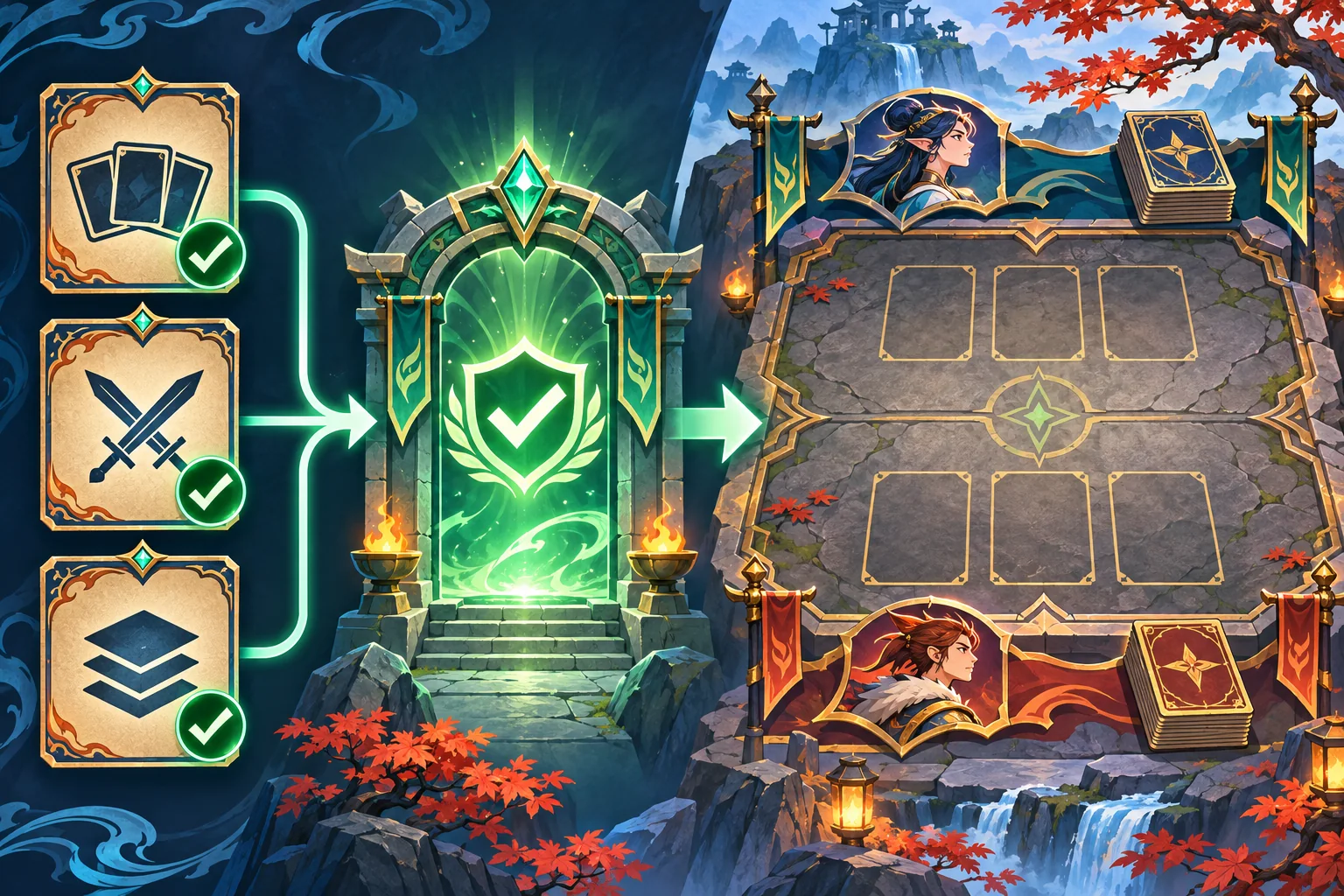
Document precedence explicitly. If a global preset limits a card but a character role also defines a restriction, decide which rule applies and whether both must pass. For card-specific overrides, define the allowed override fields and preserve stable card IDs. Do not rely on visual order in the editor to determine match behavior.
Keep rule data separate from battle resolution
Prefer a ruleset value object that the current match setup and validators can read. The editor changes that data; the existing resolver continues to execute turns and effects. This keeps authoring behavior separate from combat behavior and makes it easier to compare a custom match against the default preset.
A possible data record might contain a schema version, a ruleset ID, source game version, supported option values, and a display name. Store only data, not executable expressions. Let the game map validated options into existing rules. If a value cannot be represented by the current resolver, the editor should not pretend that saving it makes the effect work.
Godot’s JSON documentation describes parsing JSON text into a Variant and serializing data back to JSON. Its runtime file guide describes FileAccess for reading and writing files, including user-provided content examples. These references support the existence of engine APIs; they do not prescribe this example schema, guarantee safety, or show a working Ashen Archive implementation.
For player-authored data, validate the version and every field before use. Reject unknown rule IDs unless the project has a forward-compatible policy. Enforce project-defined lower and upper bounds, known card-family identifiers, and valid character-role keys. Do not instantiate arbitrary resources or evaluate text from a rules file as code. If the game supports imported content, test that path and document its constraints separately.
Preserve built-in modes and old saves
Store custom drafts separately from canonical modes and progression. A player editing a preset should create a copy, not silently overwrite the original. Keep match results from custom rules distinct if the game has achievements, ranked play, or saved campaign state. Whether custom rules can use those systems is a product policy that must be explicit.
Version the schema and attach a source game version. When a field changes, choose a migration or a clear refusal path. Test both with copies of existing saves and user rulesets. Never assume that a missing field should use a balance-sensitive value unless the project owner has specified that default.
| Compatibility case | Question to answer | Safe evidence |
|---|---|---|
| Old custom file | Can this schema version be migrated? | Fixture copied before migration |
| Missing option | Is there a documented default? | Tested default resolution |
| Unknown card family | Should loading reject or warn? | Visible error and no silent substitution |
| Built-in preset | Can editing mutate the shipped value? | Original preset hash or copy |
| Custom match result | Does it affect campaign or ranking? | Explicit mode policy |
Build only the first editor workflow
A minimal interface needs a list of supported controls, a preview of the effective rules, a validation summary, save-as, duplicate, and reset-to-default. Show which constraints come from the selected character role. If the chosen option conflicts with a role or card set, explain the conflict before starting a match rather than failing inside combat.
Use clear units and bounded inputs. Do not label an option “balanced” or “competitive” unless the project has evidence behind that label. Offer a default ruleset that matches current shipped behavior and make it easy to return to it. Keep advanced fields hidden until the runtime, UI, and tests can support them.
The fictional interface in the generated illustration is a visual concept only. It does not show a real ruleset editor, actual game data, or completed validation. On the real project, align the editor with established UI patterns and reuse its existing rules service instead of building a parallel one.
Plan a minimal patch and rollback
Write down which files may change before accepting code. A narrow first pass might include one editor screen, a ruleset model or adapter, a validation entry point, a local draft save service, and focused tests. Keep the battle resolver, full card database, character-role logic, built-in presets, and campaign save reader unchanged unless project inspection proves a required dependency.
Review the complete diff. Ask AI to explain every changed file and to point out any altered defaults, event ordering, card values, or progression hooks. Compare the code to the allowlist. If the task expands to balance the whole card pool or refactor combat, stop and divide it into a separately scoped change.
Keep the work on a branch or clean copy. Save a sample of the default preset and copy of any legacy rules file before migration. If a custom ruleset changes an existing mode or a known deck becomes illegal unexpectedly, revert to the baseline and narrow the patch. A rollback route should be a concrete version-control action, not a vague promise.
Test rule interactions on copies
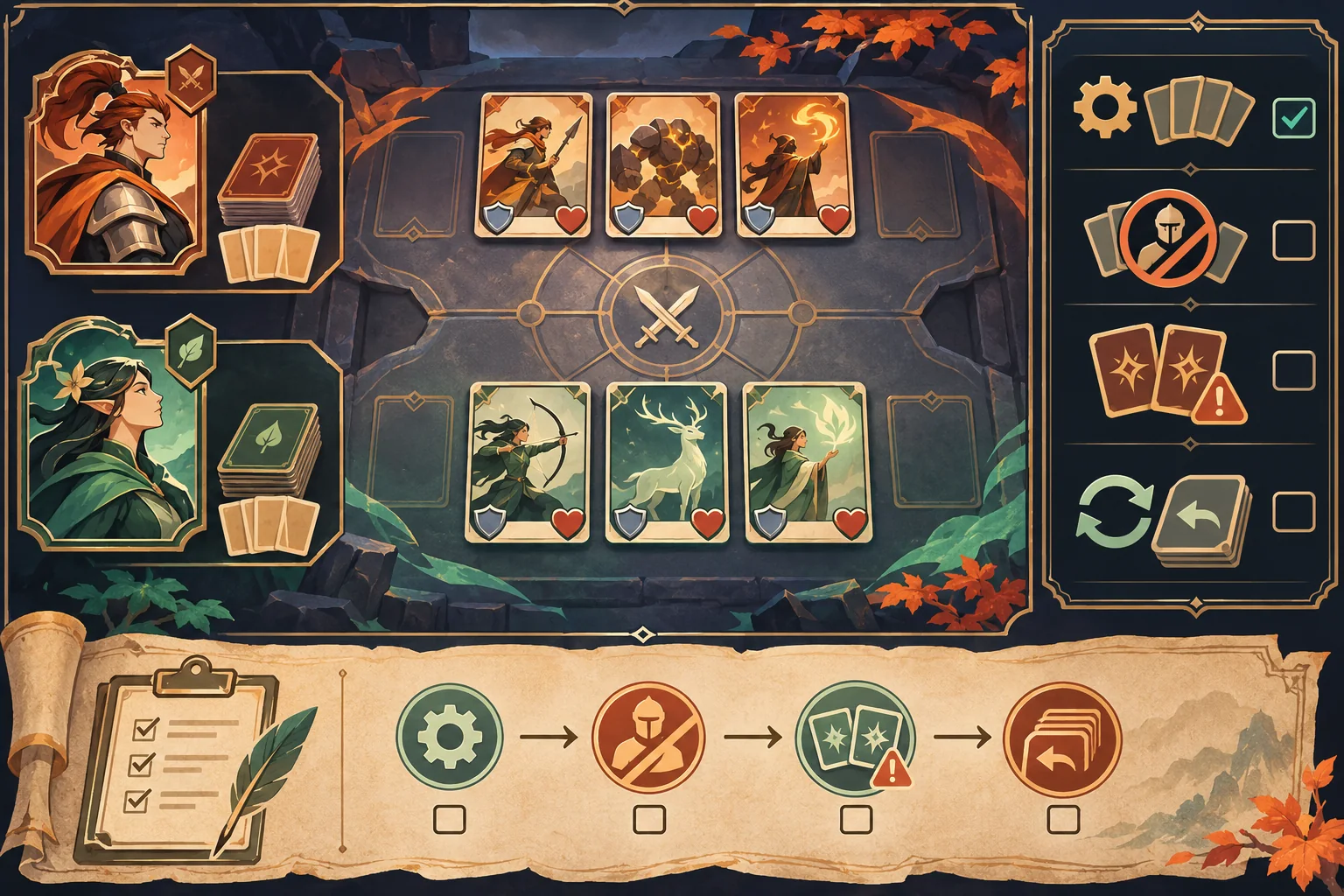
Test each option alone before testing combinations. Then check the overlap between global restrictions, role-specific deck rules, card copy limits, and match settings. Verify a valid custom match, an invalid deck, an unsupported value, an old schema, a missing field, and reset to the built-in preset. These cases should be executed in the real project before claiming compatibility or balance.
| Proposed check | Action | Record |
|---|---|---|
| Default regression | Start a known match using shipped rules | Build, preset, decks, observed resolver flow |
| Role compatibility | Use a restricted card with each character role | Validation result and explanation |
| Bounds | Enter values outside allowed limits | Rejection, correction, and no silent clamp |
| Malformed content | Load missing, invalid, and future fields | Safe refusal and actionable error |
| Save migration | Load a copied legacy custom ruleset | Migration or documented refusal |
| Rollback | Restore the clean baseline branch | Default modes work as before |
This matrix is a plan, not a record of completed tests. Capture game version, ruleset version, character roles, deck IDs, action, expected behavior, actual behavior, and any mismatch when testing. A mockup cannot show that a rules combination is fair or that a legacy save still loads.
Frequently asked questions
What should a custom ruleset editor control?
Expose only the match options the existing battle system can safely consume, such as turn limits or a small set of documented card restrictions. Keep rule values bounded and readable. Do not let the first editor rewrite the core resolver, character progression, or every card effect.
How can I keep custom rules from breaking card battles?
Keep the current resolver as the authority and pass it a validated ruleset object. Define precedence when global rules, character roles, and card text interact. Test a known match under the default rules and compare the result after the editor is added.
Should players be allowed to edit every card value?
Begin with a small allowlist of supported options instead of exposing arbitrary damage, cost, or effect scripts. Bound numeric values and reject unsupported combinations. Add another control only when the game has a clear rule definition and a test case for its interactions.
How should custom rulesets be saved and updated?
Use a versioned data format, identify the source game version, and separate user-created rules from built-in presets. Validate fields before loading and provide a clear migration or refusal path for older data. Test changes on a copy so existing saves and official modes stay intact.
Can AI balance a custom card ruleset for my game?
AI can help inspect supplied rules, enumerate interactions, and draft test cases, but it cannot prove balance without the real card pool, battle logic, and play data. Treat generated values as proposals. Review the full diff and run representative matches before sharing a ruleset.
Add rule options without replacing combat
Capture the built-in behavior, expose a small allowlist of settings, validate a versioned data record, and pass only supported values to the existing battle resolver. Keep custom drafts separate from shipped presets and old saves. Review the full diff, test on copies, and retain a clean rollback point before claiming the editor works.
To explore a separate card-battling RPG concept, try SEELE AI Game Maker. It is a concept tool, not an existing-project editor.