Key takeaways
- Build a Flappy Bird-style game by keeping only the abstract one-input rhythm: tap adds upward velocity, gravity pulls down, and the player crosses moving gaps. Redesign every expressive element—name, character, world, obstacle silhouettes, palette, animation, audio, interface, difficulty, and marketing media. Do not copy the Flappy Bird name, bird, pipes, logo, screenshots, sounds, pixel-art look, or level presentation. Prototype the smallest loop, tune tap impulse with gravity, validate reachable obstacle sequences, playtest supported inputs, and publish only screenshots from your own working build.
The safest way to make a Flappy Bird-style game is to borrow only the abstract one-input rhythm—tap to gain upward velocity, let gravity pull the character down, and pass through moving gaps—then redesign every expressive layer. Give the game its own name, character, world, obstacle silhouettes, colors, animation, sound, scoring language, and difficulty curve. Do not copy the Flappy Bird name, bird, pipes, logo, screenshots, audio, pixel-art look, or level presentation.
This guide is for a complete beginner. It explains an engine-neutral prototype you can build with a visual tool, a browser framework, or a general game engine. The goal is not a clone. The goal is an original, small game whose tap-to-fly mechanic is easy to understand and whose identity is unmistakably yours.
Start with a one-sentence originality rule
Write this before opening an editor:
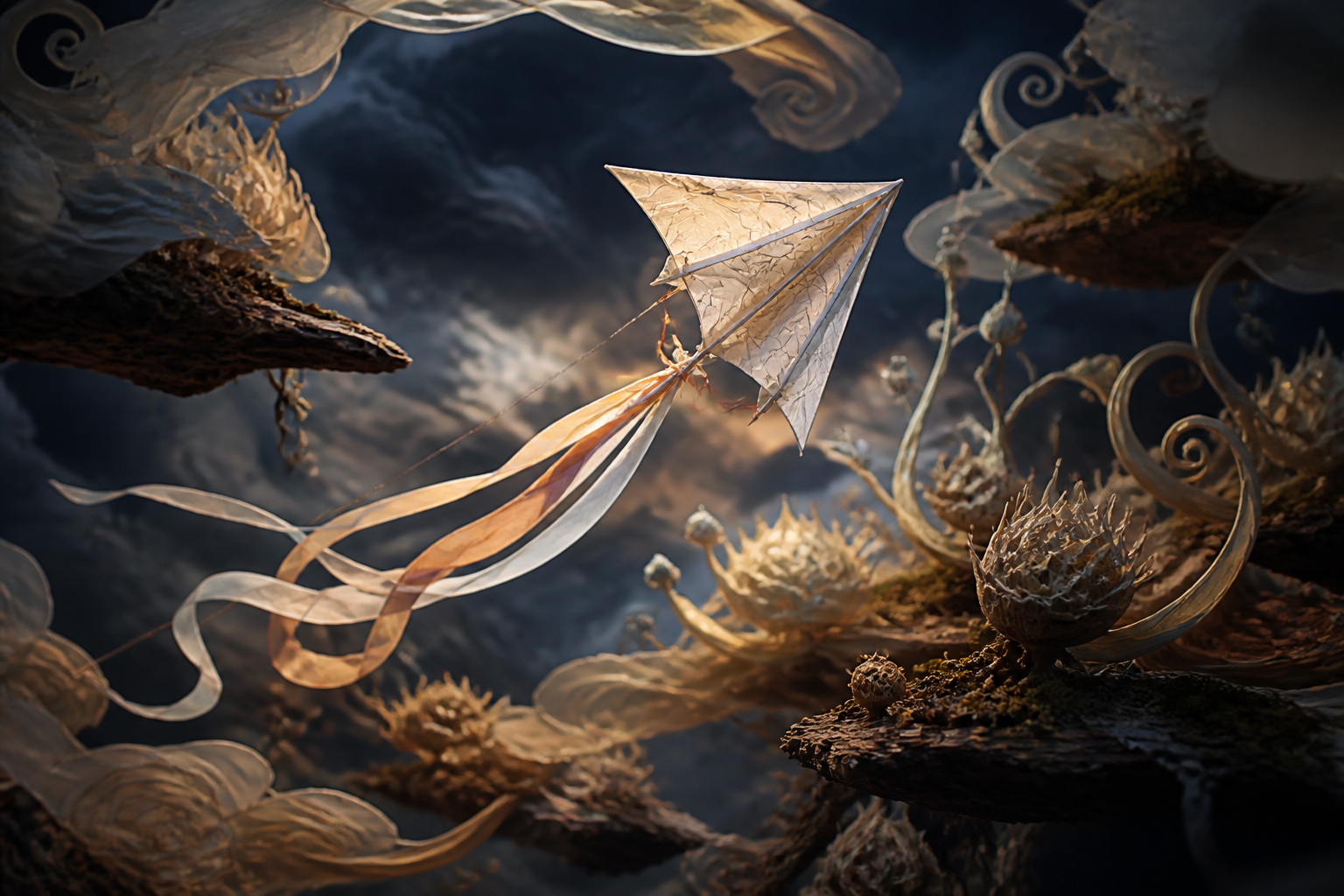
The player taps to guide an original glow kite through a storm garden of rotating seed pods, using wind chimes and color pulses as feedback.
That sentence preserves the broad interaction while replacing the recognizable expression. You can substitute a bubble in a coral archive, a tiny submarine in thermal vents, a moth in a clockwork greenhouse, or a paper spirit between floating lantern roots. The more your theme changes the motion, hazards, feedback, and goals together, the less your project feels like a reskin.
Use an originality checklist:
- Name: create a unique title; do not put “Flappy Bird” in the game title, logo, app icon, or store art.
- Player object: choose a new species or object with a different silhouette and animation language.
- World: avoid the familiar blue-sky, green-pipe, side-view pixel composition.
- Obstacles: create forms that fit your world instead of recoloring pipes.
- Audio: record, license, or generate original sounds; do not extract sounds from the original game.
- Interface: redesign typography, score placement, menus, transitions, and failure feedback.
- Media: use captures from your own playable build. Never present original-game screenshots or a fake mock screen as your result.
Copyright and trademark questions depend on jurisdiction and facts, so this is design guidance rather than legal advice. The U.S. Copyright Office explains that a game’s idea and methods of play are not protected by copyright in themselves, while expressive material can be protected. A broad mechanic can therefore inspire a new design without giving you permission to copy art, text, characters, music, or other expression. Trademark rules separately matter when a name, logo, or presentation could confuse people about source or affiliation.
Define the smallest playable loop
A first prototype needs only six systems:
- an idle or ready state;
- one tap action;
- gravity and vertical velocity;
- obstacles moving across the screen;
- collision and scoring;
- a failure state with a fast restart.
Keep the first build deliberately plain. Use temporary geometric collision shapes inside the editor if needed, but do not publish those as final media or pretend they are finished gameplay. The prototype answers a mechanical question: does one tap create a controllable rhythm? Art production comes after the interaction survives that test.
Choose a fixed update model supported by your engine. Store the player’s vertical position and vertical velocity. Each simulation step adds gravity to velocity, then velocity to position. A tap assigns a negative or upward impulse. In pseudocode:
onTap:
  if state is READY: state = PLAYING
  if state is PLAYING: verticalVelocity = tapImpulse
  if state is FAILED: resetRun()

each physics step while PLAYING:
  verticalVelocity += gravity * deltaTime
  playerY += verticalVelocity * deltaTime
  moveObstaclesLeft(scrollSpeed * deltaTime)
  if player overlaps hazard or boundary: failRun()
The exact sign convention depends on the coordinate system. What matters is consistency: one function owns the tap impulse, one update owns gravity, and collision changes the run state only once.
Tune four variables before adding features
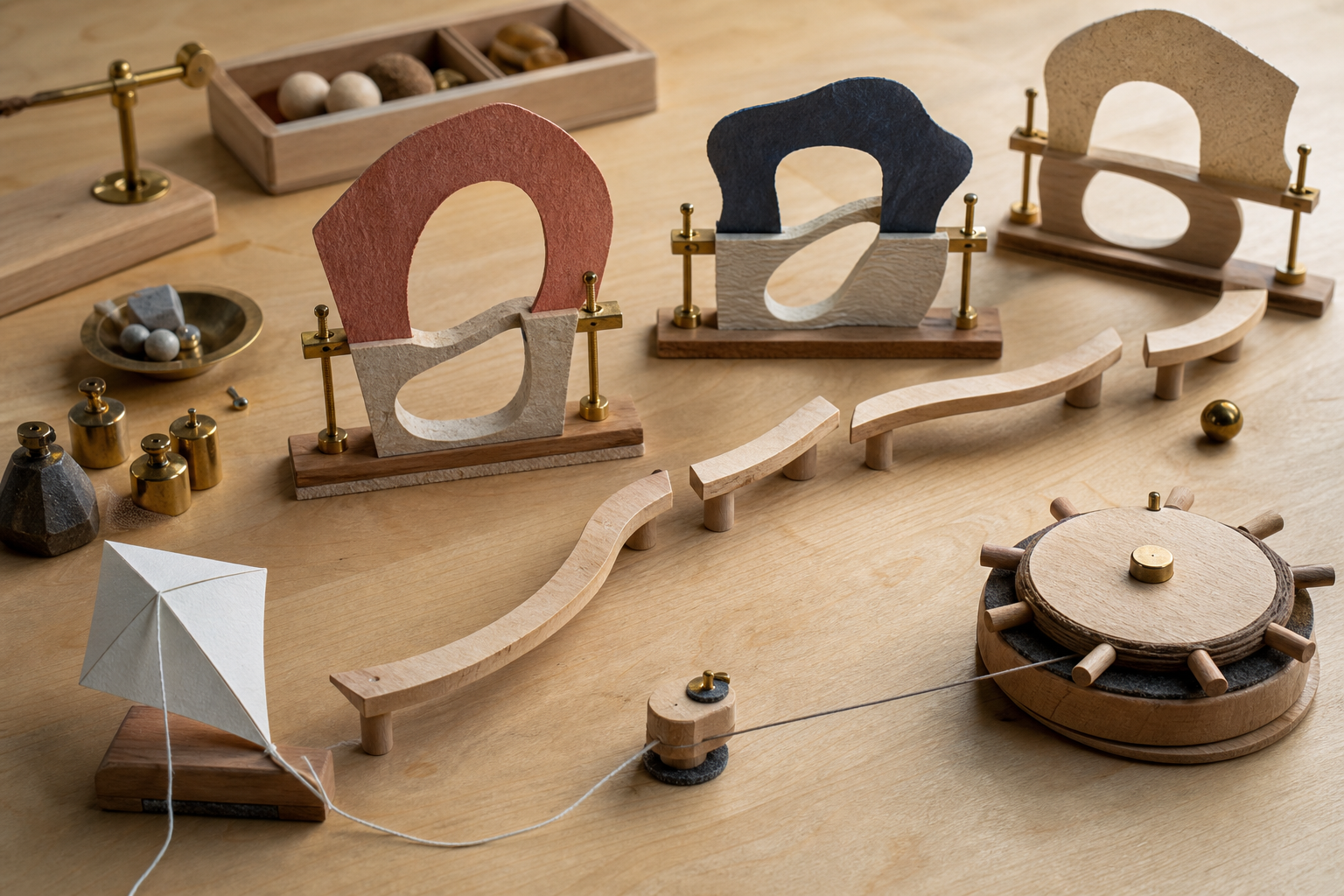
The core feel comes from four connected variables:
- Tap impulse: how strongly one tap lifts the player.
- Gravity: how quickly upward motion turns into falling.
- Gap size: how much vertical error an obstacle allows.
- Scroll speed: how much time the player has to read and respond.
Do not tune them independently. A stronger impulse may require more gap height. Faster scrolling reduces decision time even if the gap does not change. Strong gravity can produce a crisp rhythm but punish missed taps sharply.
Begin with generous gaps and slow movement. Record three observations rather than chasing a magic number: Can a first-time player recover from a slightly early tap? Can they understand why they failed? Can they complete three gaps after a few attempts? Adjust only one variable between builds so you know what caused the difference.
Use visible debug information during development—collision outlines, velocity values, spawn intervals—but remove it from release unless it serves a real player-facing purpose. Developer overlays are evidence for testing, not final art.
Build an original obstacle grammar
A good obstacle is more than a different texture. It has a silhouette, movement rule, cue, safe space, and consequence that belong to the new world.
For the glow-kite example, replace vertical pipes with pairs of rotating seed pods connected to hanging vines. The opening could sway slowly, while a pulse of light previews the safest phase. Later variants might include:
- a wide opening that drifts vertically;
- two narrow openings where only one glows as active;
- a soft wind zone that changes falling speed but does not cause instant failure;
- a collectible placed on a riskier line;
- a sheltered pocket that briefly resets the rhythm.
Introduce one rule at a time. If an obstacle rotates, changes the gap, moves vertically, and hides the player simultaneously, a beginner cannot diagnose failure. Make the cue visible before the player commits, keep collision aligned with the visible shape, and reuse visual language consistently.
Avoid recreating the original game’s exact pipe proportions, spacing, palette, ground strip, skyline, or familiar obstacle cadence. “Same level with new paint” is not a meaningful redesign.
Create the art, sound, and name as one system
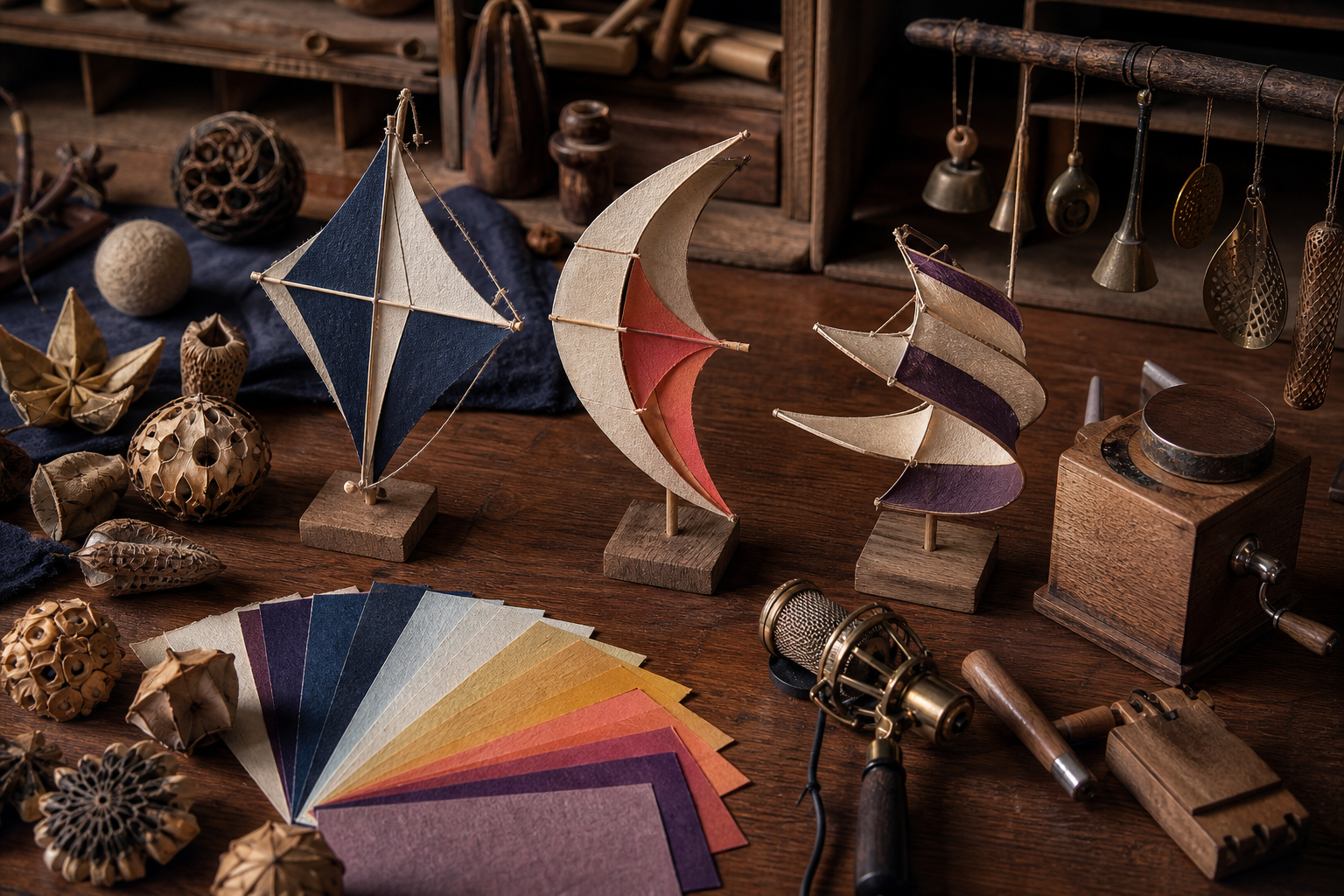
Make a small identity kit before polishing assets:
- three player silhouettes in black;
- three obstacle families shown only as silhouettes;
- a five-color palette;
- two animation verbs, such as flutter and stretch;
- three original sound descriptions, such as paper snap, glass chime, and low wind bloom;
- five candidate names checked for obvious conflicts.
Pick the combination that remains recognizable without labels. Then create or commission the final assets and keep source files, licenses, prompts, and generation receipts. If you use generative tools, inspect the output for accidental logos, copied-looking characters, watermarks, and inconsistent details. Generated does not automatically mean original, licensed for every use, or production-ready.
The audio should communicate state. One short sound can confirm a tap, another can confirm a cleared obstacle, and a distinct low sound can mark failure. Avoid copying the pitch, rhythm, or sample character of the reference game. Keep sounds brief so repeated taps do not create an exhausting wall of audio.
Choose a title from your world rather than from the source inspiration. A title such as Glimmerdraft, Seedwind, or Lantern Current points toward a distinct fantasy. Search app stores, game portals, domains, and relevant trademark databases before committing. A search is useful screening, not a legal clearance guarantee.
Add scoring and difficulty without breaking fairness
Award one point when the player completely passes an obstacle pair. Give each pair a scored flag so it cannot award twice. Reset that flag when an obstacle object is recycled.
For difficulty, use bounded stages instead of endless acceleration. For example:
- stage 1: large gaps, stable obstacles, slow scroll;
- stage 2: slightly faster scroll;
- stage 3: gentle vertical movement with an advance cue;
- stage 4: occasional wind zones introduced in a safe example first.
Set maximum speed and minimum gap values. Randomize within tested ranges, and reject combinations that create impossible paths. Difficulty should test timing and adaptation, not surprise the player with an unavoidable arrangement.
A simple fairness test generates hundreds of obstacle pairs and checks that adjacent gap centers do not move farther than the player can physically reach. This automated check cannot prove the game is fun, but it can catch impossible seeds before playtesting.
Implement a clean state machine and object lifecycle
Use explicit states: READY, PLAYING, FAILED, and optionally PAUSED. Input behavior should depend on the current state. This prevents a failure tap from also applying movement or a restart from inheriting old velocity.
Recycle obstacles instead of creating and destroying them forever. When an obstacle leaves the screen, move it ahead of the last obstacle, choose a valid gap position, reset its scoring flag, and apply the current difficulty stage. Object pooling reduces avoidable allocation and makes behavior easier to inspect.
Keep collision simple at first. One player collider and one collider for each solid hazard are enough. Make collision boundaries slightly forgiving if the art has thin decorative edges. Test the top and bottom screen boundaries deliberately: decide whether touching them fails, clamps movement, or produces a recovery effect, then communicate that rule consistently.
Playtest the rhythm, accessibility, and originality
Test with people who have not watched you build. Ask them to play before explaining the controls. Observe:
- whether they discover the tap action;
- where their eyes look before an obstacle;
- whether failure cause is obvious;
- how long restart takes;
- whether touch, mouse, keyboard, and controller inputs behave consistently if supported;
- whether rapid tapping causes double input or audio overload;
- whether the game identity reminds them of your concept or only of the reference title.
For mobile, test real device dimensions and safe areas, not only a resized desktop window. Make the entire play area tappable unless a visible control requires otherwise. Do not place essential instructions where a thumb or browser chrome hides them. Offer reduced motion, adjustable sound, and a high-contrast option when practical.
Run an originality review separately from a bug review. Put your title screen, character, obstacles, failure screen, and audio list beside a written description of the reference—not copied screenshots—and ask what remains too close. Replace any element whose main justification is “because the original did it that way.”
Where SEELE AI can help
SEELE AI can be used to explore a standalone playable prototype from a focused brief. Describe the original character, world, obstacle behavior, input, scoring, states, and constraints, then inspect and test the resulting build. For example:
Create a standalone one-input browser prototype called Glimmerdraft.
The player guides a luminous folded-paper kite through a storm garden.
Tap gives one upward impulse; gravity pulls down continuously.
Use rotating seed-pod obstacles with generous gaps, clear collision feedback,
score once per cleared pair, and READY / PLAYING / FAILED states.
Use only original shapes, colors, names, and sounds. Do not use Flappy Bird
branding, bird characters, pipes, screenshots, audio, pixel-art look, or level layout.
Treat generated output as a prototype that still needs human review. Verify collision, restart behavior, input on target devices, accessibility, asset provenance, and originality. Do not claim that a standalone prototype is automatically exported to, validated in, or production-ready for a particular game engine or store unless you have completed that platform’s real workflow.
Release checklist
Before sharing the game, confirm:
- the title, icon, character, obstacles, environment, UI, audio, and marketing art are original or properly licensed;
- no Flappy Bird logo, character, pipe art, screenshot, sound, or copied level look appears;
- the first tap, gravity, collision, scoring, failure, and restart work in every supported input path;
- generated obstacle sequences stay within reachable limits;
- visible art and collision boundaries agree;
- difficulty changes are cued and capped;
- mobile layout has no clipped controls or hidden instructions;
- final screenshots come from your actual playable build;
- licenses, source files, prompts, and receipts are stored with the project;
- store copy describes your own game rather than implying endorsement or affiliation.
A successful result should be explainable without the phrase “Flappy Bird clone.” If players can describe your character, world, obstacle language, and strategic twist in their own words, you have moved from imitation toward an original game built on a familiar one-button design pattern.
FAQs
Can I legally make a game with a tap-to-fly mechanic?
A broad mechanic or method of play can inspire a new design, but that does not grant permission to copy protected expression or confusing branding. Use an original name, character, art, obstacles, audio, interface, level presentation, and marketing assets, and seek legal advice for a specific release if needed.
What should I avoid copying from Flappy Bird?
Do not copy the name, logo, bird character, pipe art, screenshots, sounds, pixel-art presentation, exact level look, interface, or store imagery. A recolor or minor reskin is not a meaningful redesign.
What systems does a beginner prototype need?
Start with a ready state, one tap action, gravity and vertical velocity, moving obstacles, collision, scoring, failure, and a fast restart. Add polish only after the rhythm is controllable.
How do I tune a tap-to-fly game?
Tune tap impulse, gravity, gap size, and scroll speed together. Start generously, change one variable per test build, cap the hardest values, and reject obstacle sequences the player cannot physically reach.
Can I use AI-generated art and audio?
You can use tools whose terms fit your project, but inspect outputs for accidental logos, copied-looking characters, watermarks, and inconsistent details. Keep prompts, source files, licenses, and generation receipts; generated does not automatically mean original or cleared for every use.
Can SEELE AI export a finished game to any engine or store?
Do not assume that. SEELE AI can help explore a standalone playable prototype from a focused brief, but target-engine integration, store packaging, device testing, licensing review, and production validation remain separate workflows unless you complete and verify them.