
Introduction
An exhibition discovery game can invite visitors to notice details, connect objects and follow a question through a gallery. For museum educators, the prototype should support interpretation while keeping object information accurate and accessible. A game can organize a visit; it should not invent provenance, replace labels or make visitors believe a fictional link is museum fact.
This guide uses Harbor Stories, a fictional maritime gallery with invented exhibit stations. The objects, labels and visitor route are placeholders. No museum, educator, collection or playable prototype was tested.
Start with a visitor question
Choose one question that helps visitors look closely, such as how people use tools to navigate or move goods. Decide who the activity serves, how long it should take and whether visitors can complete it in any order. Keep the learning objective connected to observations visitors can make at the exhibits.
Prompt 1 — educator brief
Plan a fictional exhibition discovery game called Harbor Stories for a family group visiting a maritime gallery. Define the visitor question, age range, estimated activity length, group roles, start and finish, and what learners should notice. Use invented collection placeholders and list all details that require museum staff verification.
A brief should separate confirmed exhibit information from game copy. During real production, museum staff should approve object facts, terminology and interpretive claims before they are shown to visitors.
Build a route from exhibit stops
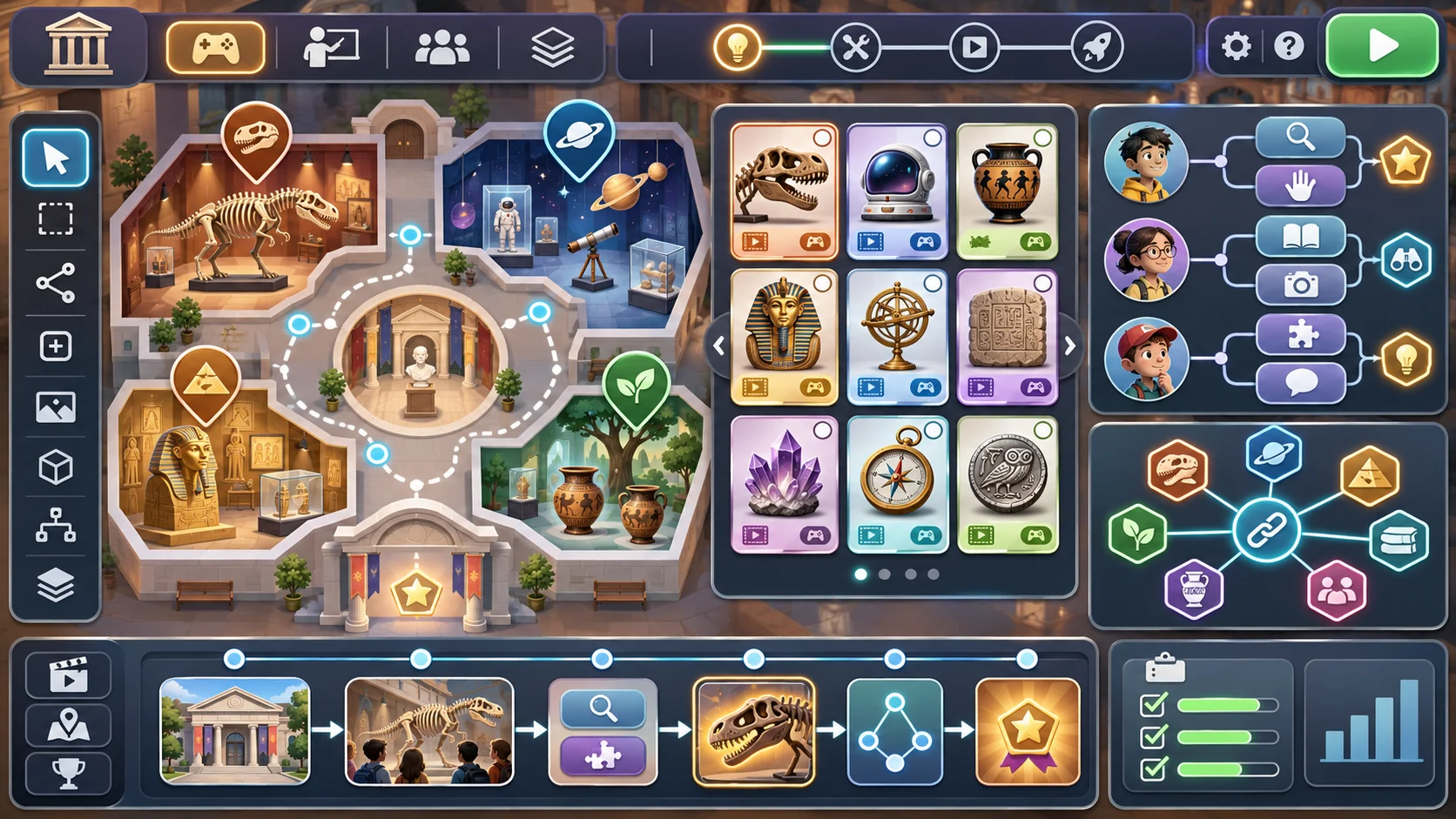
A route can connect a few stations with a question or observation at each stop. Allow a flexible order when the gallery layout or visitor needs call for it. Show what counts as progress without forcing visitors to touch objects or block other people from viewing them.
Prompt 2 — route and station map
Create a fictional Harbor Stories route with three exhibit placeholders: a navigation instrument, a trade-route map and a model vessel. For each stop, write an observation task, next-step options, route marker, staff-verification note and an alternate order. Do not invent dates, makers, cultures or provenance.
| Station placeholder | Visitor observation | Possible connection |
|---|---|---|
| Navigation instrument | Notice its visible markings and parts | How might a tool support wayfinding? |
| Trade-route map | Compare symbols and route lines | What information does a map communicate? |
| Model vessel | Look for design features selected by the educator | How can design relate to a stated use? |
These prompts are generic placeholders. Replace them with questions grounded in verified object records and the museum’s interpretive goals.
Turn observations into choices
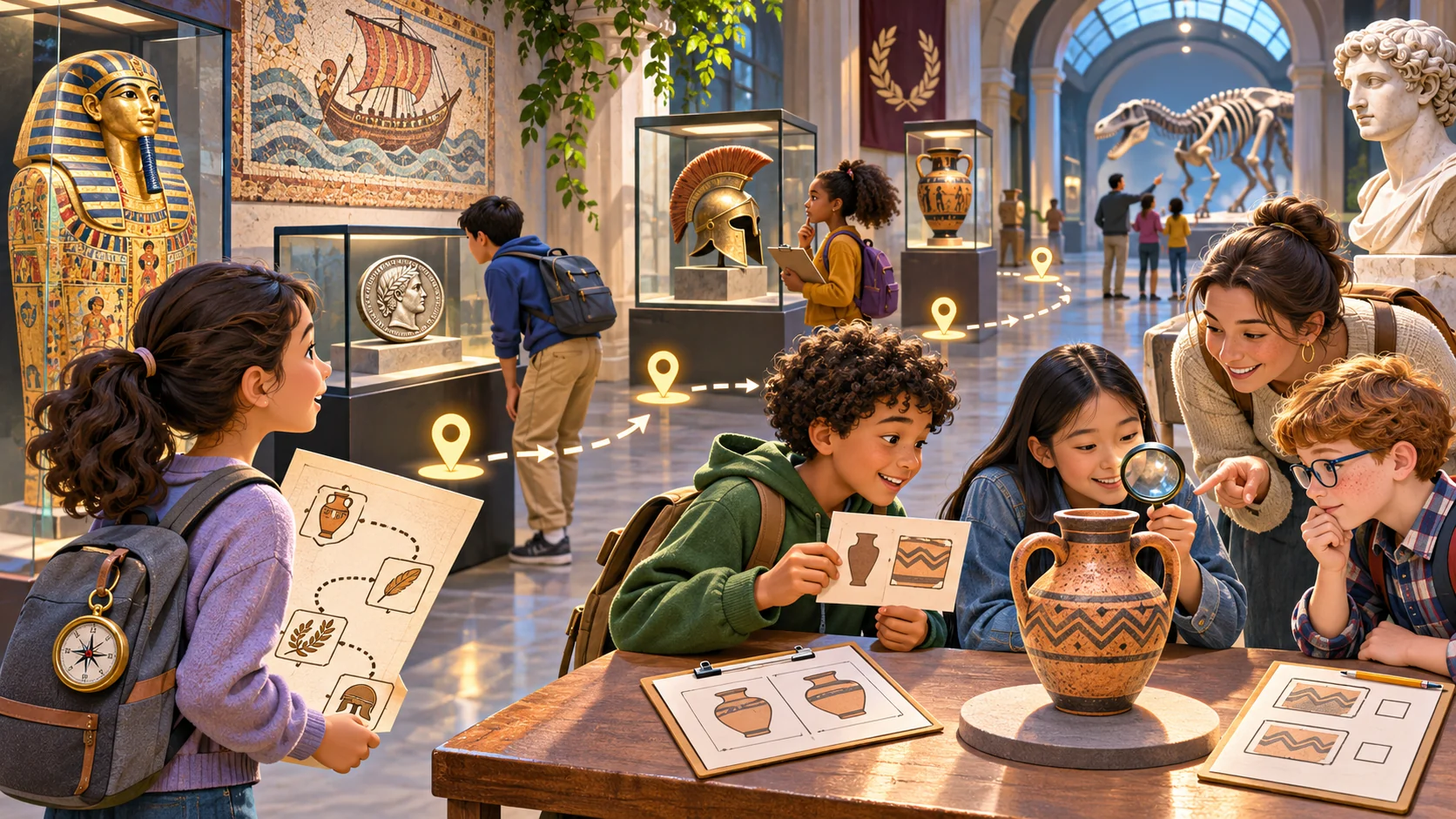
A discovery task can ask visitors to compare, notice or discuss before selecting a response. Keep a “not sure yet” path so the interaction does not penalize visitors for uncertainty. If an answer is collected, explain whether it is stored or only used locally; a paper or self-guided option can also work.
Prompt 3 — visitor interaction
Design one Harbor Stories station interaction. Show the exhibit prompt, two or more response paths, a not-sure option, accessible text alternative, feedback and route continuation. Make clear that all object details are placeholders pending museum review. Do not ask visitors to handle collection objects.
The task should add a reason to look, not compete with the exhibit. Keep instructions short and ensure visitors can pause or skip without losing the rest of the activity.
Link clues without inventing history
A game can connect observations through a theme or question, but it should not imply that separate objects share a historical relationship unless reliable collection information supports it. Label fictional story framing separately from object facts, and give the educator an editable source note for every claim.
Prompt 4 — connection and source check
Connect the three fictional Harbor Stories stations through a visitor question about navigation and movement. For every factual statement, add a source-required field. Keep hypothetical story text visually distinct from object information, and flag unsupported links instead of presenting them as history.
Keep the activity template editable
The JSON below separates route structure, object placeholder, visitor task, accessibility alternative, verification notes and reset. The museum can replace the sample with reviewed content. It is a content-planning structure, not a functioning exhibit guide or evidence about a real collection.
{
  "gameName": "Harbor Stories — fictional exhibit activity",
  "visitorQuestion": "What can exhibit details suggest about navigation and movement?",
  "audience": "family group; educator to customize",
  "estimatedMinutes": 15,
  "stops": [
    {"id":"instrument","objectPlaceholder":"navigation instrument","observation":"notice visible markings and parts","responseOptions":["record an observation","not sure yet"],"accessibleAlternative":"large-print or read-aloud prompt","sourceRequired":true,"museumReview":"pending"},
    {"id":"map","objectPlaceholder":"trade-route map","observation":"compare selected symbols and route lines","responseOptions":["describe one pattern","not sure yet"],"accessibleAlternative":"text description of the selected map detail","sourceRequired":true,"museumReview":"pending"},
    {"id":"vessel","objectPlaceholder":"model vessel","observation":"notice an educator-selected design feature","responseOptions":["connect it to the visitor question","not sure yet"],"accessibleAlternative":"plain-language description of the feature","sourceRequired":true,"museumReview":"pending"}
  ],
  "routeOptions": ["suggested order", "flexible order", "skip and return"],
  "privacyNote": "do not collect visitor responses in this fictional sample",
  "reset": "clear local selections and return to the opening question",
  "reviewNotes": ["fictional placeholders", "not museum-approved", "verify every object claim"]
}
For real use, attach a source and review owner to each factual statement. Ask museum staff to check accessibility language and whether the activity fits the actual gallery route.
Plan access and group participation
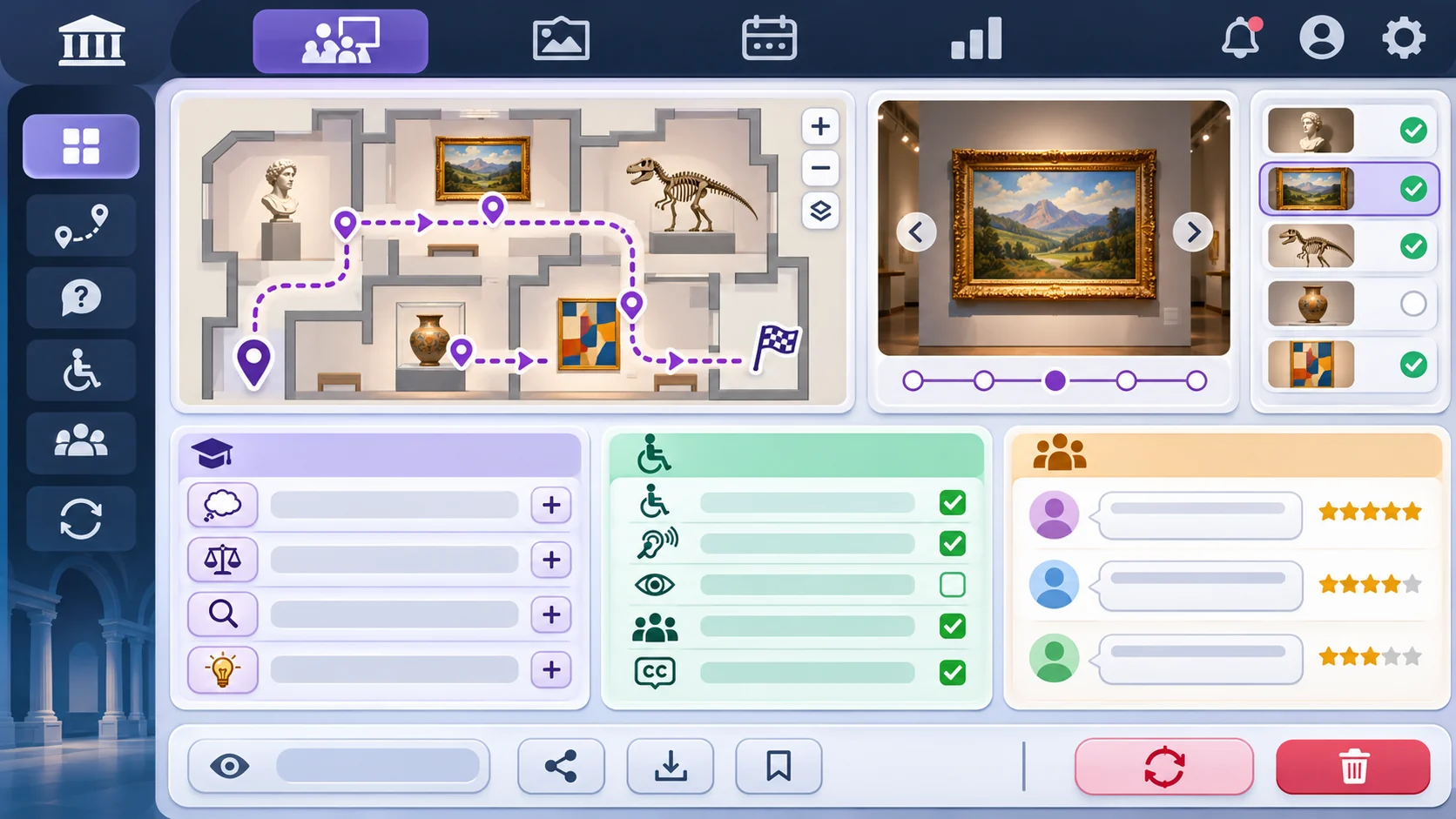
Offer more than one way to engage: read, listen, discuss or use a large-print prompt where appropriate. Avoid making completion depend on color alone, small text, a single sensory cue or physical access to an object. Do not claim accessibility from a mockup; review it against the venue, devices and visitor needs.
Prompt 5 — accessible interaction plan
Review the Harbor Stories prototype for readable text, keyboard or touch alternatives, color-independent cues, flexible route order, pause and skip options, and a non-digital participation path. List what is actually implemented, what is only described and what requires consultation with the museum and visitors. Do not claim accessibility compliance.
Request a local prototype and educator customization
A first digital slice can include an opening question, three exhibit cards, route choices, observation prompts, a completion screen and reset. Keep object labels clearly marked as placeholders. For a simulated customization, adapt it to City Rivers, another fictional exhibit activity about urban waterways; this is a design exercise, not a museum partnership.
Prompt 6 — fictional educator customization
Adapt the editable Harbor Stories structure to a fictional City Rivers gallery activity. Replace the visitor question, exhibit placeholders, observation tasks and accessible alternatives. Keep source-required and museum-review fields on every factual claim. Label the case fictional and untested.
Prompt 7 — review checklist
Inspect the local prototype against the educator brief. Record whether the route, observation prompts, skip path, accessible alternatives, source notes, privacy note and reset are present and work. Mark static items and untested claims separately. Do not infer visitor learning, accessibility approval or collection accuracy.
Fictional visitor-flow snapshot
| Moment | Intended action | Evidence boundary |
|---|---|---|
| Opening | Read the visitor question and choose a route | Fictional local screen |
| Gallery | Observe an exhibit detail and record a thought | No visitor observation collected |
| Connection | Compare notes across stops | Placeholder activity logic |
| Finish | Review the question and restart or leave | No museum trial performed |
The snapshot describes a proposed activity flow. It does not demonstrate visitor engagement or validate the content for a real gallery.
Conclusion
A strong exhibition discovery game helps visitors observe and connect verified exhibit information. Start with a visitor question, build an editable route and keep sources, access options and review ownership visible. Harbor Stories and City Rivers are fictional; no museum or playable prototype was tested. Museum staff should approve collection facts and interpretive framing, and appropriate visitor review should happen before launch.
You can take a scoped concept into the Free AI game maker, then compare the result with the educator review checklist.
FAQ
What should an exhibition discovery game include?
Include a visitor question, exhibit stops, observation prompts, route options, accessible alternatives, source notes and a clear finish or reset.
How can museum educators connect exhibits through a game?
Use a visitor question that invites comparison, and support every factual connection with collection information reviewed by museum staff.
Can an AI game invent exhibit facts?
It can produce draft text, but object details and historical claims need verification against reliable museum records before visitors see them.
How can an exhibition game support different visitors?
Offer clear text, flexible route and skip choices, non-digital participation and alternatives that do not rely on a single sensory cue.
Does a local prototype prove a museum activity is accessible?
No. Accessibility needs review in the actual context with appropriate venue, device and visitor input.