Blog›Unreal Steam Packaging, Upload, and Release Checklist
Unreal Steam Packaging, Upload, and Release Checklist
Produce a clean Shipping build from the release commit, configure the correct Steam App ID and OnlineSubsystem behavior for that build, stage only required files, and upload depots with SteamPipe using versioned build scripts. Follow the API, failure recovery, and packaged-build validation checklist.
SEELE AI
Posted: 2026-07-26
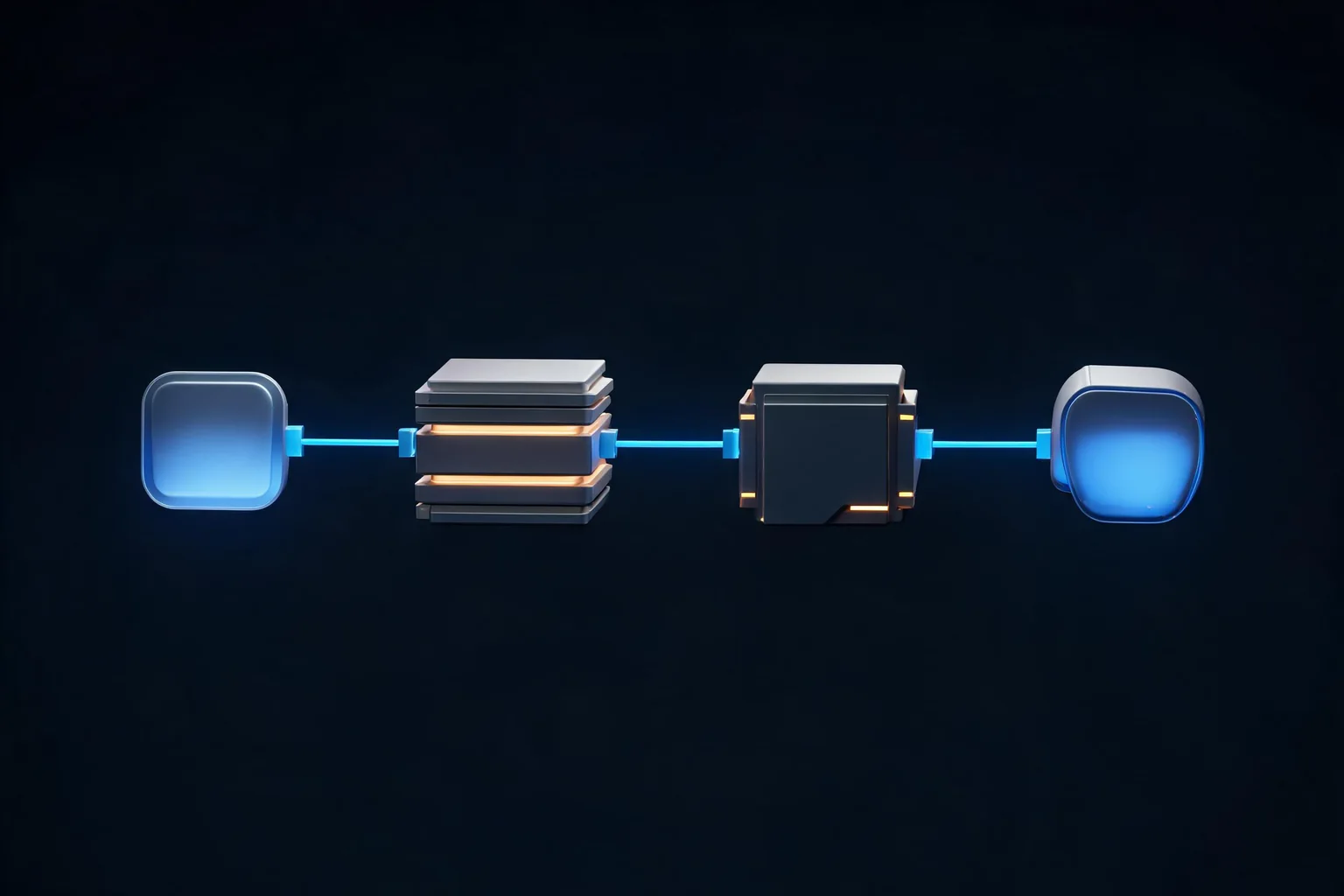
Visual guide for Unreal Steam Packaging, Upload, and Release Checklist
Key Takeaways: Unreal Steam Packaging, Upload, and Release Checklist
Produce a clean Shipping build from the release commit, configure the correct Steam App ID and OnlineSubsystem behavior for that build, stage only required files, and upload depots with SteamPipe using versioned build scripts. Publish first to a password-protected branch, install through the Steam client on a clean machine, test launch, redistributables, saves, overlay, controller, achievements or networking actually used, then promote the exact build only after store and release checklist requirements are independently complete.
Direct answer
Produce a clean Shipping build from the release commit, configure the correct Steam App ID and OnlineSubsystem behavior for that build, stage only required files, and upload depots with SteamPipe using versioned build scripts. Publish first to a password-protected branch, install through the Steam client on a clean machine, test launch, redistributables, saves, overlay, controller, achievements or networking actually used, then promote the exact build only after store and release checklist requirements are independently complete.
This guide covers packaging and Steam delivery evidence. It does not guarantee Valve review, sales, visibility, legal compliance, or compatibility with every Steamworks plugin. The practical goal is a game-building slice that another developer can reproduce from a clean checkout. Keep engine behavior, project policy, and measured evidence separate: Epic documentation establishes supported concepts, the project defines ownership and budgets, and only a named test run proves the local result.
What this guide delivers
A concrete ownership model for unreal steam packaging upload release checklist.
A six-stage Blueprint/C++ implementation workflow with a real API or command example.
Three production scenarios, including normal, edge, and handoff behavior.
Failure recovery and validation criteria for editor and packaged builds.
A bounded SEELE handoff that leads to the Unreal creator without changing this page's technical intent.
Explain owners and implementation flow for unreal steam packaging upload release checklist.System architecture and ownership
Release build
Pin engine, plugins, project commit, configuration, target platform, maps, cultures, chunk policy, and signing. A Shipping package should still produce protected logs or crash evidence appropriate to the release plan.
Release build review: capture release commit, package log, and artifact hash and show how steam identity receives or observes the accepted result without becoming a second owner.
Steam identity
Keep development App ID 480 separate from the real partner App ID, configure the selected Steam integration path, and test from the Steam client. Do not ship steam_appid.txt unless the chosen integration and distribution workflow explicitly requires it.
Steam identity review: capture staged-file and secret audit and show how depot layout receives or observes the accepted result without becoming a second owner.
Depot layout
Map operating-system and optional content files into deliberate depots. SteamPipe build scripts declare AppBuild, DepotBuildConfig files, content root, branch or preview behavior, and descriptions that identify the source artifact.
Depot layout review: capture Steam App ID and used feature checks and show how promotion gate receives or observes the accepted result without becoming a second owner.
Promotion gate
Uploading creates a build; it does not make it public. Assign the build to an internal branch, install it as a user, collect smoke evidence, complete store/release checks in Steamworks, and promote the same build rather than rebuilding unseen bits.
Promotion gate review: capture SteamPipe BuildID and depot manifest and show how release build receives or observes the accepted result without becoming a second owner.
Implementation workflow
Stage 1: Freeze the release commit and dependency lock, clean intermediate output, run automated tests, package Shipping, archive symbols, and record artifact hashes and Unreal AutomationTool logs.
Stage 2: Audit staged files for correct executable, content, configuration, prerequisites, third-party notices, crash reporter policy, and absence of secrets, test saves, editor data, or unrelated debugging tools.
Stage 3: Configure Steam integration and real App ID in the controlled release configuration, then verify overlay and only the Steamworks features the game actually uses.
Stage 4: Create versioned app_build and depot_build VDF scripts outside the public game content, run SteamCMD with protected credentials, and preserve the BuildID and upload log.
Stage 5: Set the new build live on a protected beta branch, install from Steam on a clean account and machine, and execute launch, update, uninstall/reinstall, save, controller, language, offline, networking, and crash tests as applicable.
Stage 6: Complete the Steamworks store and release checklists separately, resolve review findings, choose a rollback build, then promote the already-tested BuildID and monitor launch or crash evidence.
Install only through Steam, without Unreal Engine or Visual Studio present. Verify prerequisites, first launch, default save path, resolution, input, and uninstall cleanup.
Evidence for clean-machine install should include release commit, package log, and artifact hash, the owning build identity, and the condition that returns this scenario to its last known-good state.
Example 2: Protected beta branch
Assign the uploaded BuildID to qa-release, distribute the branch password to testers, capture the Steam client manifest and in-game build version, then promote that exact ID.
Evidence for protected beta branch should include staged-file and secret audit, the owning build identity, and the condition that returns this scenario to its last known-good state.
Example 3: Rollback drill
Keep the last known-good BuildID assigned or documented, practice switching the branch back, and verify save compatibility so operational rollback does not corrupt player progress.
Evidence for rollback drill should include Steam App ID and used feature checks, the owning build identity, and the condition that returns this scenario to its last known-good state.
Support failure diagnosis and recovery for unreal steam packaging upload release checklist.Failure modes and recovery
Local package works but Steam install does not
Compare depot manifest, working directory, redistributables, launch options, file filters, and App ID context. Test the client-installed artifact, not the archive folder.
Before closing local package works but steam install does not, rerun clean-machine install and prove Steam App ID and used feature checks returns to the expected boundary without an undocumented repair step.
Wrong App ID or overlay behavior
Separate development and release configuration, inspect the runtime App ID, and remove stray steam_appid.txt files from staged output unless deliberately required.
Before closing wrong app id or overlay behavior, rerun protected beta branch and prove SteamPipe BuildID and depot manifest returns to the expected boundary without an undocumented repair step.
Uploaded build is promoted without testing
Gate promotion on BuildID-specific clean installation and smoke evidence. A successful SteamCMD upload proves transfer, not game readiness.
Before closing uploaded build is promoted without testing, rerun rollback drill and prove clean install, upgrade, save, crash, and rollback evidence returns to the expected boundary without an undocumented repair step.
Hotfix invalidates saves or plugins
Package from a new pinned commit, repeat clean-install and upgrade paths, retain symbols, and keep a compatible rollback build. Do not replace files manually in a live depot.
Before closing hotfix invalidates saves or plugins, rerun clean-machine install and prove release commit, package log, and artifact hash returns to the expected boundary without an undocumented repair step.
Validation matrix
release commit, package log, and artifact hash: inspect it beside release build; pass only when local package works but steam install does not does not recur during clean-machine install and the evidence names the exact build.
staged-file and secret audit: inspect it beside steam identity; pass only when wrong app id or overlay behavior does not recur during protected beta branch and the evidence names the exact build.
Steam App ID and used feature checks: inspect it beside depot layout; pass only when uploaded build is promoted without testing does not recur during rollback drill and the evidence names the exact build.
SteamPipe BuildID and depot manifest: inspect it beside promotion gate; pass only when hotfix invalidates saves or plugins does not recur during clean-machine install and the evidence names the exact build.
clean install, upgrade, save, crash, and rollback evidence: inspect it beside release build; pass only when local package works but steam install does not does not recur during protected beta branch and the evidence names the exact build.
Version and source boundaries
These steps target the current Unreal Engine 5 documentation surface as of 2026-07-26. Engine defaults, experimental status, plugin packaging, API signatures, and platform support can change. Select the documentation version that matches the project, test the exact patch and target, and retain a rollback revision. Public documentation does not replace NDA platform requirements, store review, console certification, or project-specific performance evidence.
Official sources
Packaging Unreal Engine Projects — source evidence for release build in this unreal steam packaging upload release checklist workflow; verify the documentation version against the shipping branch.
SteamPipe Uploading — source evidence for steam identity in this unreal steam packaging upload release checklist workflow; verify the documentation version against the shipping branch.
Steamworks Release Process — source evidence for depot layout in this unreal steam packaging upload release checklist workflow; verify the documentation version against the shipping branch.
Unreal Engine is a trademark of Epic Games. SEELE AI is independent and this article does not imply Epic Games or Valve endorsement.
From the technical plan to a SEELE Unreal game
Use this page to define the system, acceptance tests, and failure boundaries; then carry that precise brief into [SEELE's Unreal game creator](/features/create/unreal-game). SEELE can generate a native Unreal 5 game, provide an in-browser preview, support optimization and packaging in SEELE, and let you download the project or packaged output for external publishing or publish it as a free or paid SEELE game.
That handoff does not change the native production responsibility described above. Store approval, sales, revenue, certification, third-party plugin compatibility, and platform compliance are not guaranteed. Keep the source Unreal game, build logs, test evidence, and external publishing decisions under your team's control.
FAQ
What is the correct architecture for unreal steam packaging upload release checklist?
Produce a clean Shipping build from the release commit, configure the correct Steam App ID and OnlineSubsystem behavior for that build, stage only required files, and upload depots with SteamPipe using versioned build scripts. Publish first to a password-protected branch, install through the Steam client on a clean machine, test launch, redistributables, saves, overlay, controller, achievements or networking actually used, then promote the exact build only after store and release checklist requirements are independently complete. Start with release build and steam identity, then keep presentation as an observer of committed gameplay state.
Should unreal steam packaging upload release checklist be built in Blueprint or C++?
Either can work. Blueprint is effective for rapid game logic and designer iteration; C++ is useful for reusable contracts, complex lifetime, performance-sensitive loops, and automated tests. Preserve the same owner, validation, failure, and recovery boundaries in both.
How should unreal steam packaging upload release checklist be tested?
Test one normal case, one invalid input, interruption or teardown, clean restart, and packaged-build parity. Capture release commit, package log, and artifact hash, staged-file and secret audit, Steam App ID and used feature checks with a build identifier and explicit pass criteria.
What is the most dangerous failure in unreal steam packaging upload release checklist?
Local package works but Steam install does not is an early warning: Compare depot manifest, working directory, redistributables, launch options, file filters, and App ID context. Test the client-installed artifact, not the archive folder. Also verify cleanup and retry so the apparent fix does not leave stale state.
Which Unreal version does this unreal steam packaging upload release checklist guide target?
It uses the Unreal Engine 5 documentation surface available on 2026-07-26. Confirm the version selector, API signature, plugin status, platform toolchain, and packaged behavior in the exact engine patch that will ship.
What can SEELE do after this unreal steam packaging upload release checklist plan is ready?
SEELE can generate a native Unreal 5 game, provide browser preview, support optimization and packaging, and provide project or packaged downloads for external publishing or a free or paid SEELE release. It does not guarantee third-party store approval, compatibility, sales, or revenue.
Was this guide helpful? Use it as a starting point, then continue the best direction in Seele AI.