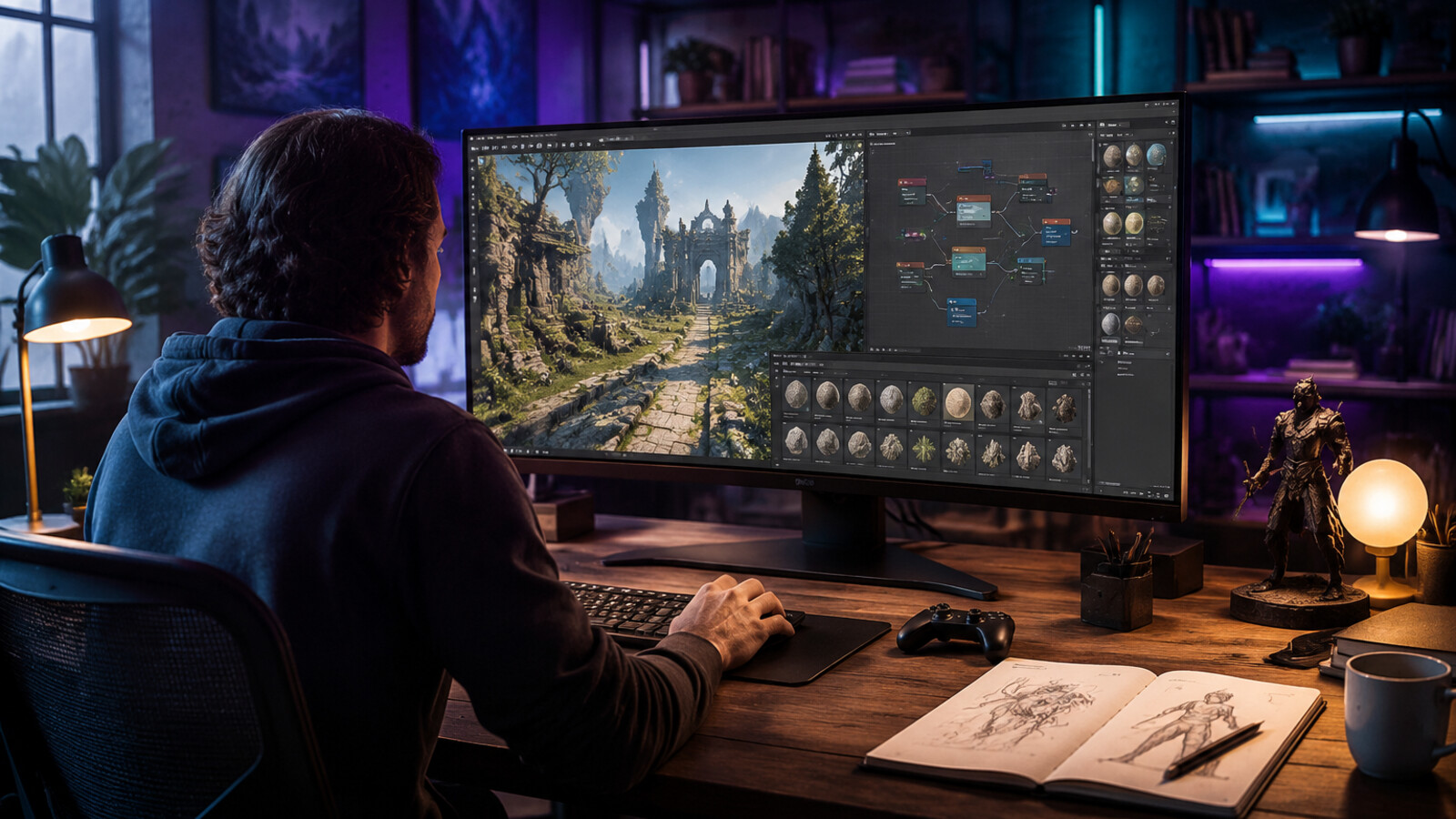
Here's the result of the veo3-ai-video-generator model generated using Meshy.
Direct answer
Veo 3 is a Google AI video model, not a Seele product. Seele is not Google, not Veo, and not an official Veo provider. Game teams should treat Veo-style video as a concept, trailer, or reference workflow and verify current access, pricing, watermark, and usage terms on Google’s official pages.
Key Takeaways
- Seele is independent from Google and Veo; this article is informational.
- Use official Google pages for availability, terms, and model details.
- AI video can support trailers, animatics, mood boards, and pitch assets.
- Do not promise exact gameplay capture unless it is generated by the game.
Comparison checkpoints
| Use case | Fit | Required disclaimer/check |
|---|---|---|
| Mood video | Good | Label as concept/reference if needed |
| Trailer draft | Conditional | Avoid implying final gameplay |
| In-game cutscene | Experimental | Rights, consistency, and export quality |
| Marketing claim | High risk | Check Google terms and platform ad policies |
Source checkpoints
AI and game-platform terms change quickly. Use these official or primary sources as checkpoints rather than treating this article as a pricing or legal source of truth.
- Google Veo overview — check the official page before relying on pricing, licensing, or availability.
- Google Gemini video generation docs — check the official page before relying on pricing, licensing, or availability.
- Google AI principles — check the official page before relying on pricing, licensing, or availability.
- YouTube AI disclosure help — check the official page before relying on pricing, licensing, or availability.
- Google Terms of Service — check the official page before relying on pricing, licensing, or availability.
- Google Cloud AI terms — check the official page before relying on pricing, licensing, or availability.
Related Seele workflows
Risk disclaimer
Risks include brand confusion, unavailable or changing access, synthetic-media disclosure, rights to generated footage, and implying non-game footage is real gameplay. This article is editorial guidance, not legal advice; verify official docs, terms, and release notes before shipping.
FAQ
What is the fastest answer for Veo 3 AI video generator workflows?
Use AI tools for first playable drafts and specialist software for final polish. Check official documentation and licensing pages before using output commercially.
Can Veo 3 AI video generator workflows be used for commercial games?
Usually yes only when the tool license, asset source, and generated output rights allow it. Keep records of prompts, source materials, model/tool terms, and human edits.
What should teams verify before choosing a tool?
Verify export formats, pricing or usage limits on the official page, commercial terms, content policy, support status, and whether the workflow fits your engine.
How does Seele fit into this workflow?
Seele can help prototype game ideas and production flows, but teams should still review generated assets, test builds, and use dedicated art or engine tools when precision is required.
What are the main risks?
Risks include brand confusion, unavailable or changing access, synthetic-media disclosure, rights to generated footage, and implying non-game footage is real gameplay.
How often should this comparison be rechecked?
Recheck official docs, pricing, release notes, and license terms before every production decision because AI platform capabilities and terms change frequently.
Veo 3: Google's AI Video Generator Revolution (2026)
Veo 3 is Google DeepMind's latest state-of-the-art AI video generation model that creates cinematic-quality videos with synchronized audio from simple text prompts. Released in 2025 and integrated into platforms like Canva and Leonardo.Ai, Veo 3 represents a major leap forward in AI-powered video creation, enabling anyone to generate 8-second video clips complete with sound effects, ambient noise, and even dialogue.
What is Veo 3?
Veo 3 is Google DeepMind's third-generation video generation model designed to transform text descriptions into high-fidelity, cinematic-quality video content. Unlike its predecessors, Veo 3 introduces native audio generation , meaning it can create synchronized sound effects, background music, ambient noise, and character dialogue alongside visual content—all from a single text prompt.
Key Capabilities
| Feature | Description |
|---|---|
| Native Audio Generation | Generates sound effects, dialogue, and ambient noise synchronized with video |
| Cinematic Quality | Produces professional-grade visual fidelity with realistic physics and motion |
| 8-Second Clips | Creates 8-second video sequences (extendable through chaining) |
| Prompt Adherence | Improved accuracy in following complex, detailed text instructions |
| Multiple Styles | Supports various visual styles from photorealistic to animated aesthetics |
| Character Consistency | Maintains character appearance across multiple generated scenes |
| Camera Controls | Precise control over framing, movement, zoom, and camera angles |
How Veo 3 Works: The Technology Behind AI Video Generation
Text-to-Video Pipeline
Veo 3 uses a diffusion-based architecture combined with Google DeepMind's multimodal AI systems to transform text into video:
- Prompt Understanding : The model parses complex text descriptions, extracting visual elements, motion dynamics, camera angles, and audio cues
- Latent Space Generation : Creates a compressed representation of the video in a latent space
- Diffusion Process : Iteratively refines random noise into coherent video frames following the prompt description
- Audio Synthesis : Simultaneously generates audio that matches the visual content using integrated audio generation models
- Synchronization : Aligns audio and visual elements for realistic timing and physics
What Makes Veo 3 Stand Out?
Native Audio Integration : Unlike competitors that generate video and audio separately, Veo 3 synthesizes both simultaneously, ensuring perfect synchronization between visual events and sound.
Physics Understanding : Veo 3 demonstrates advanced understanding of real-world physics—water splashes, fabric movement, and object interactions follow realistic physical laws.
Prompt Adherence : The model shows significant improvements in following complex, multi-part instructions compared to earlier versions.
Veo 3 vs Competitors: How Does It Compare?
AI Video Generation Model Comparison (2026)
| Model | Video Length | Native Audio | Resolution | Key Strength |
|---|---|---|---|---|
| Google Veo 3 | 8 sec (extendable) | ✅ Yes | Up to 1080p | Native audio + physics realism |
| OpenAI Sora | Up to 60 sec | ❌ No | Up to 1080p | Longer duration, strong prompt following |
| Runway Gen-3 | 5-10 sec | ❌ No | Up to 4K | High resolution, artistic control |
| Pika 1.5 | 3-5 sec | ❌ No | 720p-1080p | Fast generation, style flexibility |
| Stability AI SVD | 4 sec | ❌ No | 576p | Open-source, image-to-video focus |
Veo 3's Competitive Advantages: - Only major model with native audio generation (as of early 2026) - Superior physics simulation for realistic motion - Production-ready integration via Canva and Google Gemini ecosystem - Character consistency across multiple scenes with reference images
Using Veo 3: Access and Platforms
Where to Access Veo 3
1. Canva's Create a Video Clip
- Availability : Canva Pro, Teams, Enterprise, and Nonprofit users
- Limit : 5 video generations per month (initial rollout)
- Integration : Videos open directly in Canva's Video Editor for refinement
- Use Case : Social media content, marketing videos, presentations
2. Google Gemini App
- Availability : Gemini Advanced subscribers
- Features : Conversational video generation through chat interface
- Use Case : Quick video prototyping, concept visualization
3. Google Labs Flow
- Availability : Limited access (waitlist)
- Features : Experimental interface with advanced controls
- Use Case : Creative experimentation, extended video sequences
4. Leonardo.Ai
- Availability : Leonardo paid plans
- Integration : Part of Leonardo's creative workflow
- Use Case : Game development, concept art, animation references
How to Write Effective Veo 3 Prompts
Prompt Structure Best Practices
Based on Google DeepMind's official prompt guide and analysis of successful generations, effective Veo 3 prompts follow this structure:
[Shot Type] + [Subject/Character] + [Action/Motion] + [Environment/Setting] + [Lighting/Mood] + [Audio Description]
Example Prompt Breakdown
Prompt:
"A medium shot opens on a seasoned, grey-bearded man in sunglasses and a paisley shirt, his gaze fixed off-camera with a contemplative expression. His gold chain glints subtly. Beside him, a younger man in a tank top, also looking forward, suggests a shared moment of observation or reflection. The camera slowly pushes in, subtly emphasizing their quiet focus. In the background, a vibrant mural splashes across a wall, hinting at an urban setting. Faint city murmurs and distant chatter drift in, accompanied by a mellow, soulful hip-hop beat that adds a contemplative yet grounded atmosphere. 'The city always got a story,' the older man murmurs, a slight nod of his head. 'Just gotta listen.'"
What Makes This Prompt Effective: - ✅ Specific shot type ("medium shot") - ✅ Detailed character descriptions (visual details like "grey-bearded", "paisley shirt") - ✅ Camera movement ("camera slowly pushes in") - ✅ Environmental context ("urban setting", "vibrant mural") - ✅ Audio elements (ambient sounds + dialogue) - ✅ Mood and atmosphere ("contemplative yet grounded")
Quick Prompt Tips
| Element | Bad Example | Good Example |
|---|---|---|
| Subject | "A person walking" | "A seasoned detective in a worn trench coat walking with purpose" |
| Camera | "Show them" | "A tracking shot following from behind at eye level" |
| Action | "They move" | "They stride confidently across rain-slicked pavement" |
| Audio | "With sound" | "Footsteps echo on wet concrete, distant sirens wail, jazz saxophone plays softly" |
Veo 3 Use Cases: From Marketing to Game Development
1. Social Media Content Creation
Veo 3 enables rapid creation of engaging social media video content without filming or editing expertise.
Example Applications: - Product teasers and launch videos - Behind-the-scenes conceptual footage - Trend-responsive content - Brand storytelling clips
Time Savings : Generate a polished 8-second social clip in ~30 seconds vs. hours of traditional filming and editing.
2. Game Development & Concept Visualization
At SEELE, we've explored how AI video generation complements game development workflows. While SEELE focuses on complete game creation with text-to-game capabilities, tools like Veo 3 serve specialized roles:
Game Development Applications: - Cutscene prototyping : Visualize narrative sequences before investing in full animation - Animation reference generation : Create reference footage for character animators - Marketing trailers : Generate concept trailers for game pitches - Environmental concept videos : Explore world aesthetics and atmosphere
SEELE's AI-Driven Approach : While Veo 3 excels at standalone video generation, SEELE's multimodal platform integrates video generation within a complete game development stack—combining 3D model generation, animation systems, code generation, and Unity/Three.js export for production-ready games.
3. Advertising & Commercial Production
Pre-Production Benefits: - Rapid storyboard visualization - Location and lighting tests without physical shoots - Client pitch materials generation - Concept testing before expensive production
Cost Comparison : Veo 3 concept generation costs ~$0 (included in platform subscriptions) vs. $5,000-$50,000 for traditional commercial test shoots.
4. Education & Training Materials
Educational Use Cases: - Science concept visualization - Historical event recreation - Process demonstrations - Language learning scenarios
5. Film & Animation Pre-Production
Pre-Visualization (Previs) Applications: - Shot planning and composition testing - Pacing and rhythm exploration - VFX planning sequences - Animatic generation for storyboards
Veo 3's Advanced Features
Character Consistency Across Scenes
Veo 3 allows you to provide character reference images to maintain consistent appearance across multiple generated videos—crucial for storytelling and serialized content.
How It Works: 1. Generate or provide a reference image of your character 2. Include the reference in subsequent video generation prompts 3. Veo 3 maintains visual consistency across different scenes and contexts
Example : Create a mascot character in Scene 1, then have that same character appear in different environments (underwater, in space, in a city) while maintaining recognizable features.
Style Reference Matching
Apply consistent visual aesthetics across videos by providing style reference images .
Supported Styles: - Photorealistic cinematography - Animated (2D/3D animation styles) - Origami and paper craft aesthetics - Painterly and artistic styles - Documentary/handheld camera styles - Stop-motion animation aesthetics
Extended Video Sequences
While individual generations create 8-second clips, Veo 3 supports video extension by using the last second of one clip as the starting point for the next, maintaining visual and audio continuity.
Practical Workflow: 1. Generate initial 8-second clip 2. Use final second as reference for next generation 3. Chain multiple clips together for longer sequences 4. Maintain character and environment consistency throughout
Limitations and Considerations
Current Limitations (2026)
Duration Constraints : Maximum 8-second native generation (though extendable through chaining)
Generation Limits : Most platforms restrict monthly generations (e.g., Canva: 5 videos/month initially)
Complex Interactions : Multi-character interactions with precise timing remain challenging
Text Rendering : Like most AI video models, rendering legible text within videos is still inconsistent
Facial Details : While improving, extreme close-ups of human faces may show artifacts
Ethical and Safety Considerations
Google implements Canva Shield and other trust/safety measures: - Input/output moderation to prevent harmful content generation - SynthID watermarking for AI content identification - Usage policies prohibiting deepfakes and misleading content - Indemnification for eligible Enterprise customers
Best Practice : Always disclose AI-generated content in professional and commercial applications.
Veo 3 Pricing and Access (2026)
| Platform | Access Tier | Monthly Cost | Generations/Month |
|---|---|---|---|
| Canva | Pro/Teams | $12.99+ | 5 (initial) |
| Canva | Enterprise | Custom | Custom limits |
| Google Gemini | Advanced | $19.99 | Varies |
| Leonardo.Ai | Paid Plans | $10-$48 | Plan-dependent |
Cost Comparison vs Traditional Video Production:
| Production Type | Traditional Cost | Veo 3 AI Cost | Time Savings |
|---|---|---|---|
| Social media clip | $500-$2,000 | ~$0 (subscription) | 95% faster |
| Concept video | $2,000-$10,000 | ~$0 (subscription) | 98% faster |
| Product demo | $5,000-$25,000 | ~$0 (subscription) | 90% faster |
How SEELE Integrates AI Video Generation
At SEELE , we recognize that AI video generation like Veo 3 serves a specialized purpose within the broader landscape of AI-powered creative tools. While Veo 3 excels at standalone video clip creation, SEELE's platform takes an integrated approach to game development:
SEELE's Multimodal AI Approach
Complete Game Development Stack: - Text-to-Game Generation : Natural language → playable games - Integrated Video Generation : Using Veo 3 and Sora for cutscenes and trailers - 3D Asset Creation : Text/image → production-ready 3D models with textures - Animation Systems : 5,000,000+ animation presets + AI motion generation - Audio Generation : BGM, SFX, and voice synthesis - Code Generation : Unity C# and Three.js JavaScript for game logic
Why Integration Matters: Standalone video tools create isolated content. SEELE's approach ensures AI-generated videos integrate seamlessly with game assets, code, and deployment pipelines—turning concepts into playable experiences in minutes, not months.
Explore SEELE's AI Game Development Platform →
The Future of AI Video Generation
What's Next for Veo and AI Video?
Expected Advancements (2026-2027): - Longer native durations (30-60 second clips without chaining) - Multi-character precision (complex choreography and interactions) - Real-time generation (interactive video creation) - 3D-aware generation (spatial consistency for VR/AR applications) - Advanced editing controls (fine-tuned control over specific elements post-generation)
Impact on Creative Industries
Video Production Democratization : Tools like Veo 3 lower barriers to video creation, enabling individuals and small teams to produce content previously requiring significant budgets and expertise.
Professional Workflow Enhancement : Rather than replacing creative professionals, AI video generation augments pre-production, concept testing, and rapid prototyping phases.
New Creative Mediums : AI video enables entirely new forms of interactive, personalized, and generative storytelling impossible with traditional production methods.
Frequently Asked Questions About Veo 3
How long does Veo 3 take to generate a video?
Veo 3 typically generates an 8-second video clip in 30-90 seconds , depending on platform load and complexity of the prompt.
Can I use Veo 3 videos commercially?
Commercial use rights depend on your platform subscription: - Canva Pro/Teams/Enterprise: Commercial use included - Google Gemini Advanced: Check Google's AI usage terms - Leonardo.Ai paid plans: Commercial licensing included
Always review specific platform terms and disclose AI-generated content where required.
Does Veo 3 support different aspect ratios?
Yes, Veo 3 supports multiple aspect ratios: - 16:9 (landscape - standard video) - 9:16 (vertical - social media stories/reels) - 1:1 (square - social media posts)
How does Veo 3 compare to Sora?
| Feature | Veo 3 | OpenAI Sora |
|---|---|---|
| Video Length | 8 sec (extendable) | Up to 60 sec |
| Native Audio | ✅ Yes | ❌ No |
| Public Access | ✅ Available (Canva, Gemini, Leonardo) | ⚠️ Limited/waitlist |
| Physics Realism | Excellent | Excellent |
| Character Consistency | Reference image support | Reference image support |
Bottom Line : Veo 3 excels in audio-visual synchronization and production integration, while Sora offers longer native duration. Access to Veo 3 is currently broader through multiple platforms.
Can Veo 3 generate videos from images?
Yes, Veo 3 supports image-to-video generation , allowing you to: - Animate static images - Provide reference images for character/scene consistency - Use style reference images for aesthetic control
Getting Started with Veo 3 Today
Quick Start Guide
Step 1: Choose Your Platform - For social media creators: Canva (easiest integration) - For general use: Google Gemini (conversational interface) - For game/creative development: Leonardo.Ai (creative workflow)
Step 2: Write Your First Prompt Start with this template:
[Shot type] featuring [detailed subject description]
[action/movement] in [environment description].
[Camera movement]. Audio: [sound effects and atmosphere].
Step 3: Refine and Iterate - Generate multiple variations - Adjust prompt specificity - Experiment with camera angles and audio descriptions
Step 4: Extend and Edit - Use platform editing tools (e.g., Canva Video Editor) - Chain clips for longer sequences - Add branding, text overlays, and transitions
Conclusion: Veo 3's Place in the AI Creative Revolution
Veo 3 represents a significant milestone in AI video generation , particularly with its native audio synthesis capability. For creators, marketers, game developers, and filmmakers, it offers unprecedented speed and accessibility in video content creation.
Key Takeaways: - ✅ Native audio generation sets Veo 3 apart from competitors - ✅ Production-ready integration via Canva and Google ecosystem - ✅ Superior physics and realism for believable video content - ✅ Accessible pricing through subscription platforms - ⚠️ Current limitations in duration and complex interactions
As AI video technology evolves, tools like Veo 3 will increasingly become standard components of creative workflows—not replacing human creativity, but amplifying what individual creators and small teams can achieve.
Whether you're creating social media content, prototyping game cutscenes, or visualizing commercial concepts, Veo 3 provides a powerful, accessible entry point into AI-powered video creation.
Ready to experience AI video generation? Start experimenting with Veo 3 through Canva , Google Gemini , or explore integrated creative workflows with SEELE's AI game development platform .
Article by qingmaomaomao | GitHub | Last updated: January 2026
Related Topics: - AI Game Development with SEELE - Text-to-Video Technology Guide - OpenAI Sora vs Google Veo Comparison - AI Video Generation for Game Cutscenes