Key Takeaways: What Is 3D Animation? A Practical Guide for Game Creators
- 3D animation is the process of creating the illusion of movement by changing 3D objects, characters, cameras, lights, or effects over time inside a digital scene. Animators set important states—often as keyframes—and software calculates intermediate values, which artists then refine for timing, weight, clarity, and style.
Concise direct answer: 3D animation is the process of creating the illusion of movement by changing 3D objects, characters, cameras, lights, or effects over time inside a digital scene. Animators set important states—often as keyframes—and software calculates intermediate values, which artists then refine for timing, weight, clarity, and style.
For game creators, 3D animation is not one button or one file type. It is a connected workflow that starts with a usable scene and ends with motion that survives technical and creative review.
What 3D animation actually means
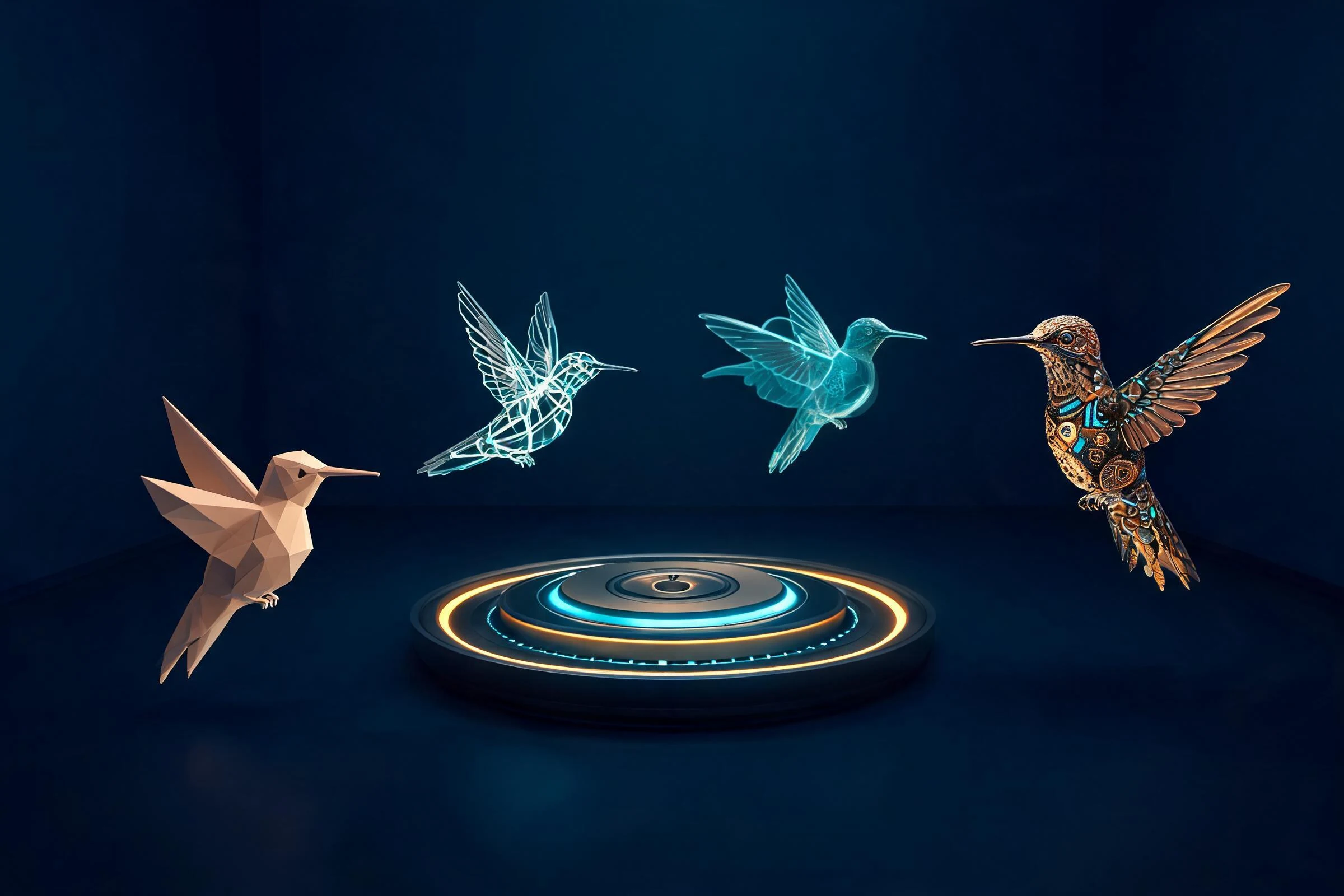
A 3D scene describes objects in three spatial dimensions: width, height, and depth. Each object can have a position, rotation, scale, surface appearance, and relationship to other objects. Animation adds time. When one or more of those properties change across frames, the viewer perceives movement.
That movement may be obvious, such as a character running, or subtle, such as a light flickering, a camera drifting, cloth settling, or a creature breathing. A 3D animation can be rendered into a video, played in real time inside an interactive project, or reviewed as a viewport preview. The destination changes the technical constraints, but the core idea remains the same: values in a 3D scene evolve over time.
A useful distinction is that 3D animation is not synonymous with all computer-generated imagery. A perfectly modeled and lit object that never changes is 3D imagery, but it is not animation. Conversely, an animation can be evaluated before materials and final lighting are complete. Motion quality and final visual polish are related but separate concerns.
How does 3D animation work?
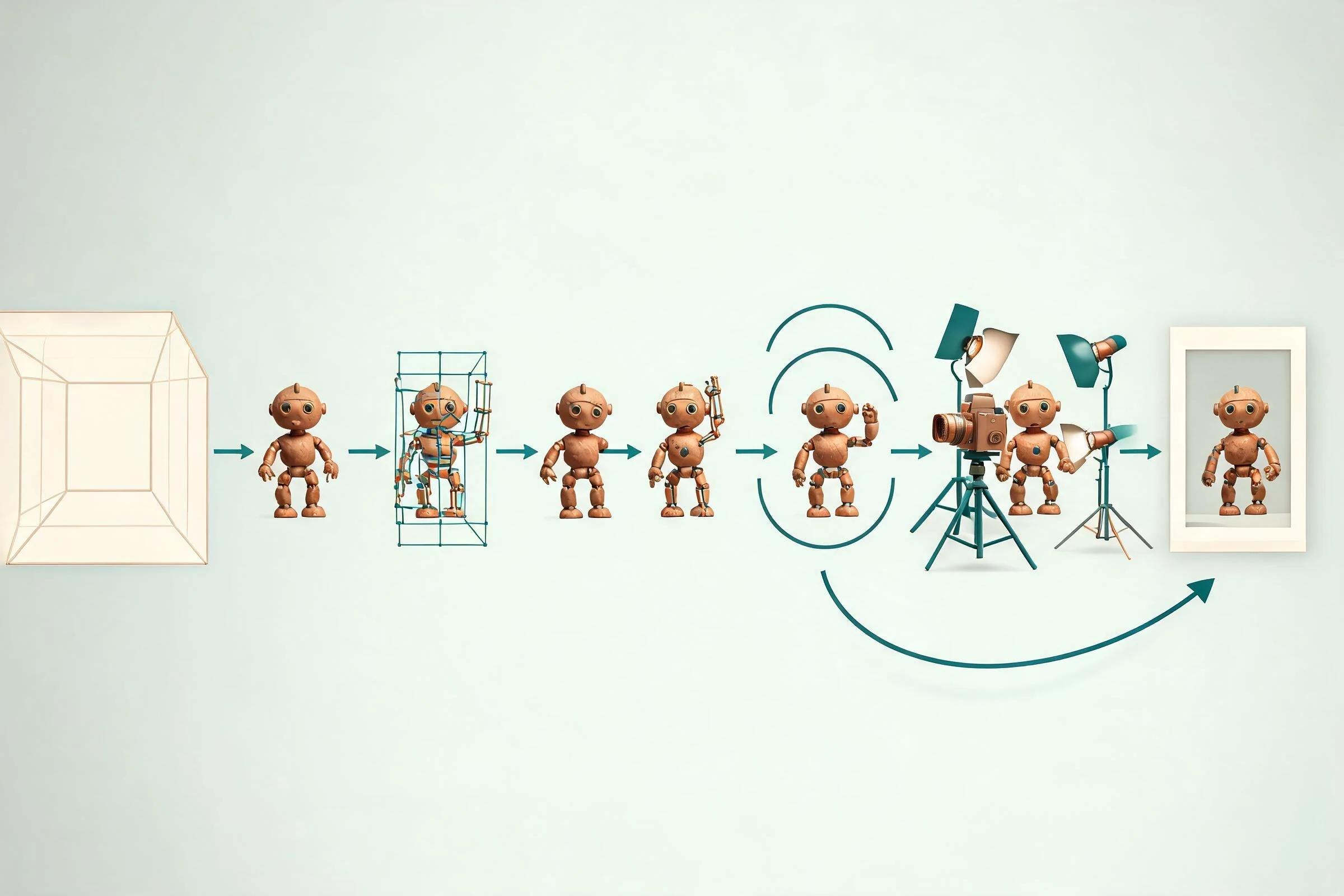
1. A scene provides the coordinate space
Every animation begins in a scene containing objects, a timeline, and usually at least one camera. The scene defines where things are, how large they are, and how they relate. Poor scale or hierarchy can cause later problems: a prop may rotate around the wrong pivot, a character may slide, or a camera may clip through geometry.
2. Models provide visible form
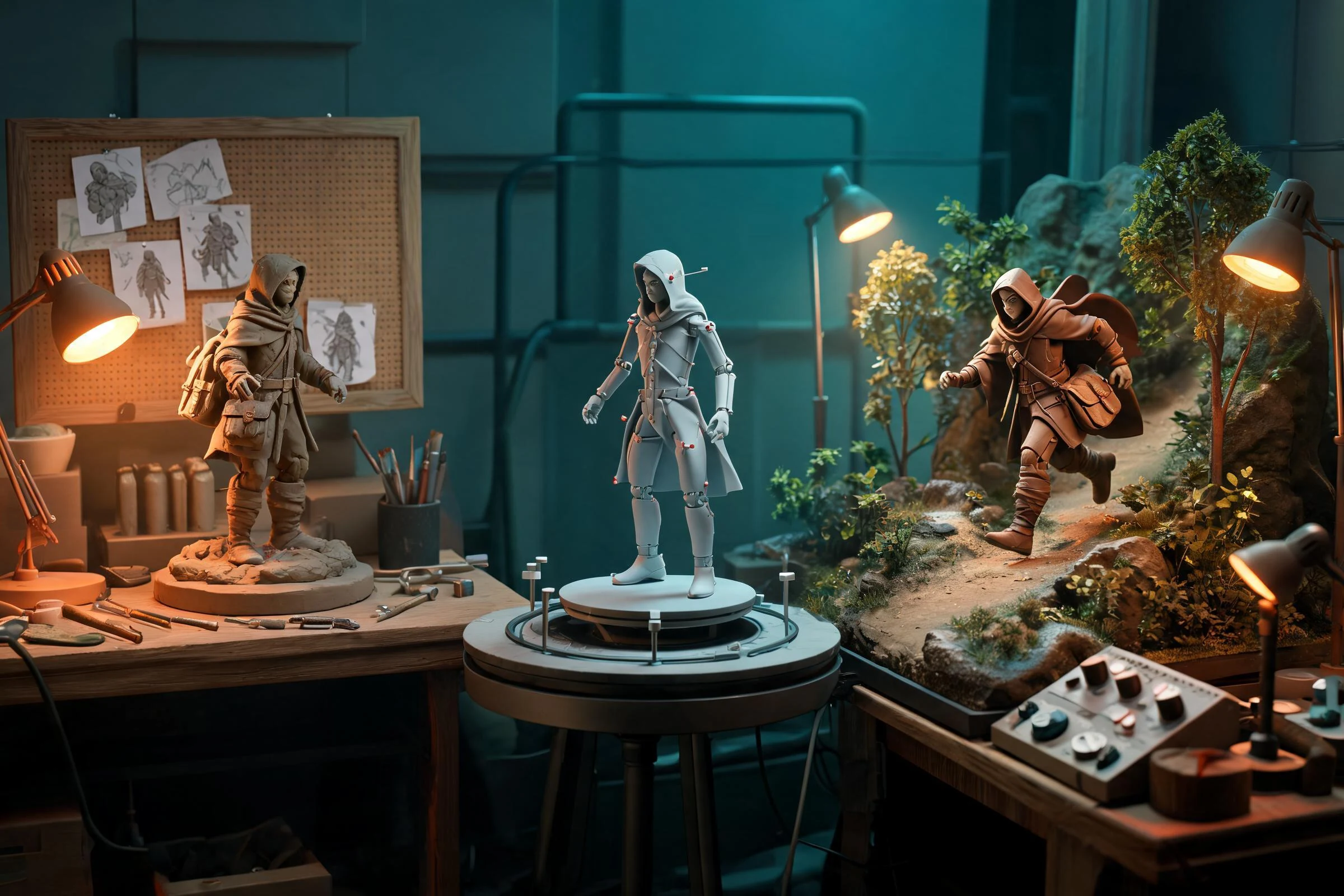
A model is the 3D surface viewers see. It may be a simple sphere, a rigid machine, a deforming character, or an environment. Animation does not automatically make a model usable. Deforming characters need suitable topology and a control setup; rigid props need sensible pivots and hierarchy.
3. Rigs make complex subjects controllable
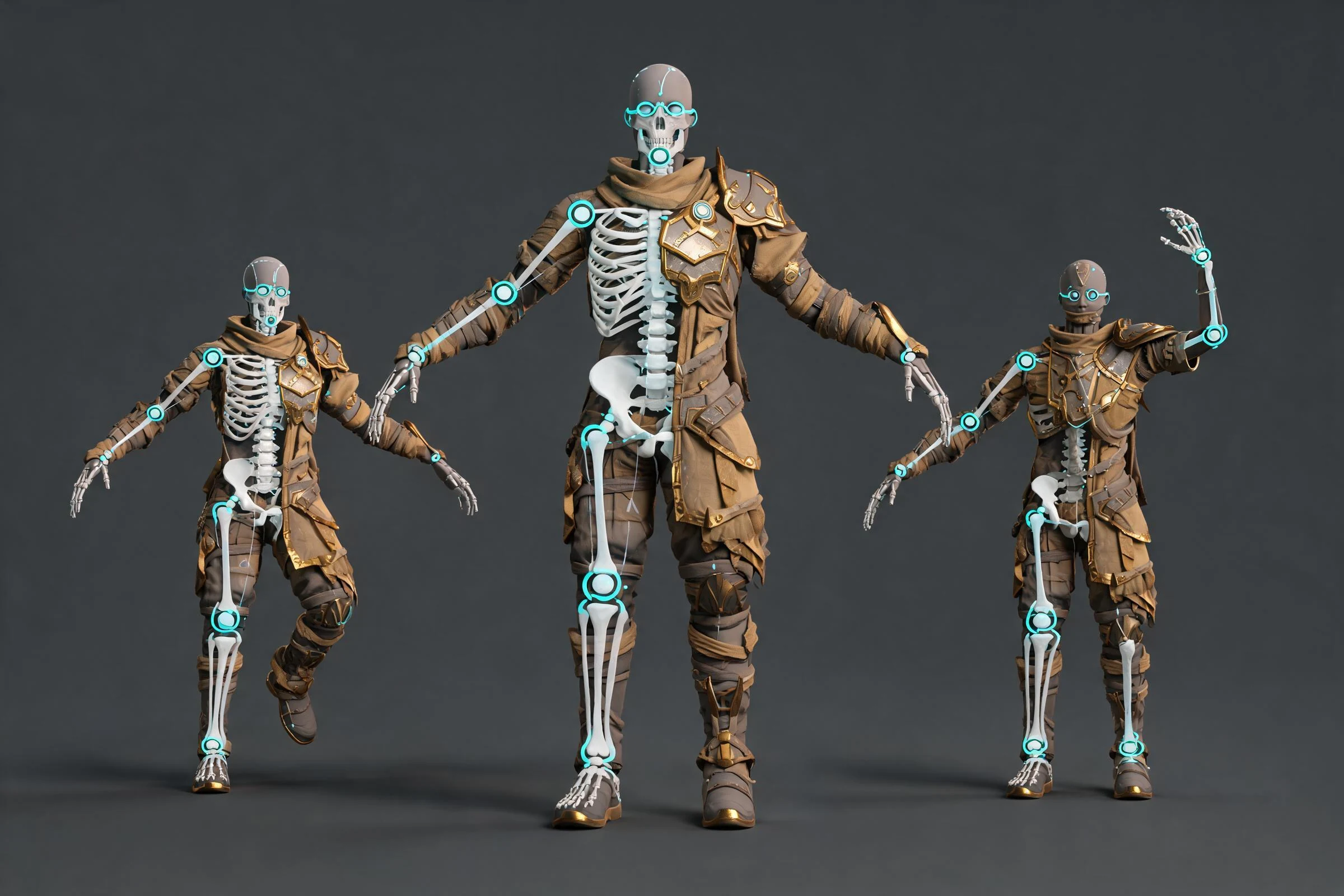
A rig is a system of bones, controls, constraints, and deformation rules. It lets an animator pose a character without editing every vertex. A humanoid rig may include spine, arm, leg, hand, face, and global controls. A door may need only a hinge control. Rig complexity should match the movement required.
Rigging and animation are different jobs even when one person performs both. Rigging builds the controls; animation uses those controls to communicate action. A beautiful model with a fragile rig can be difficult to animate, while a stable rig makes iteration faster and safer.
4. Keyframes store important states
A keyframe records a property at a chosen time. An animator might key a character’s hand at its starting position on frame 1 and at a raised position on frame 20. The software interpolates values between them. The result is mathematically continuous, but not necessarily believable.
Animators therefore add storytelling poses, breakdowns, holds, and timing changes. They adjust curves to control acceleration and deceleration. They check arcs, silhouettes, balance, contact, and overlap. The software fills numerical gaps; the animator decides what the movement means.
5. Cameras and lights shape what viewers perceive
A clear pose can become unreadable from the wrong angle. Camera placement controls composition, scale, and screen direction. Lighting reveals form, separates the subject from the background, and guides attention. In games, the player may control the camera, so an animation often needs to read from more than one view.
6. Preview and output expose different problems
A fast viewport preview helps teams review timing without waiting for final quality. A final render adds materials, lighting, effects, motion blur, and other presentation choices. Real-time projects instead evaluate the animation under engine constraints. Export and import can introduce differences in scale, axes, rig mapping, frame range, root motion, or interpolation, so destination testing is essential.
A concrete example: animating a game character opening a heavy door
Start with the visible action: the character approaches, grips the handle, braces, pulls, and reacts as the door moves. The sequence sounds simple, but it requires several decisions.
First, gather legal reference showing people moving heavy objects. Then identify key poses: approach, contact, anticipation, strongest pull, door release, and recovery. Confirm that the character rig can place both hands securely and that the door rotates around the correct hinge.
During blocking, hold each major pose long enough to judge the story. The character should shift weight before the pull, not after it. Feet should remain planted unless a step is intentional. The door and hands must maintain convincing contact. Once the blocked action reads, refine the timing, torso twist, arm tension, head focus, and small follow-through motions.
For an interactive game, test the clip with the actual door logic and player camera. The animation may need alignment markers, root-motion rules, transitions, or interruption behavior. For a rendered shot, the camera and lighting can be designed around one exact performance. This illustrates why “how 3D animation works” includes both artistic motion and destination-specific validation.
Types and uses of 3D animation
Character animation
Character animation communicates action, emotion, and intent through posing and timing. It ranges from a simple game idle to dialogue, locomotion, combat, or creature performance. Anatomy helps, but clarity and style determine how literally real movement should be followed.
Mechanical and product animation
Rigid objects can be animated to explain assembly, demonstrate moving parts, or visualize a design. Correct hierarchy and pivots often matter more than organic deformation. Technical accuracy may be more important than expressive exaggeration.
Camera and environment animation
A camera move can reveal space, guide attention, or change emotional tone. Environments also move: doors open, platforms shift, foliage responds, lights pulse, and props break. These elements need the same timing and review discipline as characters.
Effects and simulation
Particles, cloth, hair, fluids, smoke, and destruction can be animated procedurally or simulated. Simulations still require setup, constraints, caching, art direction, and cleanup. “Simulated” does not mean finished automatically.
Motion graphics and visualization
3D text, abstract forms, charts, and architectural scenes can use animation to explain a concept or show change. Their rigs may be simple, but readability, pacing, and camera design remain central.
3D animation compared with neighboring disciplines
3D modeling versus 3D animation
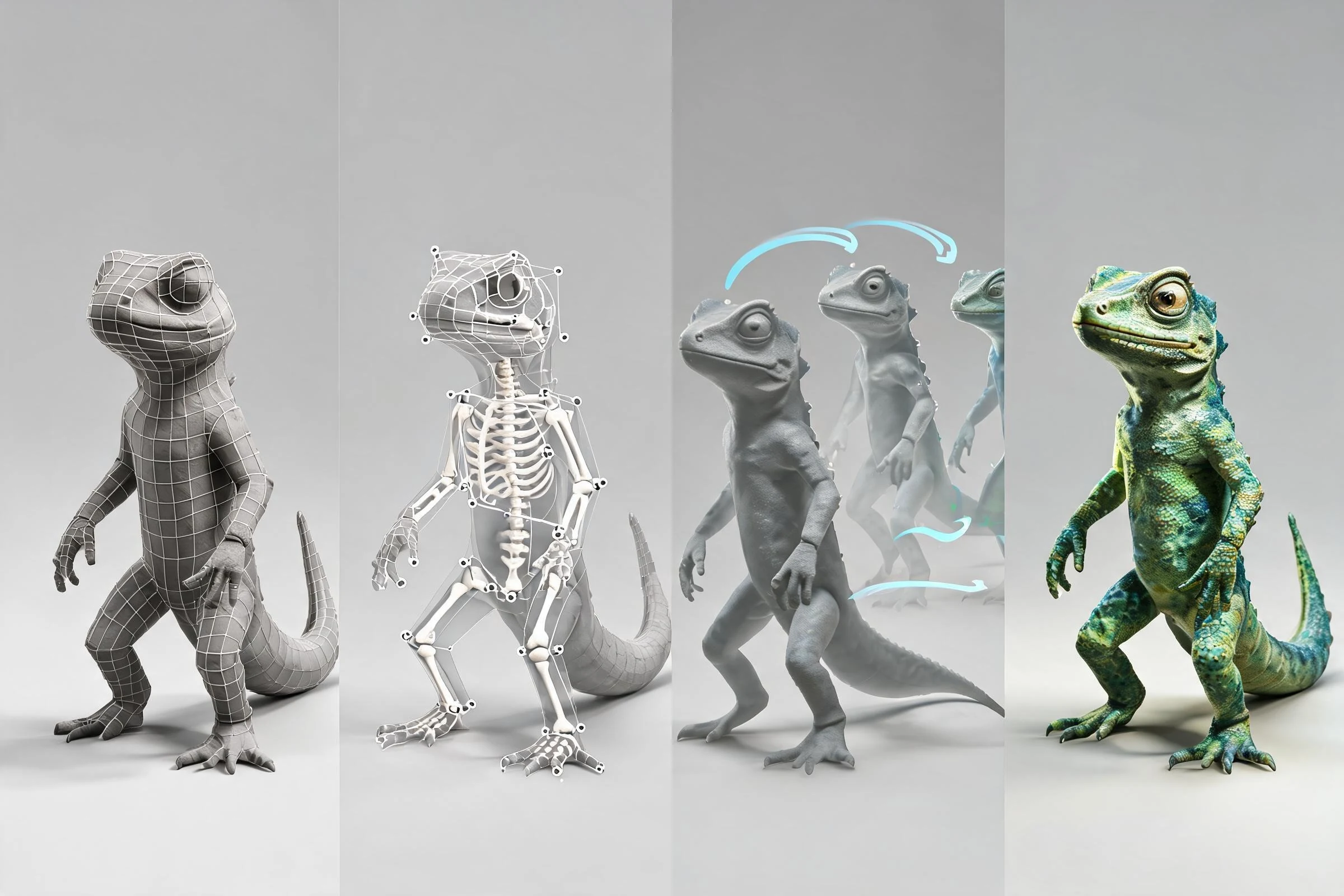
Modeling creates the object’s form. Animation changes that object or its controls over time. An animator may use an existing model; a modeler may create a static asset that never moves. Production overlap does not erase the distinction.
Rigging versus animation
Rigging creates the control system and deformation behavior. Animation poses and times that system. If the movement requires controls the rig does not provide, the animator and rigger may need to revise the setup.
Simulation versus keyframe animation
Keyframe animation is directed through explicit poses and values. Simulation calculates behavior from physical rules and constraints. Many projects combine them: a keyframed character drives motion while cloth or hair follows through. Simulation outputs still need art and technical review.
Motion capture versus animation
Motion capture records aspects of a real performance and maps data to a digital character. It may accelerate data acquisition, but it does not remove retargeting, cleanup, contact fixes, editing, exaggeration, or acting decisions. Captured data also requires consent and appropriate usage rights.
Rendering versus animation
Animation defines change over time. Rendering turns a scene state into an image. A strong animation can be reviewed in an unpolished preview; a beautiful render cannot rescue unclear timing or unstable contact.
2D versus 3D animation
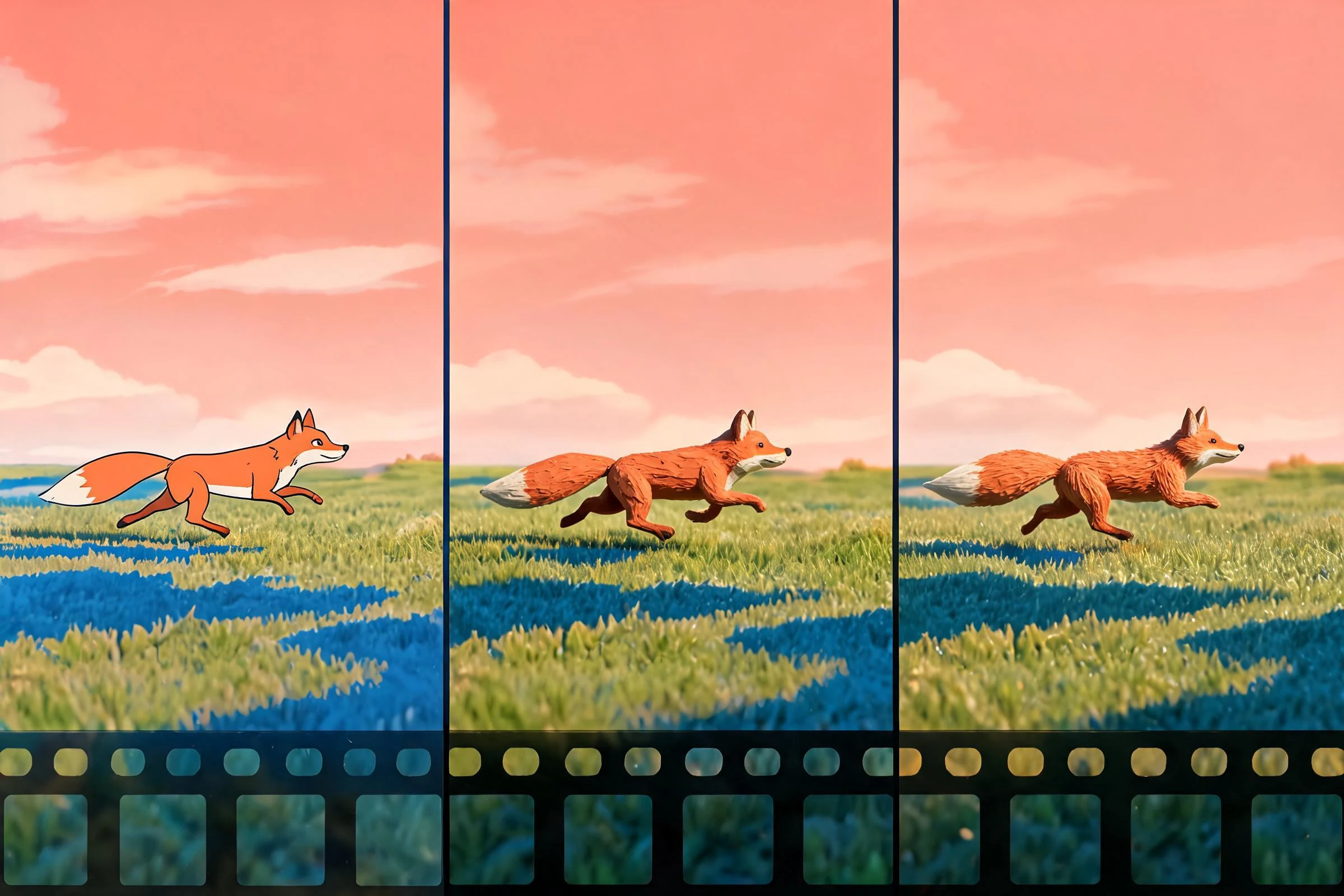
2D animation organizes movement on a flat image plane, while 3D animation moves objects in a spatial scene with depth, cameras, and perspective. That definition does not mean all 2D work is hand-drawn or all 3D work looks realistic. Both can be stylized, procedural, skeletal, or frame-by-frame.
3D production often requires upfront modeling and rigging, but reusable assets can support many shots and viewpoints. 2D may begin without a 3D asset pipeline, yet drawing, cleanup, and maintaining volume across frames can demand substantial labor. Neither is inherently easier, faster, or cheaper. The answer depends on visual style, asset reuse, shot count, team skills, revisions, and delivery constraints.
Real-time game animation versus pre-rendered animation
A pre-rendered shot has a known camera, exact duration, and fixed sequence. The team can optimize only what that shot needs. A game animation must respond to player input, state changes, variable cameras, and performance budgets. A run cycle may need clean looping, directional blending, start and stop transitions, root-motion decisions, and foot-contact handling.
Real-time constraints also affect bone counts, clip compression, simulation, materials, and runtime systems. These requirements vary by engine and project, so verify the current engine documentation, supported formats, and import behavior with the exact destination version before setting a pipeline rule.
What beginners should learn first
Begin with motion rather than a complex character. A bouncing ball teaches timing, spacing, arcs, squash, stretch, and contact. A pendulum adds overlap and drag. A flour sack or simple rigid character introduces posing and weight without facial animation. A short walk or idle loop adds cycles and transitions.
A practical learning order is:
- Timeline, transforms, keyframes, and playback.
- Timing, spacing, and interpolation curves.
- Clear poses, silhouette, balance, and weight.
- Arcs, anticipation, overlap, and follow-through.
- Contact, constraints, and simple prop interaction.
- Cameras, shot continuity, and presentation.
- Destination-specific export and testing.
Keep exercises brief enough to redo. Completing three five-second studies usually teaches more production discipline than starting one unfinished minute-long film. Use reference legally, request critique, and save versions so you can compare changes.
Common misconceptions
“The software creates the motion between keys, so the animation is finished”
Interpolation only calculates values. It does not understand intention, weight, contact, or acting. Default curves frequently look floaty or mechanical.
“A realistic model produces realistic movement”
Visual detail and motion quality are separate. A detailed character can move poorly; a simple shape can communicate excellent weight and timing.
“Motion capture eliminates animation work”
Captured motion often needs retargeting, editing, contact repair, style adjustment, and integration with gameplay or camera requirements.
“AI makes every stage automatic”
AI-assisted tools may help with ideas or selected tasks, depending on verified capabilities. They do not guarantee coherent geometry, stable rigs, production-ready clips, legal source material, or correct destination exports.
“3D is always cheaper because assets are reusable”
Reuse can help, but initial asset setup, rigging, technical support, rendering, and revision needs can offset that advantage. Compare the actual production plan.
How AI can fit into a 3D animation workflow
An AI-assisted system may be useful for brainstorming action briefs, generating shot-list options, organizing references, proposing key-pose descriptions, or supporting other bounded tasks when its current product capabilities are verified. Treat its output as a draft. An animator or technical owner must review anatomy, contacts, timing, rig behavior, source rights, style consistency, and export compatibility.
Use AI assistance only for capabilities that are visible and verifiable in the current product. Keep editable source, review every generated suggestion, and complete rigging, animation, export, and destination checks in the appropriate production tools.
Decision checklist: is 3D animation the right approach?
Choose 3D when the project benefits from spatial camera changes, reusable characters or environments, lighting consistency, interactive viewpoints, or integration with an established 3D pipeline. Consider 2D or a hybrid method when the desired style is fundamentally illustrative, the team is stronger in 2D, the project needs highly graphic deformation, or the cost of building reusable 3D assets is not justified.
Before committing, answer:
- What exactly must move, and for how long?
- Is the output interactive or pre-rendered?
- Will assets be reused enough to justify setup?
- Does the team have modeling, rigging, animation, and technical review skills?
- What formats and runtime constraints does the destination require?
- Who owns the references, models, motion data, audio, and final output?
- What is the smallest scene that can validate the pipeline?
A concise definition to reuse
3D animation is motion created by changing elements of a three-dimensional digital scene over time. A typical workflow prepares models and rigs, sets key poses on a timeline, refines interpolation and timing, adds cameras and lighting, then previews and delivers the result for a rendered or real-time destination. The computer calculates intermediate values, but artists still direct clarity, weight, acting, contact, and style.
Frequently Asked Questions
What is 3D animation?
3D animation creates perceived movement by changing 3D objects, characters, cameras, lights, or effects over time inside a digital scene.
What does “3D animation” mean in simple terms?
It means posing or changing digital objects in a scene across frames so viewers perceive movement with depth, perspective, and spatial relationships.
How does 3D animation work?
Artists prepare objects and rigs, set keyframes, refine timing and interpolation, choose cameras and lighting, preview the motion, then render or test it in real time.
Is 3D modeling the same as 3D animation?
No. Modeling creates an object’s form; animation changes that object, its rig, or other scene properties over time.
Does software animate everything between keyframes automatically?
Software interpolates values, but artists must refine timing, spacing, arcs, contacts, weight, and intent. Default interpolation rarely produces a finished performance.
Is 3D animation only used for films?
No. It is used in games, product visualization, architecture, education, advertising, simulations, interfaces, and many other interactive or rendered experiences.