
Football Fan Banner Maker
Create unofficial fan banner prompts with fictional football teams, editable text zones, and rights-aware guardrails in Seele AI.
Start with free starter credits
A thought becomes a world to play.
Shape an idea, make it playable, and share it with the people who will play.
- The spark
Start with an idea
Start with a spark, a world, or a what-if worth exploring.
- Put it into words
Describe the experience
Turn the idea into a prompt with a player, a goal, and a core loop.
- Build the pieces
Shape the world
Shape the characters, environments, and systems that make it playable.
- Bring it together
Make it playable
Try the game, tune the experience, and get it ready to share.
- Pass it around
Share with players
Invite others to explore the world you made.
Examples
Start with a playable direction.
Start with a direction that resembles your project, then change the mechanics, look, or audience before you build further.
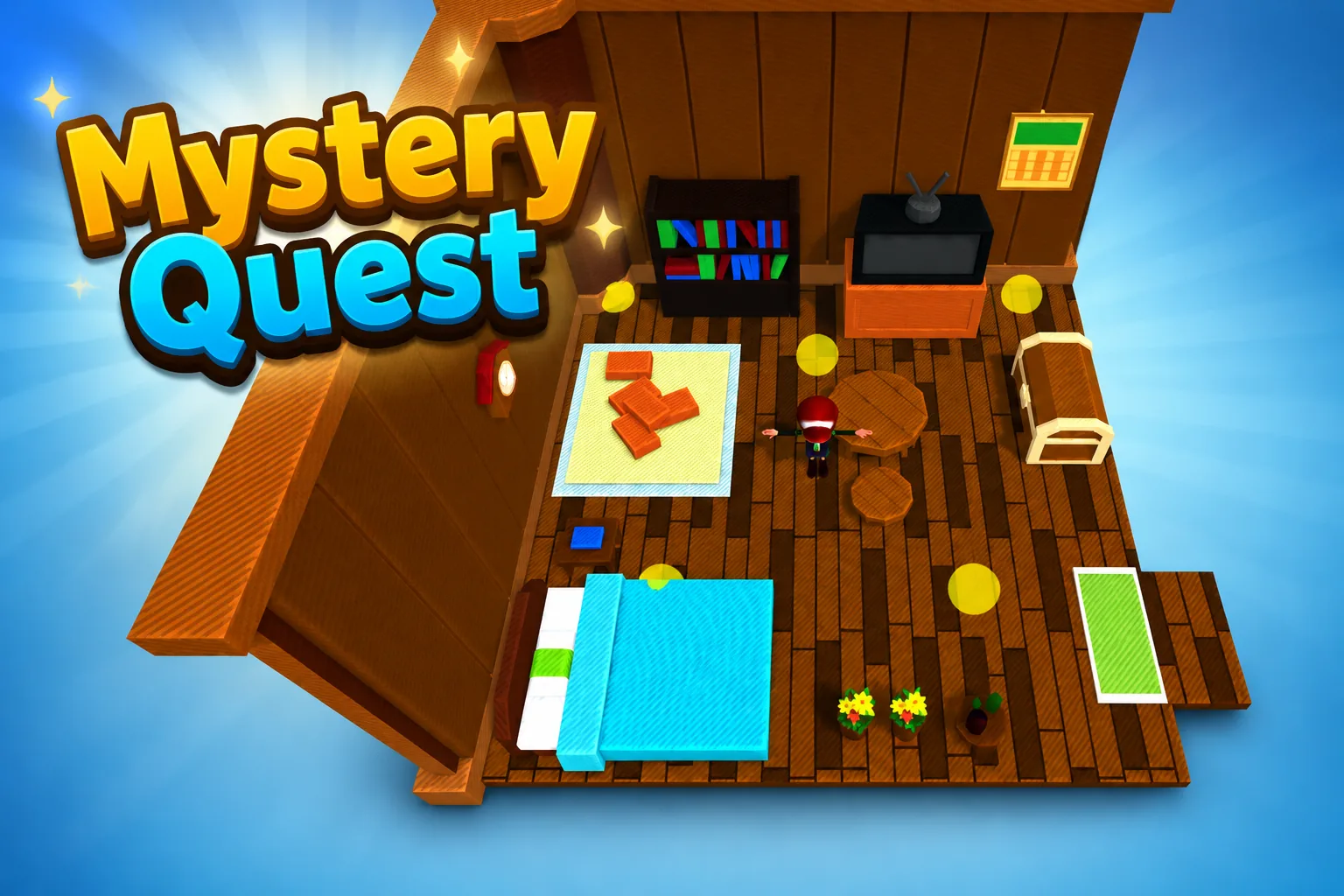 AdventureAdventure GamePlay game ↗
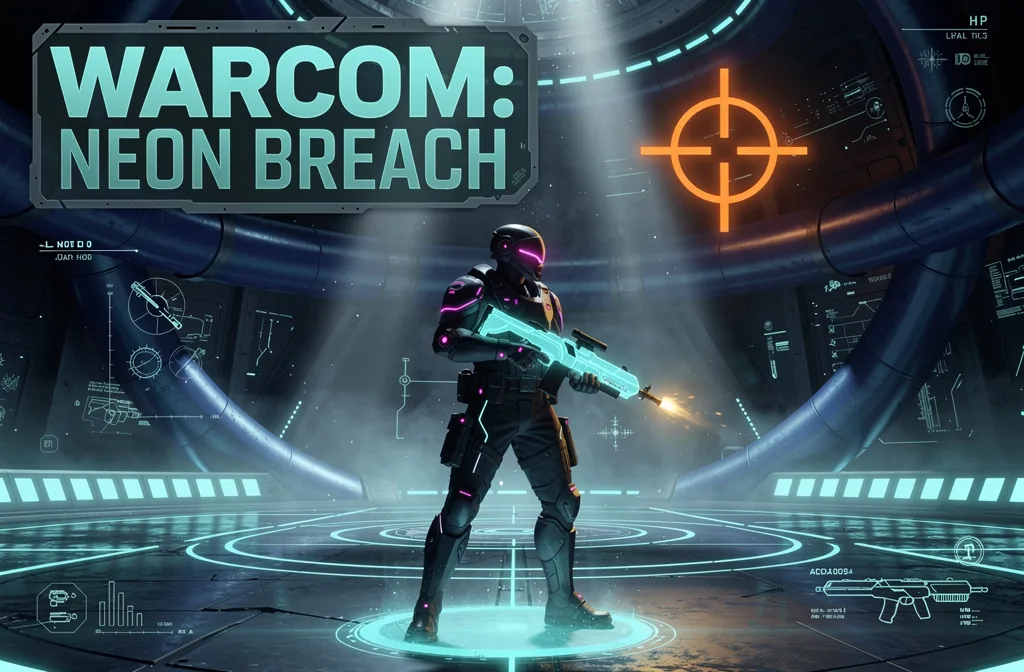 ShooterWarcom: Neon BreachPlay game ↗
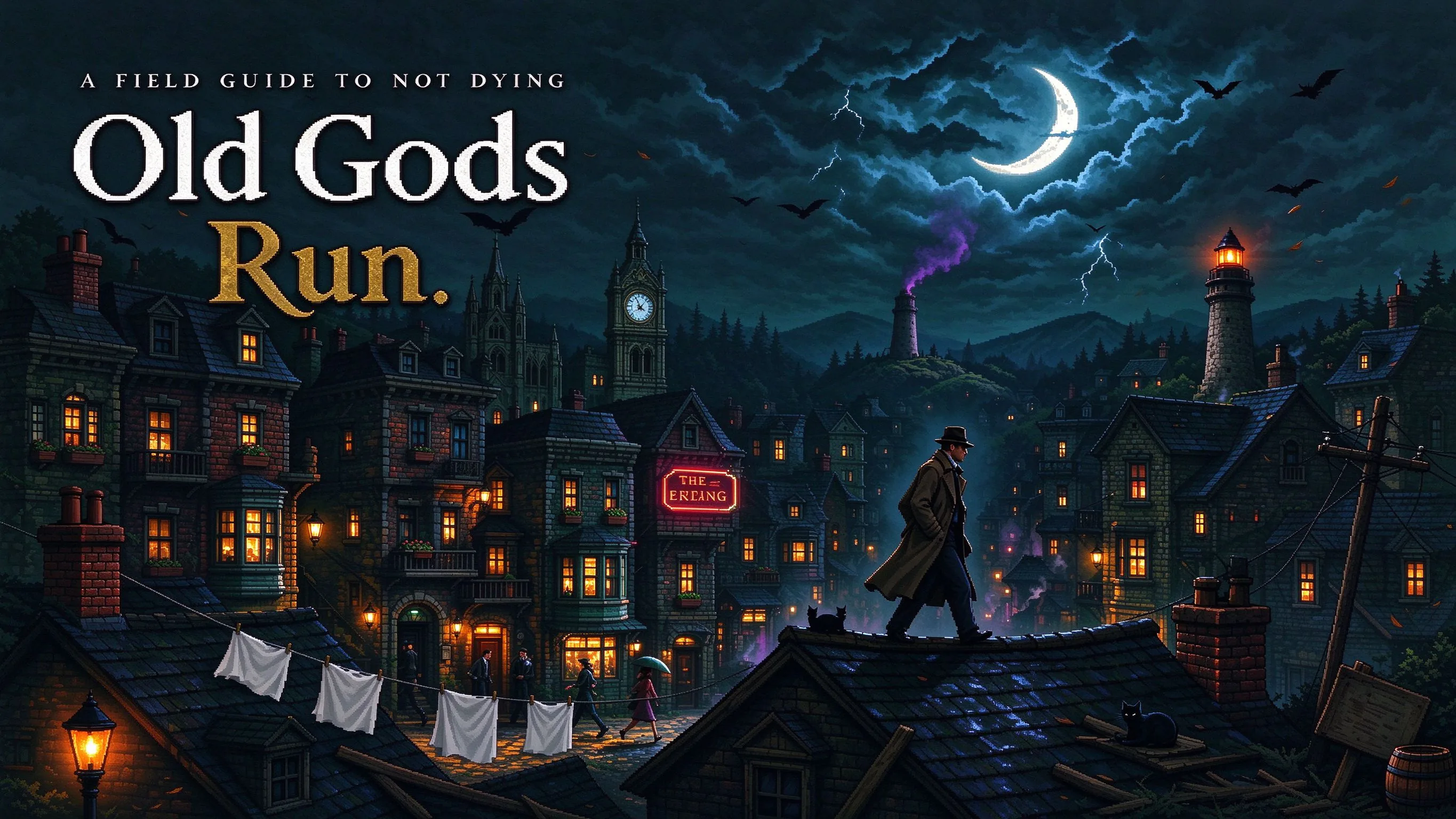 ActionOld Gods RunPlay game ↗
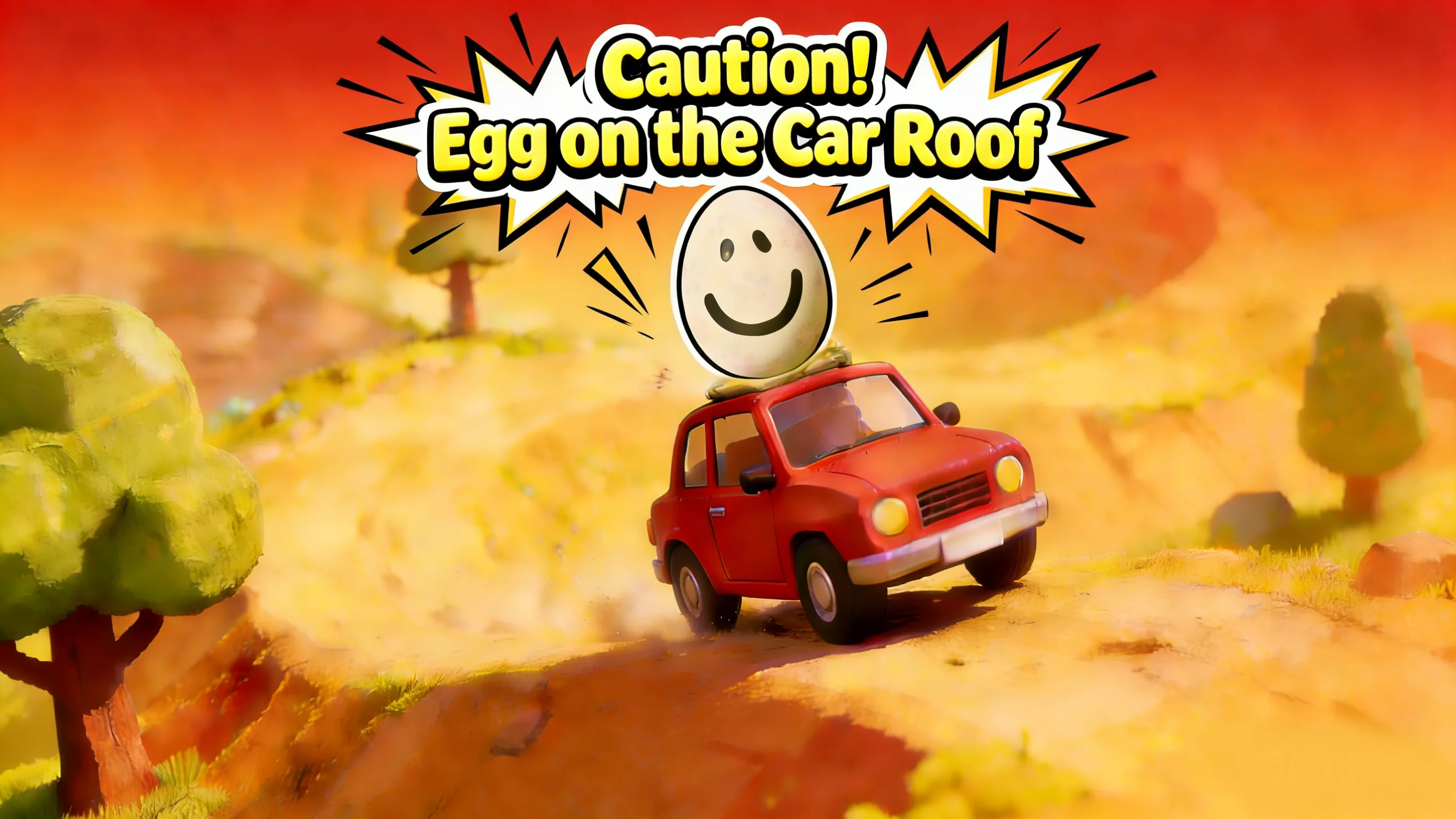 CasualCaution! Egg on the Car RoofPlay game ↗
 RunnerNeon Night Rush: Barrier DashPlay game ↗
 PuzzleMuseum ExhibitionPlay game ↗
 SimulationMilky Way Idle 3DPlay game ↗
 CasualSnowfall & Starry GiftsPlay game ↗
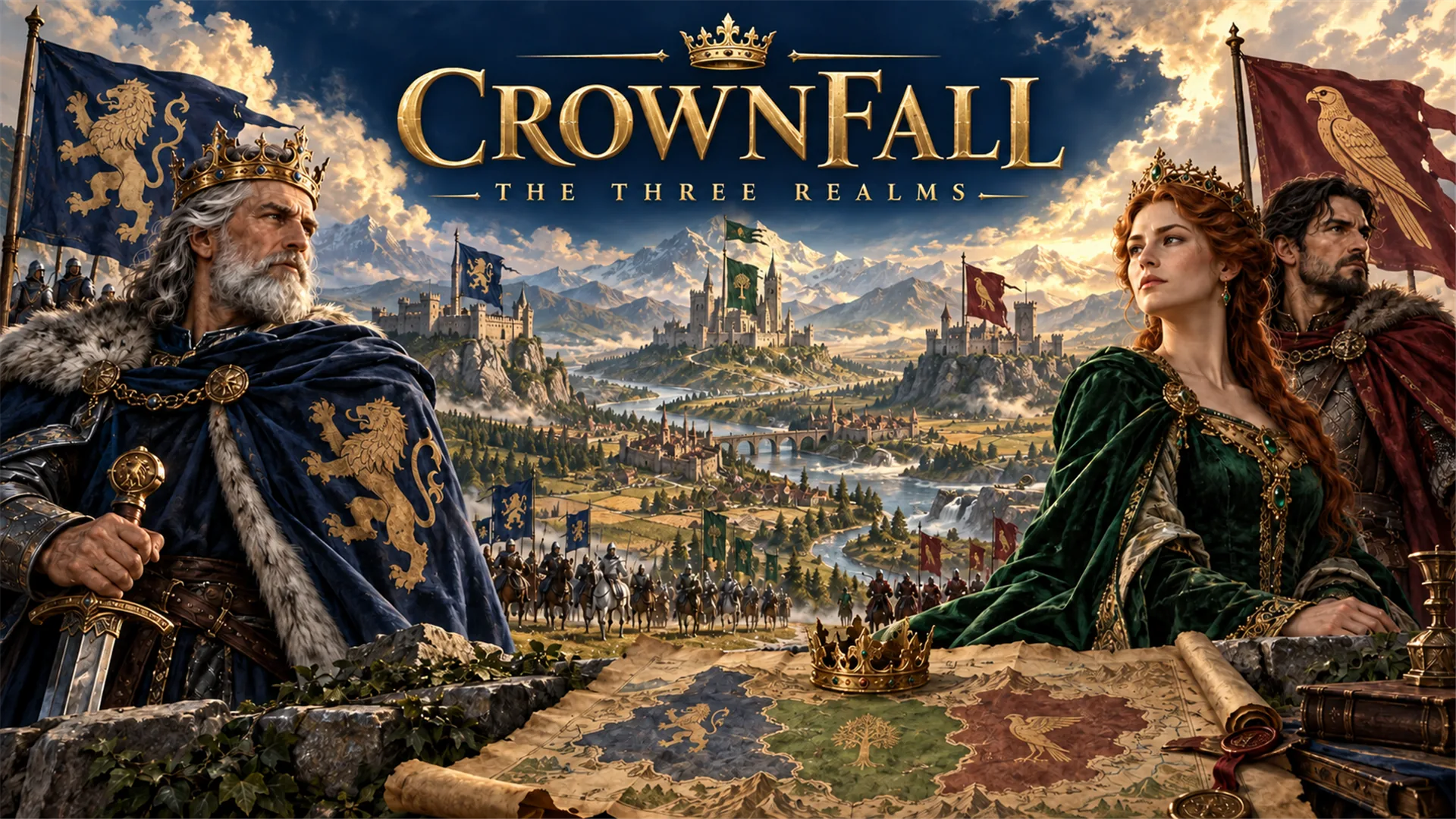 RPGCrownfall-The-Three-Realms-CoverPlay game ↗
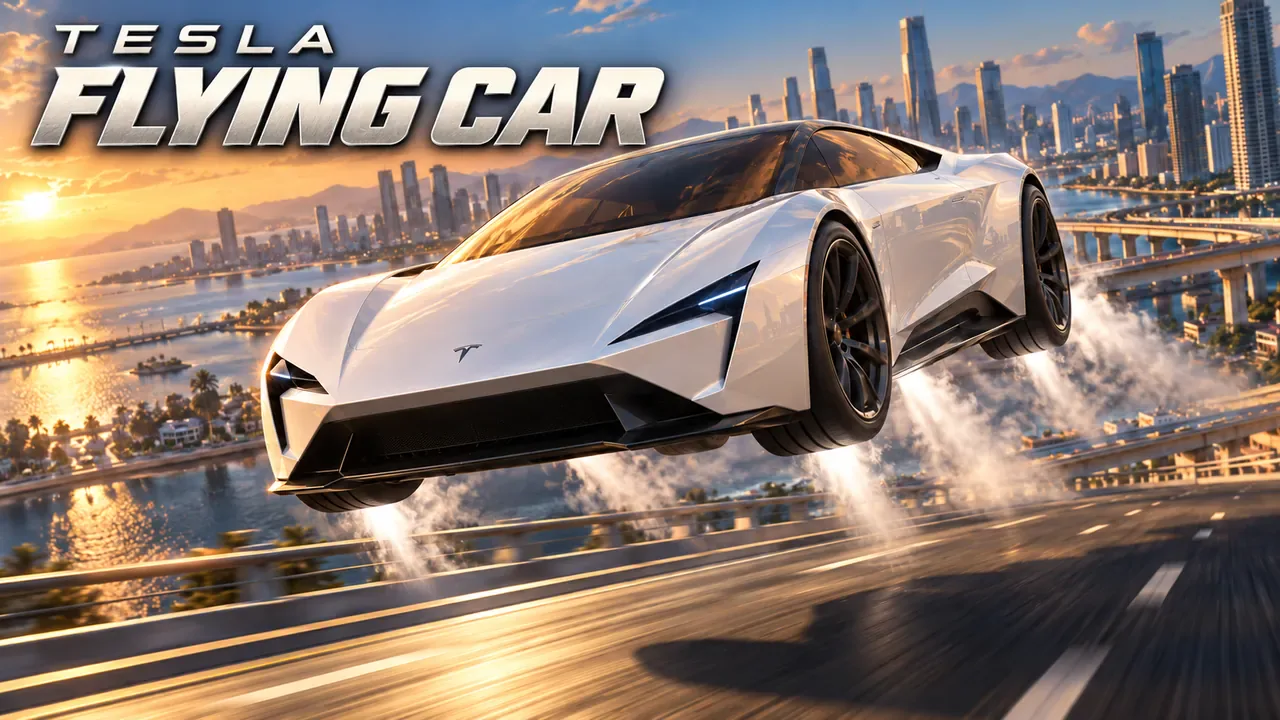 SimulationFLYING CARPlay game ↗
What This Workflow Clarifies
Give a Football Fan Banner Maker enough context to make the result specific, then test the part that matters to your project.
- 01
Fictional Identity
Keeps teams, crests, and names original.
- 02
Editable Zones
Separates headline, details, CTA, and disclaimer.
- 03
Review Boundary
Makes human approval explicit before public use.
Why use it
Make the next decision with something real.
Focus on the parts of the idea that need a concrete result before the next decision.
Define The Football Moment
Name the match stage, fictional teams, output format, platform, and audience. Seele AI converts the idea into a structured creative direction instead of a vague poster request.
Try it nowAudience and purpose
You define who the experience serves and what a successful result needs to do.
Choose what comes next
Keep the important decisions yours.
The page can organize a proposal, but people still decide what is accurate, original, usable, and ready for the next stage.
Audience and purpose
You define who the experience serves and what a successful result needs to do.
Quality and continuity
You check factual fit, originality, continuity, accessibility, and whether the pieces work together.
Production and release
You decide what is ready for implementation, sharing, publishing, or another round of work.
Who it is for
Who is a Football Fan Banner Maker for?
creative teams, marketers, and product owners can use this page to make one project decision easier to test before a larger build or launch.
Lock Layout And Copy Zones
Choose headline, matchup, date, venue, prediction, CTA, and disclaimer areas. The workflow turns those choices into reusable layout guidance for generation and editing.
Add Visual Direction
Specify lighting, crop, color palette, stadium mood, and what to exclude. The prompt becomes concrete while avoiding official marks and real-player likenesses.
Review Before Publishing
Check rights, claims, readability, accessibility, crop, and factual language. The output remains a draft until a human verifies the final asset.
A clearer first move
Football Fan Banner Maker compared with a blank first pass
A useful first result gives the next decision something concrete to react to, without hiding the work that still needs human ownership.
SEELE AI on YouTube
See SEELE AI in action
Reviews, walkthroughs, and games made with SEELE AI by creators on YouTube.



FAQ
Questions about Football Fan Banner Maker
Is this affiliated with FIFA, a federation, a club, or an official tournament organizer?
No. This workflow is for unofficial football-inspired creative work only. It should not imply endorsement, sponsorship, access, ticketing, broadcasting rights, live data, or official tournament status. Use fictional teams, original visual systems, and clear fan-made wording unless you already have permission for protected material.
Can I use official logos, team crests, or trophy replicas in these prompts?
Avoid official logos, federation crests, club badges, tournament emblems, and trophy replicas unless you own or have licensed those rights. A safer prompt uses abstract football symbols, invented team names, generic stadium lighting, blank badge shapes, and original typography so the output stays useful without depending on protected identity.
Can I generate real player likenesses for football content?
Do not use recognizable real player likenesses by default. For safer fan, creator, or campaign work, describe fictional athletes, silhouettes, non-identifiable supporters, boots, gloves, balls, stadium light, or tactical graphics. If a real person must appear, secure permission and review publicity, platform, and commercial-use rules before publishing.
Try Football Fan Banner Maker
Describe the job, test one version, and decide what to do next inside SEELE AI.
Start creating