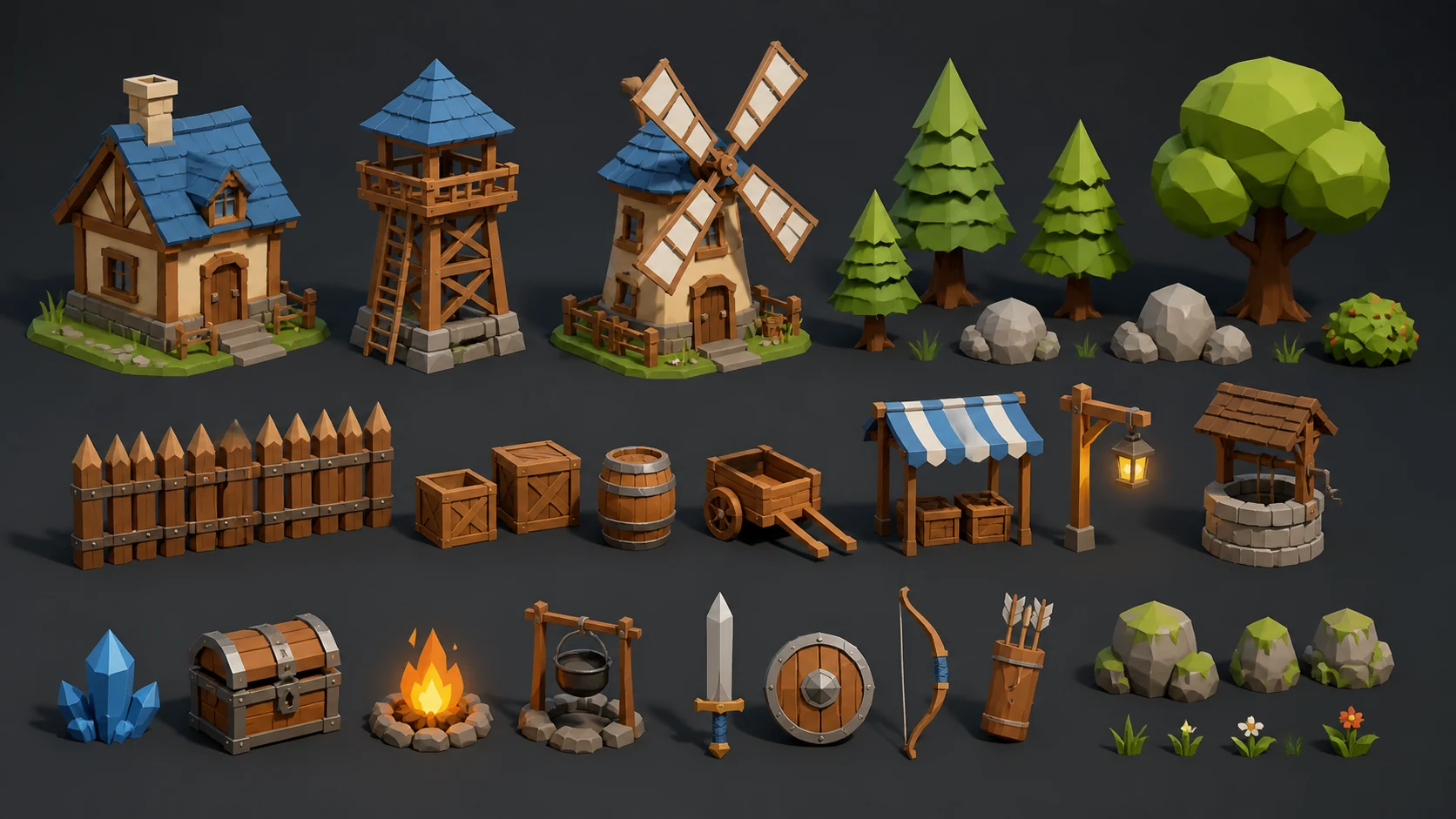
Prompt
Generate a polished voxel art for a fantasy game asset sheet, dramatic lighting, no text.
Create this lookUse these voxel art examples to explore style, silhouette, color, and production direction before moving into a full game workflow.
Generate a polished voxel art for a fantasy game asset sheet, dramatic lighting, no text.
Create this lookCreate a production-ready voxel art concept with clear silhouette, rich details, no logo.
Create this look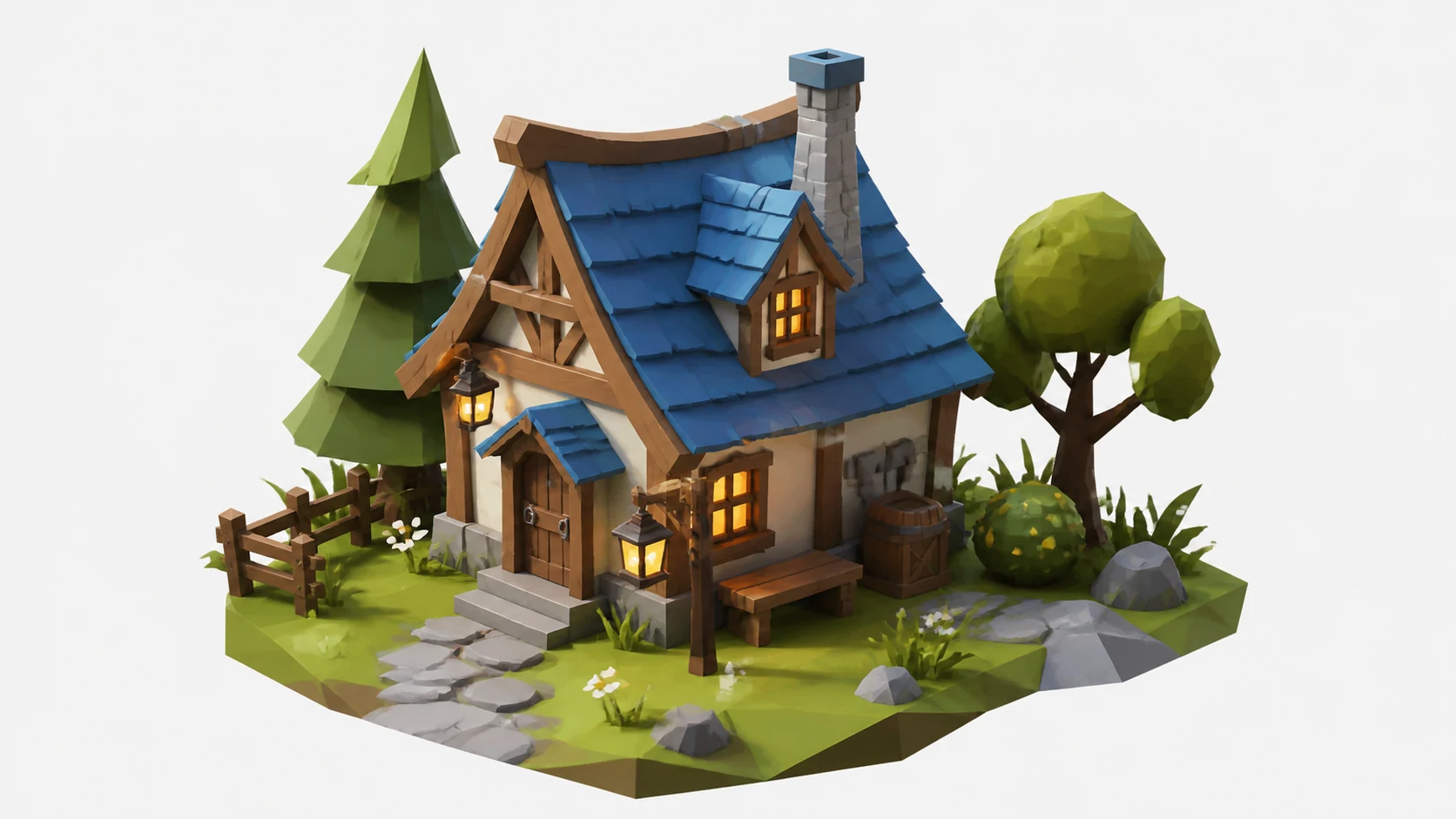
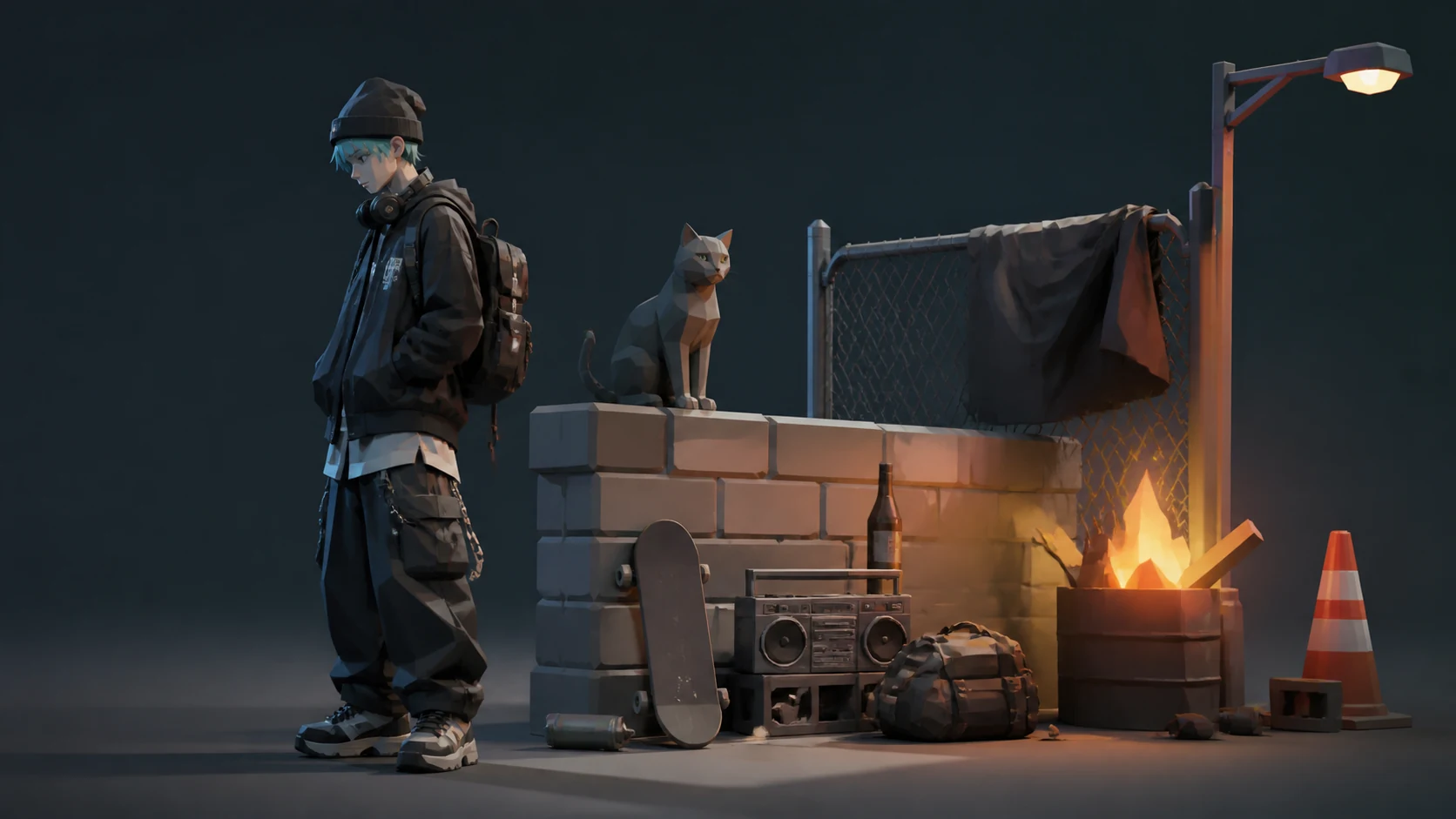
Make a cinematic voxel art variation for an indie game prototype, clean composition, no text.
Create this lookRelated-search decision guide
Turn each phrase into a brief: define the desired output, source material, destination, constraints, and reviewer before you generate or build.
Define the subject, destination, format, and performance budget. Review rights, geometry, scale, materials, and runtime behavior before use. AI-assisted output still needs human review for rights, editability, technical fit, and release readiness.
You can create voxel art concepts, variations, and prompt-ready references for game characters, scenes, icons, or asset planning.
Yes. The examples are served as local static WebP assets with matching thumbnails for fast page rendering.
Yes. Each example keeps the displayed prompt as the generation prompt and the CTA sends it into the workspace.
Review originality, style consistency, rights, and technical fit before using generated visuals in a public game.
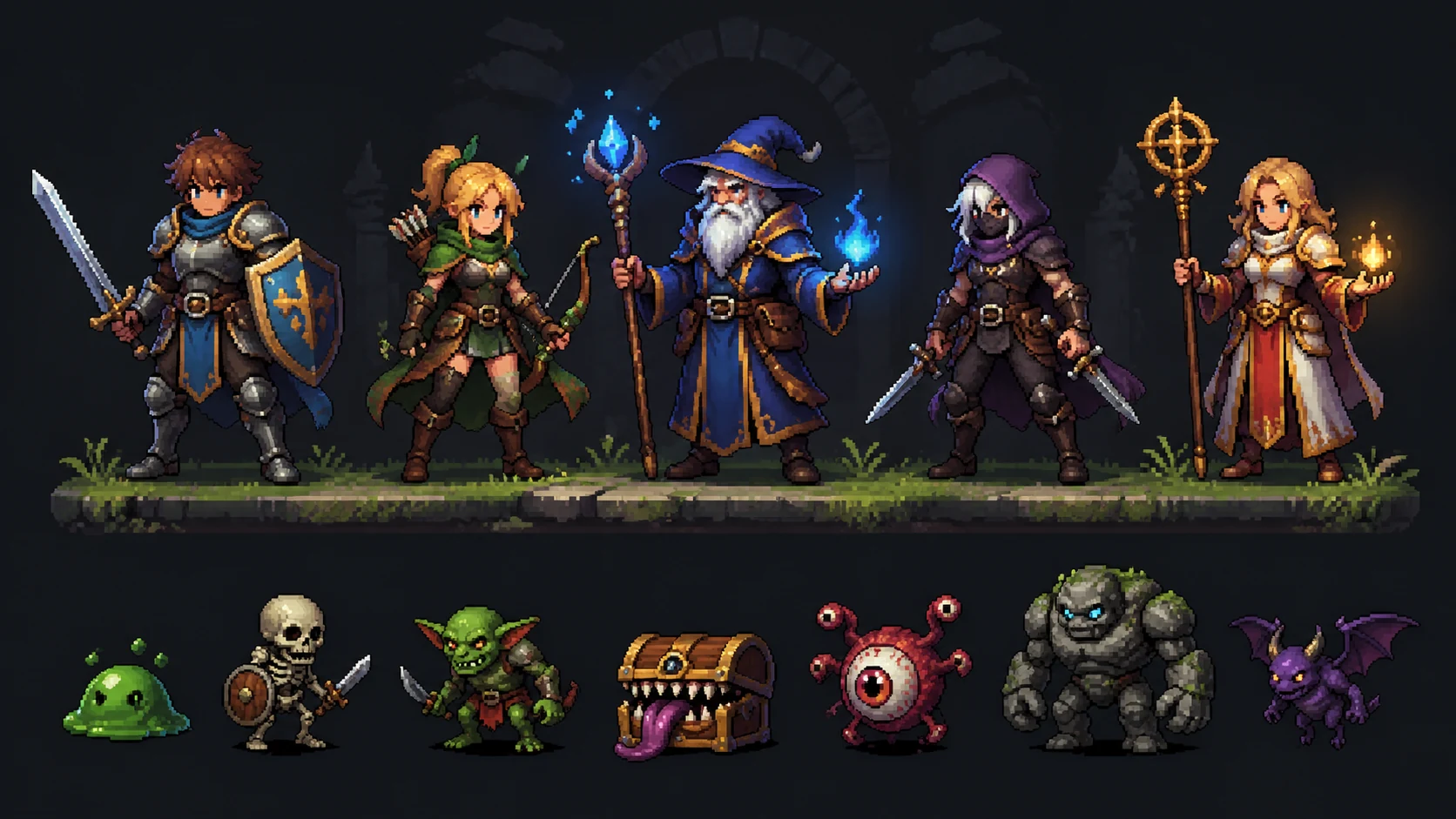 AI Pixel Art Character GeneratorCreate pixel art character visuals for game projects.
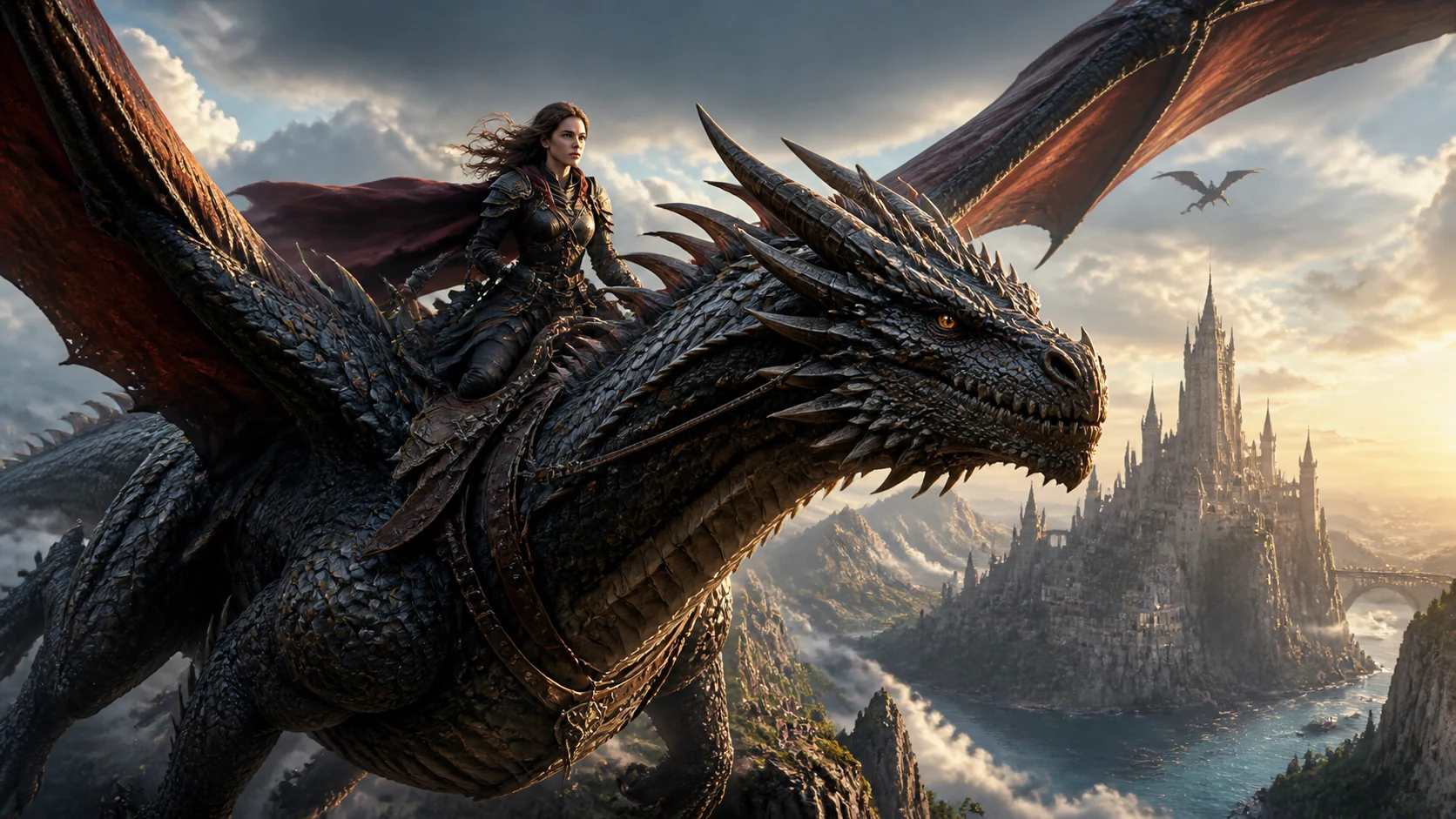 AI Fantasy Creature GeneratorCreate fantasy creature visuals for game projects.
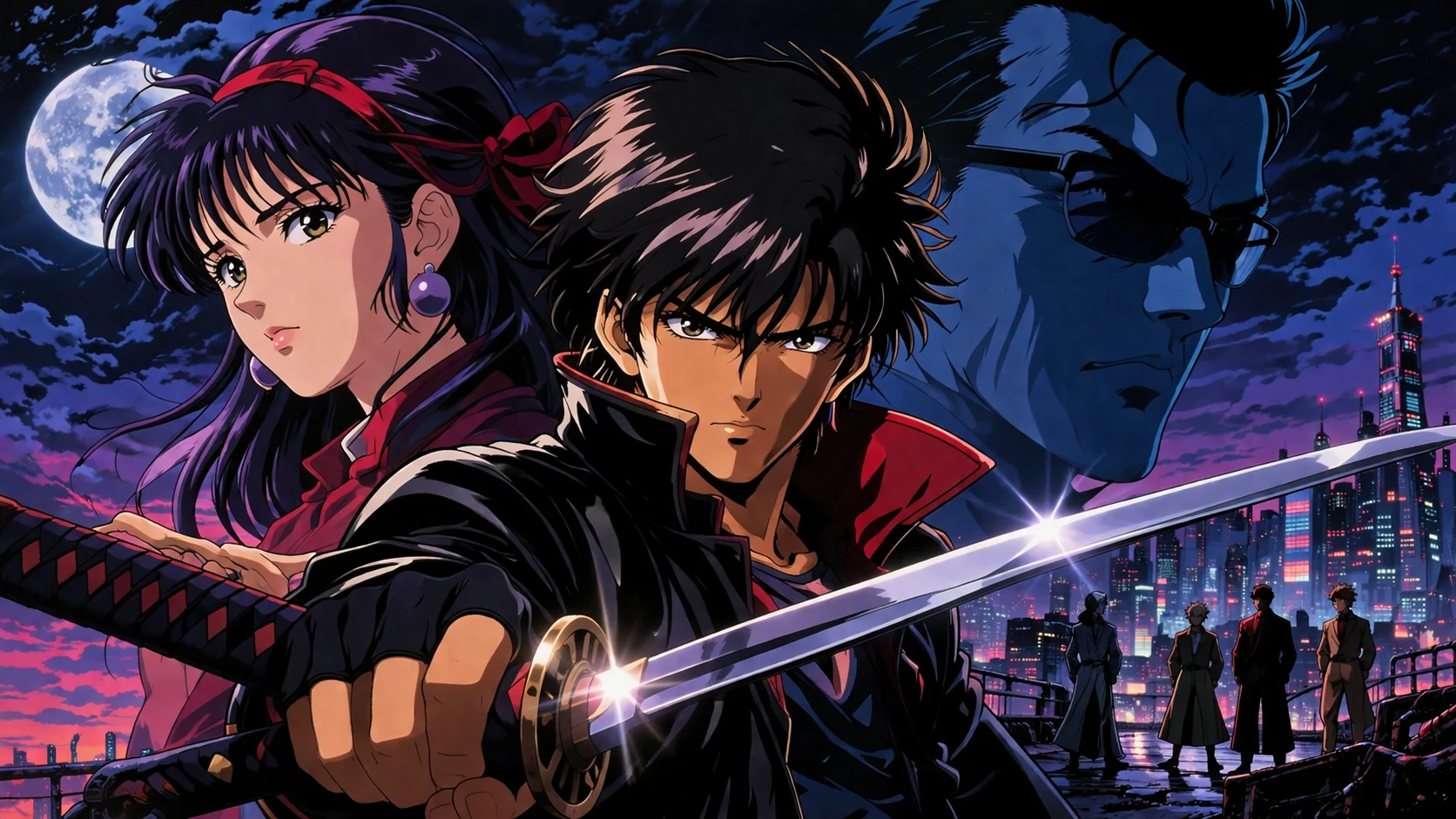 AI Anime Game Background GeneratorCreate anime game background visuals for game projects.
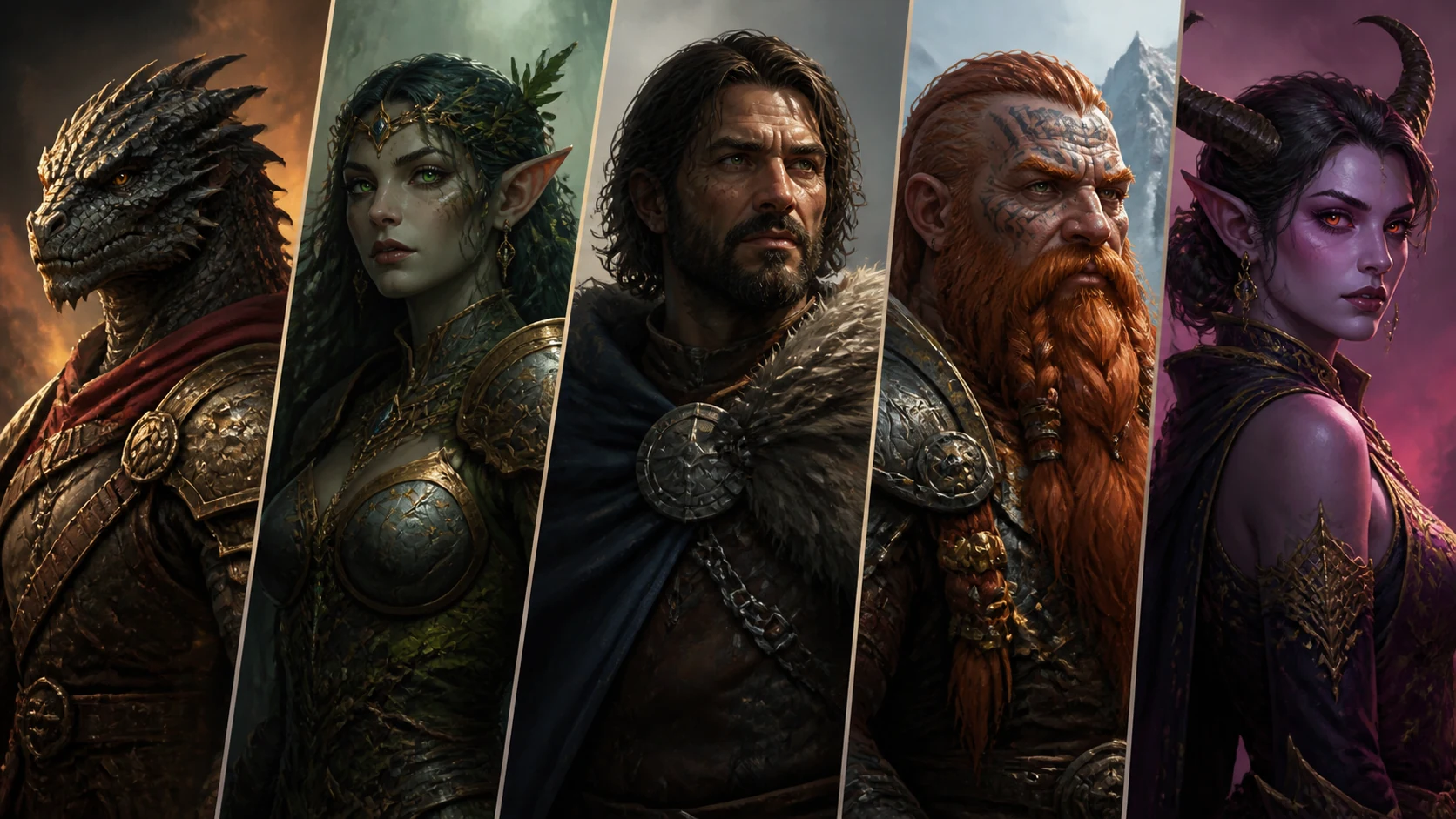 AI RPG Portrait GeneratorCreate RPG portrait visuals for game projects.
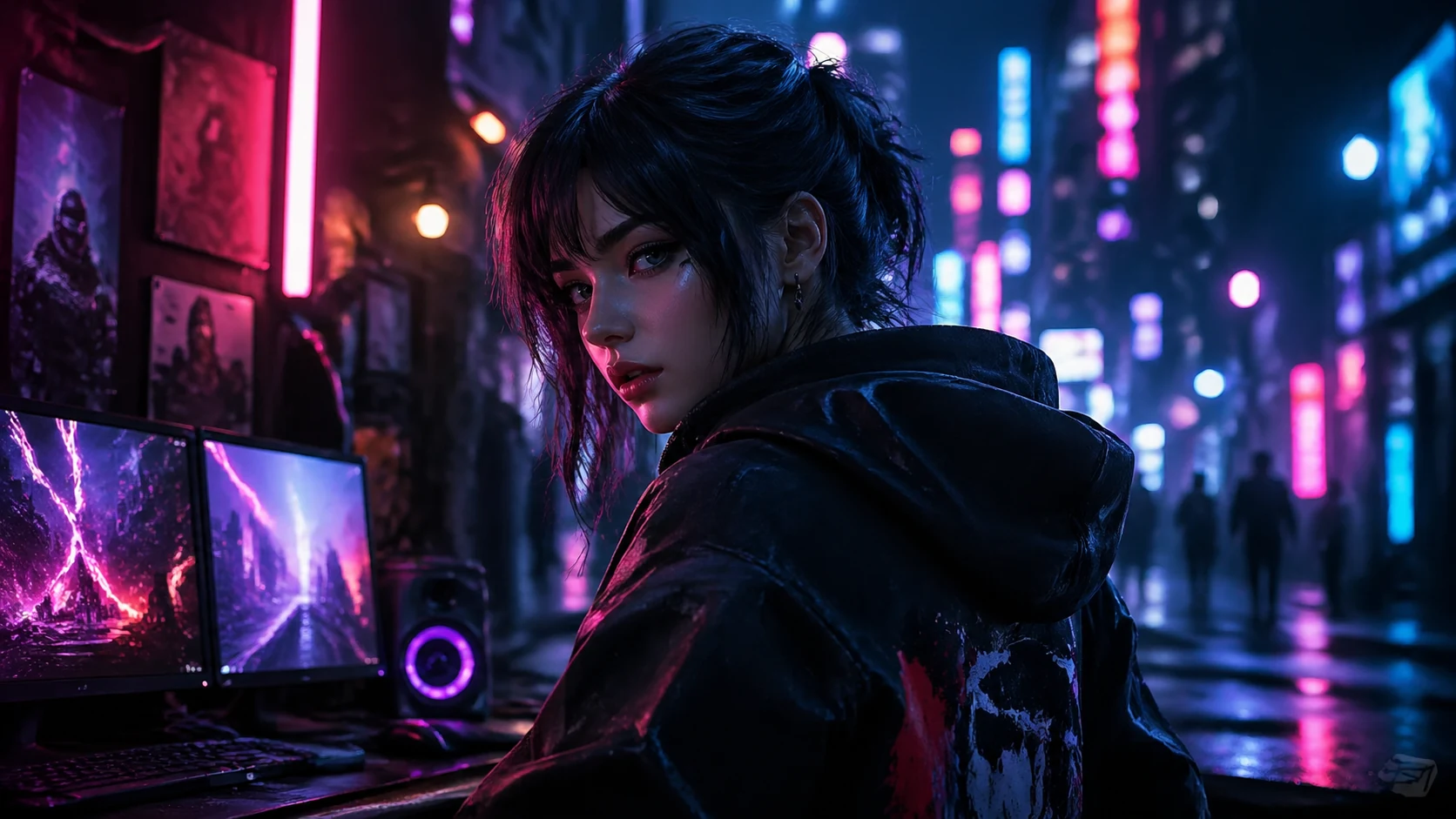 AI Cyberpunk Character GeneratorCreate cyberpunk character visuals for game projects.
 AI Isometric Game Asset GeneratorCreate isometric game asset visuals for game projects.
 AI Game Icon GeneratorCreate game icon visuals for game projects.
Open Seele AI workspace, start from a prompt, and keep iterating the visual direction until it feels ready to use.