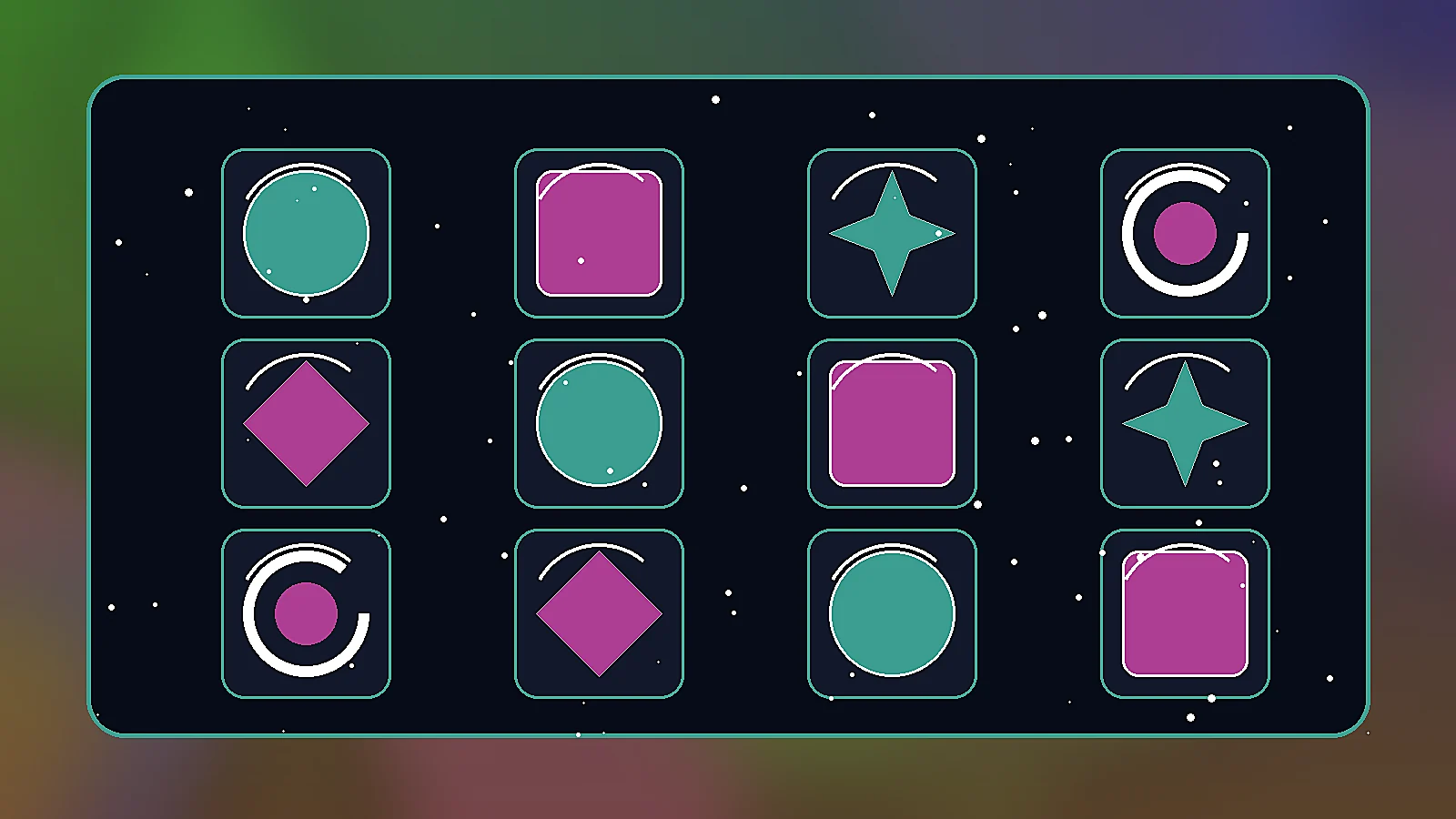
Prompt
Generate original consumable item icon pack for a game art direction board, polished raster asset style, readable silhouette, cohesive color palette, no text, no letters, no watermark, no logo, landscape 16:9 composition
Create this look
Potion-adjacent but generic consumable icons for food, boosts, revive kits, and buffs. Use these prompts to explore original game visuals with clear silhouettes, fictional materials, readable UI hierarchy, and no official marks or copied franchise assets.
Generate original consumable item icon pack for a game art direction board, polished raster asset style, readable silhouette, cohesive color palette, no text, no letters, no watermark, no logo, landscape 16:9 composition
Create this lookGenerate a premium mobile and PC game UI concept for consumable item icon pack, dark glass panels, glowing accents, strong hierarchy, fictional assets only, no text, no watermark, no brand logo, landscape 16:9 composition
Create this look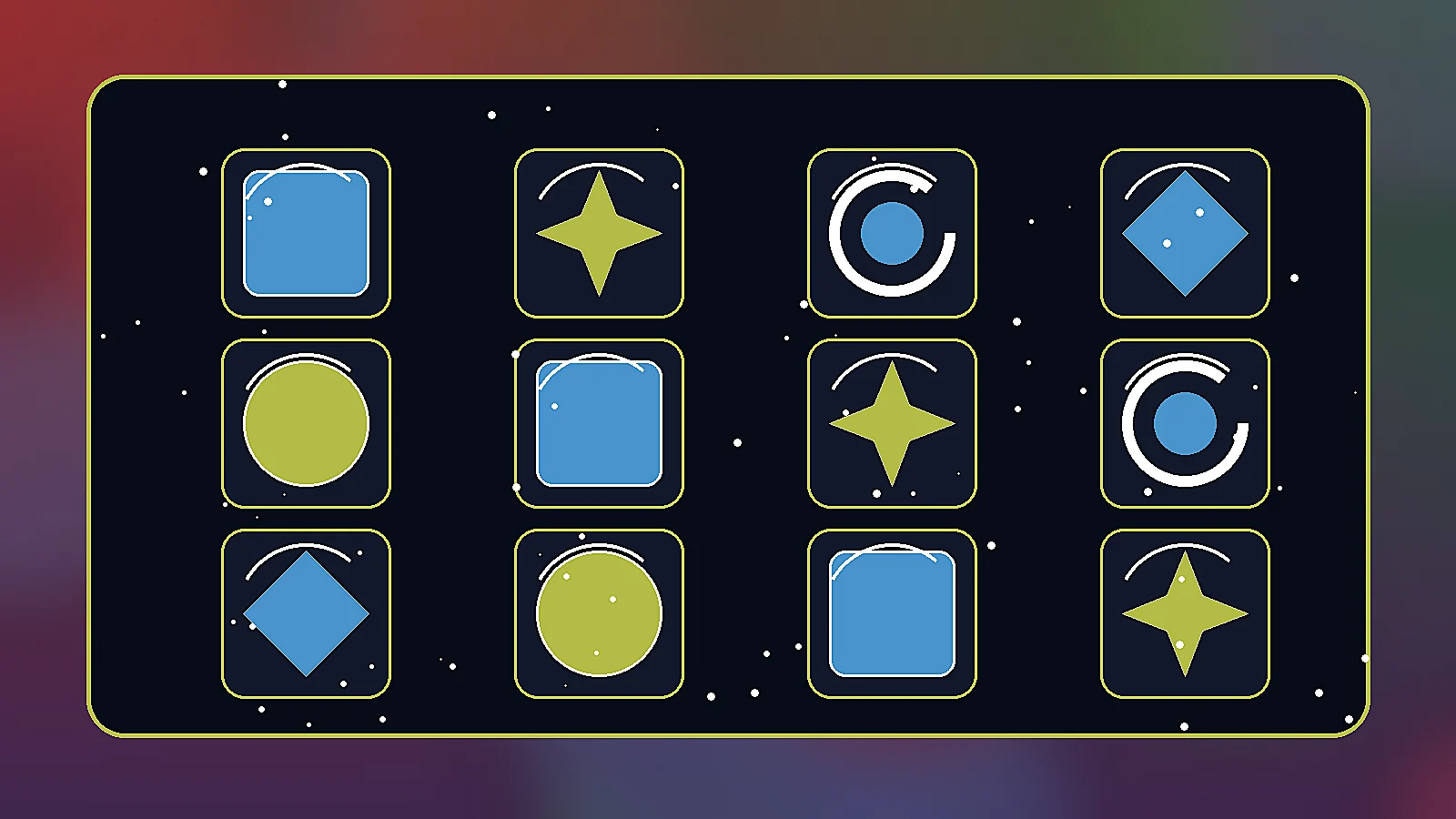
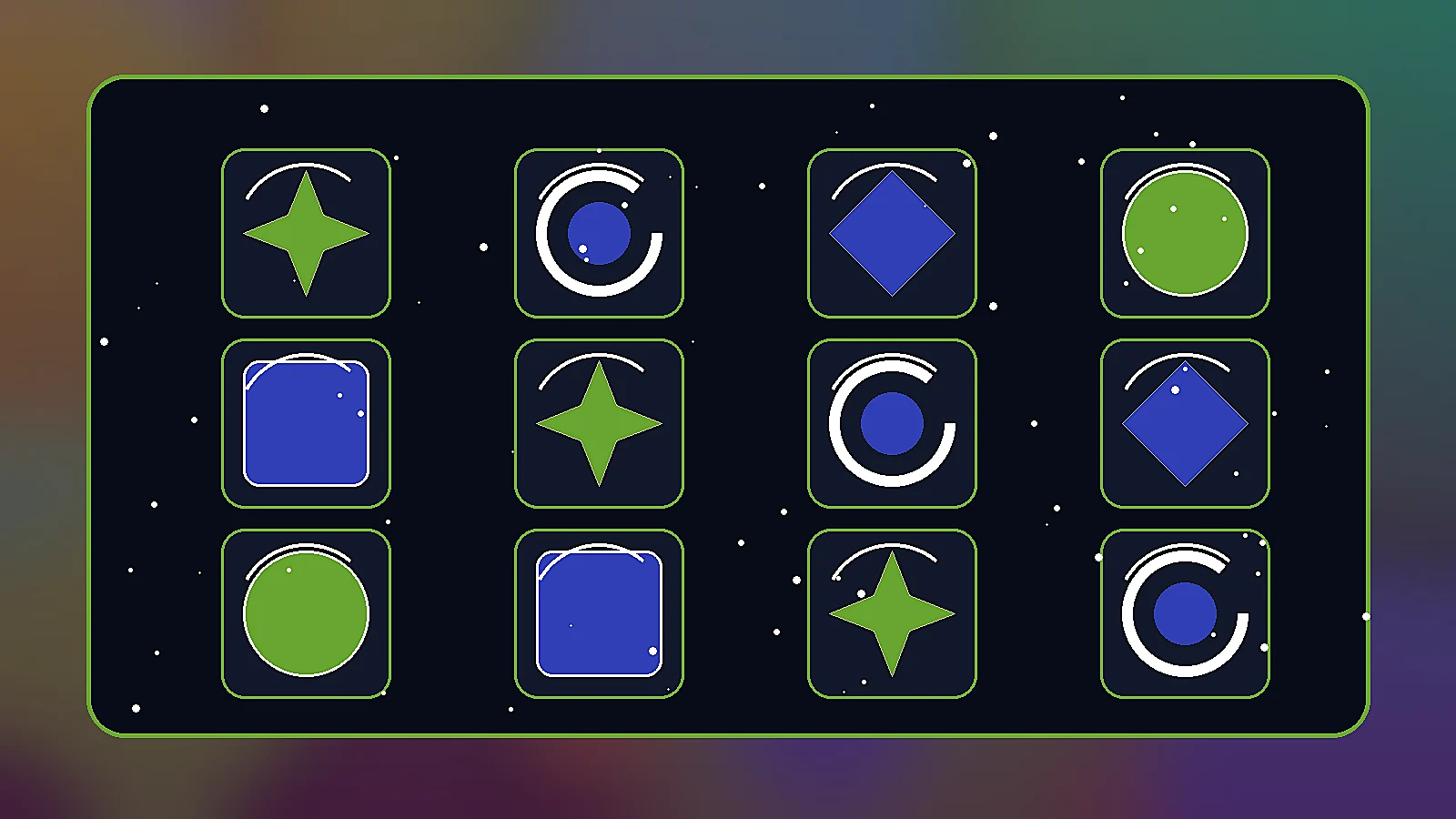
Generate a production-ready consumable item icon pack visual prompt example, stylized fantasy-sci-fi materials, clean negative space, game asset sheet presentation, no text, no watermark, no logo, landscape 16:9 composition
Create this lookPrompt workflow
Use this page as a starting point for a focused consumable item icon pack visual. A strong prompt names the subject first, then gives the image model enough direction about composition, style, lighting, and what to leave out.
Describe the person, object, scene, or visual motif before adding decoration.
Add the crop, viewpoint, layout, depth, and the area that should attract attention.
Use concrete references such as editorial, cinematic, flat graphic, soft light, or rim light.
Specify exclusions such as text, logos, watermarks, unwanted likenesses, or extra objects.
Prompt formula
Keep the first version specific but editable. Start with the visual idea on this page, then change one variable at a time so the result is easier to compare and refine.
You can create original consumable item icon pack concepts for game UI mockups, asset direction, pitch decks, store previews, and production briefs without using protected game logos or copied artwork.
Use them for original direction and avoid trademarked symbols, official franchise marks, real studio UI, or copied item designs. Keep every visual fictional and rights-clean.
Name the game genre, camera angle, material finish, rarity tier, color palette, readability needs, and what the asset should communicate in one glance.
Yes. Pick a direction, open it in the workspace, then adjust style, colors, icon shape, panel density, lighting, or target platform.
It gives a ready-to-run visual prompt and local examples so artists, designers, and product teams can iterate toward final game-ready assets faster.
Open Seele AI workspace, start from a prompt, and keep iterating the visual direction until it feels ready to use.