Prompt
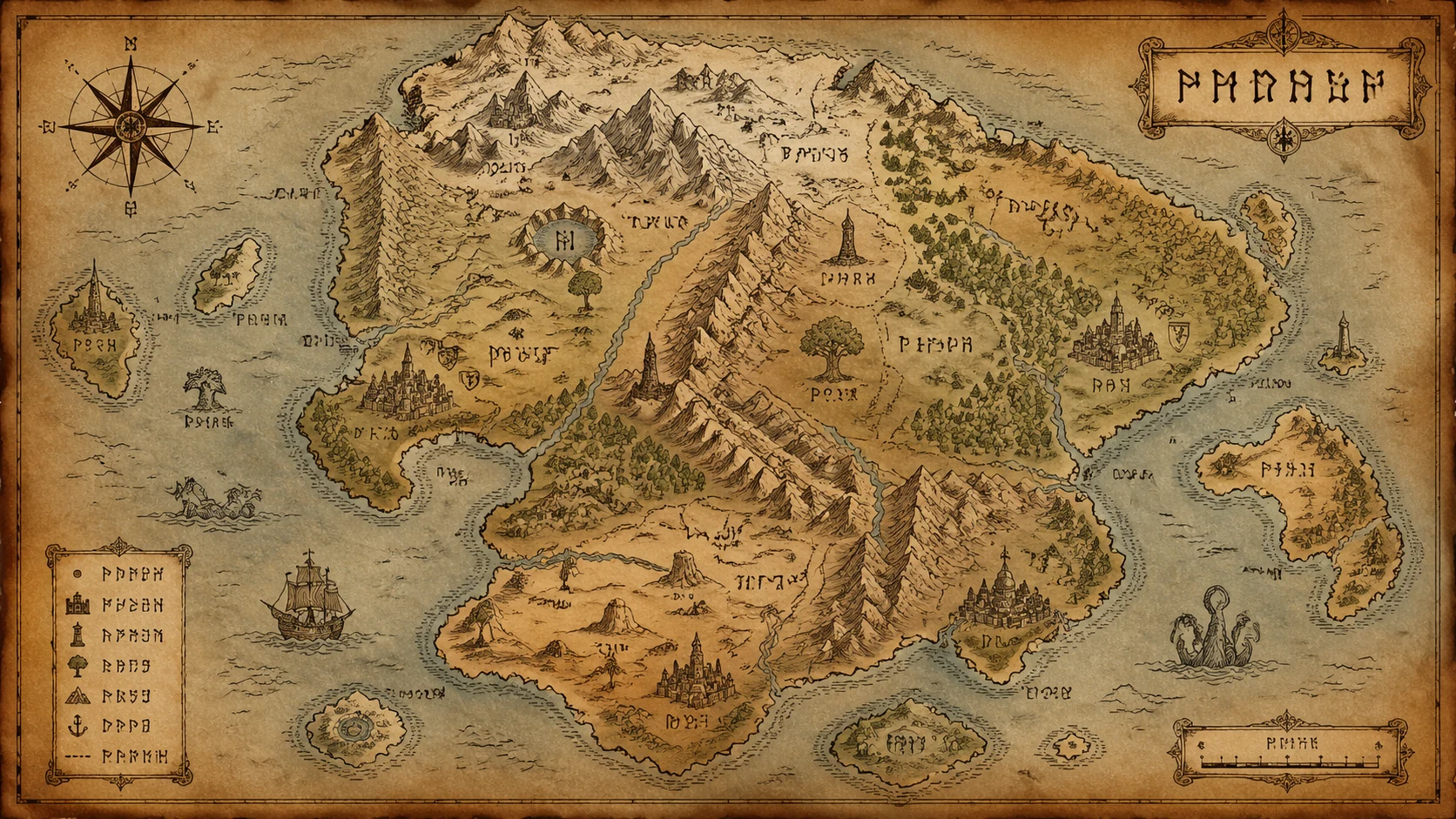
Original fantasy world map, hand-drawn parchment texture, mountain ranges, rivers, coastal kingdoms, invented labels replaced by decorative glyphs, warm aged paper tones
Create this look
Draft original kingdoms, islands, quest routes, and worldbuilding maps. Start with a subject, art style, camera angle, lighting plan, color palette, and negative constraints. Unofficial creative prompt generator. Not affiliated with, endorsed by, or authorized by any entertainment franchise, game publisher, animation studio, comic publisher, or tabletop brand. Use original characters, fictional worlds, invented symbols, and non-identifiable likenesses.
Original fantasy world map, hand-drawn parchment texture, mountain ranges, rivers, coastal kingdoms, invented labels replaced by decorative glyphs, warm aged paper tones
Create this lookIsometric fantasy island map, volcano, harbor town, enchanted forest, compass rose, illustrated terrain icons, no real-world locations, clean adventure style
Create this look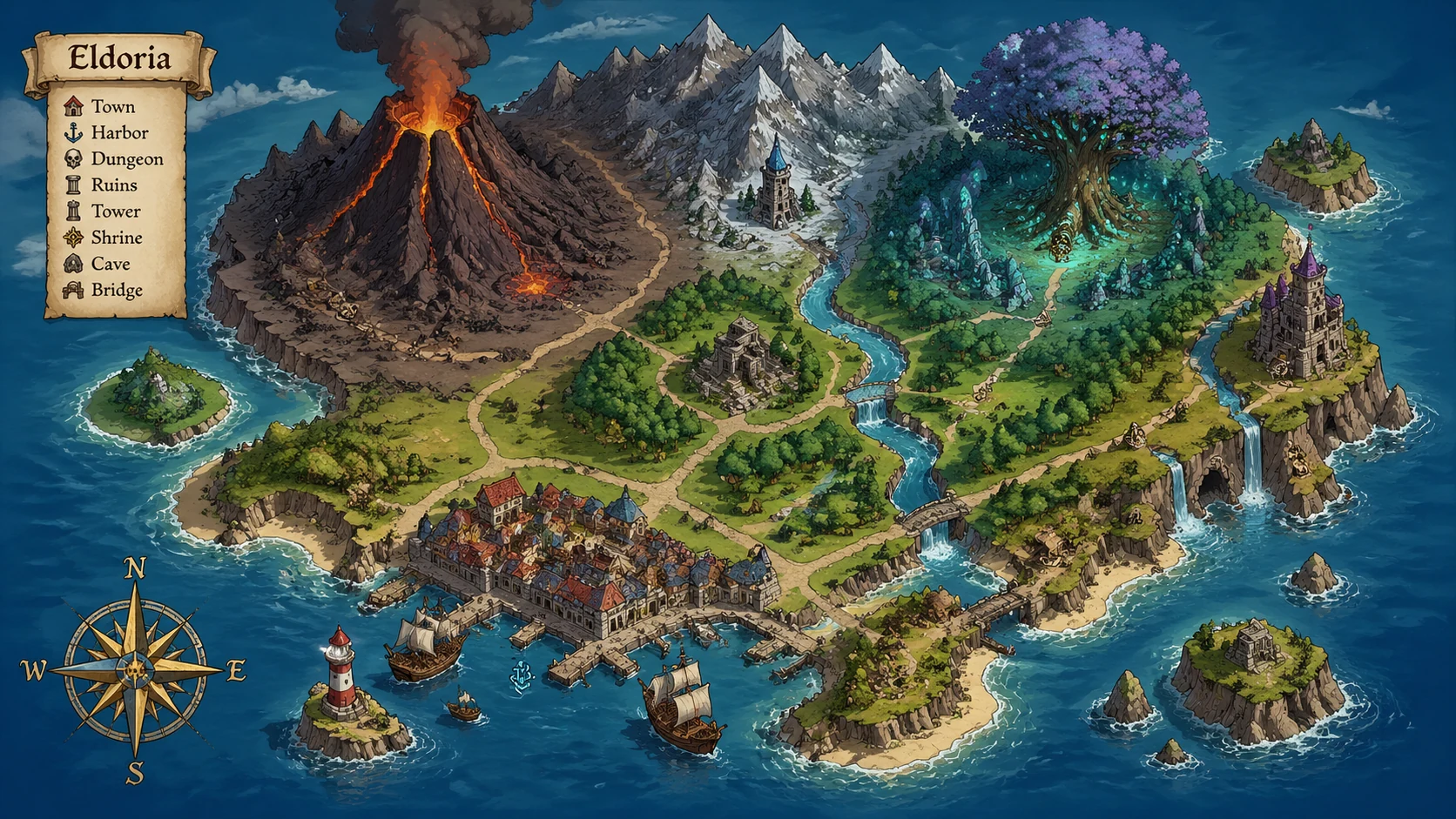
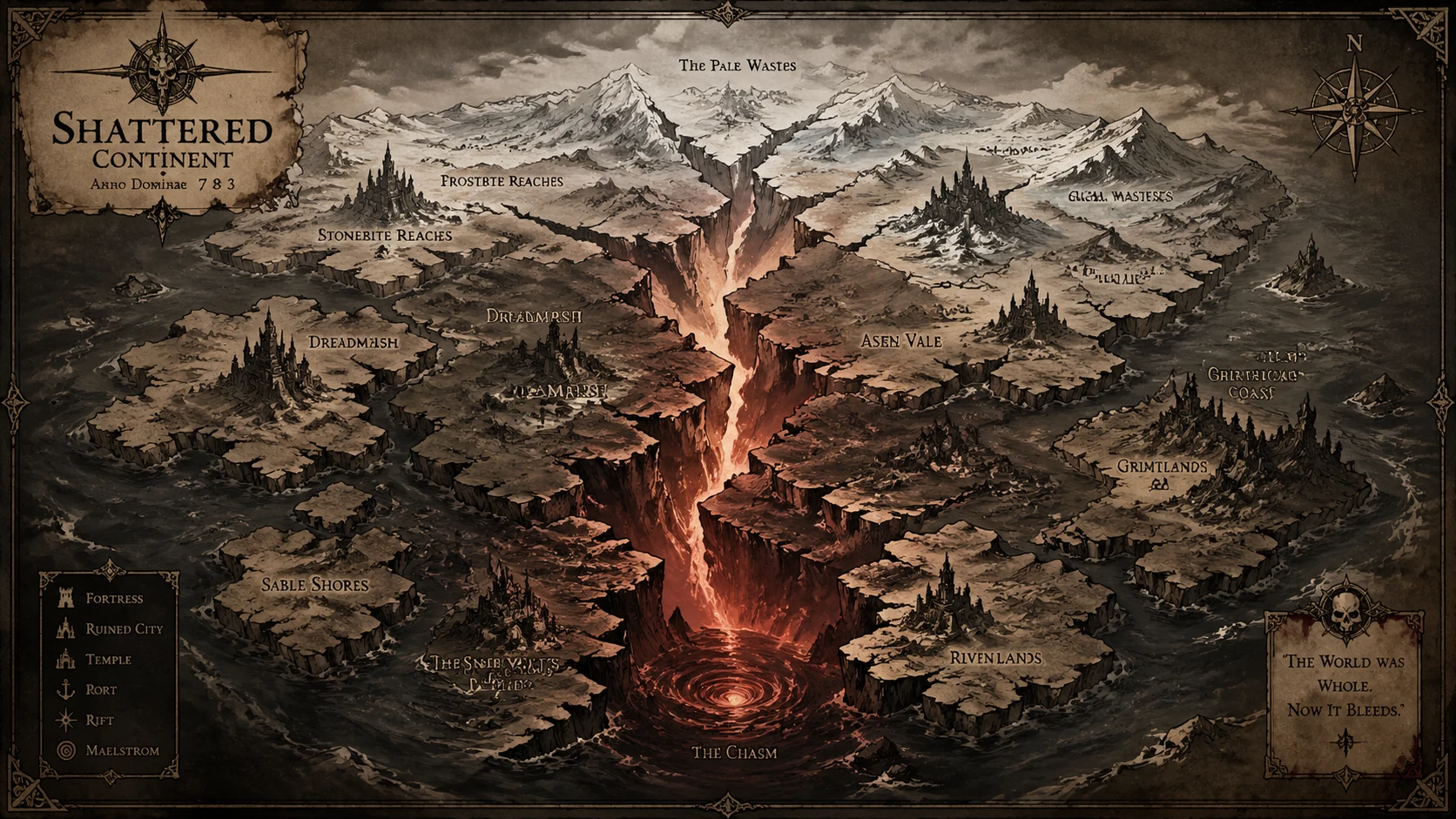
Dark fantasy realm map, shattered continent, glowing rift, fortress silhouettes, icy northern wastes, sepia ink lines, cinematic tabletop mood
Create this lookPrompt workflow
Use this page as a starting point for a focused fantasy world maps visual. A strong prompt names the subject first, then gives the image model enough direction about composition, style, lighting, and what to leave out.
Describe the person, object, scene, or visual motif before adding decoration.
Add the crop, viewpoint, layout, depth, and the area that should attract attention.
Use concrete references such as editorial, cinematic, flat graphic, soft light, or rim light.
Specify exclusions such as text, logos, watermarks, unwanted likenesses, or extra objects.
Prompt formula
Keep the first version specific but editable. Start with the visual idea on this page, then change one variable at a time so the result is easier to compare and refine.
It turns a written prompt into fantasy world maps visuals by combining subject, style, lighting, composition, and mood cues.
No. Unofficial creative prompt generator. Not affiliated with, endorsed by, or authorized by any entertainment franchise, game publisher, animation studio, comic publisher, or tabletop brand. Use original characters, fictional worlds, invented symbols, and non-identifiable likenesses. Keep prompts original and use invented characters, symbols, teams, worlds, and visual identities.
Describe the subject, setting, camera angle, color palette, lighting, texture, mood, and negative constraints such as no official logos or real-person likenesses.
Yes. Add specific phrases for lens angle, crop, palette, lighting setup, detail level, background depth, and the intended format such as poster, avatar, wallpaper, or concept sheet.
Use them for concept art, social thumbnails, posters, wallpapers, pitch decks, mood boards, character sheets, and visual exploration drafts.
Open Seele AI workspace, start from a prompt, and keep iterating the visual direction until it feels ready to use.
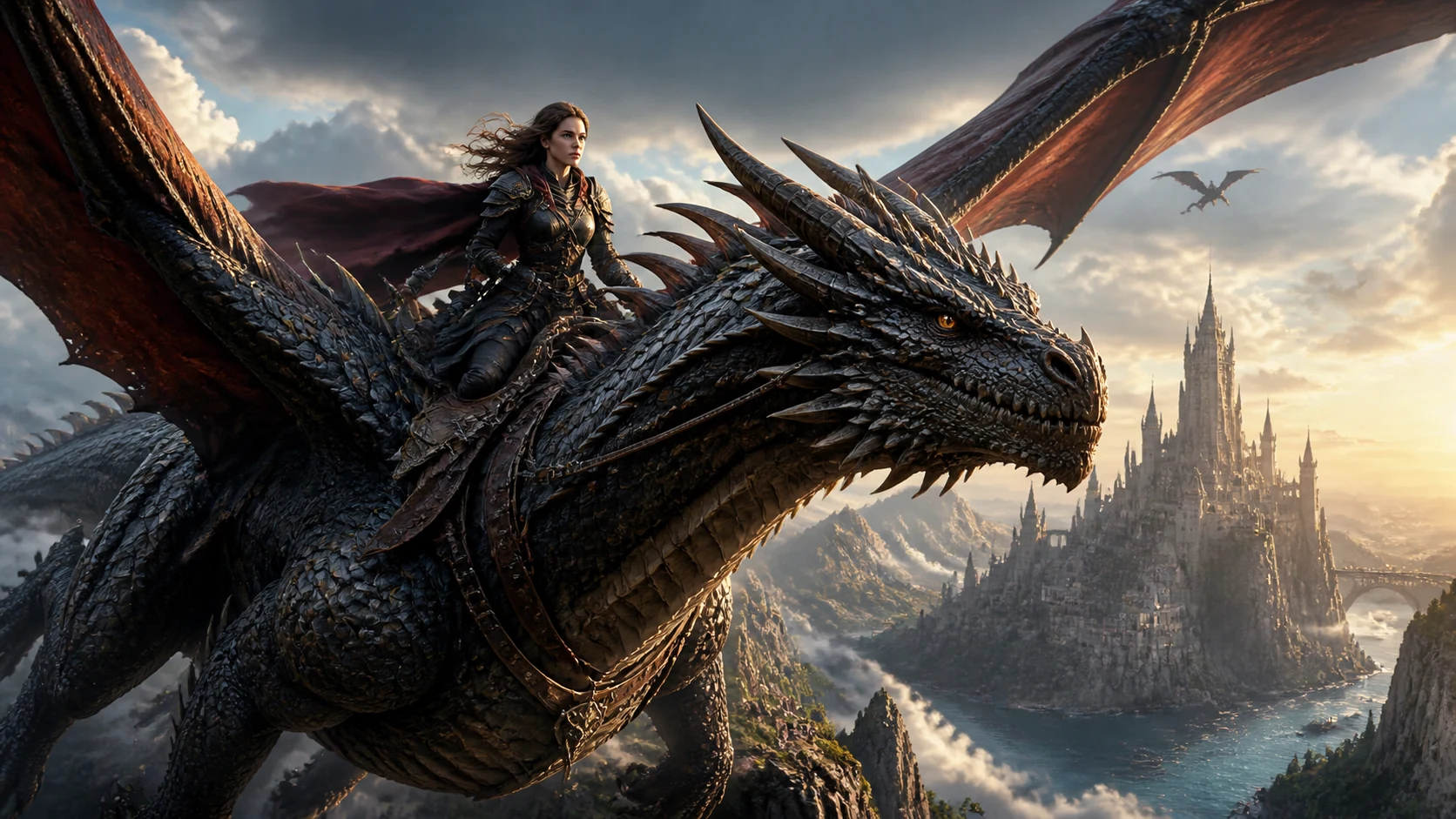 Fantasy Boss Concept Art AI Image GeneratorUse a free image generator to create original fantasy boss concept art visuals for game assets, concept art, pitch boards, and production briefs.View prompt →
 Fantasy Shopkeeper Portrait AI Image Generator | SEELE AICreate unique fantasy shopkeeper portrait visuals for games with SEELE AI. Generate production-ready concepts, iterate on style, and export assets for your project.View prompt →
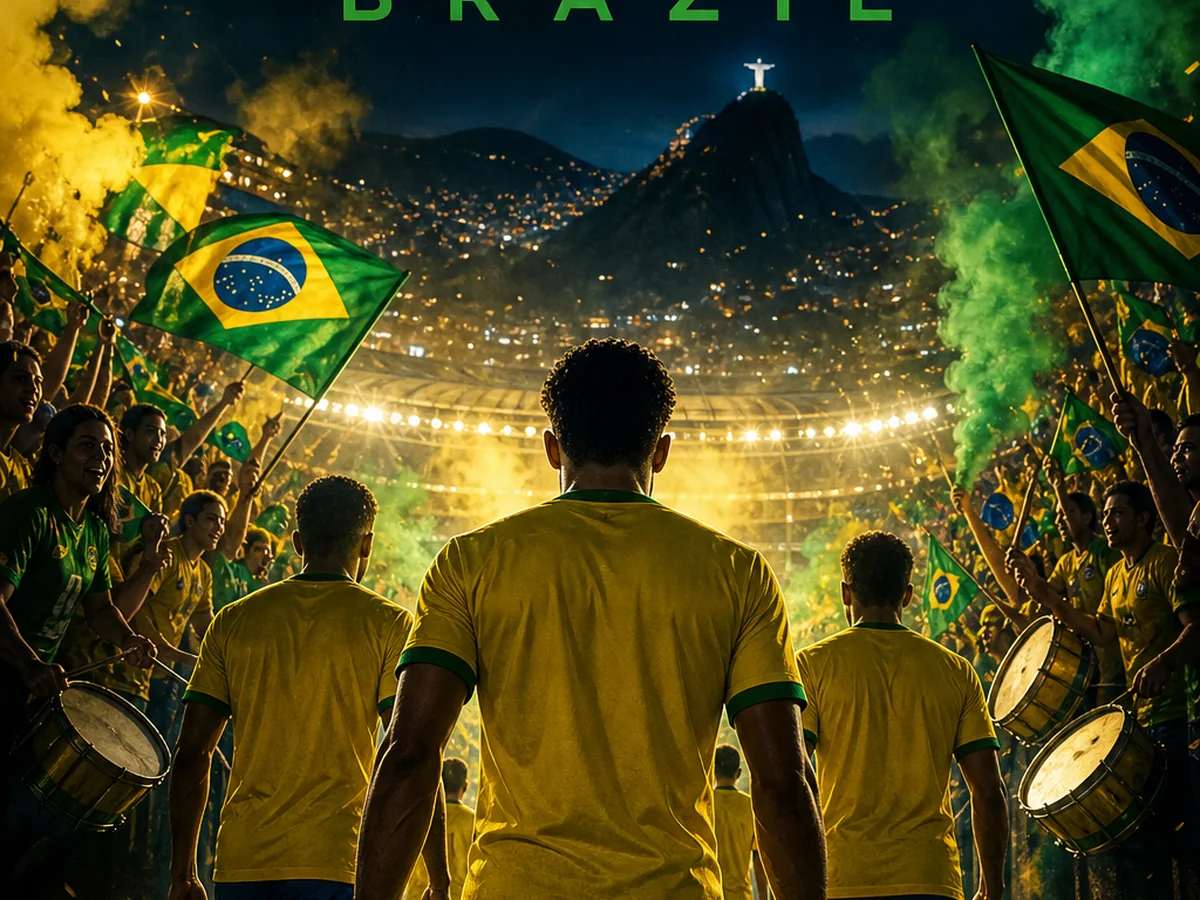 2026 World Cup Match Poster AI Image GeneratorMake custom 2026 World Cup match posters for any match. Custom teams, date, score, design in seconds.View prompt →
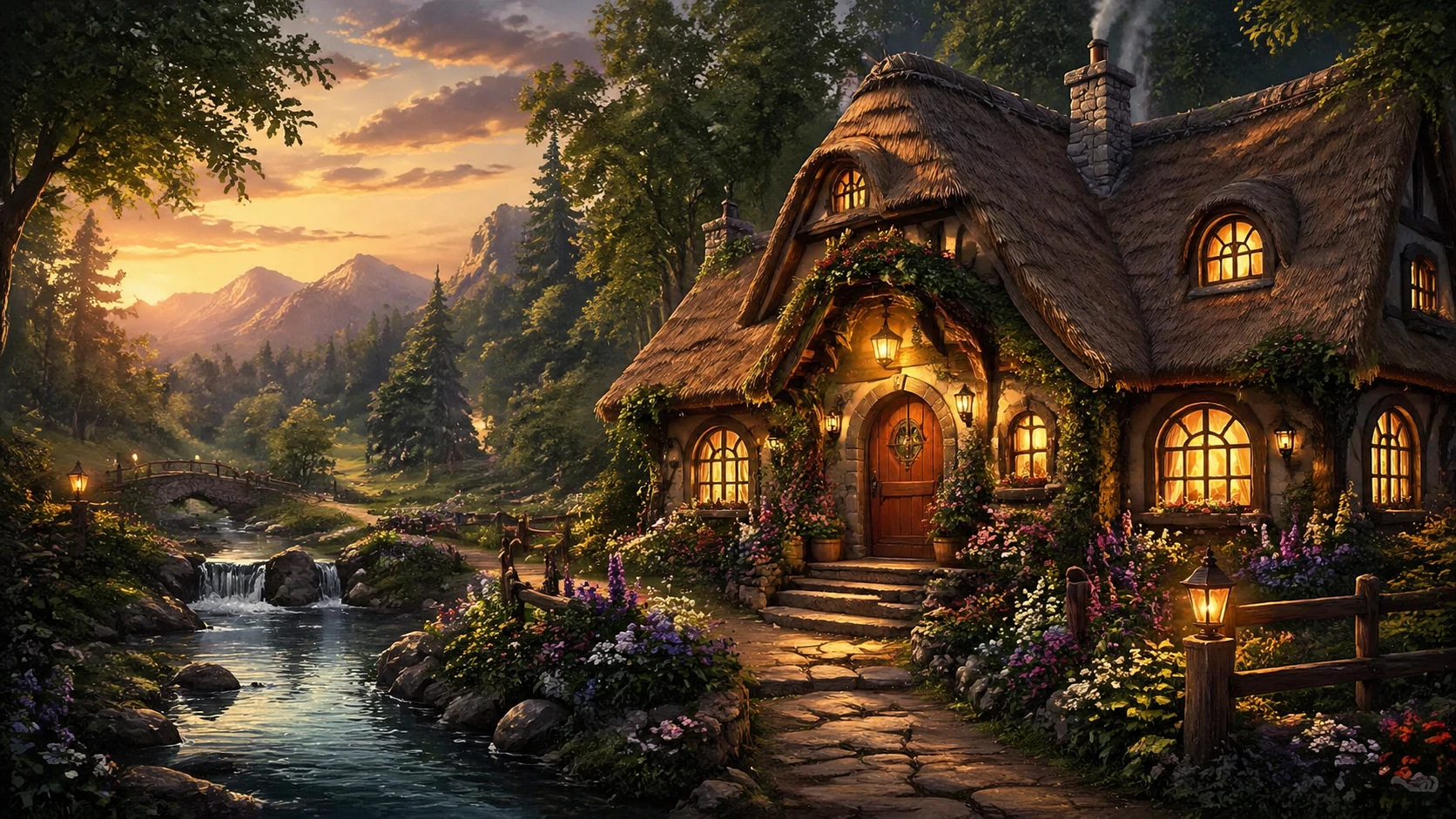 Cozy Fantasy Cottage Art AI Image GeneratorCreate cozy fantasy cottage art with Seele AI's free image generator. Explore starter prompts, visual directions, FAQs, and workspace handoff for Fantasy fansView prompt →
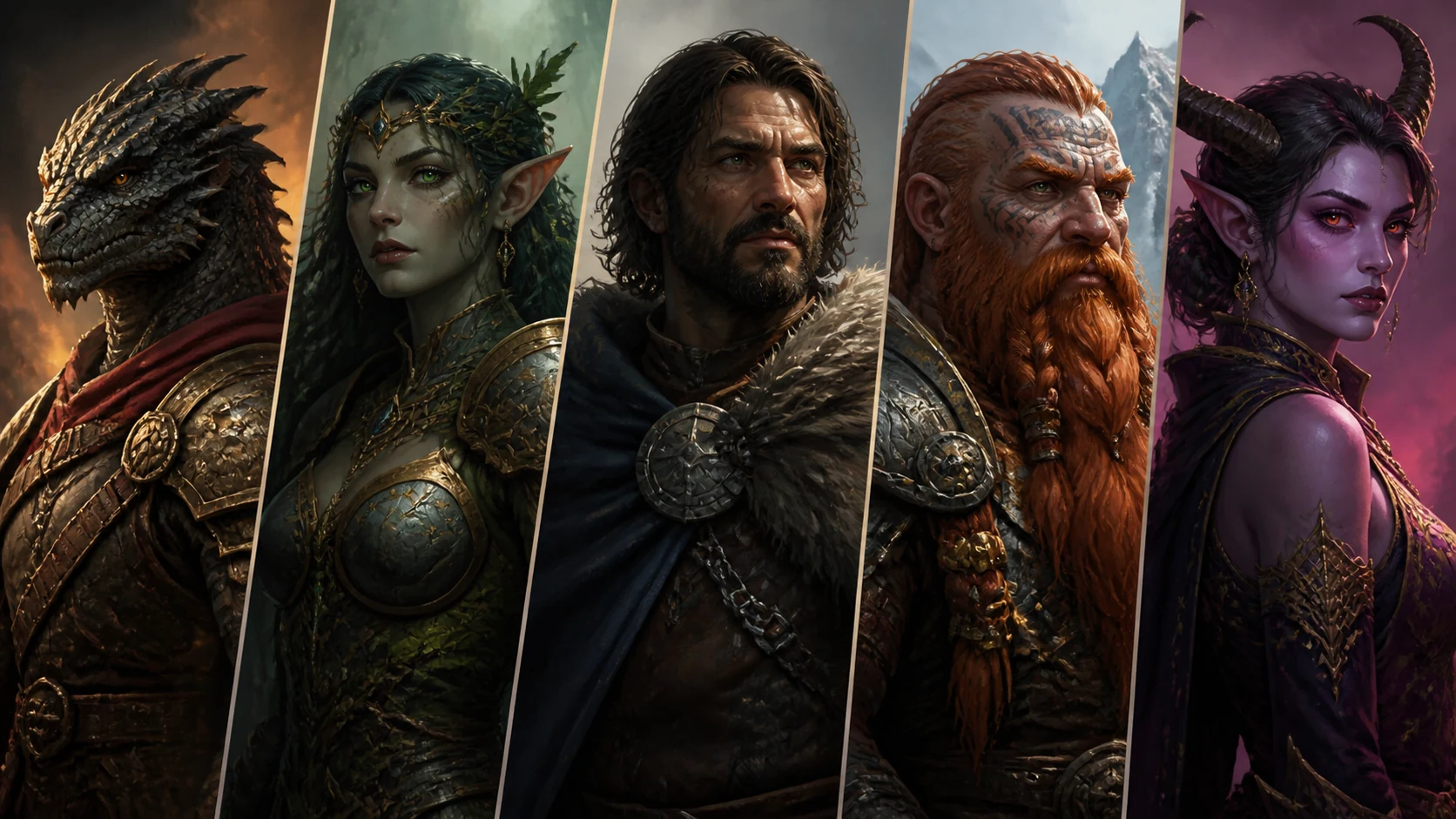 Custom Fantasy Race Portraits AI Image GeneratorCreate Custom Fantasy Race Portraits with Seele AI's free image generator. Explore prompt ideas, visual styles, and fast image creation.View prompt →
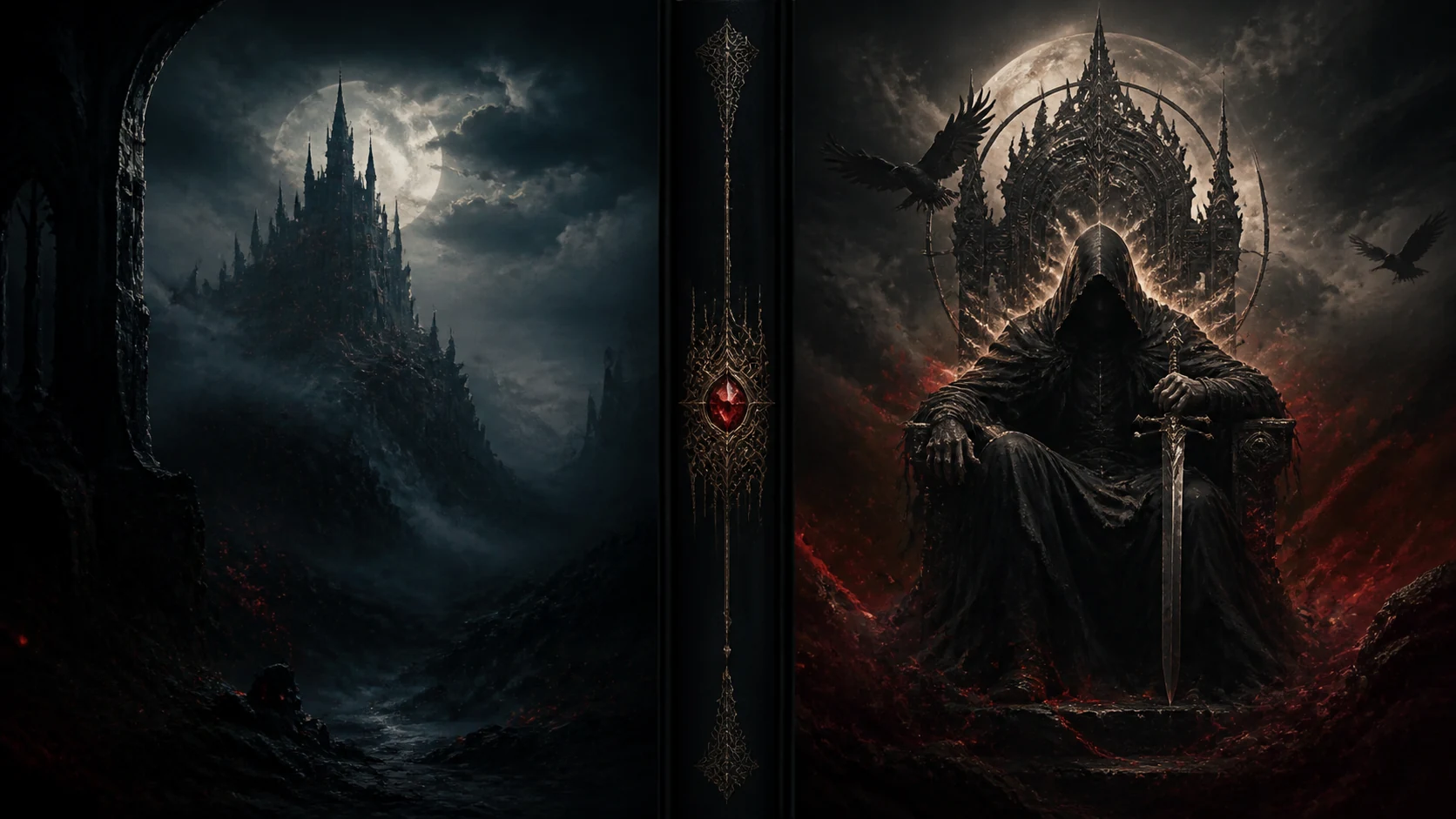 Dark Fantasy Book Covers AI Image GeneratorCreate dark fantasy book covers with Seele AI's free image generator. Explore starter prompts, visual directions, FAQs, and workspace handoff for Authors.View prompt →