Keynote Background Visuals AI Image Generator

Generate polished keynote background visuals for campaigns, profiles, products, and presentations

What you can create

Create keynote background visuals with clear subject choices, professional lighting, realistic materials, and flexible composition cues. Start from one of the visual directions, then refine the prompt for your brand, channel, or layout. Avoid trademarks, private data, and real-person likenesses unless you have permission.

Prompt directions

  • keynote background visuals prompt ideas
  • keynote background visuals generator
  • ai keynote background visuals prompts
  • business image prompt examples
  • commercial visual direction ideas

See the prompt behind each image

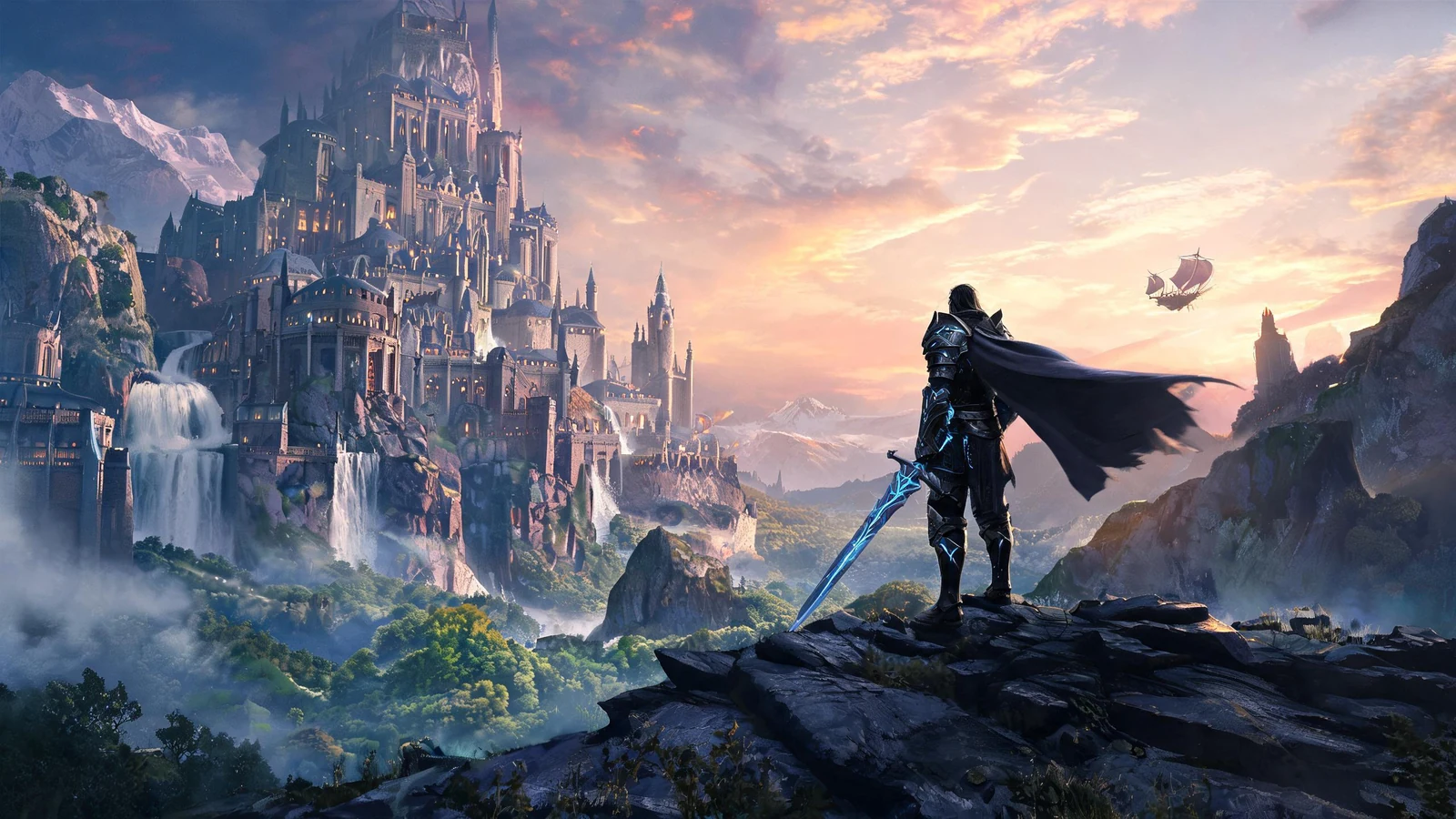
Premium editorial keynote background visuals image
Prompt

Generate a premium editorial keynote background visuals image, softbox key light, shallow depth of field, polished commercial composition, realistic materials and intentional negative space, no text, no watermark, no brand logo, landscape 16:9 composition

Create this look

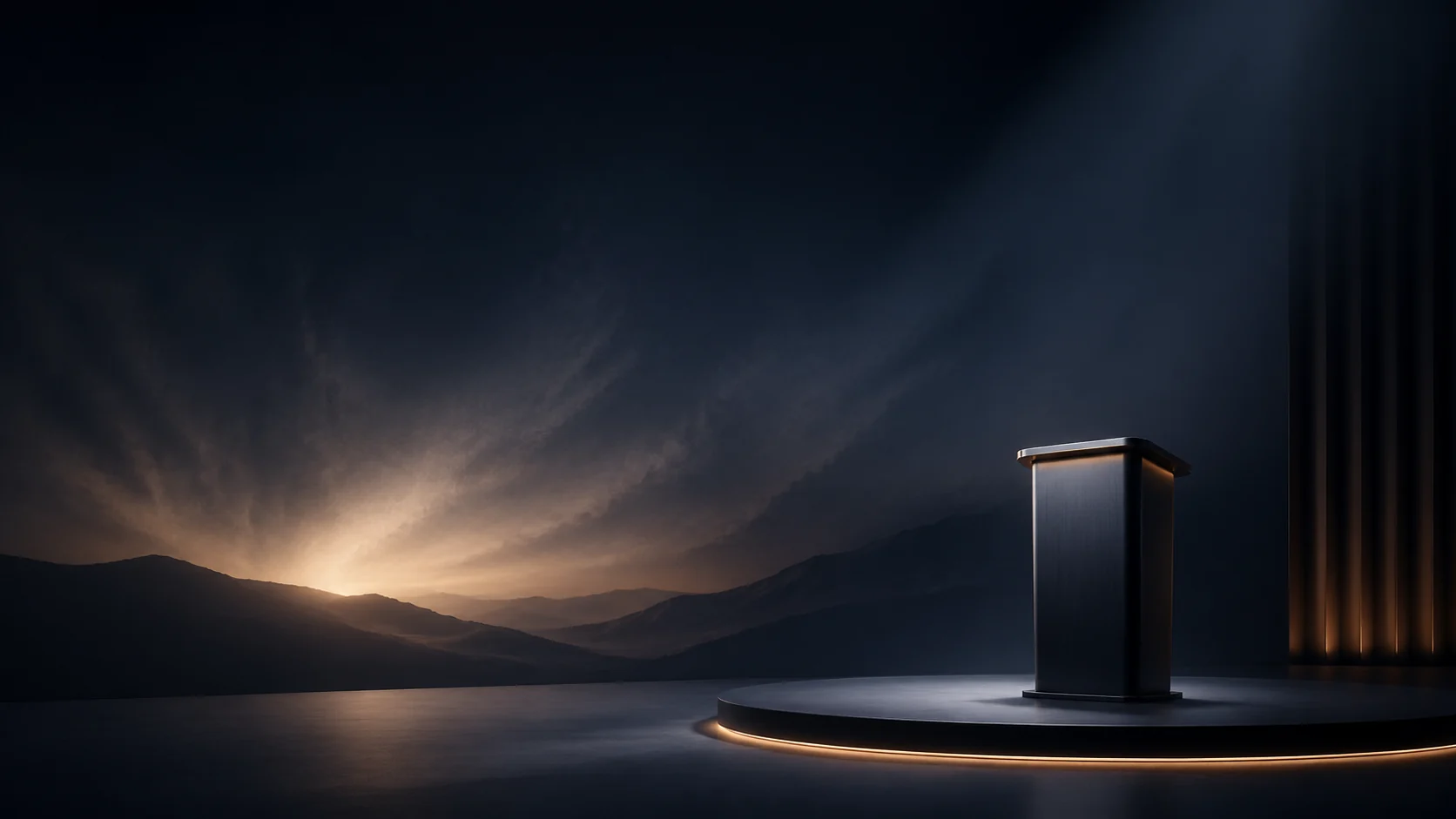
Prompt

Generate a clean modern keynote background visuals image, bright studio lighting, minimal background, high-end brand direction, realistic materials and intentional negative space, no text, no watermark, no brand logo, landscape 16:9 composition

Create this look
Clean modern keynote background visuals image
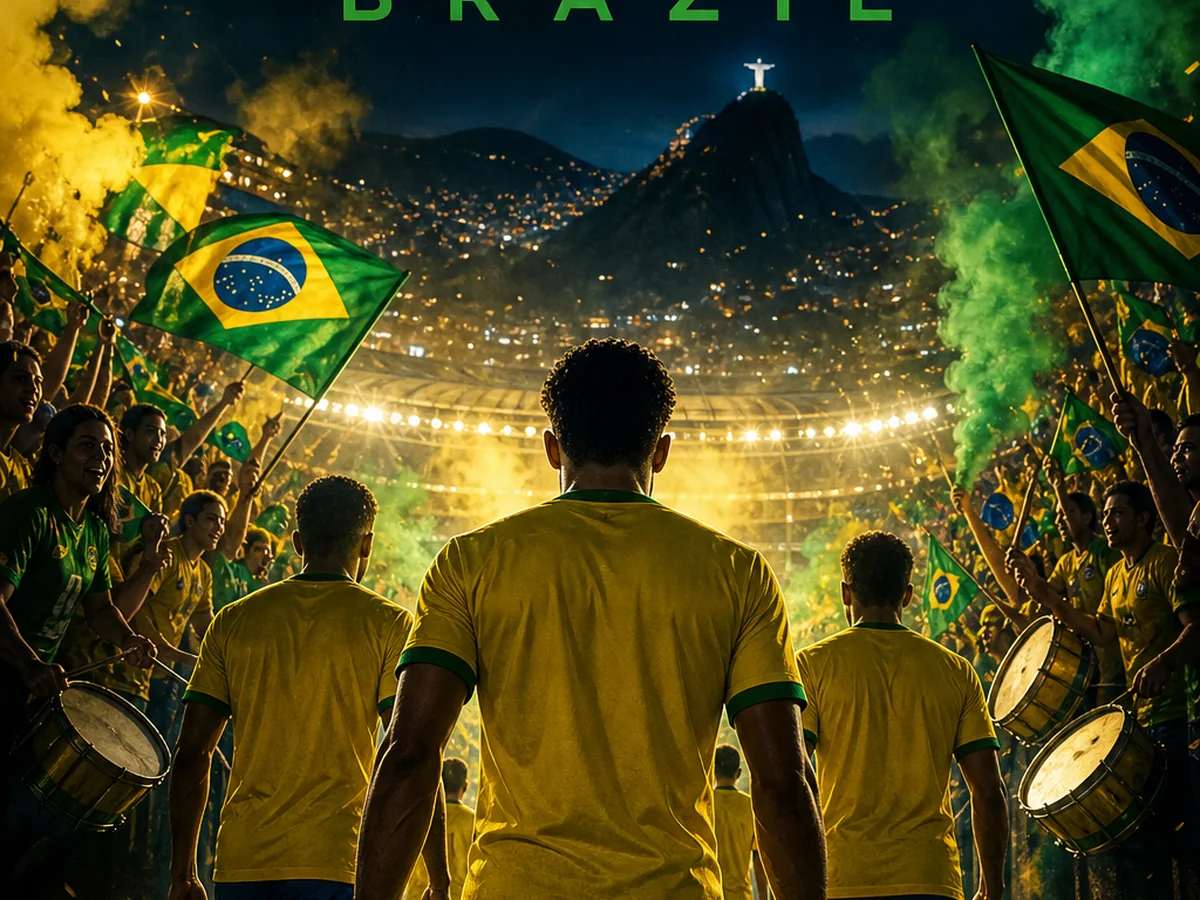
Cinematic conversion-focused keynote background visuals image
Prompt

Generate a cinematic conversion-focused keynote background visuals image, dramatic but professional lighting, strong focal hierarchy, no text or logos, realistic materials and intentional negative space, no text, no watermark, no brand logo, landscape 16:9 composition

Create this look

Prompt workflow

How to build a Keynote Background Visuals image prompt

Use this page as a starting point for a focused keynote background visuals visual. A strong prompt names the subject first, then gives the image model enough direction about composition, style, lighting, and what to leave out.

01 · Subject

State what the image should show

Describe the person, object, scene, or visual motif before adding decoration.

02 · Composition

Choose the frame and focal point

Add the crop, viewpoint, layout, depth, and the area that should attract attention.

03 · Style and light

Give the visual direction a mood

Use concrete references such as editorial, cinematic, flat graphic, soft light, or rim light.

04 · Constraints

Protect the intended result

Specify exclusions such as text, logos, watermarks, unwanted likenesses, or extra objects.

Prompt formula

Subject + composition + style + lighting + constraints

Keep the first version specific but editable. Start with the visual idea on this page, then change one variable at a time so the result is easier to compare and refine.

Image generator FAQ

It helps you turn a short creative idea into a detailed prompt for keynote background visuals, including subject, style, lighting, composition, and format cues.

Turn this prompt into your own image

Open Seele AI workspace, start from a prompt, and keep iterating the visual direction until it feels ready to use.

Start creating for free

Related image prompts

Explore all image styles