Best AI Airship Deck Battle Background Generator: Create Stunning Airship Deck Battle Background in Seconds

Generate airship deck battle background concepts for game environments, maps, backgrounds, and effects

What you can create

Create airship deck battle background visuals for game production with clear composition cues, player-readable layouts, and style-ready prompts. This page is focused on practical game art direction rather than generic scenery. Side-view combat lanes, wind drama, cover props.

Prompt directions for game-ready results

  • airship deck battle background prompt ideas
  • AI airship deck battle background image generator
  • game environment concept art prompt
  • level background art direction
  • game map visual reference

See the prompt behind each image

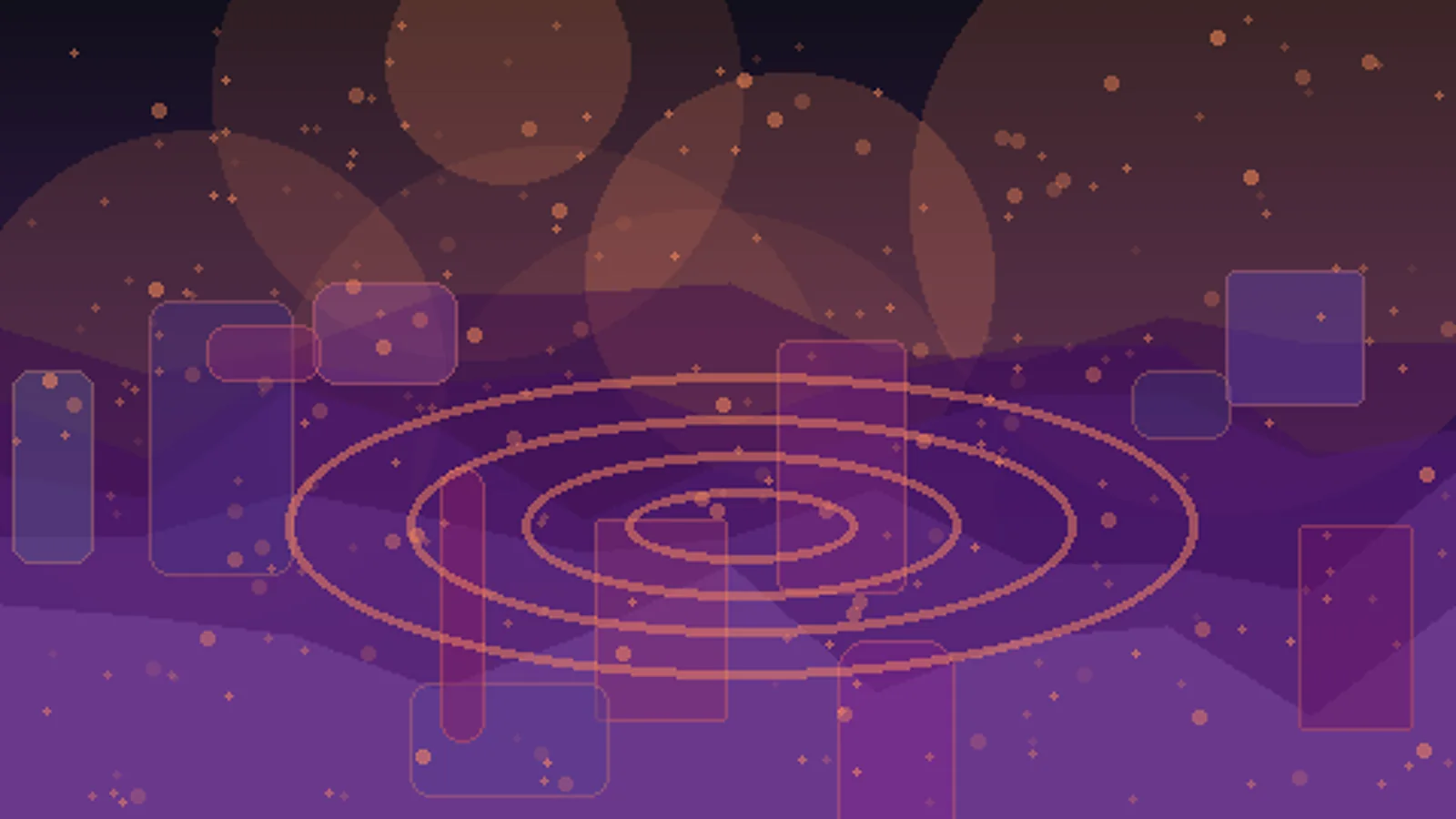
Airship Deck Battle Background AI game art example 1
Prompt

Create a wide establishing concept for a steampunk airship deck battle background with ropes, balloons, clouds, and engine glow; emphasize side-view combat lanes, wind drama, cover props; no text, no logo, no UI, no watermark, production-ready game art, 16:9 composition.

Create this look
Prompt

Create a gameplay-readable layout for a steampunk airship deck battle background with ropes, balloons, clouds, and engine glow; emphasize side-view combat lanes, wind drama, cover props; no text, no logo, no UI, no watermark, production-ready game art, 16:9 composition.

Create this look
Airship Deck Battle Background AI game art example 2
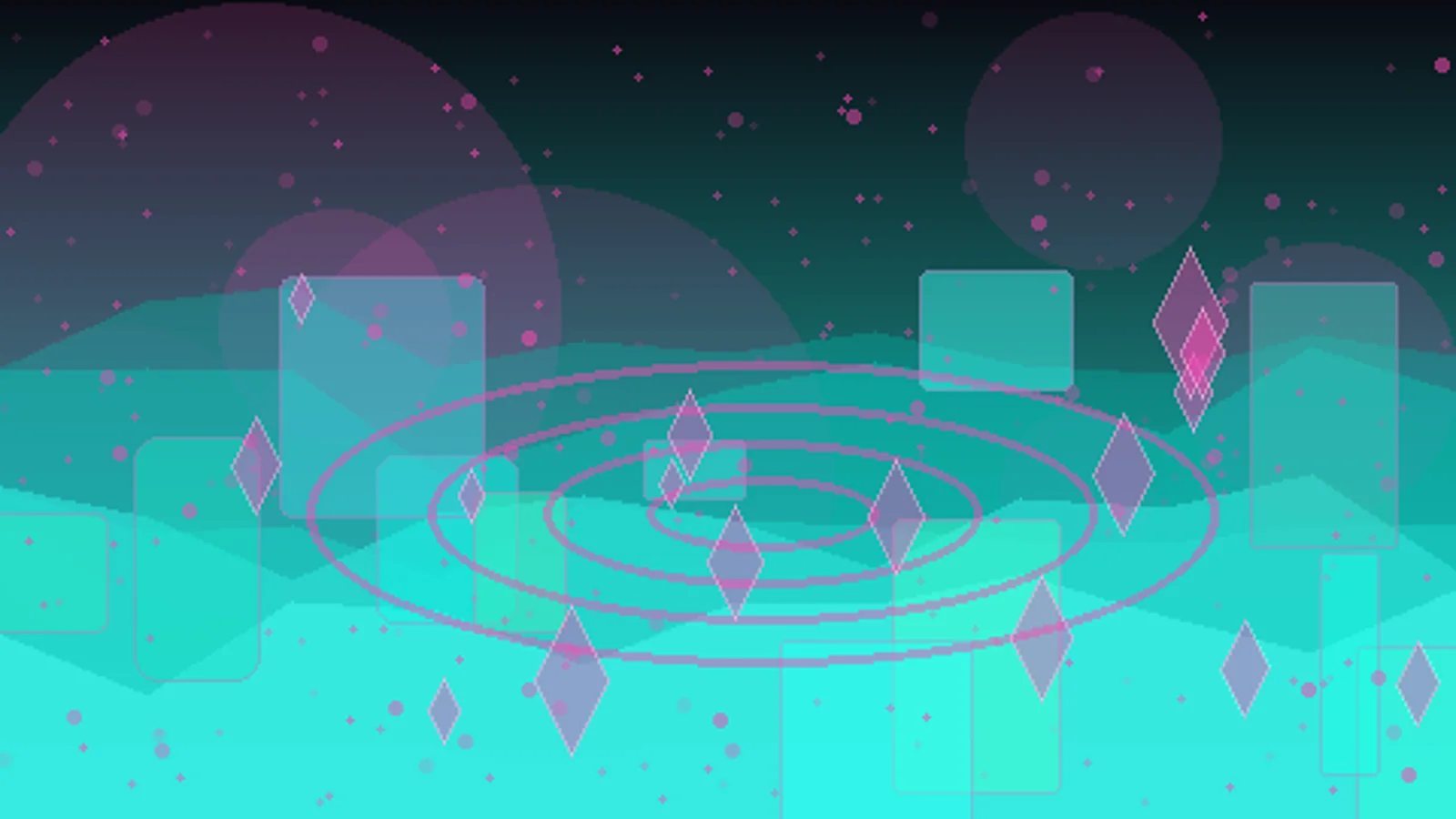
Airship Deck Battle Background AI game art example 3
Prompt

Create a cinematic production art for a steampunk airship deck battle background with ropes, balloons, clouds, and engine glow; emphasize side-view combat lanes, wind drama, cover props; no text, no logo, no UI, no watermark, production-ready game art, 16:9 composition.

Create this look

Image generator FAQ

It helps game teams turn a short environment or level brief into polished airship deck battle background concept directions with lighting, layout, and composition cues.

Turn this prompt into your own image

Open Seele AI workspace, start from a prompt, and keep iterating the visual direction until it feels ready to use.

Start creating for free