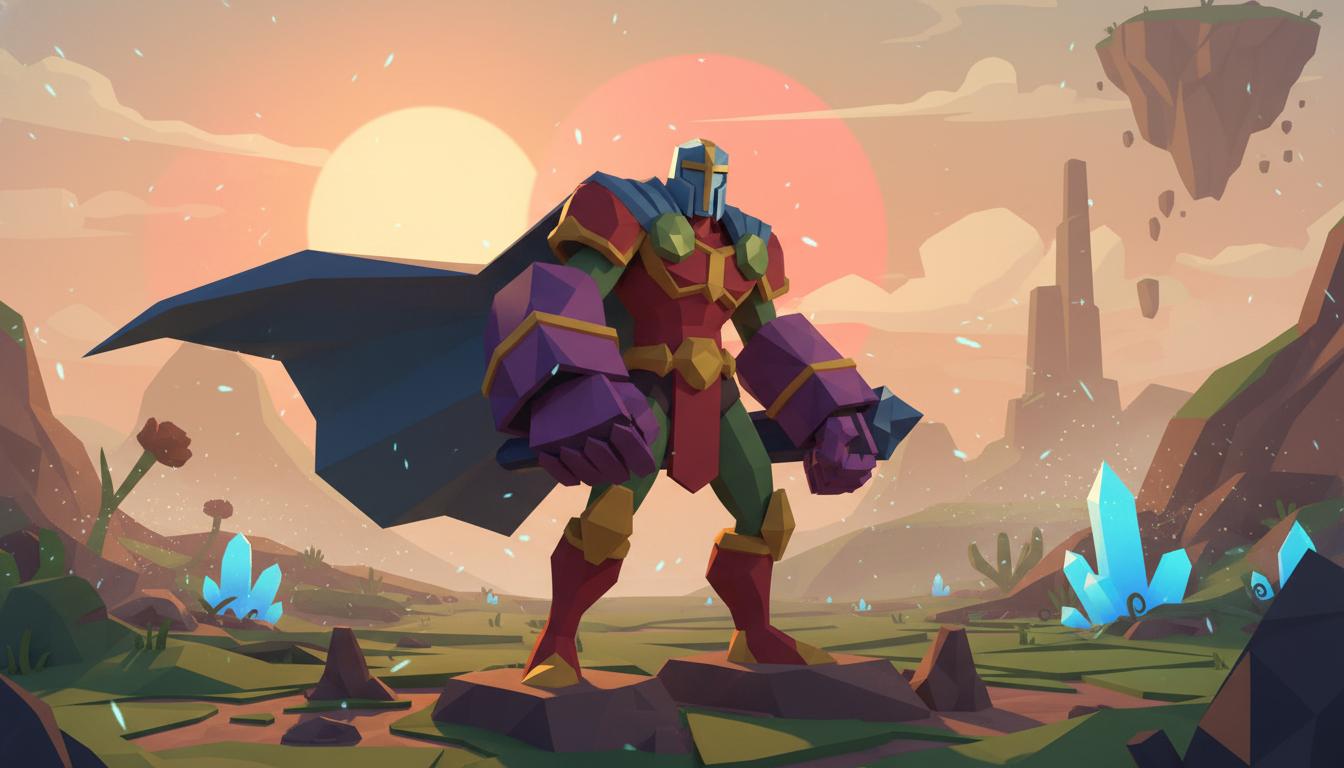
Hero Character Blockout
Set up a stylized character direction before sculpting or cleanup.
Search thisTurn a game asset idea into clearer silhouette, shape language, and production scope before modeling polish and topology cleanup begin.
Try this in Seele AI
Start with a specific low poly 3d model generator need, then carry that prompt into the workspace for deeper iteration and follow-up planning.
Quick Start Searches
Pick a concrete low poly 3d model generator scenario and jump into the workspace with a stronger starting prompt.
Set up a stylized character direction before sculpting or cleanup.
Search this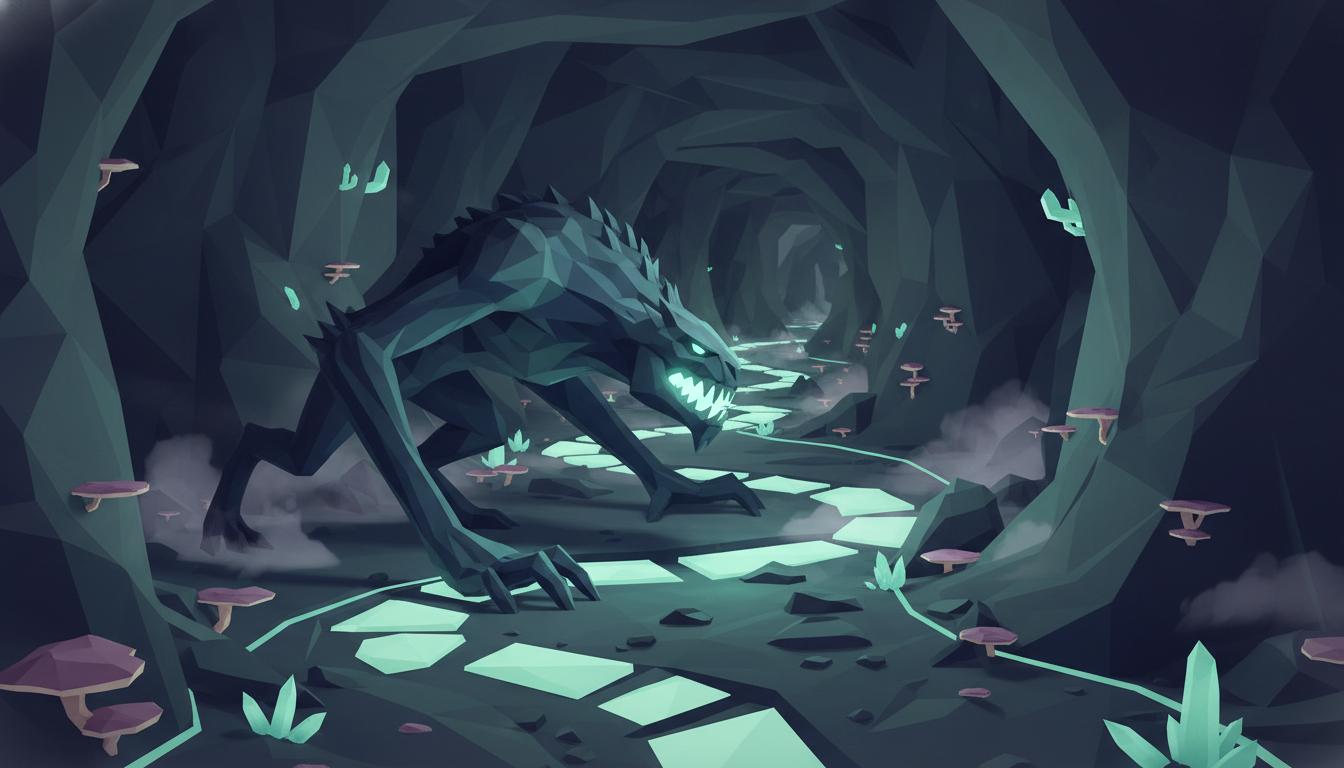
Explore clearer shape language for combat readability.
Search this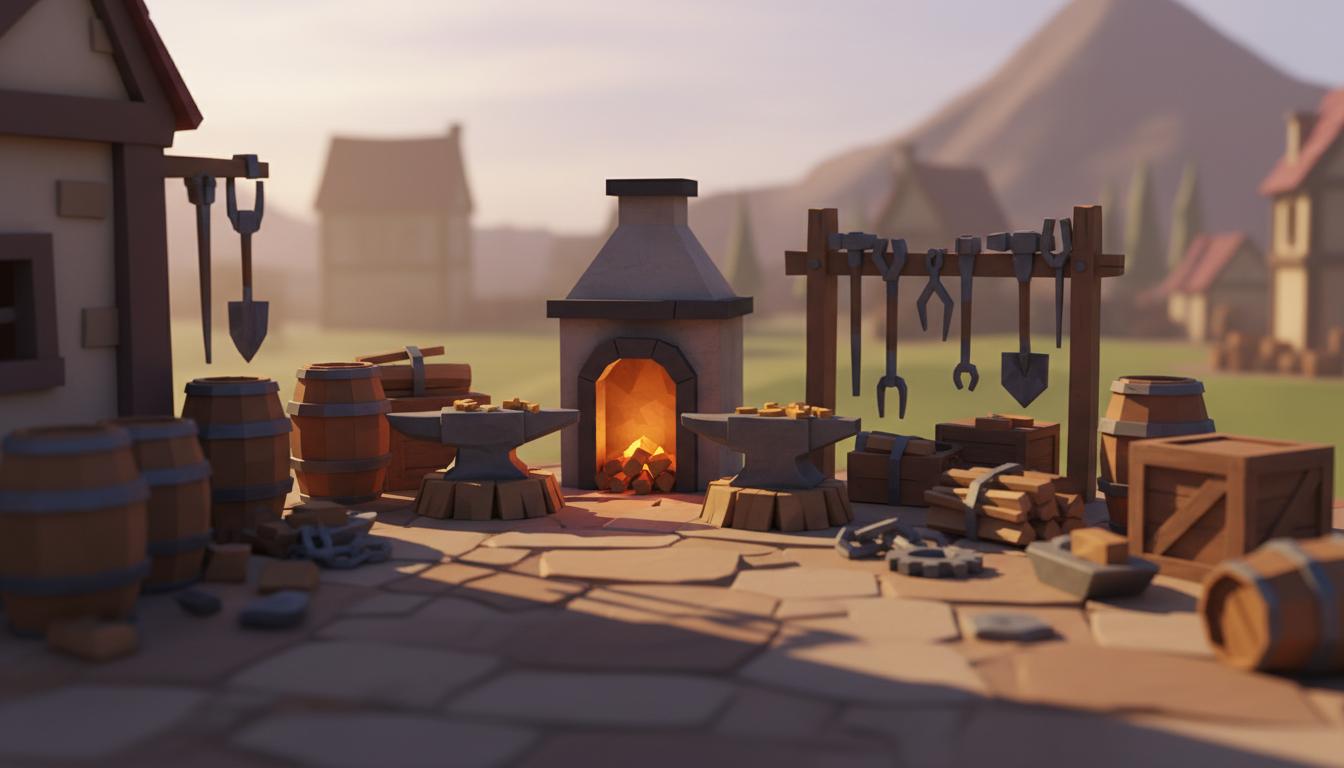
Plan repeatable props for environment building.
Search this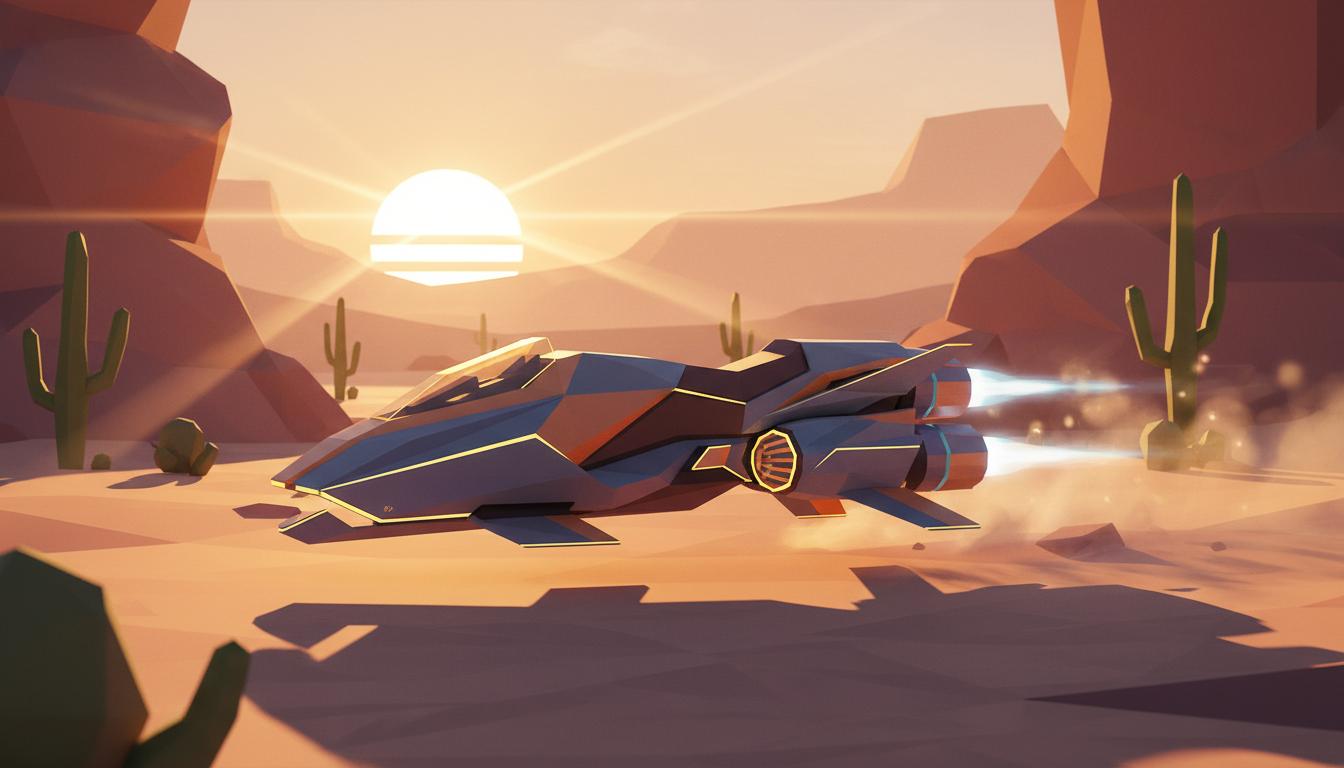
Define arcade-friendly forms before full modeling.
Search this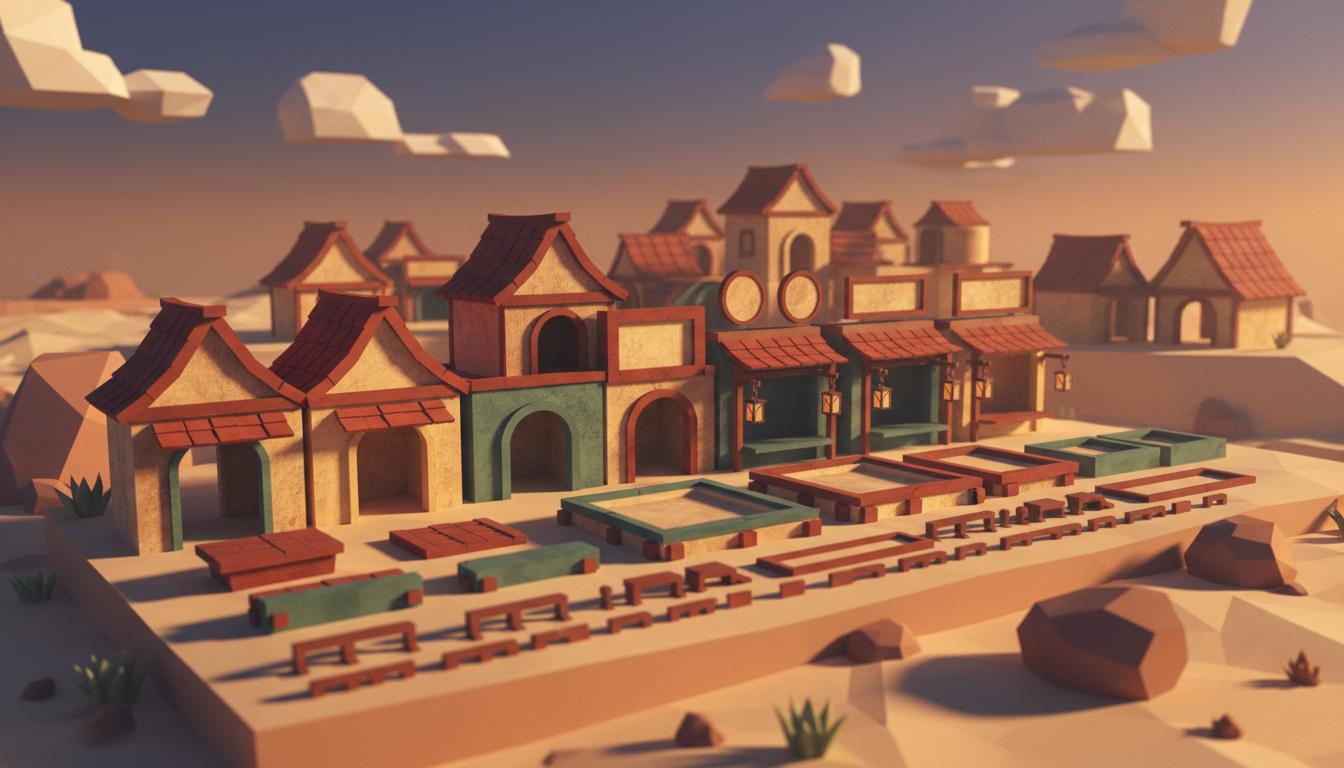
Keep a building set consistent across variants.
Search this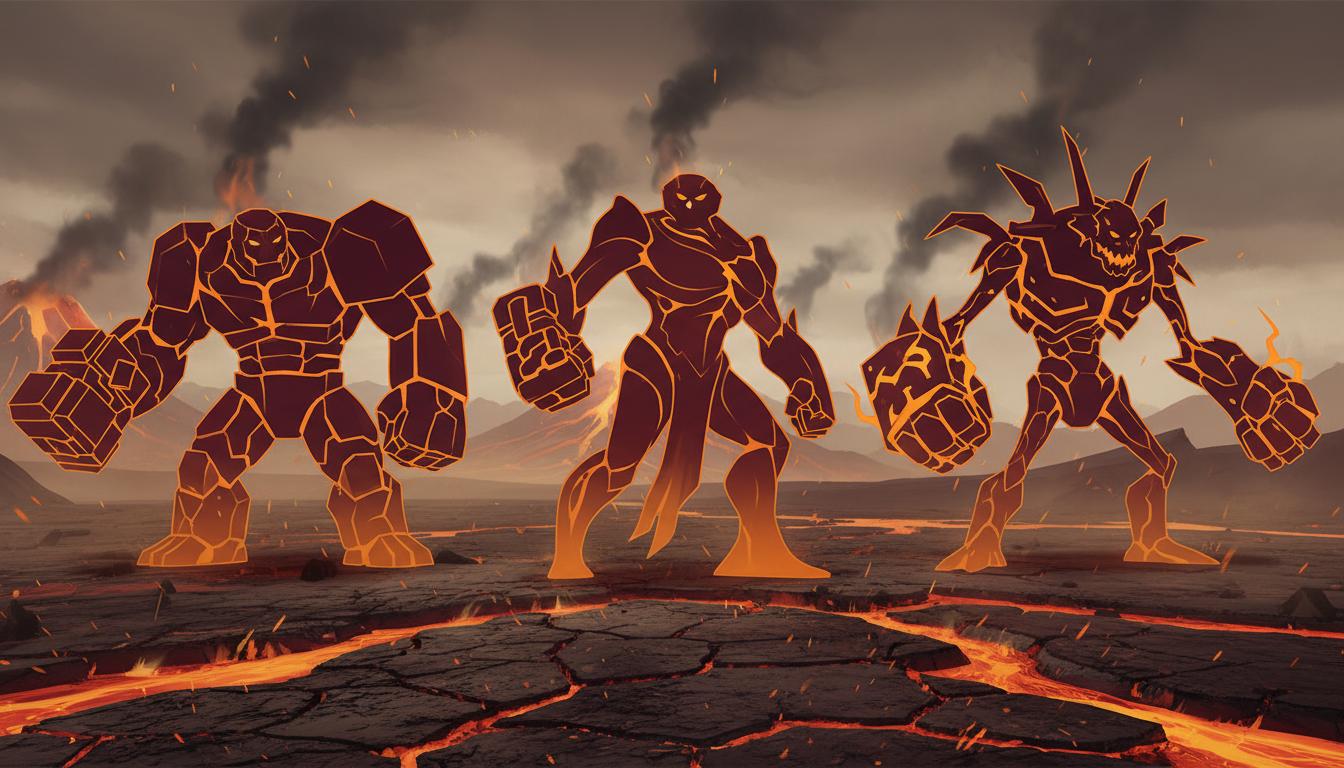
Compare exaggerated forms without overbuilding too soon.
Search thisCore Features
This page is strongest when you need clearer low poly 3d model generator direction before expensive production steps begin.

The workflow is strongest when teams need a readable 3D direction before spending time inside a DCC tool.
Open Workspace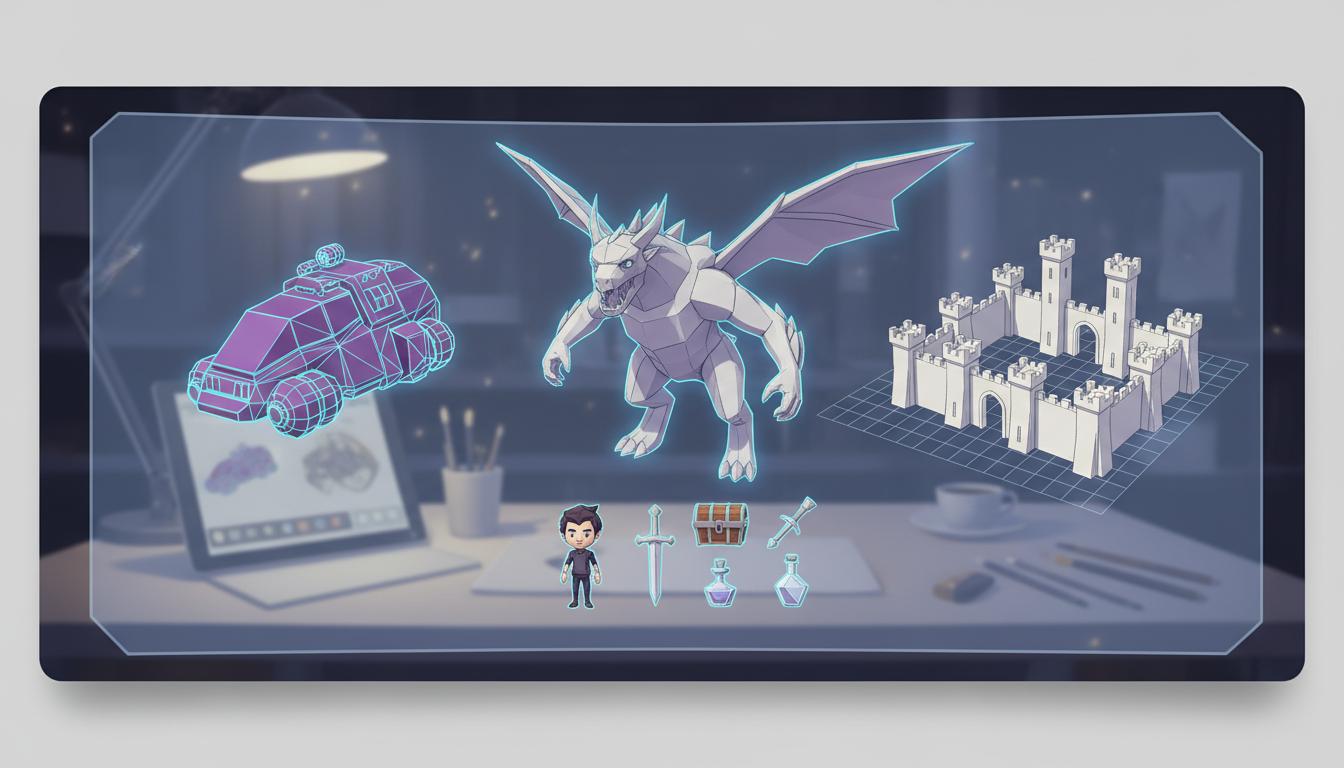
It also fits props, creatures, vehicles, and modular environment sets that need simpler geometry and clearer shape language.
Open Workspace
Low-poly direction works best when camera angle, interaction distance, and role in the game are described early.
Open Workspace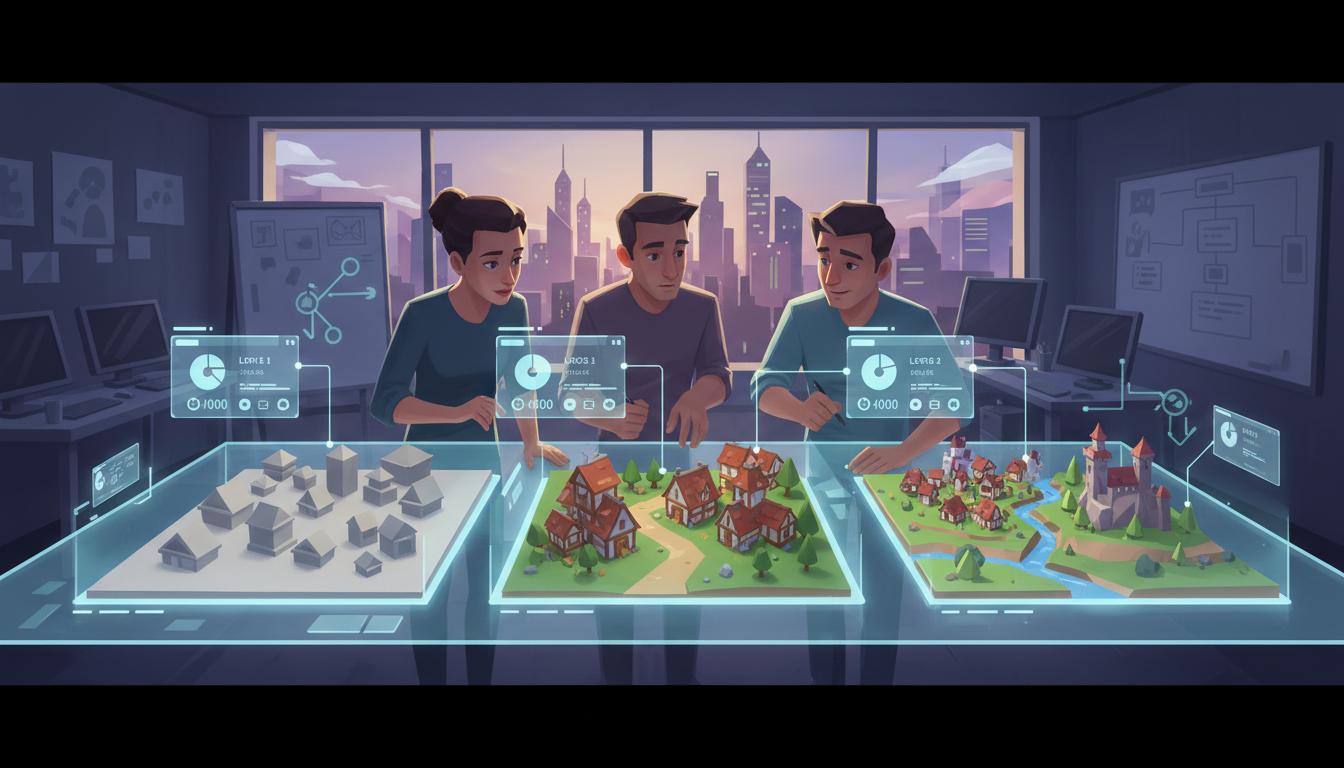
Multiple routes make it easier to choose the right asset ambition level before production begins.
Open Workspace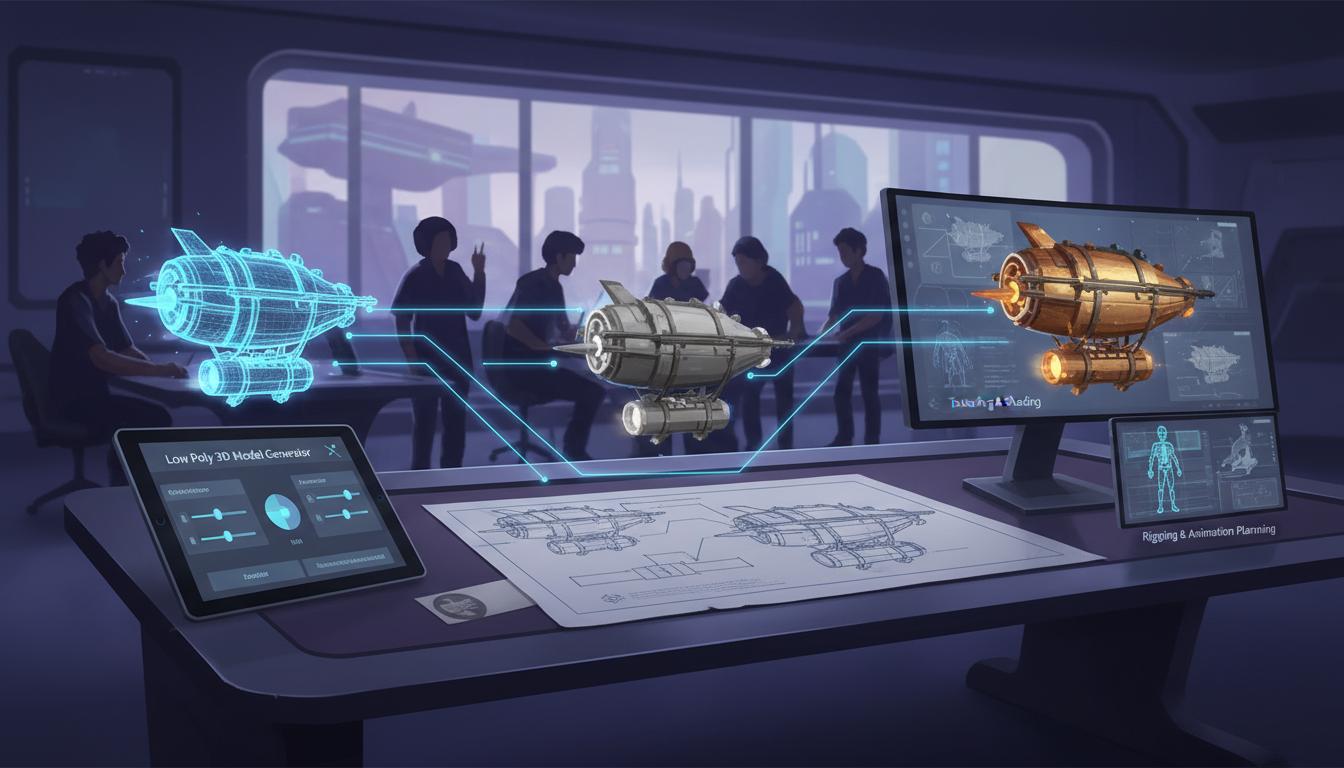
A better brief makes later modeling, texturing, and rig planning more focused even if final polish still happens elsewhere.
Open Workspace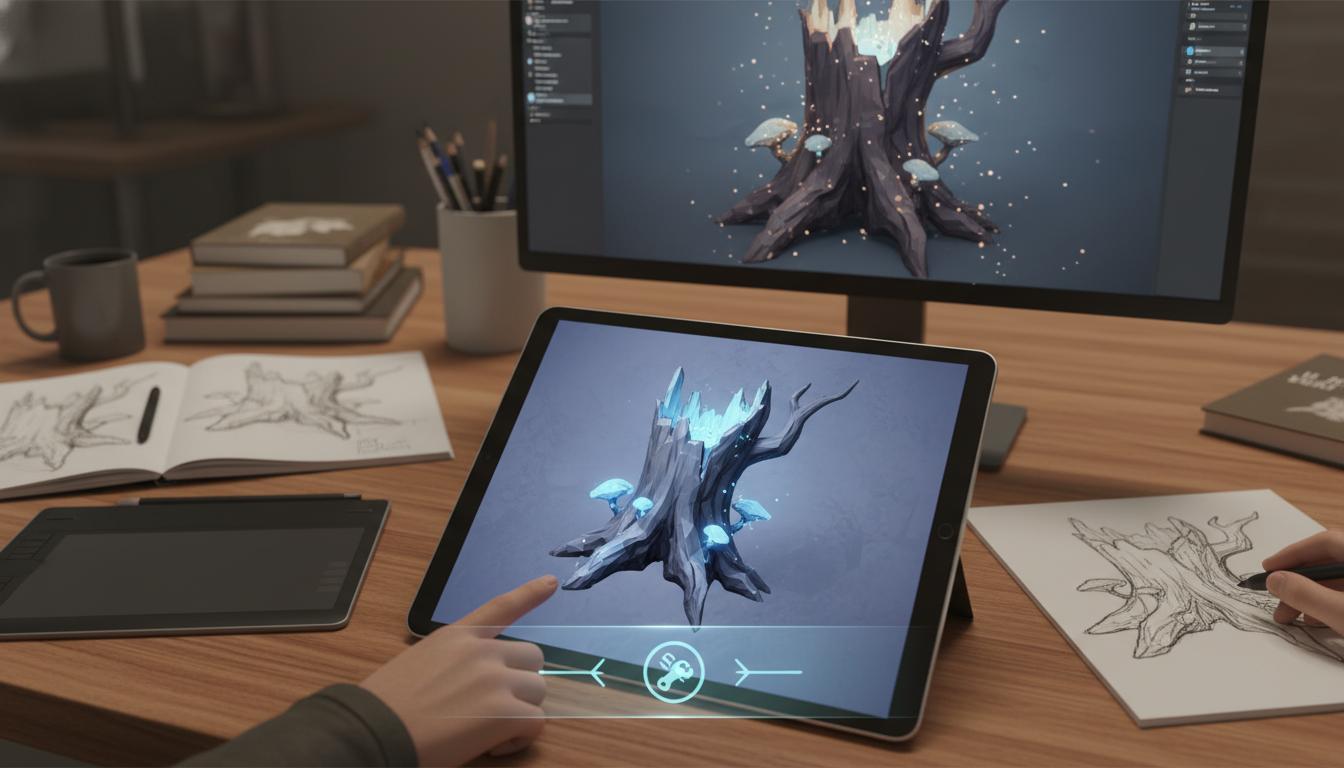
The page should frame the result as a modeling direction and handoff artifact, not a claim of final engine-ready geometry by default.
Open WorkspaceComparison
Use this page to understand where low poly 3d model generator helps most in a real workflow.
| Criteria | Low Poly 3D Model Generator for Faster Stylized Asset Planning | Manual workflow | Generic prompt-only ideation |
|---|---|---|---|
| Time to first usable direction | Fast | Slow | Fast |
| Best stage | Prototype and pre-production | Production execution | Early ideation only |
| Iteration cost | Low | High | Low |
| Review boundary clarity | High | High | Low |
| Technical production readiness | Needs review | Strong when finished | Not applicable |
| Team alignment speed | High | Medium | Medium |
Who This Tool Page Is For
The strongest use cases appear when one team needs low poly 3d model generator direction quickly, not a final production asset immediately.
Use clearer prompts and structured outputs to move from idea to a reviewable direction without waiting on a full production pass.
Open WorkspaceCompare scope, style, and production trade-offs earlier so implementation starts from a cleaner brief.
Open WorkspaceBring stronger first-pass options into review and decide which path deserves deeper production effort.
Open WorkspaceA low poly 3D model generator is usually valuable when a team knows what asset they need but has not yet locked the right silhouette, geometry scope, or stylization level. Instead of jumping straight into modeling, the workflow helps narrow down which direction deserves production time.
The most practical outputs are a cleaner asset brief, a few shape-language alternatives, and a clearer handoff for the next artist. That can reduce wasted iteration across props, characters, creatures, and modular kits that still need to fit one game world.
Final topology, UV layouts, texture authoring, material setup, optimization, and engine import still happen in the normal production pipeline. The right promise is faster asset planning, not fully finished 3D production in one step.
How It Works
Explain whether you need a character, prop, creature, or environment piece and how it appears in gameplay. Seele AI frames the core silhouette, style direction, and scope tradeoffs for a low-poly result.
Ask for one or more low-poly routes tuned to readability, stylization, or modular reuse. Seele AI proposes alternative form languages and production-friendly directions to compare.
Choose the option that best fits gameplay readability and production scope. Seele AI condenses the chosen direction into a clearer handoff for downstream modeling work.
What You Get
A structured summary of the asset role, silhouette needs, and style goals.
Multiple ways to approach shape language, scope, or modularity before production commits.
A concise guide for what to preserve in downstream modeling and polish.
Where This Works Best
After generation
Use Low Poly 3D Model Generator for Faster Stylized Asset Planning as the starting point, then review topology, scale, materials, texture count, file size, target format, and engine constraints before treating the asset as ready.
Generate then editIt is best for shaping stylized asset direction, silhouette clarity, and production scope before detailed modeling begins. Teams use it to get to a stronger first-pass 3D brief faster.
Yes. It works for props, modular kits, creatures, vehicles, and environment pieces in addition to characters. The key is describing the gameplay role and visual target clearly.
No. Final topology, UV work, materials, and engine validation still need production follow-up. The workflow is most reliable as a planning and direction layer.
Asset type, camera distance, intended style, and any modular or performance constraints usually improve the result. Clear gameplay context also helps keep forms readable.
No. Low-poly direction can work for many visual styles, including stylized PC, console, and browser games, as long as simpler geometry is part of the art strategy.
Join thousands building with Seele AI — no setup required.
Open Workspace