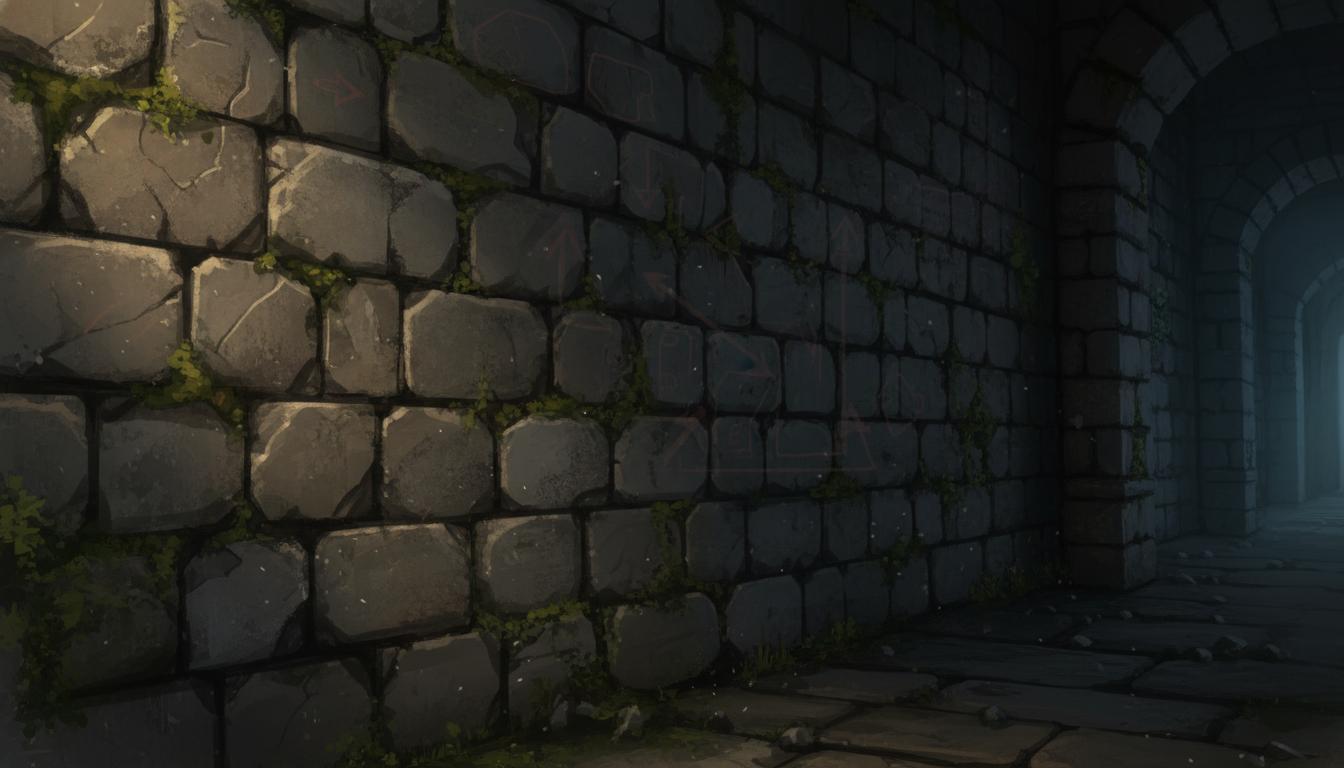
Dungeon Stone Surface
Build a readable fantasy wall texture direction with age and depth.
Search thisDraft texture directions for environments, props, and UI surfaces with prompt-ready material variations and review notes.
Try this in Seele AI
Start with a specific texture generator need, then carry that prompt into the workspace for deeper iteration and follow-up planning.
Quick Start Searches
Pick a concrete texture generator scenario and jump into the workspace with a stronger starting prompt.
Build a readable fantasy wall texture direction with age and depth.
Search thisDraft a cold terrain texture with layered footprints and ice breakup.
Search this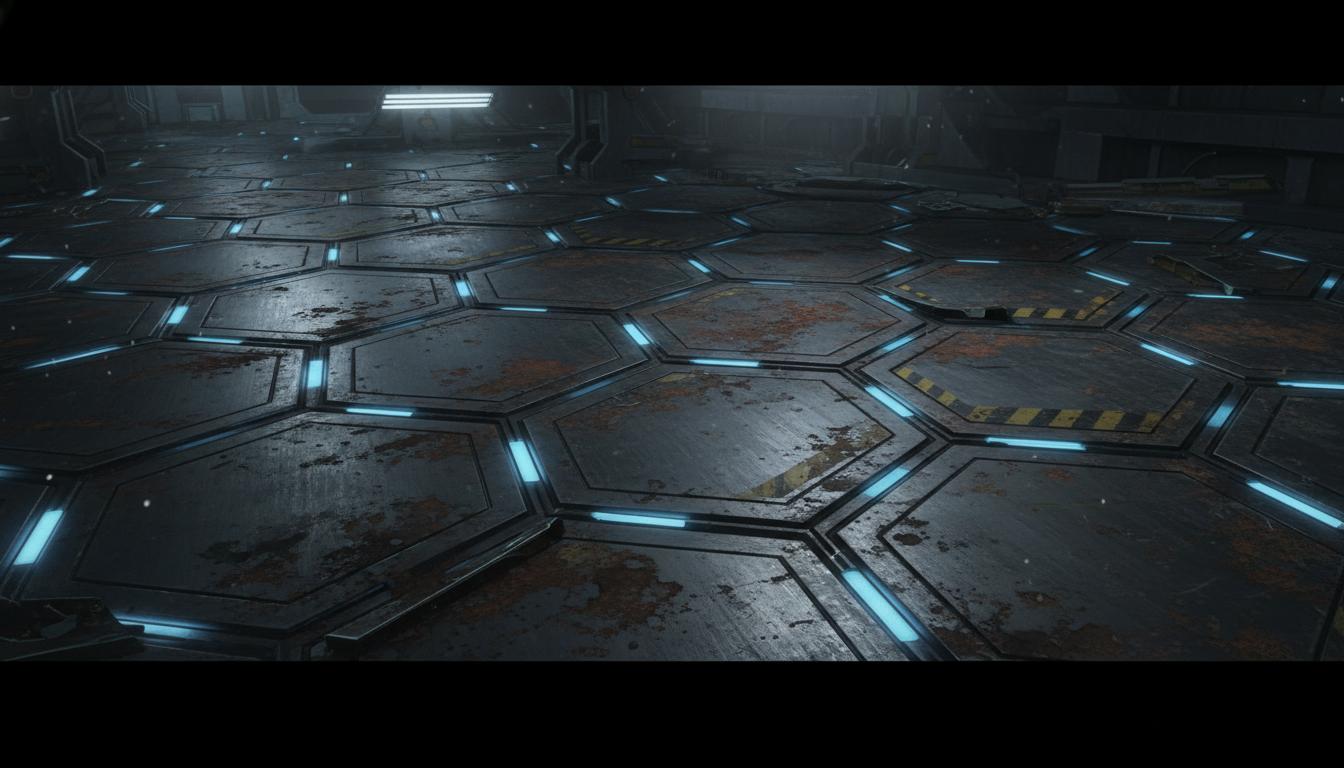
Design a modular metal floor with grime and light accents.
Search this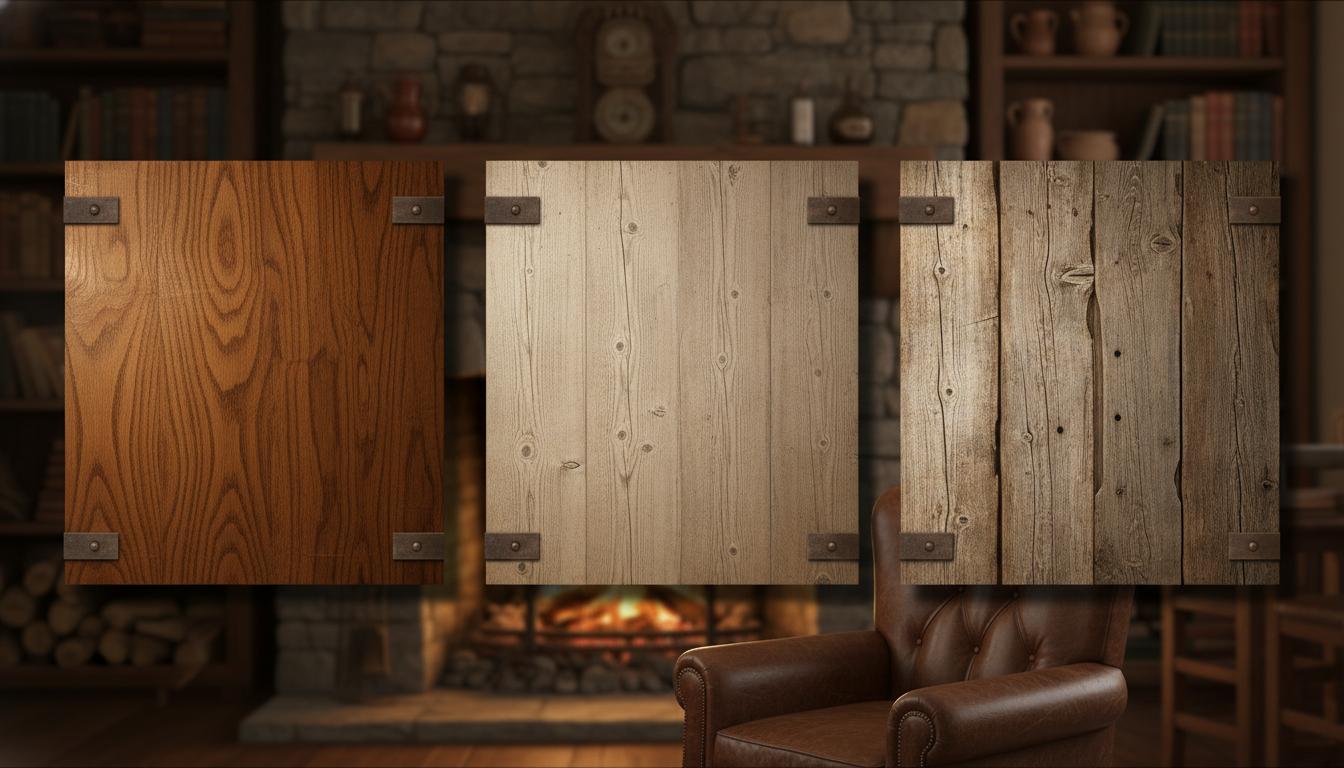
Compare several wood surface looks for props or interiors.
Search this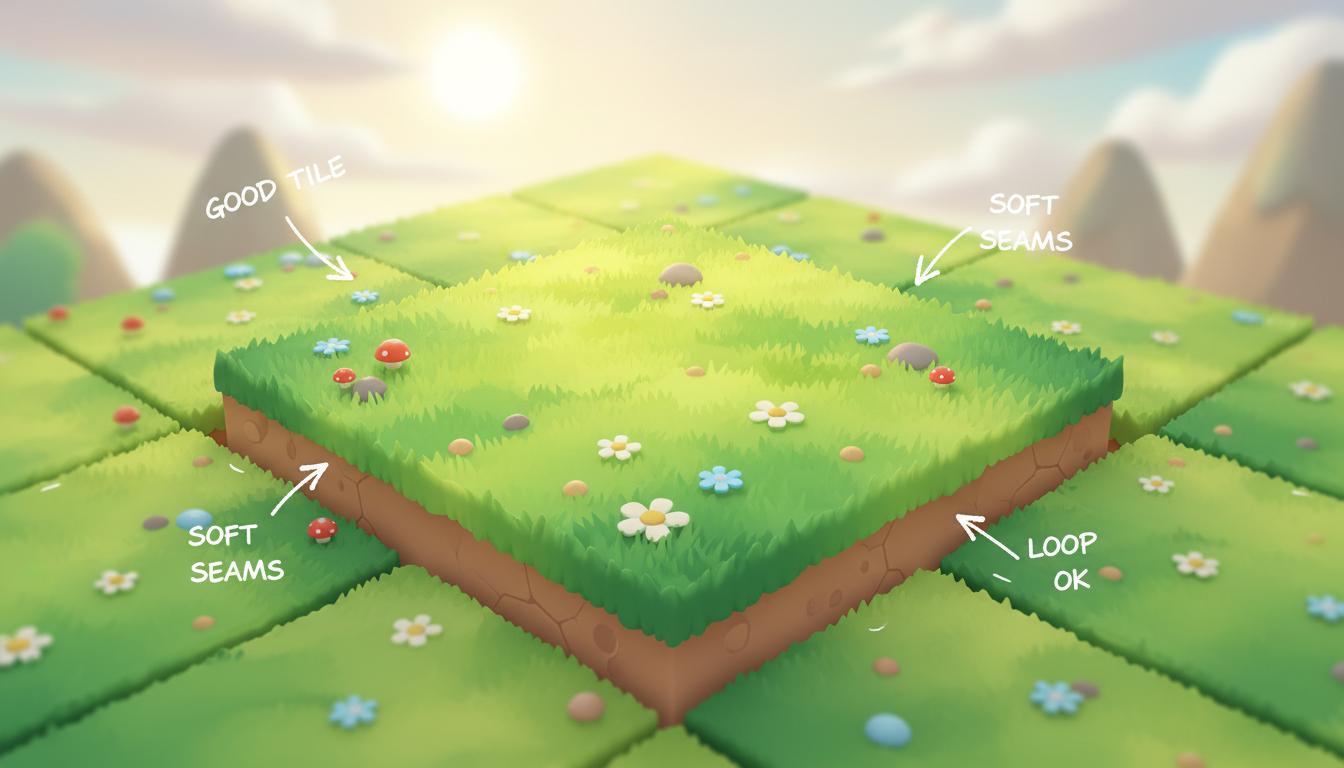
Create a brighter terrain surface for mobile or casual games.
Search this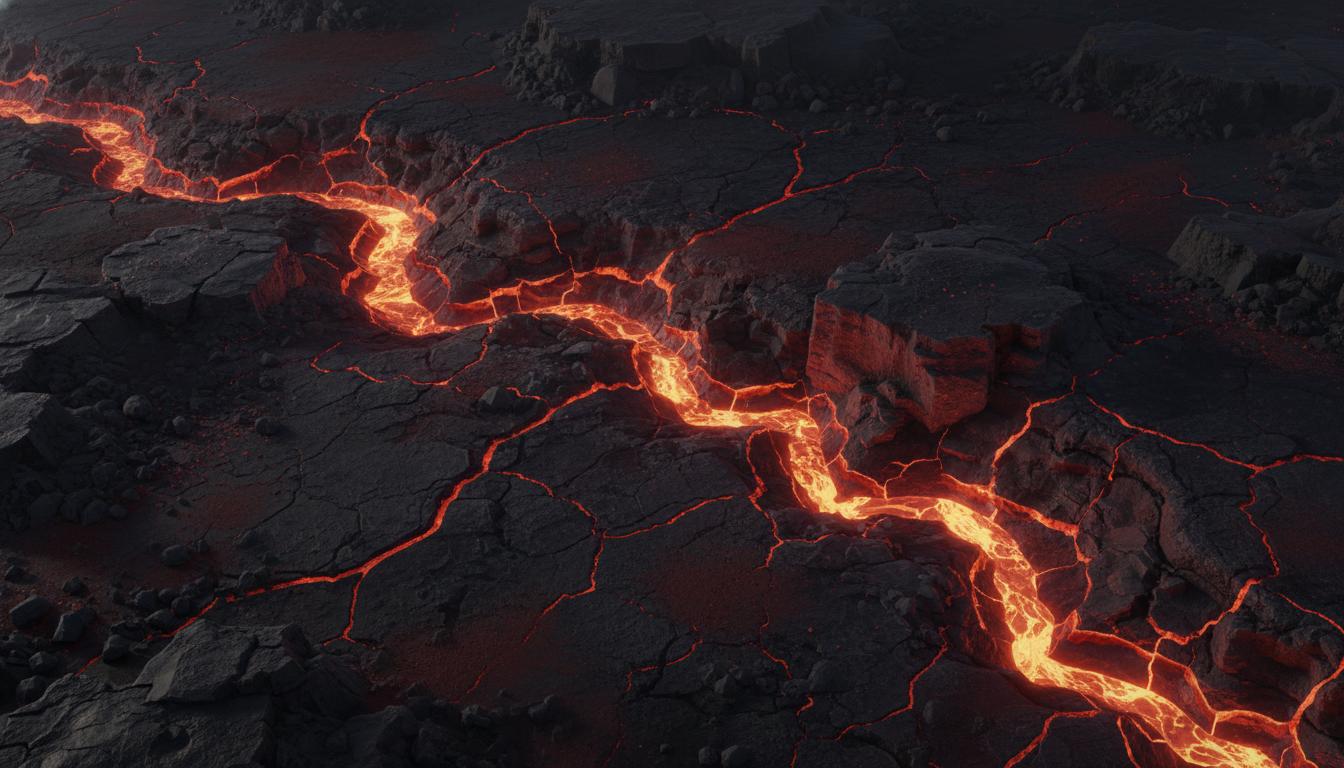
Blend hot emissive cracks with darker cooled stone.
Search thisCore Features
This page is strongest when you need clearer texture generator direction before expensive production steps begin.
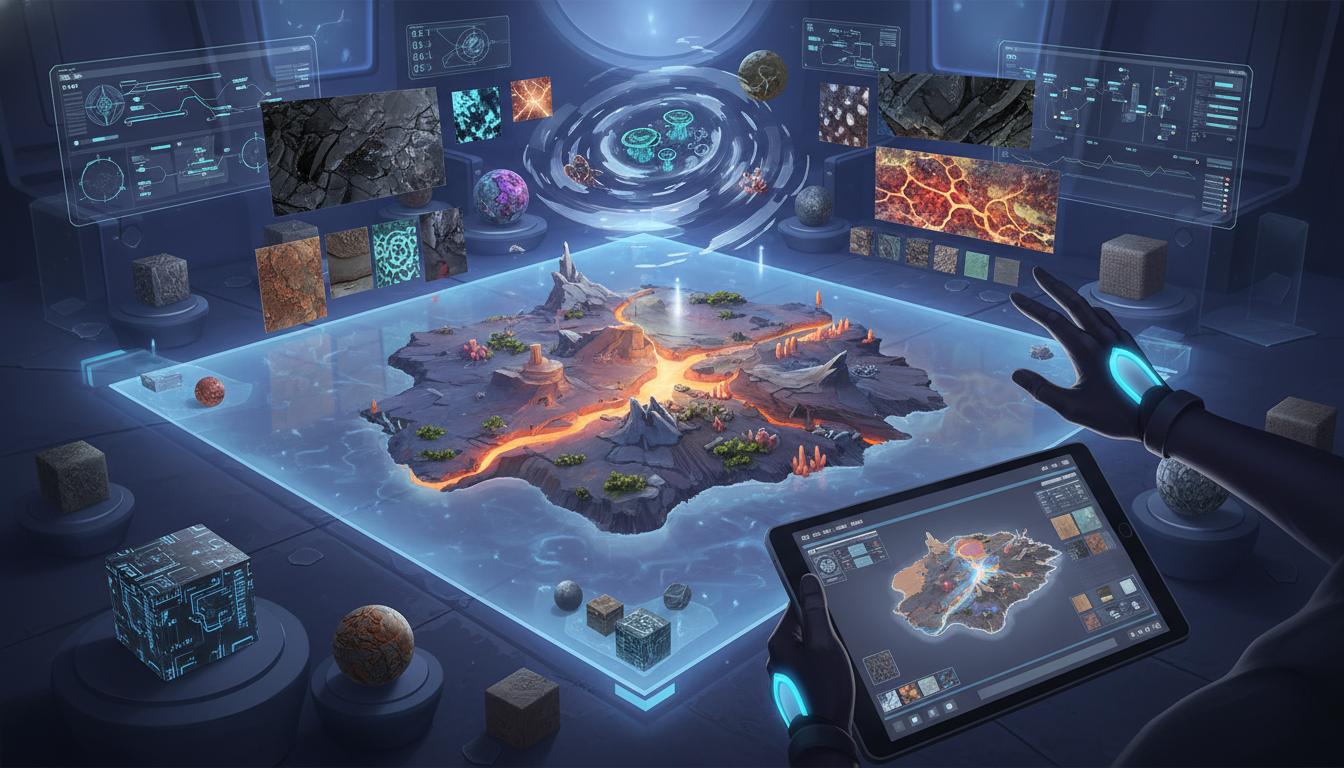
Useful when you need to define material identity and variation before spending time on manual painting or cleanup.
Open Workspace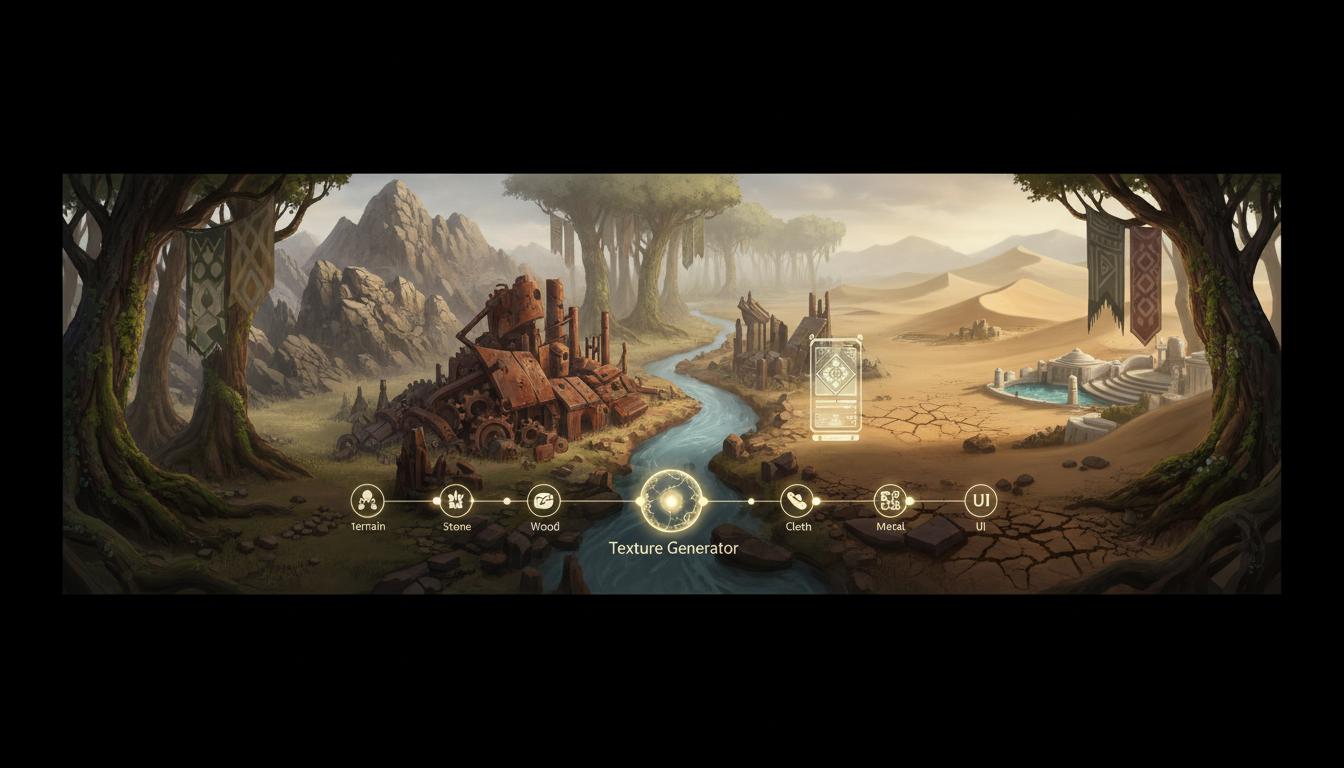
Works across terrain, stone, wood, metal, cloth, and stylized UI-adjacent surfaces as long as the prompt is specific.
Open Workspace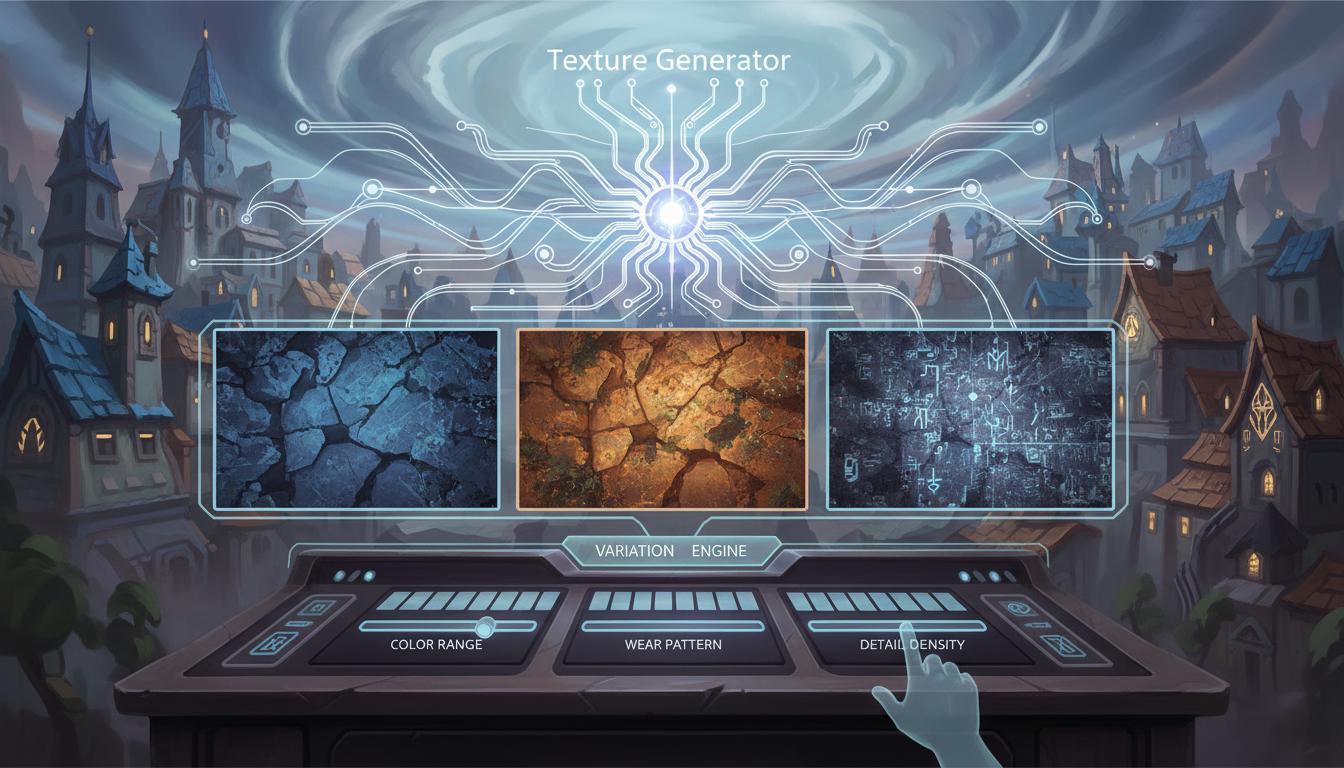
Helps compare color ranges, wear patterns, and detail density in a structured way rather than random prompt iteration.
Open Workspace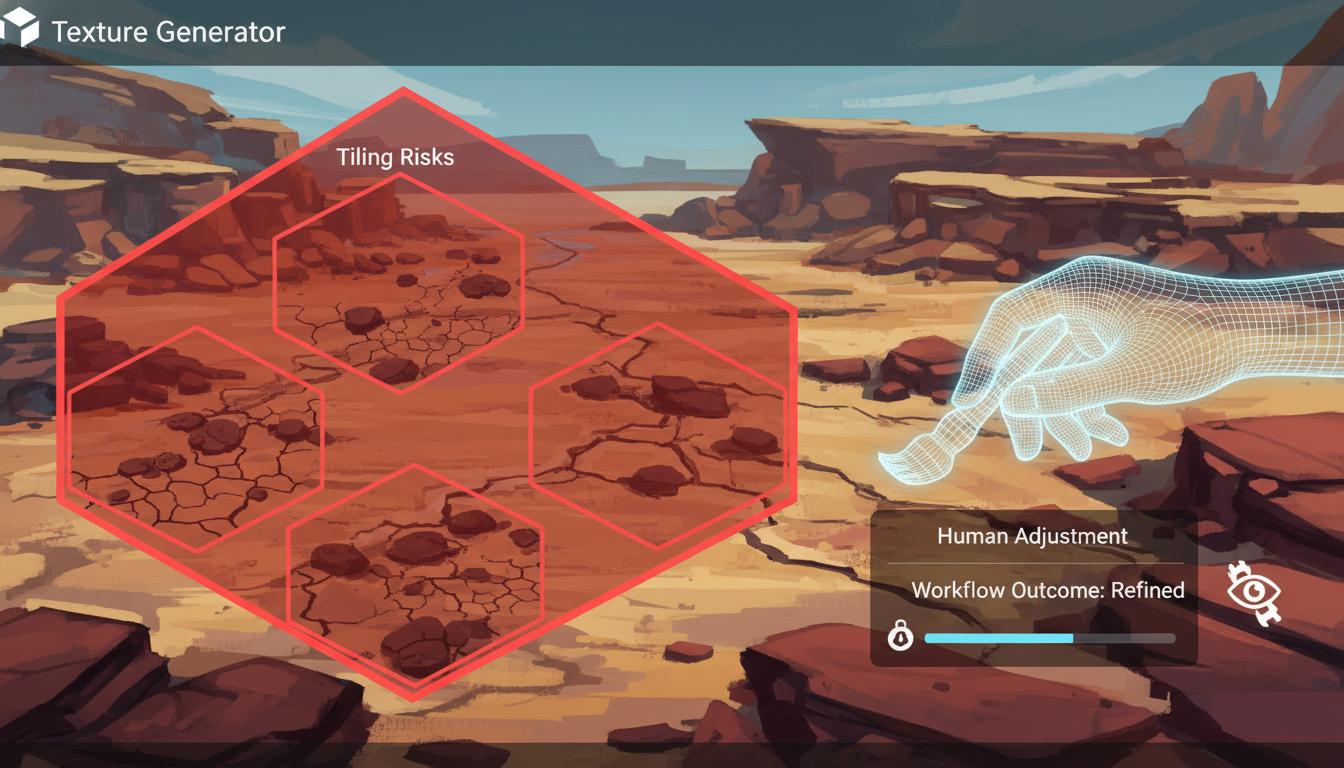
Keeps the promise realistic by noting where visible repetition or seams may still need human adjustment.
Open Workspace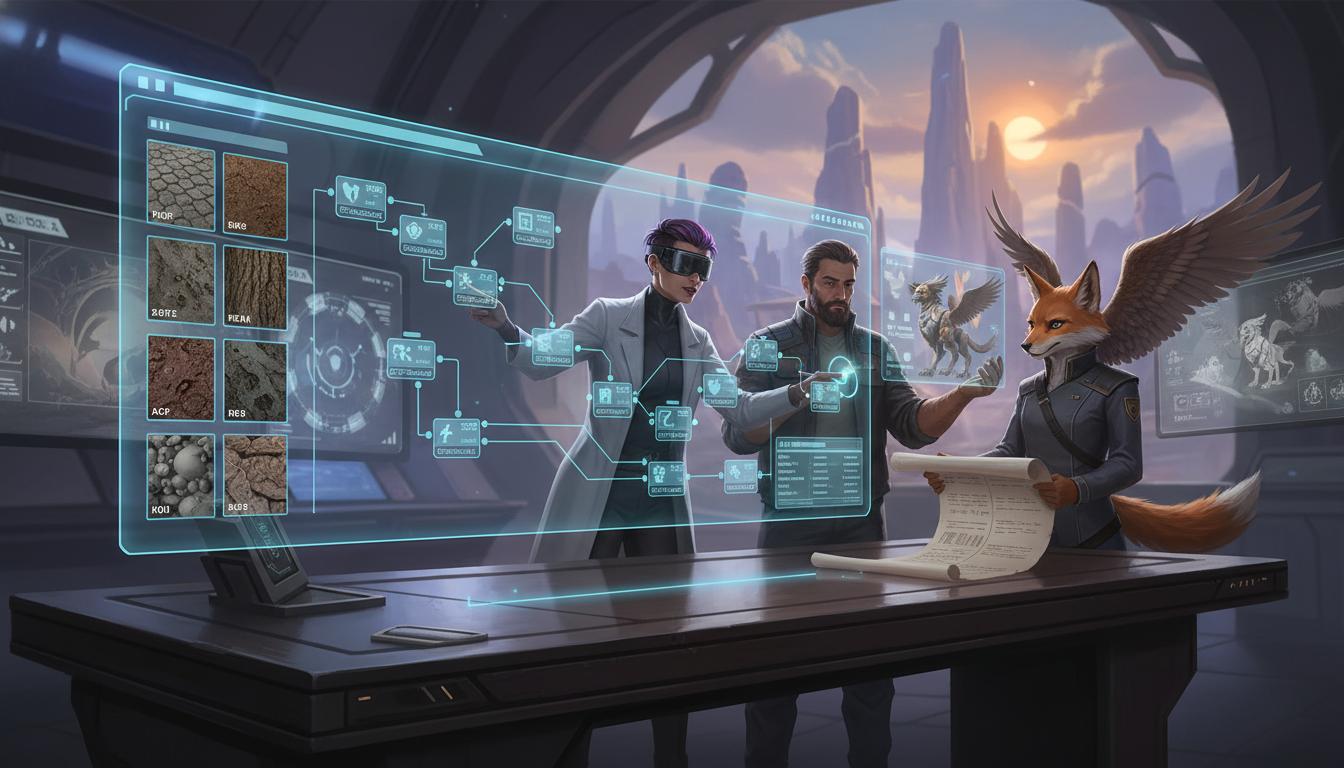
The output can be reused as a material brief for artists, outsourcing partners, or adjacent generation workflows.
Open Workspace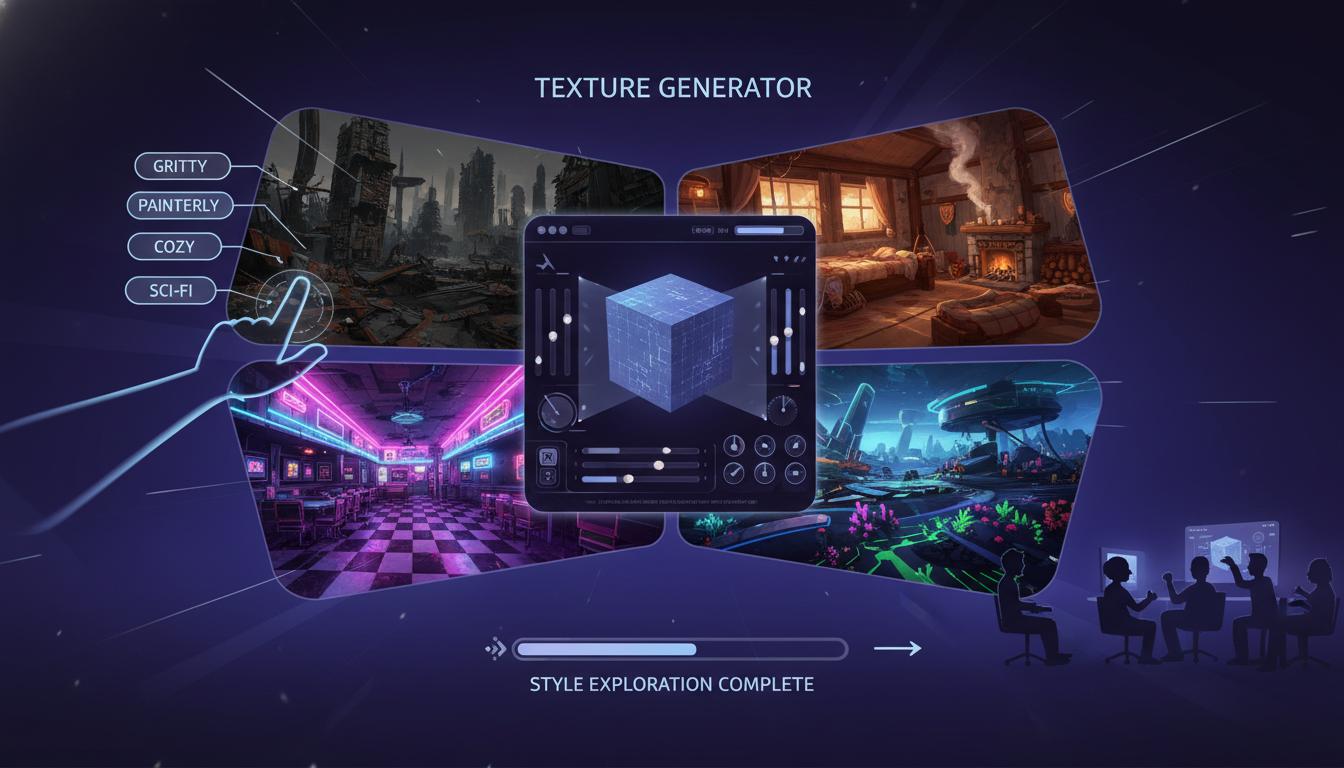
Helps teams test gritty, painterly, cozy, retro, or sci-fi surface directions without rebuilding the brief from scratch each time.
Open WorkspaceComparison
Use this page to understand where texture generator helps most in a real workflow.
| Criteria | Texture Generator | Manual workflow | Generic prompt-only ideation |
|---|---|---|---|
| Time to first usable direction | Fast | Slow | Fast |
| Best stage | Prototype and pre-production | Production execution | Early ideation only |
| Iteration cost | Low | High | Low |
| Review boundary clarity | High | High | Low |
| Technical production readiness | Needs review | Strong when finished | Not applicable |
| Team alignment speed | High | Medium | Medium |
Who This Tool Page Is For
The strongest use cases appear when one team needs texture generator direction quickly, not a final production asset immediately.
Use faster page-specific prompts and planning outputs to move from idea to reviewable direction without waiting on a full production pass.
Open WorkspaceCompare scope, style, and production trade-offs earlier so later implementation work starts from a clearer brief.
Open WorkspaceBring stronger first-pass options into review and decide which direction deserves deeper production effort.
Open WorkspaceTexture work often slows down when the team has only a vague idea of the target surface. A texture generator helps by turning rough material intent into a clearer art-direction package: style, wear level, breakup, contrast, and alternate looks. For PBR texture direction, the brief can also identify expected map roles such as base color, normal, and roughness, while leaving final map generation, packing, and engine validation to the production workflow.
Whether you are blocking out environment kits, exploring prop materials, or testing several world themes, texture generation is most helpful when you need range quickly. It lets you compare options before committing to a final paint or shader pass.
Even when the prompt mentions seamless results, visible tiling and engine behavior should still be reviewed by a human. The safest positioning is material ideation plus guided refinement, not automatic final texture QA.
How It Works
Enter the material type, art style, mood, and target use such as wall, floor, cloth, or UI panel. Seele AI translates the brief into texture direction, detail hierarchy, and surface language.
Add requirements for repetition control, wear level, color range, or stylization. Seele AI generates prompt variations and points out where visible tiling or cleanup may need review.
Compare the outputs and select the most useful direction for the next art pass. Seele AI packages the chosen direction into reusable texture prompts and adjustment suggestions.
What You Get
Defines the visual identity of the material, including color, wear, and surface detail priorities.
Offers multiple prompt options for style shifts, breakup, and alternate material looks.
Flags where seams, repetition, or import adjustments may still require human judgment.
Where This Works Best
After generation
Use Texture Generator AI for Game Material Ideas and Surface Variants as the starting point, then review topology, scale, materials, texture count, file size, target format, and engine constraints before treating the asset as ready.
Generate then editA texture generator AI tool helps you create texture direction briefs, surface variation prompts, and material planning notes for game art workflows. It is strongest at ideation and iteration planning rather than final, fully validated texture delivery.
It can help draft tileable texture directions and seam-aware prompts, but you should still review visible repetition, edge behavior, and engine import results. Seamless quality usually benefits from a final human pass.
Yes. Stylized game art is a strong fit because prompt-based surface direction works well for color scripting, material simplification, and exaggerated detail choices.
Include the surface type, art style, target use, wear level, color direction, and whether you want the texture to feel tileable. The more concrete the use case, the more usable the output tends to be.
You should still review seams, repetition, normal and roughness interpretation, shader behavior, and consistency across the larger asset set. The output is meant to accelerate direction, not skip finishing work.
Join thousands building with Seele AI — no setup required.
Open WorkspaceUse these answers to narrow the asset, format, platform, and review requirements before starting.
A 3d texture generator or ai 3d texture generator can help explore surface directions and create starting references for materials. Searches such as 3d model texture generator, texture generator for 3d model, 3d texture generation, ai generated 3d textures, and 3d texture generator free usually point to that ideation workflow. Verify tiling, seams, UV fit, map consistency, rights, and engine performance before use.
No. A 3d model texture editor focuses on adjusting how textures and materials fit an existing mesh, while a generator creates or proposes surface imagery. In practice, teams often use both: generate a direction, fit it to UVs, edit seams and material channels, preview under target lighting, and export only after visual and technical review.
Related-search decision guide
Use one representative input and follow it through edit, export, and destination testing. Treat “free” and “best” as search intent—not a promise about current access or quality.
Searches mapped to this route include “ai texture”, “ai texture generator for 3d models”, “free 3d texture”, and “free ai texture generator”. Confirm the actual job and destination instead of assuming every wording is equivalent. Define surface, scale, lighting, UVs, and channels; inspect seams, tiling, color space, size, rights, and target-engine appearance. Free access, sign-up rules, limits, and commercial rights can change; verify the current official terms. AI-assisted output still needs human review for rights, editability, technical fit, and release readiness.