Define the Three Peaks board
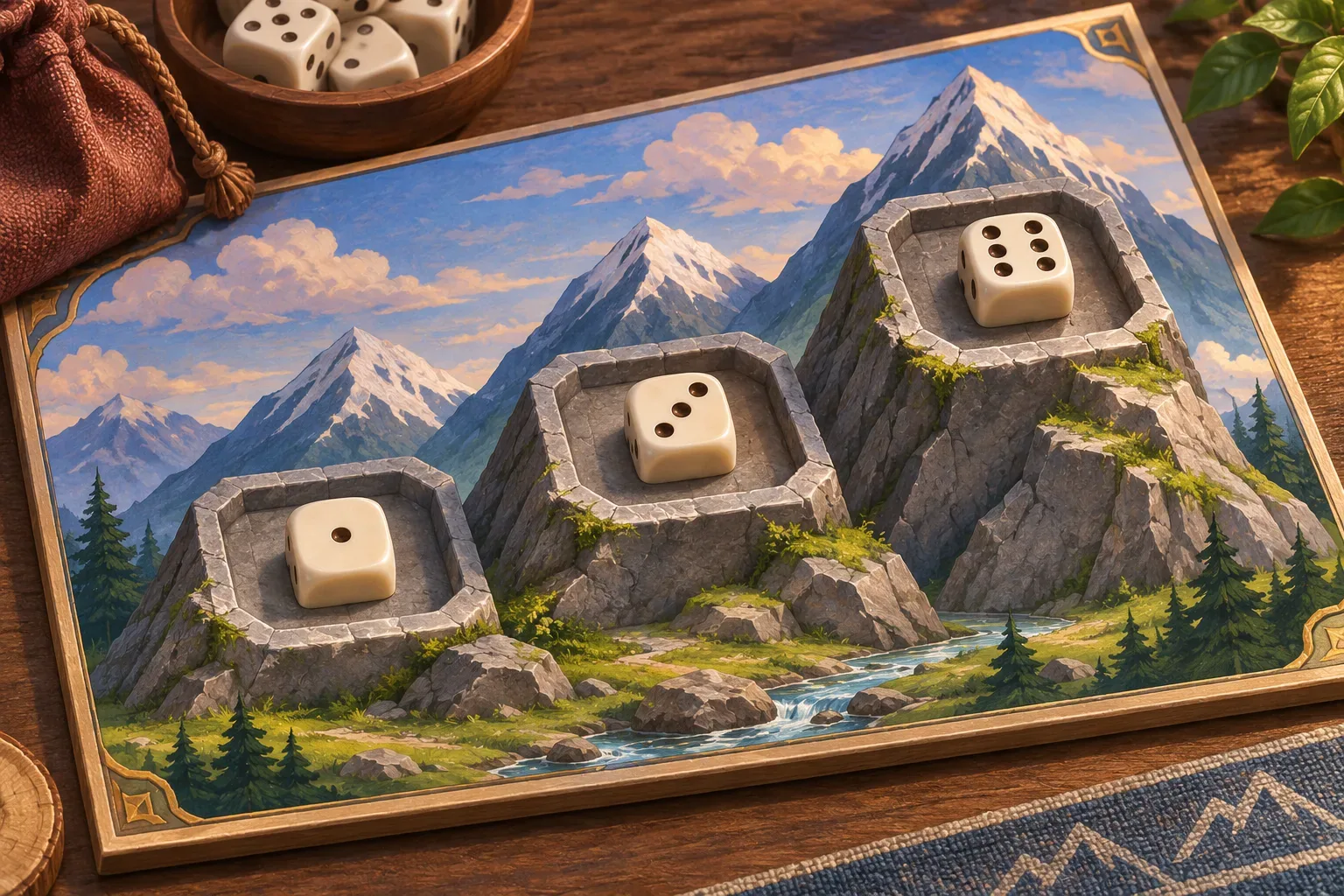
A dice-placement prompt should explain what the player chooses after a roll and when unused dice leave play. Three Peaks is a fictional puzzle with three target spaces requiring values of at least two, four and five. Each space fills once, and the player has five turns to fill all three.
At the start of each turn, roll two standard six-sided dice. Choose one die and place it into an empty space if its face meets that space's minimum. Discard both dice after the turn, including the unchosen die. There are no rerolls, face modifiers or bonuses for exact matches.
If the selected die cannot fit any open target, the turn is wasted. A filled target cannot be replaced. The score is the sum of placed faces; the win condition is filling all three spaces by the end of turn five, regardless of score beyond those minimums.

Resolve each roll and placement
The validation order is choose die, choose target, check target empty, compare face to minimum, then place and update score. If any condition fails, no die is placed and no score changes. After placement or a wasted turn, discard the roll and advance the turn.
A useful roll gives the player a real choice. On a roll of one and five, the five can fill either the four-threshold or five-threshold space; placing it on the four-space may leave the final target difficult. Since the dice are random, the prompt should distinguish a rules example from a guaranteed solution.
The first version has no reroll token, wild face, set bonus or turn rewind. These additions can wait until the placement and discard cycle is clear.

Trace the example
A fictional three-turn sequence shows the choice. Turn one rolls one and five; place five in the ≥5 space. Turn two rolls four and two; place four in the ≥4 space. Turn three rolls six and three; place six in the ≥2 space. All spaces are filled, and the score is 15.
The unchosen die is discarded each time. The trace uses one valid sample roll sequence; it does not claim that the dice were actually rolled or that a game was tested. A future build should log both dice, chosen die, target threshold, placement result, score and turn.
If a player selects a two for the ≥4 target, validation fails even if the same roll contains a legal alternative. The prompt should either reject the choice or allow a new choice before resolving; Three Peaks rejects it without placement, then ends the turn and discards both dice.
Write the six prompts
Use one prompt per design decision so later checks have a clear source of truth. These drafts describe Three Peaks; they have not been run and do not represent a generated playable game.
Prompt 1: create target spaces
Create three target spaces requiring die values ≥2, ≥4 and ≥5. Set turn1 of5, score0, empty spaces.Prompt 2: roll and choose
At each turn roll two standard d6. Player chooses one die and one open target. No rerolls or modifiers.Prompt 3: validate placement
Validate selected target empty and die value at least its threshold. If legal, place die and add its face to score. If illegal, place nothing and waste the turn.Prompt 4: discard and resolve turn
Discard both dice after every turn, including unused die. Advance turn. Win when all three targets are filled by end turn5; otherwise lose.Prompt 5: show state and restart
Show roll, selected die, threshold, placement result, score and turn. Restart clears targets, score and counter.Prompt 6: prepare future checks
For future checks log both faces, selection, target, threshold, occupancy, score and turn. Check boundary values, wrong target, filled space, discard, wasted turn and goal. Do not claim tests passed without a build.SEELE’s official page describes general plain-English prompting, a playable first version, browser testing and refinement; it does not verify Three Peaks. See Free AI game maker for workflow context only.
Prepare future build checks
Record both dice and the target threshold before resolving. Test exact minimum values, one below, a filled target, a wasted turn, unchosen-die discard and completion on turn five. These are future checks, not passed tests. Record the before and after state so a later build can be compared with the specification.
| Future check | Expected rule | Evidence to capture |
|---|---|---|
| Threshold | Accept value equal to minimum | Face and target requirement |
| Invalid placement | No score/space change; turn still ends | Before/after state |
| Discard | Both dice leave after resolution | Dice zone/count |
| Turn limit | Three filled spaces by turn5 wins | Filled count and turn |
| Restart | Clear score and targets | Initial board snapshot |
No real game run, browser test or measured result is available for this fictional example. The illustrations are original concept art and are not screenshots.
Frequently asked questions
What should a dice-placement prompt define?
Set the target spaces, value thresholds, roll choice, unused-die handling, turn limit and win rule.
Can a die fill more than one target in Three Peaks?
No. Each target space accepts one die and stays filled for the rest of the run.
What happens to the unchosen die?
It is discarded with the chosen die after the turn resolves.
Were these dice prompts tested in a playable game?
No. Three Peaks is fictional and the roll sequence is an example, not observed gameplay.
Does the player get to reroll an invalid choice?
No. An invalid choice wastes the turn and both dice are discarded.