Define the Parcel Constellation board
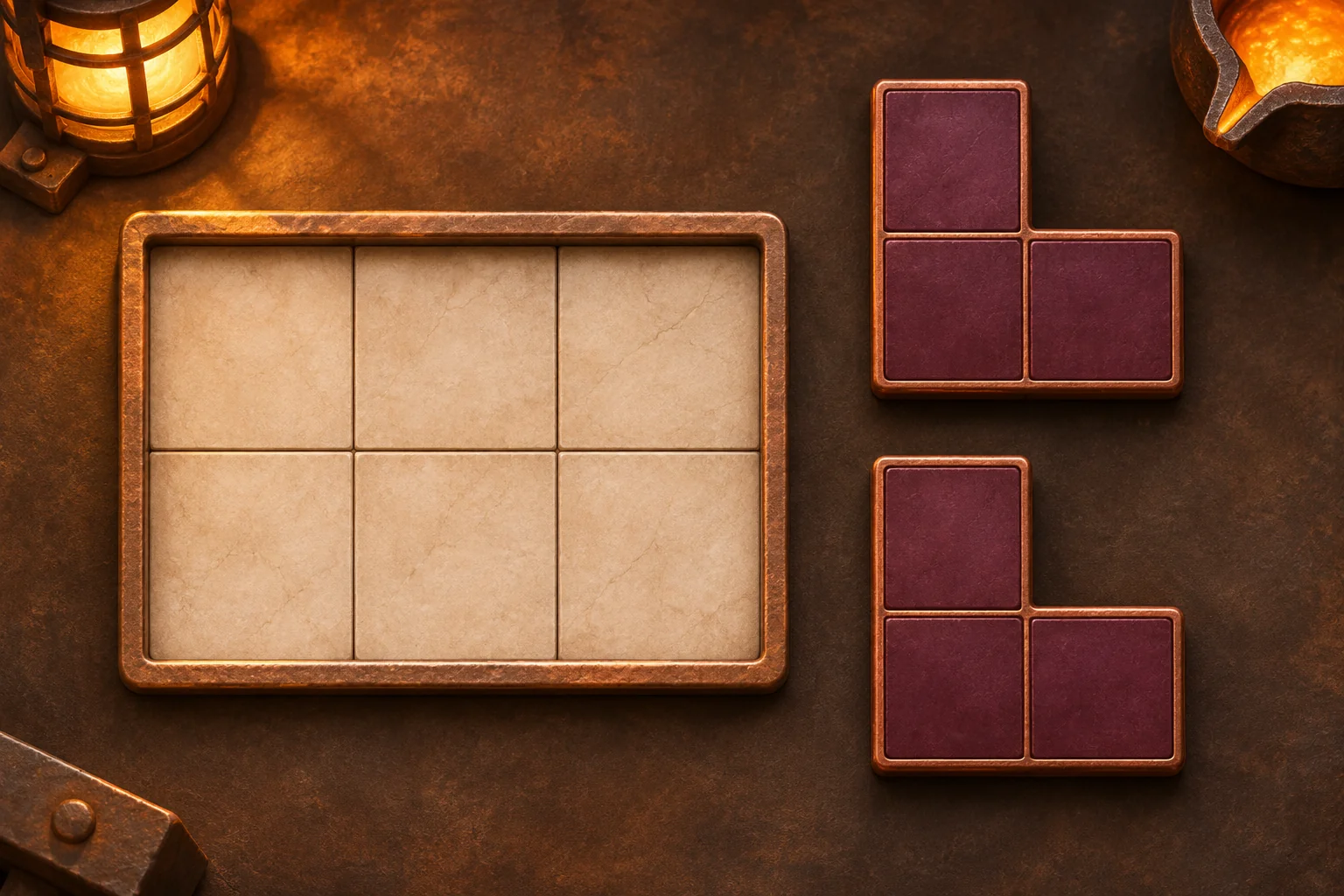
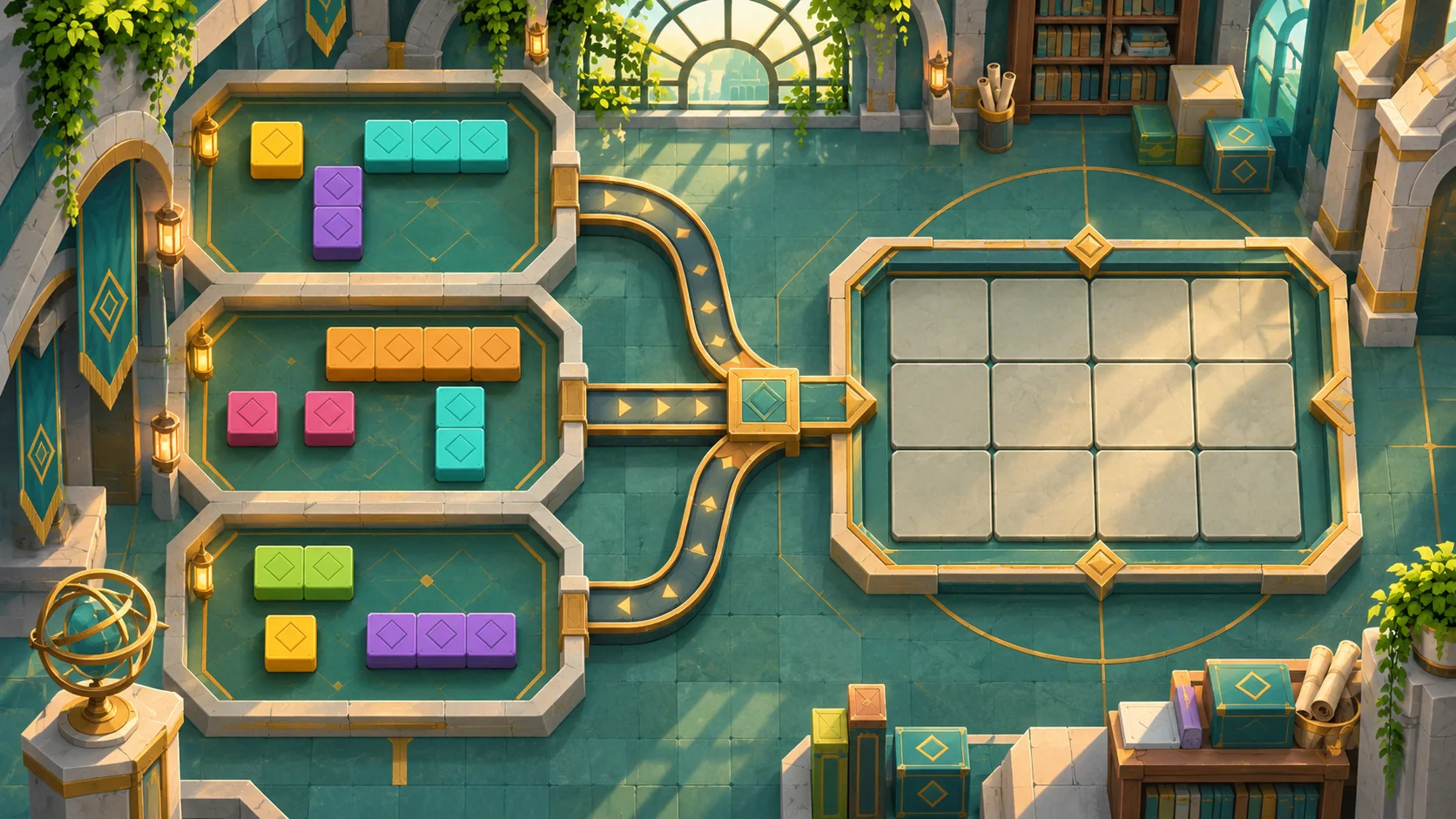
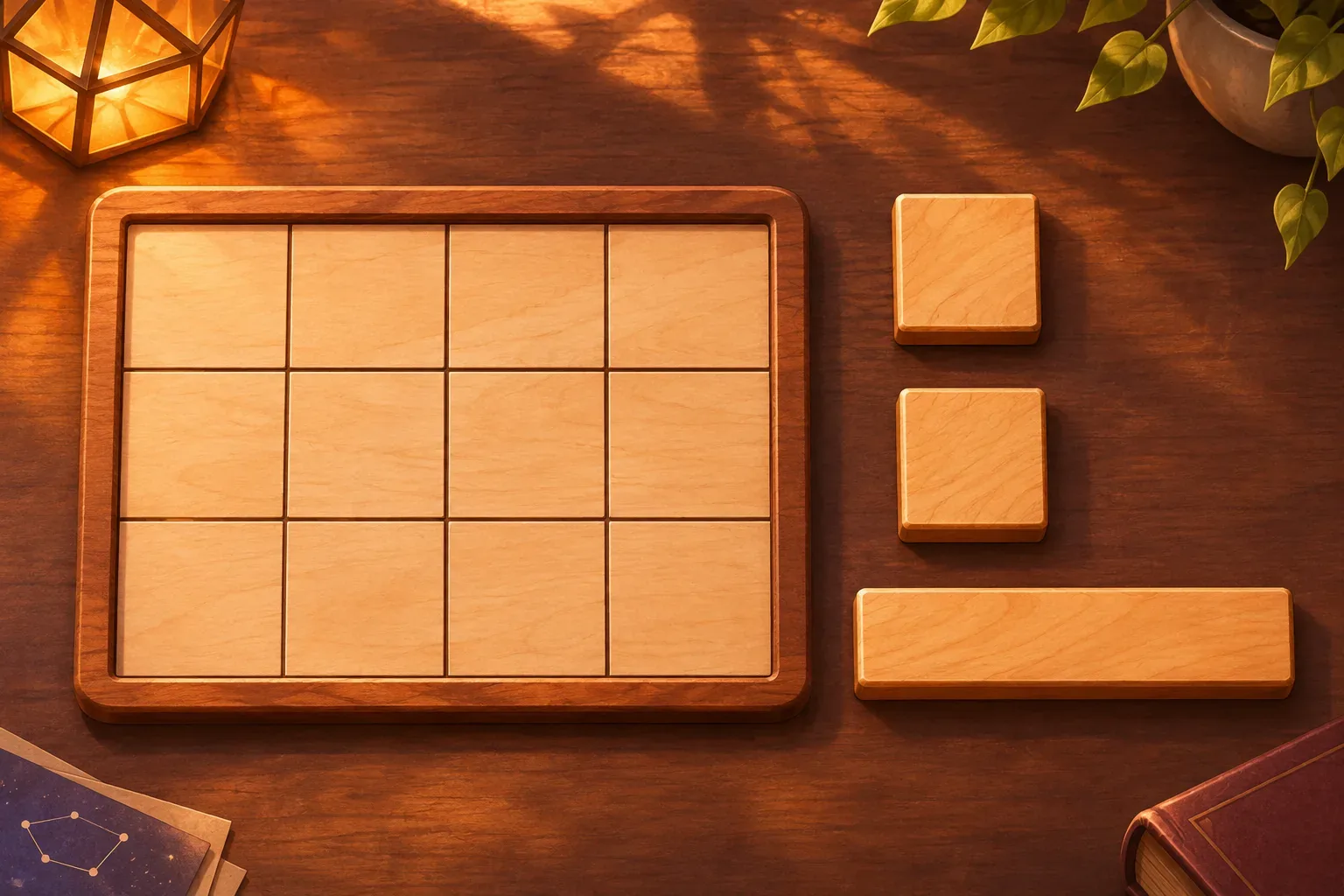
A spatial packing prompt should define board cells, piece masks, rotation and whether gaps are allowed. Parcel Constellation is a fictional 4-by-3 board with twelve cells and three pieces: two 2-by-2 squares and one 4-by-1 line. The total piece area equals the board area.
Each piece can rotate in 90-degree increments but cannot flip. The player chooses a piece, rotation and anchor cell. A placement is legal only when every occupied piece cell lies inside the board and none overlaps an occupied cell. The board does not accept partial or clipped pieces.
The goal is to cover all twelve cells exactly once with all three pieces. This exact-cover condition gives a clear success state: no empty cell, no overlap, and no unused piece. The action limit is ten successful placement or rotation actions.
Represent pieces and validate placement
Rotation applies to the piece's cell mask around its top-left bounding box. After rotation, recalculate the bounding width and height before validating the anchor. Invalid placements change nothing and do not spend an action. Undo reverses the last successful placement and returns that piece to the tray.
Restart clears the board, returns every piece to its initial orientation and resets the action counter. The example solution places the two squares across the first two rows and the horizontal line along the bottom row.
These rules leave room for future irregular shapes while keeping this first puzzle easy to inspect. Before adding holes or board obstacles, confirm that each piece mask and its rotated bounding box behave consistently.
Trace the example
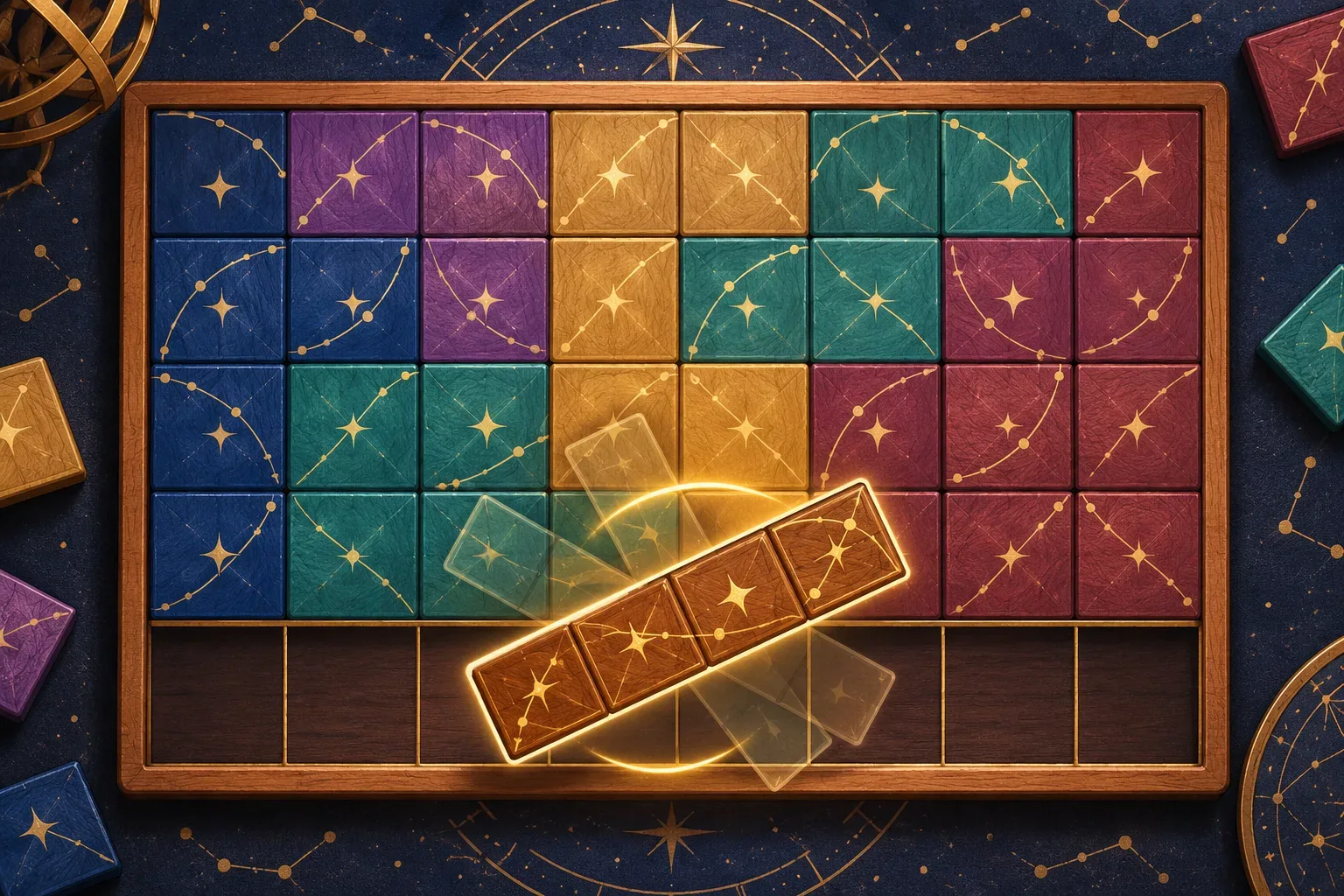
Place the first square at columns 1–2, rows 1–2. Place the second square at columns 3–4, rows 1–2. Rotate the line to horizontal if it is not already, then place it across columns 1–4 of row 3. The three shapes cover four plus four plus four cells, for twelve total.
The placements do not overlap, and all anchors stay inside the 4-by-3 board. No piece remains in the tray and no board cell is empty, so the exact-cover goal is satisfied in three placements plus at most one rotation action.
This is a hand-checked arrangement, not a played or generated result. A future build should log each piece mask, rotation, anchor, occupied cells and board coverage before declaring success.

Write the six prompts
Use one prompt per design decision so later checks have a clear source of truth. These drafts describe Parcel Constellation; they have not been run and do not represent a generated playable game.
Prompt 1: create board and piece masks
Create a 4×3 board with 12 cells and three pieces: two 2×2 square masks and one 4×1 line. Show each piece in a tray with its shape and orientation.Prompt 2: define rotation
Allow 90-degree rotation only; no flips. Rotate a piece around its top-left bounding box and recompute width/height before placement.Prompt 3: validate placements
Place by selecting a piece, rotation and anchor cell. Reject any placement with out-of-bounds or occupied cells; rejection changes nothing and consumes no action.Prompt 4: set exact-cover goal
Win only when all 12 cells are covered exactly once and all three pieces are placed. No gaps, overlaps or unused pieces.Prompt 5: add Undo and Restart
Undo reverses the last successful placement and returns that piece to tray. Restart clears board, resets orientations and action count. Limit 10 successful placement/rotation actions.Prompt 6: prepare future checks
For future checks log piece mask, rotation, anchor, occupied cells, overlap, bounds and coverage. Check edge placement, rotation, overlap rejection, Undo, exact cover and Restart. Do not claim tests passed without a build.SEELE’s official page describes general plain-English prompting, a playable first version, browser testing and refinement; it does not verify Parcel Constellation. See Free AI game maker for workflow context only.
Prepare future build checks
Compare each placed cell with board bounds and prior occupancy. Test a valid tile, one edge overflow, an overlap, a rotated line, Undo and the full exact-cover solution. These are future checks, not passed tests. Record the before and after state so a later build can be compared with the specification.
| Future check | Expected rule | Evidence to capture |
|---|---|---|
| Piece mask | Squares occupy four cells; line four cells | Cell coordinates |
| Rotation | 90° changes width/height without flipping | Mask before/after |
| Bounds and overlap | Reject invalid placement unchanged | Anchor and occupied cells |
| Undo | Restore prior board and piece to tray | Board snapshot and action count |
| Exact cover | All 12 cells once with all pieces | Coverage bitmap and tray |
No real game run, browser test or measured result is available for this fictional example. The illustrations are original concept art and are not screenshots.
Frequently asked questions
What should a spatial packing prompt define?
Define board dimensions, piece cell masks, rotation, overlap rules, invalid placement and exact-cover completion.
Can Parcel Constellation pieces be flipped?
No. They rotate in 90-degree increments but cannot be mirrored.
How does an invalid placement affect the board?
It changes no cells, leaves the piece in the tray and uses no action.
Were these packing prompts tested in a playable game?
No. Parcel Constellation is fictional; its arrangement is hand-checked rather than observed in a game.
What proves the example covers the board?
Two 2×2 squares fill the first two rows and the 4×1 line fills the third, covering 12 cells without overlap.