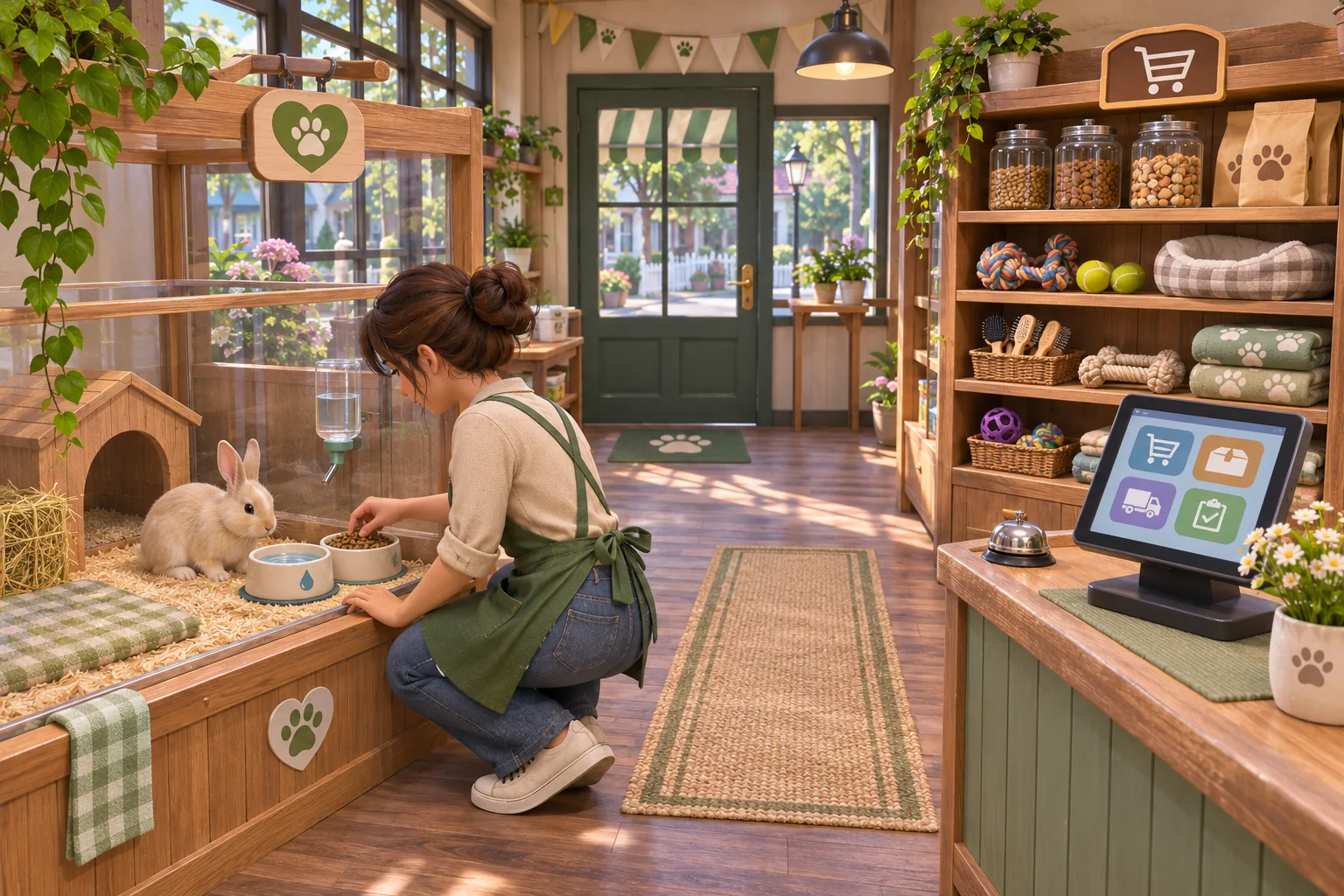
Multiple pet-shop locations can make a management game feel like a growing business, but they multiply the state that can go wrong. Animal care, enclosures, stock, staff shifts, sales, and customer requests all need a clear owner. Keep the existing care system authoritative, give every branch a stable identity, and make one second location work before adding a chain dashboard or automated transfers.
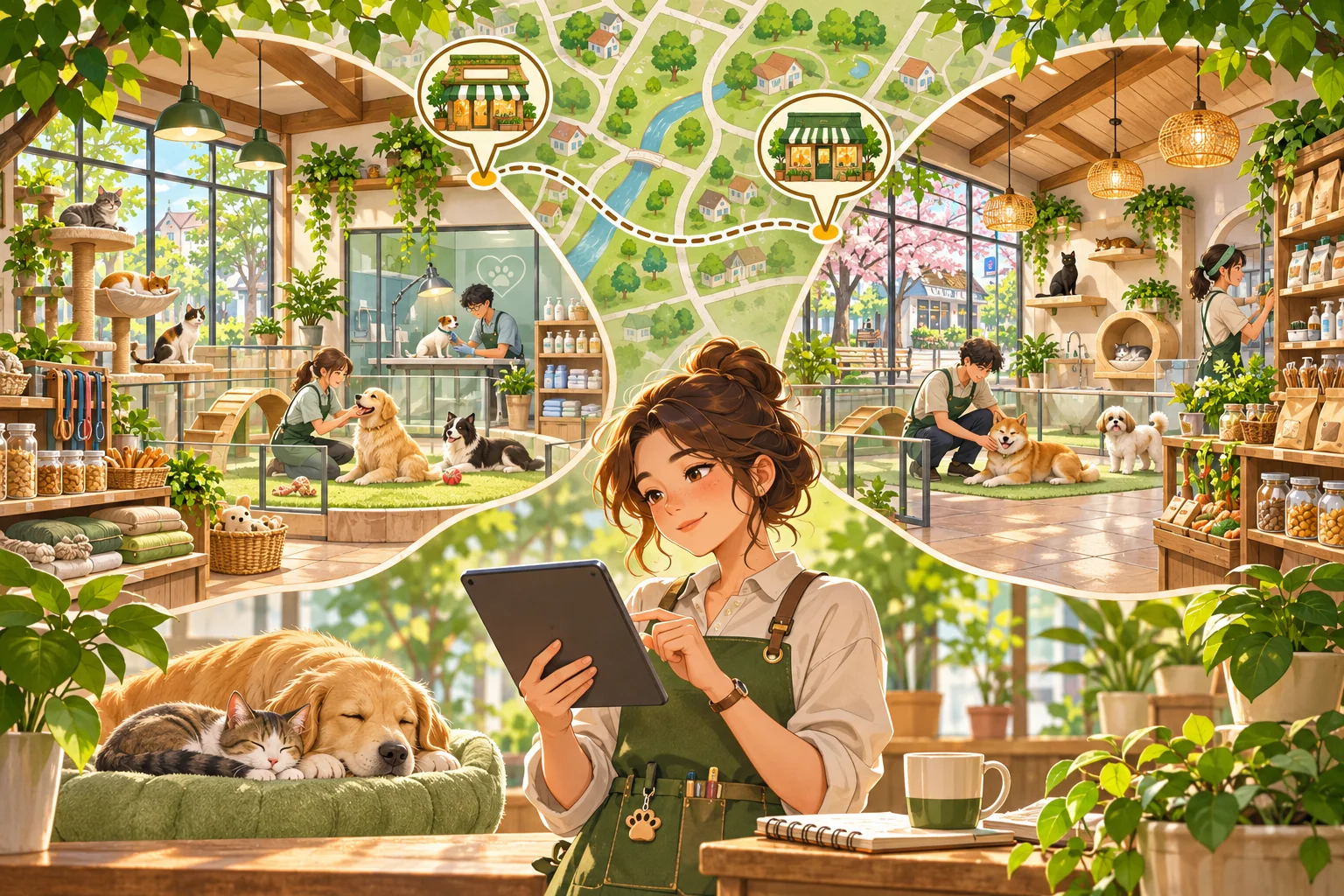
This guide covers an expansion to an existing pet-shop game, not a replacement for its retail or care loop. The stores, animals, stock, staff, and outcomes below are invented. No project files, build, save, or playtest were available. All checklists are proposed validation, not reported results.
Map the store and care systems first
Start with a clean branch or copy. Trace how animals are acquired, assigned to a care area, fed, cleaned up after, monitored, sold or adopted, and saved. Identify which system owns an animal’s current location and care state. Then map store stock, deliveries, sales, staff schedules, customer requests, cash, and day progression. Note whether the game already distinguishes departments, rooms, or regions with IDs.
Capture a baseline day in the current single store: animals present, their care values and alerts, inventory counts, staff on shift, deliveries, purchases, sales, and cash changes. Follow an animal through a day boundary and a save reload. If a location system already exists for rooms or lots, understand its ownership before introducing branches. A second store should reuse the existing identity and care patterns where possible, not create a parallel copy of the same data.
| System | Baseline | Protect |
|---|---|---|
| Animal care | Animal IDs, assigned area, care events | One authoritative care state |
| Store layout | Rooms, enclosures, capacity, access | Valid housing and path rules |
| Inventory | Local stock, delivery, sales, returns | Accurate branch-level counts |
| Staff | Roles, shifts, assignments, coverage | Care coverage and work hours |
| Progress and saves | Store ID, save format, old-save path | Existing store and animal identity |
Define which state belongs to a branch
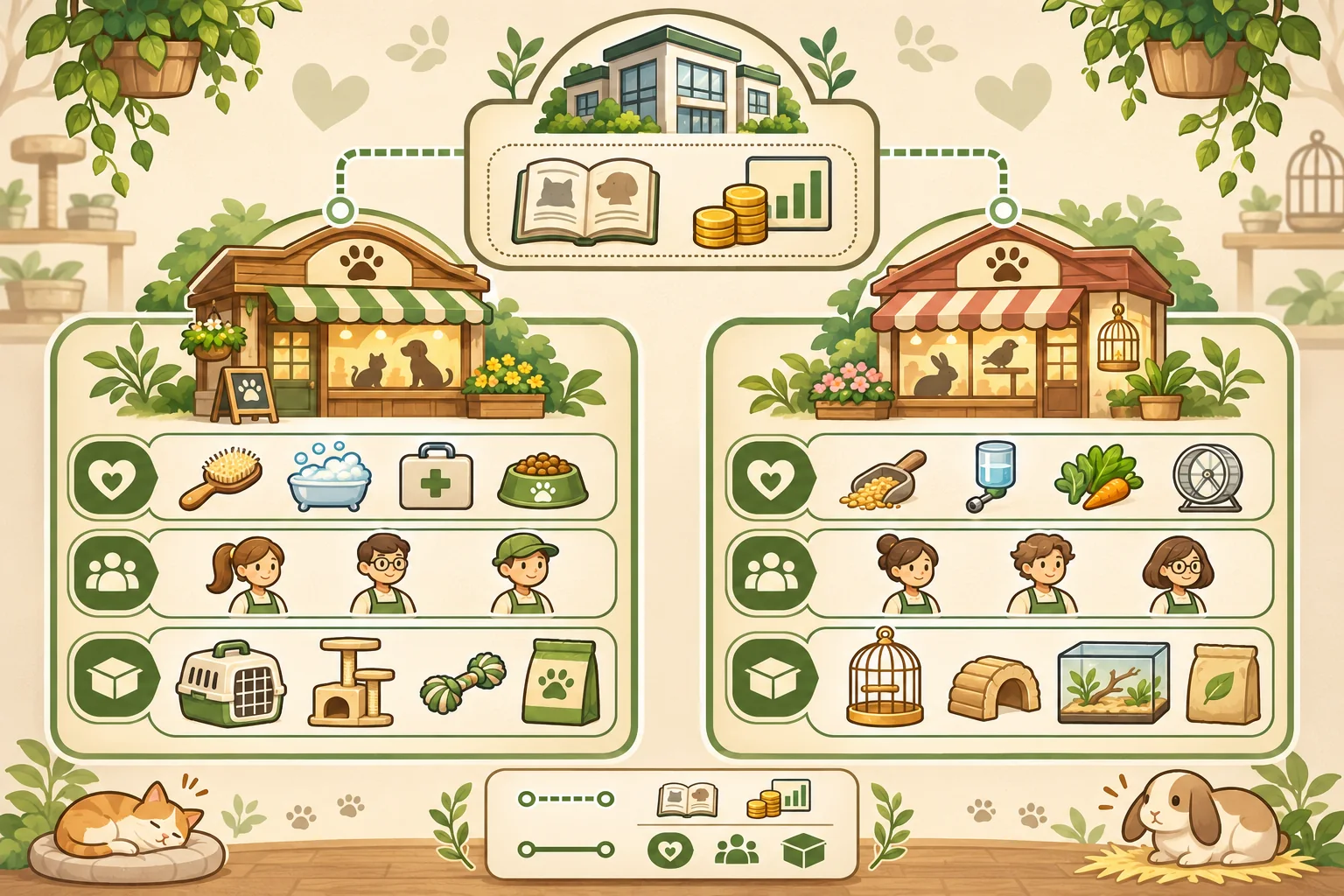
Give each location a stable ID that survives a display-name change. Attach its rooms, animals, local staff, inventory, sales, and care alerts to that ID. Decide which properties belong to the company instead: perhaps a shared catalog, company-level unlock, or overall cash account. Do not make data shared merely because two branch screens can view it.
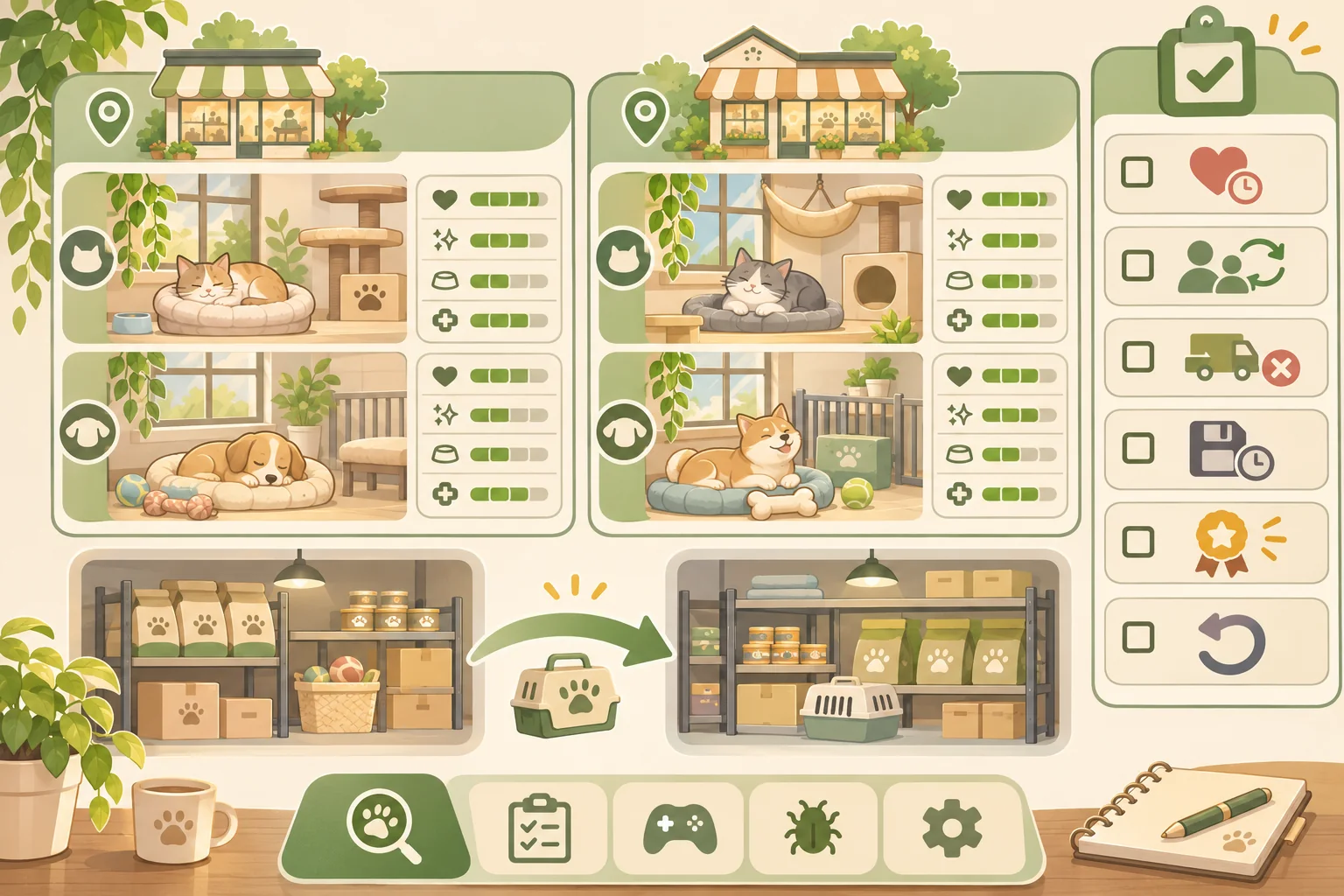
In the fictional Paws & Pines example, the original shop keeps its own animals, care schedule, staff, and stockroom. A second branch shares the company catalog and a summary balance, while its daily care and available inventory remain local. These rules are teaching examples, not verified behavior in a real game. The target project may have a different economy or ownership model.
Write a small ownership table before coding. For every value, name one owner and specify whether another branch reads it, changes it, or receives a copy. If a product can move between stores, define the transfer lifecycle: requested, reserved, in transit, received, canceled, or returned. A transfer should not appear as sellable stock in both locations at once.
Keep animal care local and visible
A company overview may summarize care alerts, but each alert should lead back to the animal and branch that owns it. The dashboard must not create a second care counter that can be marked complete independently. Keep the existing feeding, cleaning, health, environment, capacity, and staff coverage logic intact. If the game does not currently model a specific care factor, do not imply that a branch summary validates it.
Set a safe opening rule for a new branch. Before animals arrive, require the location to have the facilities and staff that the existing care model needs. If the simulation supports a preparation phase, let the player arrange enclosures and shifts first. Do not automatically move animals to create a populated store unless the transfer respects capacity, transport, and care rules already defined by the game.
Keep local shortages and incidents scoped. A staffing gap in one shop should not make the other shop appear covered. If workers can travel between branches, model their assignment and travel time explicitly. For any company-wide care alert, show the affected branch and animal ID so the player can act on the right record.
Choose shared services deliberately
Some company-wide systems can be useful, but each one adds coupling. A shared catalog can define which books, toys, or supplies may be ordered; branch inventory still owns the available count. Shared branding can affect presentation; local customer demand can remain different. A company balance can summarize money; each purchase still needs one transaction owner and a clear location.
Keep transfers atomic where the project permits it. Reserve a quantity at the source, create one transfer record, and add the goods at the destination only when receipt succeeds. Define what happens if a route is unavailable, a branch closes, or the save is interrupted mid-transfer. Test cancellation and reload so stock cannot be lost or duplicated. For live animals, do not borrow retail transfer assumptions; follow the project’s care and transport model and state its limitations.
| Data | Default owner | Question to answer |
|---|---|---|
| Animal and care state | One branch and existing care system | What happens during a move? |
| On-hand inventory | One branch stockroom | When does a transfer arrive? |
| Catalog | Company or existing content system | Can branches order different items? |
| Staff shift | One location at a time | Can a worker cover travel? |
| Cash and sales | Existing transaction owner | How are local reports reconciled? |
Add one branch as a narrow project change
Ask AI to inspect the location, animal-care, stock, staff, and save files before proposing changes. Have it list current owners and likely edit points. For a first slice, add a second branch record, show it on the map, and route one existing read-only summary to its state. Avoid simultaneous redesigns to animal behavior, purchasing, worker AI, and campaign progression.
Use an edit allowlist and review every changed file. A patch that replaces the care manager or duplicates the inventory system is too broad unless project evidence requires it. Keep old store IDs stable. If old saves do not have a location ID, migrate them once using the current save owner and an explicit default. Retain the original save copy and a clean rollback revision.
If the project uses Godot, its Resource class is documented as a serializable base class used primarily for data containers and can be saved on disk. That may be relevant when the project already uses Resources for authored data, but it does not prescribe a branch schema. Godot’s save tutorial shows one workflow in which persistent objects return relevant data for serialization; it does not prove how this game should migrate animals or stores.
Test branches, care, transfers, and saves
Test a fresh single-store save, a migrated old save, a two-store save, and a save taken during a transfer. Run care checks in each location separately. Try a stocked and a depleted branch, an absent staff member, a full enclosure, a canceled transfer, and a branch rename. Confirm that the company summary matches its branch records without changing them.
| Proposed check | Action | Evidence |
|---|---|---|
| Care separation | Advance time with different branch needs | Animal IDs, care actions, branch alerts |
| Capacity | Open a branch at and beyond configured capacity | Admission decision and care warnings |
| Staff coverage | Remove a scheduled worker from one branch | Local coverage and resulting alerts |
| Stock transfer | Reserve, receive, cancel, then reload | Source and destination counts at each step |
| Branch rename | Change display name and reopen save | Stable location and animal IDs |
| Old save | Load a copy created before branch support | Default branch and preserved state |
| Rollback | Restore the baseline build | Original shop and care loop |
This is a proposal, not a test report. When the actual build is available, record its version, save copy, branch IDs, animal IDs, staff, stock before and after, care alerts, transfer states, and expected versus actual behavior. Do not infer animal welfare or balance from a mockup.
Help players understand a growing company
Make location names, staff coverage, local stock, and care alerts visible in both the map and the branch detail. Distinguish company-level balances from local inventory. Let players switch branches without losing context, and show where a transfer is in its lifecycle. Keep the core shop playable if the expansion is optional; avoid forcing a second location before players understand its care obligations.
To explore a separate pet-shop game concept, try SEELE AI Game Maker. It is a concept tool, not an editor for an existing project.
Frequently asked questions
What should each pet-shop location track separately?
Give each store a stable ID and keep its local animals, enclosures, staff shifts, stock, sales, and care alerts attached to that identity unless the existing game already defines shared ownership. This prevents opening a second location from accidentally merging every count or hiding which team is responsible for an animal.
Which resources should connected pet shops share?
Choose shared resources deliberately, such as a company balance or catalog, and keep animal housing, daily care, local stock, and staffing location-specific by default. If a resource can move between stores, define who authorizes it, when it arrives, and what happens if a transfer is canceled or a location closes.
How can multiple locations preserve animal-care rules?
Use the current care system as the authority for each animal and location. A new map view or company dashboard can summarize alerts, but it should not replace feeding, cleaning, habitat, or health updates. Test every location independently and confirm one store cannot mark another store’s overdue care as complete.
How do I add a second location without breaking older saves?
Keep old store data under an explicit default location ID or migrate it once through the existing save owner. Make new location fields optional and avoid reassigning animal or stock IDs during conversion. Test a copy of an old save, a two-location save, and a save during an active transfer before release.
Can AI expand my existing pet-shop management game?
AI can inspect supplied store, animal-care, stock, staff, and save files, propose a bounded location slice, and draft tests. It cannot verify animal care, transfer timing, or save safety without the project and executed runs. Provide an edit allowlist, baseline save, expected ownership rules, and a rollback revision.
Expand the company one location at a time
Assign each branch a stable identity, keep care and stock ownership explicit, and add shared services only where the current systems can support them. Open one additional location, test each branch’s care and staff coverage, and exercise canceled transfers and old-save migration on copies. Treat the fictional company, diagrams, and interface as planning aids rather than proof of a working expansion.