A bakery management game becomes interesting when the player must commit to a batch before knowing exactly how the day will unfold. Bake too little and customers leave empty-handed; bake too much and ingredients sit unsold. Start with one oven, one product and one short day. Once those decisions work, add recipes and uncertainty.
This guide uses a fictional bakery to show how to specify a daily loop, ask an AI game-making tool for a starting point, and check whether the result follows your rules. The numbers are design choices for an example, not results from a completed game.
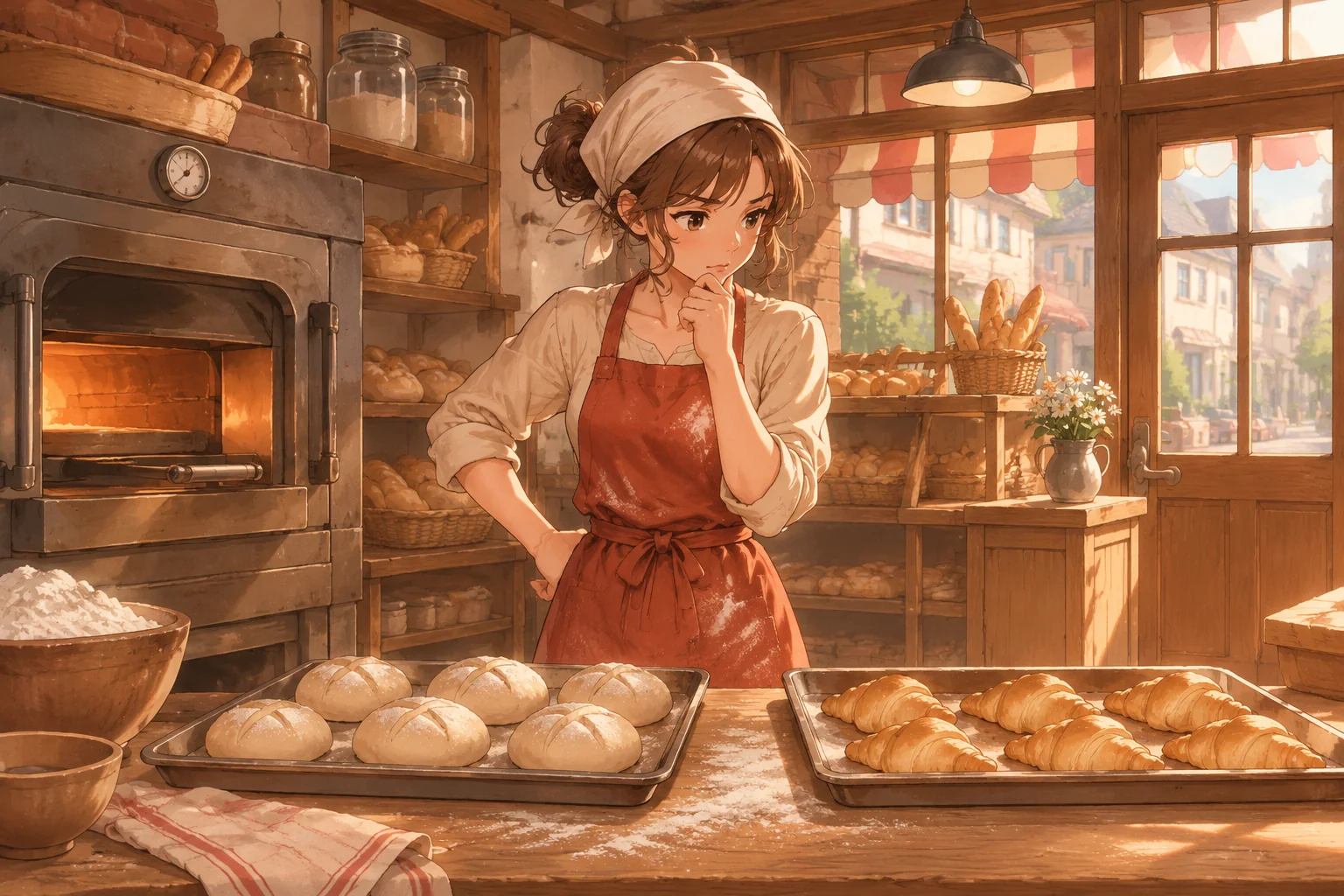
Give the player one meaningful morning decision
At the start of a day, let the player choose how many loaves to bake. The oven and ingredient stock limit the batch. Customers arrive afterwards, buy while stock lasts, and leave when it runs out. Close the day with a summary of sales, remaining bread and cash change, then let the player start a fresh day.
| Rule | First version | Decision it creates |
|---|---|---|
| Oven capacity | Eight loaves per batch | Choose within a visible limit |
| Ingredients | Twelve portions available | Reserve or use resources |
| Demand | Six customers, one loaf each | Compare the batch with expected sales |
| Day end | Show sold and unsold bread | Use feedback to change the next decision |
Keep demand fixed while checking the first build. Predictable inputs make it easier to tell whether an unexpected result comes from your design or from an implementation error. Random demand can make the choice more uncertain later.
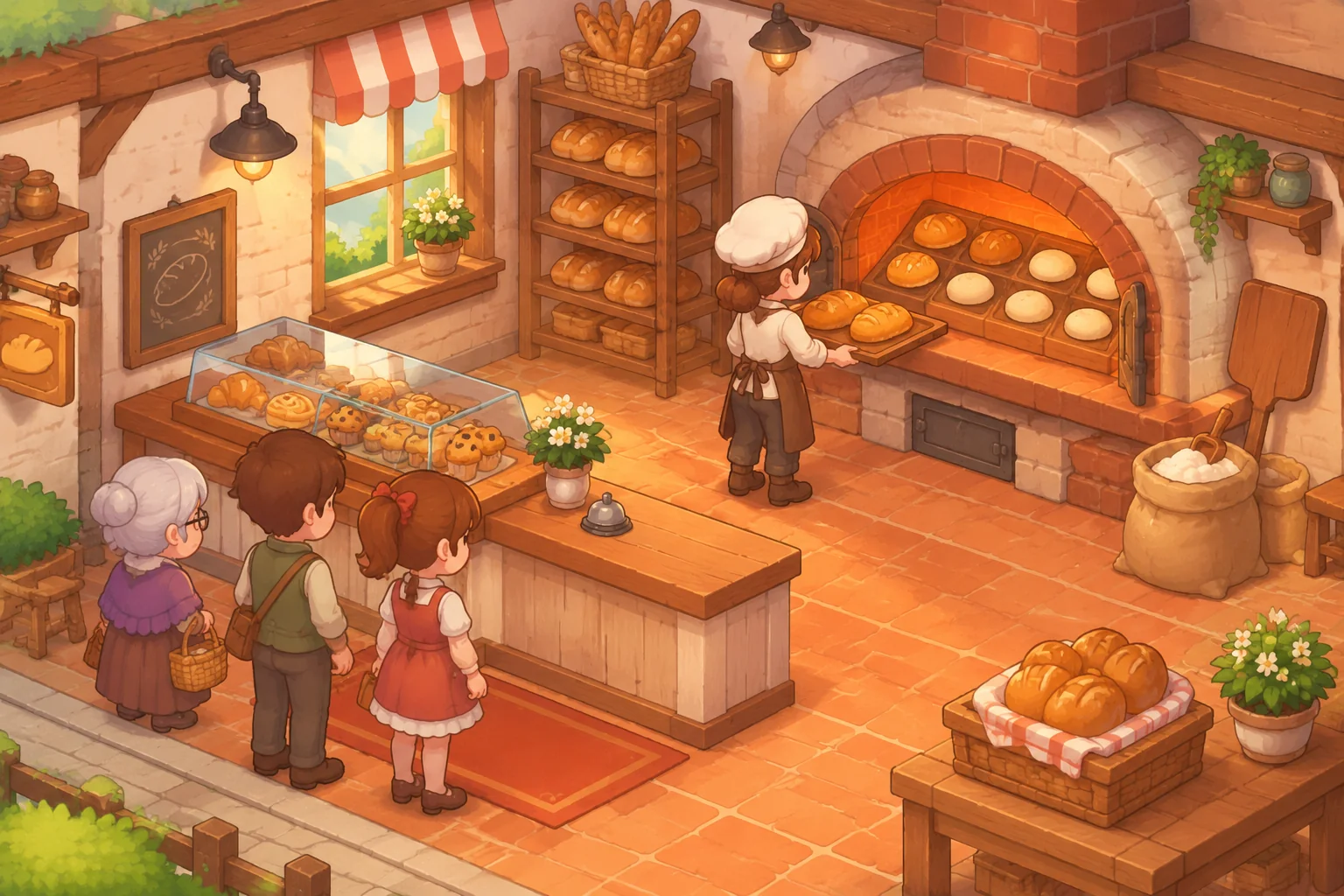
Work through a day before building
For this example, each loaf consumes one ingredient portion costing one coin. Each sale earns three coins. Ignore rent, wages and other costs for now so the calculation stays visible. A batch of eight uses eight ingredients. If six customers each buy a loaf, revenue is 18 coins, ingredient cost is eight coins and the simplified margin is 10 coins. Two loaves remain unsold.
With a batch of six, the same six sales earn 18 coins while ingredients cost six, giving a margin of 12 coins and no leftover loaves. That does not make six a universal best answer: it only fits the assumed fixed demand. Once demand varies, a larger batch might prevent missed sales on a busy day while risking waste on a quiet day.
| Batch | Sold at demand of six | Unsold | Revenue less ingredient cost |
|---|---|---|---|
| Eight | Six | Two | 10 coins |
| Six | Six | Zero | 12 coins |
Decide what happens to leftovers before writing the prompt. The first version can discard them at closing. If they carry over, define their freshness and whether tomorrow's customers buy them before fresh bread. Either choice can work, but the end-of-day calculation must match it.
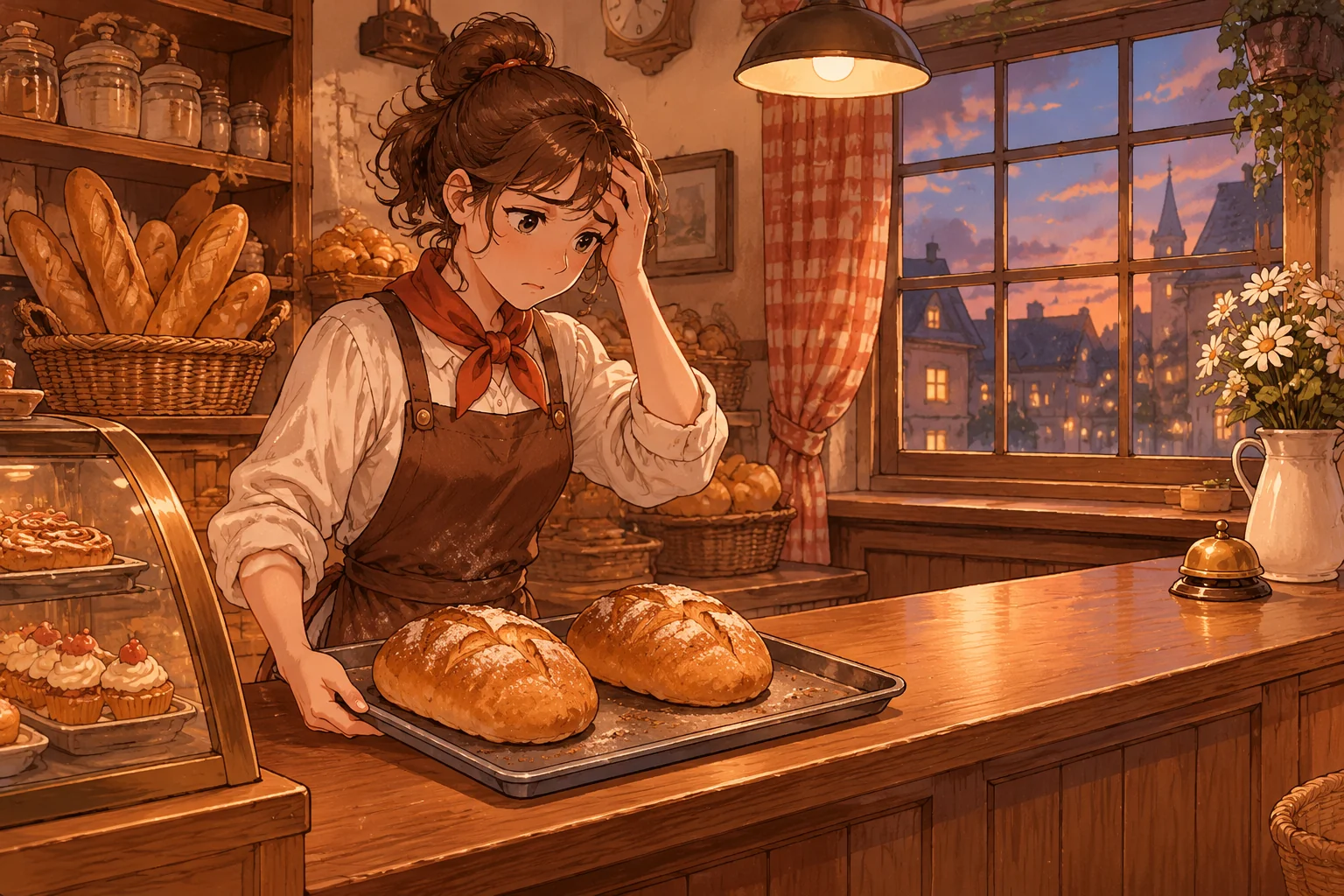
Turn the rules into an AI build request
Describe the state, actions and end conditions together. SEELE's game-creation capability is designed to start from a description, and its 2D asset workshop covers characters, scenes and interface elements in a shared style. Use those categories to frame your project, then inspect what the tool actually creates. A prompt is a specification to test, not a guarantee of a finished game.
Create an original small bakery management game for a browser.
At the start of each day, show 12 ingredient portions and allow a batch
of zero to eight loaves. Each loaf consumes one portion and costs one coin.
After baking, six customers arrive one at a time. Each buys one loaf for
three coins if bread remains; otherwise record one missed sale.
At closing, show loaves baked, sold and unsold, missed sales, ingredient
cost, revenue and revenue minus ingredient cost. Discard unsold bread.
Provide a button to begin a new day with the same starting resources.
Use an original warm illustrated bakery and clear, readable controls.
Do not introduce rent, wages, extra recipes or random demand yet.
Ask for the daily calculation first and the illustrated scene afterwards if the first attempt tries to do too much. Keep a copy of the working version before adding another system. When you request a fix, provide the starting state, action and expected result instead of asking the assistant to make the game “more realistic.”
Check the accounting and reset
- Choose eight loaves: expect six sold, two unsold, zero missed sales and a margin of 10 coins under the example rules.
- Choose four: expect four sold, two missed sales and a margin of eight coins. No customer should buy a loaf after inventory reaches zero.
- Try zero and eight, then try to select a number outside the allowed range. The game should keep the batch within its stated limits.
- Start a new day and verify that inventory, customer count and summary reset as specified. A previous day's unsold loaves should not reappear.
If the summary differs, locate the first state change that is wrong. For example, if eight loaves are baked but only six ingredients are charged, ask for ingredient cost to be recorded when bread is baked, including bread that remains unsold. Repeat both the eight-loaf and four-loaf checks after the change.
Plan one hypothetical iteration
Once the fixed day works, consider a design change: alternate between a quiet day with four customers and a busy day with eight. Reveal the day type only after the player chooses a batch. This is a proposed rule, not a claim about a tested build. A batch of four avoids leftovers on a quiet day but misses four potential sales on a busy day; a batch of eight meets busy demand but leaves four loaves on a quiet day.
Ask the assistant to display each day's type in the closing summary and retain the earlier accounting checks. If the choice feels arbitrary, add a forecast that gives useful but imperfect information, and specify exactly how it is produced before calling it reliable. The goal is to make the player interpret information, not to bury a simple choice under more controls.
Frequently asked questions
How many recipes should the first version have?
One recipe is enough to test the loop. Add a second only after baking, selling and closing the day work consistently. Give the new recipe a different constraint, such as a longer oven time or a different ingredient, so the added choice changes the player's planning.
Should customer demand be random from the start?
Begin with a fixed number so you can predict the expected result of every test. Then introduce variation with a clearly defined range or sequence. Keep a way to replay a known situation; otherwise a change in customer count can hide an accounting bug.
How can I make leftovers meaningful without making the game frustrating?
Show the cost and inventory consequences before closing the day, and let players adjust the next batch. Later, experiment with donations or reduced-price sales as explicit rules. Explain how each option changes revenue or other resources, and avoid punishing a player for information they could not have known.
What should I do when the generated game ignores a rule?
Give the tool one reproducible example: the initial ingredients, batch size, number of buyers and expected summary. Ask it to fix the specific calculation without changing the other rules. Run the same example again, then check a second batch size and the reset.
Start with one oven and one day
A clear production limit and a visible end-of-day result are enough to create a first management decision. Use the example numbers to check your rules, then change demand, recipes and information to make the bakery your own. Start with a concise description in the SEELE AI Creator Game Maker and refine the result against the checks above. For a broader walkthrough, see how to create a game with AI.