In fictional Alder Hollow, a season is more than a color filter. Residents plan their week around a community request, and the winter turn changes which path is safe and where a gathering can happen. The player still has the same seven days and the same neighbors to help. The world rule changes how those plans fit together, giving the calendar a role in both exploration and relationships.
Make a season a short, readable planning loop
Start with four seasons, each lasting seven in-game days. At the beginning of a season, show the resident requests, likely route changes, and one shared event. Each day, the player picks one activity, meets a resident, and can complete a request to earn a preparation token. At the season turn, resolve the gathering, carry eligible tokens forward, and reveal the next season’s access map.
Keep time turn-based for this prototype: advancing an activity advances the fictional calendar by one day. Godot’s Time class can convert date and time formats, but it also documents that system-clock readings can be manually changed. A simple in-game day counter makes the season schedule reproducible and keeps calendar progression independent from the device clock.
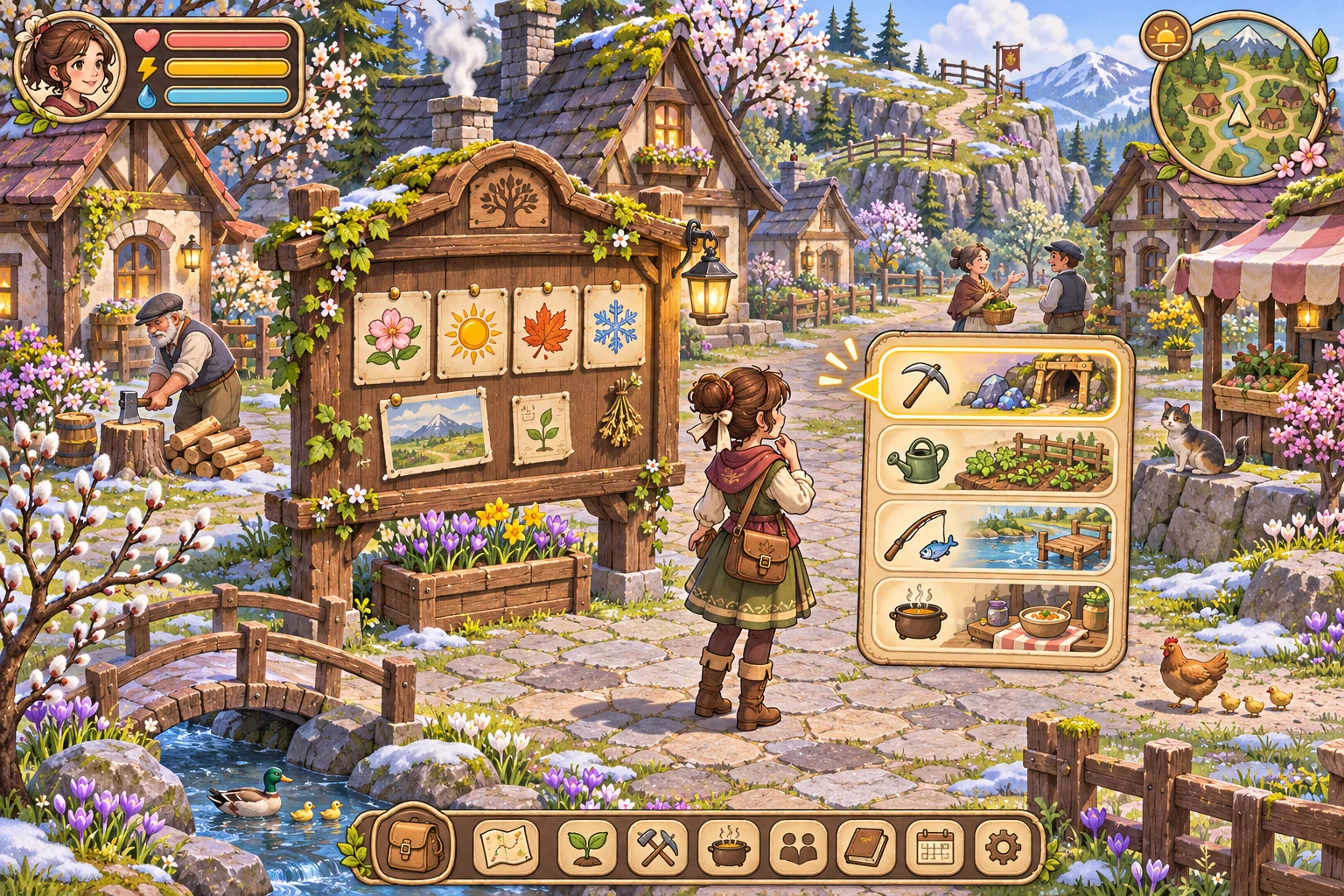
Change the map rule, not just the palette
In the baseline, winter changes snow and lighting while all four locations remain open: the village square, ridge path, lake, and greenhouse. In the revised rule, deep snow closes the ridge path. The winter gathering moves to the greenhouse, so residents still have a place to meet and the player can complete the same request through a different route. The lake, village, and greenhouse remain accessible.
Show the closure before the day begins, then update travel options and the request card together. A resident’s planned meeting should not disappear without explanation. You can store the season’s duration and route flags as authored data, while a separate calendar state records the current day, season, completed requests, and carried tokens. This makes it possible to test one world rule without rewriting dialogue or character schedules.
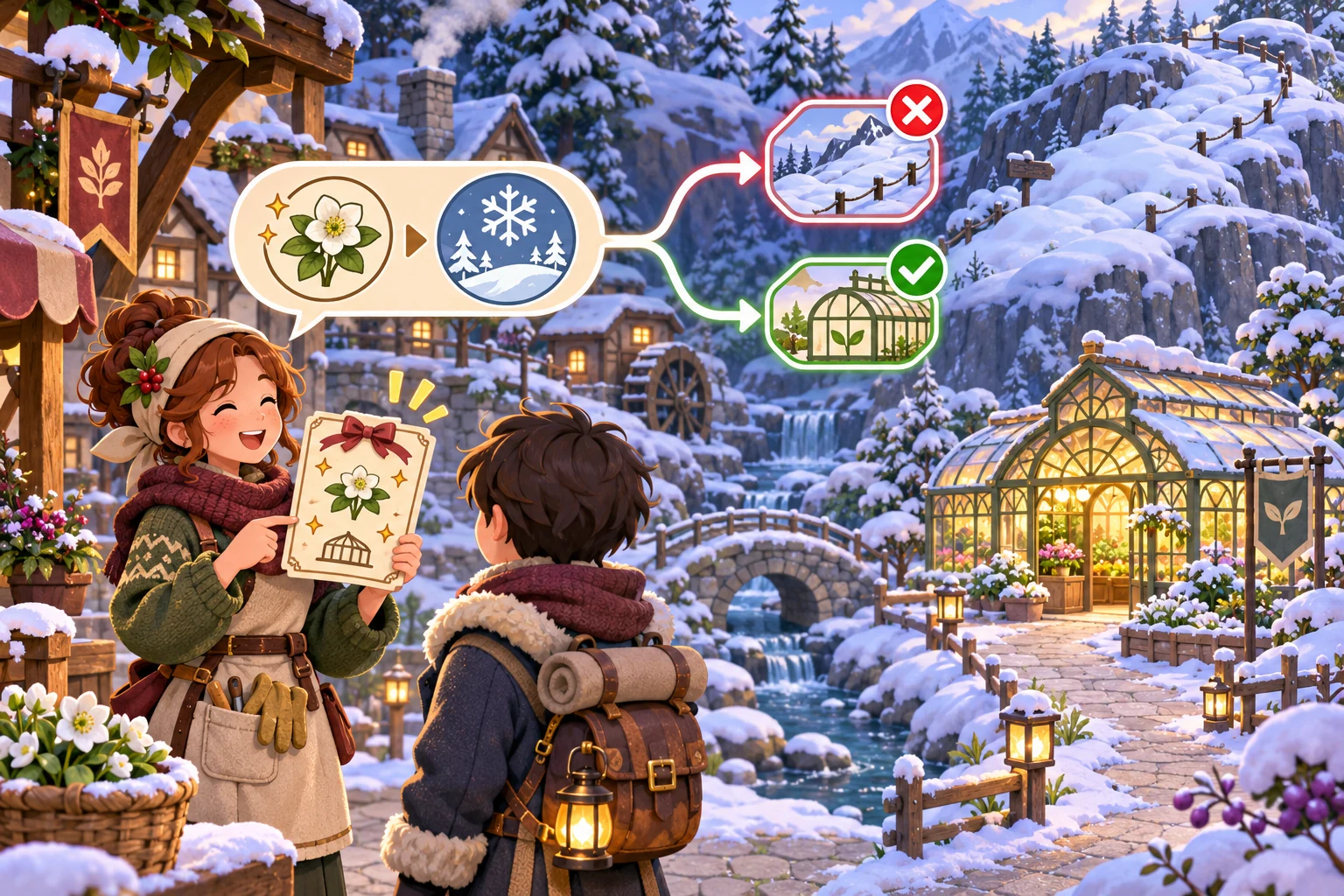
Replay seven days and compare access with progress
Use a fixed test week with one request and one activity slot each day. Keep the same resident schedule, seven requests, and token reward in both runs. In the decorative baseline, all four locations remain open through winter. In the revised version, close only the ridge path on the seventh-day winter turn and move the planned gathering from the ridge to the greenhouse. The meeting remains available, but the route map changes.
The local rule check should report four accessible locations in the baseline and three in revised winter, with the same seven requests completed and seven preparation tokens earned in each run. That result is useful: the change affects where a player can go and how they understand the village, without silently breaking the week’s social goal. For a later test, add a request that truly depends on the ridge and decide whether it should be delayed, replaced, or prepared for earlier. Keep that new rule separate until the first route change reads clearly.
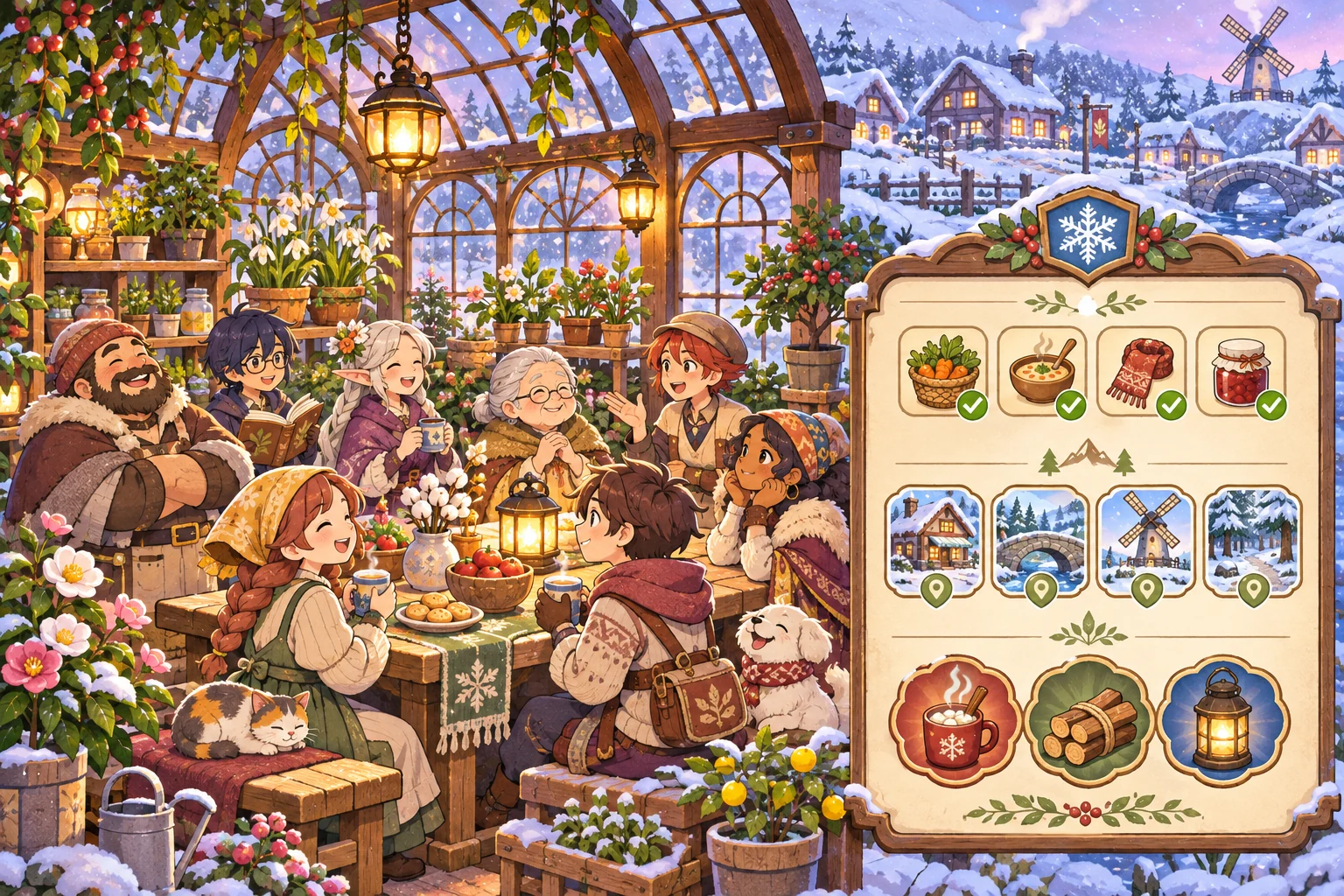
Give the AI one season rule and a seven-day test
Create a life-simulation RPG prototype set in fictional Alder Hollow. Use four seasons with seven in-game days each. Every day the player chooses one activity, meets a resident, and can complete one community request for a preparation token. Show four locations: village square, ridge path, lake, and greenhouse. Compare a baseline where winter changes only visuals with a revised rule where the ridge path closes on day seven and the winter gathering moves to the greenhouse. Keep the same residents, seven requests, schedules, activity slots, and rewards in both runs. Report accessible locations, requests completed, and tokens carried at the season turn. Use a turn-based calendar, not the device clock.
If the winter event disappears when the ridge closes, move the event to the greenhouse but keep its residents, request, day, and reward unchanged. Replay the same seven-day schedule and verify that only route access changes.
FAQ
How long should a season last in a life-simulation game?
Choose a short cycle for the first prototype so players see the rule change and its consequence quickly. Seven in-game days are enough to test a weekly routine, but the right length depends on how often a player can act and how much time a request needs. Show the next season date before the player commits to a long task.
Should winter remove access to locations?
It can, when the closure creates a readable choice or changes how residents meet. Show the blocked route before travel and provide a reason in the world. If an important request depends on that location, give players a clear way to prepare, reroute, or wait for the next season.
Should I use the real clock for the game calendar?
A turn-based calendar is easier to reproduce and test for a story-driven prototype. Use real time only when the design depends on the player’s local date or clock. Keep fictional season progression separate from system-clock conversion so a device setting cannot unexpectedly skip a week.