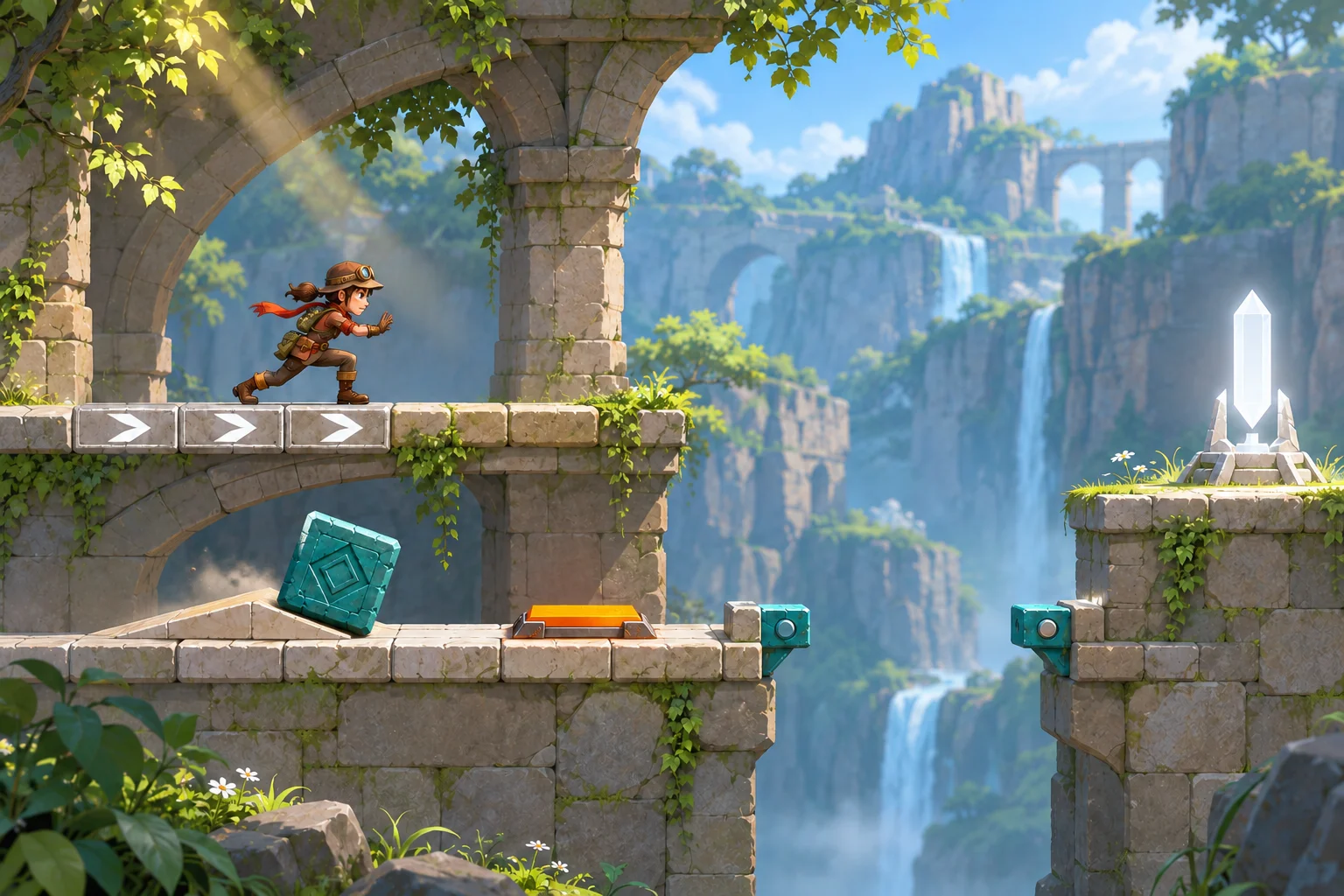
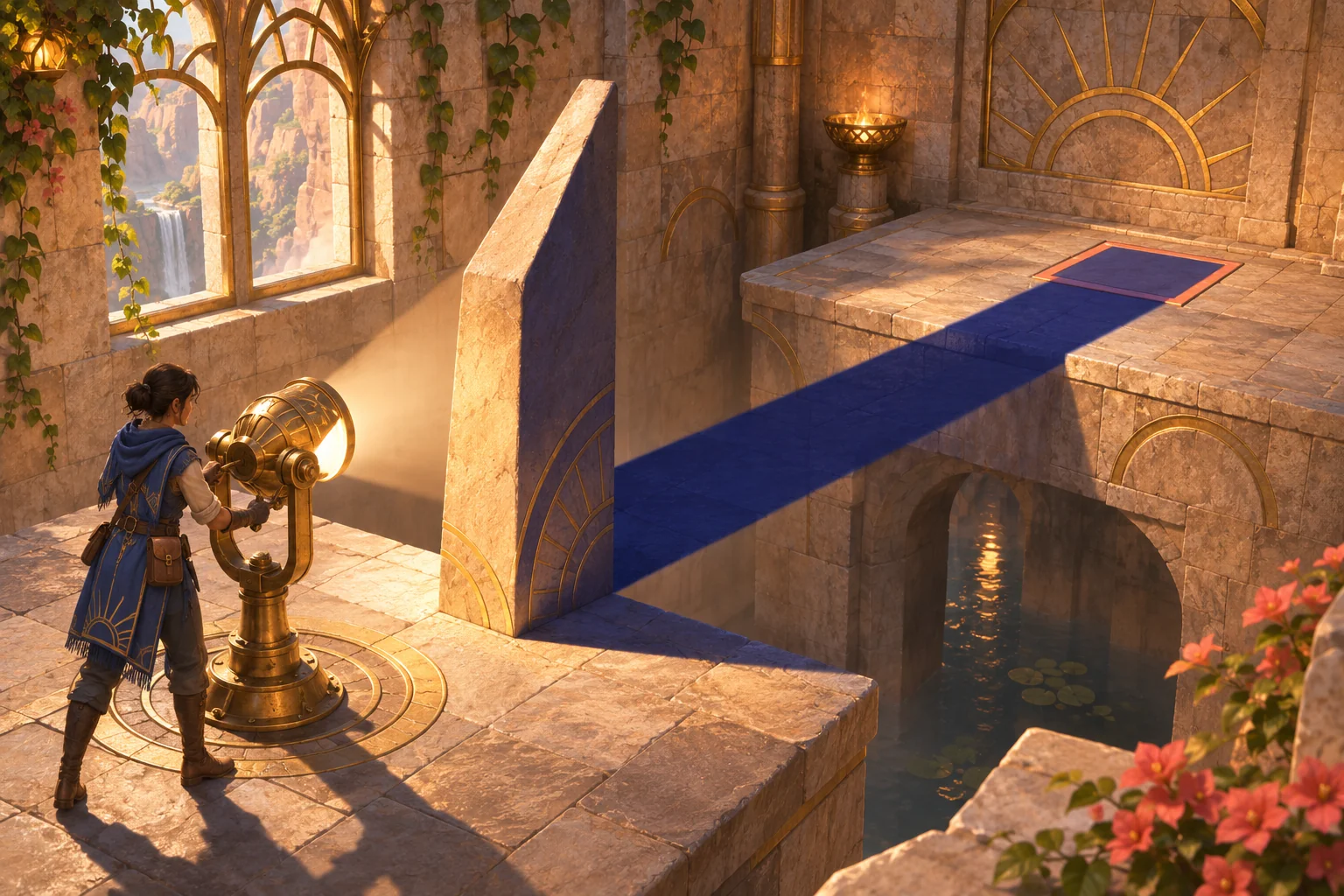
A portal puzzle becomes readable when a player can predict where an object will emerge before pushing it through. Start with one cube, one paired entry and exit, one switch, and one gate. In this fictional room, the exit arrow sends the cube north into a barrier or east along a clear lane to the switch. The route change is a paper-only design example; no prompt, build, or player test has been run.
Start with one destination
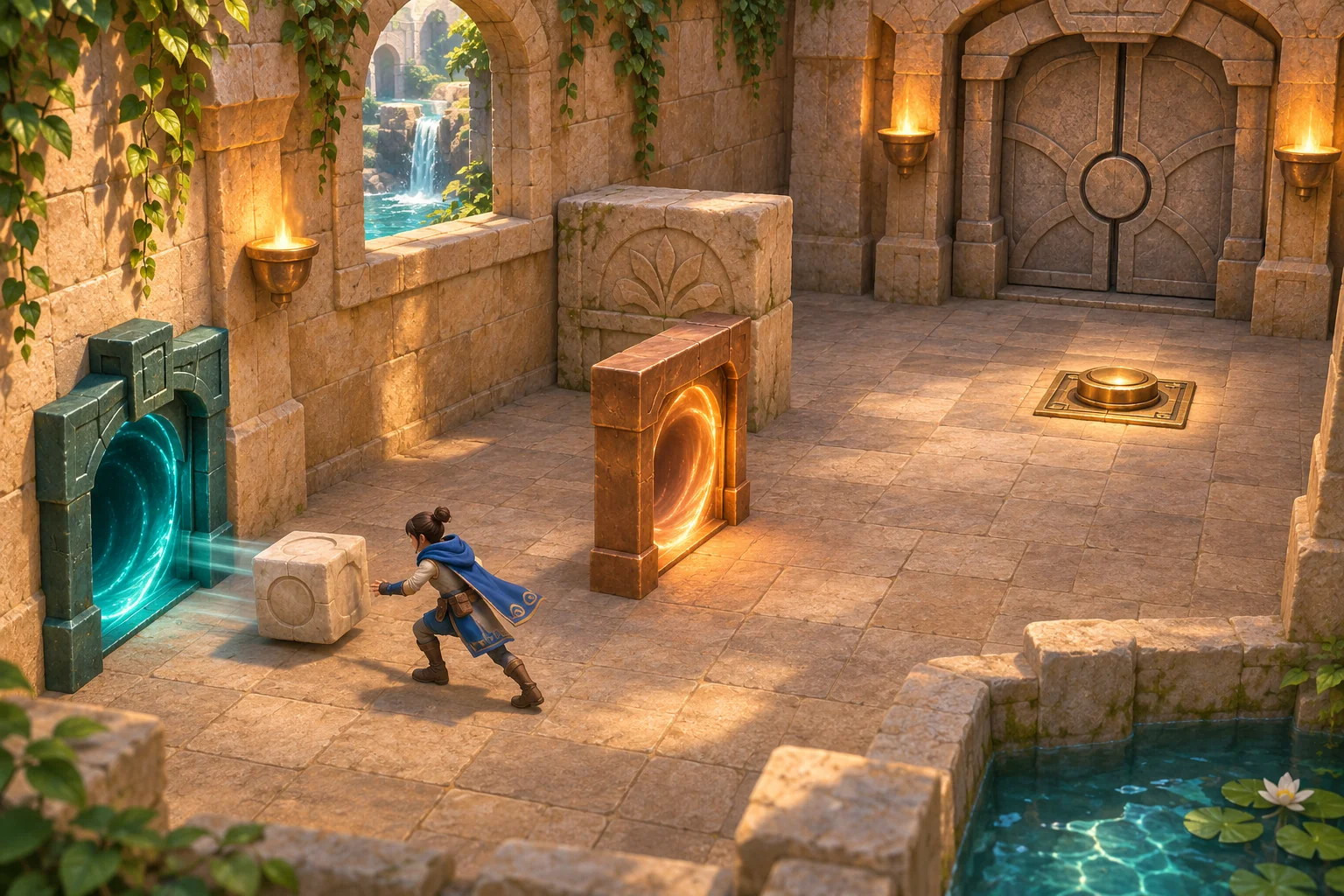
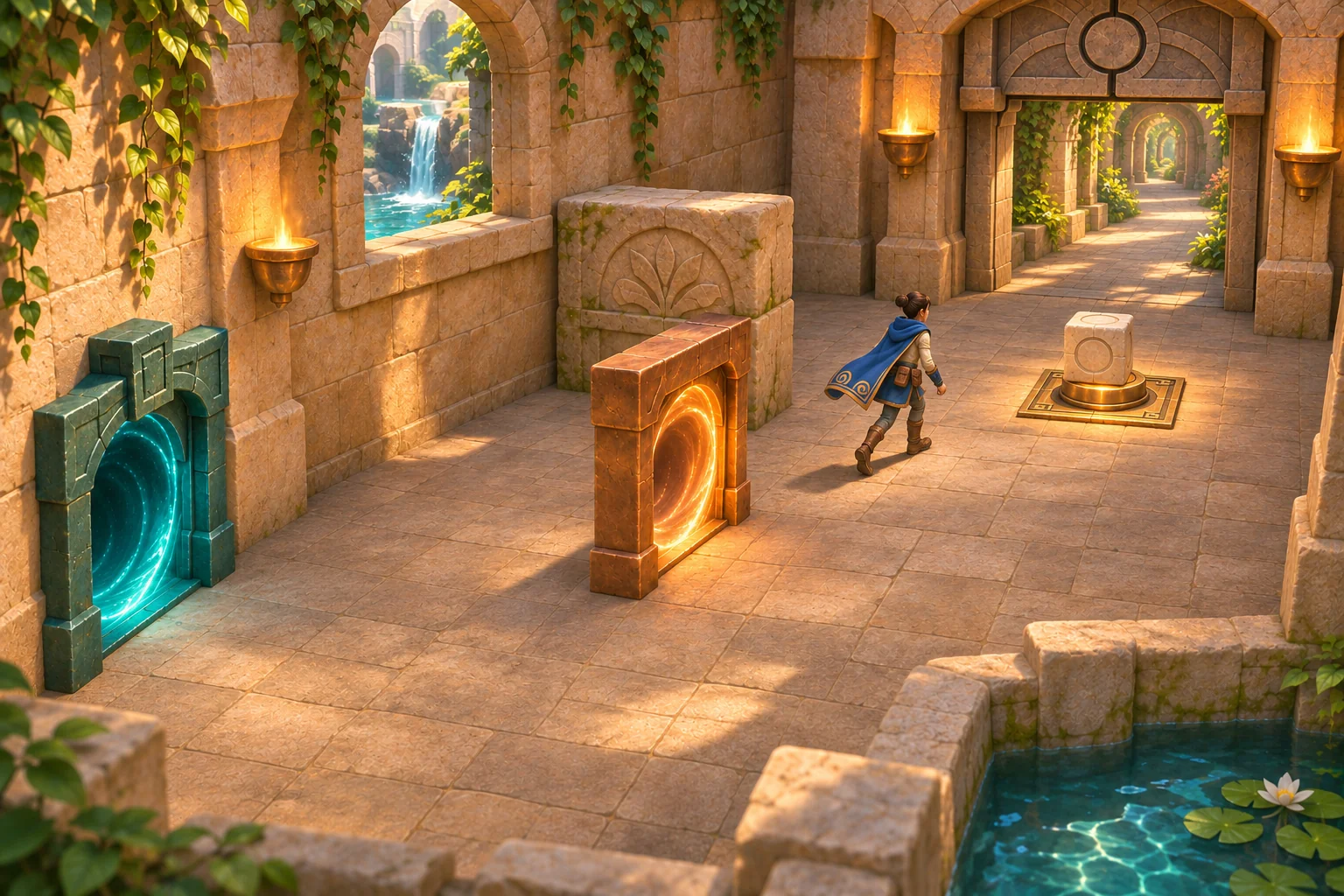
Give the first room a single visible goal: place a cube on a brass floor switch so the stone exit gate opens. The player pushes the cube into a teal entry frame; it reappears from a copper exit frame. The exit frame has four snap directions. Its arrow controls the cube’s output direction, while the proposed rule keeps the cube’s route speed unchanged.
This first slice teaches a linked-surface route, not a general physics system. The room contains one short track, one cube, a fixed entry, a rotatable exit, a safe north barrier, a clear east lane, one switch, and one gate. Keep other room movement simple so the player’s decision is about where the cube emerges.
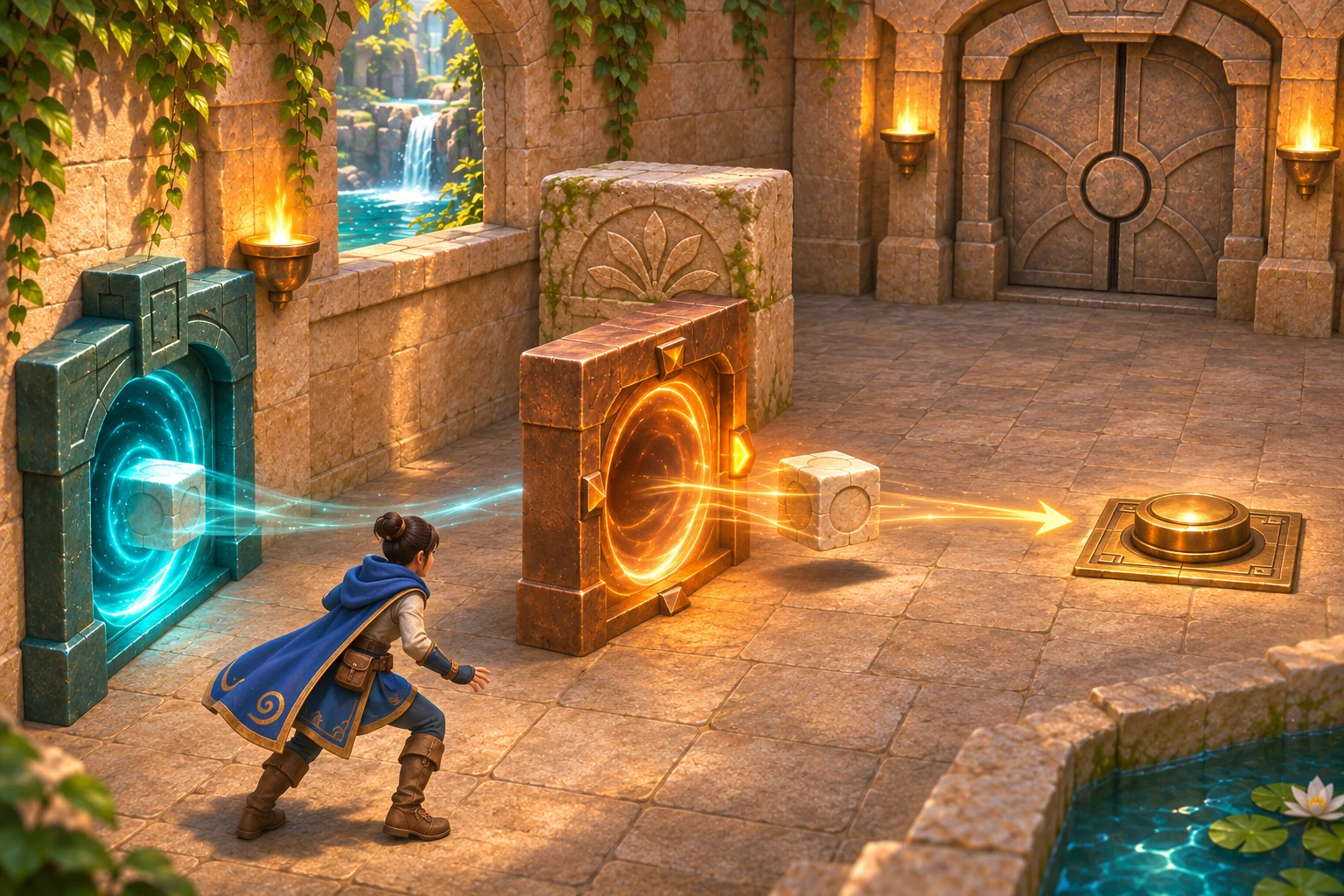
In the authored example, the north-facing route contacts the fixed barrier and leaves the switch untouched. Rotating the exit one step east sends the same cube along the open lane to the switch. Contact depresses the switch and raises the gate while the cube remains on it. These are invented rules for a small design exercise, not a claim about real portals or a tested game.
Define what each frame changes
Write down the portal contract before adding effects. The entry frame captures the cube only when it crosses the frame plane; the cube is not consumed. The exit frame emits it in the direction of its current arrow. Treat that arrow as a world-facing cardinal direction, not as a suggestion that the player must infer from camera angle. Keep the output speed equal to the incoming route speed in this proposed room.
Give the player a short preview before the push: the exit arrow brightens and a line or floor glow shows the route. The north direction ends at a solid barrier placed directly north of the exit. The east lane is unobstructed all the way to the switch. The barrier sits outside that lane, so a correct east-facing output cannot collide with it.
| Exit setting | What the cube encounters | Room feedback | Player decision |
|---|---|---|---|
| North | The fixed barrier directly north of the exit | The cube stops safely; the switch stays raised and the gate stays closed | Reset and choose another output direction |
| East | The clear east-side lane and brass switch | The cube reaches and depresses the switch; the gate raises while contact continues | Walk through the open exit |
That two-row trace is enough for the first lesson. The frame may show four directions, but the paper example compares north and east only. Do not add a hidden shortcut, damage penalty, or rule that changes the cube’s speed between those two outcomes.
Write a prompt the player can act on
Use a direct gameplay camera that keeps both frames, the cube, the north barrier, the east lane, switch, and gate visible. A simple control contract might use a movement input to position the player, one interaction to rotate the exit arrow by one cardinal step, and one push action when the cube is beside the entry. The exact keys are a project choice; the required information is which action changes the arrow and which action sends the cube.
Copy this bounded brief, then change the art or controls without changing the route rules:
Design one original portal puzzle room called Stillwater Gate. Use a clear three-quarter gameplay camera and show one pale cube, a teal entry frame, a copper exit frame, a brass switch, and one stone gate. Let the player choose one of four cardinal exit directions, see a short route preview, then push the cube east into the entry frame. The cube is captured only when it crosses the entry plane and emerges from the paired exit along the exit arrow, keeping its route speed constant.

Place one fixed stone barrier directly north of the exit frame. Keep the east lane from the exit to the switch unobstructed. If the exit arrow faces north, the cube hits the barrier safely, the switch remains inactive, and the gate stays closed. If the arrow faces east, the cube reaches the switch, which depresses on contact and holds the gate open while the cube remains there. Provide a reset that restores the cube, arrow, switch, and gate to their start states.

Return the room rule, player actions, visible route preview, collision feedback, switch and gate states, reset behavior, and checks for both north and east outcomes. Keep the room to this one cube route. Do not add a hidden path, a second cube, a timer, damage, or a change in speed. Treat the design as a proposal until an actual build is inspected.
The prompt names the input, transformation, destination, two expected outcomes, and reset. That lets a creator inspect whether each part of the room follows the same rule instead of relying on a dramatic portal effect to explain the puzzle.
Make feedback and reset unambiguous
Check each state change as its own rule. Before the push, the chosen arrow and route preview should agree. At entry, crossing the frame plane should trigger capture once. At exit, the cube should appear on the indicated side and travel along that direction. On the north test, the barrier should stop it without activating the switch. On the east test, the switch should react only to cube contact and the gate should stay raised only while the cube rests on the switch.
Reset should restore the entire setup: cube at the start of the short track, exit arrow at north, switch raised, and gate closed. If reset leaves the arrow east or leaves the gate open, the next attempt no longer begins from the same state. A clean restart matters because the player needs to understand why the second route differs from the first.
If the result is confusing, diagnose the relationship rather than adding effects:
- If the cube passes through the entry without being captured, check that the frame-plane crossing is the trigger.
- If the preview points east but the cube hits the north barrier, check world direction and camera orientation together.
- If the switch activates before contact, check whether the rule uses overlap with the cube rather than proximity to the portal.
- If the gate closes while the cube still rests on the switch, check the occupancy condition; if the cube rolls off, the gate should return to its stated closed state.
- If a retry starts with changed pieces, test the reset as a full state restoration rather than a visual flash.
These are acceptance checks for a future prototype, not observed results. They make a later playtest easier to interpret because each failure points to a specific part of the written rule.
Paper-check one arrow change
No prompt-run, playable build, or player observation is available for this article. The following is an original hand-resolved design simulation, not an actual test or measured iteration.
| Paper state | Only change | Expected route | Expected room state |
|---|---|---|---|
| Baseline: exit arrow north | None | Cube exits north and contacts the fixed barrier | Cube stops safely; switch stays raised; gate stays closed |
| Revision: exit arrow east | Rotate the exit arrow one step clockwise | The same cube exits into the clear east lane and reaches the switch | Switch depresses; gate raises while the cube remains in contact |
Everything else stays fixed: room, cube, entry frame, starting push, route speed, switch, and gate rule. This isolates the intended choice. The result is consistent with the authored map because the east lane is clear and the barrier is north of the exit, outside that lane. It does not establish that a model generated the room, that the movement works in code, or that a player will understand the choice.
Once a playable version exists, start each attempt from reset and record the chosen direction, route preview, actual collision or switch contact, and final gate state. Ask a new player to explain the route before pushing; if the explanation differs from the preview, revise the cue before adding another room.
Use an AI game maker for the brief, then inspect the result
SEELE’s official Free AI Game Maker page describes a general workflow: write a game idea in plain English, review a playable 2D or 3D result, and continue iteration in Workspace while checking the selected model, available Koin balance, and displayed generation cost. That is useful for framing a first room, but it does not verify this portal transformation or guarantee the cube, barrier, switch, or reset behaves as specified. Compare any actual output with the written acceptance checks before expanding the design.
Keep the handoff small: one room, one action sequence, two routes, one visible success condition. If the first result misses the contract, change one instruction and inspect the next version. Do not treat the concept images or this paper trace as a generated SEELE game or a playtest.
Continue with a testable portal room
A strong first portal puzzle does not need a maze of linked rooms. It needs a rule the player can see, a route choice with different consequences, and feedback that confirms what happened. Start with Stillwater Gate’s north barrier and clear east lane, then verify entry, output direction, switch contact, gate state, and reset in a real build before calling the mechanic successful.
Stillwater Gate is a fictional design example and its north-to-east comparison is a paper-only simulation. To shape your own game idea, start with the Free AI game maker, then check any playable result against the rule and state checks you wrote.
Frequently asked questions
What makes a portal puzzle different from an ordinary switch puzzle?
The main choice changes how an object travels between two linked surfaces, not just whether a switch is reachable. In this room, the exit arrow maps the same push to two different destinations: north meets a barrier, while east reaches the switch. The puzzle works only if the player can read that relation before acting and see the result after the cube emerges.
Why keep the north barrier outside the east lane?
The barrier gives the north-facing route a safe, visible failure while preserving a direct east path to the goal. If it blocks both routes, the player cannot learn that changing exit orientation matters. Keep it directly north of the exit frame, test the east lane for a clear path, and show both positions in the room view.
Does the paper north-to-east comparison count as a playtest?
No. It checks that the written map and stated rules agree: north meets the barrier, while east reaches the switch. It does not show that a built game works or that players understand the route preview. Label it as a paper-only design simulation, then run a real build and player test before reporting an observed result.
What should reset restore in a first portal puzzle?
Reset should return the cube to its starting point, set the exit arrow back to its starting direction, raise the switch, and close the gate. Restoring only the cube can leave a hidden state from the prior attempt. Verify each item separately so the next route comparison starts from the same setup.
What should I verify before adding a second portal room?
Verify that the entry triggers on the intended frame crossing, the selected arrow matches the route preview, the north barrier stops the cube safely, east reaches the switch, switch contact controls the gate, and reset restores every state. Then ask a new player to predict the route before pushing. Add another room only after the first loop is understandable in a real playable build.