In the fictional shop Lantern & Ladle, the next customer wants a jar of honey. Your shelf has room for more, three people are waiting, and the apprentice still takes two turns to restock a jar. Do you rotate the apprentice onto checkout or leave them at the shelf long enough to learn the job? Build that decision first. The assignment affects today's queue and changes who can handle tomorrow's rush. You can test the idea with one shelf, one counter, two workers, and the same arrivals on every restart.
Schedule one shift

Use turns so you can see exactly when the rule fires. Start with three jars on a six-slot shelf, four in the stock bin, and one customer waiting. Add another customer on turns two, three, and four. Click a worker, choose Stock or Checkout, and advance the clock. Start checkout at one turn so the player can concentrate on training the apprentice for Stock. Hold the price at two coins. A customer who waits through three turns without service leaves.
| Assignment | Valid when | Effect on completion |
|---|---|---|
| Stock | There is a jar in the bin and room on the shelf | Transfer one jar and add one Stock experience point to this worker |
| Checkout | A customer is waiting and a jar is on the shelf | Remove one jar and one customer, then add two coins |
Process stock completions before checkout completions, then update the queue timers. If both workers try to fill the last slot, let only the first valid transfer commit. Print “Shelf full” beside the blocked worker so the player can tell why experience did not change. At closing, show sales, walkouts, and each worker's Stock level side by side. Keep Stock experience for a second shift and let Reset restore the original schedule.
Give credit when the jar reaches the shelf
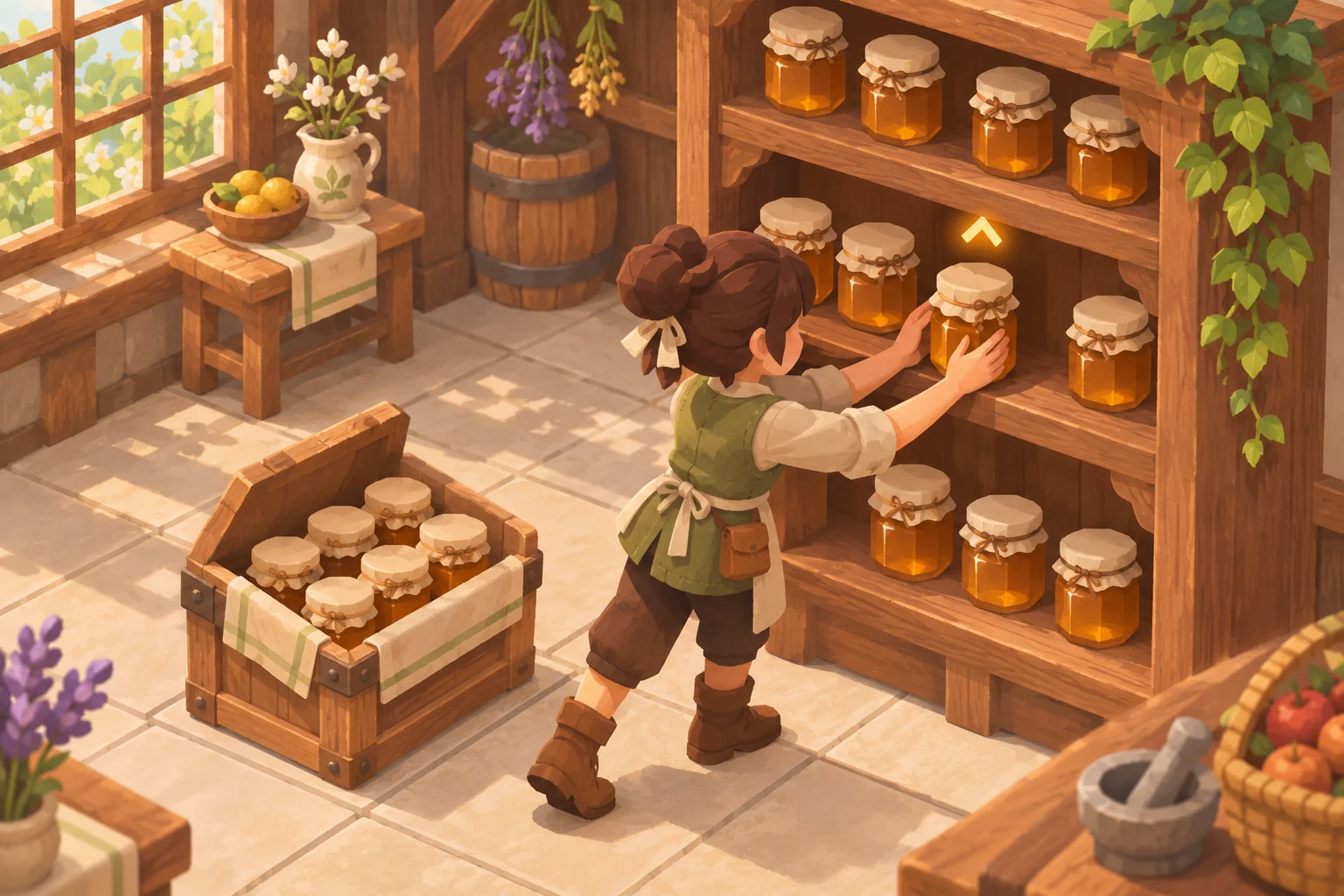
Set the apprentice's first two successful transfers to two turns each. After the second transfer, make the next one take a single turn. Store the counter by worker and task. On assignment, snapshot the duration for that job. At completion, recheck the source and destination, transfer the jar, and add experience in the same update. If the player cancels, clear the assignment and leave the bin, shelf, and experience as they were.
Replay the cancellation sequence
In a local command-line test of the stocking rule, we ran the same action sequence with two different credit rules. Starting with zero experience and an empty shelf, we assigned and canceled twice, then assigned a third time and advanced one tick.
| Credit rule | Experience after the tick | Jars transferred | Ticks left on the third task |
|---|---|---|---|
| Credit on assignment | 3 | 1 | 0 |
| Credit on successful completion | 0 | 0 | 1 |
The first rule let two instant cancellations unlock a one-turn transfer before a jar had moved. Moving credit to completion closed that shortcut. In a separate run of the revised rule, two completed transfers unlocked the faster third transfer. With five jars already on the shelf, the sixth earned one point and a follow-up attempt earned zero. Those runs exercised the stock logic. Use the playable shift to find out whether players can spot and use the tradeoff during a rush.

Start the first build with this prompt
SEELE AI's game maker accepts a text prompt as the starting point for a browser prototype and supports follow-up edits. Give the first build one task to prove. When you get to the browser version, repeat the cancellation sequence before you change arrivals or art.
Make a one-room shopkeeper game called Lantern & Ladle. Let me click either of two workers, assign Stock or Checkout, cancel, or advance a turn. Use one six-slot shelf, four jars in the stock bin, a fixed two-coin price, and the same arrivals every reset. Start Stock at two turns and reduce it to one after two completed transfers. Award credit only when a jar moves. Show stock, the checkout queue, each worker's Stock progress, sales, and walkouts. Let me run a second shift with the same staff, and add a full reset.
Start your shopkeeper prototype in SEELE
Frequently asked questions
Do I need a separate training screen?
A compact progress marker on each worker is enough for this design. Show it when the player assigns a job, then update it beside the worker when a transfer completes. That gives the player the information they need without leaving the shop floor.
When should I add checkout training?
Add it once players use the Stock upgrade to change their staffing plan. Track Checkout separately and pick a different benefit, such as keeping the next person in line from leaving for one extra turn. Then test whether a cross-trained worker is worth the slower start.
Should experience carry over after a failed shift?
Keep it if the next shift is a continuation and the player is meant to recover. Remove it on a full reset or when comparing two drafts of the mechanic. In either case, label the restart action so the player can predict which state will carry over.