A floor plan can provide a starting point for spatial exploration, but an image is not yet a game level. A building floor plans to exploration puzzle game workflow needs an authorized source, a verified scale, a simplified playable blockout, and a puzzle that gives the route a purpose. AI can assist with drafts, but a person must validate dimensions and the final level.
This guide uses Northlight Archive, a fictional small museum, as a planning example. The building, plan, rooms, dimensions, level, puzzle, players, and test results are invented. No real floor plan or property data was used and no game was built. Use the steps with source material you are authorized to use.
Confirm rights and source quality first
Before importing a plan, identify its creator, owner, license, project terms, and intended distribution. The U.S. Copyright Office explains that an original building design embodied in a building, architectural plan, or drawing may be protected as an architectural work. That is general U.S. information, not legal advice or a conclusion about your plan. Confirm permission for the exact source and use, especially before publishing a recognizable interior.
Keep a source record: file name, date received, source, license or permission note, known revision, and whether it contains sensitive location information. Remove addresses, security details, tenant information, and other data that should not appear in a game. If rights or safety are unclear, use a commissioned or invented layout instead.
Inspect the source before tracing. Is it a clean vector plan, a scanned sheet, a photo, or a marked-up draft? Are room labels legible? Does it include dimensions or a scale bar? A raster image may have been resized, cropped, or skewed. Treat every inferred dimension as uncertain until calibrated.
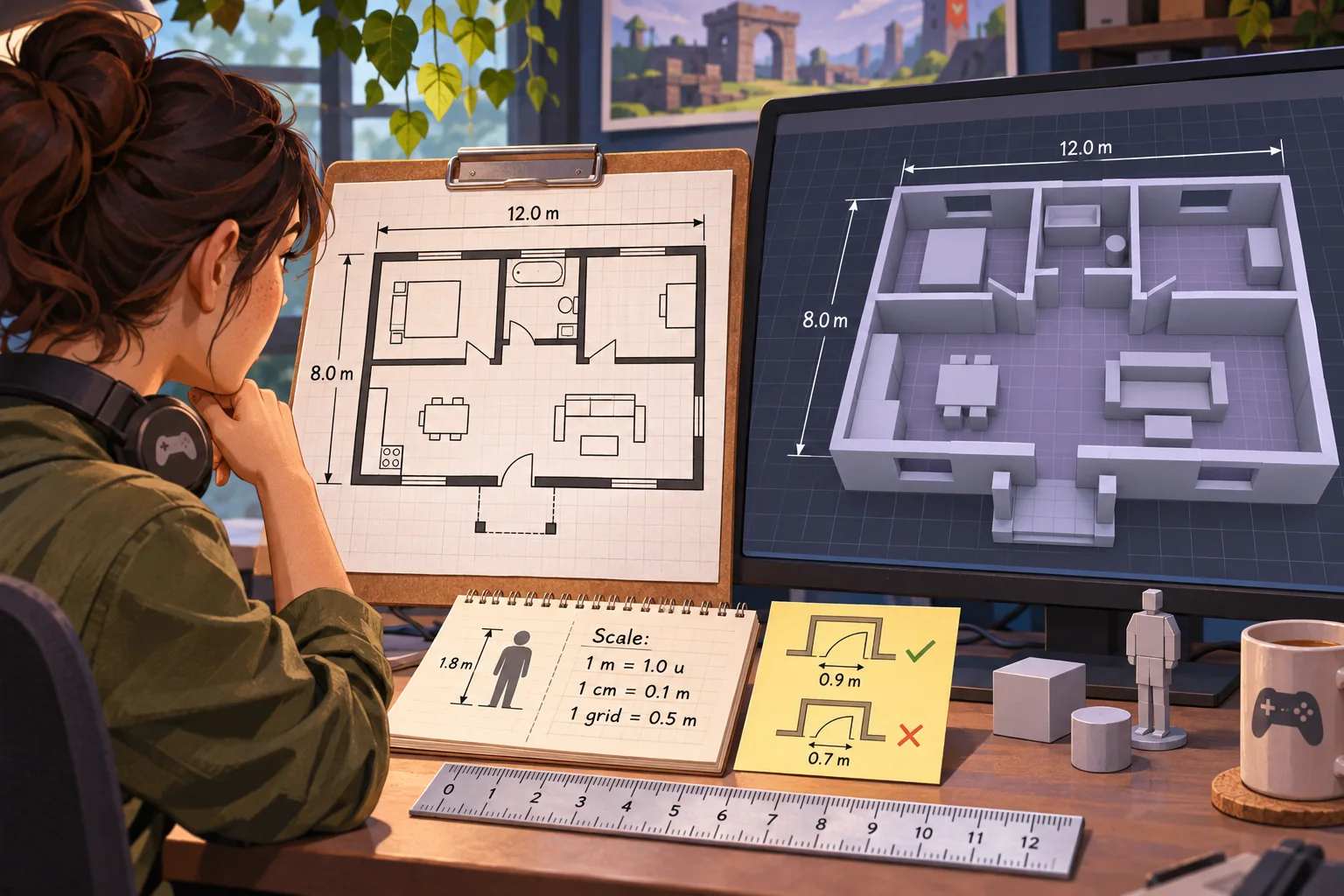
Calibrate one known distance
Choose a reliable reference dimension such as a printed measurement or scale bar. Set project units, measure that distance in the source image, and calculate a scale factor. For example, if a known 10-meter span occupies 500 pixels, the rough scale is 0.02 meters per pixel. This calculation assumes the image has not been distorted and the selected endpoints are correct.
Calibrate more than once. Compare a second known distance in another part of the plan. If the ratios disagree, check for image skew, perspective, print scaling, or measurement error. Do not quietly stretch the plan to make the geometry fit expectations; keep the source and document the correction.
Blender’s Measure tool can measure distances and angles in a scene and snap to geometry; displayed values depend on scene units. This helps inspect a 3D blockout, but it does not verify that the original plan is accurate. Keep a short measurement table with source dimension, measured value, scale factor, and confidence.
Reduce the plan to the playable question
Do not recreate every wall and fixture by default. Select only the spaces needed for the exploration goal. Preserve route relationships that matter, such as a main hall, a blocked door, a distinctive room, and a safe return path. Remove sensitive details and simplify visual noise that does not support navigation.
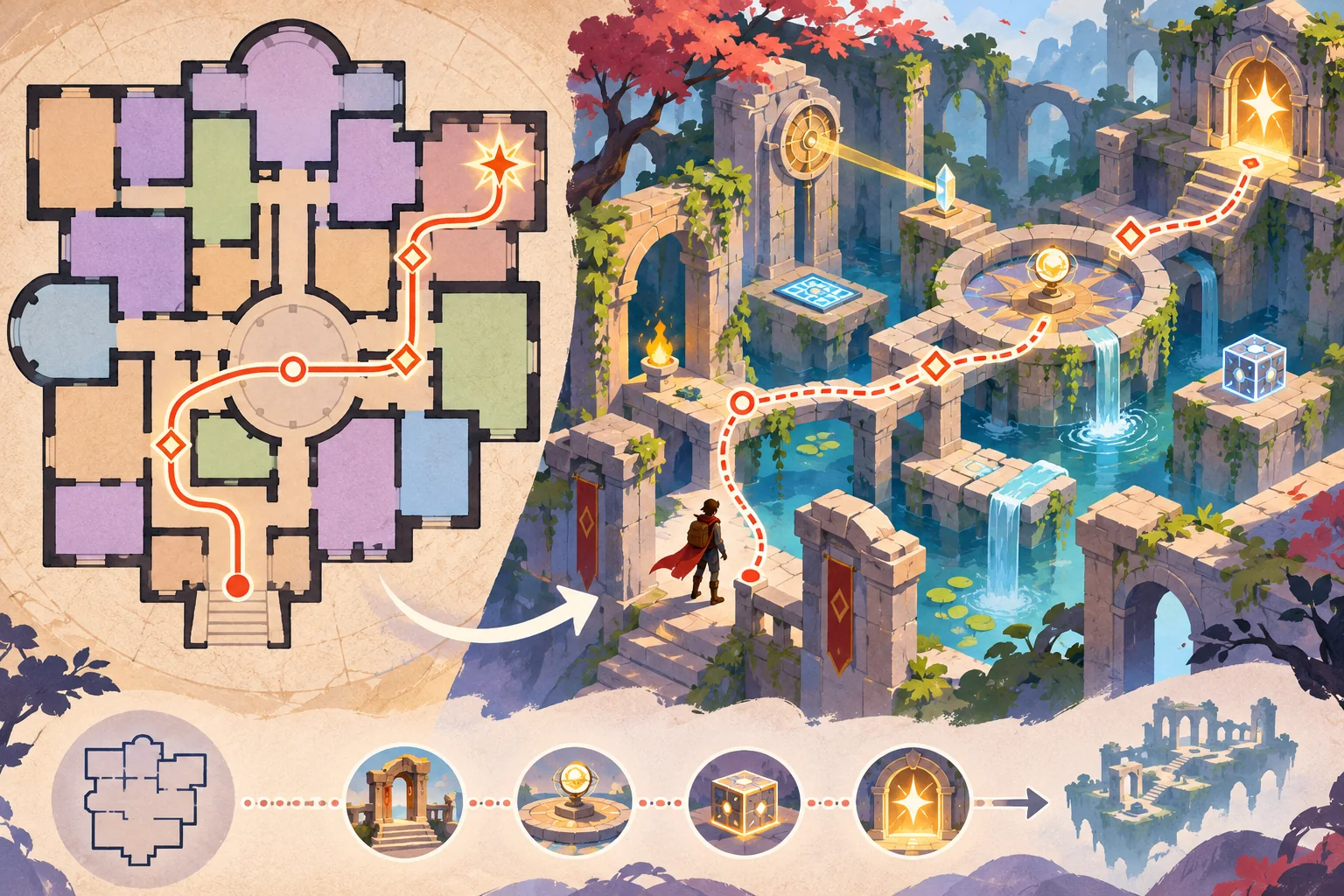
Northlight Archive’s fictional puzzle might ask a player to find a conservator’s notebook by following three symbol clues across a gallery, service corridor, and reading room. The diagram can preserve the route sequence without reproducing a real museum plan. This is a design example, not a tested level.
Choose landmarks that can be distinguished in motion: a skylight, color-coded banner paired with a shape icon, a sculpture silhouette, or a change in floor pattern. Avoid relying only on a color or on small printed room labels. Give the player a way to reorient if they take a wrong turn.
Build a traceable plan-to-level pipeline
| Stage | Artifact | Verification |
|---|---|---|
| Source | Authorized plan and source note | Rights, revision, sensitivity |
| Calibration | Dimension table and scaled reference | Two or more known distances |
| Markup | Room labels, route, puzzle landmarks | Remove irrelevant/private details |
| Blockout | Walls, openings, floor, player start | Scale, collision, exits, camera |
| Interaction | Clues and one puzzle loop | Understandable feedback and reset |
| Review | Playtest build and note | Version, path, observed friction |
Preserve each intermediate version. Keep the source image separate from the simplified markup and level blockout. That makes it easier to answer why a wall moved or which source dimension informed a corridor. Export only the subset of project files needed for the next stage.
Use AI to assist the conversion
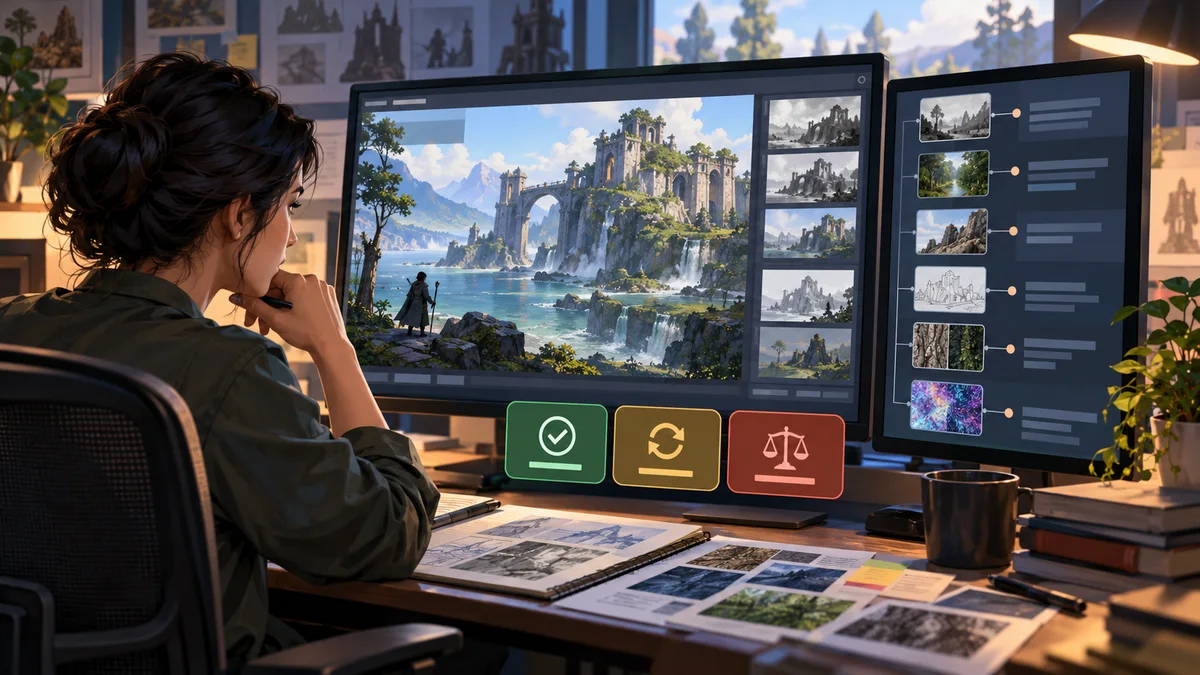
AI can help propose neutral room labels, identify possible route concepts, draft clue alternatives, or turn a design brief into a checklist. If a vision model interprets the plan, treat its output as a suggestion. It may miss a doorway, mirror a label, invent a passage, or confuse a dimension line with a wall. Verify every spatial feature against the source.
Input: [authorized plan, revision and scale notes]
Goal: [one exploration question]
Keep: [route relationships and relevant landmarks]
Remove: [private or irrelevant details]
Puzzle: [clue sequence and feedback]
Ask: draft a simplified markup and list uncertain features.
Do not infer safety, exact dimensions, or permission from the image.
Human review: compare all geometry against source measurements.
Do not upload confidential or security-sensitive plans to a service without authorization and an approved data process. Record which plan revision informed the level and which AI suggestions were retained or rejected.
Design the exploration puzzle around the space
Use the layout to create a meaningful sequence: notice a clue, infer a destination, travel there, and receive feedback. The route should support the puzzle rather than require players to guess which room the designer intended. Add a hint path that preserves the challenge while helping someone recover from a wrong turn.
Make the player objective visible before movement begins. Use a map, compass, landmark key, or text prompt if appropriate. Decide how the game handles locked doors, inaccessible rooms, puzzle reset, and wrong answers. The player should know whether an obstacle is part of the puzzle or a navigation error.
Check that the blockout supports intended movement. A plan view can hide vertical changes, door swing, sightline, collision, or camera constraints. Use simple geometry first and test distances in the running scene. Add art detail only after the route and puzzle work as intended.
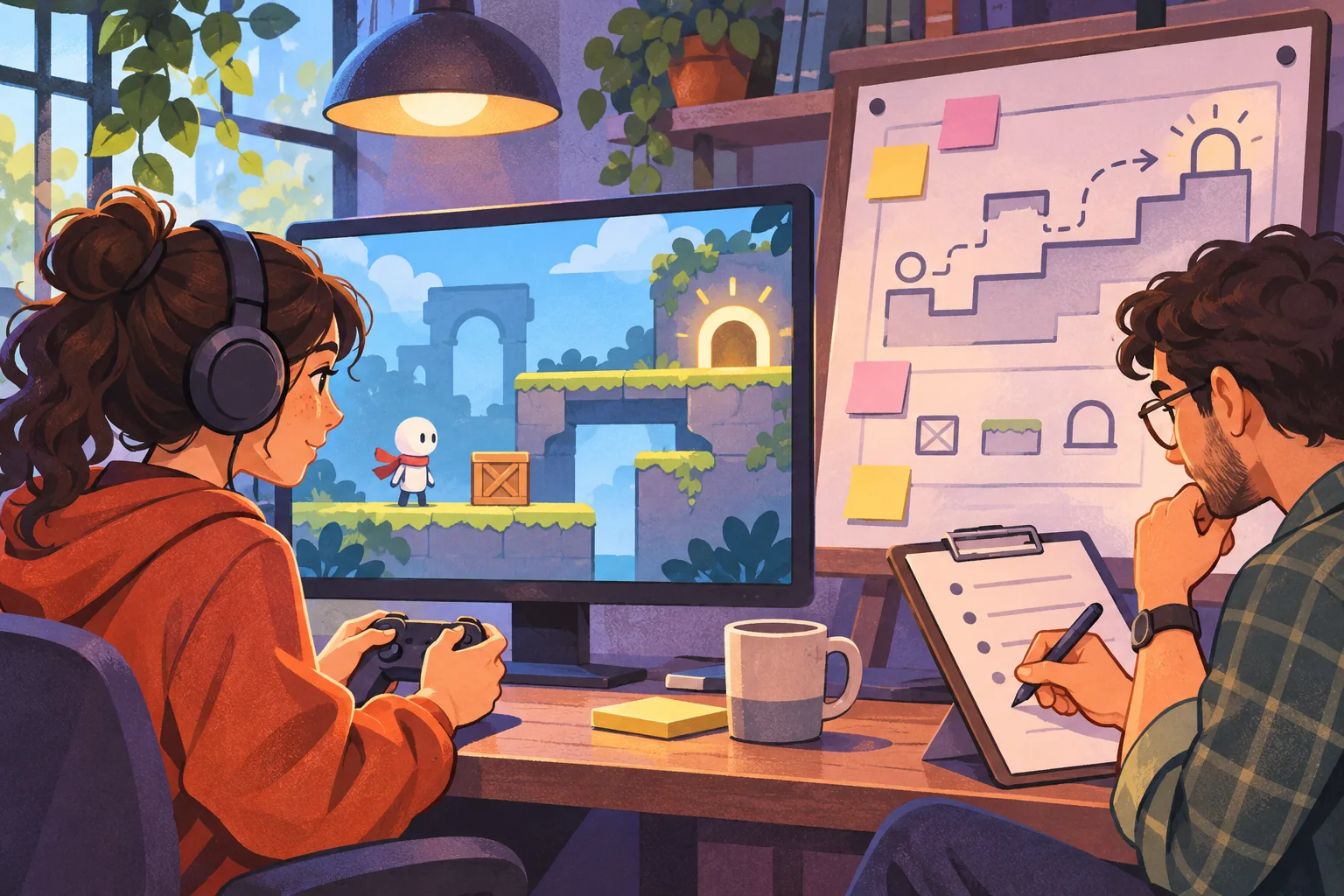
Playtest the blockout, not just the drawing
- Can a first-time player identify the goal and controls?
- Do the calibrated room proportions feel navigable in the intended camera?
- Can players distinguish landmarks without relying on color alone?
- Does every clue point to a discoverable next step?
- Can a player recover after a wrong turn or missed clue?
- Do collision, doorways, and camera framing work in the actual build?
- Does the released level avoid exposing source details that should remain private?
Record the build version, device, input, path taken, and observed pauses or misunderstandings. Ask testers to think aloud only if that suits the session; otherwise, observe first and ask a short debrief afterward. Do not claim the level is intuitive from a single walkthrough or from the authored floor plan.
Keep the before-and-after honest
When showing a conversion, identify the authorized source, the simplified markup, and the playable result. If the plan is fictional or synthetic, say so. If an AI-created intermediate is illustrative rather than part of a real conversion, label it as a concept image. Do not place an invented map beside a real-world plan in a way that implies a measured transformation occurred.
Northlight Archive has no real source image, scale record, playable blockout, or playtest. The example explains a workflow only. For a real case study, preserve the original permission record, dimension checks, intermediate exports, build, and observation notes so the transformation can be reviewed.
Frequently asked questions
How do you turn a floor plan into an exploration game?
Start with a floor plan you have permission to use, identify its scale and key spaces, and make a simplified level map. Add a navigation goal, a few points of interest, and one puzzle that uses the layout. Keep the original plan and playable revision linked so changes remain traceable.
Can AI convert a building floor plan into a game level?
AI can help label rooms, propose route ideas, or draft puzzle variations from an authorized plan. Verify every measurement and layout feature against the source, then make a human-reviewed level blockout. Do not assume an image model has preserved dimensions, structure, or safety details.
Do I need permission to use a building floor plan in a game?
Check ownership, license, project agreement, and intended use before using or publishing a plan. The U.S. Copyright Office explains that original architectural designs can be embodied in architectural plans or drawings. This is general U.S. information, not legal advice or a determination about a particular plan.
How do I preserve scale when building a game level?
Find a reliable dimension on the source, set your scene units, and calibrate one known distance before tracing walls. Blender's Measure tool can measure scene distances and angles and can snap to geometry. Verify several dimensions after blockout; a scaled image alone may contain distortion or scan error.
How can I test an exploration puzzle level?
Run the blockout with a first-time player and observe where they stop, misunderstand a clue, or miss a route. Check the intended path, alternate route, reset, and accessibility options. Record the level version, test conditions, and observed behavior; a mockup or fictional example is not a playtest.
Need a structured starting point for the playable puzzle? Explore the AI game creation workflow and connect it to your authorized plan and test notes.