Start with a loop you can calculate
An idle game maker is most useful when it helps you create a loop you can inspect: click for a resource, buy an upgrade, and watch that upgrade produce resources automatically. Start with one currency and one generator. Prestige resets, multiple factories, and enormous numbers can wait until the small economy behaves predictably.
This tutorial uses an illustrative greenhouse game, not a generated or tested project. Its coins are fictional game currency, not real money or creator revenue. You will define the loop, calculate its first purchases, check automatic production, and make one measurable balance change. The goal is a complete earning-and-upgrading prototype you can evaluate in a single session. Saving and offline rewards belong to the next stage, after this foundation works.
Choose your starting approach
The right starting point depends on the control you need and the work you are prepared to verify.
| Approach | Useful when | Check before committing |
|---|---|---|
| AI-assisted workspace | You want to describe a small loop and iterate on a generated result. | Inspect the generated rules and verify supported publishing options. |
| Idle-game template | You want an existing loop to customize. | Check which mechanics, assets, and license terms you can change. |
| General-purpose game engine | You need detailed control over systems and presentation. | Plan for implementation, testing, and maintenance effort. |
Copy this small idle-game brief
Build a single-screen browser idle greenhouse game with a plant, coin counter, gardener count, coins-per-second display, and Buy Gardener button. Clicking the plant grants one fictional coin. Each owned gardener produces one coin per second. The next gardener costs ceil(10 × 1.15^n), where n is the number already owned. Buying deducts that price once and adds one gardener. Reject purchases when funds are insufficient. Start with zero coins and no gardeners. Show a confirmation before resetting the session. Reload starts a new session in this first version; explain that clearly. No offline rewards, ads, real payments, prestige, multiplayer, or additional currencies.
Step 1: Establish a clean starting state
Request the counter and click action before automatic production. From a fresh session, the display should show zero coins, zero gardeners, and zero coins per second. Click the plant ten times and check for ten coins. Clicking decorative areas should not grant anything. A held pointer should not silently become repeated clicking unless you deliberately specify that behavior.
Write the starting state and actual result in a short run log. If one input grants two coins, ask for a fix to the duplicate input handler rather than changing the reward amount. Keep the clean-start check available throughout development: it gives every later comparison the same baseline.
Step 2: Add purchases with a visible price rule
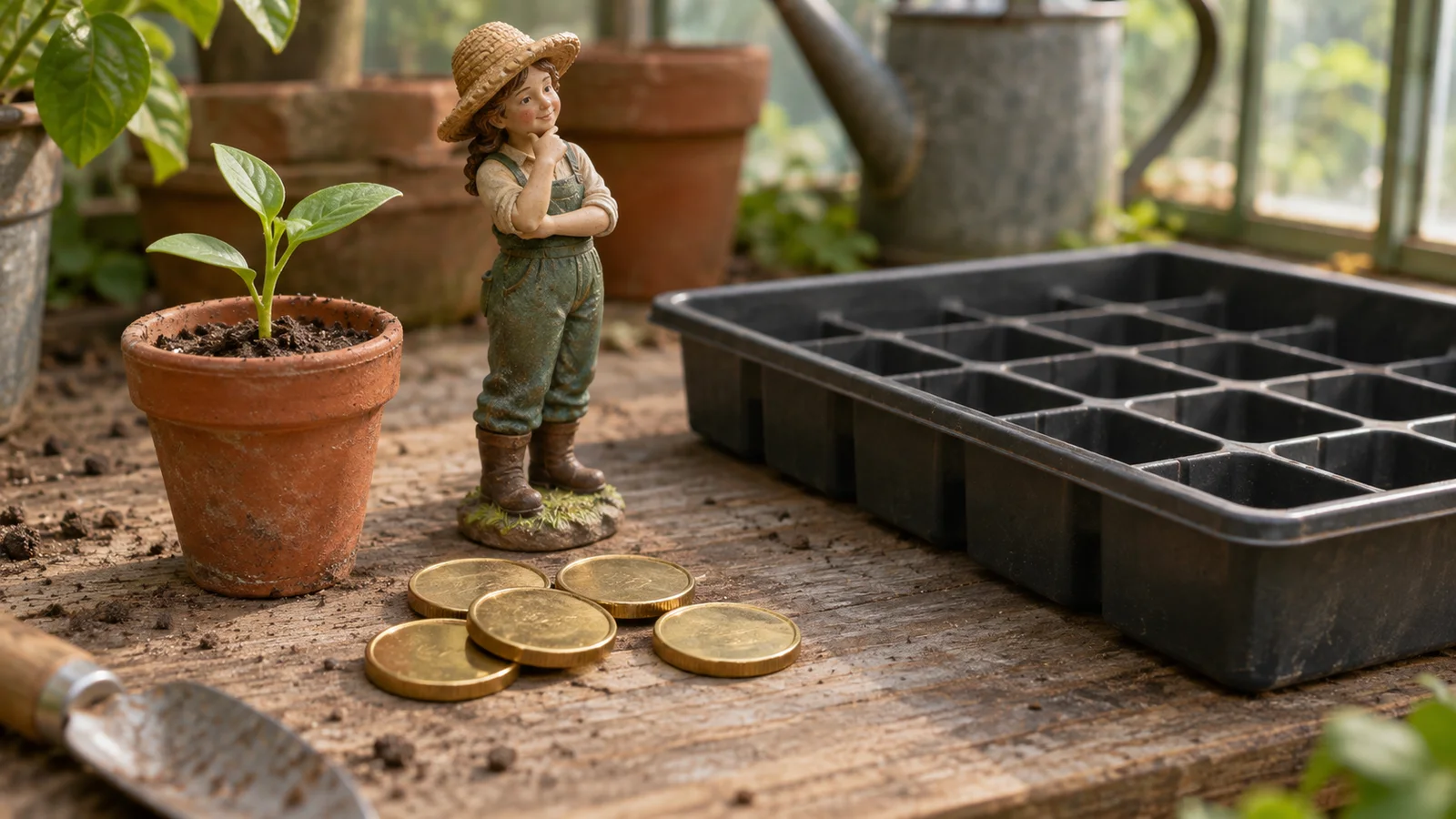
With ten coins and no gardeners, buy once. The expected balance is zero, gardener count one, and production rate one coin per second. The next price is twelve coins because ceil(10 × 1.15) rounds 11.5 upward. After two gardeners, the following price is fourteen coins. These small numbers make discrepancies easy to recognize.
Try buying with insufficient funds, clicking rapidly, and pressing the button repeatedly. Each successful purchase must use the price shown for that purchase, deduct it once, and grant one gardener. A disabled-looking button is not enough; the purchase logic must reject invalid requests too. If the displayed cost and deducted cost disagree, fix their shared calculation before adding bulk buying.
Step 3: Check automatic production against elapsed time
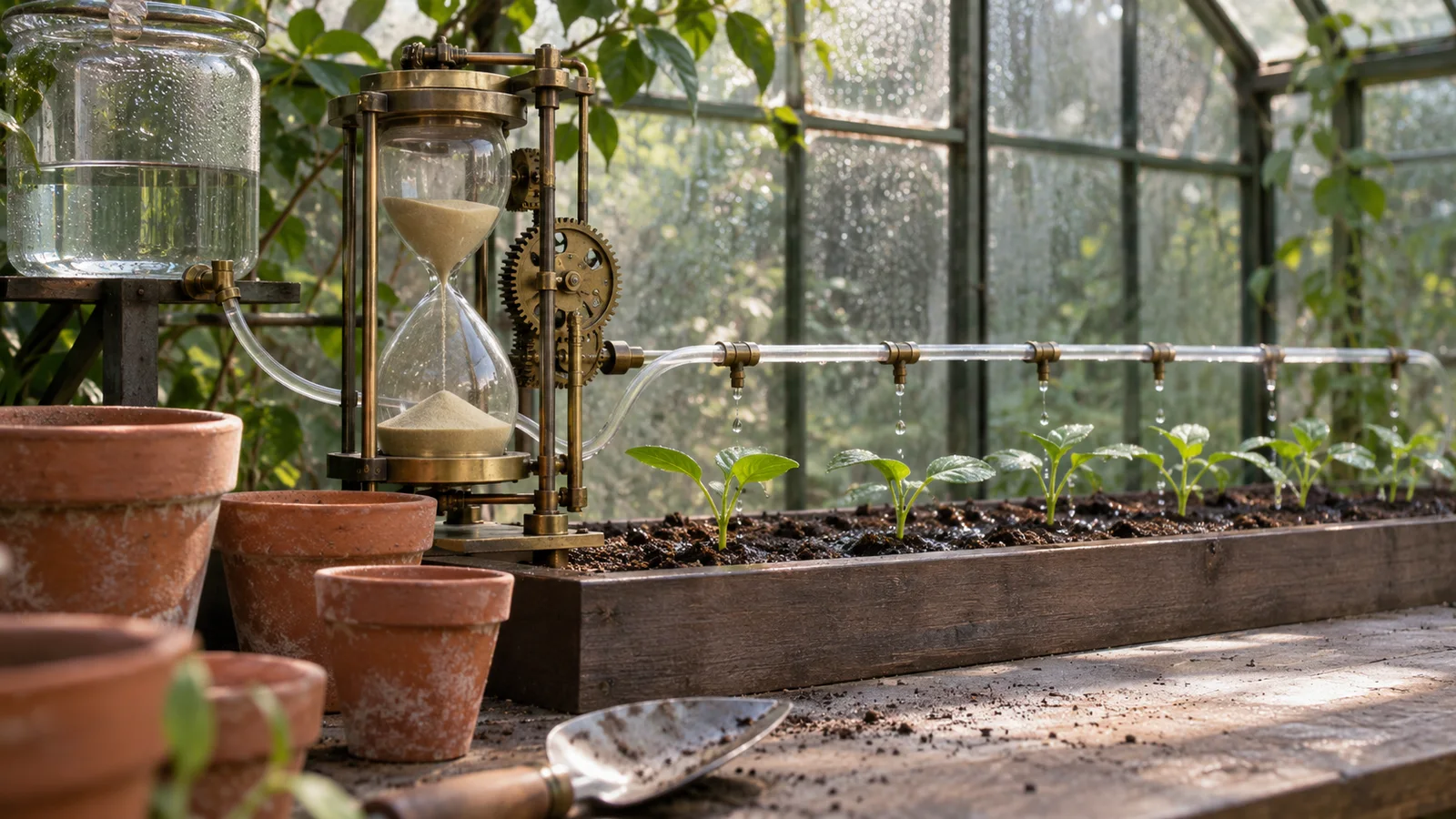
Ask for production based on elapsed time rather than a fixed reward per rendered frame. Otherwise, display refresh rate or background throttling may change the economy. With one gardener and no manual clicks, ten measured seconds should add approximately ten coins. State a small observation tolerance because reading a changing counter is not an exact timer.
Repeat with two gardeners: the expected rate is two coins per second. Choose how fractional progress is retained internally and how whole coins are displayed. Rounding every tiny production update down can erase earnings; rounding only the display should not change the stored total. Keep the gardener count, rate, and price visible so the player can understand what a purchase changes.
Step 4: Inspect pacing before changing the economy
Play from the same clean start and note the time to the first and second purchases. Decide whether your target experience is active clicking, passive waiting, or a mixture. If the first waiting period feels too long, change one variable rather than simultaneously increasing click rewards, production, and discounts.
For a narrow revision, reduce the base gardener price from ten to eight while retaining the 1.15 growth factor and one-coin production rate. The new first three prices should be eight, ten, and eleven. Request that exact change, then repeat clicking, insufficient-funds, purchasing, and timed-production checks. A new price label alone does not establish that the buying logic changed correctly.
Step 5: Finish the session loop and set the next boundary
Add a reset confirmation and test both choices. Cancel must preserve the session; confirm must restore zero coins, zero gardeners, the initial price, and zero production. Check that a canceled reset does not stop the production timer and that a confirmed reset does not leave an old timer running.
Before sharing, explain that this version restarts on reload. Do not hide that boundary behind a generic Save label. Once the complete session loop passes, preserve its working version and add persistence and offline rewards as a separate change. That keeps a future save bug distinguishable from a purchase or production error.
First-loop test matrix
These are calculated expectations for the illustrative brief, not results from a tested build.
| Action or state | Expected result | How to check |
|---|---|---|
| Start a new session | 0 coins and 0 gardeners. | Read both counters before clicking. |
| Click the plant once | Balance increases by 1 fictional coin. | Compare the balance before and after one click. |
| Buy the first gardener | 10 coins are deducted and the count becomes 1. | Try with fewer than 10 coins, then with exactly 10. |
| Check the second price | ceil(10 × 1.15) = 12 coins. | Compare the visible price with the amount actually deducted. |
| Wait 10 seconds with one gardener | Approximately 10 coins are produced. | Measure elapsed time; allow for display and timing precision. |
| Reload the first prototype | The session starts over. | Confirm the page explains this behavior before reloading. |
Where SEELE fits into the workflow
SEELE supports prompt-led game creation and iterative requests involving scenes, assets, and gameplay code. Use the greenhouse brief as input to a small candidate prototype, then follow up with the observed discrepancy, expected value, and rule that must remain unchanged. For example, describe a purchase that deducts twelve coins but grants two gardeners instead of requesting a general improvement.
The useful output is a build you can inspect against your own checks. Do not assume the brief guarantees a particular implementation, export format, device compatibility, or secure economy. Keep visual changes separate from economy changes so the next test still answers a clear question.
Complete the small economy before adding more systems
A useful first idle game has understandable earning, predictable purchases, visible production, and a clean reset. The greenhouse brief keeps those decisions small enough to check by hand. More currencies will not repair a purchase that can charge twice, and prestige will not fix production tied to frame rate.
Take the brief to SEELE and request the click-and-purchase slice first. Save your observations with the project and make one change at a time. After the complete session loop passes, move on to versioned saves and capped offline progress without replacing the working economy.
FAQ
Can an idle game work without running continuously?
Yes. A later version can calculate production when the player returns instead of running a simulation while closed. That requires saved state, a credited timestamp, and an explicit settlement rule. First verify the active-session economy; offline rewards introduce separate persistence and timing problems that this introductory build deliberately leaves out.
Should the first version use huge numbers?
No. Small values make rounding errors and duplicate rewards easier to find. If progression later exceeds ordinary numeric precision, choose a suitable large-number representation and test arithmetic, formatting, and save compatibility together. Adding a number library is not a substitute for checking purchase and settlement rules.
Does earning coins mean the game makes real money?
No. Coins in this example are only a gameplay resource. Advertising, purchases, creator payments, and distribution involve separate technical systems, policies, and business decisions. Confirm current product capabilities and terms independently; a functioning idle loop provides no evidence of revenue, retention, or commercial readiness.