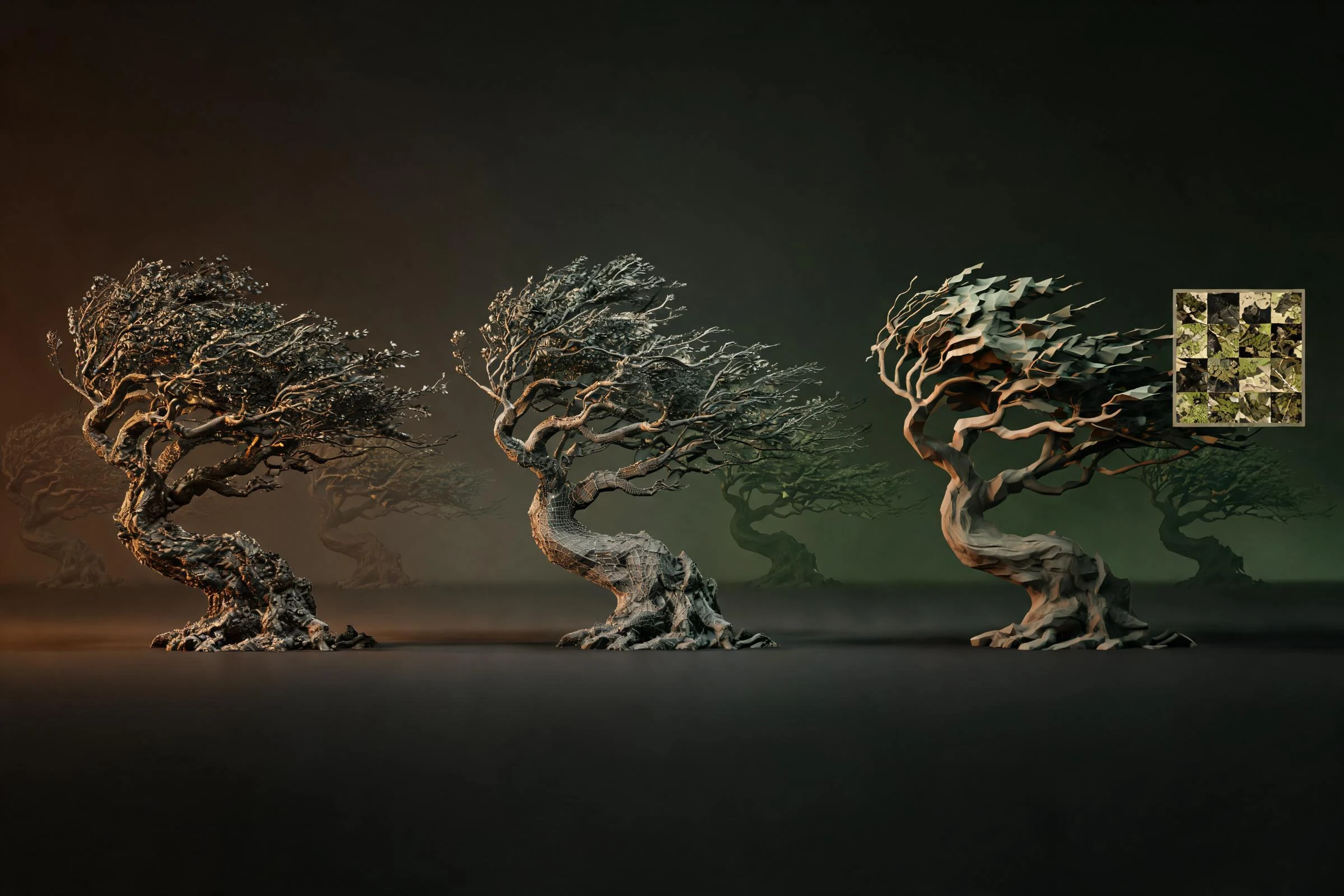
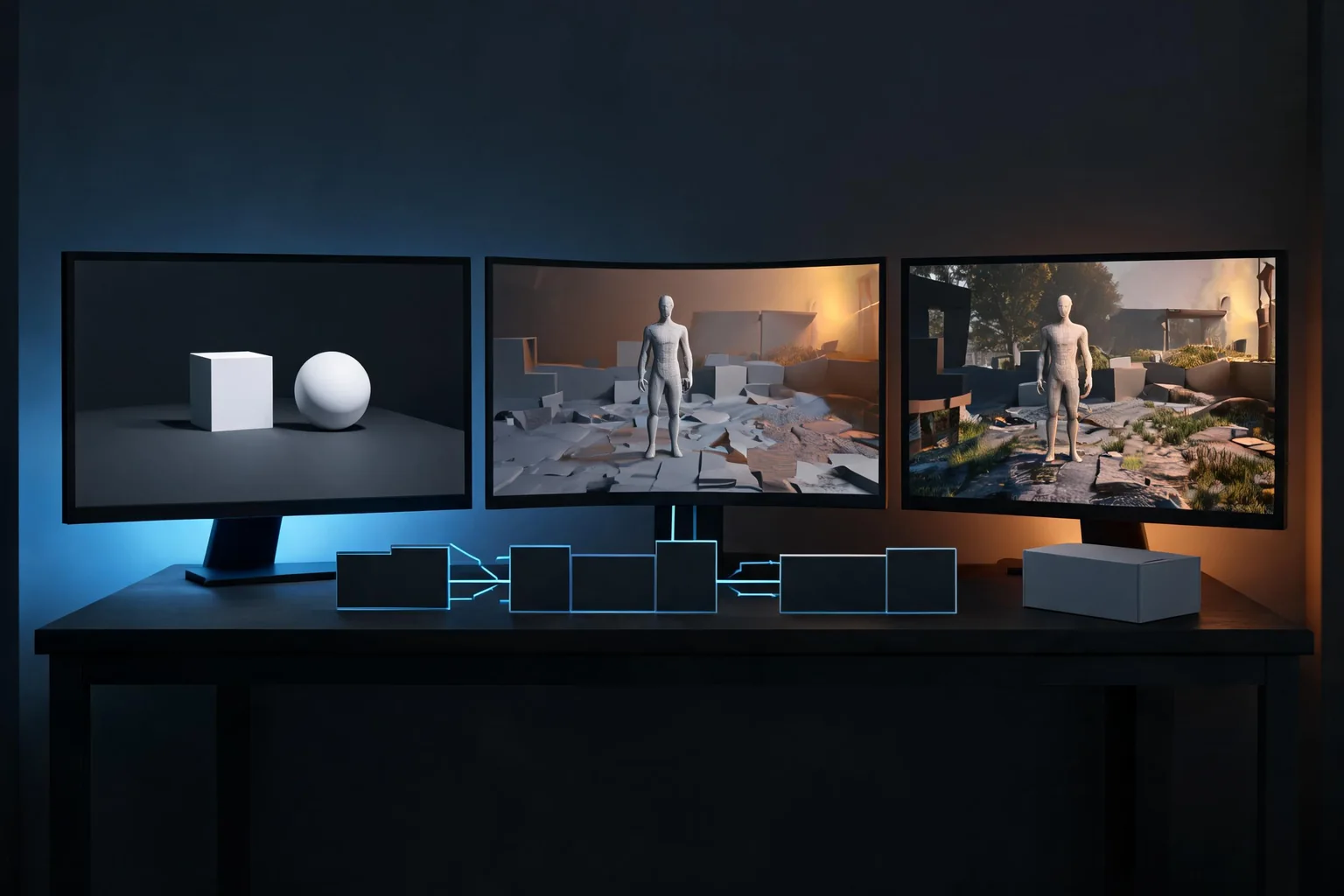
Ink Studio is a JavaScript toolkit for making 3D scenes that render with a pixel-art look. You sculpt shapes as signed-distance fields, bake their surfaces into Gaussian splats, and render the result as still images, animation frames, or a browser canvas. The striking part is that you can move a camera around a dimensional scene while retaining a deliberately chunky, limited-palette image.
This guide explains what the splats do, how Ink Studio differs from photo-based 3D Gaussian Splatting, and how to render an example yourself. You will need basic command-line familiarity and Node.js; the toolkit does not provide a ready-made visual editor on its own.
What makes Ink Studio's pixel art three-dimensional?
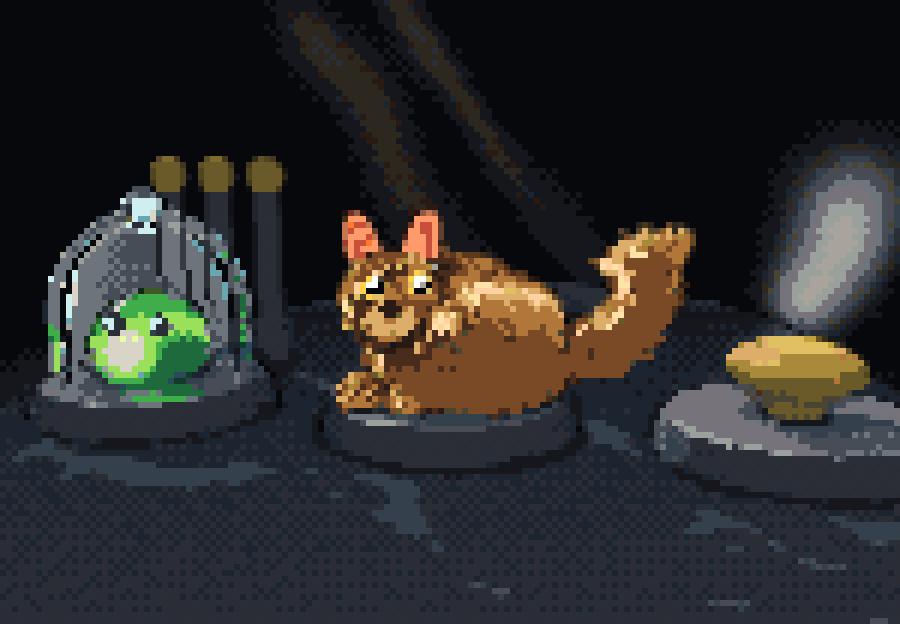
Think of a small stone shrine with a floating creature above it. In traditional 2D pixel art, an artist draws the image seen from each necessary angle. Ink Studio instead describes objects in three dimensions, samples their surfaces, and renders those samples from a camera. The final image is resolved on a lower-resolution art-pixel grid, with palette and other controls helping shape the look.
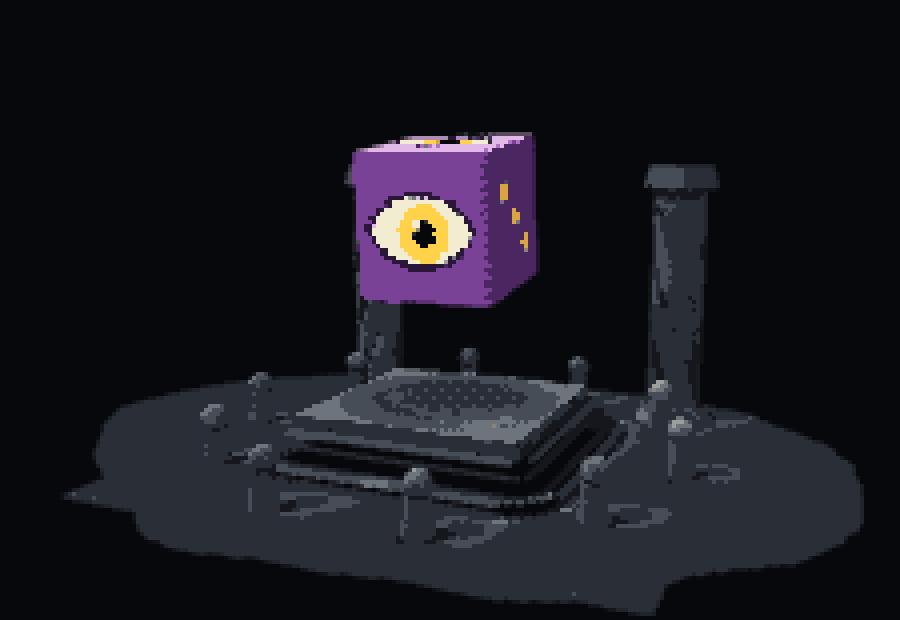
The pipeline has four useful stages:
- Sculpt a shape. Combine primitives such as balls and boxes using signed-distance fields (SDFs). An SDF describes how far a point is from a surface and which side it is on; it makes operations such as carving a hole into a solid convenient.
- Bake the surface. Ink Studio samples the geometry and writes splats. Its
ressetting controls sampling spacing: smaller values generally produce more splats and increase baking and rendering work. - Render the splats. Each sample contributes an oriented Gaussian footprint. Ink Studio stores position, density, color and a covariance matrix that describes the splat's shape, along with other data.
- Resolve the pixel look. Camera settings, lighting, palette ramps, dithering and art-pixel resolution influence the image. A denser surface and a finer final pixel grid are different controls: changing one does not automatically fix the other.
These are related but separate representations. A splat is not a square pixel or a solid voxel: it is a 3D rendering primitive whose contribution is projected into the image. The blocky appearance is an artistic result of the rendering pipeline, not proof that the scene is built from cubes.
How is this different from photo-based 3D Gaussian Splatting?
The 2023 Gaussian Splatting research presents a method for reconstructing and rendering scenes from multi-view images, optimizing 3D Gaussians to reproduce new views. Ink Studio uses Gaussian splats in a different creative workflow: you author or import geometry, then sample it into a stylized scene. It is not the same as training a photorealistic reconstruction from a set of photographs.
| Approach | Starting material | Useful when |
|---|---|---|
| Ink Studio | Code- or JSON-authored shapes; supported geometry and depth inputs | You want to build and animate a stylized scene with control over its parts. |
| Photo-based 3D Gaussian Splatting | Multiple views of a captured scene | You want to reproduce the appearance of a photographed place from new viewpoints. |
| Voxel modeling | A grid of discrete volume cells | Your design or editing workflow centers on explicitly placed block-like cells. |
The choice is about how you want to create and edit the scene. Pixel art describes the look of an image; neither a Gaussian representation nor a voxel grid automatically guarantees good pixel art.
Install Ink Studio and render a scene
The official installation instructions require Node.js 18 or later. From a project directory, install the package from GitHub and list the bundled scenes:
npm install github:siliconjungle/shapeshift-labs-ink-studio
npx ink-studio help
npx ink-studio scenes
Then render the Watcher example at a particular point in its animation:
npx ink-studio render watcher --t 2.6 --colored
npx ink-studio turn watcher --n 8 --t 2.6 --colored
npx ink-studio stats watcher
The first command writes a PNG, normally under studio/out/; the CLI reports its destination. The second creates a multi-angle sheet, and the third reports scene information including splat counts. An explicit --out file.png chooses the image path. The exact output can vary as the repository evolves.
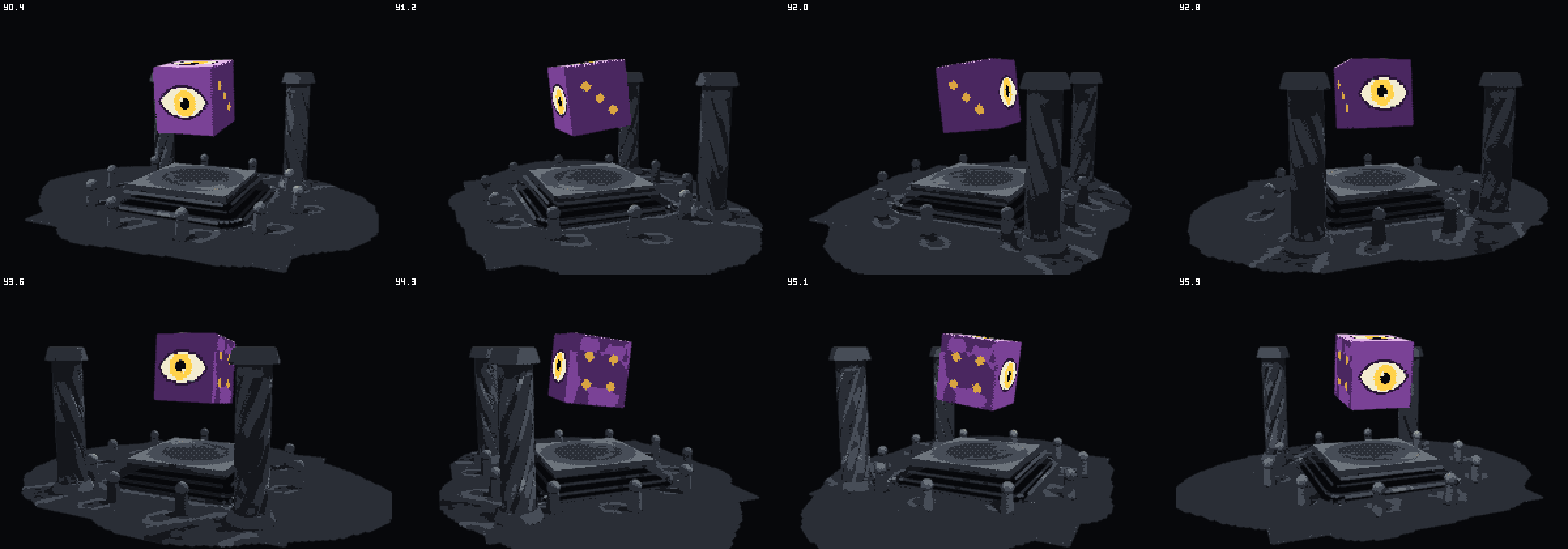
If installation fails, check node --version, network access to GitHub, and whether the project directory is writable. If the result is unexpectedly dark or empty, try the documented scene and time above before changing several settings at once. Animation can affect what is visible at a given time; compare a single frame with the turn sheet and inspect the CLI's output path.
Build a scene that stays readable as pixels
Start with one focal object and a camera angle that communicates its silhouette. For a small shrine scene, use a broad stone base, a floating eye-shaped creature, and one accent color. Check the scene at its intended display size before adding fine carvings. A detail that occupies less than a few art pixels can disappear, flicker, or make a silhouette noisy as the camera moves.
| When you see | Try | Reason to check |
|---|---|---|
| Gaps or uneven surface coverage | Reduce the sculpt's res spacing in a small test. | Denser sampling may improve coverage but adds work; compare the splat count and image. |
| A muddy silhouette | Simplify geometry or increase contrast between the object and its surroundings. | More detail is not useful if the form is hard to read at the intended size. |
| Pixels that shimmer during camera motion | Review a short orbit and the documented stability, snapping and dither options. | A still frame cannot show temporal artifacts. |
| Slow scene updates | Use stats and perf, then reduce complexity and measure again. | Sampling density and animated systems both affect workload. |
The CLI also provides review, lint and shimmer commands for examining multiple views, pixel-art artifacts and temporal changes. Treat their output as a diagnostic alongside visual review, not as a substitute for an artist's judgment. Use the same rendering backend when comparing exact image baselines: the Node/CLI renderer runs on the CPU, while the default browser renderer uses WebGL 2.
Move the scene, render it in a browser, or export a model
Ink Studio includes tools for animation, puppets, particles and simulations. A scene can be scripted in JavaScript or described as JSON; a browser application can use the WebGL 2 renderer to draw to a canvas. The host application still supplies its own UI, input handling and animation updates. A rendered turn sheet by itself is an image, not an interactive game.
The project also documents importing OBJ, glTF and GLB geometry and exporting supported authored models as GLB. Check the specific import and export path before relying on a round trip: the README notes, for example, that texture images are not imported by its sculpting mesh path, and that view-dependent splat lighting, particles and per-pixel decals are handled by the splat renderer. A GLB mesh export should not be assumed to reproduce every effect of the splat render.
Turn a pixel-art idea into a game concept
A visual technique is only one part of a game. Before building a larger scene, write down what the player does, what they can interact with, and what the camera must show. For example: “Explore a tiny shrine, collect three lanterns, and open a door; keep the player and the next reachable lantern visible in an angled pixel-art view.”
Use that brief to decide which elements need dimensional rotation and which might work as simpler 2D artwork. You can explore the broader game idea with SEELE's 3D AI game creator, then refine the design around a playable loop. This is a separate creative starting point; it does not imply that SEELE runs Ink Studio or imports its splats.
Frequently asked questions
Is Ink Studio a no-code 3D editor?
Ink Studio is primarily a JavaScript toolkit and command-line tool. You can describe scenes in JavaScript or JSON and embed its renderer in a browser application, but the host supplies the editor interface and interaction. The bundled CLI examples are a useful starting point if you are comfortable running commands.
Do I need photographs to make an Ink Studio scene?
No. You can author scenes from geometric primitives or scene descriptions and bake their surfaces into splats. The project also documents mesh and depth-map inputs. Those options are distinct from the multi-view photo optimization used in the original 3D Gaussian Splatting research.
Can I make a game with Ink Studio?
Its renderer and systems can contribute to an interactive application, and the toolkit includes character, animation and simulation APIs. A complete game still needs a host that handles input and advances the scene, along with its own gameplay logic and content. Test performance and visual stability on your target devices.
Does a GLB export preserve the pixel-art splat render?
Do not assume it does. Ink Studio can export supported geometry, materials and available animation data to GLB, while some view-dependent lighting and other effects remain part of its splat renderer. Test the exported asset in the application where you intend to use it.