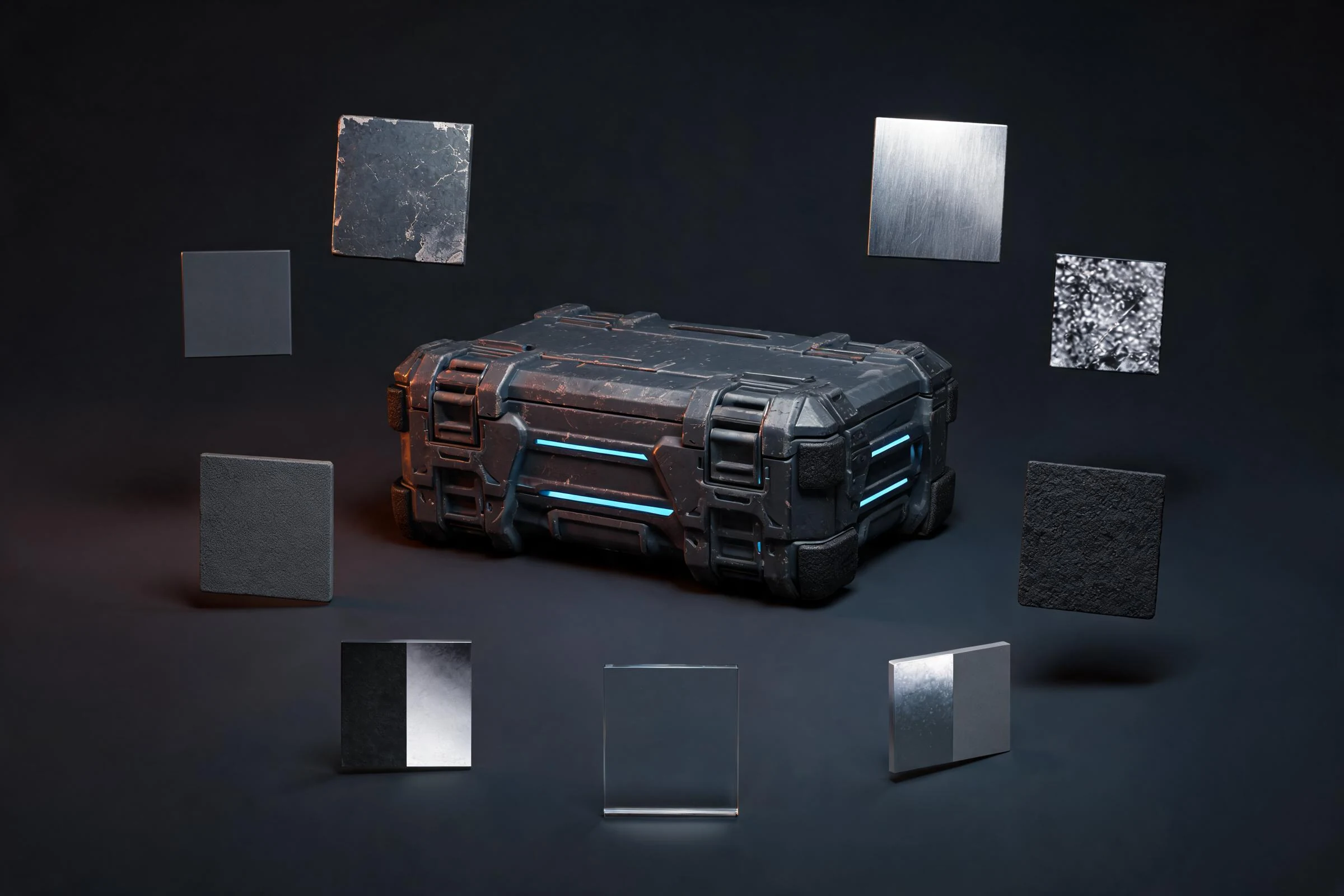
Key Takeaways: How to Optimize 3D Models for Games
- Optimize a 3D game model by profiling it in a representative scene first, identifying the actual bottleneck, and changing only the asset data that contributes to that bottleneck. Preserve silhouette and gameplay-critical detail; clean hidden or redundant geometry; simplify materials and textures where measured; use LODs, culling, instancing, or streaming when the destination supports and benefits from them; trim unnecessary rig, animation, and collision work; then compare the same camera, build, and hardware before and after. A lower polygon count is not proof of a faster or better asset.
Direct answer: Optimize a 3D game model by profiling it in a representative scene first, identifying the actual bottleneck, and changing only the asset data that contributes to that bottleneck. Preserve silhouette and gameplay-critical detail; clean hidden or redundant geometry; simplify materials and textures where measured; use LODs, culling, instancing, or streaming when the destination supports and benefits from them; trim unnecessary rig, animation, and collision work; then compare the same camera, build, and hardware before and after. A lower polygon count is not proof of a faster or better asset.
Optimization is a controlled experiment: baseline, hypothesis, change, measure, and accept or roll back.
1. Capture a useful baseline
Do not begin by opening a decimation tool. Begin in the target game build or the closest representative environment available.
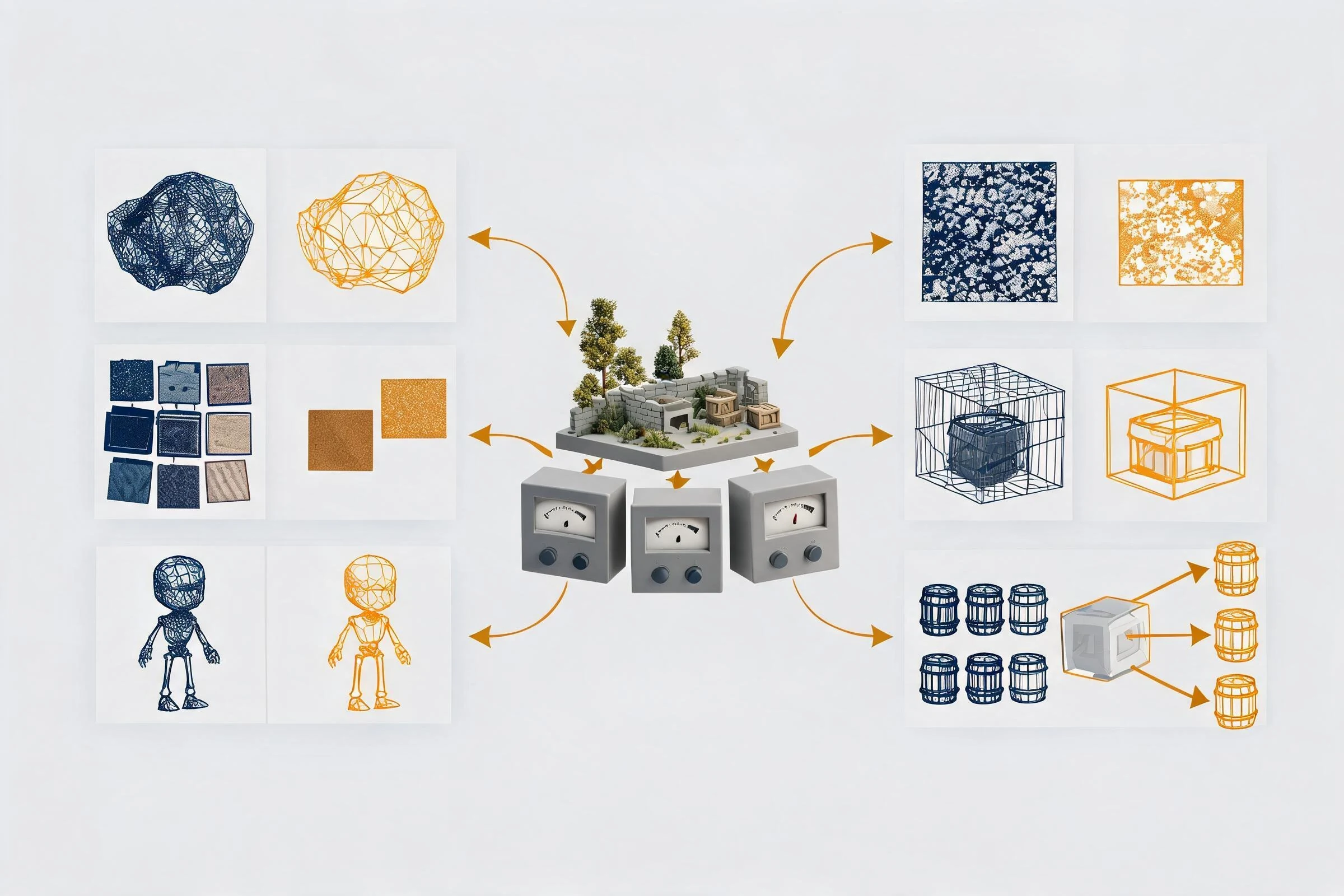
Record:
- target engine and exact project version;
- platform and representative hardware;
- build configuration;
- scene, camera path, resolution, and quality settings;
- expected asset count and visibility pattern;
- animation, collision, shadow, wind, and interaction state;
- relevant CPU, GPU, memory, streaming, physics, and animation profiler views;
- screenshots, logs, or captures with a timestamp;
- known test limitations.
Isolate the asset or asset group, but also test it in context. An isolated model can look inexpensive while hundreds of instances, material variation, shadows, transparency, animation, or streaming create the real cost.
Choose one bottleneck statement, such as: “This foliage cluster increases masked-material GPU time at the gameplay camera,” or “This character’s skinning and animation update cost is high at crowd density.” Avoid vague goals such as “make it optimized.”
2. Protect the visible and gameplay contract
Before reducing data, define what must survive:
- silhouette at each relevant camera distance;
- deformation at gameplay-critical poses;
- material identity and readability;
- animation timing and root behavior;
- collision, navigation, and interaction;
- attachment points and modular seams;
- shadows and reflections when they matter;
- art-direction features approved as essential.
Capture reference views and test poses. This creates a visual threshold for rollback. Optimization that removes the reason the asset exists is not a pass, even if one metric improves.
Rank detail by impact:
- silhouette and interaction;
- large forms and deformation;
- material separation and medium forms;
- close-up details visible only at short range;
- hidden or redundant data.
The ranking may change for a hero asset, distant background, destructible object, or stylized low-resolution game.
3. Optimize geometry with a reason
Remove data that cannot contribute
Inspect hidden interior faces, duplicate surfaces, accidental overlaps, disconnected fragments, unseen underside detail, and imported construction geometry. Remove only after confirming the asset cannot open, break, animate, cast needed shadows, or be seen from another camera.
Spend edges on silhouette and deformation
Flat surfaces can often use fewer segments; round silhouettes and bending joints may need more. A topology pass should preserve shading and movement, not merely hit a count. Evaluate at gameplay distance and in extreme poses.
Control hard edges, normals, and triangulation
Geometry reduction can create shading errors. Check hard/soft edge strategy, vertex normals, UV seams, mirrored regions, and final triangulation in the destination. The rendered cost and vertex behavior may not follow the source tool’s polygon display exactly.
Use retopology or decimation appropriately
Manual or guided retopology is useful when edge flow, deformation, baking, modularity, or predictable cleanup matters. Decimation can be useful for static, scanned, generated, or distant geometry when the result is inspected and does not need structured topology. Neither approach guarantees a game-ready result. Preserve editable source and test the changed mesh.
Bake detail only when the destination supports the tradeoff
High-frequency surface detail can sometimes move from geometry into normal, height, or other texture data. This trades geometry for texture memory, sampling, UV, and material work. Test the destination material, mip behavior, compression, and camera range rather than assuming baking always improves performance.
4. Optimize UVs, materials, and textures
Fix the bottleneck, not the spreadsheet
A model with few triangles can still be expensive because of many material slots, complex shaders, transparency, large texture sets, poor streaming behavior, or expensive shadows. Conversely, merging everything into one material may create oversized textures, lost reuse, or unnecessary memory residency.
Profile material and texture behavior in the target renderer. Then consider:
- removing unused material slots and texture references;
- sharing appropriate materials across assets;
- using tileable or trim textures where art direction permits;
- reducing unnecessary unique texture area;
- selecting texture dimensions from screen-space need;
- reviewing mipmaps, compression, alpha, and color-space settings;
- packing channels only according to the project convention;
- simplifying shader branches or layered effects with renderer evidence;
- replacing transparency only when the visual and performance tradeoff is measured.
Do not erase material variation that provides gameplay readability. Keep a before/after visual comparison under representative lighting.
5. Use LODs, culling, instancing, and streaming deliberately
Levels of detail
LODs can reduce geometry or material cost at distance, but they require memory, authoring, transition tuning, and maintenance. Create them from camera needs, not arbitrary percentages. Preserve silhouette, major shading, animation, and material compatibility. Confirm that the engine selects them as intended and that the measured bottleneck improves.
Culling
Distance, frustum, occlusion, or component culling can avoid work when objects do not contribute to the view. Aggressive culling can cause popping, missing shadows, or gameplay errors. Test multiple camera speeds and routes.
Instancing and batching
Repeated assets may benefit from engine-specific instancing or batching, but material variation, transforms, per-instance data, animation, and renderer configuration affect the result. Verify the implementation in the profiler. A shared mesh alone does not prove the intended draw behavior.
Streaming and large worlds
Large assets and scenes may need geometry, texture, or world streaming strategies. These are system-level decisions involving memory, storage, visibility, and loading behavior. Asset optimization should match the project’s current streaming contract rather than invent an isolated one.
6. Optimize rigs, animation, and skinning
For characters and deforming assets, inspect:
- bones that do not affect required motion;
- influences and weights that exceed project needs;
- control rigs or constraints that should remain source-only;
- animation curves with redundant keys;
- clip boundaries, root motion, and events;
- facial, cloth, hair, or accessory systems active outside relevant distances;
- off-screen or distant animation update policy;
- destination-specific skinning and animation settings.
Do not remove joints purely by count. Attachments, retargeting, facial motion, physics, gameplay logic, and future clips may depend on them. Compare required poses and clips after every skeleton or weight change.
7. Simplify collision and physics
Render geometry is rarely the ideal collision geometry. Use simple primitives, compound shapes, or reduced custom collision where they satisfy gameplay. Define which parts need collision, hit detection, triggers, navigation, or physical response.
Test player movement, projectiles, placement, stacking, high-speed motion, and edge cases. Reducing collider complexity may help a physics bottleneck, but an inaccurate collider can damage gameplay. Keep collision optimization separate from visual mesh reduction so each can be measured and reviewed.
8. Run the import–profile–revise loop
- Version the baseline. Preserve editable source and an accepted destination state.
- Change one dominant factor. Geometry, material, texture, LOD, collision, rig, or scene behavior.
- Export through the documented path. Record warnings and changed settings.
- Import into the exact target version. Confirm identity, scale, materials, skeleton, clips, collision, and LOD recognition.
- Replay the same test. Same build, scene, camera, resolution, hardware, and capture method.
- Compare performance and quality. Report observed differences; do not imply causality beyond the controlled change.
- Accept or roll back. Keep the version with the best balance against the written contract.
- Repeat only if another measured bottleneck remains. Stop when the asset meets the project requirement.
This loop creates evidence a teammate can review. It also prevents “optimization” from becoming endless aesthetic degradation.
How to optimize trees in Unreal Engine 5
Trees combine several expensive behaviors: repeated instances, large overdraw-prone leaf areas, wind or deformation, shadows, collision, LOD transitions, distant representation, and streaming. The correct UE5 approach depends on engine version, renderer, target platform, tree geometry, camera, scene density, and whether specific engine features support the asset and project configuration.

Use this conditional workflow:
- establish a representative forest or gameplay scene, not one isolated tree;
- capture current CPU, GPU, memory, draw, shadow, overdraw, and streaming evidence with UE’s current profiling tools;
- inspect trunk and canopy silhouette by camera range;
- verify leaf material, masking/transparency, two-sided behavior, wind, and shadow cost;
- check whether the current project benefits from foliage instancing, authored LODs, HLODs, culling, impostors, Nanite, or World Partition—only where current official documentation and the asset type support them;
- simplify collision to gameplay requirements;
- test repeated instances, camera motion, lighting, wind, and target hardware;
- compare one change at a time and record visual regressions such as popping, missing shadows, or canopy collapse.
Do not write “enable Nanite” or “use a specific LOD count” as universal advice. Feature support and tradeoffs change. Use Epic documentation for the exact Unreal Engine version under test, record the verification date in the project notes, and recheck feature support before changing the production asset.
Three optimization examples
A hero prop
The prop appears close to camera but only once. Preserve silhouette and material identity. Focus on hidden geometry, material complexity, texture usage, collision, and source cleanup. Aggressive distant LOD work may have less value than reducing a costly shader.
A crowd character
The character appears many times and animates. Profile skinning, animation updates, materials, shadows, skeleton complexity, and distance behavior. The right change may be a simpler distant representation or update policy rather than only fewer triangles.
A repeated environment kit
The kit appears across a level. Check modular seams, material sharing, instance behavior, collision, light/shadow interactions, visibility, and streaming. Test the assembled scene because repetition changes the cost profile.
Final optimization checklist
- [ ] Destination, version, platform, hardware, build, scene, and camera are recorded.
- [ ] Baseline profiler evidence exists.
- [ ] Visual and gameplay contract is captured.
- [ ] One bottleneck and one change are stated.
- [ ] Geometry changes preserve silhouette, shading, and deformation.
- [ ] Materials and textures are evaluated in the destination.
- [ ] LOD, culling, instancing, and streaming are used only when measured and supported.
- [ ] Rig, animation, and collision changes preserve required behavior.
- [ ] Before/after tests use the same method.
- [ ] Source, export settings, warnings, results, and rollback are versioned.
Frequently Asked Questions
How do I optimize 3D models for games?
Profile the model in a representative scene, identify the real bottleneck, preserve its visible and gameplay contract, change one contributing factor, then compare the same build, camera, hardware, and profiler capture before and after.
Should I reduce polygon count first?
Not automatically. Check whether geometry is the measured bottleneck. Materials, textures, shadows, animation, collision, transparency, instances, or streaming may matter more. Preserve silhouette and deformation if geometry is changed.
How many polygons should a game model have?
There is no universal answer. Use the target platform, camera distance, scene density, deformation, material behavior, and profiler evidence to set a local budget.
Do LODs always improve performance?
No. They add memory, transitions, authoring, and maintenance. Use LODs when the engine selects them correctly, visual quality remains acceptable, and measured runtime behavior improves.
How can I optimize trees in Unreal Engine 5?
Profile a representative foliage scene, then evaluate canopy geometry, masked materials, overdraw, wind, shadows, collision, instances, distance representation, culling, LOD/HLOD, streaming, and supported current UE5 features one change at a time.
Can decimation make any generated or scanned model game-ready?
No. Decimation can reduce geometry but may damage silhouette, UVs, shading, deformation, or topology. The asset still needs rights, materials, scale, collision, packaging, engine import, and performance validation.